by Dave Willis
Migrating from CodeTwo to Exclaimer: A simple step-by-step guide
17 April 2026
0 min read
TL;DR
Why switch: Two offers solid functionality for smaller Microsoft-based environments, but as requirements grow, its usefulness fades. Exclaimer simplifies management with centralized control and is built to scale with your organization.
What changes: You gain consistent, centralized control over signatures across users, devices, and environments, with less ongoing admin.
Before you migrate: Review your current rules and dependencies, clean directory data, and define how signatures should work across teams.
How it works: Set up Exclaimer, rebuild templates, test with a pilot group, then roll out in phases.
The result: Consistent signatures, less admin overhead, and easier day-to-day management for IT.
If you’re using CodeTwo, you may already have strong control over email signatures. But that control can come with added complexity, maintenance overhead, and tighter dependencies on your email infrastructure.
Migrating to Exclaimer simplifies that. It reduces overhead for IT teams by providing them with the tools to delegate signature updates to other teams, without compromising on governance or security.
This guide shows you how to move from CodeTwo to Exclaimer without disrupting email flow. You’ll see what to prepare, how to migrate step by step, and how to confirm everything is working as expected.
Should you switch from CodeTwo to Exclaimer?
CodeTwo is a capable solution for Microsoft-focused environments where IT needs tight control over how signatures are applied.
But as requirements grow, that setup can become harder to manage. Teams often run into challenges like:
IT-owned workflows that limit safe delegation to other teams
Limited flexibility outside Microsoft environments
More time spent maintaining rules, templates, and deployments
Exclaimer takes a different approach.
It centralizes control over email signatures in a single platform, with role-based access that lets IT set guardrails while other teams manage day-to-day updates. It also supports a wider range of environments and integrations, with built-in audit visibility for compliance and oversight.
If you’re looking to simplify management while keeping control, it’s a switch worth considering.
CodeTwo vs Exclaimer: Comparing key features and integrations
Looking at both platforms side by side helps clarify where each one fits. Here’s how CodeTwo and Exclaimer compare across the areas that matter most.
Capability | Exclaimer | CodeTwo |
Control and delegation | Role-based access lets IT set policies while safely delegating updates to other teams. | Primarily IT-managed workflows with limited delegation. |
Platform coverage | Support for Microsoft 365, Google Workspace, and Microsoft Exchange, with flexible deployment options. | Focused on Microsoft environments only. |
Directory support | Syncs with Entra ID, Google Workspace, Okta, and Workday. | Limited to Microsoft-based directory sources. |
Compliance and auditability | Built-in audit logs provide visibility for internal reviews and compliance needs. | No native audit logs or advanced usage governance. |
Security posture | SOC 2 Type II, ISO 27001/27018, Microsoft 365 certified, with 100/100 SecurityScorecard rating. | Lacks SOC 2 Type II certification. |
Ease of management | Drag-and-drop editor with centralized branding controls. No technical setup required. | More technical, HTML-heavy design and configuration. |
Integrations and targeting | Integrates with Salesforce, HubSpot, and other tools for targeted campaigns and automation. | No CRM targeting or native analytics integrations. |
Beyond email | Extends branding to Teams, Zoom, and Google Meet. | Email signatures only. |
Both platforms offer strong control. The difference is how well each one supports multi-platform environments, integrations, and consistent branding beyond email.
Where the difference shows at scale
See the difference in how Exclaimer and CodeTwo handle control, governance, and scalability.

What to prepare before migrating from CodeTwo to Exclaimer
A smooth migration starts with a clear picture of how your current setup works. With CodeTwo, that usually means looking beyond templates and into rules, dependencies, and how much day-to-day management sits with IT.
1. Audit your current signatures
Start by reviewing how CodeTwo is configured today.
Document existing signature templates, rules, and user assignments
Identify where signatures vary by department, region, or group
Note any transport rules, server dependencies, or hybrid setup requirements tied to CodeTwo
This gives you a baseline for what needs to be recreated, what can be simplified, and what no longer needs to carry over.
2. Define how signatures should work going forward
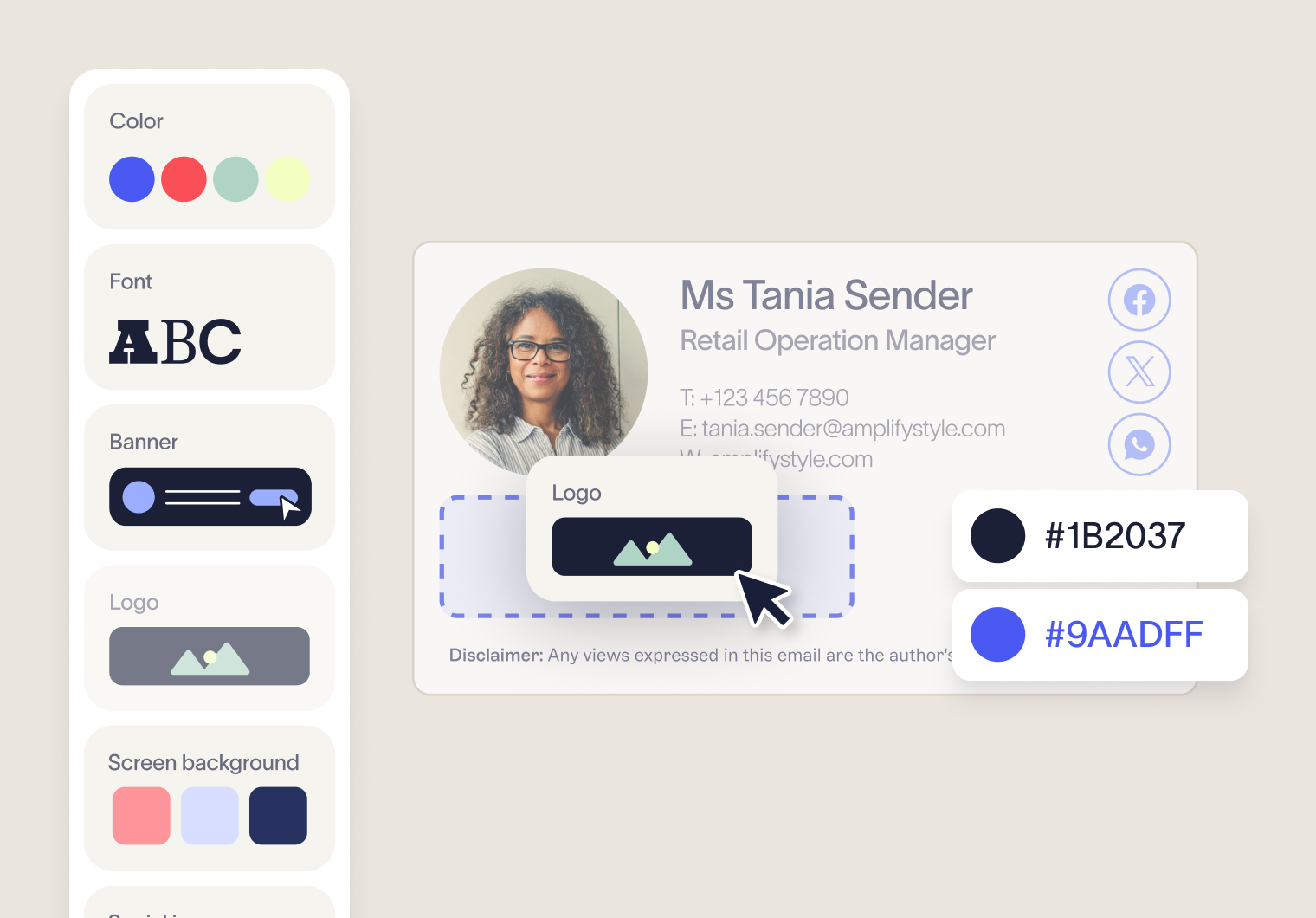
Don’t treat the migration as a straight copy-and-paste exercise. It’s a chance to simplify how signatures are managed and structured with features like Brand Kits.
Decide how signatures should vary by team, region, brand, or role
Confirm which elements must stay fixed, such as disclaimers or legal wording
Align with other teams, like marketing and compliance, on who owns updates after rollout
Exclaimer makes it easier to separate control from day-to-day editing, so it’s worth agreeing on ownership early.
3. Clean and validate user data
Signature accuracy depends on the quality of the data feeding it.
Review directory fields such as job title, phone number, office location, and department
Remove outdated, duplicated, or inconsistently formatted entries
Confirm which directory sources you want Exclaimer to sync with
This step is especially important if you’re moving from a Microsoft-only setup and want to take advantage of Exclaimer’s broader directory support.
4. Map your environment and integrations
Take stock of the systems connected to your current signature setup and the ones you want to support going forward.
Confirm whether you’re running Microsoft 365, Exchange, a hybrid environment, or multiple platforms
Identify CRM, directory, or scheduling tools you may want to connect in Exclaimer
Review any current limitations in CodeTwo around integrations, targeting, or non-Microsoft environments
This helps you avoid rebuilding around old constraints and gives you a cleaner path into Exclaimer’s broader platform support.
5. Plan your rollout
Avoid changing everything at once, especially if your current setup includes multiple rules, groups, or environments.
Choose a pilot group that reflects your wider organization
Set a phased rollout plan by team, region, or business unit
Prepare a short internal update so users know what’s changing and what isn’t
A phased rollout makes testing easier and gives you room to catch issues before they affect everyone.
How to migrate from CodeTwo to Exclaimer, step by step
A structured approach keeps the migration predictable and avoids carrying unnecessary complexity into your new setup. Most teams find this is also a good opportunity to simplify how signatures are managed overall.
1. Set up Exclaimer
Start by connecting Exclaimer to your email environment and establishing a clean foundation for signature management.
Connect to Microsoft 365, Exchange, or your hybrid setup
Enable directory sync to pull in user data automatically
Confirm permissions and initial configuration
This step moves email signature management away from infrastructure and into a centralized platform.
2. Rebuild and improve your templates
Rebuild your existing CodeTwo signatures in Exclaimer, but avoid recreating unnecessary complexity.
Get started quickly with built-in templates, or recreate your previous setup using the editor (Exclaimer can help with this)
Apply consistent branding, formatting, and layouts
Add or standardize legal disclaimers across templates
Many teams use this step to reduce the number of templates and remove variations that built up over time.
3. Configure rules and permissions
Define how signatures should be applied across your organization, using a simpler and more flexible rule structure.
Assign signatures by group, department, role, or location
Set up role-based access so teams can manage content safely
Lock down key elements such as disclaimers or branding
The aim is to keep control centralized while reducing the need for IT to manage every change.
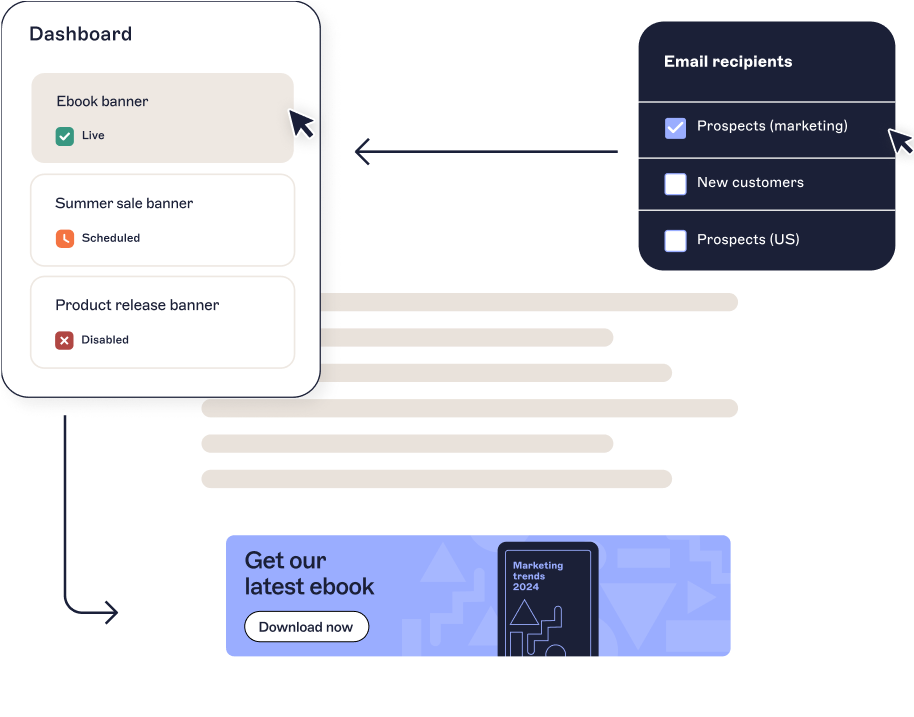
4. Test before rollout
Before deploying widely, validate that everything works across your environment.
Send test emails across desktop, mobile, and web clients
Check formatting, links, and signature placement
Test different user scenarios and rule conditions
This helps catch any issues early, especially if your previous setup relied on complex rules or hybrid configurations.
5. Deploy in phases
Roll out Exclaimer gradually to minimize disruption and give yourself room to adjust.
Start with a pilot group that reflects different teams or regions
Gather feedback and make refinements
Expand rollout in stages across the organization
A phased rollout is especially useful when moving away from a more complex CodeTwo setup.
6. Decommission CodeTwo
Once Exclaimer is fully in place, remove your previous configuration to avoid overlap and confusion.
Disable CodeTwo rules, templates, and policies
Retire any related infrastructure or server dependencies
Confirm all users are receiving signatures through Exclaimer
At this point, email signature management should be fully centralized with less ongoing maintenance required.
Post-migration checklist: How to verify your Exclaimer rollout
After rollout, confirm everything is working as expected across your environment:
Signatures apply consistently across all devices
User data syncs correctly
Branding is consistent across all templates
Rules behave as expected
Role-based access is set correctly for delegation
No reliance on legacy infrastructure
Audit logs track activity
You should also see reduced admin overhead compared to your previous setup.
Start your migration to Exclaimer today
By switching from CodeTwo to Exclaimer, you’ll move away from infrastructure-heavy management and toward a simpler, centralized approach.
Exclaimer offers:
Consistent signatures across every user and device
Clear ownership between IT and other teams
Less time spent managing complex rules and configurations
No more manual maintenance of individual signatures
If your current CodeTwo setup takes more effort than it should, it’s worth simplifying.