James is an experienced product specialist with a strong background in the IT and SaaS industry. As Senior Product Marketing Manager at Exclaimer, he plays a key role in showcasing the value of centralized email signature solutions and transforming them into a powerful communication tool for organizations.
How to manage email signatures for growing companies with Exclaimer
TL;DR
Manual email signature management works fine at a small headcount and breaks in specific, visible ways once other teams start asking IT for changes it can't easily make.
The fix changes by stage. Small teams mainly need a locked template, and growing past that usually means role-based delegation across departments.
Directory sync from Microsoft Entra ID or the Google Workspace Directory keeps email signatures accurate automatically as headcount and job titles change.
Centralizing takes IT out of the day-to-day update cycle without taking away other teams' ability to change what they own.
Who is this guide for?
This guide is designed for IT administrators, marketing teams, and operations leaders at growing companies with 50–5,000+ employees who need to standardize, automate, and scale email signature management across their organization.
As companies grow, email becomes one of the most widely used and visible communication channels across the business. Thousands of emails are sent every day across teams, regions, and devices, making each one a direct reflection of your brand.
An email signature that works fine at 12 people starts breaking in specific ways long before it reaches 1,000. Bloomerang found this out directly. As the nonprofit CRM company grew through acquisition, its manually maintained email signature setup couldn't keep up. New hires from the acquired company showed up without a consistent email signature, and nobody outside IT could run so much as a banner campaign without filing a ticket first.
This guide is built around that kind of moment, the point where more people start asking to change your email signature for reasons that have nothing to do with each other and a single template stops being able to serve all of them.
Key terms glossary
Server-side deployment: A method where email signatures are applied automatically after an email is sent from the server using Microsoft Azure. This ensures consistent formatting across all devices and prevents users from modifying signatures.
Directory sync: The automatic synchronization of user data from identity providers like Entra ID (Azure AD) or Google Directory to keep email signature information current without manual updates.
RBAC (Role-Based Access Controls): A permission system that defines who can edit specific parts of email signatures, allowing different teams to manage their designated content while IT maintains overall control.
Brand Kits: Centralized asset libraries in Exclaimer that store approved logos, colors, fonts, and icons, enabling consistent branding across all email signature templates.
How do you scale email signature management as your business grows?
Manual management usually holds up fine under about 10 employees. IT sets a template, tells people how to paste it into Outlook or Gmail, and moves on. The friction shows up once other teams notice they can't get what they want from that setup.
 A few signs are worth watching for:
Marketing wants to run a banner campaign and finds out every employee would need to edit their own email signature to get it.
New hires are sending emails with the wrong template, or no email signature at all, during their first week.
Legal asks whether every outgoing email in a specific region carries the correct disclaimer, and nobody can say for certain.
A rebrand or office move means updating a logo or address across every mailbox one at a time.
IT is fielding email signature tickets that have nothing to do with the rest of its actual workload.
If two or more of these sound familiar, the manual setup has already become the bottleneck, whether or not anyone's called it that yet.
What actually changes at each stage
Small teams (roughly under 50 people)
One template usually covers everyone. The main risk at this size is neglect. The template gets set up once and never revisited, so it quietly goes out of date the first time someone's job title changes or the company updates its logo.
StratusLive hit the next stage earlier than most, at 50 employees. Before centralizing, updating an email signature meant going through IT, so campaign banners and consistent branding rarely happened in practice. After switching to Exclaimer, Marketing could update email signatures directly, without IT in the loop, in minutes instead of days.
Mid-market companies (roughly 50 to 1,000 people)
This is where departments start pulling in different directions, and one template stops being able to serve all of them.
Bloomerang, a nonprofit CRM company with 540 employees, ran into this directly as it grew through acquisition. Before centralizing, every update depended on each employee editing their own email signature by hand, which is exactly the kind of process that breaks down once a company has grown past the point where everyone actually does it.
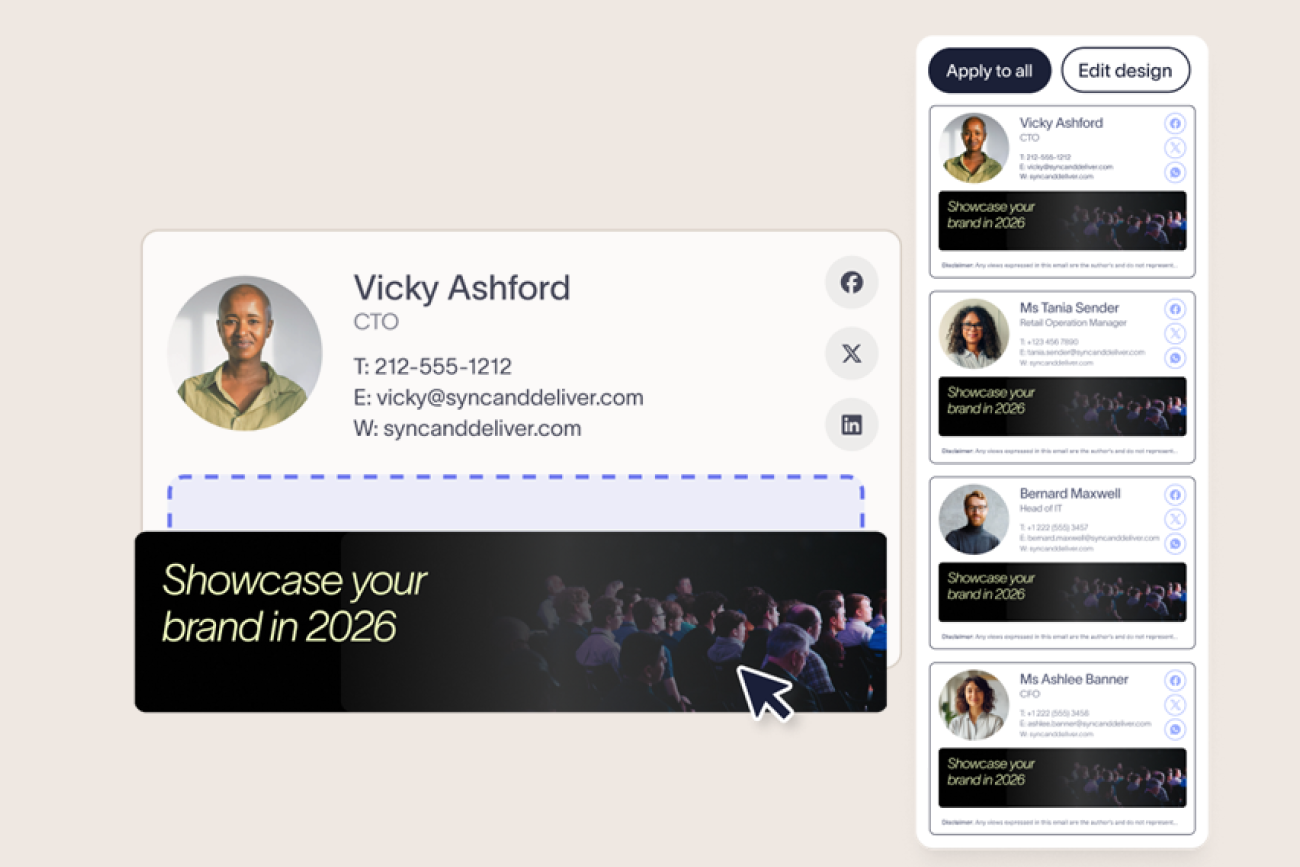
After switching to Exclaimer, Sales could add headshots and contact detail for outreach. Customer Experience got room to show a professional credential instead. Marketing started running its own banners without waiting on IT, all through role-based access that kept the template and disclaimer locked underneath.
Role-based access controls are what make that possible. Exclaimer's role-based access controls cover how the permission tiers work in more detail than fits here.
Enterprise organizations (roughly 1,000+ people)
At this size, a single template rarely covers the whole business. Multiple brands or subsidiaries need their own look and their own disclaimer language, and regional teams need different legal text depending on where an email originates. A merger or acquisition often adds a second, sometimes a third, email signature format that has to be reconciled on top of everything else.
Kersia International felt the regional side of this directly, standardizing across more than 30 global locations and 3,165 employees. Every new hire or role change had to be reflected correctly in the right location's email signature, and that kind of maintenance load is exactly where errors creep in at scale. After centralizing, the company reached 100% brand consistency, deployed across every location in a matter of hours. Exclaimer's rollout playbook covers how a deployment at that scale actually breaks down.
If your company manages more than one brand or legal entity, Exclaimer's guide to multi-brand email signature management covers the template and disclaimer structure for that specifically.
How many emails is your growing team actually sending?
Exclaimer's own ROI modeling uses 40 emails per employee per day as a working default for one-to-one business email. At 255 working days a year, that puts a 100-person company at 1,020,000 outgoing emails annually, and a 540-person company, roughly Bloomerang's size, at more than 5.5 million. Every one of those emails carries whatever email signature was last set up, correctly or not.
Bloomerang saw what that looks like from the inside. Before centralizing, updates depended on each employee acting on their own, and a change that should have taken minutes took weeks to actually show up everywhere. After switching to Exclaimer, the company cut that update time by 98%, down to about 15 minutes company-wide, and reports 100% brand consistency across every email that goes out now.
According to Exclaimer's own research, 94% of marketers believe branded email signatures contribute to stronger brand visibility. More email volume is also more chances to reinforce the brand consistently, provided the email signatures behind that volume are actually under control.
How do you stop IT from becoming the bottleneck?
The pattern above repeats at every stage past the smallest. IT ends up owning update requests that really belong somewhere else in the business. Two things fix that without IT losing control of the template itself.
Directory sync connects Exclaimer directly to Microsoft Entra ID or the Google Workspace Directory, so a job title or department change updates the email signature automatically. Nobody files a ticket for it.
Role-based access does the rest. Exclaimer ships with pre-created roles such as Designer, Campaign Manager, and Reporter, so each team gets exactly the fields it needs and nothing more, while IT keeps the template and disclaimer locked underneath.
How do you manage email signatures at scale with Exclaimer?
Managing email signatures at scale with Exclaimer means creating templates once, syncing user data automatically, and applying signatures across every user, device, and region from a central platform.
 To do this effectively, you need control over design, user data, targeting, and rollout—areas that Exclaimer brings together in a single platform.
Step 1: Create and standardize signature templates
Exclaimer's drag-and-drop editor lets you build branded templates in minutes without design expertise.
Open Exclaimer's drag-and-drop editor to build templates that include your approved layout, branding, and structure.
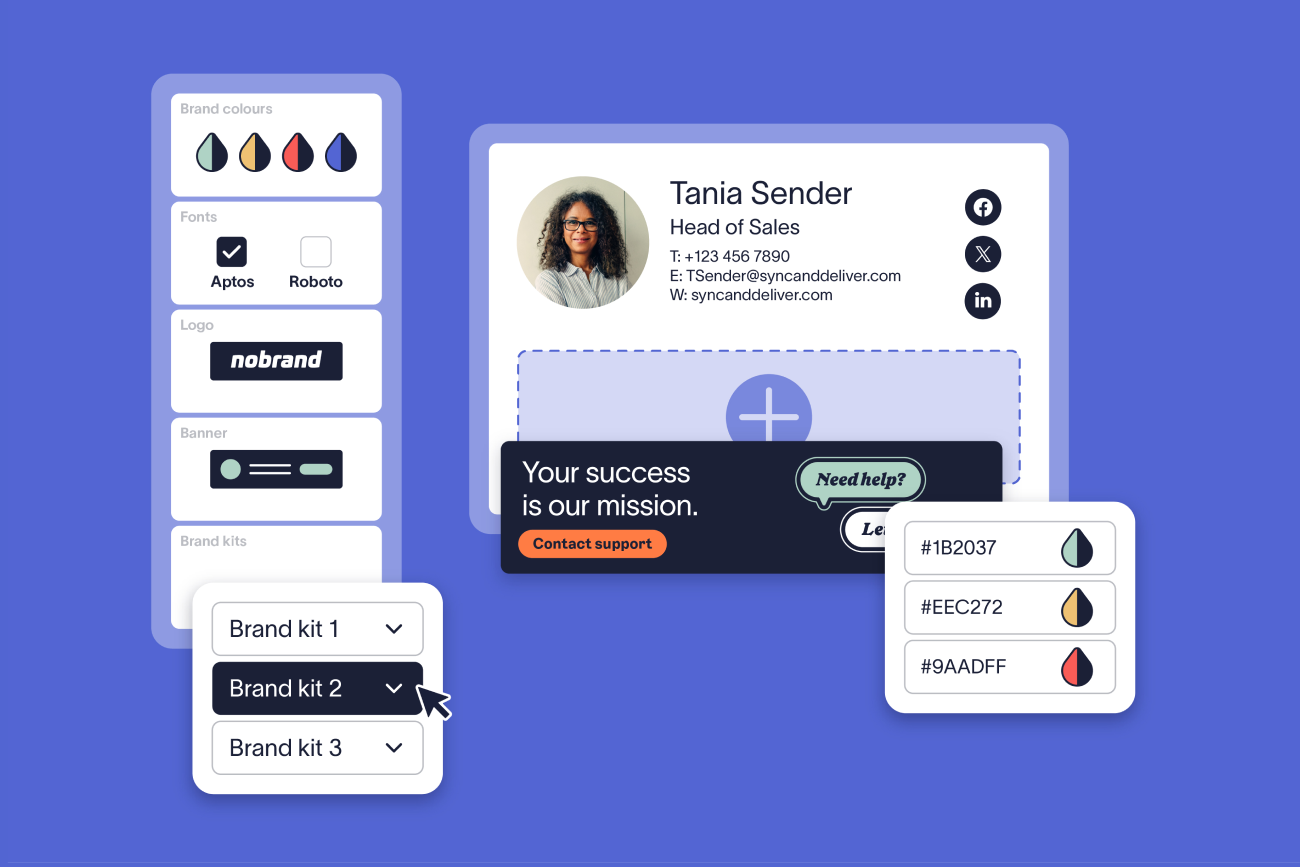
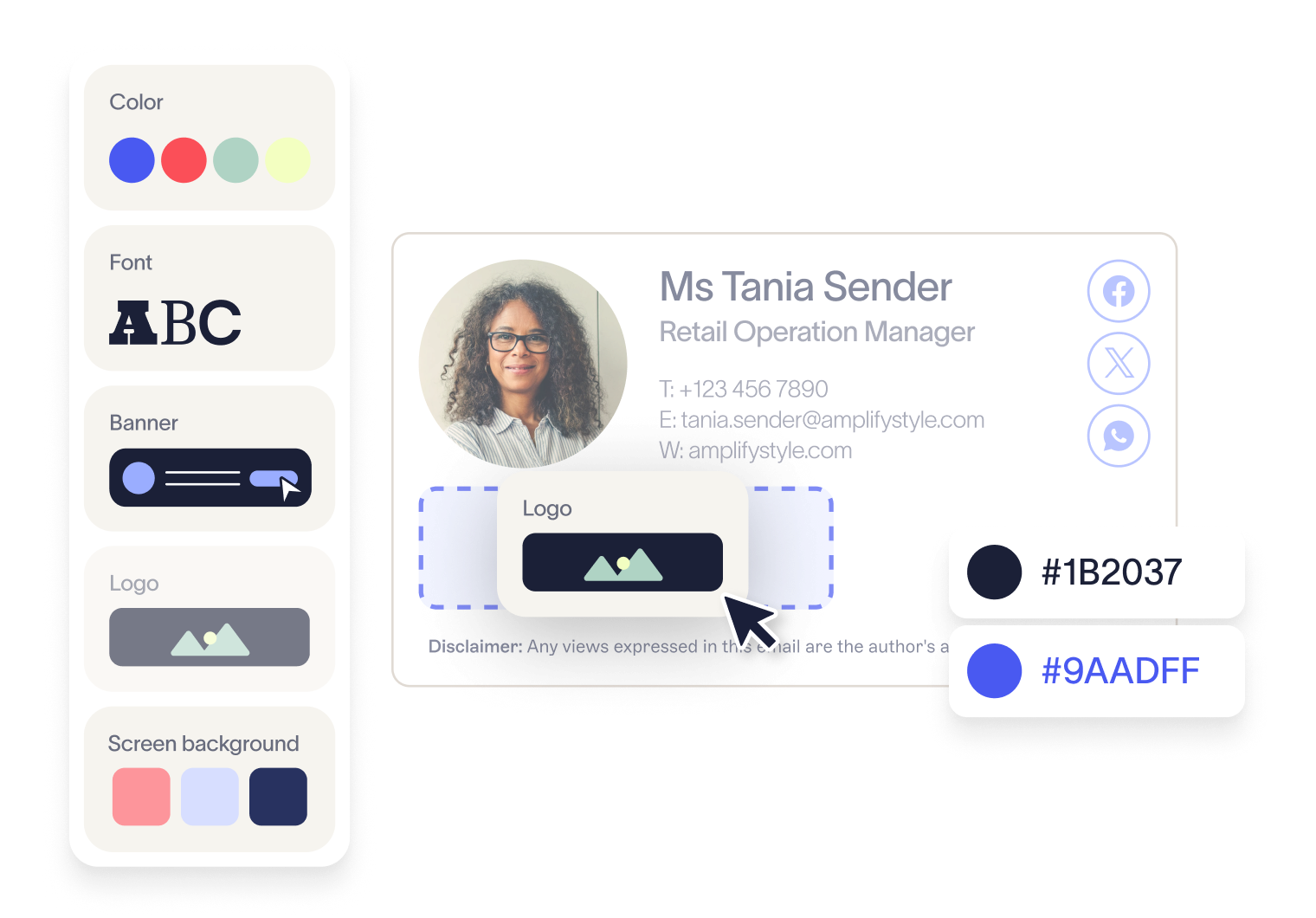
Configure Brand Kits to store logos, colors, fonts, and icons in one place.
Apply these assets across all templates, so updates don't require editing each template individually.
Lock templates to prevent users from changing formatting, keeping every signature consistent regardless of who sends the email.
For example, if your company updates its logo or brand colors, you can update them once in a Brand Kit and apply the change across all signature templates automatically.
Step 2: Sync user data automatically
Directory synchronization eliminates manual data entry by pulling employee information directly into signatures.
Email signatures depend on accurate employee information. As your company grows, keeping this updated manually becomes difficult.
Connect Exclaimer directly to Entra ID (Azure AD) or Google Workspace Directory.
Map user data fields including names, job titles, departments, and contact details.
Enable automatic updates so signatures refresh when user data changes without requiring manual edits.
Step 3: Apply signatures using centralized rules
Signature rules automatically assign the correct template to each user based on their attributes.
At scale, different users require different signatures. This includes variations by region, department, or brand.
Create signature rules to assign templates based on user attributes such as role, location, or domain.
Configure region-specific disclaimers to apply automatically.
Assign different templates to business units or subsidiaries.
Set separate rules for internal and external email signatures.
Rules run automatically, so each email includes the correct signature without relying on user setup.
Step 4: Deploy signatures across all users from one platform
Centralized deployment ensures every user receives signature updates simultaneously without individual configuration.
Rolling out updates manually across users is time-consuming and difficult to manage.
Make signature updates once in the central platform.
Apply changes across the entire organization automatically.
Verify that updates roll out to all users at the same time, removing the need for individual updates or device-level configuration.
This allows IT to manage email signatures across hundreds or thousands of users without increasing operational effort. Organizations using Exclaimer typically reduce signature deployment time from days to minutes, with some enterprises reporting up to a 90% reduction in IT time spent on signature management.
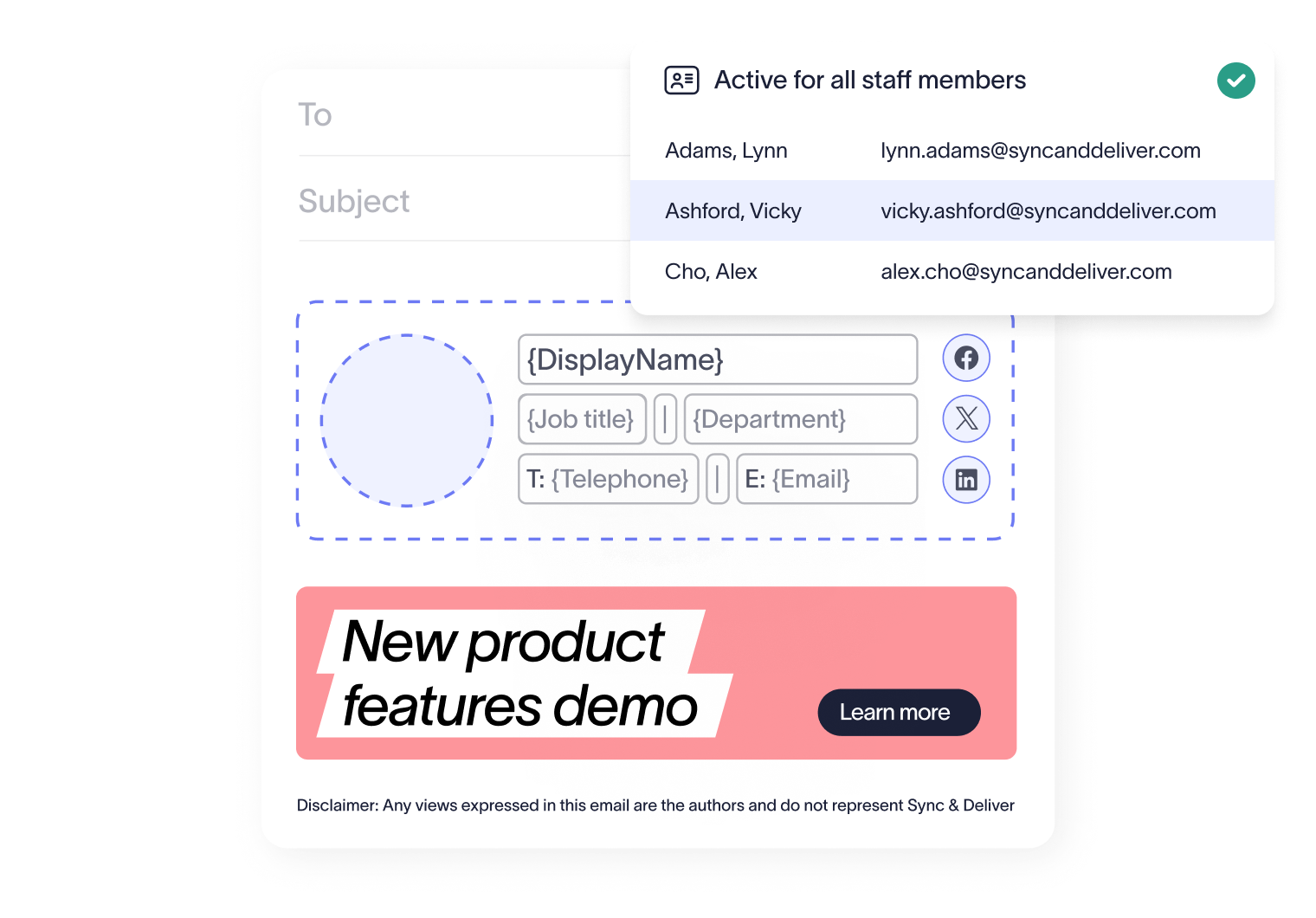
Step 5: Apply signatures consistently across every device
Server-side deployment ensures signatures display correctly regardless of which device or email client employees use.
Employees send emails from desktop, mobile, and web clients. Signatures need to display correctly in every case.
Exclaimer uses server-side deployment to apply signatures after an email is sent.
This ensures:
Every email includes the correct signature
Formatting stays consistent across all devices
Users can't override or remove signatures
Step 6: Maintain control with role-based access
Role-based access controls let different teams manage their designated content while IT retains overall governance.
Exclaimer uses role-based access controls (RBAC) to define who can edit different parts of a signature.
For example:
Marketing can update banners and campaign content
Legal can manage disclaimers
HR can maintain user fields
IT retains control over templates, rules, and structure, while other teams manage approved elements within defined limits. This removes IT as a bottleneck while maintaining governance across teams.
Step 7: Update messaging and campaigns without manual rollout
Campaign banners can be deployed across all employee emails instantly without requiring any user action.
Email signatures can be used to deliver messaging across the entire organization.
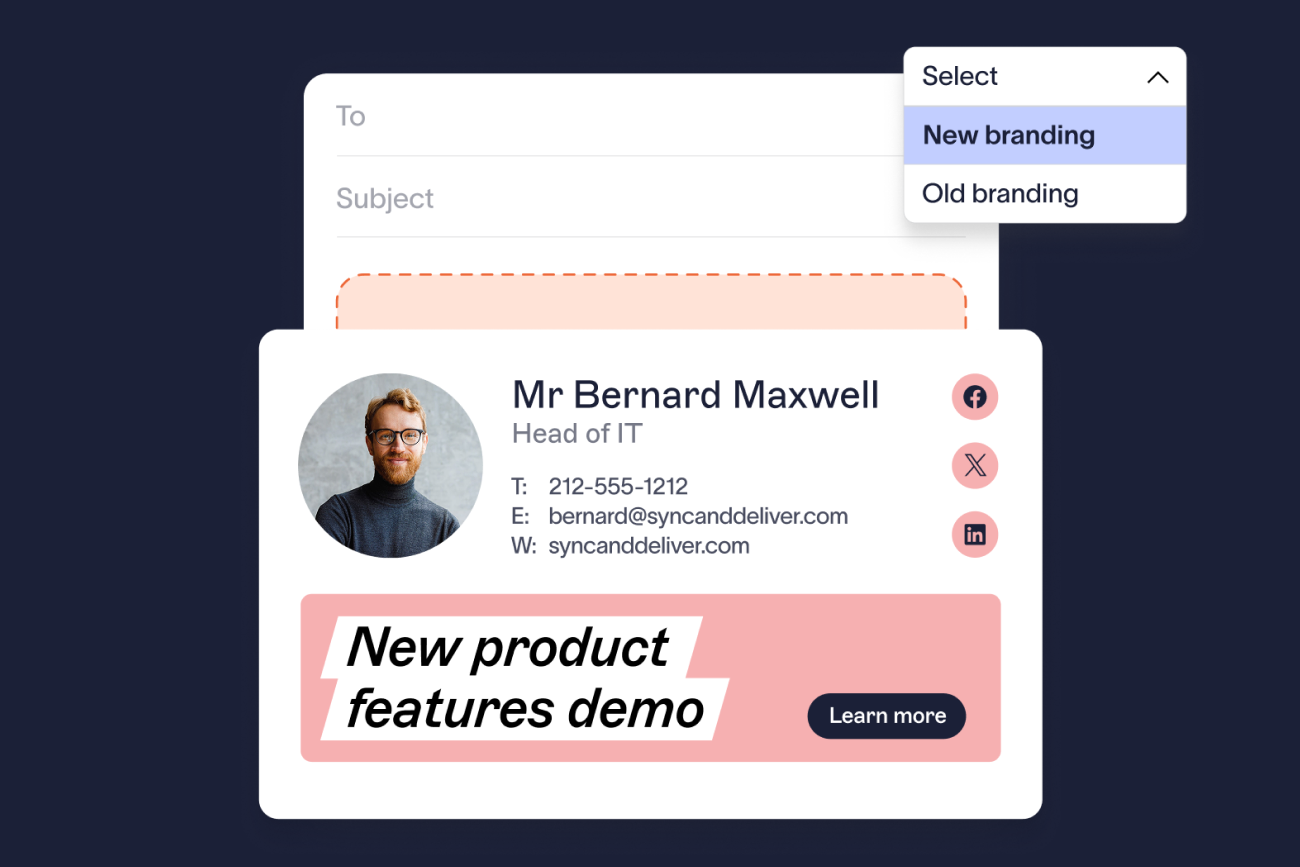
With Exclaimer, you can add campaign banners or content to templates and update them centrally without requiring user action.
For example, you can:
Promote events or campaigns across all employee emails
Update messaging for specific regions or teams
Replace or rotate banners without editing individual signatures
Updates are applied automatically across all users, ensuring consistent messaging without additional workload.
Where to go next for your stage
Once you know which stage you're at, the fastest path is usually one of these:
If you're setting up centralized management for the first time: Exclaimer's step-by-step implementation guide covers connecting Microsoft 365 or Google Workspace and building templates that close every item in the signs list above.
If it's departments other than IT asking for access: Exclaimer's guide to role-based access controls covers the permission tiers in detail.
If you're managing more than one brand or legal entity: Exclaimer's guide to multi-brand email signature management covers the template and disclaimer structure for that.
If the friction is specifically inside Outlook rather than across the whole company: Exclaimer's guide to managing Outlook email signatures at scale covers the platform-specific detail.
Capability comparison
The key difference: Exclaimer automates and centralizes email signature management to scale with your organization, while manual management requires increasing IT effort and produces inconsistent results as headcount grows.
Feature | Exclaimer | Manual management |
Scalability | Exclaimer is built to support growing organizations | Manual management breaks down as headcount increases |
Deployment | Exclaimer provides centralized and automatic deployment | Manual management is user-dependent |
User data updates | Exclaimer uses directory sync (Entra ID / Google Directory) | Manual management requires manual updates |
Device consistency | Exclaimer applies signatures server-side | Manual management results in inconsistent formatting |
Template control | Exclaimer offers locked templates and Brand Kits | Manual management is user-controlled |
Targeting | Exclaimer provides rules by role, region, and team | Manual management offers limited targeting |
Compliance | Exclaimer automates disclaimers | Manual management results in inconsistent compliance |
Admin effort | Exclaimer remains stable as you scale | Manual management increases effort with growth |
Key terms glossary |
|
How do you turn email signatures into a controlled, scalable communication channel?
Email signatures are already part of every interaction your business has. As your company grows, they become more visible. But without control, they remain inconsistent across users, devices, and regions.
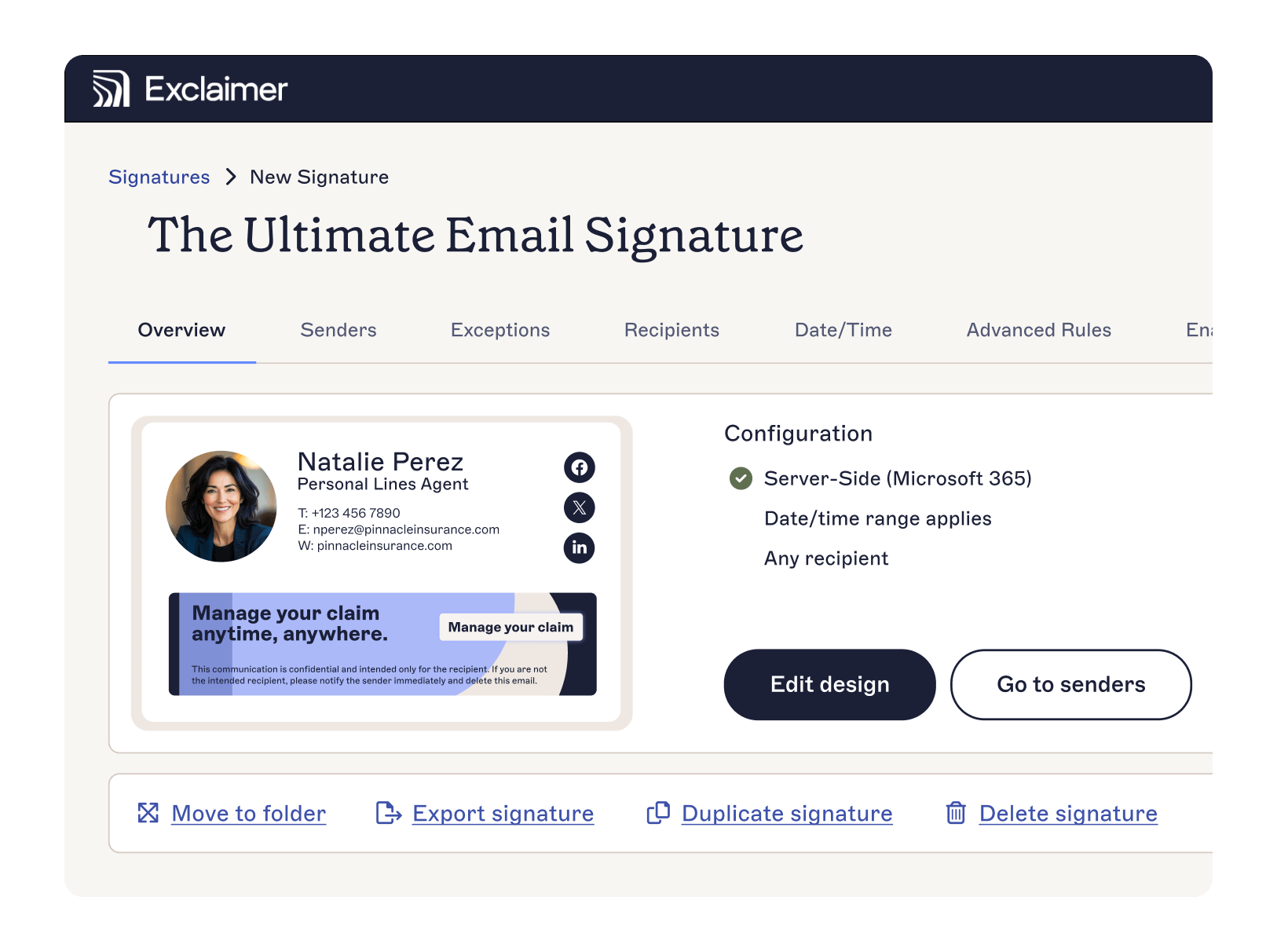 Exclaimer brings structure to that. Email signatures are managed centrally, applied automatically, and kept aligned with your brand, user data, and compliance requirements across the entire organization.
IT doesn’t need to manage individual updates or fix formatting issues. Templates, rules, and directory sync handle how signatures are created and applied, so consistency is maintained as the business scales.
Book a demo, and we'll walk through the setup that matches your stage, whether you're setting up email signature rules for the first time or managing your fifth region.