Dave is a marketing expert with 15 years experience in the tech and SaaS world. He specializes in educating IT and channel audiences, with a focus on security, privacy, compliance, and marketing technology. With a talent for storytelling and a deep understanding of the industry, Dave transforms complex IT topics into clear, engaging, and impactful narratives.
The Exclaimer rollout playbook: From planning to deployment
TL;DR
A company-wide email signature rollout takes six steps, and Kersia International deployed Exclaimer across 3,165 employees in 30+ locations in a few hours, according to its customer story.
Confirm readiness, align stakeholders, configure templates and permissions, test email signature rules, deploy, and measure results, in that order.
IT drives the rollout, but marketing, legal, and HR each supply something IT needs, so settle ownership before anyone builds a template.
Server-side deployment applies email signatures as mail routes through Exclaimer, so it works on every device and email client, including mobile.
35% of IT teams say email signature management is one of their top two most time-consuming tasks, and 80% still rely on manual methods for updates. Both figures come from Exclaimer's State of Business Email 2025 report, a Censuswide survey of 4,009 IT professionals in the UK, US, Germany, and Australia, run in April 2025.
How do you roll out email signatures across a company?
Roll out email signatures in six steps, with IT running the sequence and the other teams contributing at the steps they own.
Step | Who is involved | What you have at the end |
|---|---|---|
1. Confirm readiness | IT | A decision on whether manual setup has stopped working |
2. Align stakeholders | IT, marketing, legal, HR | A named owner for brand assets, disclaimer text, and directory data, plus an agreed scope |
3. Configure templates and permissions | IT, plus marketing, legal, and HR within their permissions | A Brand Kit, a primary template, variants, Signature Rules, and role-based access |
4. Test email signature rules | IT | Signature Rules Tester results for the sender and recipient combinations that matter |
5. Deploy | IT | Server-side, client-side, or hybrid deployment live for the users in scope |
6. Measure results | IT and marketing | Baselines taken before deployment, then usage and engagement data afterward |
For a full setup walkthrough, see Centralized Email Signature Management: A Step-By-Step Guide for IT. A rebrand has a different trigger, and there's a separate rebrand rollout guide for it.
What are the signs your company needs centralized email signature management?
Your company is ready for centralized email signature management when manual setup keeps creating the same problems:
Manual setup generates recurring IT tickets for new hires and role changes.
Branding has drifted, with old logos surviving a rebrand and mismatched fonts and colors between teams.
Disclaimers are out of date or missing.
Marketing wants to use email signatures as a campaign channel without waiting on IT.
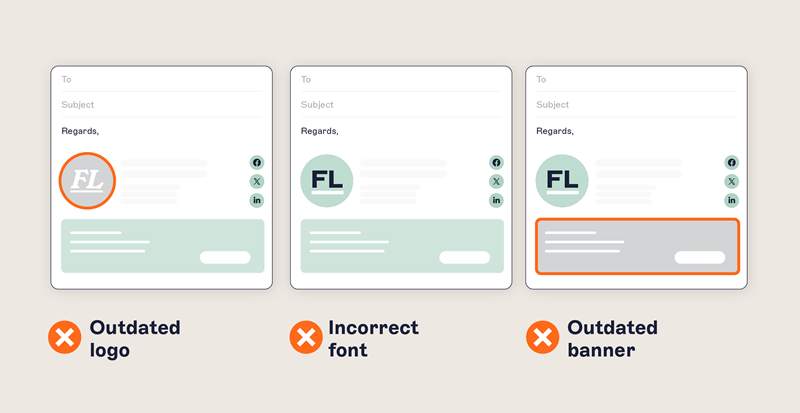 Centralized email signature management means designing, deploying, and maintaining email signatures from one platform, with directory sync keeping them current.
What does IT need to align before starting an email signature rollout?
IT runs the rollout, and each team owns its own layer of it. A smooth rollout depends on everyone agreeing their part before technical work begins:
IT owns deployment and platform control and is accountable for the rollout's success.
Marketing owns brand consistency and campaign content. With role-based access control, marketing can deploy campaign banners without filing a request with IT.
Legal and compliance own the disclaimer and regulatory text, and IT needs their sign-off on required language before templates are final.
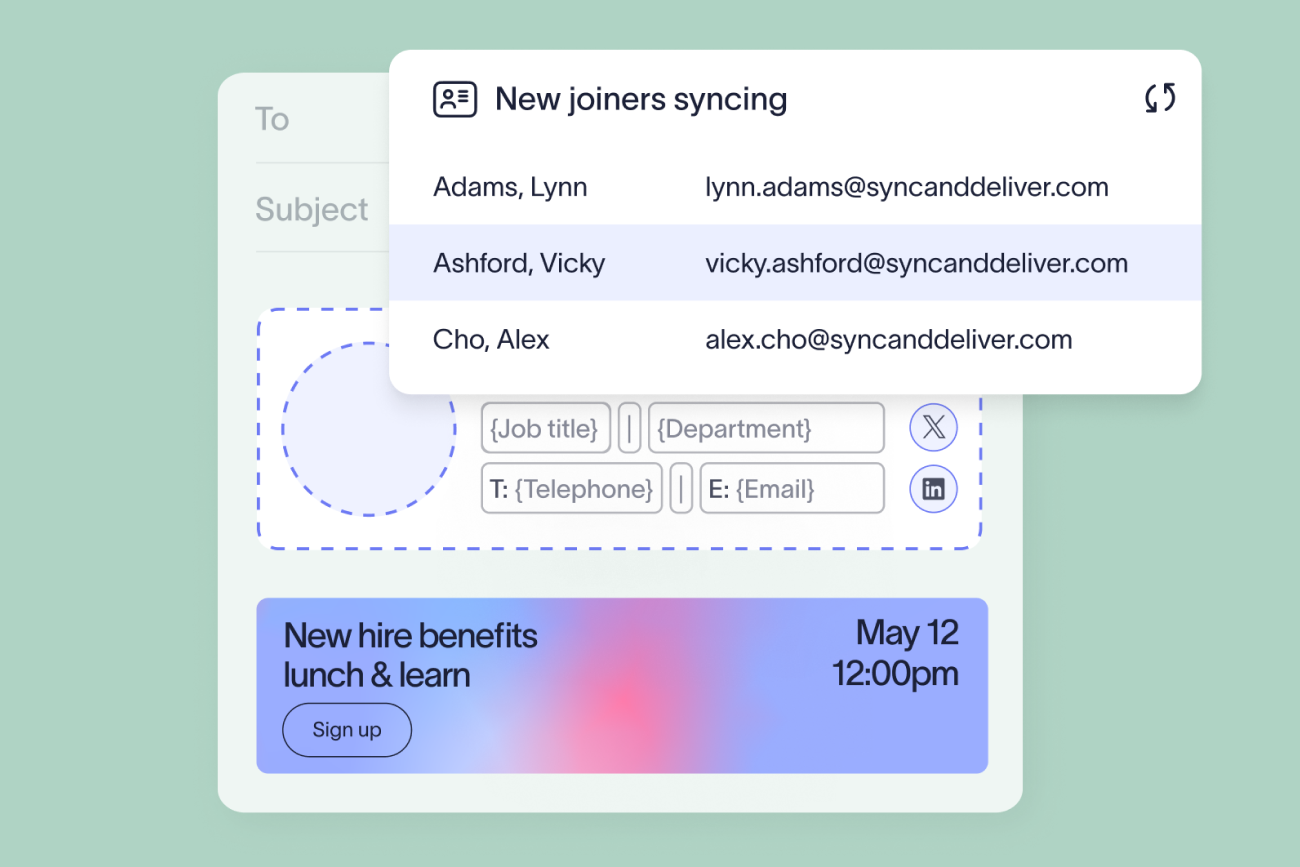
HR owns employee data. With directory sync, title and department changes in the directory flow into email signatures automatically, so IT isn't updating them by hand.
"In a lot of organizations, no single function owns end-to-end communication, and that's a big part of why decisions don't get made. IT looks after the systems, marketing owns the branding and tone, legal and compliance own the regulatory frameworks. The model that works is each owning their layer with a clear forum for the three to come together and make the decision. Miss that forum and people do their own thing, they try to be compliant and often fail, and you end up fragmented again."

How do you set up email signature templates for a company-wide rollout?
Set up templates in five steps: create a Brand Kit, build a primary template, add variants, set Signature Rules, and assign role-based access.
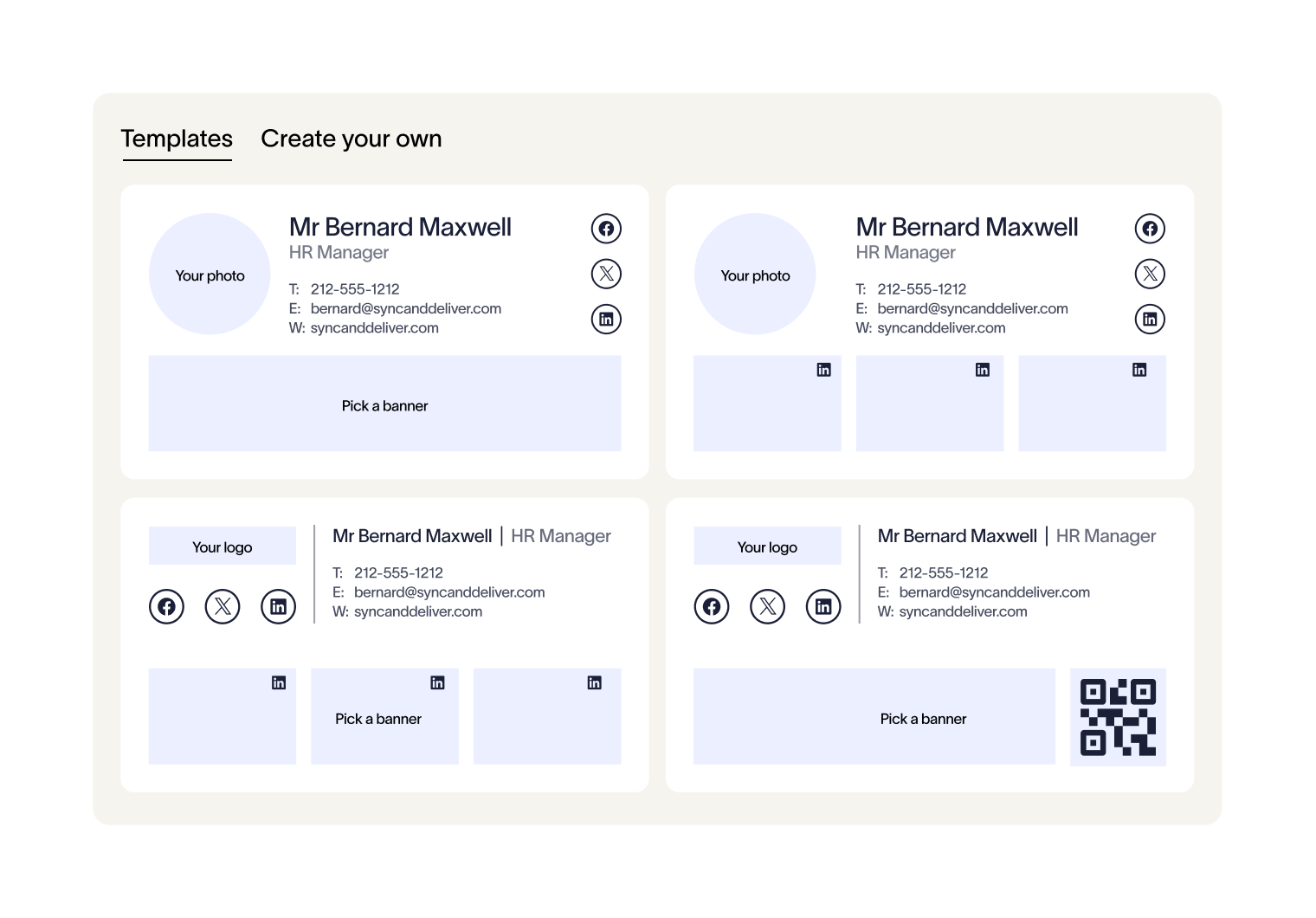
Create a Brand Kit to hold your approved logos, fonts, colors, banners, and meeting backgrounds. A Brand Kit attaches to templates, so a change to any asset in it reaches every linked email signature automatically. Starter plans can create one Brand Kit, Standard plans up to three, and Pro plans an unlimited number.
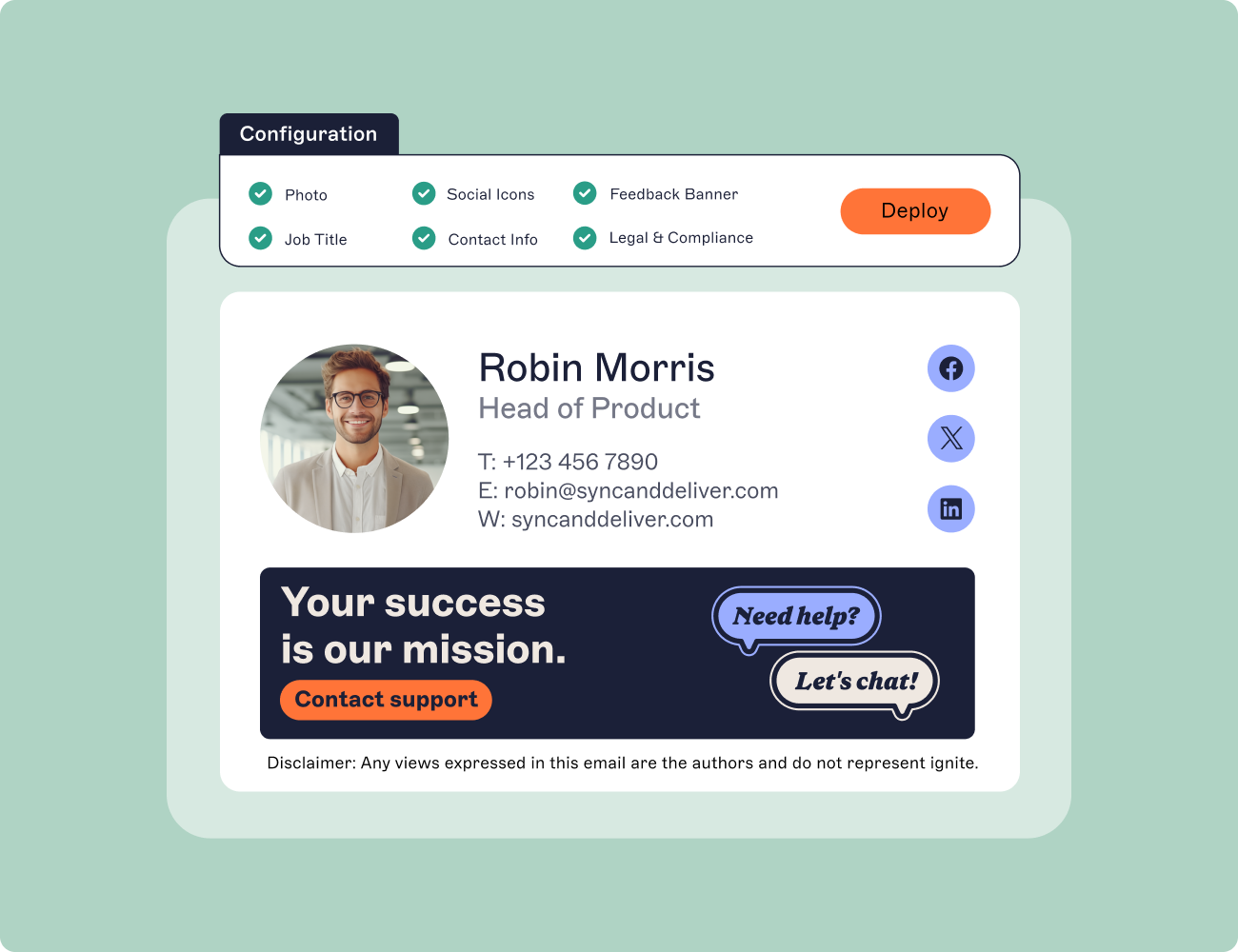
Build your primary template in the drag-and-drop designer, which needs no HTML or coding skills. Pull identity fields from your directory so email signatures stay accurate when people change roles.
Add variants where teams need a different layout or contact fields, and link each variant to the same Brand Kit so a brand-level update reaches every version.
Set Signature Rules to decide which template each employee gets, based on directory attributes like department or location and on context like internal versus external recipients. Set them once, and directory sync keeps the fields current.
Assign role-based access so IT keeps platform control while marketing edits banners and legal updates disclaimers. Role-based access control for email signatures explains how the permission model works.
How do you test email signature rules before deploying company-wide?
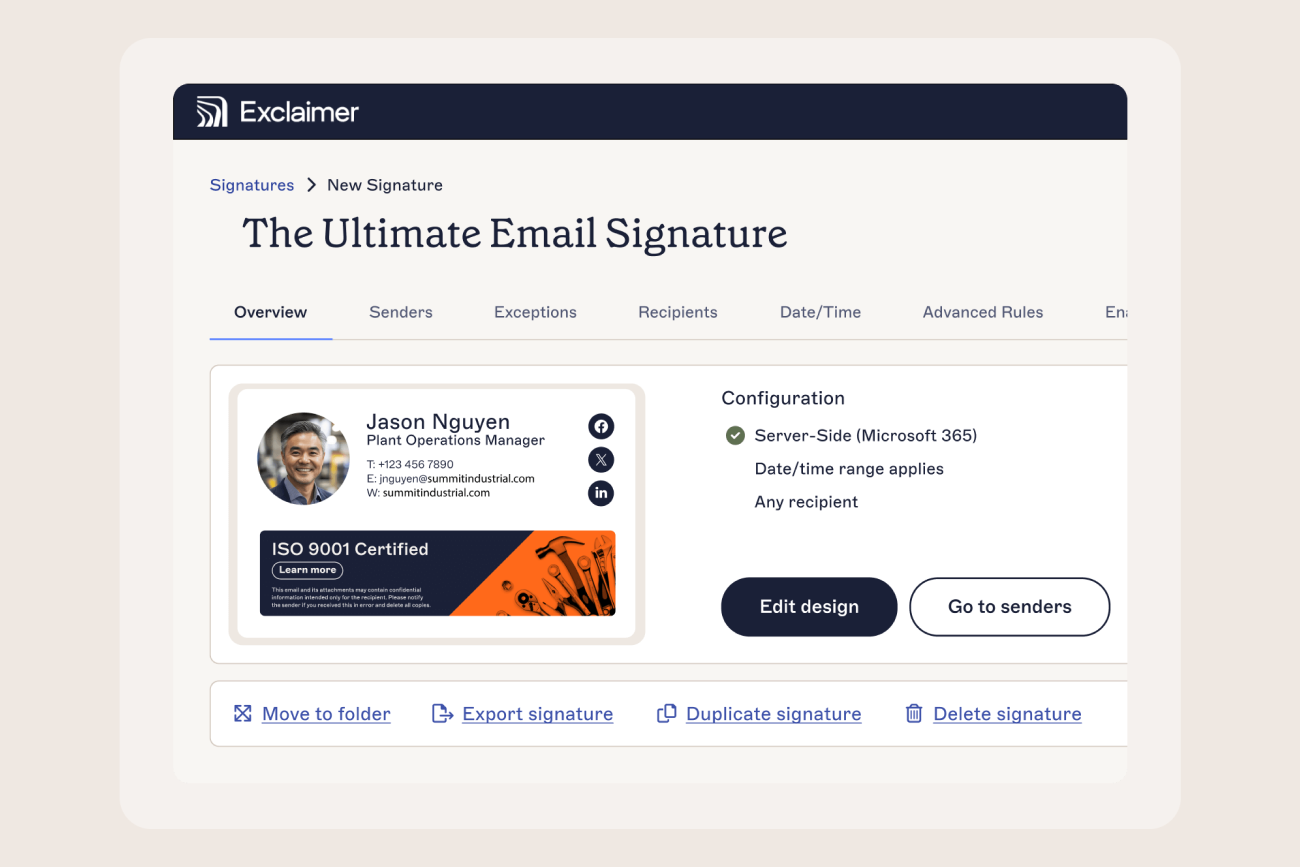
 Test email signature rules in the Signature Rules Tester. It simulates an email from a chosen sender to a chosen recipient and shows which Signature Rules apply, and in what order.
The server-side mode shows which email signatures attach after an email is sent, and the client-side mode shows which are available to the sender before sending. Run it for the sender and recipient combinations that matter. Check that department and location variants reach the right people and internal and external recipients get the email signature you intended.
What is the difference between server-side and client-side email signature deployment?
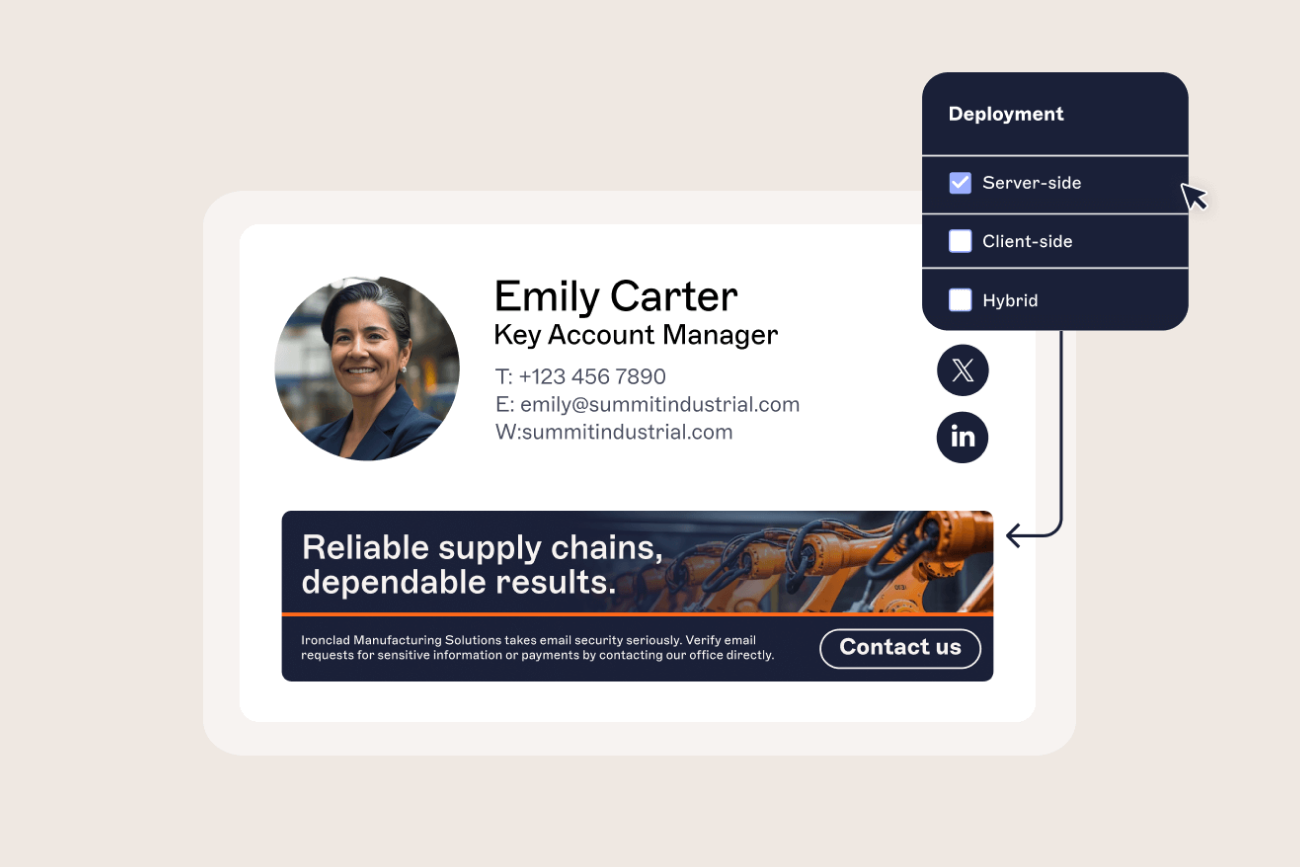
Server-side deployment applies the email signature as mail routes through Exclaimer, while client-side deployment shows employees their email signature as they compose, through the Outlook Add-in. Exclaimer also offers a hybrid mode combining the two.
Deployment mode | How it works | Best fit for |
|---|---|---|
Server-side | Email signatures are applied as email routes through Exclaimer, working on every device and email client, including mobile, regardless of where the email was sent | Company-wide rollouts needing coverage on every device and email client |
Client-side (device) | Employees see their email signature while composing in Outlook, through the Outlook Add-in, and choose from the email signatures assigned to them | Teams who want employees to see and select their email signature while writing |
Hybrid | Combines live composition visibility with centrally applied final output | Organizations wanting a sender preview plus server-side coverage |
Server-side deployment covers Outlook desktop, Outlook on the web, and Outlook mobile in Microsoft 365, and Gmail in Google Workspace. Centralized management, said Elisabeth Goossens, Exclaimer's Director of Brand Communications, leaves "no dependency on an individual employee doing anything themselves." She spoke at Exclaimer's October 15, 2026 webinar on rebranding and mergers and acquisitions.
How long does an email signature rollout take?
Exclaimer customers' published deployment times range from one hour to five days. Deployment is step five of six, and each figure is the customer's own report of that step.
Customer (HQ) | Size and scope | Type | Published result |
|---|---|---|---|
Illume Fertility (Norwalk, Connecticut) | 190 employees | Deployment | Deployed within one hour |
Everton FC (Liverpool) | 350 email accounts | Migration to the cloud and Microsoft 365 | Fully live in under two hours |
Kersia International (Dinard, France) | 3,165 employees, 30+ locations | Deployment | Deployed Exclaimer globally in a few hours |
UNICEF Nederland (The Hague) | 200 email signatures | Deployment | Deployed across the organization in half a day |
South Yorkshire Housing Association (Sheffield) | 500+ email signatures | Migration from Exclaimer's on-premises software | Migrated in one day |
Dunlop (Raalte, Netherlands) | 400 mailboxes | Migration from Exclaimer's on-premises software | 400 mailboxes moved in 48 hours |
Ahtna (Glennallen, Alaska) | 1,300 employees, 30 subsidiary companies | Phased deployment across subsidiary companies | Test group from IT and marketing live within 72 hours, then expanded organization-wide |
City of Bristol College (Bristol, England) | 1,000+ staff, three organizations | Migration from manually coded updates | Full deployment in five days |
Each figure is the customer's own published result, taken from its Exclaimer customer story.
How do you roll out email signatures after an acquisition or to a new office?
A rollout built for one office extends to a new office or an acquired company in three stages, so the existing setup doesn't need rebuilding.
Get accurate location and legal-entity data into the directory before any template goes near the new office or acquired company. Directory sync pulls that data from Microsoft Entra ID or Google Workspace Directory, so people in the new office get the right email signature without anyone adding them by hand. For an acquisition, Sharon Handy, Exclaimer's Director of People Experience, describes the job as "two organisations, usually two HR systems, different job title structures, different data formats, and you have to bring that into one consistent email signature."
Add the new office or business unit to your Signature Rules. Then run the Signature Rules Tester against it before it goes live, so a gap in location or disclaimer rules shows up there first.
Let the entity go live at its own pace, which is the one stage where a new office and an acquisition differ.
What differs | New office | Acquired business |
|---|---|---|
Brand Kit | The parent company's, or a regional kit if the office has its own branding | Its own, for a transition period, on a plan allowing more than one Brand Kit |
Goes live | When its directory data is accurate | On its own timeline, with its own logo and disclaimers, until you decide whether to fold it into the parent brand |
Bloomerang (Indianapolis) centralized its email signatures during an acquisition, and its customer story reports a 98% reduction in update time.
Several legal entities under different brands combine both cases. Managing email signatures across multiple brands covers that setup.
How do you measure the success of a company-wide email signature rollout?
Measure rollout success against four baselines taken before deployment: email signature coverage, brand consistency, IT ticket volume, and rebrand speed.
Email signature coverage is the share of a sample of outbound emails carrying a compliant email signature.
Brand consistency is how much email signatures vary across a sample of employees.
IT ticket volume is the number of email signature tickets logged over the previous 90 days.
Rebrand speed is how long the most recent rebrand or update took to reach every employee.
 In its customer story, City West Country (Exeter, UK) reports 90% fewer email signature escalations after centralizing.
After deployment, Exclaimer's built-in analytics, a Pro plan feature, report email signature usage and give marketing click-through and engagement data on banners and links.
Start your email signature rollout with Exclaimer
The configuration, testing, and deployment steps above all run in Exclaimer for Microsoft 365 and Google Workspace. Start a free trial to run them in your own environment, or view pricing to find the plan that fits.