by Sarah Bush
How to manage email signatures after a rebrand with Exclaimer
8 April 2026
0 min read
TL;DR
Create a new signature template aligned with your rebrand using Brand Kits to standardize logos, colors, and fonts
Sync employee data from Entra ID or Google Directory so signatures always show accurate user details
Apply signatures across all users at once using centralized rules, without relying on manual updates
Use server-side deployment to ensure every email includes the correct signature across all devices
Control ongoing updates with role-based access, so IT and marketing can manage signatures without conflicts
Email signature management after a rebrand is the process of centrally updating logos, colors, contact details, and disclaimers across all employee email signatures to reflect the new brand identity instantly and consistently. Exclaimer is a centralized email signature management platform that integrates with Microsoft 365 and Google Workspace to automate signature updates across all users and devices. |
A company rebrand is a major investment. It requires time, budget, and coordination across teams to get it right, with the goal of presenting a consistent, updated identity that reflects where the business is going.
But all that effort quickly falls apart when business emails continue to show old logos, outdated company names, or incorrect contact details. Instead of reinforcing your new brand, every message adds a little more inconsistency.
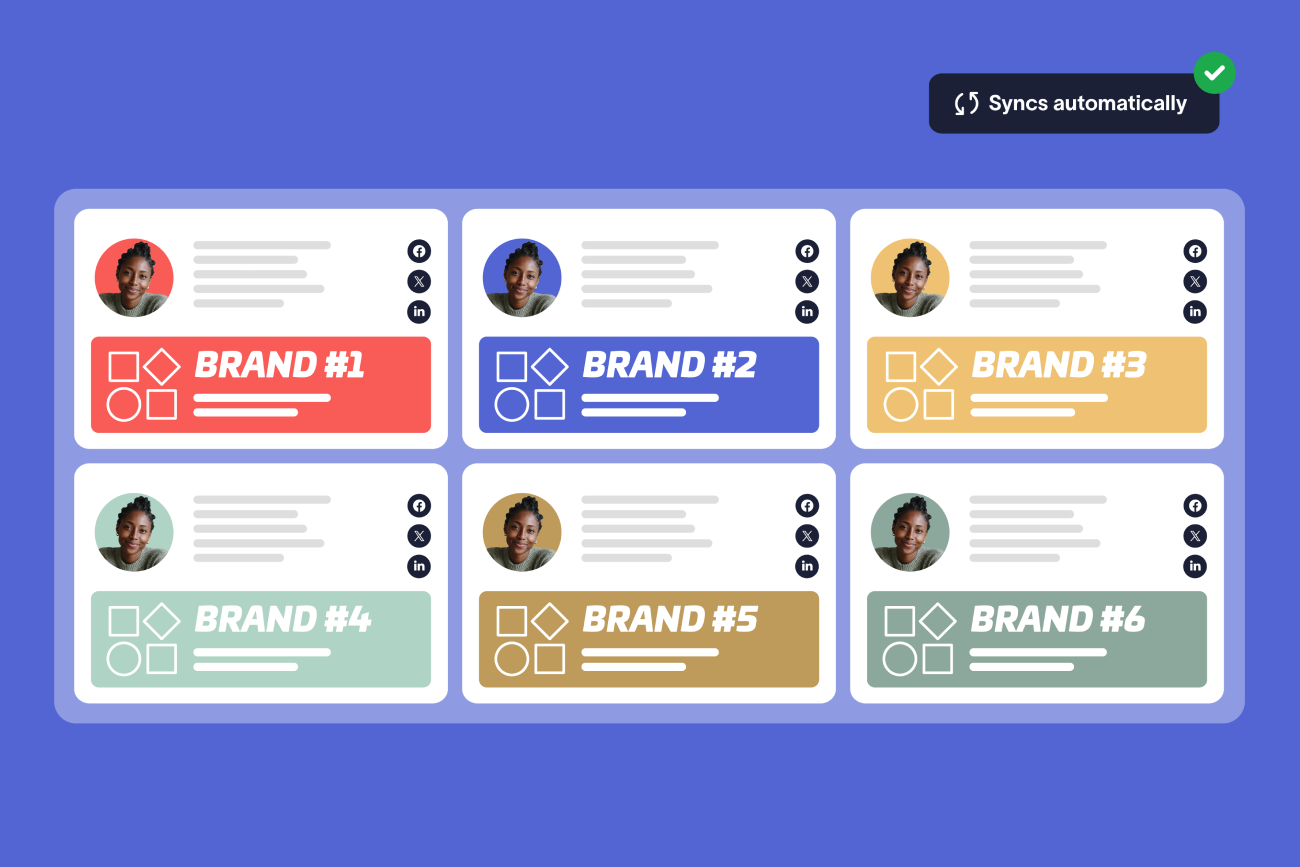
Exclaimer provides centralized control over email signatures, allowing you to update branding, user data, and disclaimers across all users from one platform.
This guide explains how to do that using Exclaimer, so every email reflects your new brand from the start.
After a rebrand, email signatures often become inconsistent because they are managed by individual users across different devices and email clients, making it difficult to apply updates uniformly. Without centralized control, outdated logos, company names, and legal disclaimers continue to appear in outgoing emails, even after the new brand is launched. |
Why are email signatures inconsistent after a company rebrand?
Email signatures often fall out of date after a rebrand because they aren’t centrally managed. In many organizations, employees manage their own signatures, with different versions saved across Outlook, webmail, and mobile devices.
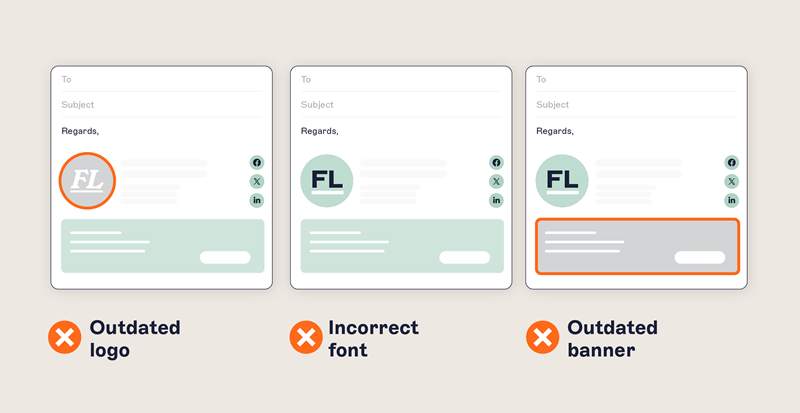
During a rebrand, updates rely on each user. Some update their signature. Others don’t or make changes that don’t follow brand guidelines.
What are common email signature problems after a rebrand? Here are the key inconsistencies to look out for:
Old logos remain in emails – Previous branding continues to appear in outgoing messages
Outdated company names and job titles – Former business names or incorrect titles persist
Missing or outdated disclaimers – Legal content no longer reflects current requirements
Signatures differ between devices – Desktop, mobile, and webmail show different versions
With high email volume—enterprise employees typically send between 15 and 30+ emails per day—these inconsistencies spread quickly. Outdated branding continues to reach customers and partners long after the rebrand is complete.
Without central control, there's no reliable way to update every signature or confirm what's being sent.
What should you update in email signatures after a rebrand?
After a rebrand, email signatures need to reflect updated branding, accurate employee details, and current legal content.
Brand elements
All visual elements should match the new brand:
- Company logo
Color scheme
Signature layout
Business information
Email signatures contain core business details that must stay accurate:
Company name
Job titles
- Contact information
Legal and compliance content
Disclaimers and legal text may need updating based on:
Changes to the legal entity
Regional requirements
Industry regulations
Across most organizations, these elements sit in multiple templates managed by different teams, which makes updates slower to implement and harder to control without a centralized approach.
The fastest way to update email signatures after a rebrand is to use a centralized platform that applies changes across all users at once, rather than relying on individual updates. With Exclaimer, templates can be updated once and deployed instantly across all users, devices, and email clients. |
How to manage email signatures after a rebrand with Exclaimer
Managing email signatures after a rebrand with Exclaimer means updating templates once, syncing user data automatically, and applying changes across every user and device from a central platform.

To do this effectively, you need control over design, user data, and rollout—areas that Exclaimer brings together in a single platform.
Step 1: Update your signature design
Create a template that reflects your updated brand, including logos, colors, and layout.
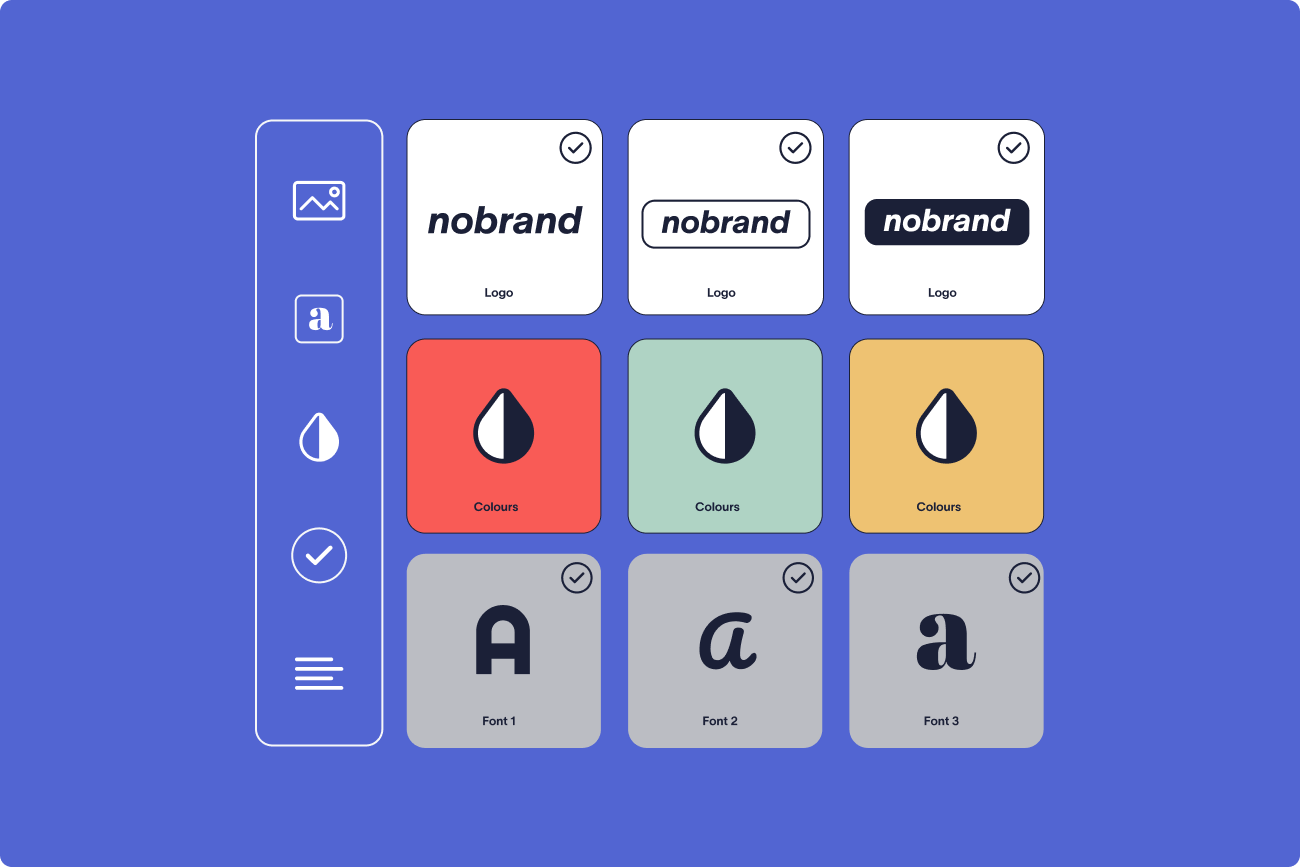
Use Exclaimer’s Brand Kits to define and store your approved logos, colors, and fonts in one place. These brand assets can then be applied across all signature templates, so every design stays consistent without needing to update each template individually.
For example, you can update your company logo in a Brand Kit once and have it automatically applied across all signature templates, without editing each template individually.
The drag-and-drop editor works alongside Brand Kits, allowing you to build templates quickly while keeping core brand elements locked and consistent across all users.
Step 2: Sync user data automatically
Signatures rely on accurate employee details such as names, job titles, and contact information.
Exclaimer connects directly to Entra ID (Azure AD) and Google Directory to pull user data into signatures, ensuring that any updates to employee details are reflected automatically without manual edits during or after the rebrand.
Step 3: Deploy signatures across all users
Apply updated signatures across the organization from one place.
Exclaimer uses centralized signature rules deploy signatures based on user attributes such as department, location, or role, so the correct signature is applied to each user while updates are rolled out across the entire organization at once.
Changes roll out to all users at once, removing the need for individual updates
Step 4: Apply signatures across every device
Emails are sent from desktop, mobile, and web clients. Signatures need to remain consistent in each case.
Exclaimer uses server-side deployment to apply signatures after an email is sent, ensuring every message includes the correct signature regardless of device or email client while preventing users from bypassing updates.
Step 5: Maintain control over signatures
After rollout, consistency needs to be maintained.
Exclaimer uses role-based access controls (RBAC) to define who can edit signatures, allowing IT to manage structure and compliance while giving marketing controlled access to update approved elements such as banners or campaigns.
Controls define which elements can be edited and which remain fixed. IT keeps oversight, while approved teams manage content within set limits.
Manual vs. centralized email signature management
Factor | Manual management | Centralized with Exclaimer |
|---|---|---|
Time to deploy | Days to weeks (depends on user compliance) | Minutes to hours (instant rollout) |
Brand consistency | Inconsistent across users and devices | Uniform across all emails |
Compliance risk | High (outdated disclaimers persist) | Low (rules enforce current content) |
IT workload | Ongoing support tickets and follow-ups | Minimal after initial setup |
User dependency | Requires each employee to update | No user action required |
Platform integrations
Exclaimer integrates with the following platforms for seamless email signature management:
Microsoft 365 – Full email signature management for Outlook and Exchange Online
Google Workspace – Native integration for Gmail signatures
Microsoft Entra ID (Azure AD) – Automatic user data sync for Microsoft environments
Google Directory – Automatic user data sync for Google Workspace environments
How does Exclaimer help during a rebrand?
After a rebrand, email signatures need to be updated across every user, device, and region. Without central control, inconsistencies continue in daily communication.
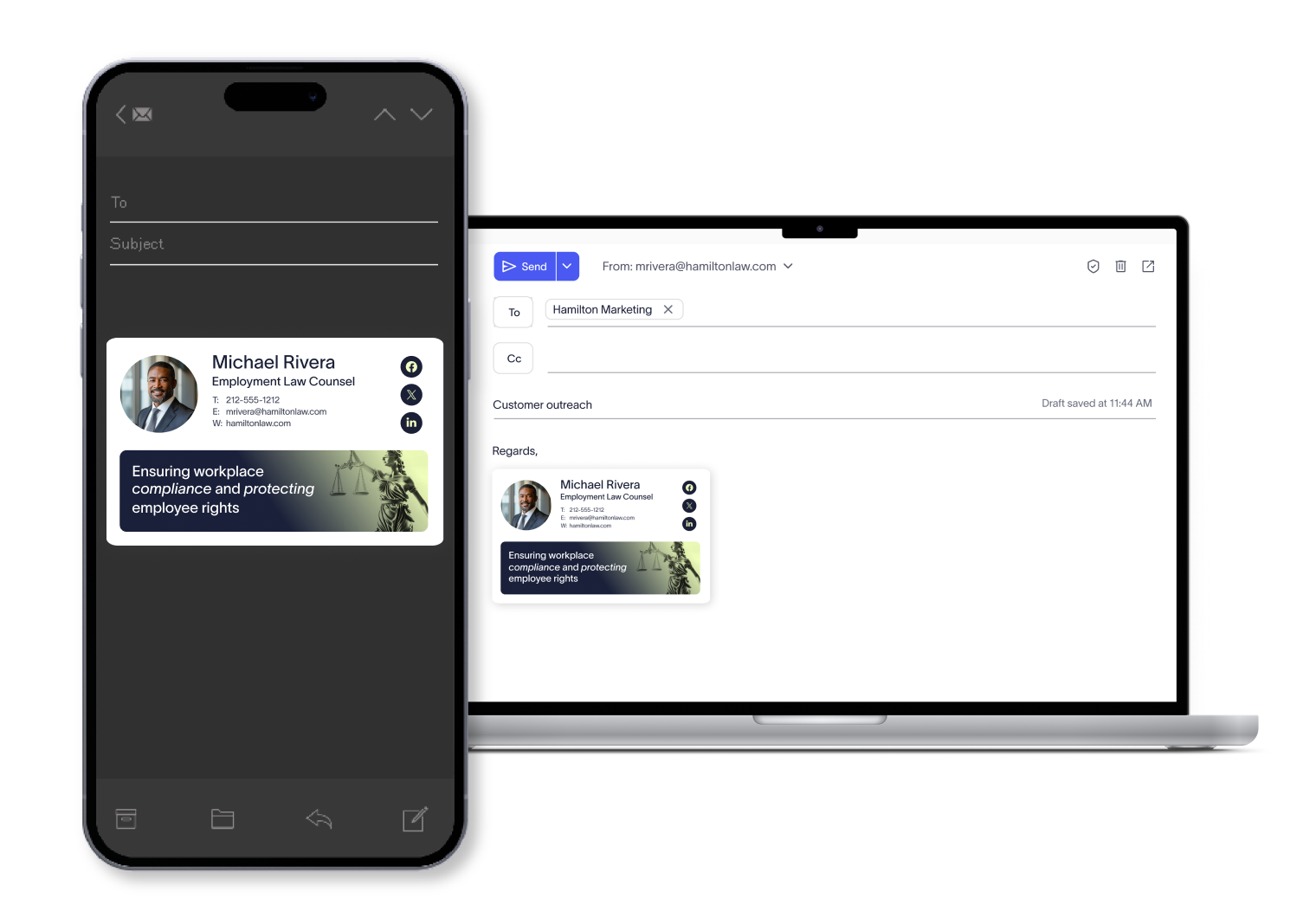
Exclaimer manages these updates from one platform, so changes are applied consistently across all signatures.
Consistent branding across every email
All signatures use approved templates. Logos, colors, and layout stay aligned with brand guidelines across users and devices.
Brand Kits standardize logos, colors, and fonts across all templates, so updates made once are reflected everywhere.
Faster rollout of updates
Changes are applied across the organization at the same time.
Centralized deployment rules allow updates to be applied instantly across thousands of users without coordination or follow-up.
Reduced IT workload
Manual updates create ongoing support requests, with IT teams spending time correcting signatures and checking for inconsistencies across users.
Automation removes the need for manual fixes and reduces signature-related support tickets.
Built-in compliance coverage
Disclaimers and legal content are applied based on defined rules.
Dynamic fields and rules allow disclaimers to be applied based on user attributes such as location or department.
Centralized visibility and control
All signature updates are managed from one platform.
Administrators can manage templates, rules, and deployment from a single dashboard, providing a clear view of how signatures are applied across the organization.
A simple checklist for rebranding your email signatures
Managing email signatures after a rebrand requires a structured rollout to avoid gaps and inconsistencies.
Use this checklist to guide the process:
Make email signatures part of your rebrand strategy
Email signatures are one of the most visible parts of a rebrand. Without centralized control, outdated branding continues to appear in daily communication.

Managing email signatures after a rebrand requires a consistent approach, with updates applied across all users, devices, and regions without relying on manual changes.
Exclaimer gives you control over that process, so every email reflects your updated brand from the moment changes are applied.
Start a free trial to see how it works in your environment and roll out consistent, on-brand signatures across your organization.