Phillip leads the engineering organization at Exclaimer, where he's responsible for building and scaling the email signature management platform. With more than two decades in software engineering and technology leadership, he focuses on creating high-performing teams, improving engineering practices, and delivering reliable products at scale.
How to manage email signatures after a merger with Exclaimer
TL;DR
Use Exclaimer to manage all email signatures from one platform across merged companies
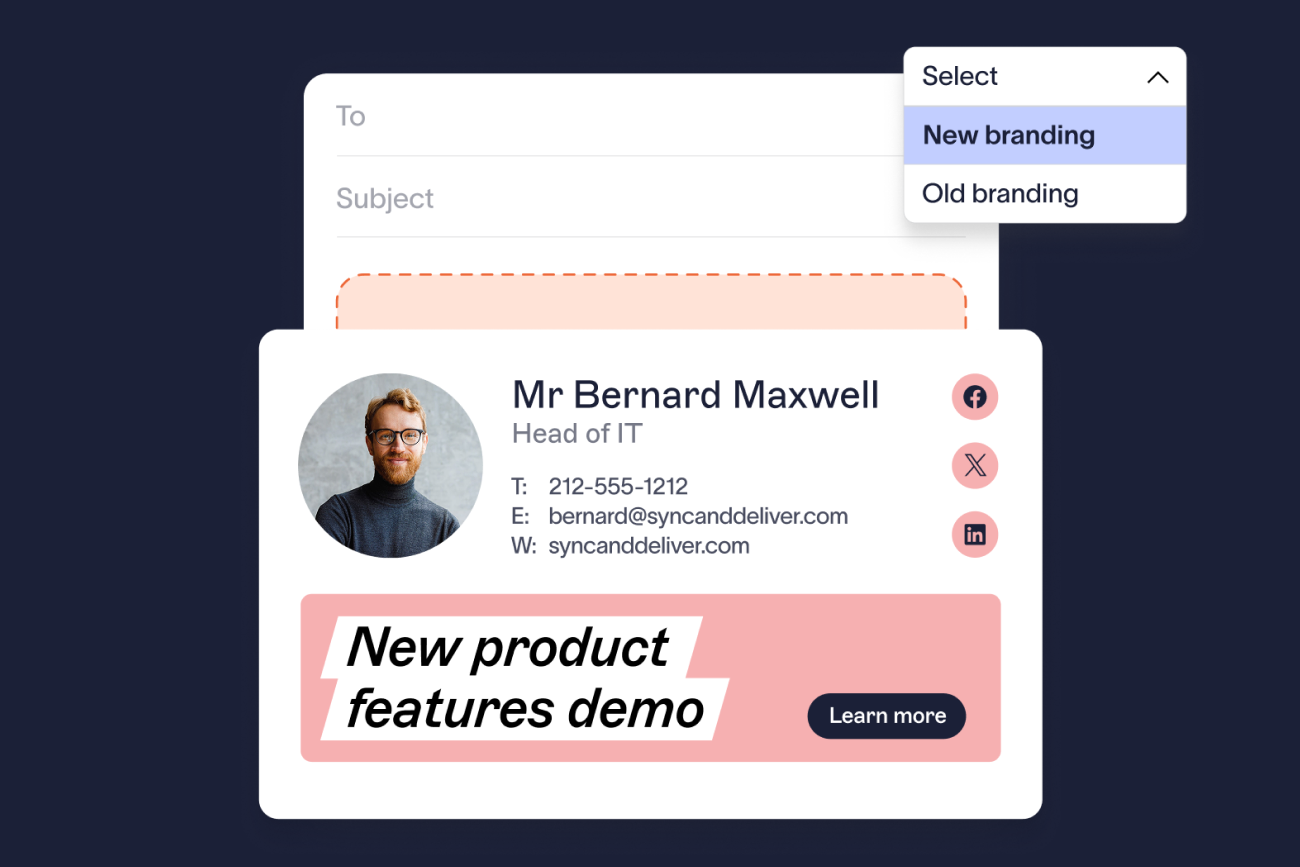
Create standardized templates and lock branding to prevent user edits
Sync directory data so user details update automatically in every signature
Apply rules to assign the right signature by role, region, or brand
Deploy signatures server-side so they’re applied consistently across all devices
Manage updates centrally and adjust templates or rules as integration progresses
Mergers and acquisitions are high-stakes. They come with significant costs, tight timelines, and pressure to present a unified organization from day one. In theory, everything should align quickly. In practice, it rarely does.
One of the first areas where this breaks down is email signatures. As teams and systems come together, employees continue using different formats, outdated company details, or missing disclaimers. That means inconsistent communication across every email your company sends.
Exclaimer gives IT a way to manage email signatures centrally across the entire organization. It allows teams to apply consistent branding and disclaimers, assign signatures using directory data, and roll out updates across all users without relying on manual changes.
This guide shows how to manage email signatures after a merger using Exclaimer, with a step-by-step approach that IT teams can apply immediately.
Key terms |
|
How to manage email signatures after a merger with Exclaimer
After a merger or acquisition, email signatures need to work across multiple systems, domains, and business units. Without a structured approach, inconsistencies build quickly.
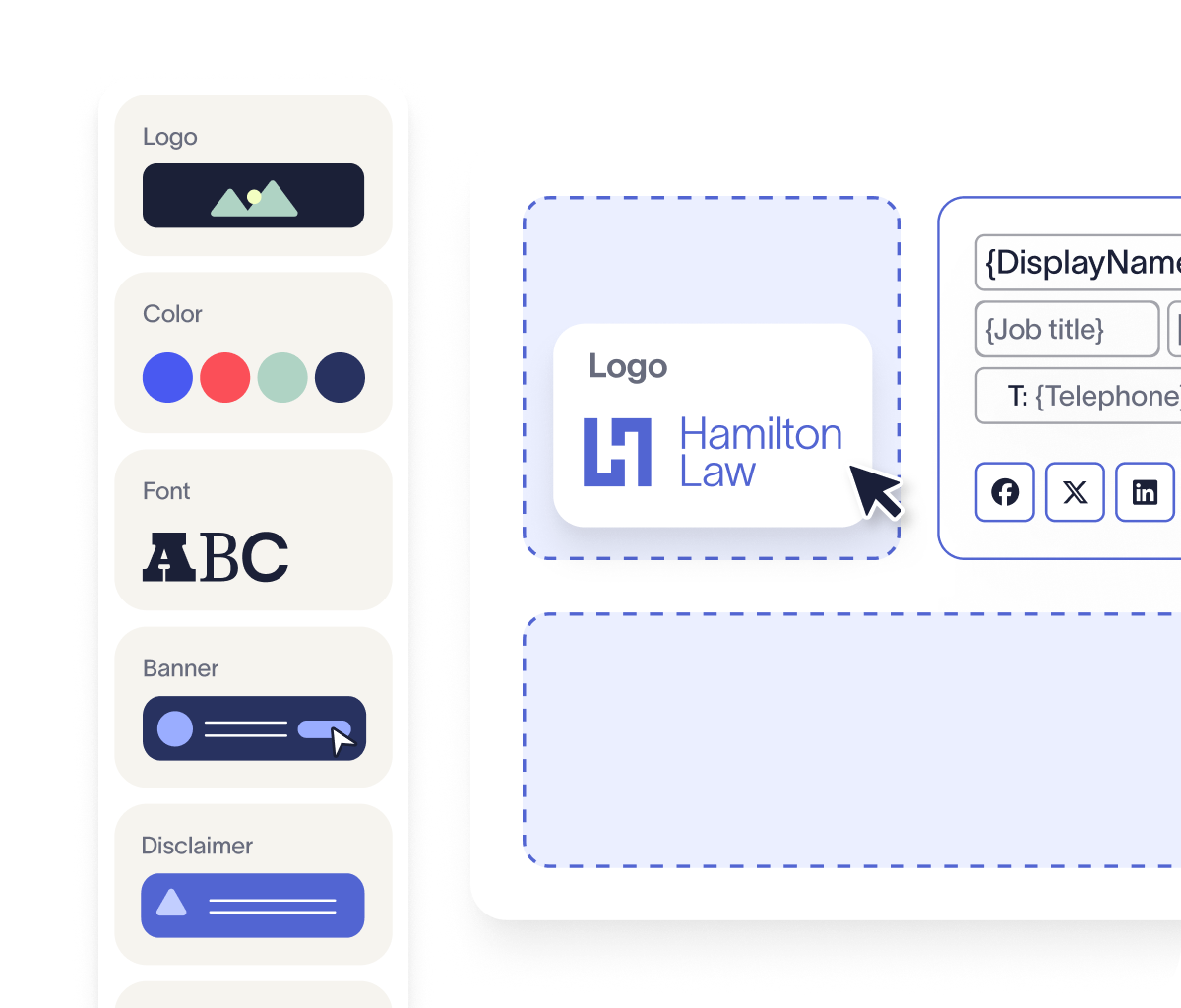
Exclaimer addresses this by combining centralized templates, directory sync, and rule-based assignment, so signatures can be managed consistently across the organization.
Follow these steps to standardize email signatures across merged teams.
1. Review signatures and platforms
Reviewing signatures and platforms is the essential first step to understanding what needs to change after a merger. Use the Exclaimer portal to assess what needs to change.
Compare formats from both organizations
Identify differences in branding and disclaimers
Confirm which email platforms are in use
Check how signatures are currently applied
2. Build templates in the editor
Building templates in the editor allows you to create a consistent foundation for all email signatures across the merged organization. Create templates using Exclaimer’s drag-and-drop editor.
Set a consistent layout and branding
Add user fields such as name, title, and contact details
Include required legal disclaimers
Lock elements so users can’t edit them
3. Sync directory data
To sync directory data after a merger, connect Exclaimer to Microsoft 365 or Google Workspace and pull user attributes automatically from Entra ID or Google Directory.
Pull user attributes from Entra ID or Google Directory
Map fields directly into the template
Keep signatures updated as user data changes
4. Apply rules across teams, brands, and scenarios
Applying rules across teams, brands, and scenarios enables you to manage variation without losing central control. Use signature rules to manage variation across the merged organization.
Assign signatures by department, role, or region
Apply different signatures for internal and external emails
Set variations for replies and forwards
Support multiple brands or domains in one setup
Apply specific disclaimers where required
5. Deploy signatures across all devices
Deploying signatures across all devices ensures consistent formatting regardless of how employees access email. Set up server-side deployment in Exclaimer.
Apply signatures as emails are sent
Maintain consistent formatting across desktop, web, and mobile
Remove reliance on user-installed signatures
6. Give teams access without losing control
Giving teams access without losing control allows Marketing and IT to collaborate effectively on signature management. Use role-based access control to manage ownership.
Allow Marketing or Communications to update templates
Keep IT in control of rules, deployment, and permissions
Limit who can edit specific elements
7. Preview and test before rollout
Previewing and testing before rollout helps confirm that signatures appear correctly across all user groups and devices. Use built-in preview and testing tools.
Check how signatures appear during email composition (Outlook Add-in)
Validate rule assignments across user groups
Confirm disclaimers and user data are correct
8. Manage updates and phased changes centrally
Managing updates and phased changes centrally allows you to adjust signatures as integration progresses without manual intervention. All updates are handled in the Exclaimer portal.
Update templates once and apply changes across all users
Schedule updates for phased rollout during integration
Adjust rules as teams or structures change
Mergers often require staged communication. Exclaimer allows you to run different templates and rules in parallel, then update them centrally as integration progresses.
What problems do email signatures cause after a merger?
After a merger, email signatures become inconsistent across the organization.
 Each company starts with its own formats, templates, and rules. As teams and systems come together, those differences begin to show in everyday communication.
Why do email signatures look different across merged teams?
Employees continue using existing signatures. Some follow previous brand guidelines, while others make their own changes. Over time, this leads to noticeable differences in layout, structure, and branding across the organization.
External recipients see different versions of the company depending on who sends the email, which makes the organization appear fragmented.
Why do merged company emails still show old contact details?
Company names, job titles, and contact details often change during a merger. Without a central way to update signatures, older information remains in use.
As a result, emails may include incorrect details, which creates confusion and slows down communication.
How do disclaimer gaps create compliance risk after a merger?
Legal requirements can differ between entities. During a merger, email disclaimers are often applied unevenly or removed.
This increases risk, especially in regulated industries where specific wording needs to be included in every email.
How do multiple email platforms cause signature management problems?
Merged organizations often use a mix of Microsoft 365, Google Workspace, or legacy systems. Each environment handles signatures differently.
Because of this, IT teams end up managing updates separately, which adds effort and makes it harder to maintain consistency.
Why do manual email signature updates fail during a merger?
Sending templates or instructions to employees doesn’t work at scale. Updates are missed, formatting changes, and support requests increase.
Over time, this creates ongoing maintenance work for IT and leaves signatures inconsistent across the organization.
Why does manual email signature management fail after a merger?
Manual processes don’t scale once organizations merge and systems need to be aligned.
Employees are responsible for updating signatures, which means changes are often missed or applied inconsistently
Different platforms require separate configuration, so signatures are managed in different ways across the organization
Branding and disclaimers vary across teams when there is no central control in place
Updates take time to roll out, which leads to delays and inconsistent communication during integration
How Exclaimer improves this
Templates provide a consistent structure for formatting and branding across all users
Directory sync keeps user data aligned with current information without manual updates
Rules assign the correct email signature based on role, region, or entity
Server-side deployment applies email signatures automatically to every email, regardless of device
Common challenges when managing email signatures during a merger
Email signature issues don’t stay contained during a merger. They tend to appear early in day-to-day communication, often before other systems are fully integrated.
These are the most common problems teams run into.
Challenge | Impact | Exclaimer solution |
Mixed branding across outbound emails | External contacts receive emails with different company names, logos, and messaging, creating confusion and affecting perception | Templates standardize signatures across all users; variations for different brands can be controlled from one place |
Old company details still in use | Emails include outdated job titles or incorrect contact details, slowing communication and creating unnecessary follow-ups | User data is pulled from your directory and applied to signatures automatically |
Disclaimers don't align across entities | Compliance gaps occur when disclaimers are applied inconsistently or missed entirely | Disclaimers are applied through rules based on user or recipient conditions |
Separate systems create fragmented control | IT teams manage updates in parallel across multiple email platforms, increasing effort and reducing visibility | Signatures are managed in one platform and applied across supported email environments |
Manual processes slow everything down | Instructions are missed, formatting changes, and support requests increase, adding pressure to IT teams | Signatures are applied automatically as emails are sent, removing the need for user action |
Limited visibility during rollout | Difficult to confirm that updates have been applied correctly across all users | Signatures can be previewed and tested before rollout, with updates adjusted centrally |
How do you bring email signatures under control after a merger?
Managing email signatures during a merger requires a clear way to apply changes across the entire organization.
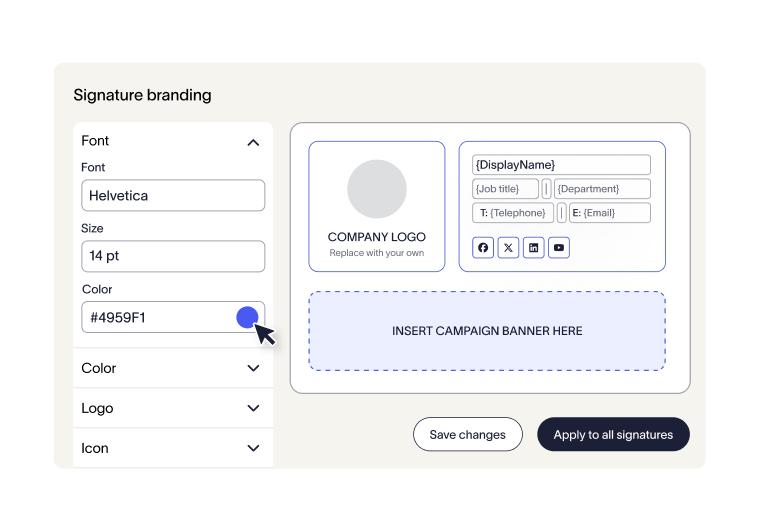 Without that, differences in branding, user details, and disclaimers start to appear in everyday emails. These inconsistencies are visible to customers and partners, and they create additional work for IT when handled manually.
Post-merger integration depends on standardizing how teams operate and communicate. Email signatures are one of the fastest areas to bring under control, because they are applied across every user and every email.
With Exclaimer's platform, email signatures are managed centrally from one place. Templates define how signatures are structured, rules control where they’re applied, and directory sync keeps user details up to date. Changes are made once and applied across all users, which keeps communication consistent as teams and systems come together.
How Exclaimer solves post-merger email signature challenges |
|
Start a free trial of Exclaimer
If you need a way to manage email signatures across merged teams, you can try Exclaimer in your own environment before rolling it out more widely.
Set up templates, connect your directory, and apply signatures across Microsoft 365 or Google Workspace. You can test how signatures are assigned, confirm how updates are applied, and see how the setup works within your existing systems.
Start a free trial to see how it works in practice and how quickly you can standardize email signatures across your organization.