The ultimate guide to managing email signatures for multiple brands with Exclaimer
26 March 2026
0 min read
TL;DR
Centralize control: Use Exclaimer to manage email signatures for multiple brands or business units from a single platform.
Create brand-specific templates: Design and maintain unique email signature layouts for subsidiaries, regions, or departments.
Apply rule-based assignments: Automatically assign the correct email signature using signature rules based on brand, role, or location.
Sync directory data automatically: Integrate with Microsoft 365 or Google Workspace to keep user details accurate and up to date.
Update once, apply everywhere: Deploy changes instantly across all users, devices, and email clients to maintain consistent branding.
Reduce manual effort: Minimize IT workload while enabling marketing teams to manage email signature branding at scale.
Managing email signatures across multiple brands introduces operational and governance challenges that extend beyond simple formatting. Without centralized control, organizations struggle to maintain consistent branding, accurate contact details, and standardized messaging across subsidiaries, departments, and regions. These inconsistencies surface in everyday communications, weakening brand credibility and creating unnecessary administrative overhead.
For IT, maintaining alignment across multiple entities is time-consuming. For marketing, inconsistent signatures weaken brand integrity and reduce the impact of every email sent. The complexity increases further in Microsoft 365 and Google Workspace environments, where users send emails from multiple devices and locations.
Exclaimer simplifies multi-brand email signature management through a centralized cloud platform. Organizations can create brand-specific templates, apply signatures using rule-based deployment, and sync user data automatically from Microsoft 365 or Google Workspace directories.
The challenge of managing email signatures across multiple brands
Managing email signatures across multiple brands or business units is difficult because each entity requires distinct branding, messaging, and contact details, yet every email must remain consistent and professional. As organizations expand through subsidiaries, regional divisions, or acquisitions, maintaining alignment across all communications becomes increasingly complex.
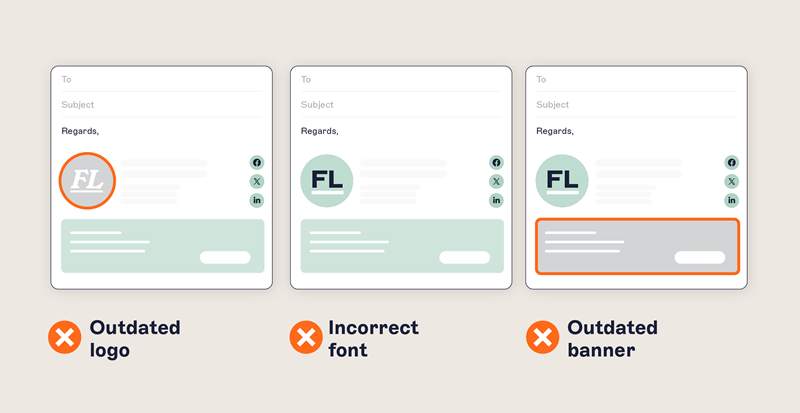
Inconsistent branding across business units
Without centralized control, employees often create and update their own email signatures. This leads to inconsistencies that weaken brand identity and reduce professionalism.
Common issues include:
Outdated or incorrect logos and branding elements
Inconsistent fonts, layouts, and messaging across brands
Misaligned signatures between subsidiaries or departments
Broken formatting on mobile and web email clients
Manual processes create operational strain
Managing multi-brand email signatures manually places a continuous burden on IT and limits marketing’s ability to maintain brand consistency. Every rebrand, personnel change, or acquisition requires time-consuming updates across the organization.
Typical challenges include:
Repeated support tickets for email signature changes
Manual deployment using scripts, mail flow rules, or user instructions
Delays in rolling out branding updates across multiple brands
Limited visibility and control over signature usage
Complexity across Microsoft 365 and Google Workspace
In Microsoft 365 and Google Workspace environments, employees send emails from desktops, mobiles, and web clients. Without automated deployment, maintaining consistent email signature branding across devices and locations becomes difficult.
Key challenges include:
Inconsistent signatures across devices and email clients
Difficulty assigning brand-specific templates by region, department, or subsidiary
Inaccurate contact details due to manual updates
Limited governance over email signature branding at scale
Why it matters
Every employee email represents the organization’s brand. Inconsistent email signatures across multiple brands create confusion, weaken credibility, and reduce professionalism.
For enterprises managing multiple entities or operating globally, standardized email signature branding is essential to maintaining trust and brand integrity.
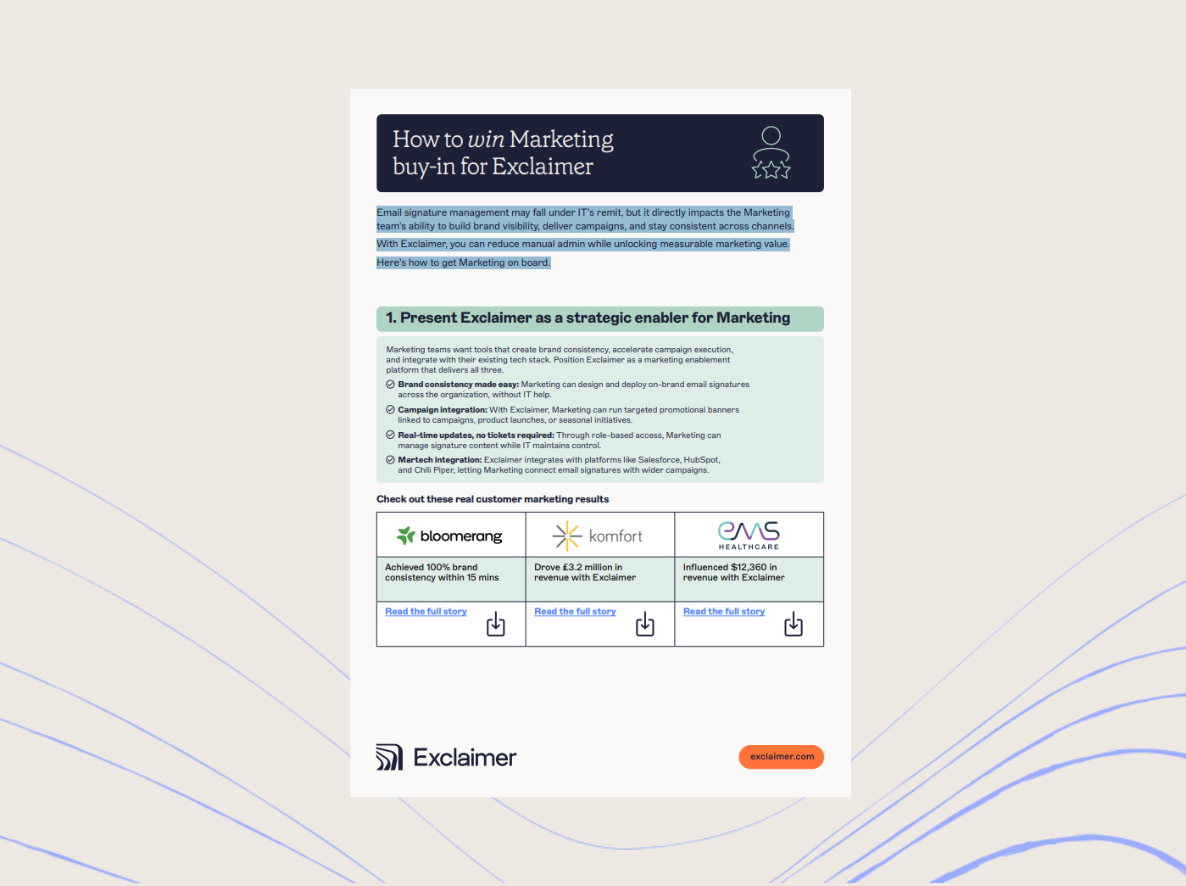
To help marketing teams adopt best practices and scale control across brands, check out our Email Signatures for Dummies guide.
How to manage email signatures across multiple brands with Exclaimer
Managing email signatures across multiple brands or business units with Exclaimer means designing brand-specific templates, syncing user data automatically, and deploying updates across every user, device, and email platform from a centralized cloud platform.
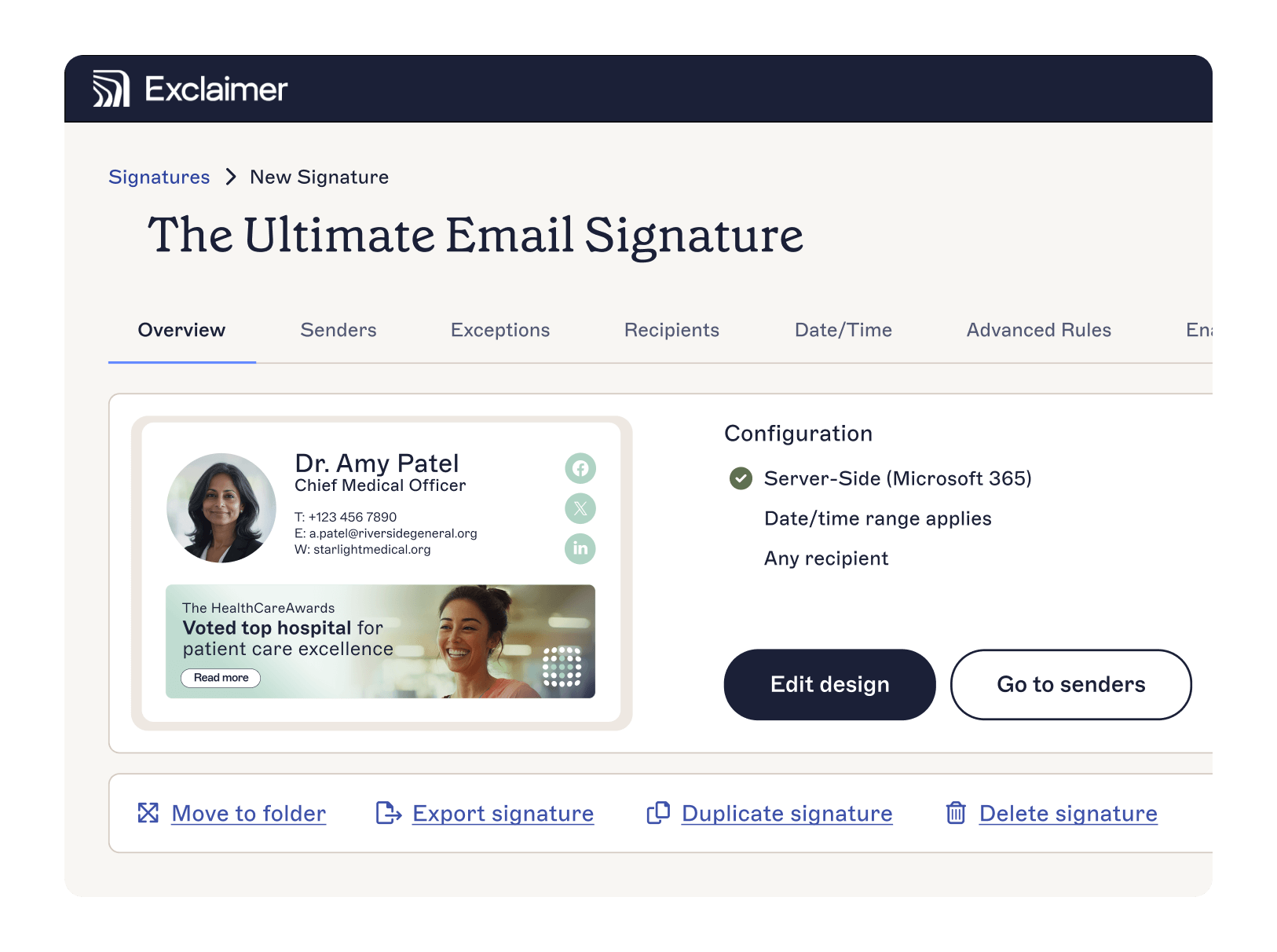
To manage multi-brand email signature branding effectively, organizations need control over design, user data, governance, and deployment—capabilities that Exclaimer brings together in a single solution.
Email signatures are among the most frequent branded interactions your customers see. Multiply employee count by email volume, and you’re looking at thousands of daily impressions—every one shaping brand perception.
Step 1: Design brand-specific email signatures
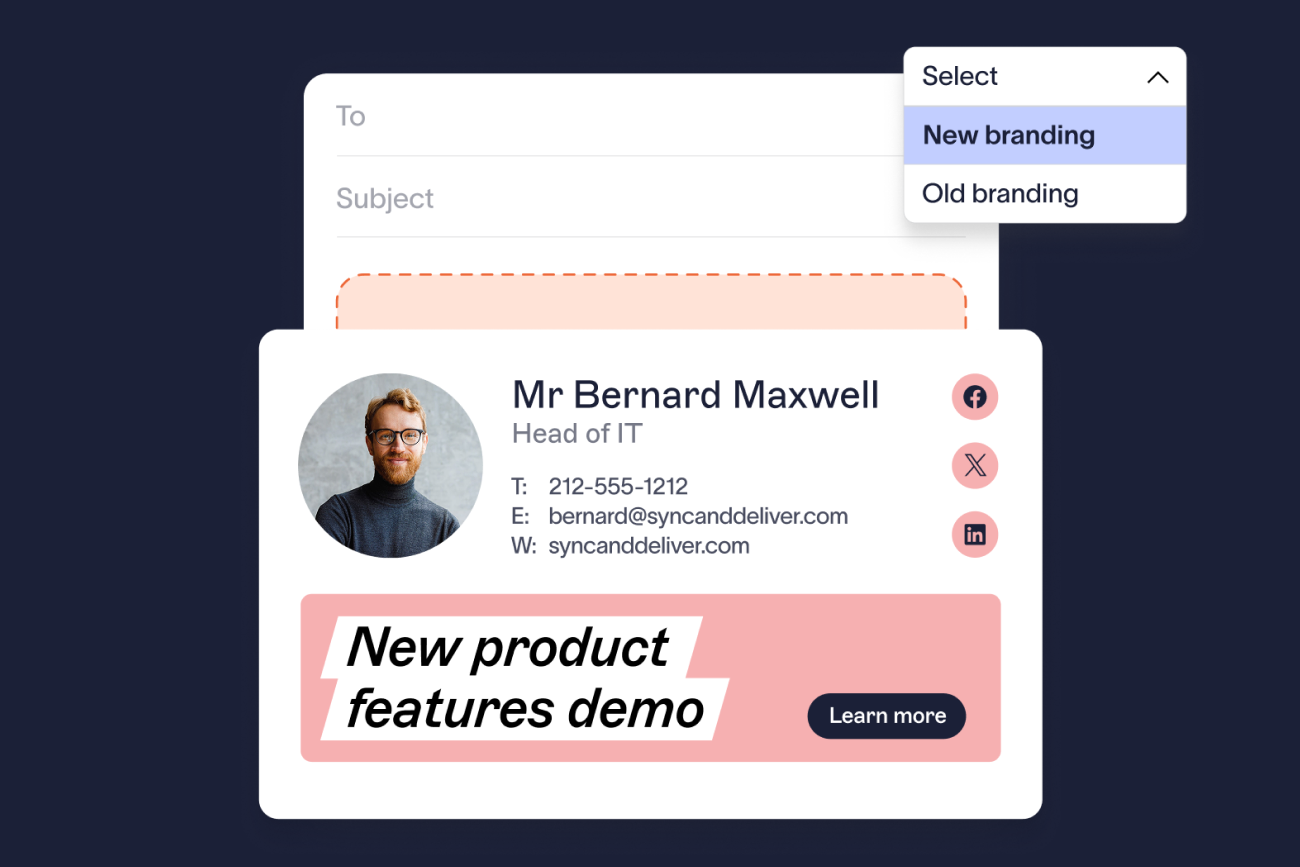
Create templates tailored to each brand, subsidiary, or business unit while maintaining consistency across the organization.
Exclaimer’s Brand Kits store approved logos, colors, fonts, and visual elements in one place. These assets can be applied across all templates, ensuring consistent branding without updating each signature individually.
The drag-and-drop designer enables marketing teams to build and update templates quickly while preserving approved brand standards.
Step 2: Sync user data automatically
Email signatures rely on accurate employee details such as names, job titles, and contact information.
Exclaimer connects directly to Microsoft Entra ID (Azure AD) and Google Directory, automatically pulling user data into signatures. Any updates to employee information are reflected instantly without manual edits.
Step 3: Deploy brand-specific signatures across all users
Apply the correct email signature to each user from a central platform.
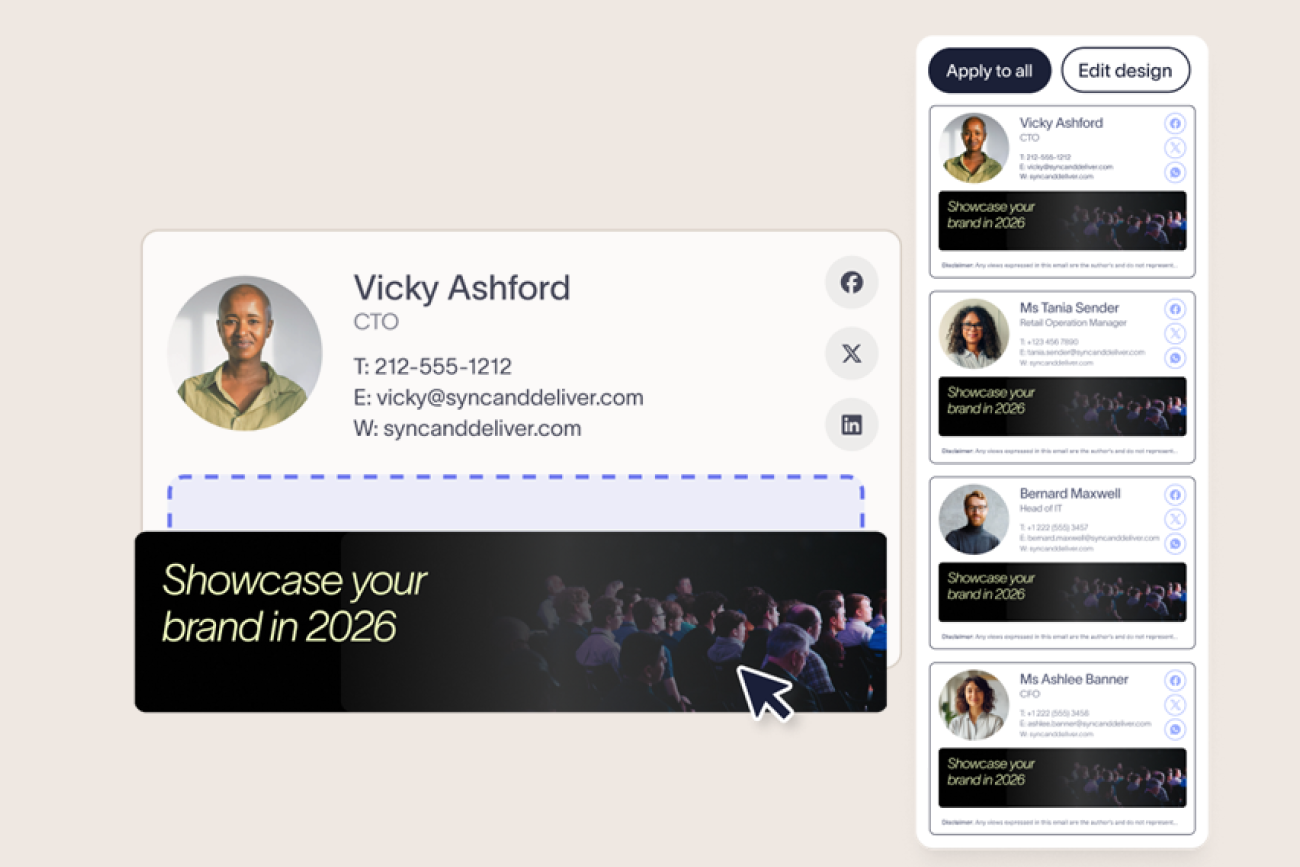
Exclaimer’s signature rules assign signatures based on attributes such as brand, department, location, or role. Updates are deployed across the entire organization simultaneously, removing the need for individual configuration.
Step 4: Apply signatures across every device and email client
Employees send emails from desktops, mobiles, and web clients. Signatures must remain consistent across all platforms.
Exclaimer uses server-side deployment to apply signatures after an email is sent, ensuring every message includes the correct branding regardless of device or email client.
Step 5: Manage branding beyond email signatures
Extend brand consistency across meetings and legal communications.
Exclaimer’s Meeting Branding enables organizations to apply branded visuals and information to meeting invitations, while the Disclaimers feature automatically appends legal text and compliance messaging to emails based on rules and user attributes.
Step 6: Maintain control with delegated access
After deployment, governance and flexibility are essential to maintaining consistency across multiple brands.
Exclaimer uses role-based access control (RBAC) to define who can design, edit, and deploy signatures. IT retains oversight, while marketing and compliance teams manage approved content such as branding elements, campaigns, or disclaimers.
How this helps:
Maintain centralized governance with delegated control
Enable marketing to update branding without IT involvement
Allow compliance teams to manage legal and regulatory messaging
Reduce administrative overhead while preserving oversight
Benefits of Exclaimer vs. manual management
Exclaimer simplifies what manual processes make difficult. Whether you’re managing three brands or thirty, two regions or twenty, it brings control and consistency to one of your most visible brand channels—without scripts or IT support.
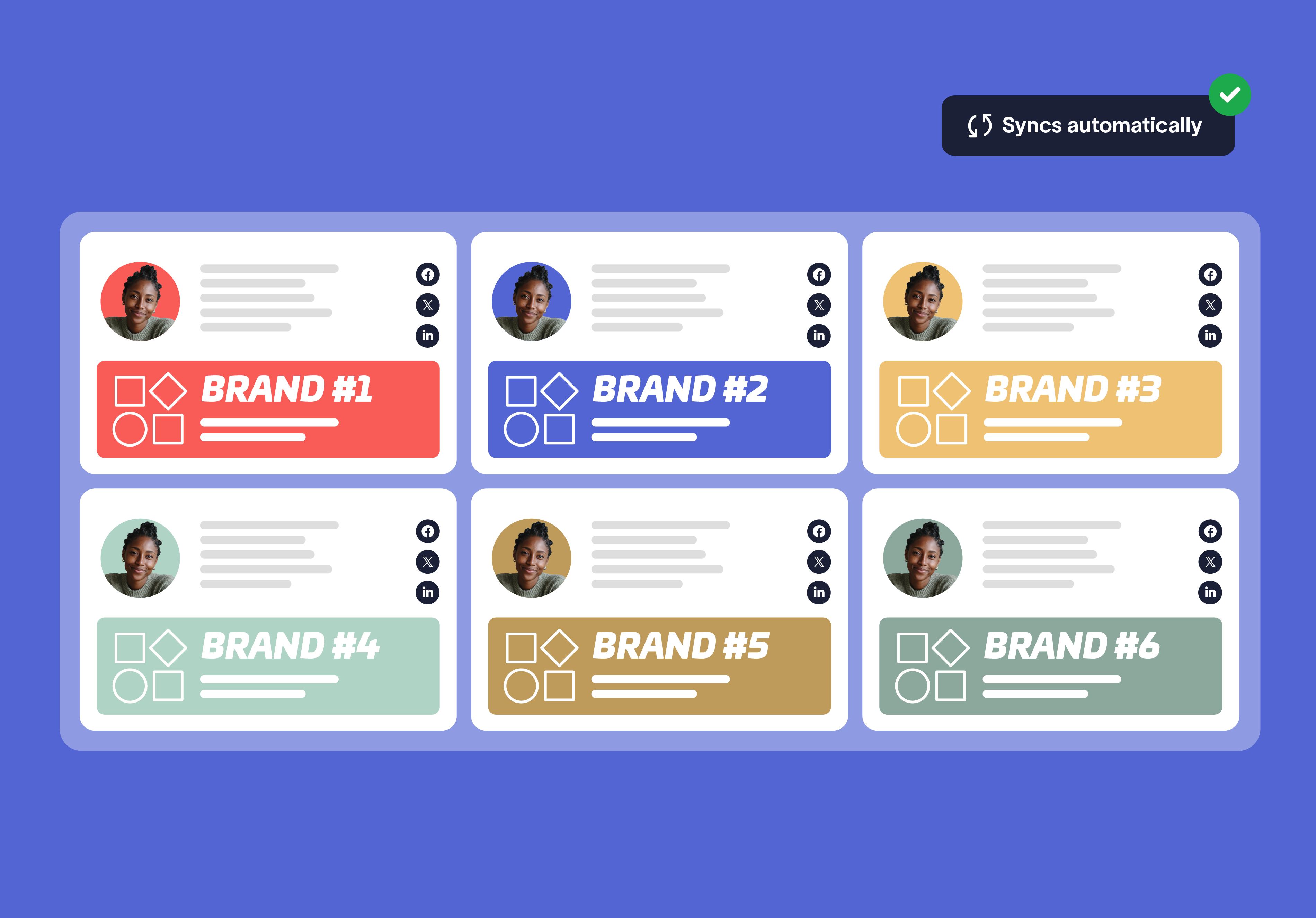
Centralized control and automated deployment
Manual email signature management relies on employees or IT scripts to update signatures, leading to delays and inconsistencies. Exclaimer centralizes control and automates deployment using signature rules and server-side technology.
With Exclaimer:
Manage all signatures from a single platform
Assign brand-specific signatures automatically
Deploy updates instantly across Microsoft 365 and Google Workspace
Apply consistent signatures across all devices
Manual management:
Requires individual updates and ongoing maintenance
Relies on scripts, mail flow rules, or user instructions
Causes delays during rebrands or organizational changes
Results in inconsistent signatures across devices
Consistent branding and compliance across business units
Maintaining consistent email signature branding across subsidiaries and departments is difficult without centralized tools. Exclaimer standardizes branding and automates disclaimers to support governance and compliance.
With Exclaimer:
Standardize branding across multiple brands and business units
Apply Brand Kits for approved logos, fonts, and colors
Extend branding to meeting invitations with Meeting Branding
Automate legal disclaimers by brand, region, or department
Manual management:
Relies on employees to follow brand guidelines
Produces inconsistent logos, layouts, and messaging
Requires manual updates to legal and compliance text
Increases risk of non-compliance
Operational efficiency and delegated governance
Manual management consumes IT resources and limits marketing’s ability to maintain brand consistency. Exclaimer streamlines administration while enabling secure delegation.
With Exclaimer:
Sync user data automatically from Microsoft Entra ID and Google Directory
Reduce support tickets and administrative workload
Enable marketing and compliance teams to manage approved content
Maintain oversight with role-based access control (RBAC)
Manual management:
Requires manual updates for personnel changes
Creates ongoing IT support requests
Slows campaign rollouts and branding updates
Offers limited governance and visibility
Capability | Exclaimer | Manual management |
|---|---|---|
Centralized control | Single platform for all signatures | Decentralized and user-dependent |
Multi-brand support | Automated brand-specific assignments | Manual configuration required |
Deployment | Server-side deployment across all devices | Inconsistent rollout across platforms |
Directory synchronization | Sync with Microsoft 365 and Google Workspace | Manual updates required |
Branding | Brand Kits and standardized templates | Inconsistent logos and formatting |
Meeting branding | Branded meeting invitations | Not supported |
Disclaimers and compliance | Automated legal disclaimers | Manual updates and higher risk |
Delegated access | Role-based access control (RBAC) | Limited governance |
Operational efficiency | Reduced IT workload and support tickets | Time-consuming and error-prone |
How complex organizations use Exclaimer without the complexity
Exclaimer simplifies what manual processes make difficult. Whether you’re managing three brands or thirty, two regions or twenty, it brings control and consistency to one of your most visible brand channels—without scripts or IT support.
Here’s how some of the world’s most recognized companies use Exclaimer to simplify email signature management.
Multi-brand organizations
A global manufacturing group manages email signatures for three distinct brands. Each brand’s layout, logo, and legal structure is governed by that division’s brand manager.
Updates are made centrally, deployed instantly, and monitored with audit logs.
“Exclaimer allows for a dedicated set of managers at each business unit to admin the users while also being able to duplicate, copy, and modify email signatures from other business units to allow for more cohesive brand styling between our business units and the parent company.” — G2 reviewer
Multi-region compliance
An enterprise financial services provider applies region-specific disclaimers based on user location. Legal requirements vary across the U.S., EMEA, and APAC, but updates are made once in the brand library and applied automatically. There’s no confusion about what’s approved or up to date.
Multi-department campaigns
A tech company’s HR team promotes recruitment campaigns in employee email signatures, while marketing runs webinars. Campaigns are scheduled in advance, targeted by department, and published globally—no user action required.
“It just works and has given us flexibility in aligning our email signatures to sales and marketing efforts. It keeps the marketing team happy and helps us meet legal requirements for disclaimers.” — G2 reviewer
Franchise and partner models
A national insurance network manages over 100 partner offices under one shared brand. Each office uses a centrally approved email signature with localized contact details and marketing banners. Edit access is restricted to protect brand integrity.
Reclaim control over multi-brand email signatures
To manage email signatures across multiple brands or business units, organizations need centralized control, automated deployment, and consistent branding. Exclaimer delivers multi-brand email signature management from a single platform, enabling IT, marketing, and compliance teams to standardize templates, sync user data, and apply signatures across Microsoft 365 and Google Workspace.
 With features such as Brand Kits, Meeting Branding, Disclaimers, signature rules, and server-side deployment, Exclaimer helps organizations maintain brand consistency, enforce compliance, and reduce administrative effort at scale.
Trusted by over 75,000 organizations and delivering more than 20 billion email signatures annually, Exclaimer supports consistent, professional branding across complex global environments.
Book a personalized demo to test multi-brand email signature management in your own environment.