





Clear visibility into login activity
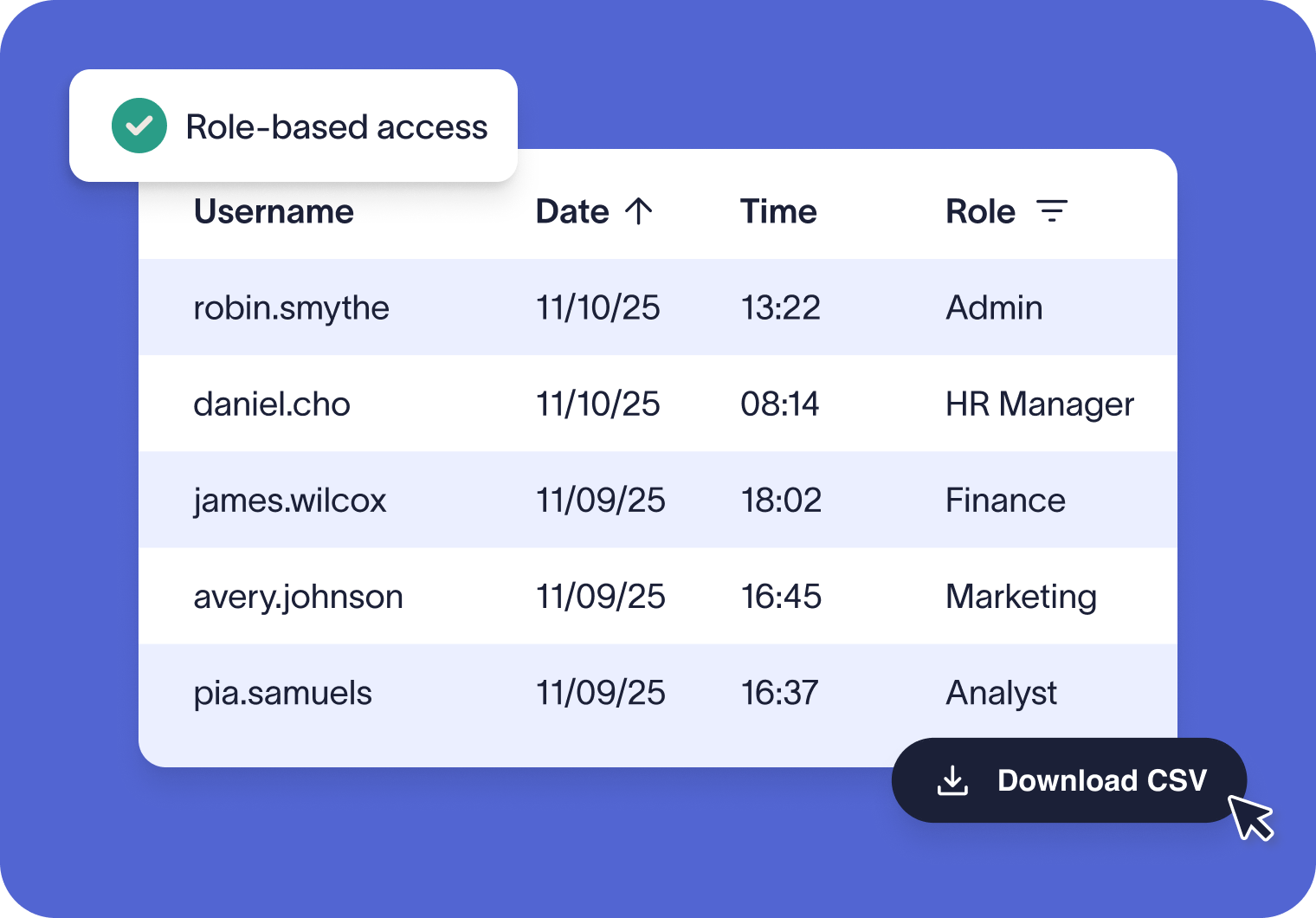
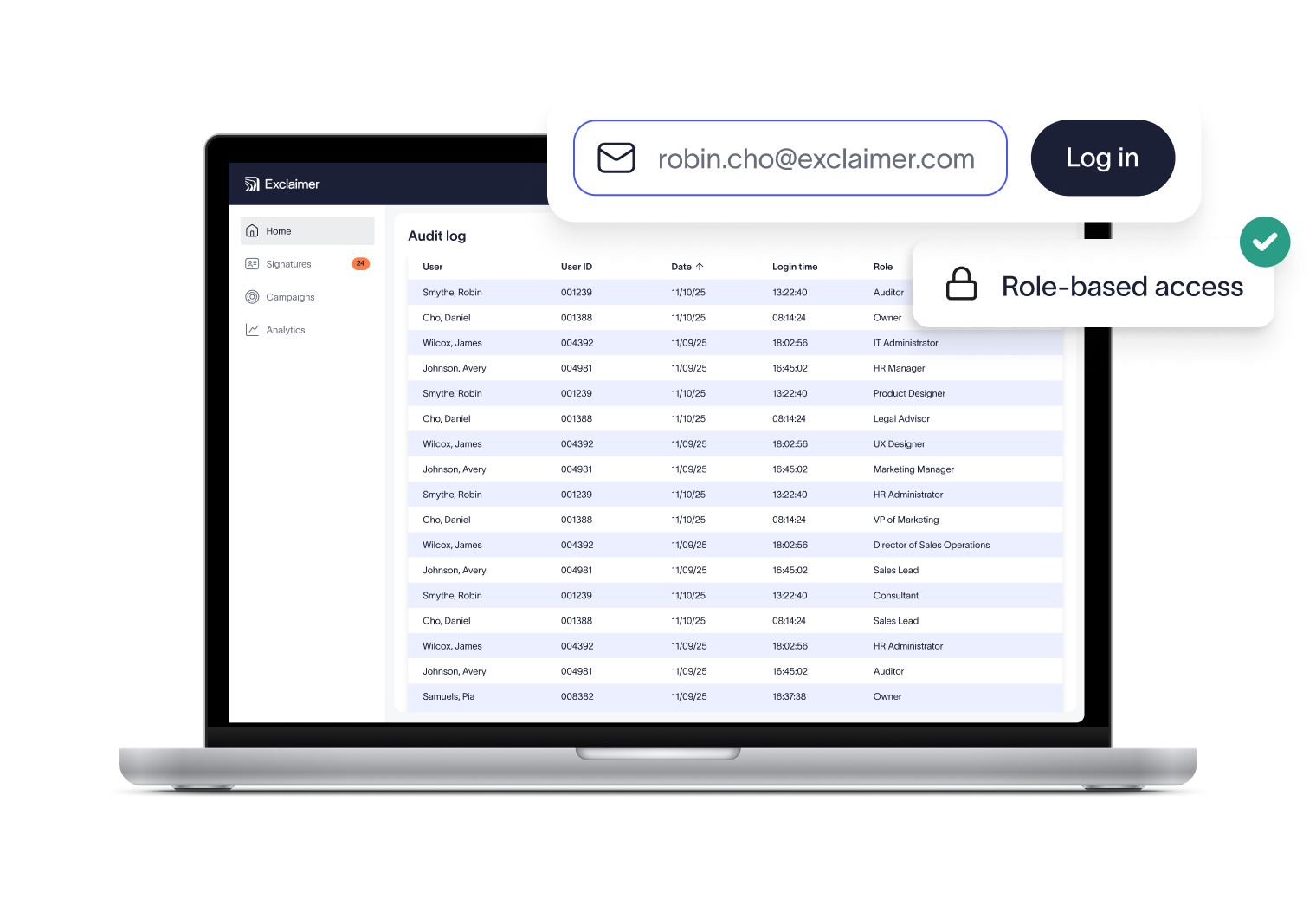
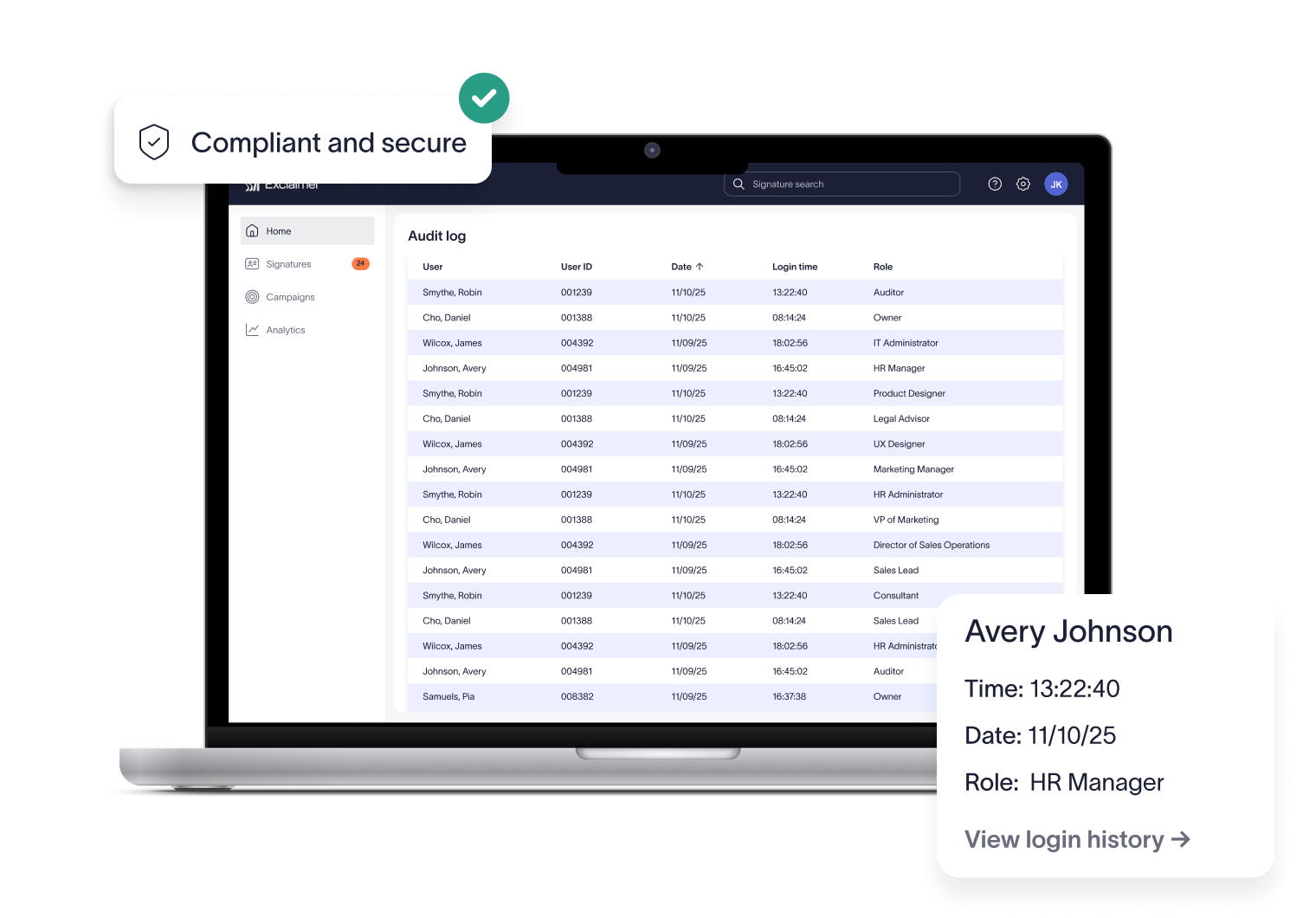
Access to the Audit Log is restricted to Owners and Auditors only. This role-based control helps organizations meet GDPR and other data privacy requirements while giving auditors verified evidence of system access.
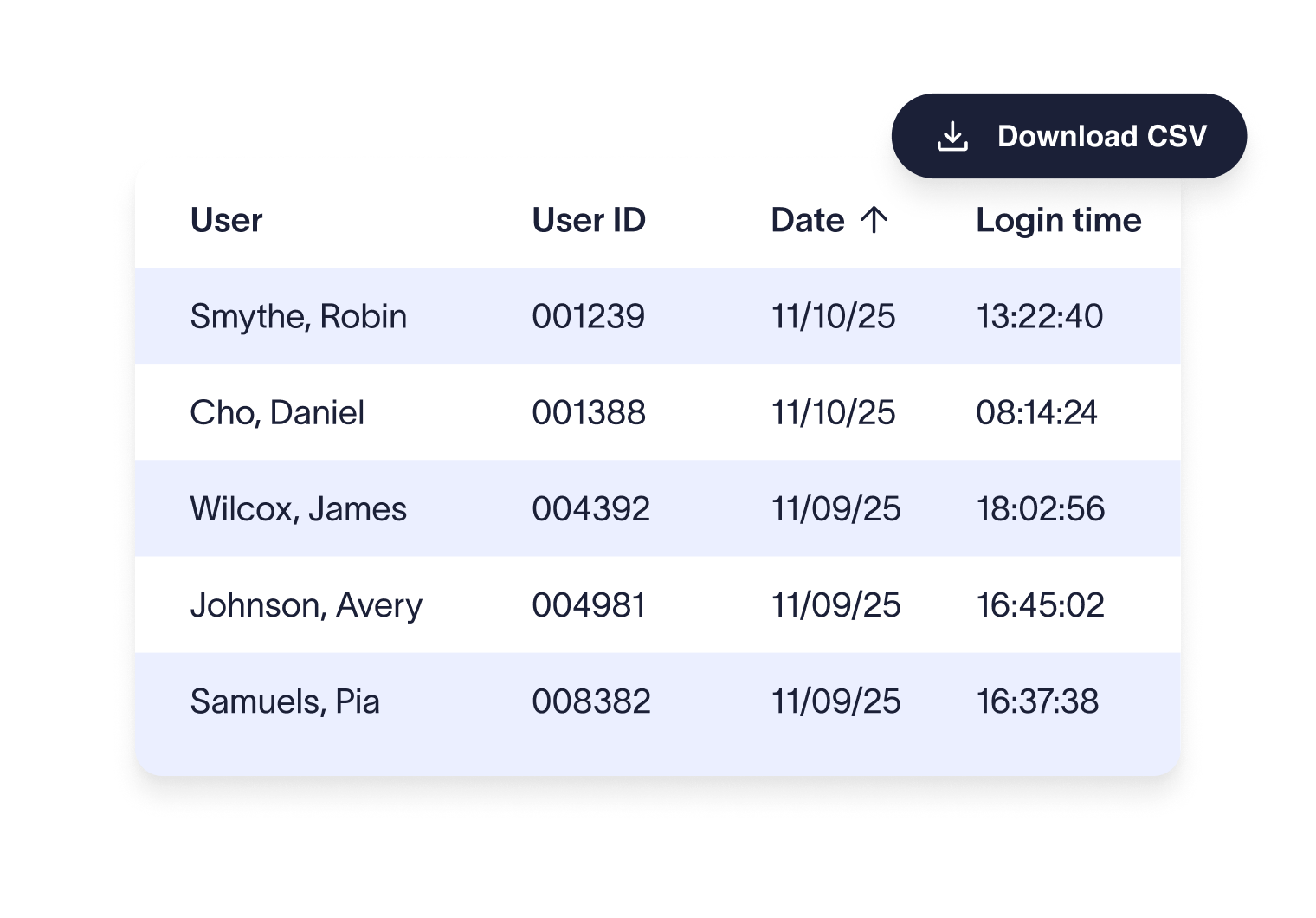
No more digging through logs or raising support tickets. The Audit Log provides instant access to login data, saving your team valuable time and keeping IT focused on higher-priority work.


Score 4.5 of 5
"A signature management tool that works faultlessly"
Prior to discovering Exclaimer Cloud, our small business was using homemade templates in Microsoft365 which failed to produce the results we wanted across the range of devices our...


Score 9.2 of 10
"Decent email signature manager with great flexibility"
Our company basically has 4 separate business units that need to appear "somewhat" cohesive while also still remaining separate and free to create their own email signatures. Excla...


Score 4.6 of 5
"Excellent service, takes all the hassle out of Office 365 Signatures!"
Simple pricing shown on their website rather than having to request a quote. Simple to set up with automated systems to configure your account and Office 365, linking the two toget...

Score 4.5 of 5
"Auto organisational signatures, bye bye messy signatures"
The integration with Office 365 is excellent. The template editor lets you have different signatures for different users, departments or groups. You can change the email signatures...

Score 4.5 of 5
"Professional signatures, very versatile"
The features I most use are the signature tester and troubleshooters, which can help you to determine what signature a particular user will get when sending to certain recipients....
Trusted by 9 million email accounts worldwide






Frequently asked questions
Access is limited to Owners and Auditors in Exclaimer. This role-based control keeps sensitive login data restricted to the right people.
The Audit Log creates a verifiable trail of system access, showing exactly who signed in and when. This ensures only authorized users can access sensitive data and helps demonstrate GDPR compliance through strict role-based controls.
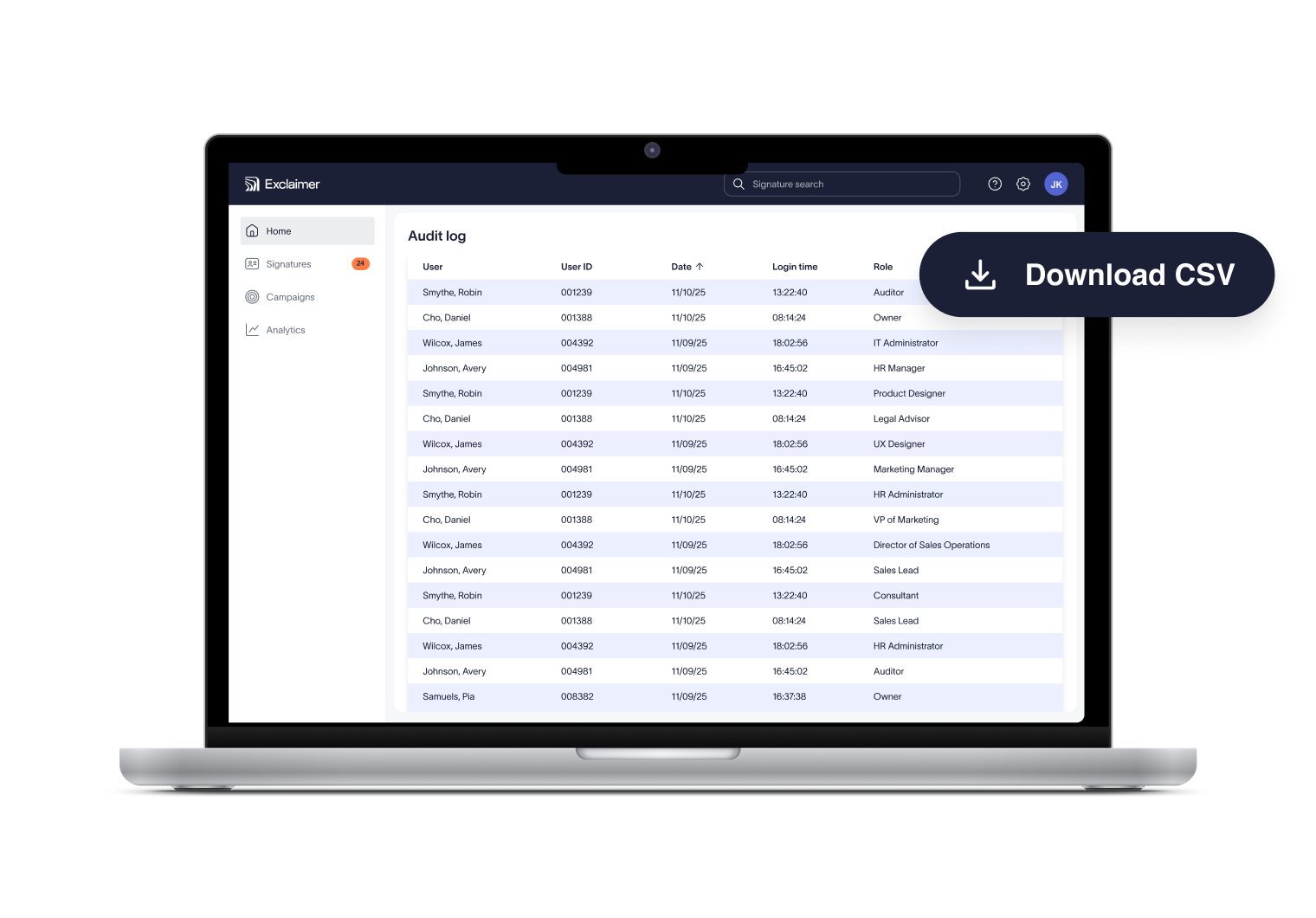
During audits, organizations often need to show evidence of system access. The Audit Log provides time-stamped records that can be downloaded instantly, making it straightforward to prove that access is restricted, monitored, and documented in line with financial, healthcare, or other industry regulations.
Audit Log data is secured with encryption and strict access controls, ensuring only authorized personnel can view or download reports.
Not at this time. Reports are generated on demand so you’re always working with the latest login data when you need it.
The Audit Log is available on Pro plans only, and access is limited to users with the Owner or Auditor role.
Exclaimer has been the leading signature management solution for 25 years. We are the only solution that has a 100/100 security scorecard. Our modern technology will save your team time, save your business money, and allow you to easily implement disclaimers and brand requirements across signatures.



Confidence in every email signature
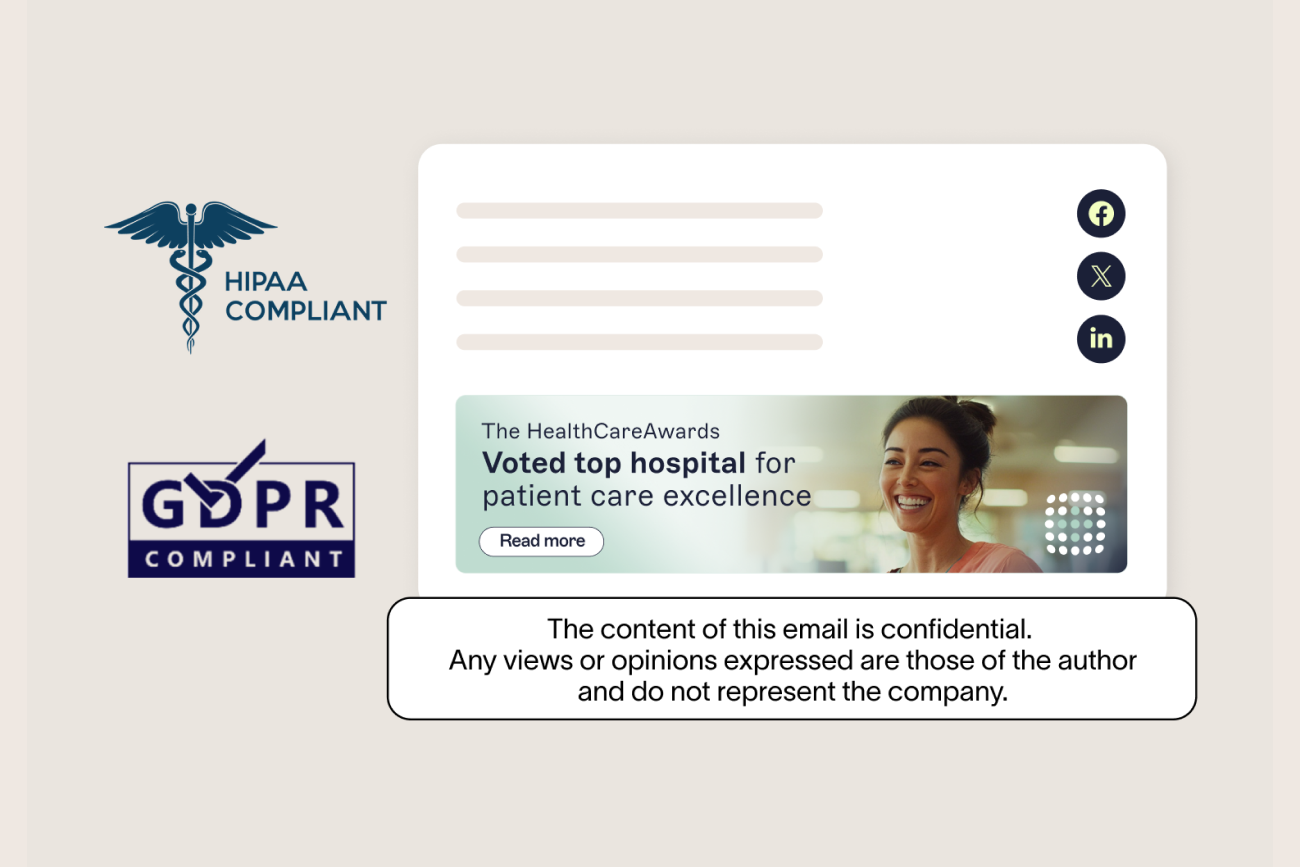
Exclaimer removes the manual burden of email signature management. With centralized control, IT saves time while compliance teams gain confidence that every email meets requirements.