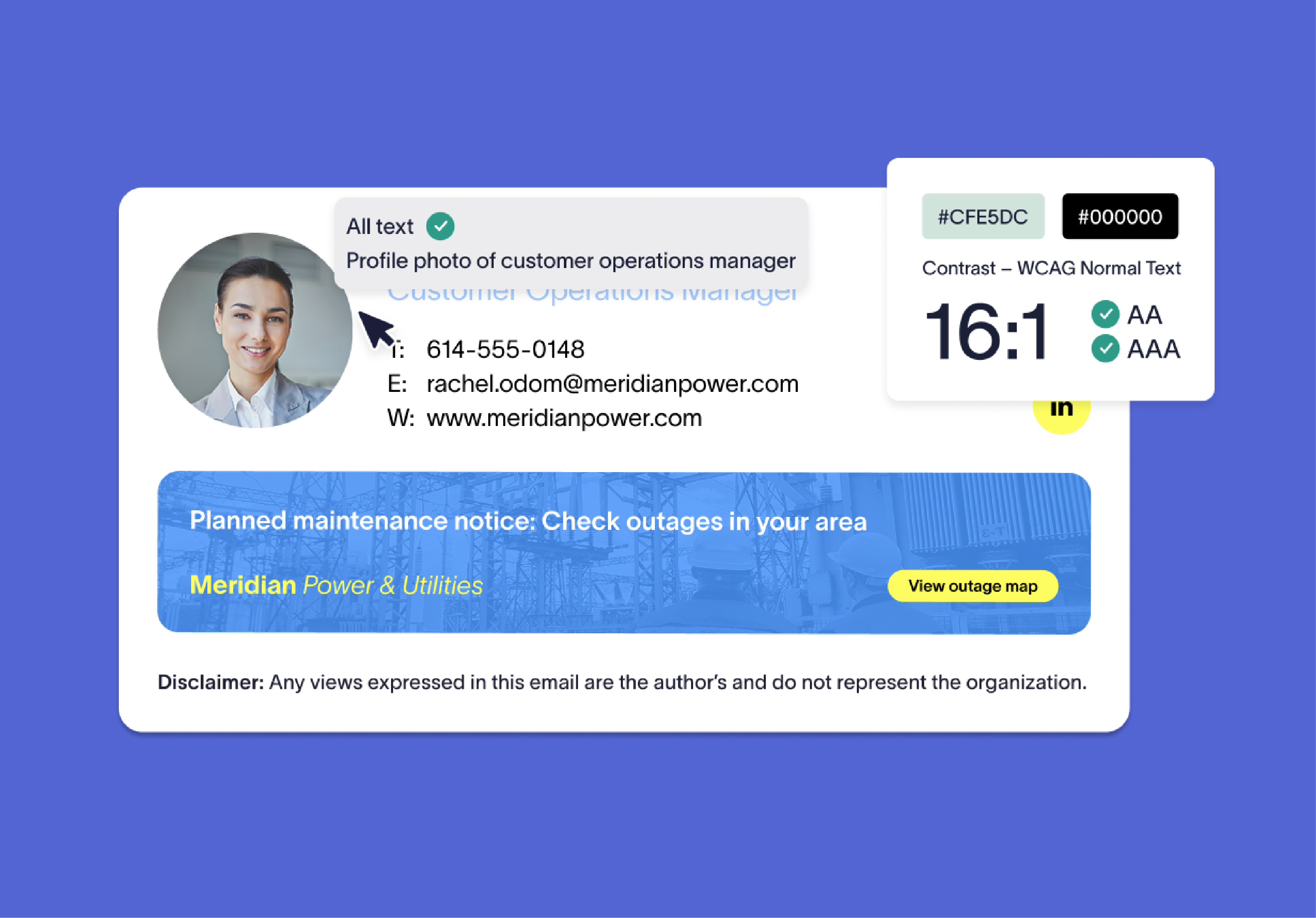
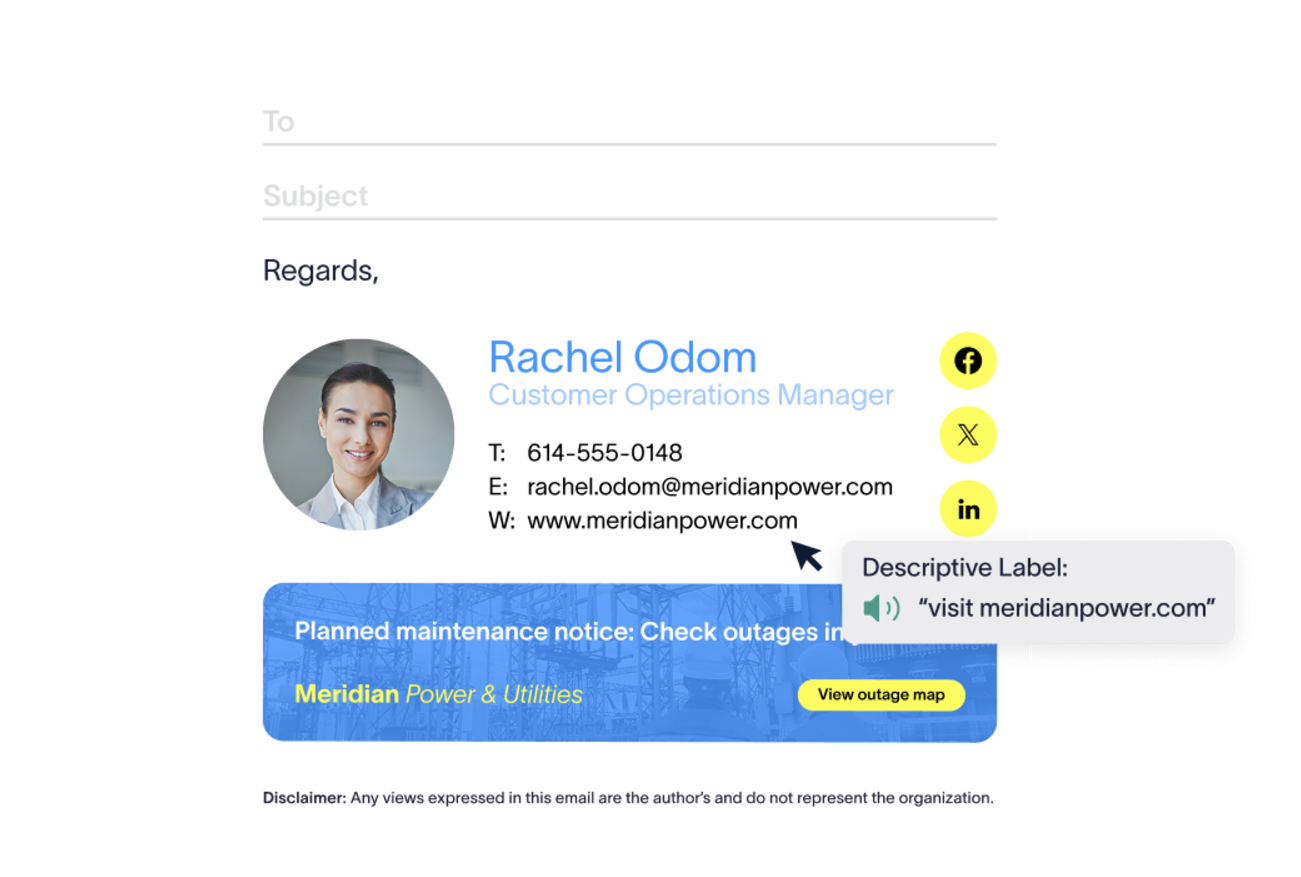
Every element, built for every recipient
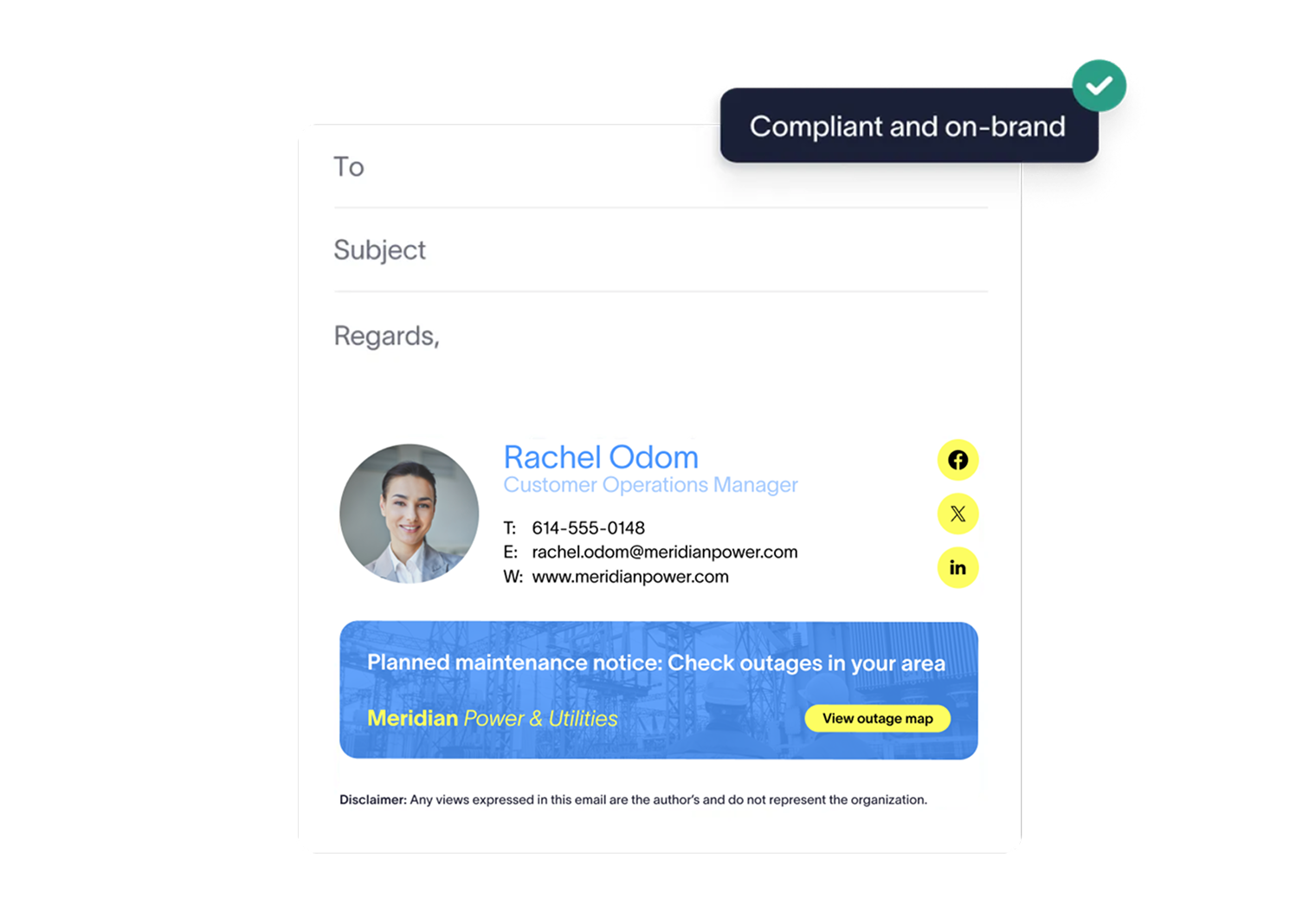
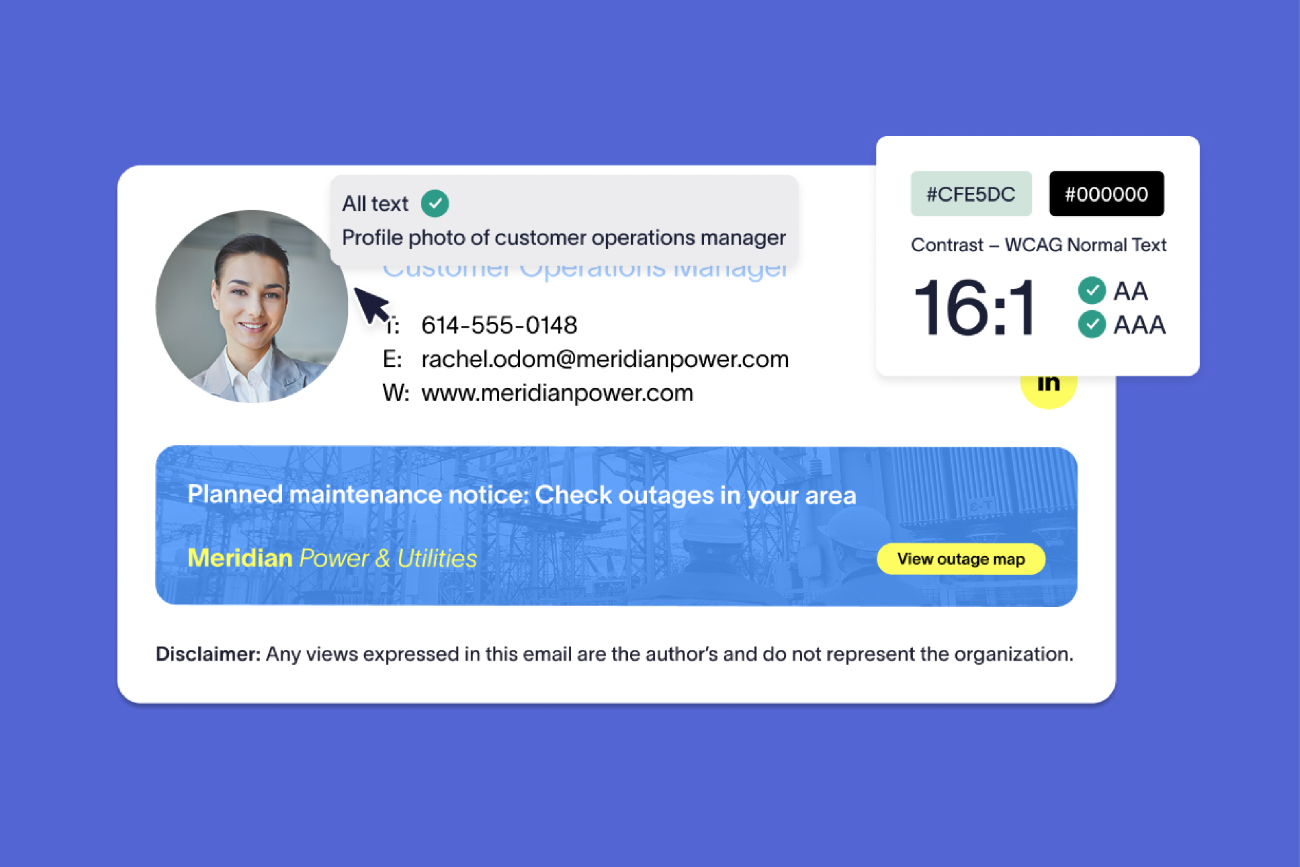
Color palettes and fonts are governed centrally, while your whole signatures renders as real text rather than an image, so every element stays legible and can be read aloud.
Templates scale up to 200% and reflow across devices without losing content or layout, from a desktop monitor to a phone screen.
Every hyperlink is keyboard accessible from the start, and QR codes can be made clickable, so recipients can reach every link and destination however they navigate.
Signatures are automatically built and output as with proper semantic structure, so a screen reader interprets and reads them in the order they were designed to be read.
Achieving accessibility with Exclaimer
Build your signature
Design a signature in Exclaimer as usual. Semantic structure, real text, keyboard accessible links, and responsive layouts are already built in.
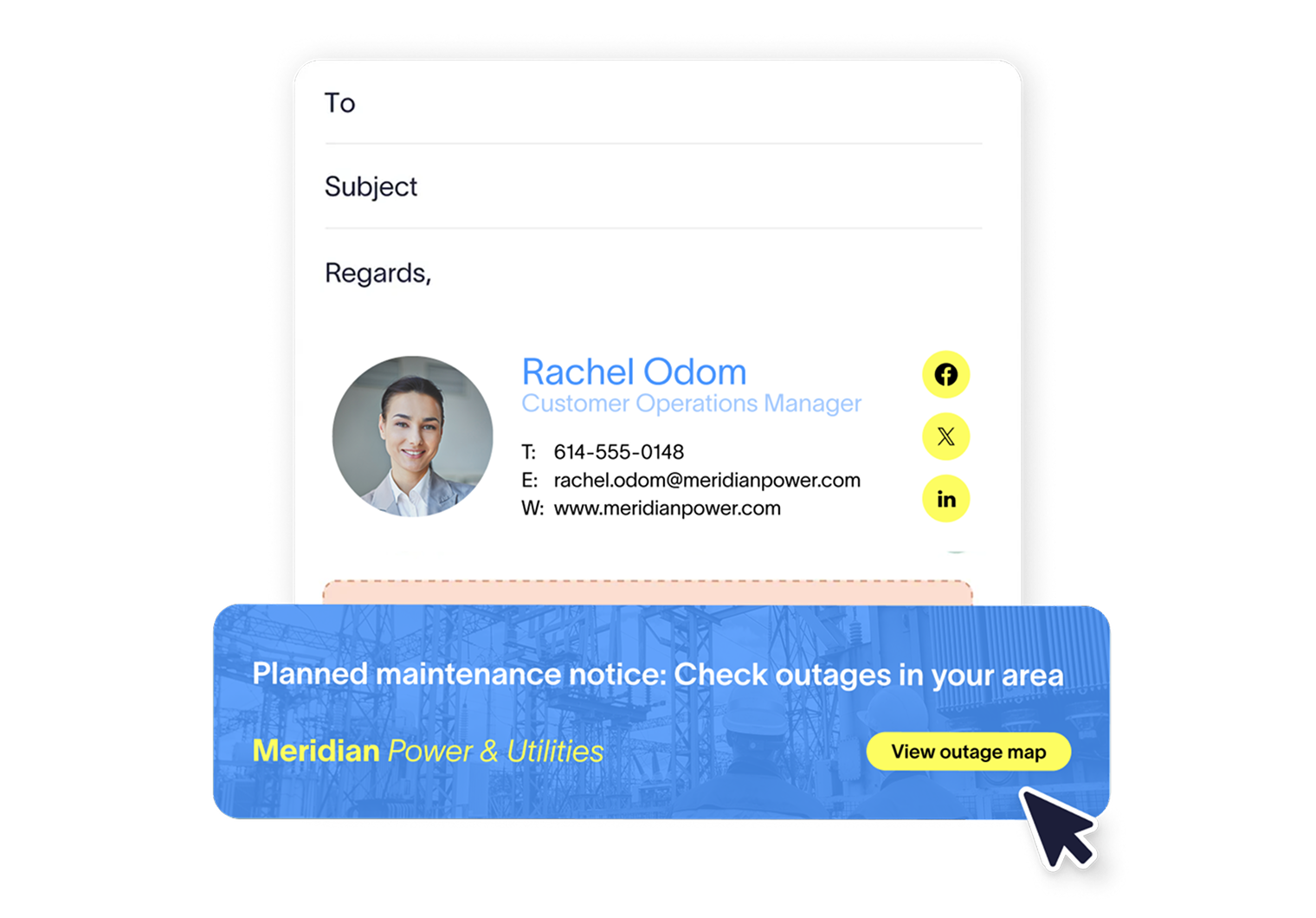
Add labels, language, and alt text
Give every hyperlink a descriptive label, declare a language, add alt text to images, and make QR codes clickable, all directly in the designer.
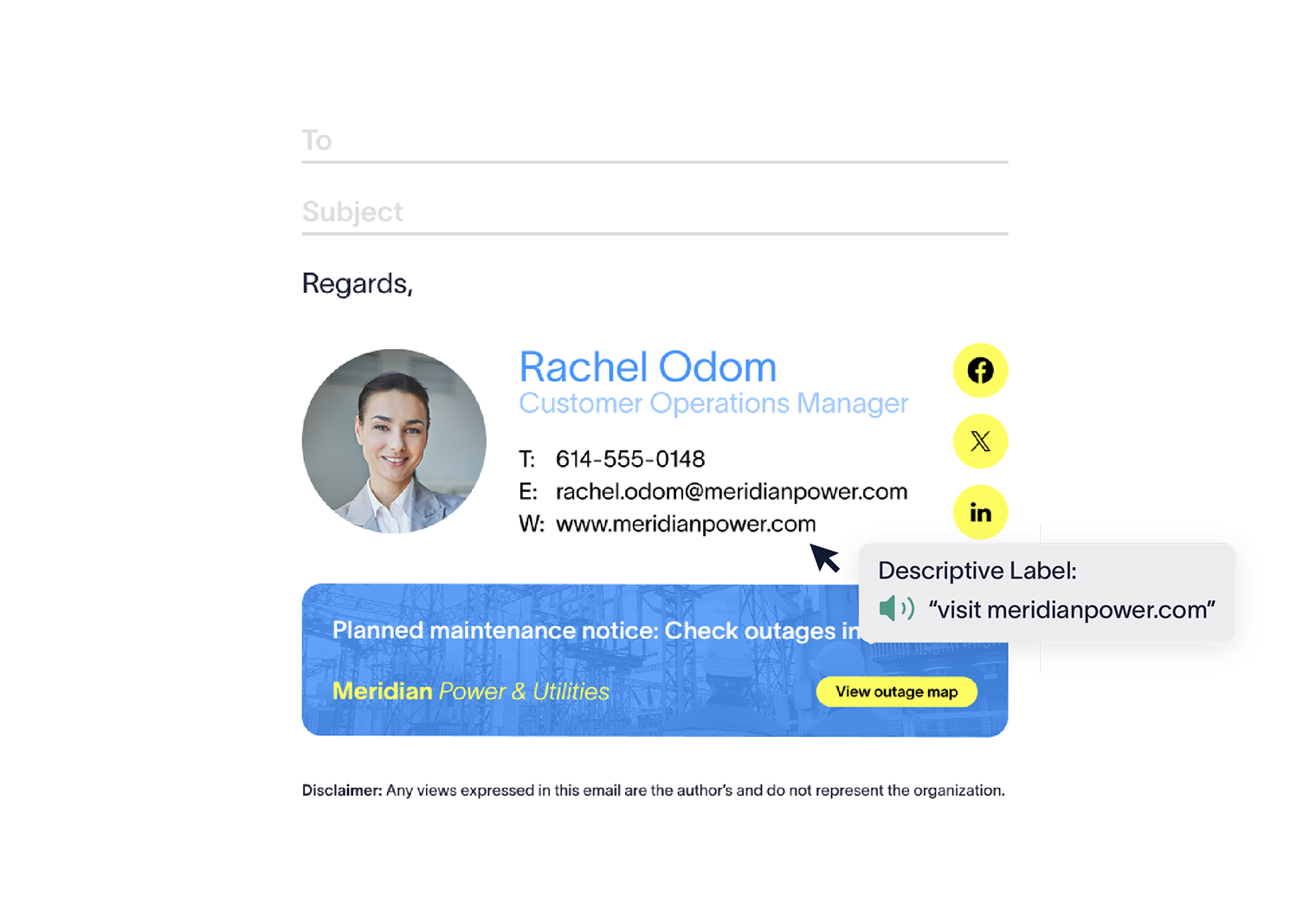
Govern it centrally
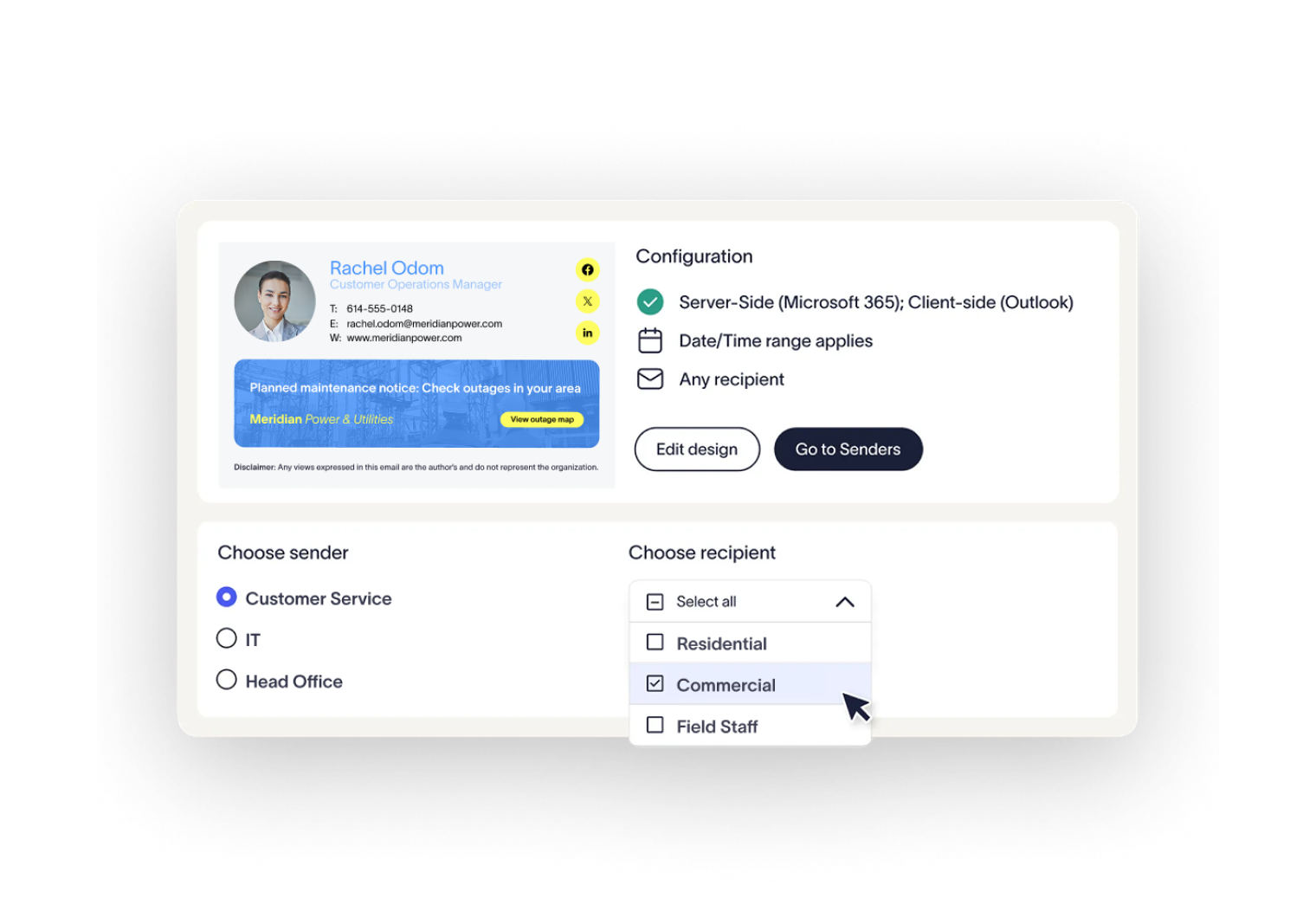
Manage and assign email signature templates based upon regional accessibility requirements from one dashboard.
Deploy with confidence
Compliant signatures reach every employee, device, and email client automatically, whether your organization runs Microsoft 365, Google Workspace, or both.


Score 4.6 / 5
"Excellent service, takes all the hassle out of Office 365 Signatures!"
Read more

Trusted by 80,000+ businesses worldwide







Frequently asked questions
28 of the 50 WCAG 2.1 success criteria apply to email signatures. Exclaimer is the only email signature management solution that addresses all 28 with native functionality, giving state and local government, education, and other regulated organizations a straightforward path to bring an often-overlooked channel into their accessibility program.
Not automatically. Exclaimer gives your team the tools needed to reach a compliant state on their own, but using Exclaimer doesn't make an organization compliant by default. Your team still needs to apply those tools correctly to meet your accessibility requirements.
No single tool can guarantee compliance on its own. Exclaimer provides the controls needed to design, deploy, and govern accessible email signatures at scale, but compliance depends on how those controls are configured and applied across your organization. Consult qualified legal counsel for guidance on your specific obligations.
Yes. The same accessibility standard applies whether your organization runs Microsoft 365, Google Workspace, or both, so every employee's signature is built the same way regardless of platform.
No. Semantic structure, real text, responsive layout, and keyboard accessibility are on by default in every signature. However, descriptive screen-reader labels, language declaration, alt text, and clickable QR codes are configured within the signature designer, and up to your teams managing signatures to utilize.
With 25 years at the forefront of email signature management, Exclaimer is used by 80,000+ organizations worldwide. Exclaimer provides one platform to govern every employee email at scale, without the unnecessary overhead or risk. Directory-driven accuracy, less manual work, fewer compliance gaps, and a brand that shows up consistently on every send.
When it comes to accessibility, Exclaimer is proud to be the first and only email signature management solution to offer native accessibility functionality within the product, ensuring all teams can reach a compliant state, without the need for HTML.

Handle accessibility risk in your most direct channel
Give every recipient the signature experience they should have.