James is an experienced product specialist with a strong background in the IT and SaaS industry. As Senior Product Marketing Manager at Exclaimer, he plays a key role in showcasing the value of centralized email signature solutions and transforming them into a powerful communication tool for organizations.
New feature: Accessibility Controls for email signatures
Key takeaway
Accessibility Controls bring semantic structure, screen reader labels, language declaration, and clickable QR codes to the Exclaimer signature designer.
With the alt text and brand controls already in the product, a template can meet the 28 WCAG 2.1 Level AA success criteria that apply to email signature content, without writing any HTML.
Set the standard once in a template and every email signature sent inherits it, across Microsoft 365 and Google Workspace.
No other email signature management solution offers this natively, so reaching WCAG conformance elsewhere means hand-coding HTML or accepting the gap.
Most accessibility programs in organizations today focus on websites and apps. Yet teams often overlook email signatures, despite these being one of your most direct channels to engage with external stakeholders.
For public sector organizations in the US, that accessibility gap now has a date attached to it. The Department of Justice's ADA Title II rule adopts WCAG 2.1 Level AA as the technical standard for state and local government digital content. After the one-year extension issued in April 2026, entities serving 50,000 people or more have until April 26, 2027, and smaller entities and special district governments have until April 26, 2028. Recipients of HHS funding have until May 11, 2027 under Section 504.
In the EU, the European Accessibility Act has applied to new products and services since June 2025, and UK public sector bodies are monitored against WCAG at Level AA.
These rules apply to digital content, and an email signature is digital content leaving your organization thousands of times a day. The failures are common: a logo with no alt text, or contact details baked into an image that a screen reader skips entirely.
What are Accessibility Controls?
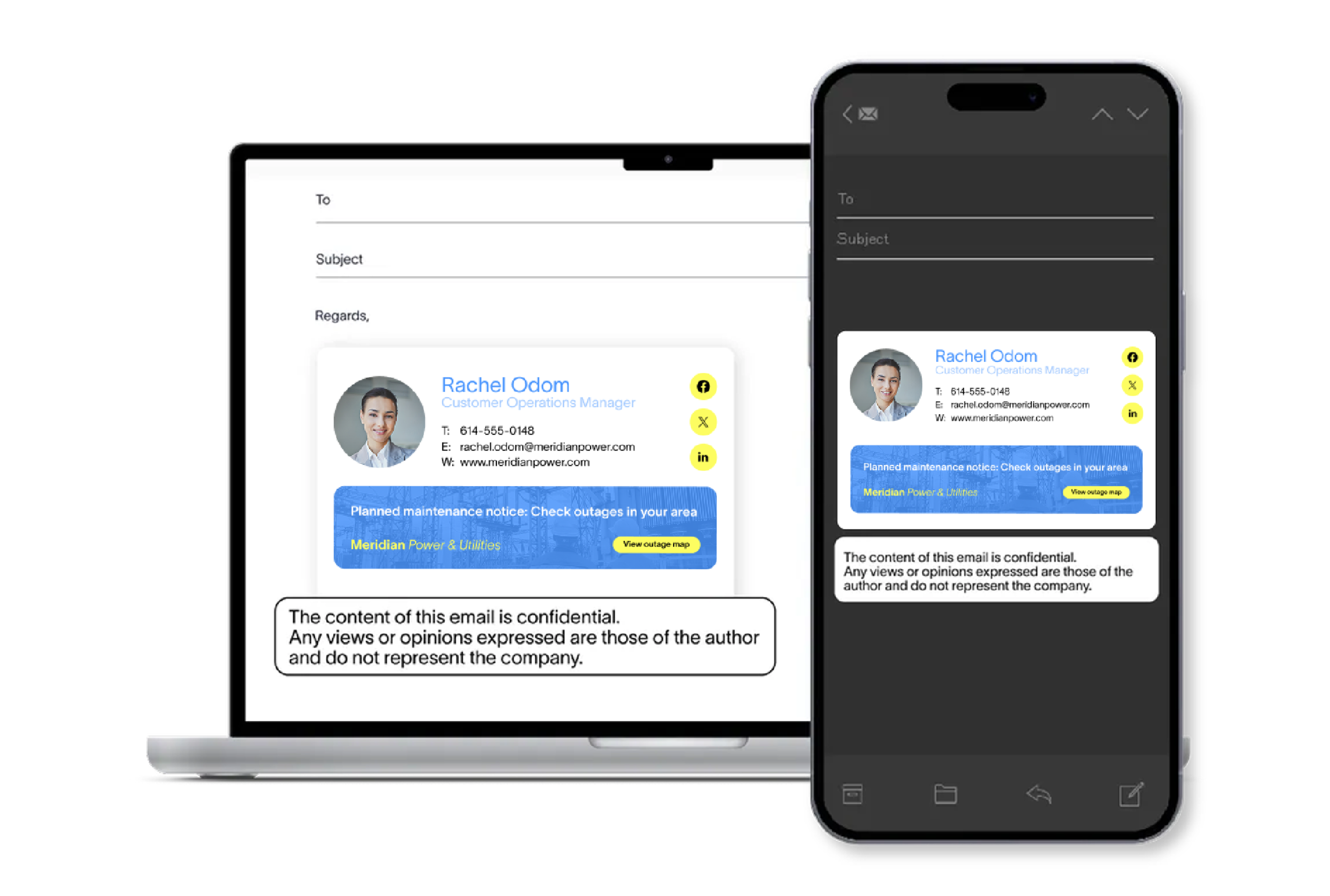
Accessibility Controls are a set of capabilities in the Exclaimer signature designer, some automatic and some you configure, that enable you to build templates that meet WCAG requirements. New functionality includes:
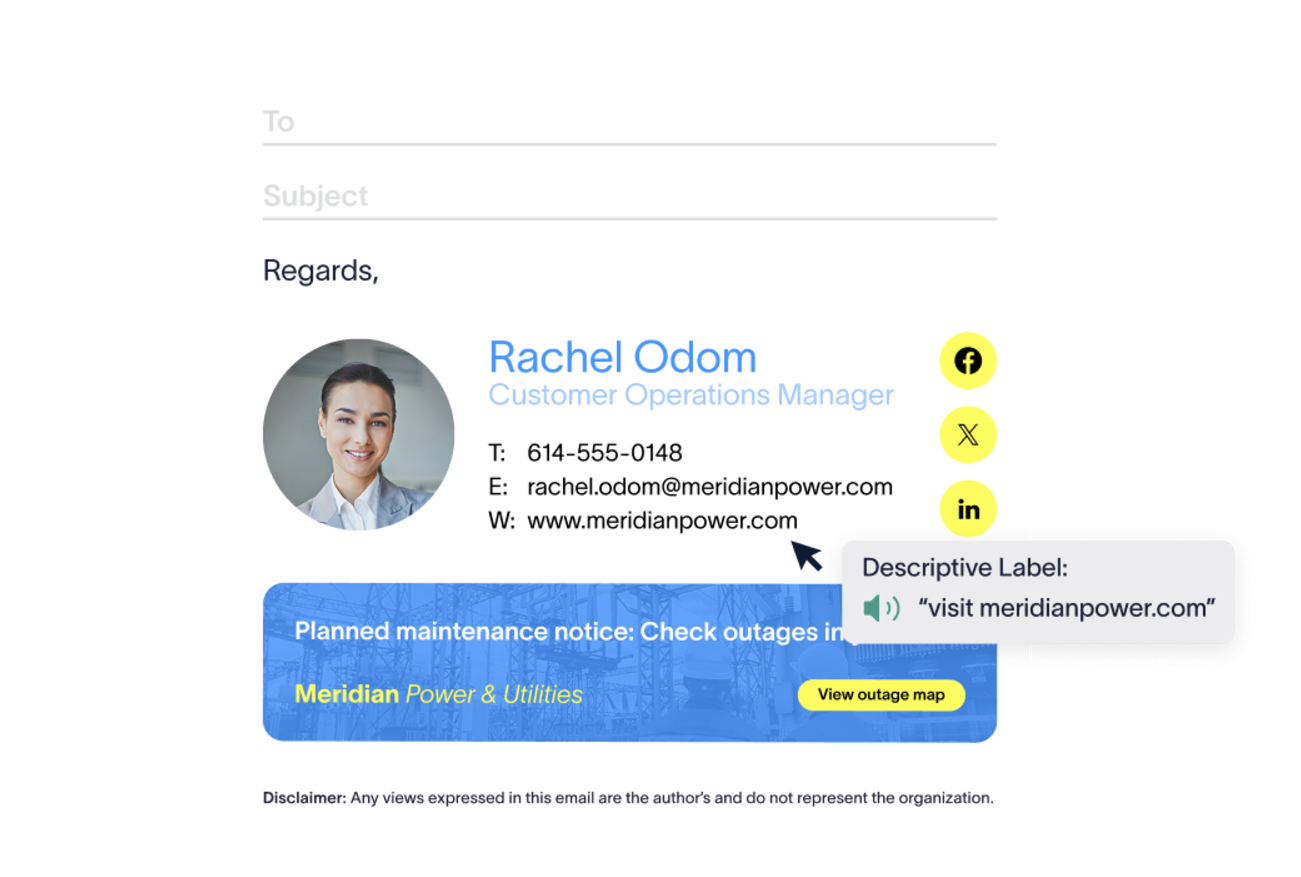
Semantic structure: Email signatures are built and output as structured, readable content, so a screen reader interprets the content in the correct order.
Screen reader (ARIA) labels: Add descriptive labels to interactive elements like hyperlinks, so a screen reader says, "Book a demo with our team" instead of "link."
Language declaration: Declare the language of an email signature, so screen readers use the correct pronunciation. This matters most for organizations sending email signatures in more than one language. It relies on the recipient's screen reader supporting the declared language with automatic language switching turned on, which is the default on most readers.
Clickable QR codes: QR codes in a signature can be made clickable, giving recipients who can't scan a code, or don't want to, a working path to the same destination.
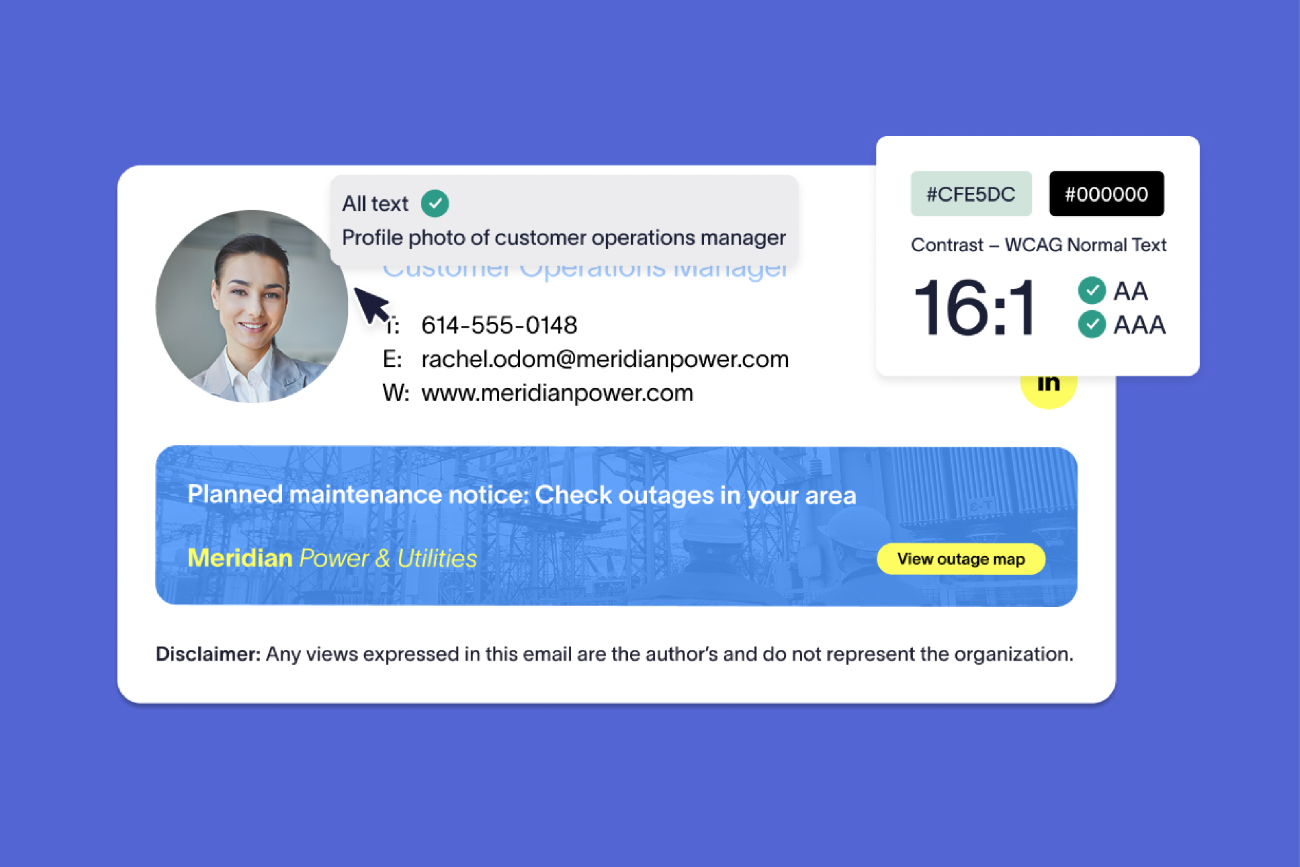
These improvements build on Exclaimer’s existing accessibility functionality. Alt text is set centrally at the template level, so assistive technology conveys a logo or headshot correctly. Brand Kits define and contain your approved palette and fonts, so once you've picked color combinations that meet WCAG mandates, every email signature reflects them. Additionally, text renders as HTML rather than an image, so it can be resized, read aloud, and more.
Why it matters
Of the 50 success criteria in WCAG 2.1 at Levels A and AA, 28 apply to content like email signatures. Exclaimer is proud to be the first email signature management solution to offer native functionality that addresses all 28, ensuring IT can create accessible and compliant email signature templates without needing to write HTML.
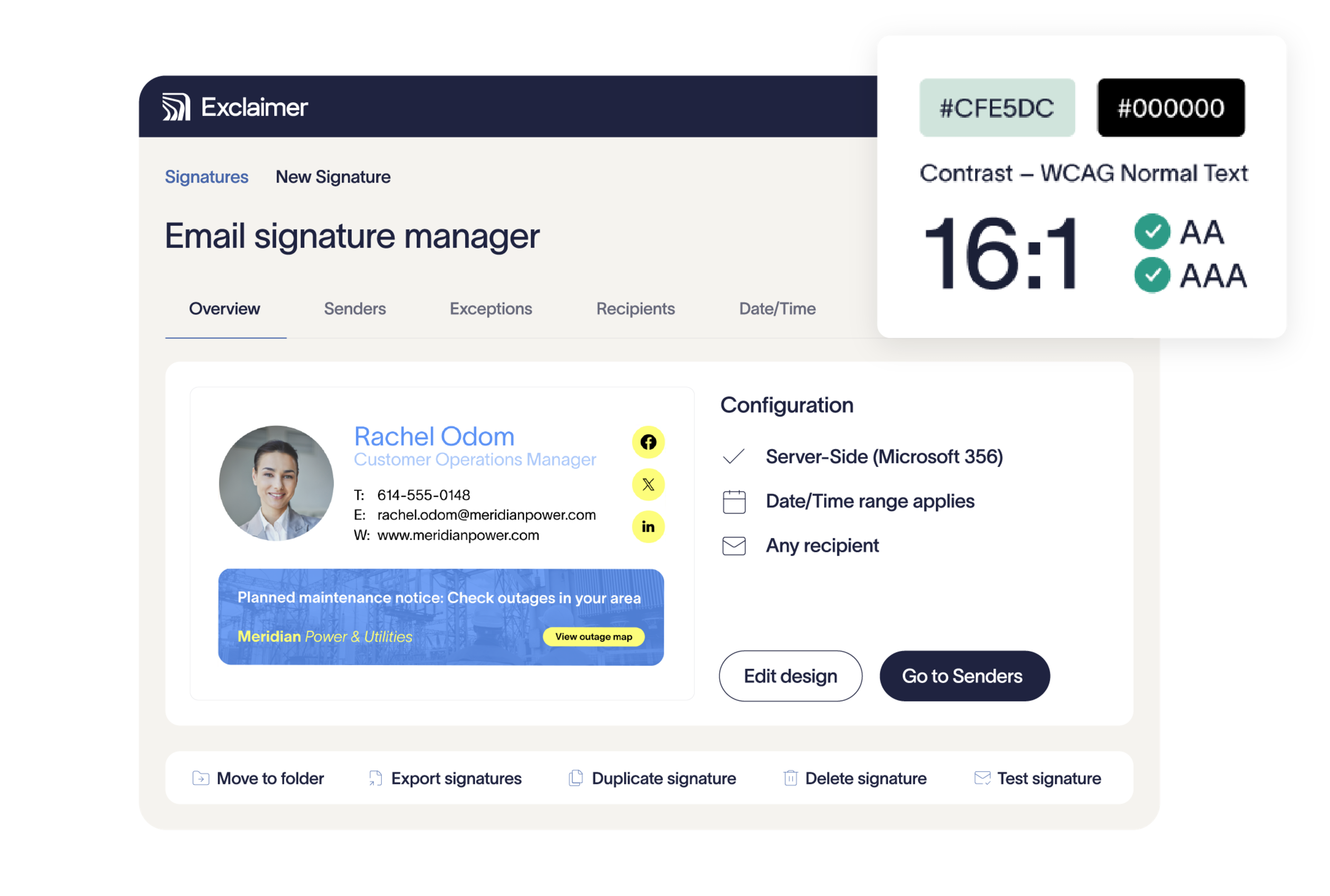 Leaving accessibility to individual employees creates risk and limits enforcement. Any one of them can drop in an image with no alt text or pick a color combination that fails contrast, and nobody finds out until a recipient can't read the email. ADA Title III and the UK Equality Act carry compliance risk today, extension or no extension.
Email signature management turns accessibility from a per-employee problem into a governed control. IT sets the standard once at the template level, and every email signature sent inherits it, so there's nothing for an individual user to get wrong.
Get started
Accessibility Controls live within the Exclaimer signature designer.
Build a new template or open an existing one, apply screen reader labels to your interactive elements, declare the language where it's relevant, and point the template at a Brand Kit whose colors and fonts you've already confirmed meet WCAG requirements. Changes apply the moment you publish, across Microsoft 365 and Google Workspace, with no need to touch anyone's individual email signature.
Not using Exclaimer yet? Start your free trial or book a demo and see what it takes to bring every email signature in your organization up to the same standard.
Exclaimer gives your team the tools to reach a compliant state on their own. Using Exclaimer doesn't make an organization compliant by default, and this document isn't legal advice; organizations should consult qualified legal counsel for guidance on their specific compliance obligations.