Trusted by 80,000+ businesses worldwide







Why connect ADP Workforce Now with Exclaimer?
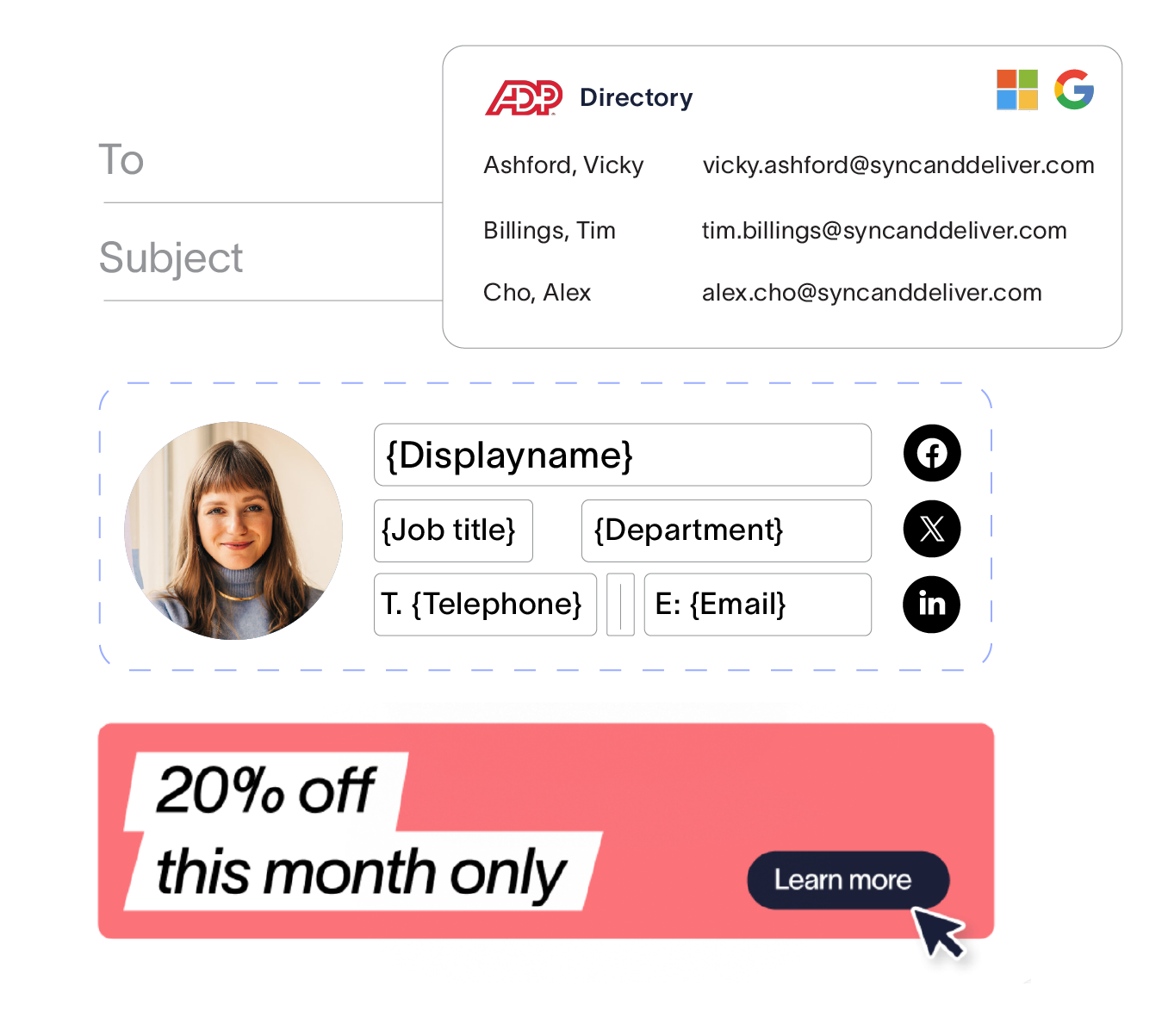
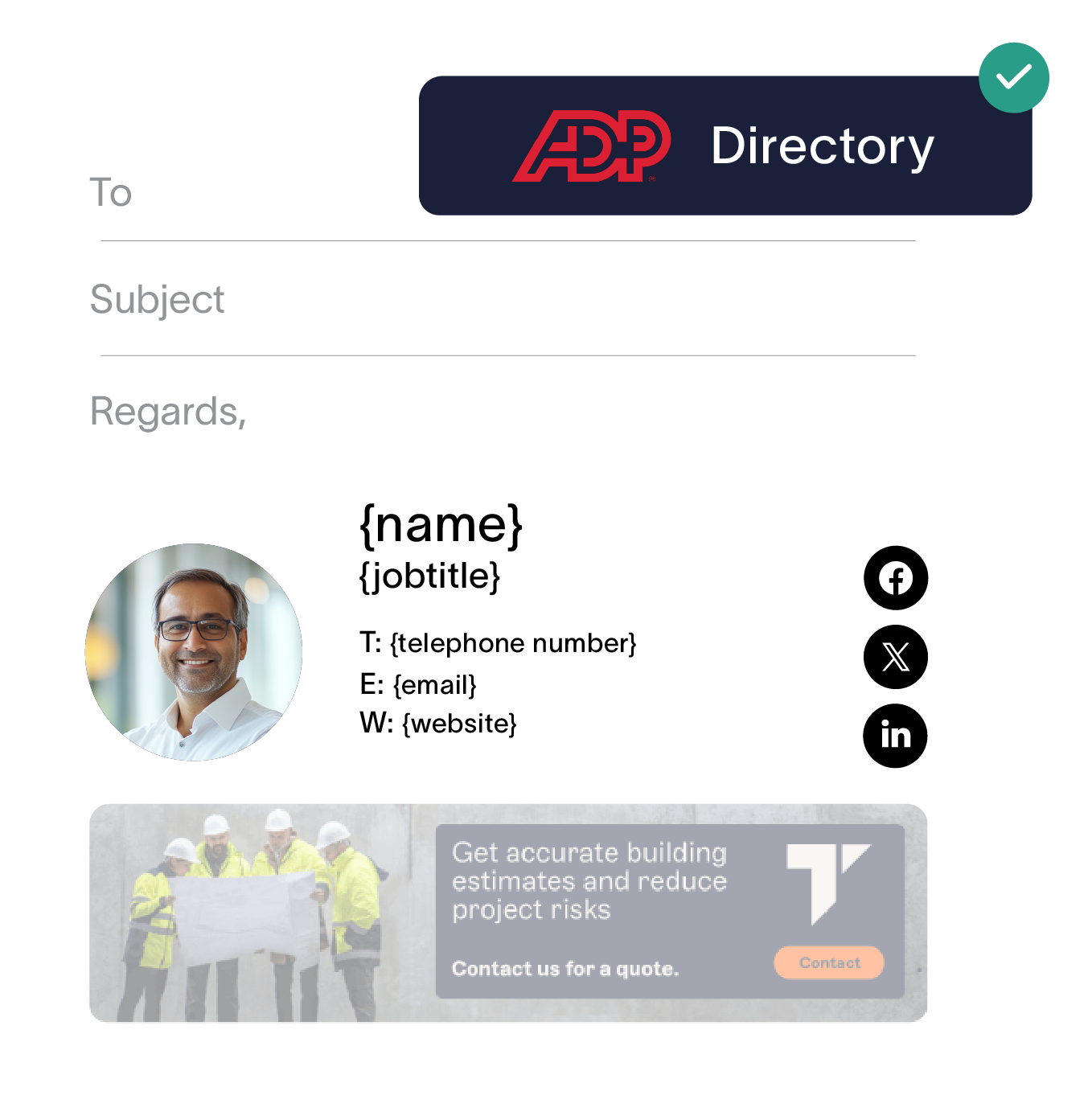
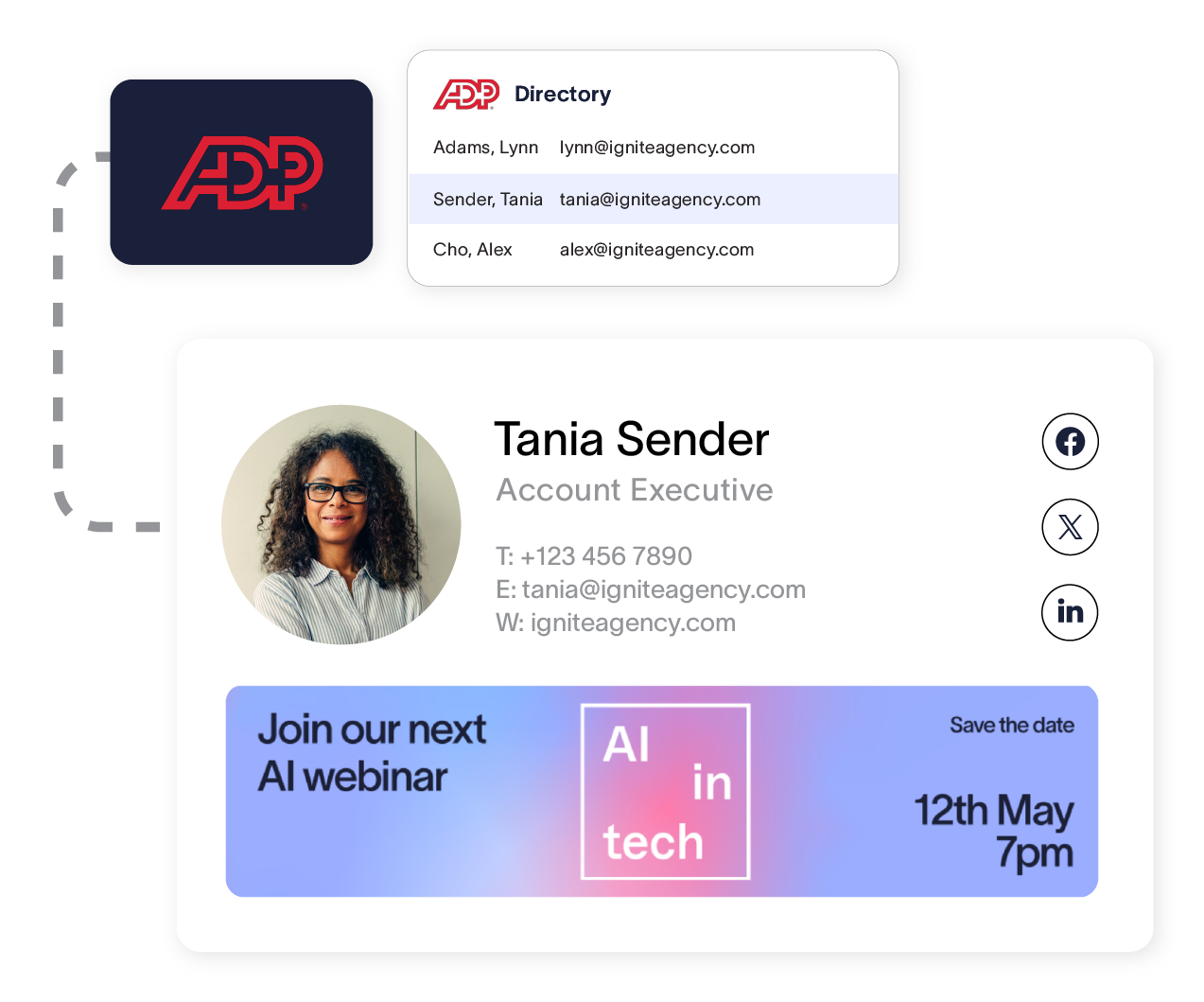
For growing organizations relying on ADP Workforce Now for payroll and employee detail management, it’s important your email signatures pull from your preferred source of truth. Exclaimer’s ADP Workforce Now integration pulls attributes like names, job titles, and contact details from your HRIS, ensuring email signatures and meeting themes reflect that same information automatically, without anyone re-entering it elsewhere or maintaining multiple directories.
One accurate source, no duplicate entry - ADP Workforce Now is where people data like names, title changes, and phone numbers get recorded first. Connecting it to Exclaimer means email signatures and meeting themes reflect those details automatically as they occur, instead of updating another directory or spreadsheet to match.
Less manual upkeep for whoever owns signatures - In many organizations, keeping employee details up-to-date falls on HR, marketing, or a generalist admin, not a dedicated IT team. ADP Workforce Now integration takes that ongoing task off their plate, so updates to people data flow into email signatures and meeting themes automatically.
New hires get the correct email signature from day one - When someone joins your organization in ADP Workforce Now, their details flow into Exclaimer right away, ensuring their first email goes out with an accurate, on-brand and compliant email signature.
How it works
Complete the authorization flow and grant Exclaimer read-only access to your ADP Workforce Now data. The integration is powered by BindBee, which handles the secure connection between ADP Workforce Now and Exclaimer.
Build email signature and meeting theme templates using the attributes mapped from ADP Workforce Now.
When employee details change in ADP Workforce Now, updates sync into Exclaimer automatically, so every signature and meeting theme reflects the latest details.
Accurate employee data in every signature and meeting theme
Connect ADP Workforce Now to Exclaimer and keep email signatures and meeting themes accurate as your team changes, without extra manual work.
Frequently asked questions
Navigate to Sender Management in Exclaimer settings, then go to the Enable HRIS access section. From there, select ADP Workforce Now as your HRIS provider and connect.
You will need admin access to ADP API Central, including permission to create projects and request certificates, plus admin access to ADP Workforce Now to manage access permissions. During setup, you will need to grant Exclaimer read-only access to select ADP Workforce Now employee data. Secure read-only access means Exclaimer can retrieve employee data but cannot modify anything in ADP Workforce Now.
The integration is available for Exclaimer subscriptions using both Microsoft 365 and Google Workspace.
ADP Workforce Now, and other HRIS integrations are available on the Exclaimer Pro plan.