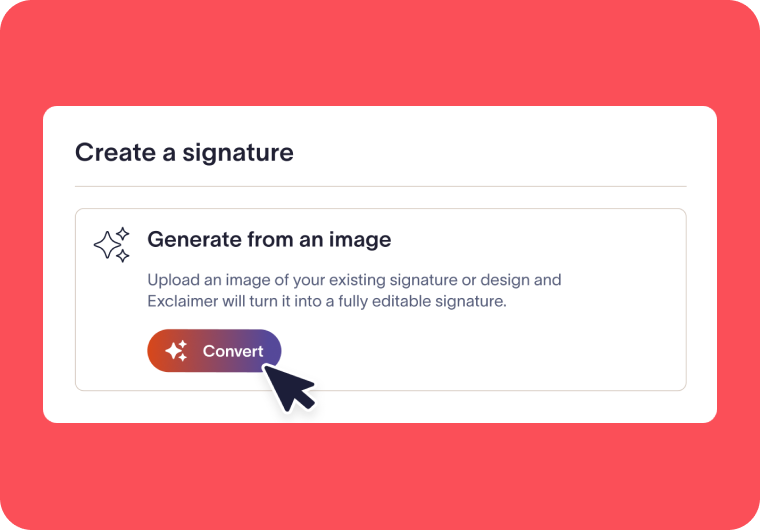
What is the Signature Converter?
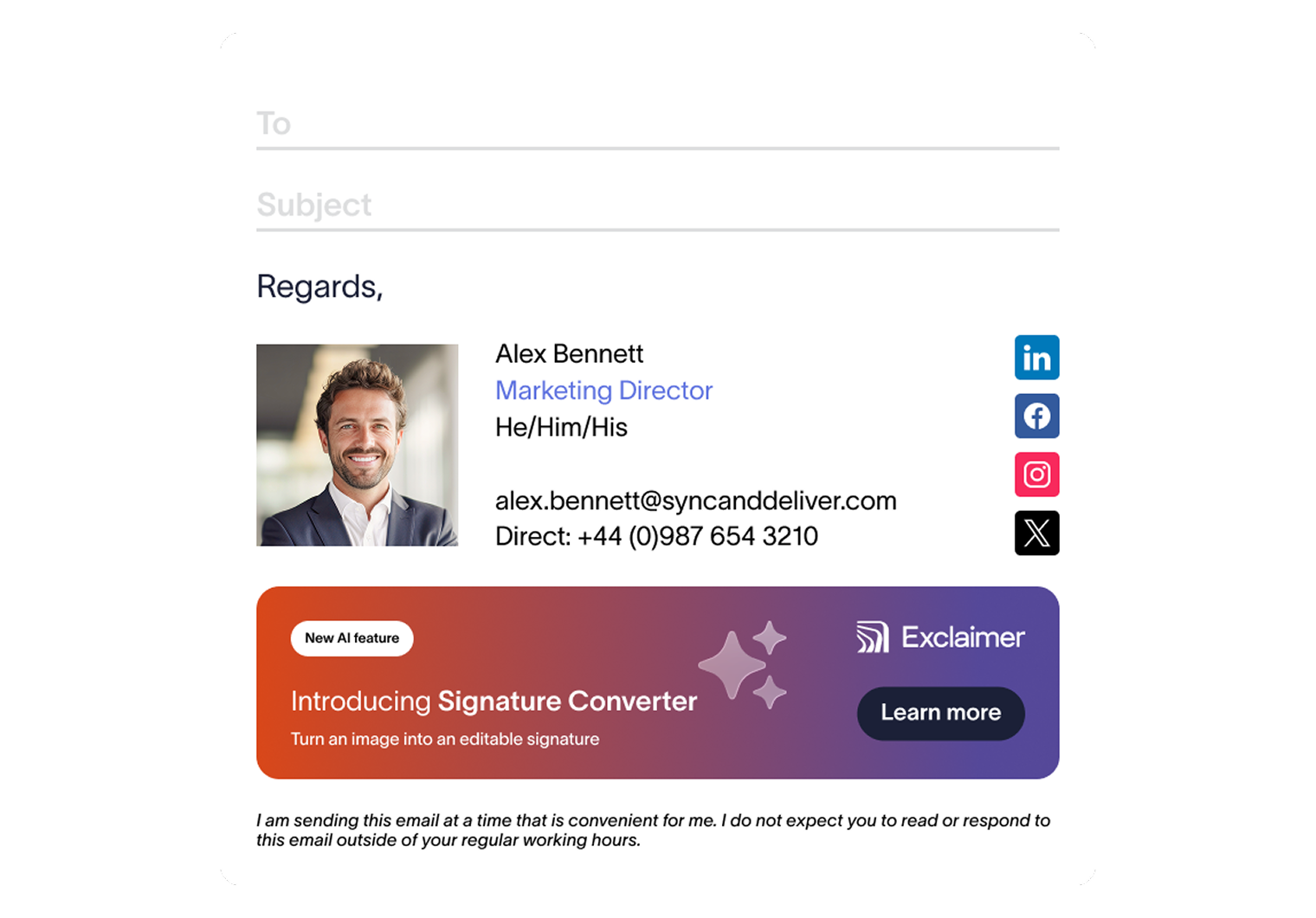
Signature Converter is an AI-powered Exclaimer feature that turns a screenshot of any email signature into an editable, directory-driven template. Skip the blank canvas that comes from starting an email signature template from scratch and instead deploy consistent signatures across your organization faster.
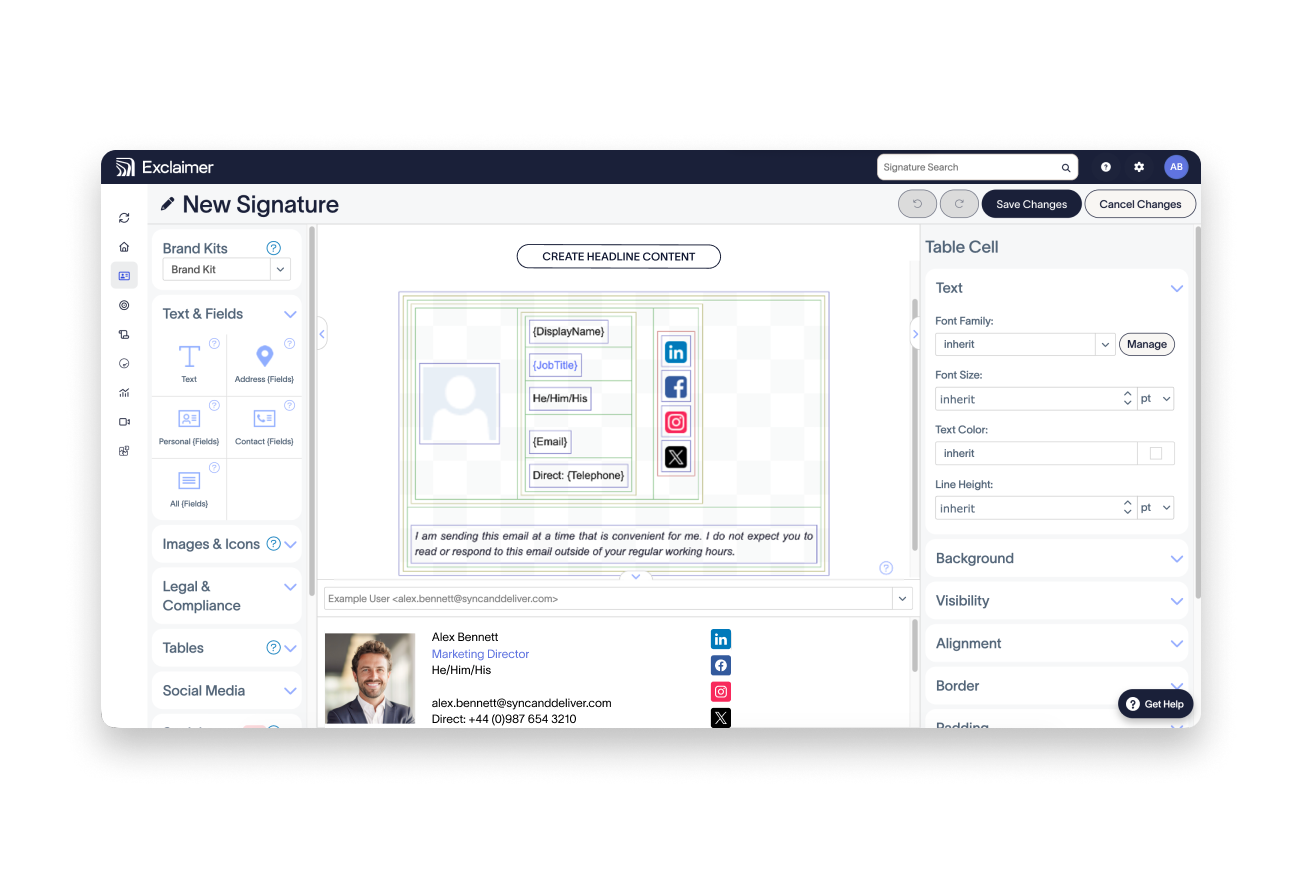
Don't start your signature design from scratch
Tables, nested tables, spacing, and alignment take the longest to get right in any email signature. Signature Converter generates that structure automatically, so you can focus on fine-tuning the details.
Recognized personal fields, such as name, job title, and contact details, are built as dynamic fields and populated from each employee's directory profile, so every email signature stays accurate without manual edits.
Signature Converter is off by default. Admins must elect to enable the Signature Converter in Feature Settings and can turn it off at any time, ensuring admins retain full control over AI-powered functionality.
Create an email signature from an image in four steps
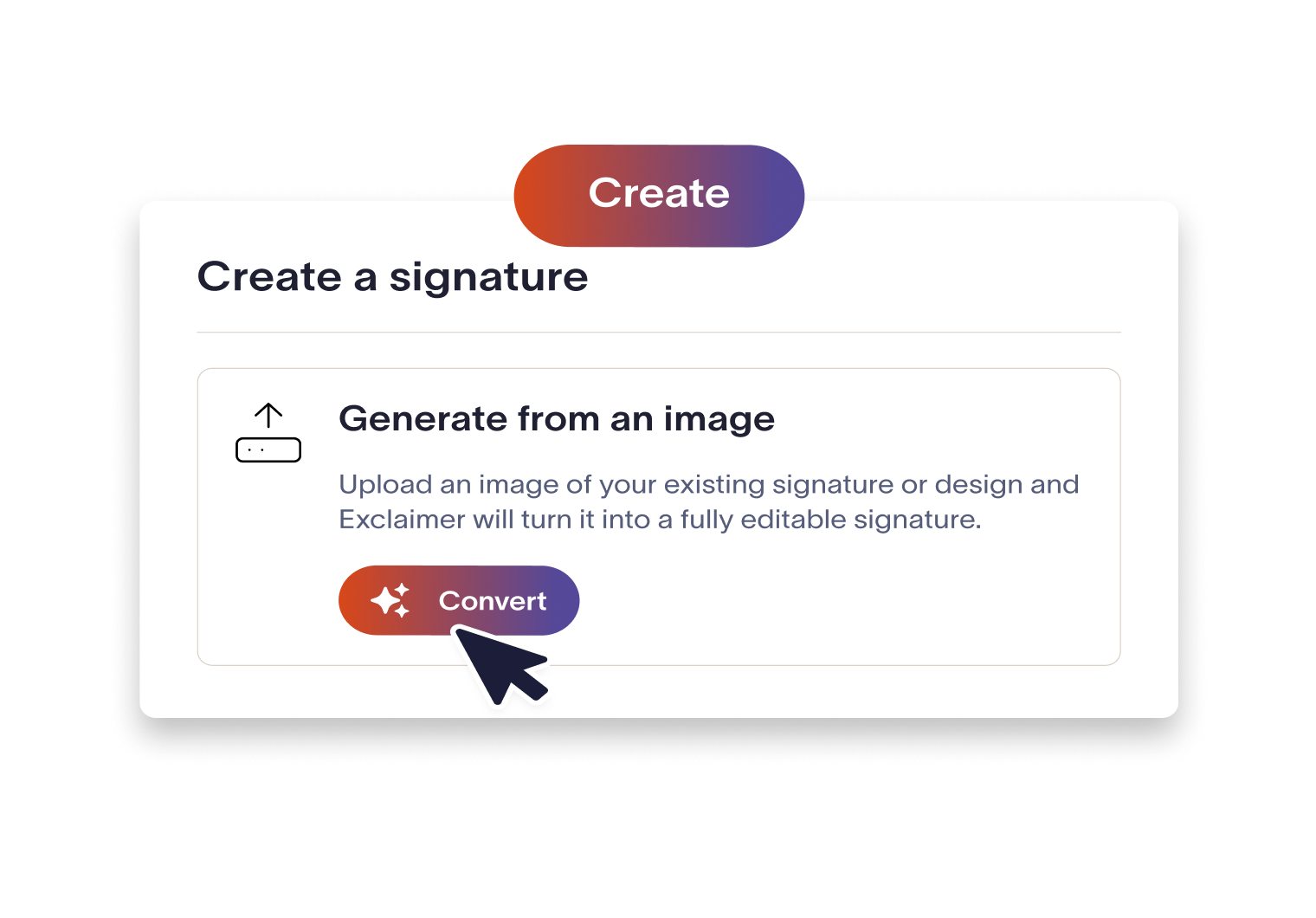
Upload your image
In the Signature Designer, upload a PNG or JPG screenshot of the email signature you want to recreate.
Let Exclaimer rebuild it
Exclaimer's AI-functionality analyzes the layout, spacing, and field types, then Exclaimer builds an editable template from your image with dynamic fields recognized automatically.
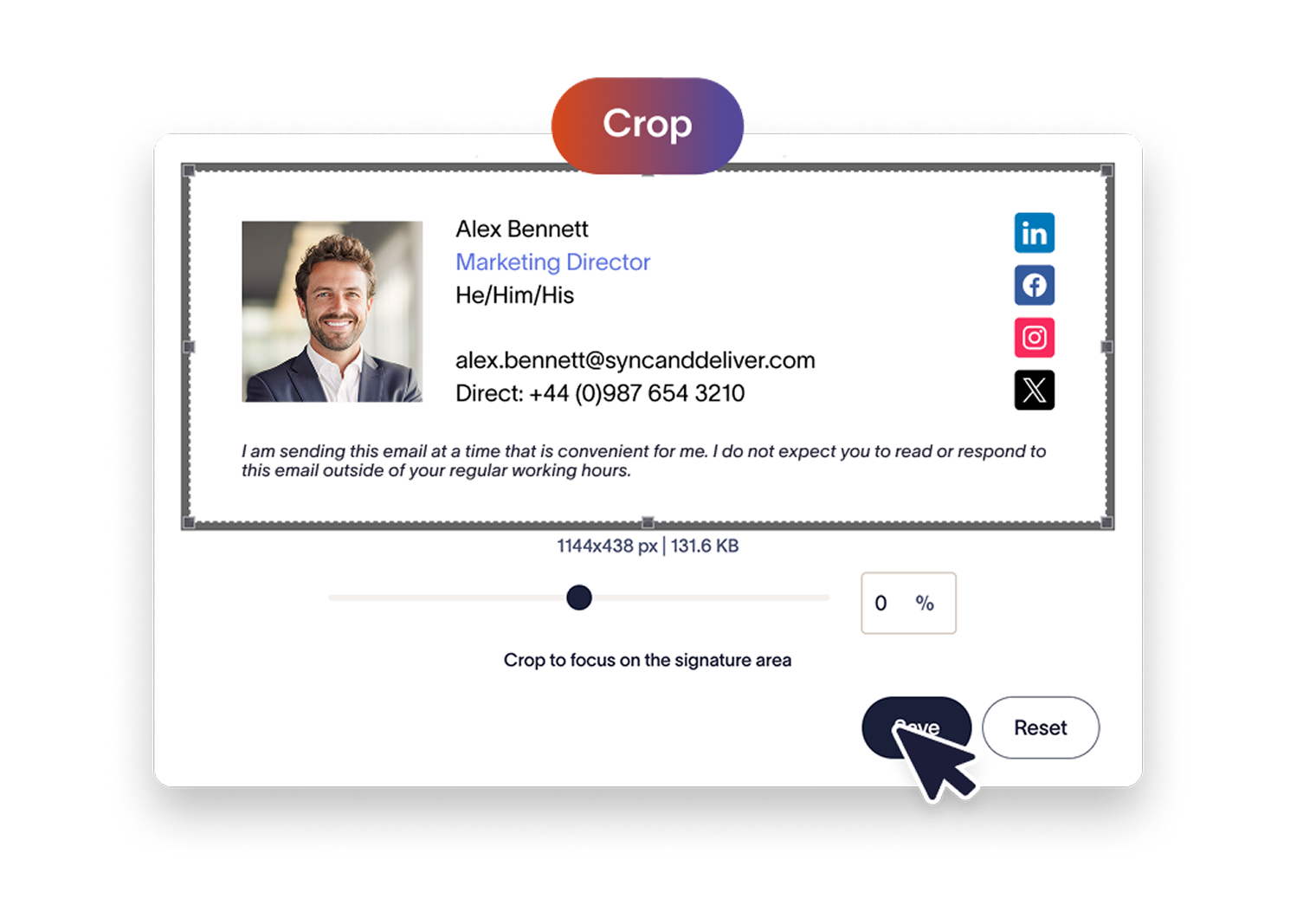
Review and fine-tune
Nothing is published automatically. Review your output, and fine tune the details, such as images, hyperlinks, fonts, and colors within the Signature Designer.

Apply Signature Rules and deploy
Save the template, use Signature Rules to decide who gets it, and deploy it across your organization in a few clicks.
Trusted by 10 million email accounts worldwide






Is the Signature Converter safe to use with company data?
The Signature Converter is an opt-in functionality that Exclaimer Admins must enable in Feature Settings for their organization. Every generated template is reviewed and refined by your team prior to deployment, ensuring nothing leaves your organization without thorough review.
Exclaimer does not store or retain any uploaded images or content, and Exclaimer’s AI subprocessor, Anthropic, processes them under a zero data retention agreement.
Signature Converter is currently available to organizations located in the United States.
:format(webp)/)
Frequently asked questions
Signature Converter gives you a strong starting point that mirrors the layout of your image within Exclaimer’s signature designer. Converted signatures replicate layouts and recognize dynamic fields that pull from your directory source. However, because the template is rebuilt from an image, it is recommended to upload high-fidelity images, add hyperlinks, and review fonts and colors after conversion.
Recognized personal fields, such as name, job title, and contact details, are rebuilt as dynamic fields automatically, populating from directory data when the email signature is rendered. Text the converter can't match to a field, such as labels, website addresses, and disclaimers, are carried over from your image and can be further refined within the signature designer.
No. Exclaimer does not store uploaded images, and Anthropic processes them under a zero data retention agreement. Exclaimer does not use uploaded images, content or generated templates to train its own AI models or any third-party models.
Exclaimer admins are responsible. The Signature Converter functionality off by default, and admins can enable or disable the feature at any time in Feature Settings. Use is limited to Administrator, Editor, and Designer roles. If your contract includes a no-AI clause, ask your Exclaimer team and the AI settings can be hidden entirely.
Yes. The Signature Converter is available for all Microsoft 365 and Google Workspace users in the United States, once enabled by your Exclaimer admin.
Signature Converter functionality is currently available exclusively to organizations located within the United States.
The Signature Converter is a piece of AI-assisted functionality that sits within the Signature Designer in your paid Exclaimer subscription. The Signature Generator is a free, browser-based tool on the Exclaimer website that anyone can use to manually build and a design a single email signature template. Email signatures built in the Signature Generator must be manually copied-and-pasted into emails, and do not offer the scalability nor centralized management offered by Exclaimer subscriptions.


Score 4.6 / 5
"Excellent service, takes all the hassle out of Office 365 Signatures!"
Read more

Skip the blank canvas
Upload a screenshot of your current email signature or one you like, and Exclaimer rebuilds it as an editable, dynamic template - ready to deploy across your organization.