Trusted by 80,000+ businesses worldwide







The advantages of using Exclaimer with Salesloft
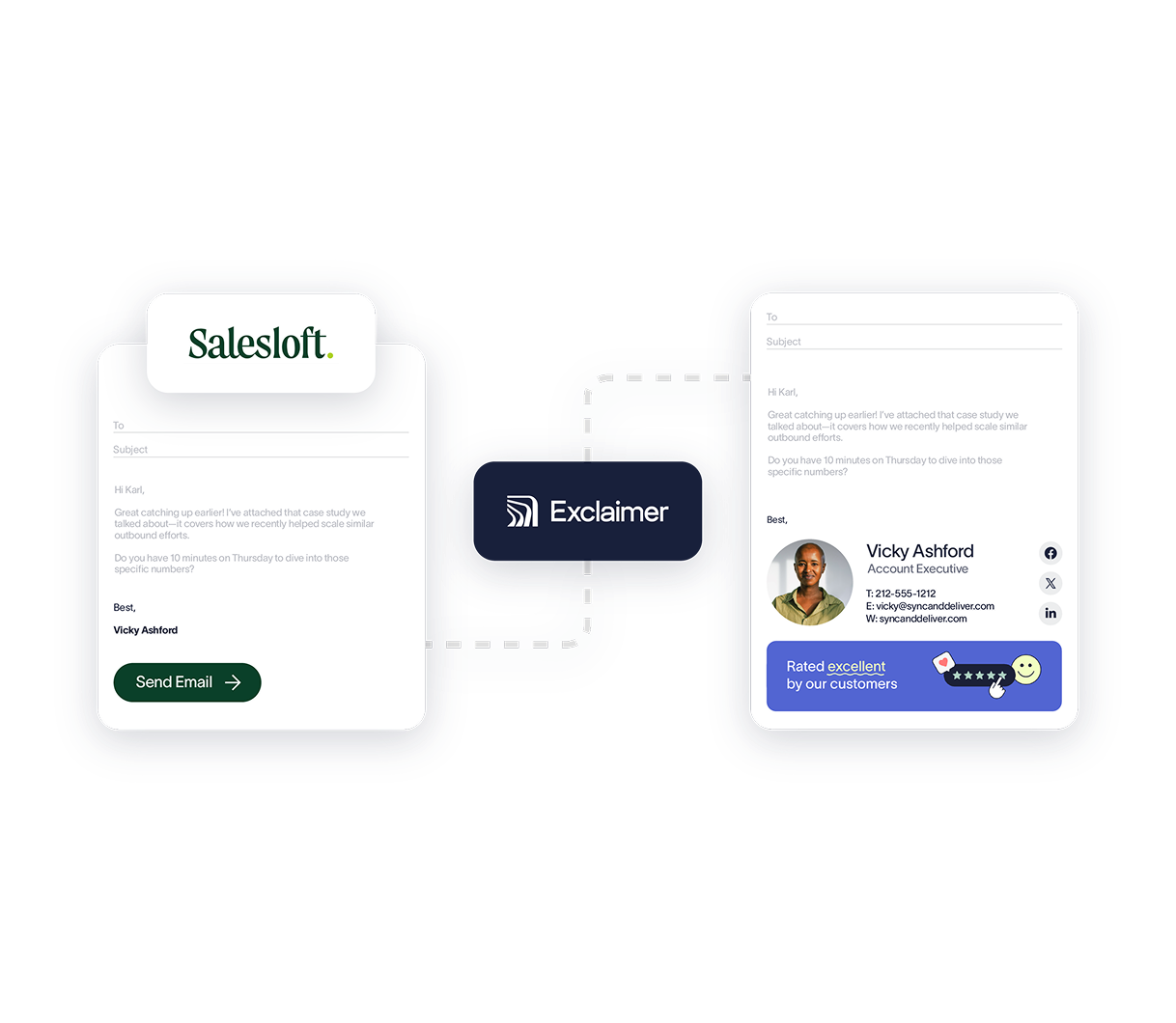
Salesloft helps revenue teams send emails at scale. Our Salesloft integration makes sure those emails still carry the right signature. Using server-side deployment, Exclaimer applies signatures to Salesloft emails after they’re sent, so outreach stays consistent, professional, and ready for conversion.
Apply signatures to automated sales emails - Add centrally managed email signatures to emails sent using Salesloft, so every message includes the right branding, sender details, and calls to action.
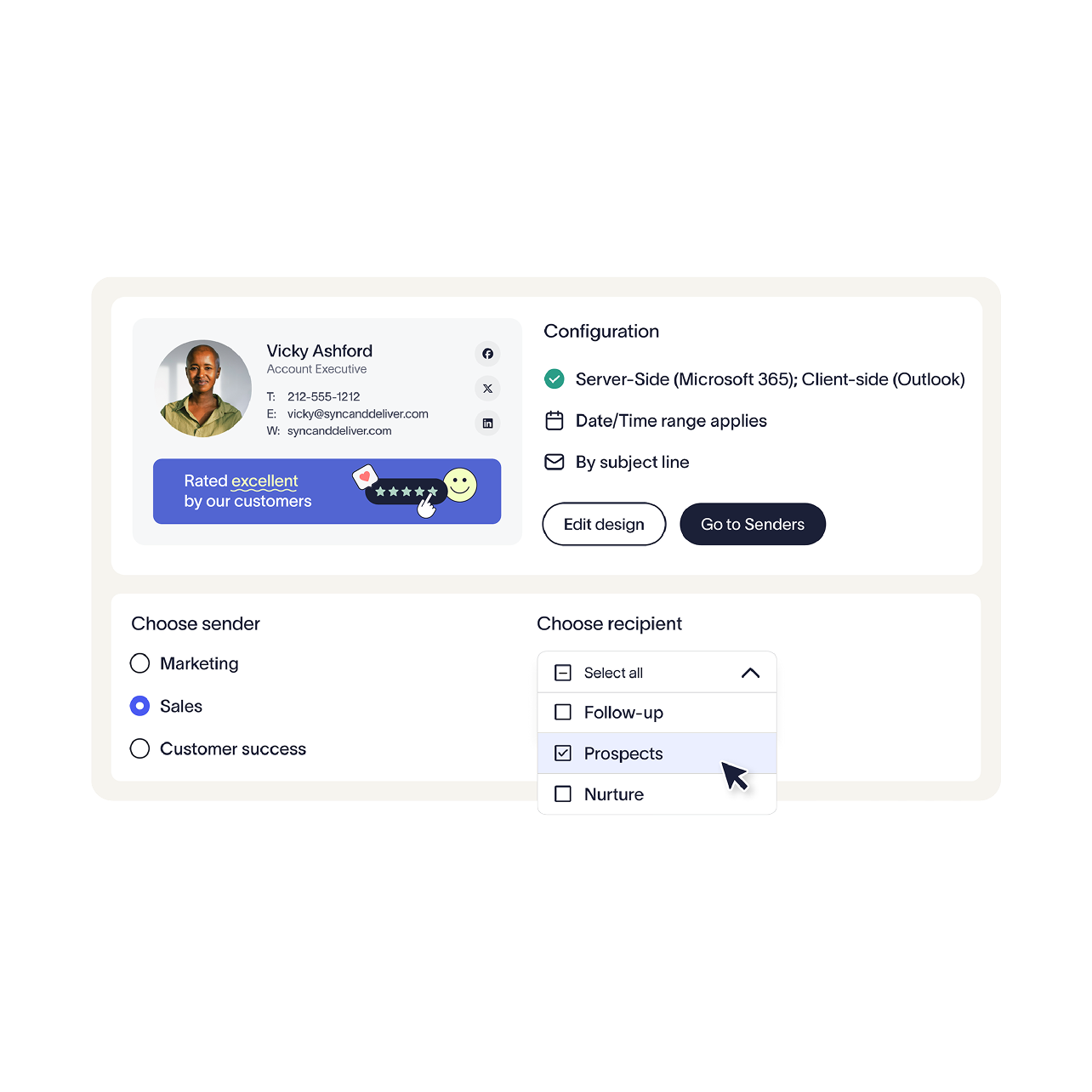
Match signatures to specific outreach templates - Use Content Rules to apply different signatures based on the subject lines used in Salesloft templates. This helps align signature content with the purpose of each email, whether that’s prospecting, follow-up, nurture, or booking meetings.
Keep control with IT while supporting GTM teams - IT keeps signature deployment centralized through Microsoft 365, while sales teams continue using Salesloft as normal. No manual updates, no copy-and-paste signatures, and no reliance on users to get it right.

How it works
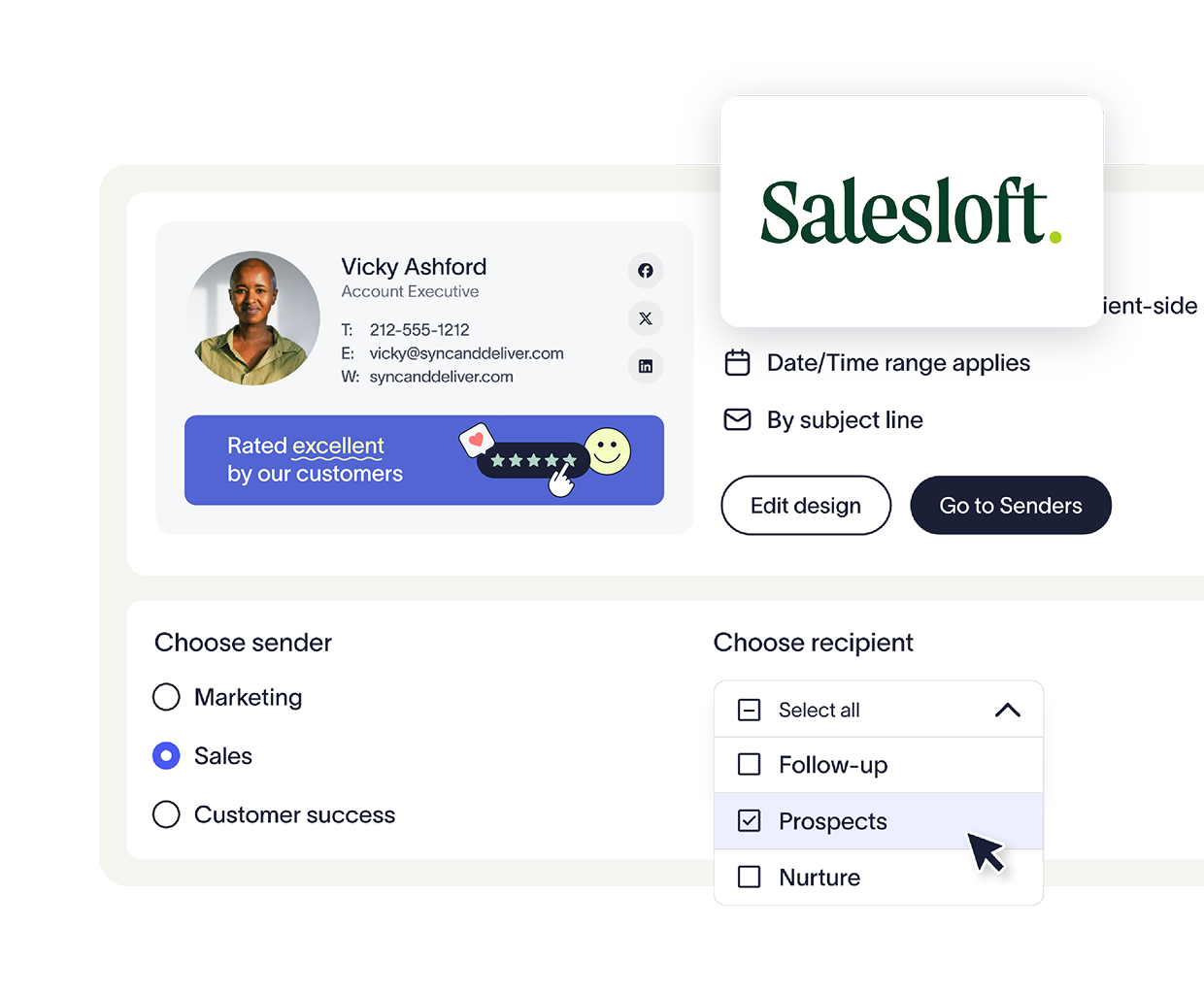
Build the signatures you want applied to Salesloft emails, including banners, booking links, or other campaign content.
Use Exclaimer’s Server-Side Content Rules to match specific signatures to subject lines used in Salesloft email templates.
Sales teams continue sending emails through Salesloft as usual, including automated sequences and template-based outreach.
Once emails are sent, Exclaimer applies the appropriate signature, so each message includes the right content automatically.
Keep employee details accurate across every email signature
Sync user details directly from Workday to ensure email signatures are up-to-date with no extra effort