Trusted by 80,000+ businesses worldwide







Why connect SAP SuccessFactors with Exclaimer?
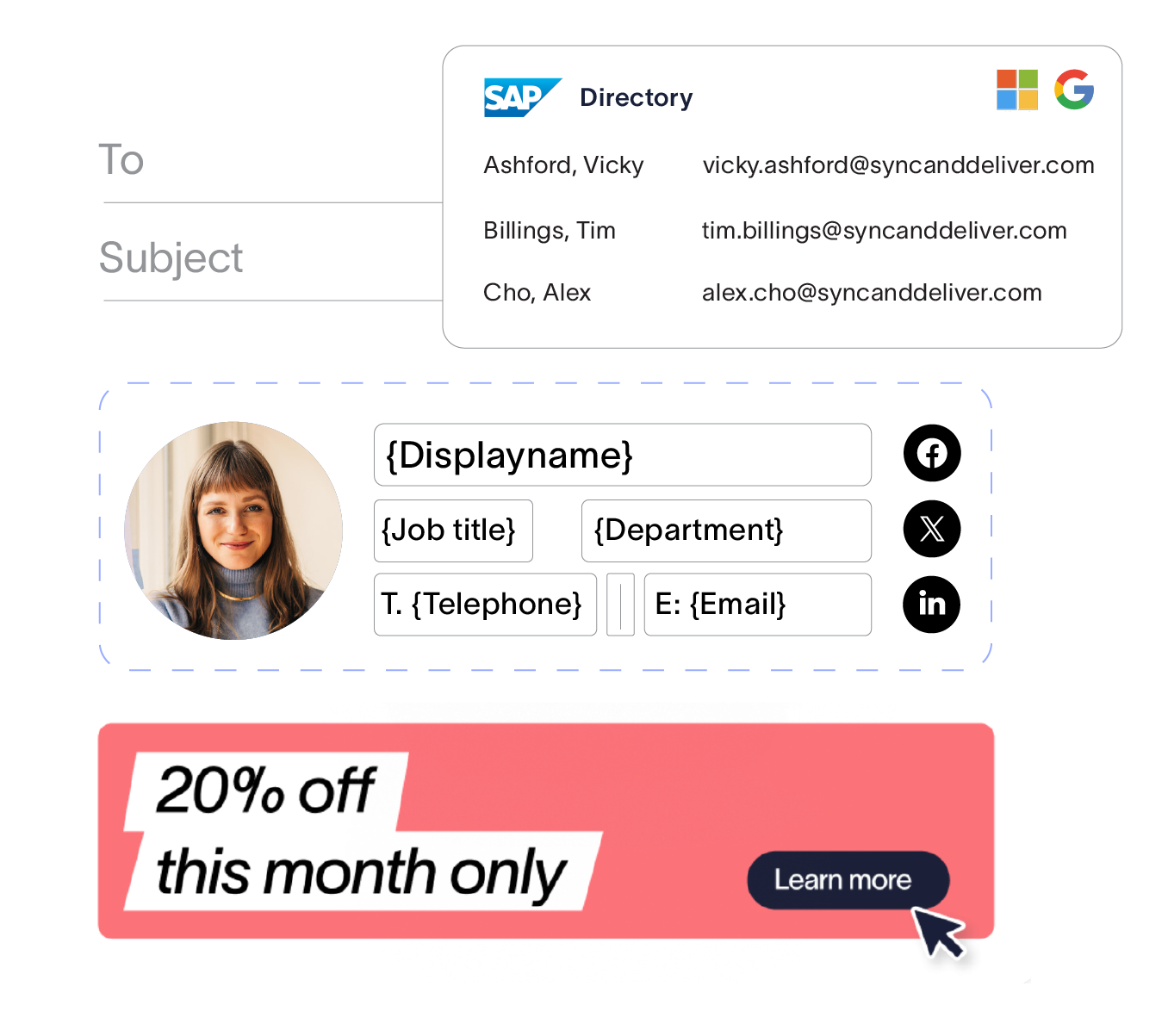
For organizations where SAP SuccessFactors is the system of record for employee data rather than Entra ID or Google Directory, keeping email signatures aligned with HR-managed data should not require complex workarounds or constant maintenance from IT teams. SAP SuccessFactors integration pulls employee attributes like names, job titles, departments, and contact information from your HRIS, so signatures and meeting themes always remain accurate by default.
HR-owned data, where it matters - SAP SuccessFactors is where your people data lives. By integrating SAP SuccessFactors with Exclaimer, data within your email signatures & meeting themes pull directly from that source, ensuring HR teams retain the management and oversight of people data, rather than just IT teams.
Less admin for IT, fewer blockers for HR - When employee data changes in SAP SuccessFactors, signatures and meeting themes update automatically. IT no longer needs to manage HR-owned attributes, reconcile directories, or handle update request tickets every time something changes.
Accurate signatures for every user, from day one - Large organizations see constant change. From new hires, to promotions, and even location moves, this information needs to be reflected accurately in every outbound email. With SAP SuccessFactors as your Exclaimer data source, those changes reach signatures automatically, without anyone chasing edits or updating CSVs.
How it works
Complete the authorization flow and grant Exclaimer read-only access to your SAP SuccessFactors data. The integration is powered by BindBee, which handles the secure connection between SAP SuccessFactors and Exclaimer.
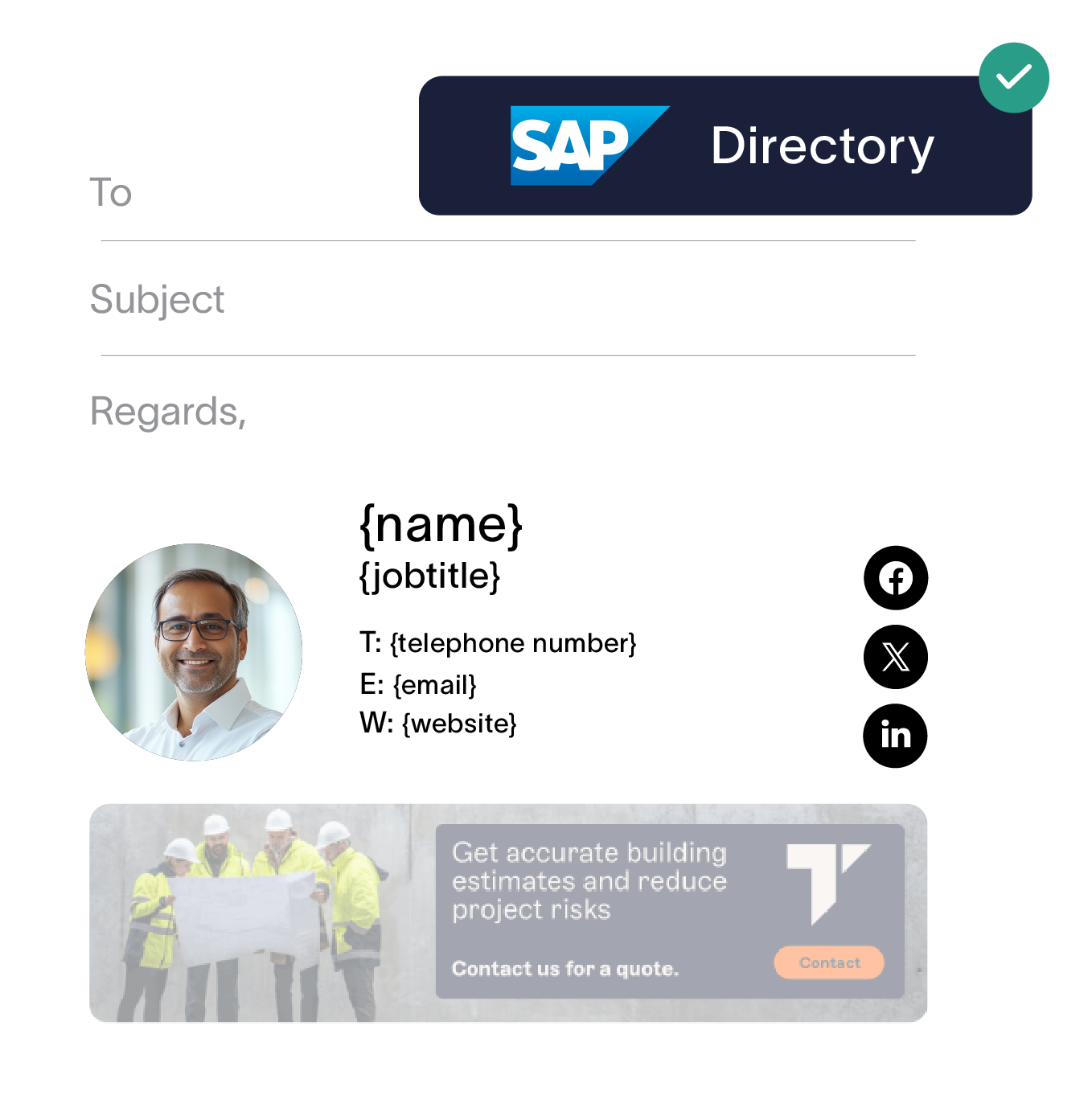
Build email signature and meeting theme templates using the attributes mapped from SAP SuccessFactors.
When employee information changes in SAP SuccessFactors, updates sync into Exclaimer automatically, ensuring every signature and meeting theme reflects the latest details.
Your HR data is already accurate. Now your signatures can be too.
Connect SAP SuccessFactors to Exclaimer and every signature updates automatically when employee records change, or someone new joins your organization.

Frequently asked questions
Navigate to Sender Management in Exclaimer settings, then go to the Enable HRIS access section. Select SAP SuccessFactors from the drop-down and select Connect to begin the setup flow.
You need admin access to SAP SuccessFactors including permission to register OAuth2 client applications. During setup, you grant Exclaimer read-only access to your SAP SuccessFactors environment. Exclaimer can retrieve employee data but cannot modify anything in SAP SuccessFactors.
Yes, the SAP SuccessFactors integration is available for customer using Google Workspace, or Outlook environments.
SAP SuccessFactors integration is available on the Exclaimer Pro plan.