






Microsoft 365 email signatures made simple
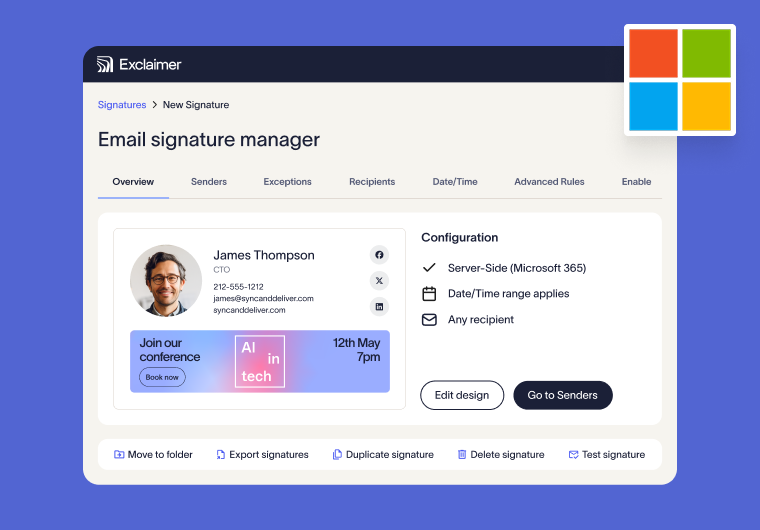
Automate signature management from a single platform

Manage signatures across Microsoft 365 from one centralized dashboard.
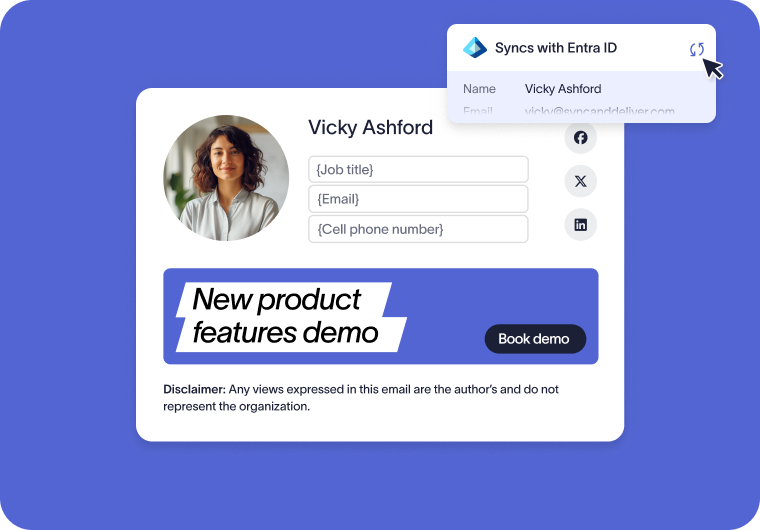
Synchronize user details from Microsoft Entra ID to keep signatures accurate.
Automatically assign signatures based on user, role, department, or recipient.
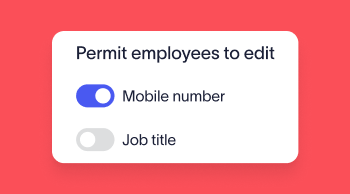
Delegate updates with role-based access, so teams can contribute without risking control.
Keep every email professional, consistent, and trustworthy
Update brand elements once and apply changes instantly across all users, devices, and departments.
Standardize logos, colors, and layouts across Microsoft 365 from a single source.
Roll out rebrands or campaign updates globally in minutes.
Make every email look polished and brand consistent, no matter who sends it.

Ensure every email is compliant, branded, and protected
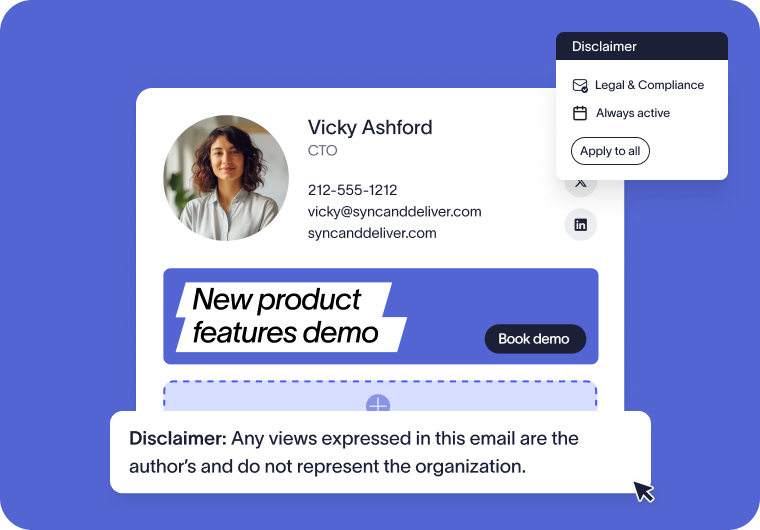
Apply legal disclaimers automatically to every email, with no user input required.
Use dedicated settings to tailor disclaimers and signature content by region, department, or recipient.
Guaranteed legal compliance for every email, from every employee.
Track changes with audit logs to support compliance and internal reviews.
Trusted by 9 million email accounts worldwide






Built to scale with your organization
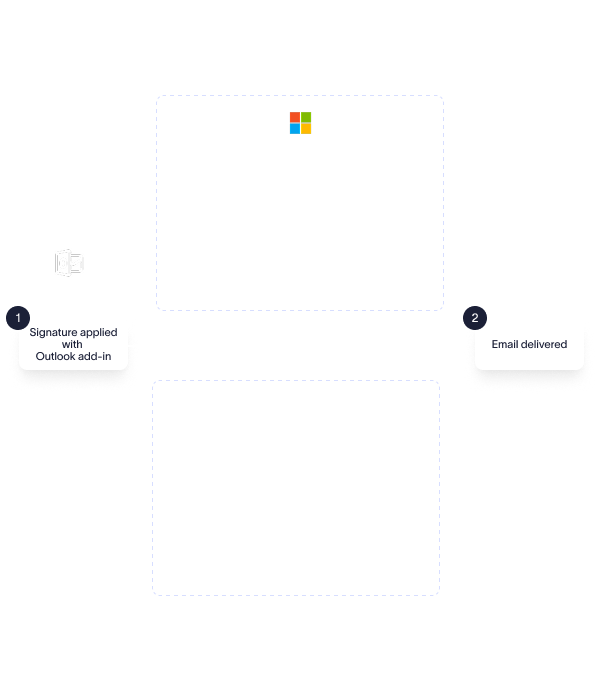
Automatically imprint signatures after send, across devices.
Ensure signatures and disclaimers are applied to every message.
See signatures applied to all messages in your sent items folder.
Post-send signature application ensures complete governance, with no risk of signature editing.
High availability powered by 14 Azure datacenters in 7 regions globally.
Automatic failover datacenters in region maintain continuity, and full data residency.
Ensure reliable signature application without disrupting your mail flow.
Exclaimer is proud to offer 99.99% uptime.




Carry over the same consistency you rely on for signatures to your video meeting themes

Integrated with the tools you already use
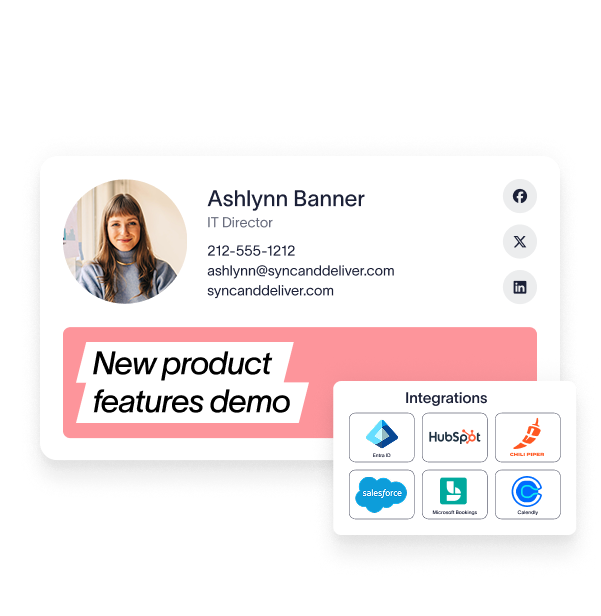
Integration with Entra ID or your HRIS tool ensures accurate employee information from day one.
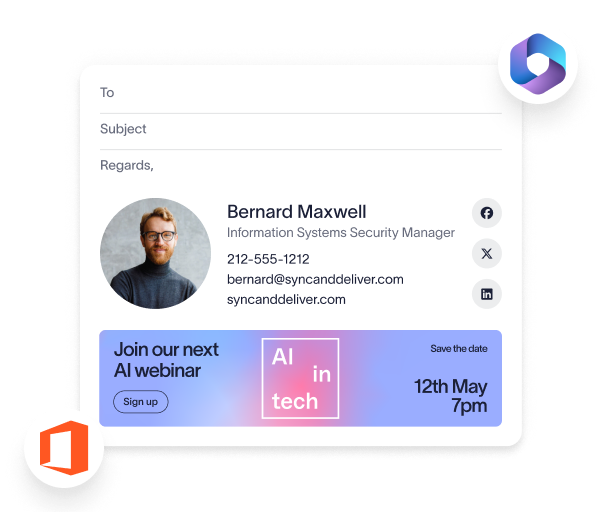
Signatures applied and visible in Outlook automatically via the Exclaimer Outlook Add-In.
Ensure every Microsoft Teams or Zoom meeting is professional & on brand with Meeting Branding.
Advanced CRM integrations with Salesforce and HubSpot enable teams to target signatures based upon the lists you already rely on.
Easily facilitate meetings with Microsoft Booking, Calendly or Chili Piper links on every email automatically.
Try our email signature solution for Microsoft 365
Easily standardize, manage, and update signatures across your entire organization.


Score 4.5 of 5
"A signature management tool that works faultlessly"
Prior to discovering Exclaimer Cloud, our small business was using homemade templates in Microsoft365 which failed to produce the results we wanted across the range of devices our...


Score 9.2 of 10
"Decent email signature manager with great flexibility"
Our company basically has 4 separate business units that need to appear "somewhat" cohesive while also still remaining separate and free to create their own email signatures. Excla...


Score 4.6 of 5
"Excellent service, takes all the hassle out of Office 365 Signatures!"
Simple pricing shown on their website rather than having to request a quote. Simple to set up with automated systems to configure your account and Office 365, linking the two toget...

Score 4.5 of 5
"Auto organisational signatures, bye bye messy signatures"
The integration with Office 365 is excellent. The template editor lets you have different signatures for different users, departments or groups. You can change the email signatures...

Score 4.5 of 5
"Professional signatures, very versatile"
The features I most use are the signature tester and troubleshooters, which can help you to determine what signature a particular user will get when sending to certain recipients....
Frequently asked questions
Yes, Exclaimer prioritizes data security at every stage. Data is encrypted end-to-end with TLS protection, and advanced security measures such as firewalls, intrusion prevention systems (IPS), and active DDoS protection are in place to defend against cyber threats.
Additionally, Exclaimer’s DevSecOps approach ensures that security is embedded into every product from development to deployment.
Absolutely. Exclaimer meets the highest industry standards, including SOC 2 Type II, ISO 27001, ISO 27018, HIPAA, and Cyber Essentials.
Regular independent audits are conducted to ensure your organization’s data remains protected and fully compliant with relevant regulations.
Exclaimer ensures high availability with a 99.99% uptime by using Microsoft Azure’s global infrastructure. The Exclaimer platform operates across 14 regional Azure datacenters, each with primary and secondary locations for redundancy.
High Availability Clusters (HAC) and automated load balancing distribute traffic efficiently, preventing downtime. Continuous data synchronization offers seamless failover in case of an outage, while scheduled updates are deployed during off-peak hours to minimize disruption.
These measures, combined with real-time monitoring and rigorous stress testing, guarantee a reliable and uninterrupted service.
Yes, Exclaimer is built for organizations of all sizes, including enterprises with complex IT environments. Its scalable architecture supports thousands of users with centralized management and granular control.
The platform ensures reliability with a high-availability infrastructure and adheres to industry standards to provide security for regulated industries.
Exclaimer integrates with Microsoft 365 by accessing user information from Azure Active Directory (Azure AD) through administrator-granted permissions. Once authorized, Exclaimer synchronizes user data, such as names, job titles, and contact details, to dynamically populate email signatures.
It requires permissions like User.Read, Directory.Read.All, and User.Read.All, enabling it to retrieve user profiles, directory information, and photos. The data is securely stored within Exclaimer’s infrastructure.
The Exclaimer Outlook Add-in integrates with Microsoft Outlook 365, allowing users to manage and apply email signatures within their Outlook email client. This add-in lets a user choose from a selection of signature templates when writing an email composition. It supports various platforms, including Outlook on Windows, macOS, web (OWA), and mobile devices (iOS and Android), providing a seamless experience across devices.
Administrators can centrally deploy and manage the add-in across the organization, reducing IT overhead and ensuring uniformity in email signatures.