Dave is a marketing expert with 15 years experience in the tech and SaaS world. He specializes in educating IT and channel audiences, with a focus on security, privacy, compliance, and marketing technology. With a talent for storytelling and a deep understanding of the industry, Dave transforms complex IT topics into clear, engaging, and impactful narratives.
The 4 risks of non-compliant email signatures (and how to avoid them)

Key takeaway
The legal rules covered here require company and sender details. The UK, Germany, Canada, and the US each have such rules for business or commercial email, and none of them requires a confidentiality disclaimer.
The security risk is impersonation. An email signature can't prevent it, because anyone can copy one and mail from a compromised account can carry the real one.
The brand and operational risks show up where email signatures are managed by hand. In Exclaimer's State of Business Email 2025 research, 80% of IT professionals say their organization still relies on manual methods or user self-service, and only 55% say IT owns email signature management.
A written policy with a named owner, applied centrally, reduces the legal, brand, and operational risks.
What are the legal and regulatory risks of non-compliant email signatures?
Exclaimer's State of Business Email 2025 research describes most email signature updates as reactive. 38% of IT professionals name a security audit as a trigger, and 31% name a merger or acquisition. Company details go stale in the gap between the change and the update. 
Company law and anti-spam law set out what a business email has to say about the sender. Email disclaimers are a separate matter.
Rule | Where | What it asks of business email | Status and penalty |
|---|---|---|---|
| Company, Limited Liability Partnership and Business (Names and Trading Disclosures) Regulations 2015 | UK | Registered name on business correspondence. Registered number, registered office address, and the part of the UK where the company is registered on business letters and order forms. Both cover electronic form, and law firms read that as including email. | Legal requirement. Failing to comply without reasonable excuse is an offence. |
Section 37a of the Handelsgesetzbuch (HGB), with related rules for a GmbH and an AG | Germany | On external business emails, the registered company name, place of business, registry court, and register number, with an exception for standard-form messages within an existing business relationship. A GmbH also lists its managing directors. | Legal requirement. The registry court can impose penalties of up to 5,000 euros, according to IHK Hannover guidance from 2017 (in German). |
Canada's Anti-Spam Legislation (CASL) | Canada | Commercial emails need accurate sender identification and contact details, plus an unsubscribe option. | Legal requirement for commercial messages. Penalties reach C$10 million per violation for organizations. See the Canada email disclaimer guide. |
| CAN-SPAM Act | US | Commercial emails need a valid physical postal address and a working opt-out. | Legal requirement for commercial email, business-to-business included. Penalties reach $53,088 per email. |
Health Insurance Portability and Accountability Act (HIPAA) Security Rule | US healthcare | Safeguards for electronic protected health information sent by email. The US Department of Health and Human Services' FAQ on sending that information by email doesn't mention a disclaimer. | Safeguards required. |
General Data Protection Regulation (GDPR) | EU | Protect personal data in email. The regulation doesn't prescribe a disclaimer. | Protection required. |
In a 2010 guide to UK email footers, written for the earlier version of these rules, law firm Pinsent Masons flagged two traps. In its view, a link to the company details doesn't count, because the details have to be readable. And a footer shared across a group should name the company that is actually sending, not only the parent. The 2015 regulations keep the readability wording.
"Email signatures and disclaimers can be an underrated area. They look small, and we're all so used to seeing them at the bottom of a message, but they carry mandated information in a number of jurisdictions and industries, and that information is often determined by regulatory requirements. Not having them, or not being able to show you had them on particular communications, can cause you an evidence problem."

Is an email disclaimer legally required?
Not under any of the rules in the table above. A confidentiality disclaimer is a policy decision, and Legal should own the wording.
If you work in financial services or healthcare, ask Legal what your regulator expects on top of these.
Can email signatures create security risks?
Anyone can copy an email signature from an earlier message, so on its own it can't show that an email is genuine. When fraudsters compromise an account, the messages they send can carry the real one, depending on how email signatures are applied. That is one route to business email compromise (BEC), which accounted for just over $3 billion in losses reported to the FBI in 2025, according to its 2025 Internet Crime Report.
 Inside the company, the risk is content nobody reviewed. In the same State of Business Email 2025 research, 23% of organizations have employees update their own email signatures. Those employees can add personal phone numbers or links to sites IT never checked, and both go out with every external email they send. Central control of email signatures keeps that content under review.
Stopping impersonation takes controls outside the email signature. Karl Bagci, Exclaimer's Director of IT and Information Security, calls email authentication "necessary but not sufficient" and says the organizations that avoid major BEC losses will "build deliberate friction into high-risk processes." In his view, a payment change or an access request needs verification through a separate channel.
How do non-compliant email signatures hurt the brand?
Recipients weigh the email signature as one trust signal among several. In Exclaimer's July 2026 research on trust in business email, a OnePoll study of 1,000 US adults, 23% said a professional, branded email signature makes a company email feel more trustworthy. They ranked it ahead of legal disclaimers (17%) and consistent formatting (16%).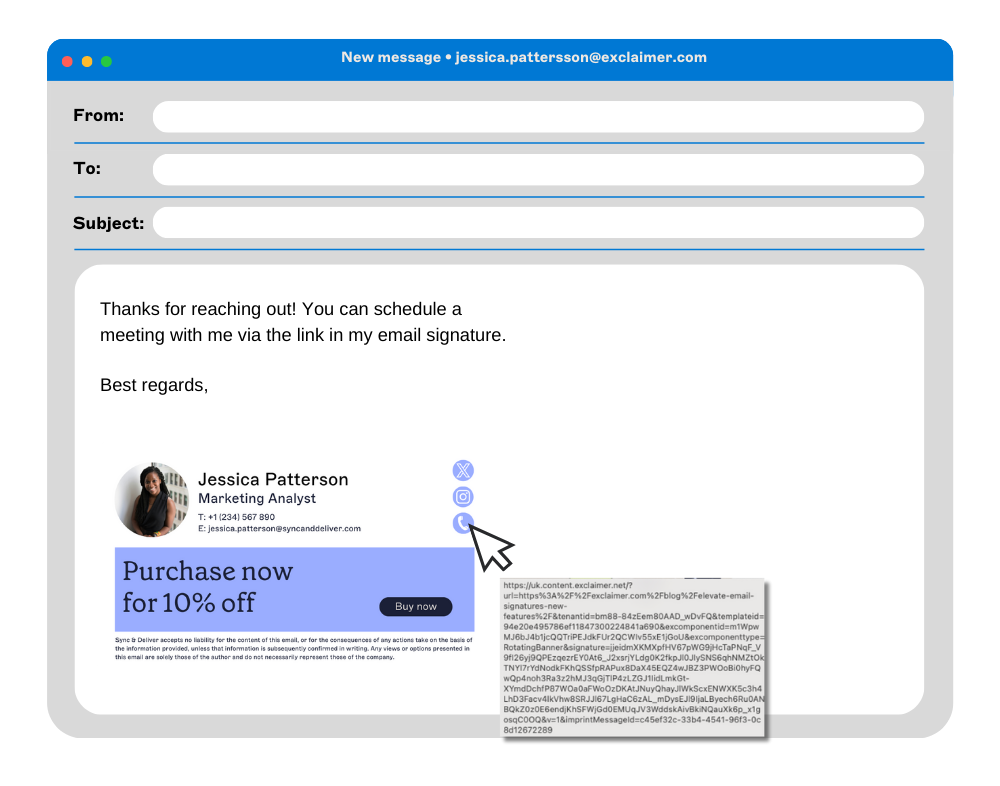
Jim Turner, Exclaimer's Chief Operating Officer, writes that email disclaimers are "among the most visible expressions of an organization's standards." The post on common email signature mistakes IT teams make goes through the fixes.
What does managing email signatures by hand cost IT?
In the same State of Business Email research, 35% of IT professionals named email signature management as one of their two most time-consuming tasks. Yet 80% still rely on manual methods or user self-service.
 Karl Bagci says that early in his career, email signature management meant transport rules and a Word template everyone could update. "That works for a small team, but it doesn't scale," he says. "Every change becomes a ticket, and it's death by a thousand paper cuts, lots of small five-minute jobs that add up fast."
A rebrand touches every email signature in the company, and asking employees to make the changes themselves hands the work to people with other jobs. See also the post on how Exclaimer solves IT's email signature challenges.
How do you reduce the risk of non-compliant email signatures?
In the same research, only 55% of organizations say IT owns email signature management, and the rest is split across HR, marketing, and employees. The first fix is deciding who owns what goes into every email signature.
Write an email signature policy that lists, for each company entity and country, the legal details to show as readable text.
Give Legal the wording and IT the enforcement, so a change request has one clear route.
Review email signatures after a change to the company's name or address and after an acquisition, rather than waiting for an audit to prompt it.
Keep a dated record of the approved wording, so you can show what was approved and when.
Apply email signatures centrally, then send a test message from each device and email client in use to check that the right details appear.
How can IT apply an email signature policy with Exclaimer?
Exclaimer's cloud solution applies email signatures and disclaimers to outgoing mail for Microsoft 365 and Google Workspace. Server-side deployment adds them as mail routes through Exclaimer, so they appear on mobile and webmail as well as desktop.
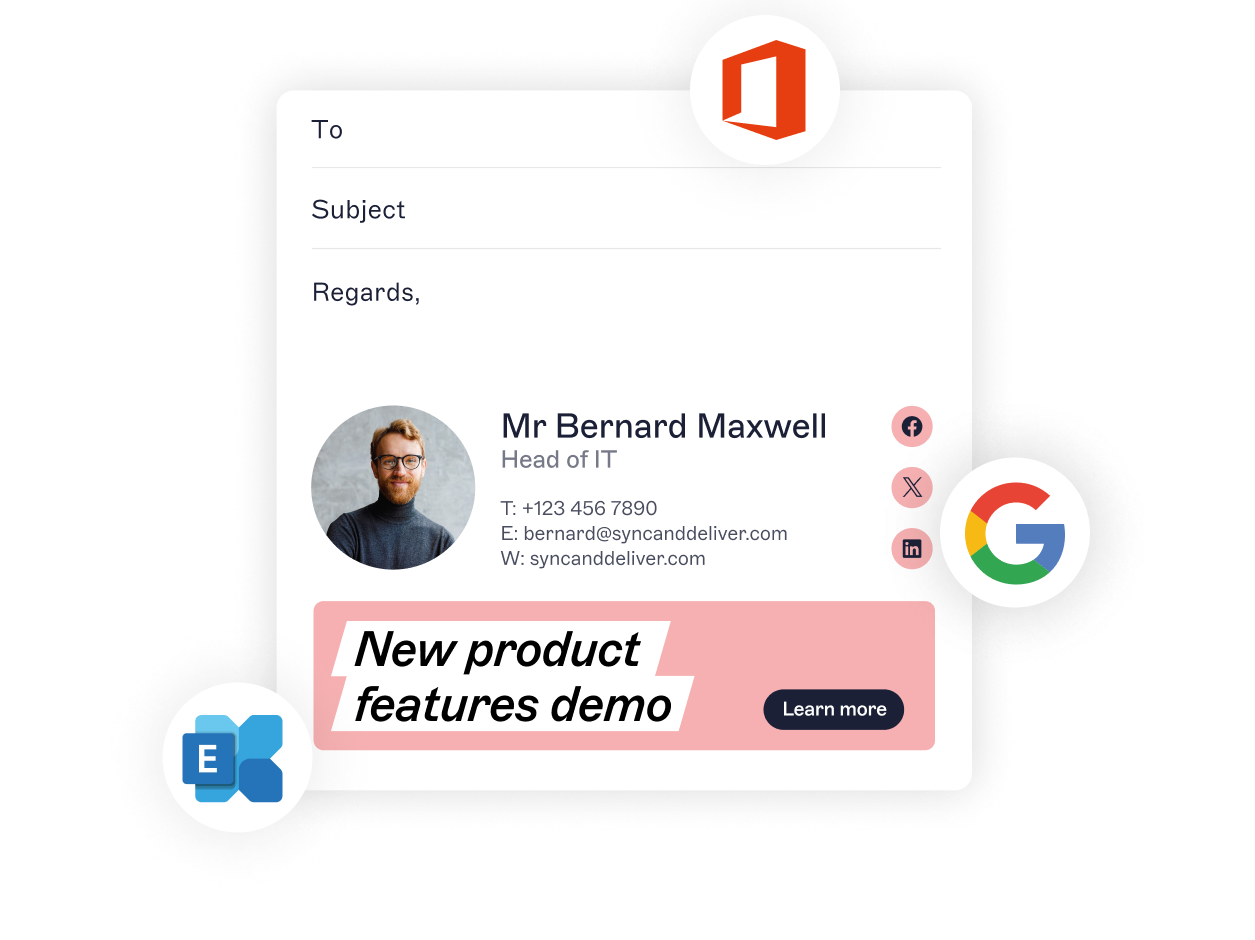
Signature Rules decide which email signature and disclaimer each sender gets, by user, department, region, or brand.
Employees can't edit or remove disclaimers.
Directory sync from Microsoft Entra ID or Google Workspace Directory keeps contact details current without manual edits.
Role-based access lets Legal manage disclaimers and Marketing manage design, within permissions IT sets.
Legal still decides what the wording says. For how IT and Legal split that work, see email signature compliance: what IT and legal teams need to know.
If your email signatures still run on transport rules and a Word template, see how Exclaimer helps IT teams manage email compliance from one web portal.