Dave is a marketing expert with 15 years experience in the tech and SaaS world. He specializes in educating IT and channel audiences, with a focus on security, privacy, compliance, and marketing technology. With a talent for storytelling and a deep understanding of the industry, Dave transforms complex IT topics into clear, engaging, and impactful narratives.
7 steps to secure email signatures & protect your business

TL;DR
- Unsecured email signatures expose employees to phishing, impersonation, and data leakage risks
- Centralizing management helps IT teams secure email signatures, maintain compliance, and prevent unauthorized edits
- Follow seven practical steps—from access controls to phishing protection—to safeguard your company’s signatures
- Choose a centralized email signature platform with encryption, RBAC, audit logs, and MFA
- Exclaimer lets organizations manage, protect, and standardize email signatures across every device and employee from one secure platform
Picture this. It’s Friday afternoon and your IT help desk pings again with another “my email signature looks wrong” ticket.
You fix it, push an update, and think the job’s done. Then Marketing changes a campaign banner, Legal updates the disclaimer, and someone in Sales decides their contact details look better in Comic Sans.
Multiply that across hundreds of users. Each email becomes a slightly different version of your brand—and a potential security risk you didn’t plan for.
Beyond branding and contact details, email signatures that aren’t uniform or securely managed make it easier for attackers to exploit brand credibility. According to Verizon’s 2024 Data Breach Investigations Report, 68% of breaches involved a non-malicious human element, including phishing and social engineering. Consistent, secure email signatures play a quiet but important role in protecting employee interactions.
This article explains five ways unsecured signatures put employees at risk and how IT teams can secure email signatures across the organization.
5 ways that unsecured email signatures put employees at risk
Unsecured business email signatures can expose employees to several risks. From phishing to data exposure, weak or unmanaged email signatures create vulnerabilities that are easy to overlook and hard to contain.
1. Phishing and impersonation
When email signatures aren’t protected, it’s easy for attackers to copy your company’s logo, colors, and employee details. They can use these to make phishing emails look authentic and trick recipients into sharing passwords, payment details, or confidential data.
2. Data leakage
Email signatures often include contact details, job titles, and sometimes even direct phone numbers or internal information. Without security controls, these small data points can help attackers identify high-value targets or launch social engineering campaigns.
3. Inconsistent security protocols
Without a centralized, secured email signature management platform, employees can use outdated or incorrect versions of signature templates.
These will miss key security elements like email disclaimers or legal notices. This inconsistency can make some messages appear less credible and might expose sensitive information.
4. Malware delivery
An compromised or unsecured email signature system can be used to distribute malicious content. Attackers can insert harmful links or attachments directly into employee signatures, turning routine emails into delivery tools for malware or ransomware.
5. Reputational risk
If email signatures are compromised or used fraudulently, the company’s brand reputation can suffer. Clients or contacts who receive suspicious emails may question your employees, creating trust issues that potentially impact business relationships.
By securing email signatures through a managed platform, companies can maintain consistency, prevent unauthorized access, and add protective measures to keep employees and company data safer.
7 steps for securing your company’s email signatures
Secure email signatures are a key part of any company’s cybersecurity plan. They protect employees from phishing, maintain compliance, and strengthen brand credibility. To reduce risks from unsecured email signatures, follow these seven practical steps.
1. Use a centralized email signature management solution
Start by managing all signatures from one platform. A centralized email signature management solution lets IT teams control design, content, and deployment across every device and user.
This prevents unauthorized edits, applies consistent branding, and keeps every signature compliant with security policies.
2. Establish brand and security standards for signatures
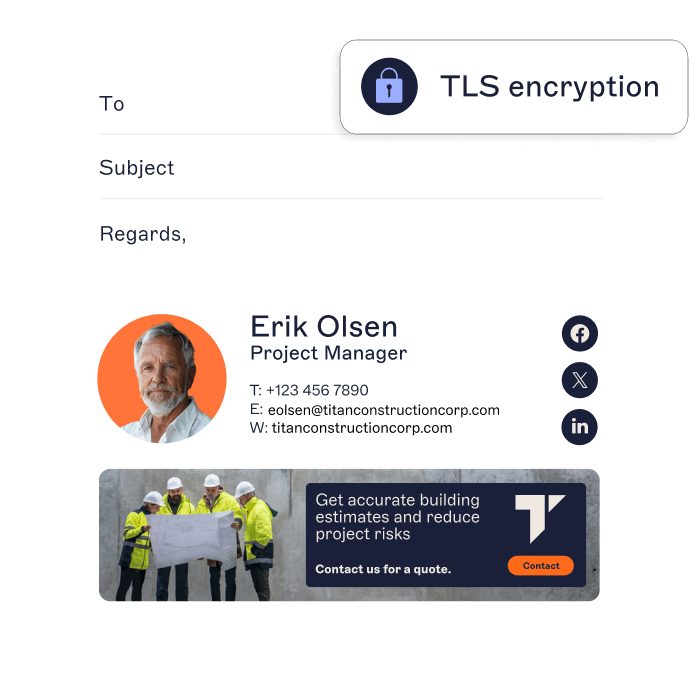
Create a standardized email signature template that includes approved branding, correct contact details, and legal disclaimers.
This minimizes inconsistent formatting and unauthorized modifications while maintaining alignment with internal brand and security guidelines.
3. Use secure, verified links
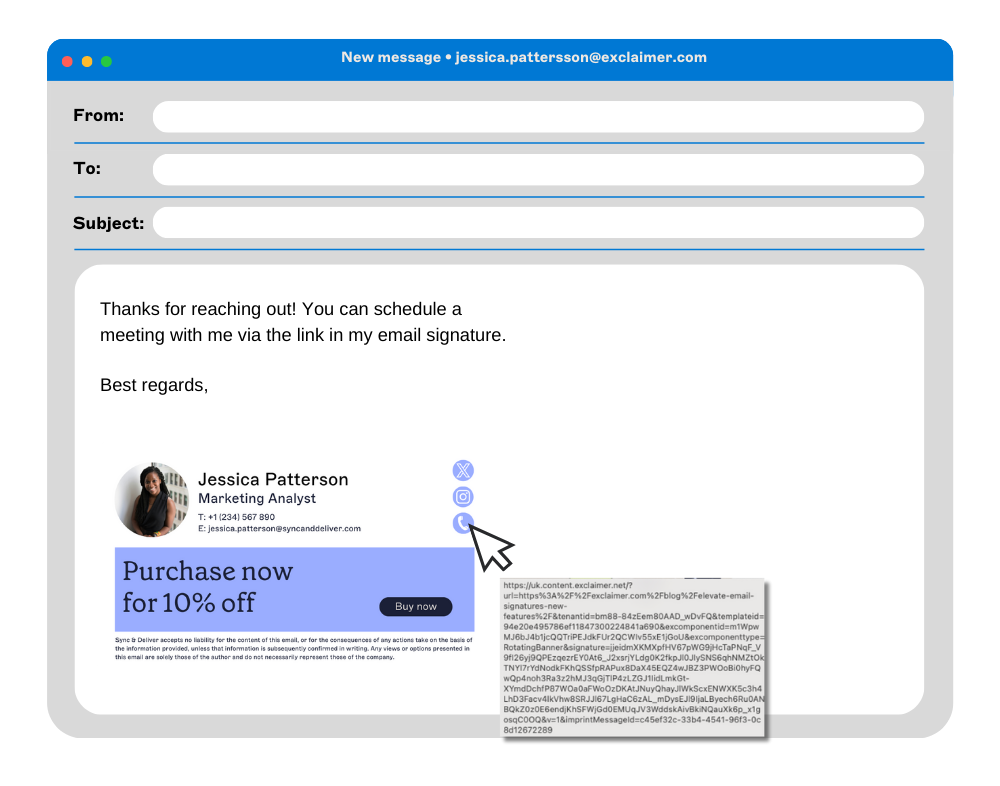
Only include links to verified company domains or official social media pages. Avoid shortened or redirected URLs that obscure the destination and can be exploited in phishing attacks. Use HTTPS links whenever possible to add another layer of trust.
4. Apply access controls for signature editing
Limit signature editing to approved administrators. Restricting access reduces the risk of unauthorized changes, maintains version control, and helps IT teams identify any unusual modifications quickly.
5. Monitor email signature usage and update regularly
Keep track of how signatures are being used. Regularly review templates for expired content, broken links, or suspicious updates.
Updates should reflect current branding, contact information, and compliance requirements. Monitoring also helps identify early signs of potential misuse.
6. Train employees on email signature security
Educate employees about the importance of email signature security. Training should cover phishing awareness, the risks of editing signatures manually, and the importance of verified communication formats. Awareness builds consistency and accountability.
7. Integrate email signature management with your security stack
Connect your email signature management platform to your broader security ecosystem. That includes email filtering, encryption, and anti-phishing tools. Integration improves visibility and helps detect signature-related vulnerabilities before they escalate.
By taking these steps, IT teams can secure email signatures across the business, protect employees from impersonation attacks, and maintain a consistent, compliant brand presence in every email.
Why use centralized email signature management?
Centralized email signature management provides IT with a single platform to control how every employee’s signature looks and functions. It helps enforce brand standards (logos, fonts, colors, etc.) across all outgoing messages.
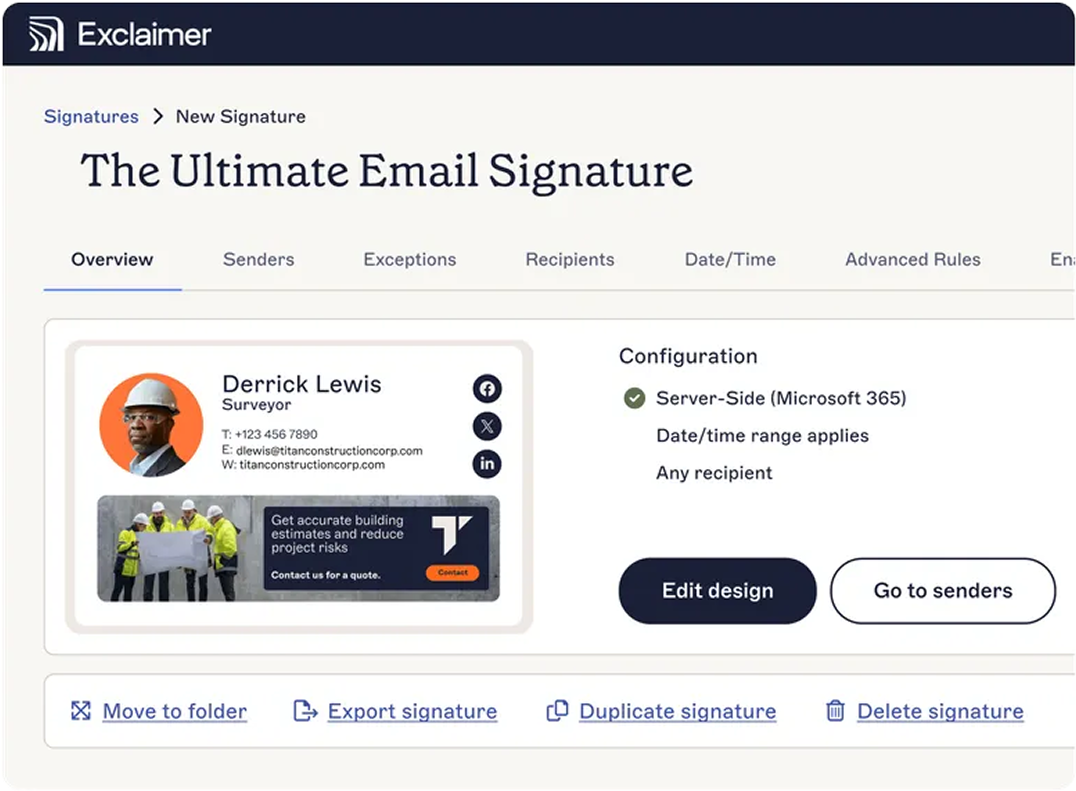 From a security standpoint, centralization adds measurable protection. Administrators can prevent unauthorized edits, limit links to verified domains, and deploy urgent updates to all users at once. This reduces impersonation risks and supports faster responses to potential threats.
Integration with existing security protocols also allows IT to monitor and audit usage, track anomalies, and confirm that every template meets organizational security requirements.
Best features of a secure, centralized email signature manager
When choosing a centralized email signature management platform, there are several key security-focused features to prioritize to keep your organization's emails safe and secure:
Data encyption: The platform should encrypt data in transit and at rest to protect sensitive information from unauthorized access.
Secure API integrations: Look for compatibility with secure APIs for Microsoft 365 and Google Workspace to enable seamless, protected deployment.
Role-Based Access Control (RBAC): Assign specific permissions based on user roles so that only authorized personnel can edit or approve signatures.
Audit logs and monitoring: Choose a solution that records all changes, showing who made updates and when, for full accountability.
Compliance management: Support for standards such as GDPR, CCPA, and HIPAA is vital for industries that handle sensitive data.
Phishing protection: Some platforms automatically flag or block suspicious links and attachments within signatures.
IP whitelisting and Multi-Factor Authentication (MFA): Restrict platform access to trusted networks and verified users.
Automatic updates and patching: Regular security updates reduce exposure to emerging threats.
Anti-tampering controls: Prevent end users from altering signatures locally, protecting brand integrity and security settings.
A well-equipped email signature management platform gives IT teams full visibility and control. It strengthens brand consistency, safeguards sensitive data, and supports regulatory compliance across every corporate email.
To find out what you should be looking for in an email signature solution, get a copy of our Email Signature Management Solution Buyer's Guide.
Let Exclaimer secure your email signatures
Every email your employees send represents your brand—and every signature attached—can either reinforce trust or open the door to risk. Unsecured email signatures make organizations more vulnerable to phishing, impersonation, and data leakage. Cybercriminals know that inconsistent or unmanaged signatures are easy to exploit.
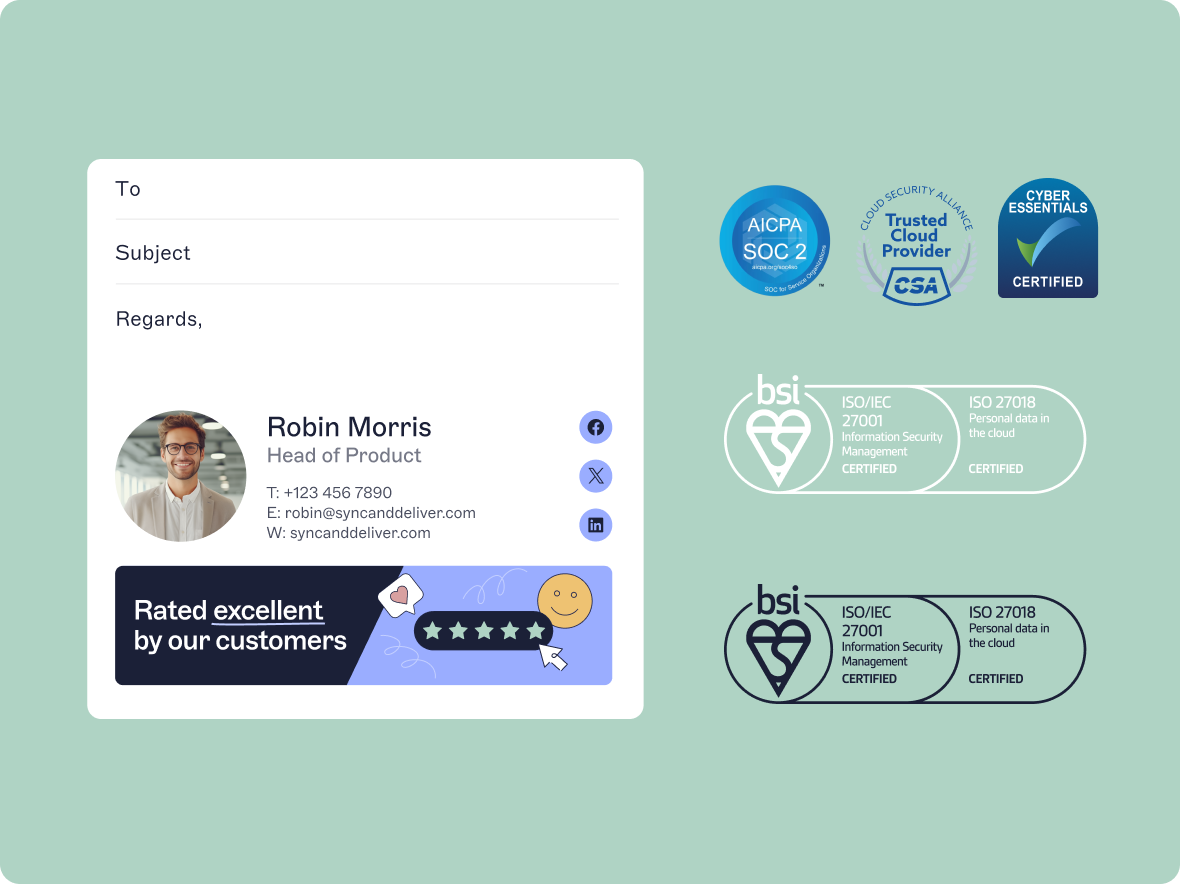
Exclaimer gives IT teams centralized control to secure email signatures across the organization. From one platform, administrators can manage layouts, apply legal disclaimers, and enforce consistent branding. Security features like access controls, encryption, and integration with existing security frameworks help reduce the likelihood of spoofing and signature misuse.
By managing email signatures through Exclaimer, companies improve email security, strengthen compliance, and protect employees, customers, and partners from emerging threats — all while maintaining a professional, trusted brand presence.
Read more here about how we protect your email communications, and sign up for a free trial of Exclaimer today