Business email templates: Format, examples, and professional writing guide
3 March 2026
0 min read
TL;DR
A business email template provides a standardized structure that improves clarity, professionalism, and consistency in workplace communication.
Every professional email should include a clear subject line, appropriate greeting, concise body, defined call to action, formal closing, and signature block.
Start with a clear purpose, keep your message structured and concise, and make the next step explicit to avoid delays.
Use templates for common scenarios such as meeting requests, follow-ups, introductions, proposals, and apologies to save time and reduce errors.
Avoid common mistakes like vague subject lines, long paragraphs, inconsistent tone, and missing calls to action.
Consistent formatting and communication standards strengthen credibility, support brand alignment, and improve efficiency across teams.
Professional emails influence how colleagues, clients, and partners perceive your organization. A clear structure improves readability, reduces misunderstandings, and signals credibility.
A business email template is a standardized format used for professional communication. It typically includes a clear subject line, professional greeting, concise message body, defined call to action, and formal closing. Templates create consistency, improve clarity, and help maintain professional standards across teams.
This guide explains the correct business email format, provides practical templates for common scenarios, and outlines best practices to help your organization communicate with clarity and consistency.
Business email format: The essential structure
The standard business email format includes a clear subject line, professional greeting, concise message body, defined call to action, formal closing, and signature block. Following this structure improves clarity, consistency, and professionalism.
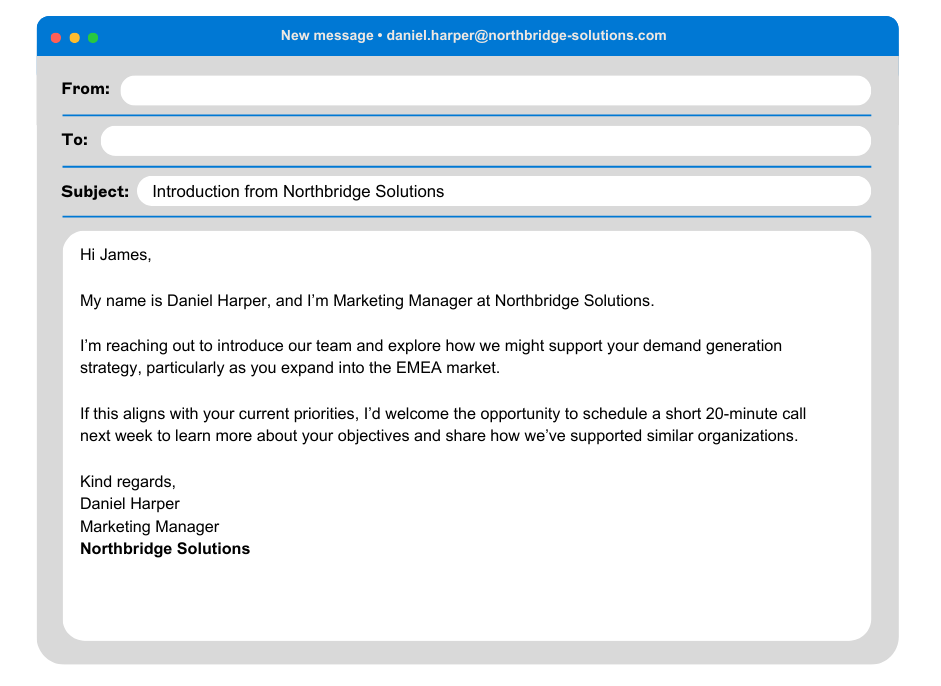
Here are the core components every business email template should include:
1. Subject line
Your subject line should be specific and informative. It tells the recipient what to expect and helps them prioritize your message.
Best practices:
Keep it concise
Avoid vague phrases like “Quick question”
Include context or a clear action
Examples:
Meeting request to review Q2 targets
Follow-up on partnership proposal
Introduction from [Your Company Name]
2. Professional greeting
Start with a polite and appropriate salutation. When in doubt, keep it formal.
Examples:
Dear Ms. Patel,
Dear Hiring Manager,
Hello James,
If you don’t know the recipient’s name, use a neutral option such as “Dear Hiring Manager” rather than informal greetings.
3. Opening sentence
Your first sentence should state the purpose of the email. Avoid long introductions.
Example:
I’m writing to follow up on our conversation last week.
I’d like to schedule a meeting to discuss the upcoming launch.
I’m reaching out to introduce our services and explore potential collaboration.
A direct opening improves clarity and saves time for both parties.
4. Core message
This is the main body of your email. Keep it concise and structured.
Best practices:
Use short paragraphs
Stick to one main topic
Provide necessary context without overexplaining
Use bullet points when listing information
Clarity builds credibility. Long, dense paragraphs often reduce engagement.
5. Call to action
Every business email should guide the reader on what to do next. Make your request clear.
Examples:
Please let me know your availability for a 30-minute call next week.
Could you confirm receipt of this document by Friday?
I’d appreciate your feedback by the end of the day.
A defined call to action reduces back-and-forth and speeds up decision-making.
6. Professional closing
End your email with a formal sign-off that matches the tone of your message.
Examples:
Kind regards,
Sincerely,
Best regards,
Avoid overly casual closings in formal business contexts.
7. Signature block
Your signature should include your name, job title, company name, and relevant contact details.
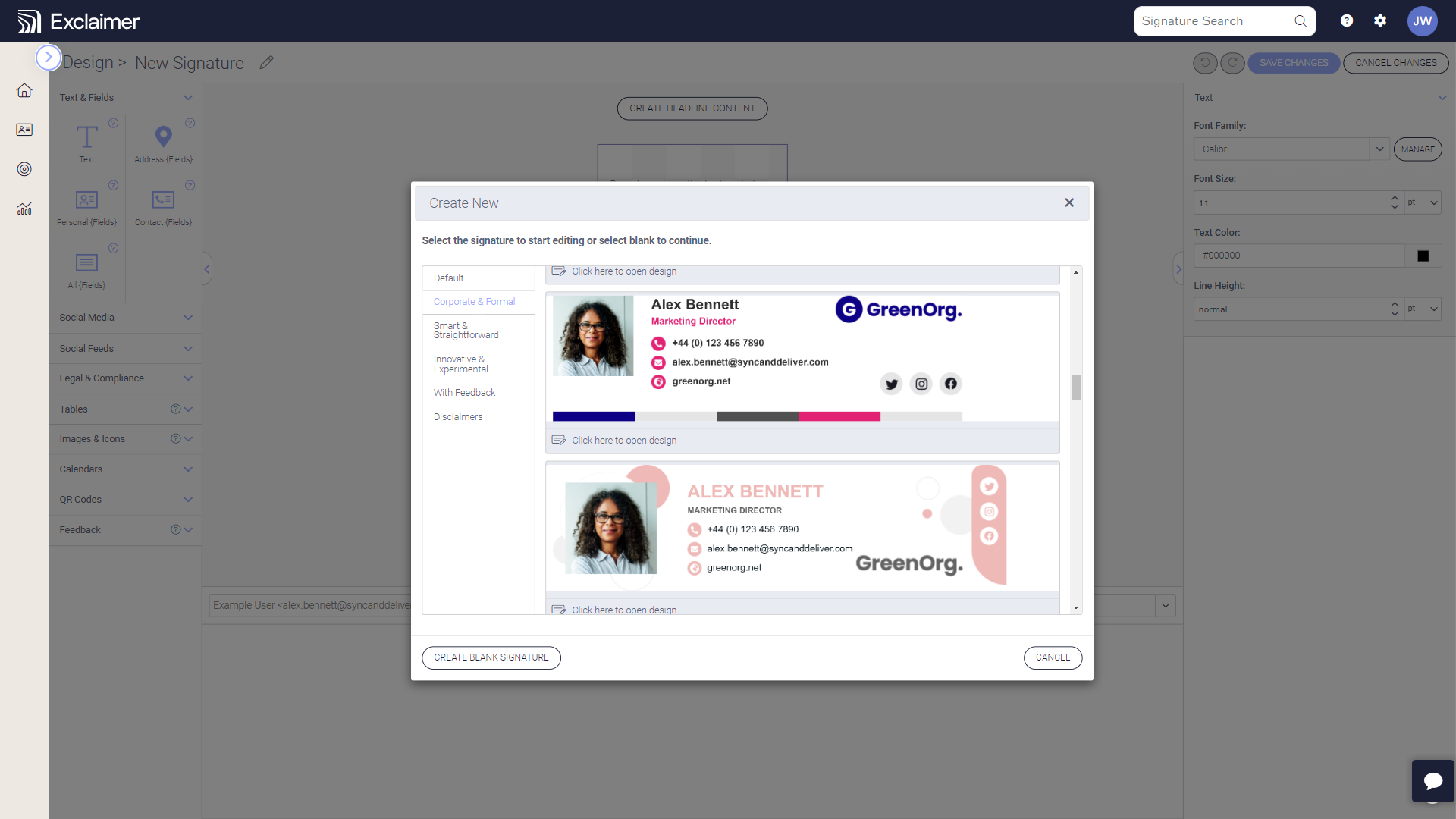
Consistent email signature formatting reinforces professionalism and ensures recipients can easily contact you. Across organizations, standardizing email signatures also supports brand consistency and reduces the risk of missing disclaimers or outdated information.
How do you write a professional business email?
To write a professional business email, define your objective, use a clear structure, keep your message concise, maintain a formal tone, and include a specific call to action. Proofread before sending to protect clarity and credibility.
Follow these five steps.
1. Define your objective before writing
Ask yourself:
What outcome do I want?
What decision or action is required?
What information does the recipient need?
Clear intent prevents unnecessary back-and-forth and keeps your message focused.
2. Keep the message concise and structured
Business emails should respect the recipient’s time.
Use short paragraphs
Avoid unnecessary background detail
Remove filler language
Keep sentences direct
If your email exceeds a few short paragraphs, consider whether a call or document would be more appropriate.
3. Use a professional tone
Tone should match the context and relationship.
Formal for new contacts or external stakeholders
Neutral and direct for internal communication
Avoid slang, emojis, or overly casual language in formal contexts
Professional tone builds trust and signals credibility.
4. Make the next step clear
Every professional email should include a defined call to action.
Instead of writing:
"Let me know your thoughts."
Be specific:
"Please confirm whether you approve the proposal by Thursday."
Specific requests reduce friction and improve response rates.
5. Proofread before sending
Before sending:
Check spelling and grammar
Confirm names and titles are correct
Verify dates and attachments
Re-read the subject line
Small mistakes can change the tone or clarity of your message.
Why structure and consistency matter
Professional communication shapes how your organization is perceived. When teams follow a consistent format, emails are easier to understand, easier to respond to, and aligned with brand standards.
In larger organizations, consistent formatting and standardized templates reduce variability, prevent informal drift, and support governance expectations across communication channels. Even routine emails contribute to overall brand perception.
Business email templates for common scenarios
A strong business email template provides structure without sounding scripted. The goal is clarity and professionalism, not rigid phrasing.
Below are practical examples you can adapt to your situation. Each template follows the standard business email format and includes a clear purpose and defined next step.
Meeting request email template
Subject: Meeting request to discuss [topic]
Dear [Name],
I hope you’re well. I’m writing to schedule a meeting to discuss [specific topic or objective].
I believe a short conversation would help us align on [key outcome or decision].
Would you be available for a 30-minute call next week? Please let me know a time that works for you, or feel free to suggest an alternative.
Kind regards,
[Your Name]
Follow-up email template
Subject: Follow-up on [previous discussion or proposal]
Dear [Name],
I’m following up on my previous email regarding [topic or proposal].
Please let me know if you need any additional information. I’d appreciate your feedback by [specific date], if possible.
Thank you for your time.
Best regards,
[Your Name]
Professional introduction email template
Subject: Introduction from [Your Company Name]
Dear [Name],
My name is [Your Name], and I’m [Your Role] at [Company].
I’m reaching out to introduce our team and explore how we might support [specific objective or challenge].
If this is relevant to your priorities, I’d welcome the opportunity to schedule a short call to discuss further.
Kind regards,
[Your Name]
Client proposal email template
Subject: Proposal for [project or service name]
Dear [Name],
Thank you for the opportunity to submit a proposal for [project or service].
Please find the attached document outlining scope, timelines, and pricing.
If you have any questions or would like to review this together, I’m available to meet at your convenience.
I look forward to your feedback.
Sincerely,
[Your Name]
Apology email template
Subject: Apology regarding [issue]
Dear [Name],
I’d like to apologize for [brief explanation of issue].
We understand the impact this may have caused and are taking steps to address it. Specifically, we are [action being taken].
If there’s anything further we can do to resolve this, please let me know directly.
Kind regards,
[Your Name]
Information request email template
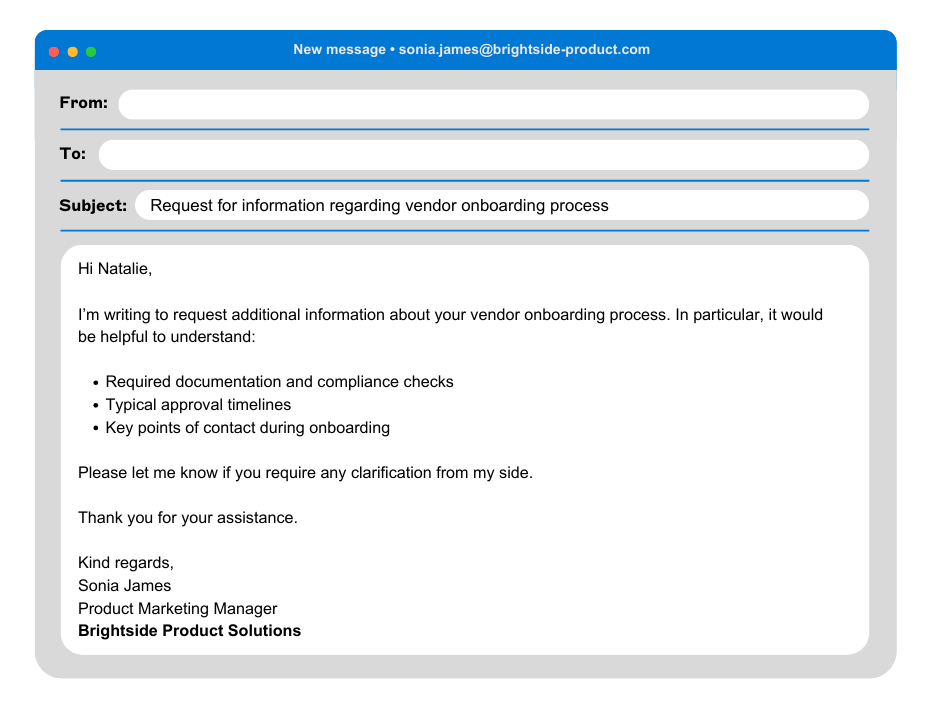
Subject: Request for information regarding [topic]
Dear [Name],
I’m writing to request additional information about [specific topic].
In particular, it would be helpful to understand:
[Point one]
[Point two]
[Point three]
Please let me know if you require any clarification from my side.
Thank you for your assistance.
Best regards,
[Your Name]
Best practices when using email templates
Templates provide structure, but they should not replace judgment.
Adjust tone based on the recipient and context
Personalize the opening when appropriate
Avoid copying templates verbatim for sensitive situations
Keep formatting consistent across your organization
When teams rely on standardized structures, communication becomes clearer and more predictable. This reduces informal variation and helps maintain professional standards at scale.
Common mistakes in business emails
Even well-intentioned emails can lose impact due to avoidable errors. Small issues in structure, tone, or clarity can reduce credibility and slow decision-making.
Here are the most common mistakes to avoid.
1. Vague or misleading subject lines
A subject line such as “Quick question” or “Update” gives no context. Recipients may ignore or deprioritize the message.
Instead, use specific wording that reflects the purpose:
Approval needed for Q3 budget proposal
Follow-up on contract discussion
Meeting request for onboarding review
Clear subject lines improve open rates and response times.
2. Unclear purpose
If the recipient has to read the entire email to understand why you’re writing, the structure needs improvement.
State your objective in the first one or two sentences. This sets expectations and makes your message easier to process.
3. Overly long paragraphs
Dense blocks of text reduce readability, especially on mobile devices.
To improve clarity:
Break content into short paragraphs
Use bullet points when listing items
Remove unnecessary background detail
4. Missing call to action
One of the most common issues in business communication is failing to define the next step.
Avoid ending with:
Let me know your thoughts.
Instead, specify:
Please confirm by Friday whether we can proceed.
Defined requests reduce delays and unnecessary follow-ups.
5. Inconsistent tone
Switching between formal and informal language can undermine professionalism. This is especially important when communicating with clients, executives, or new contacts.
Maintain a tone that is:
Clear
Respectful
Direct
Appropriate to the relationship
6. Formatting inconsistencies
In larger organizations, inconsistent formatting across teams can create confusion and dilute brand perception.
Common issues include:
Different signature styles
Missing disclaimers
Informal closings in formal contexts
Inconsistent contact information
Standardized templates and formatting guidelines help maintain professional standards and reduce risk across all communication channels.
Why avoiding these mistakes matters
Business emails represent your organization. Every message contributes to how colleagues, clients, and partners perceive your professionalism.
Clear structure, consistent formatting, and defined next steps improve efficiency and protect credibility. Over time, disciplined communication practices strengthen trust and reinforce brand standards.
Building professional standards into everyday communication
Business emails are one of the most visible forms of professional communication. They influence decisions, shape relationships, and reinforce how your organization is perceived.
A structured business email template helps remove uncertainty from that process. It ensures every message includes a clear purpose, logical structure, defined next step, and professional tone. Over time, consistent formatting improves efficiency, reduces miscommunication, and strengthens credibility.
As organizations grow, communication standards become more important. When teams follow consistent templates and formatting guidelines, emails remain aligned across departments, locations, and devices. This consistency supports brand integrity, reduces informal drift, and helps maintain professional expectations at scale.
The power of email signatures in business emails
Email signatures are often the final touch in business emails, acting as a personal seal of professionalism and authenticity.
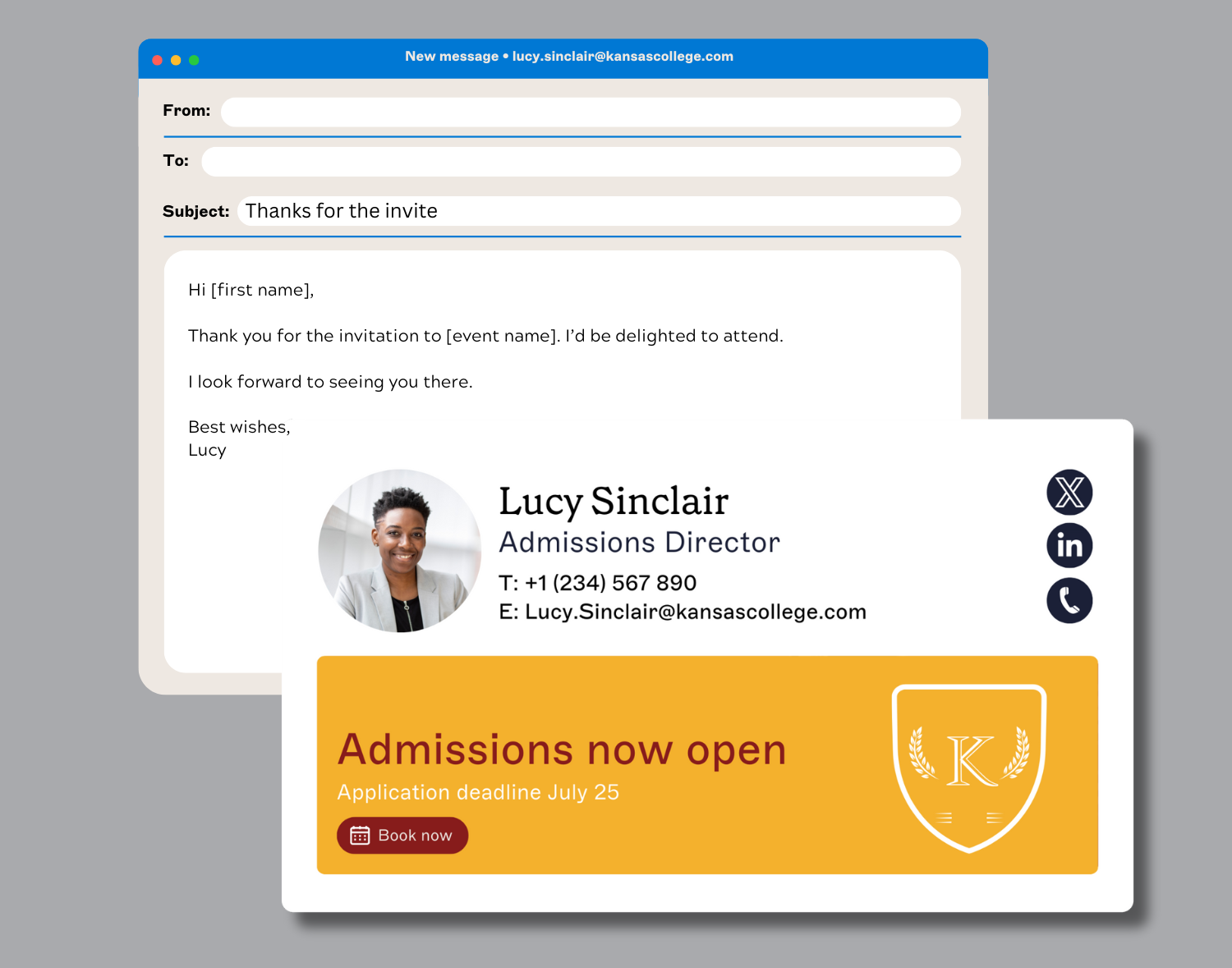
Every business email is a record. It carries your brand, your contact details, and often your legal obligations. The signature is the one part you can standardize and control. When it’s done right, it reinforces credibility. When it’s not, it creates risk and inconsistency.
A well-designed email signature does three things:
Makes it easy to get in touch
Reinforces your brand identity
Applies the right legal and compliance details automatically
It also gives marketing a reliable place to promote campaigns, events, or content without asking IT to update every mailbox manually.
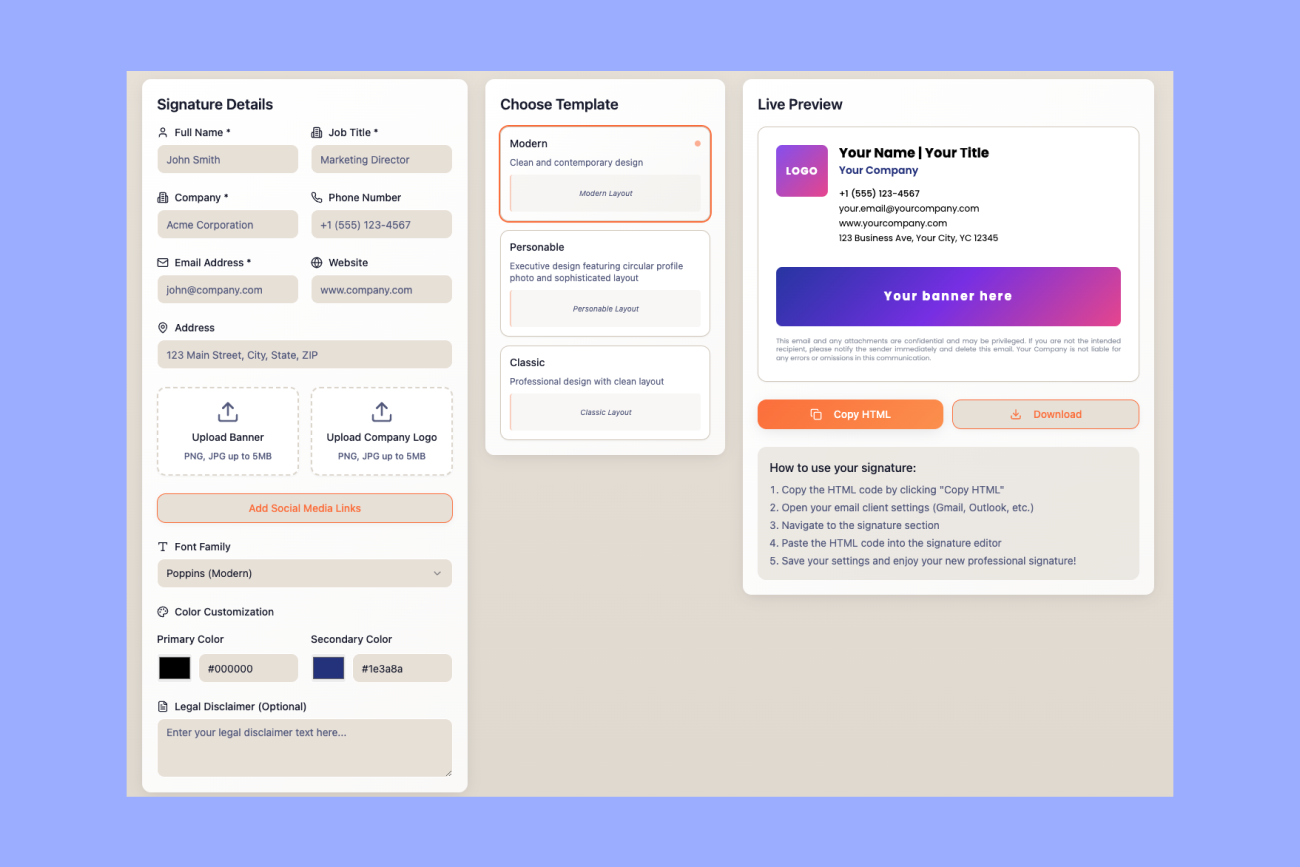
Create a professional email signature in minutes
Want a polished signature that looks consistent across devices? Use Exclaimer’s free email signature generator to build one fast.
What every professional email signature should include
Name and job title
Make it clear who the sender is and what they’re responsible for. Clarity builds trust.Company branding
Use approved logos, fonts, and colors. Off-brand signatures dilute credibility fast.Accurate contact details
Include phone numbers, email addresses, and relevant links. Keep them synced with your directory so they stay current.Relevant calls to action
Promote a campaign, webinar, or booking link. Keep it focused and measurable.Consistency across the organization
Every employee, every device, every email. No personal tweaks, no outdated formats.Mobile-ready design
Signatures should render properly on desktop, web, and mobile. If they break on a phone, they don’t work.Legal disclaimers where required
Regulated industries and many regions require specific wording. Apply it automatically, not manually.
Managing this manually doesn’t scale. It creates tickets for IT and inconsistencies for the business.
Choosing Exclaimer to take control
Email signatures shouldn’t be an IT headache. Exclaimer centralizes signature management so every email is consistent, compliant, and on-brand. Updates happen once, from one place, and apply automatically across Microsoft 365 and Google Workspace. No user-side setup. No chasing employees to copy and paste templates.
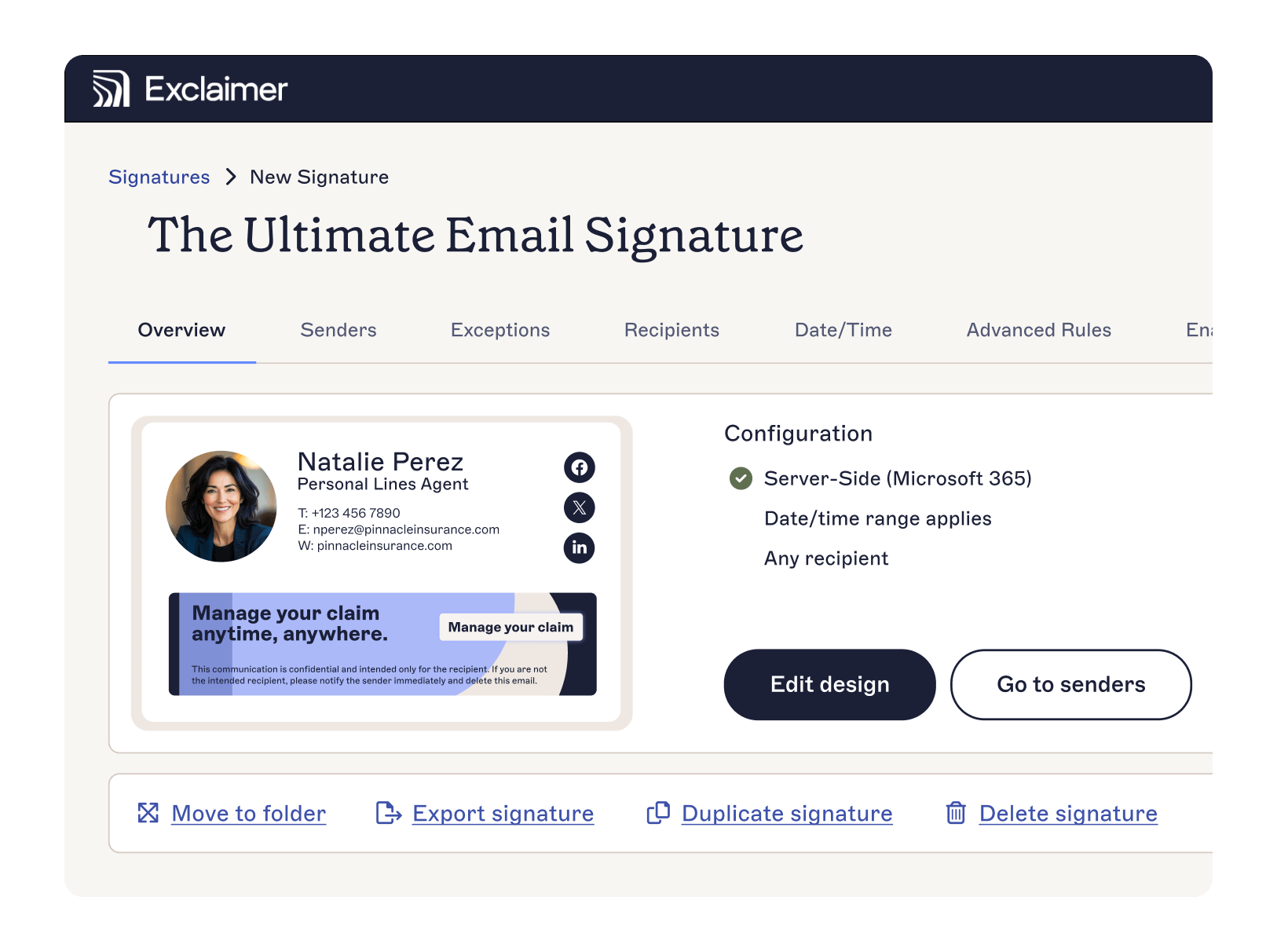
IT keeps control with role-based access. Marketing can update banners or campaigns without admin access. Legal can standardize disclaimers across the organization. Everyone gets what they need without adding complexity.
The result is simple:
Less manual work for IT
Stronger brand consistency
Reduced compliance risk
More value from everyday email volume
If you want to see how it works, explore our interactive product tour or book a personalized demo. It takes minutes to understand. The impact lasts much longer.