How to update legal disclaimers across the whole company with Exclaimer
25 March 2026
0 min read
TL;DR
The most reliable way to update legal disclaimers across a company is to manage them centrally, not through manual edits or user-controlled settings.
Manual updates often break down at scale, especially across devices, teams, and regions.
Native tools in Microsoft 365 and Google Workspace can apply basic rules, but they’re limited when disclaimers need to vary or be controlled tightly.
Exclaimer lets IT update disclaimers once, apply them automatically using rules and directory data, and keep legal wording consistent across all users.
The most reliable way to update legal disclaimers across a company is to manage them centrally rather than relying on end users, local email signature settings, or manual edits. That matters when disclaimer wording changes, different regions need different legal text, or IT needs confidence that every message includes the right content.
This gets difficult fast in Microsoft 365 and Google Workspace environments. Messages are sent from desktops, web clients, and mobile devices. Teams may need different disclaimers. Legal text may need to be changed by department, country, or brand. When updates are handled manually, consistency breaks down, and IT ends up chasing exceptions.
Exclaimer gives organizations a centralized way to control legal disclaimers across all users and email clients. IT can update disclaimer content once, apply rules based on user attributes or message conditions, and keep email communications aligned without turning every change into a manual rollout.
Why updating legal disclaimers company-wide gets messy fast
Updating legal disclaimers across a company starts with centralizing control. If the process depends on users editing their own email signature, updates will be slow, inconsistent, and hard to verify.
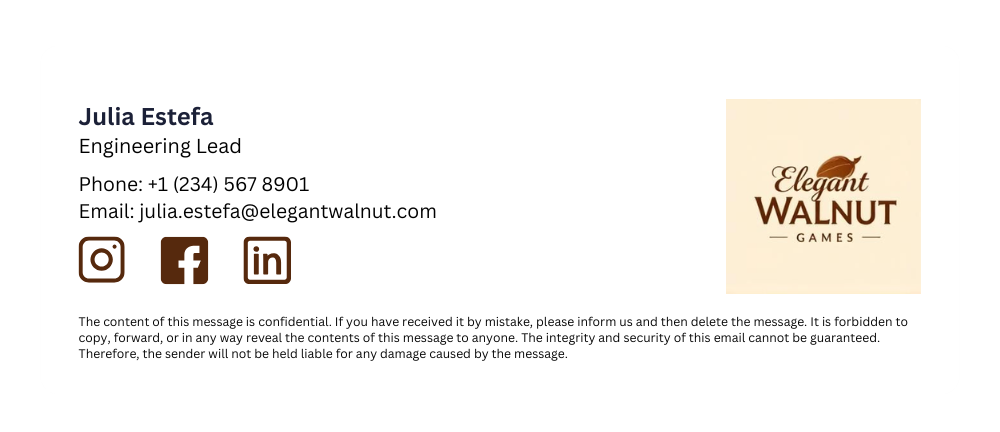 A better approach is to manage disclaimer content from one place, then apply it automatically based on the rules your business needs. That usually means deciding:
Which users need the disclaimer
Whether the wording changes by region, brand, or department
Which messages should include it
How it should appear across desktop, webmail, and mobile
Once those rules are in place, IT can update the disclaimer text once and roll the change out across the organization. That cuts out manual edits and makes it easier to keep legal wording consistent.
With Exclaimer, that process is managed centrally. IT can create and update disclaimer content, apply it automatically using directory data and rules, and keep the rollout consistent across Microsoft 365 and Google Workspace.
How to update legal disclaimers across the whole company
With Exclaimer, legal disclaimers are managed as a controlled, automated system rather than a manual task. The platform connects to your email environment and applies disclaimers using templates, rules, and directory data.
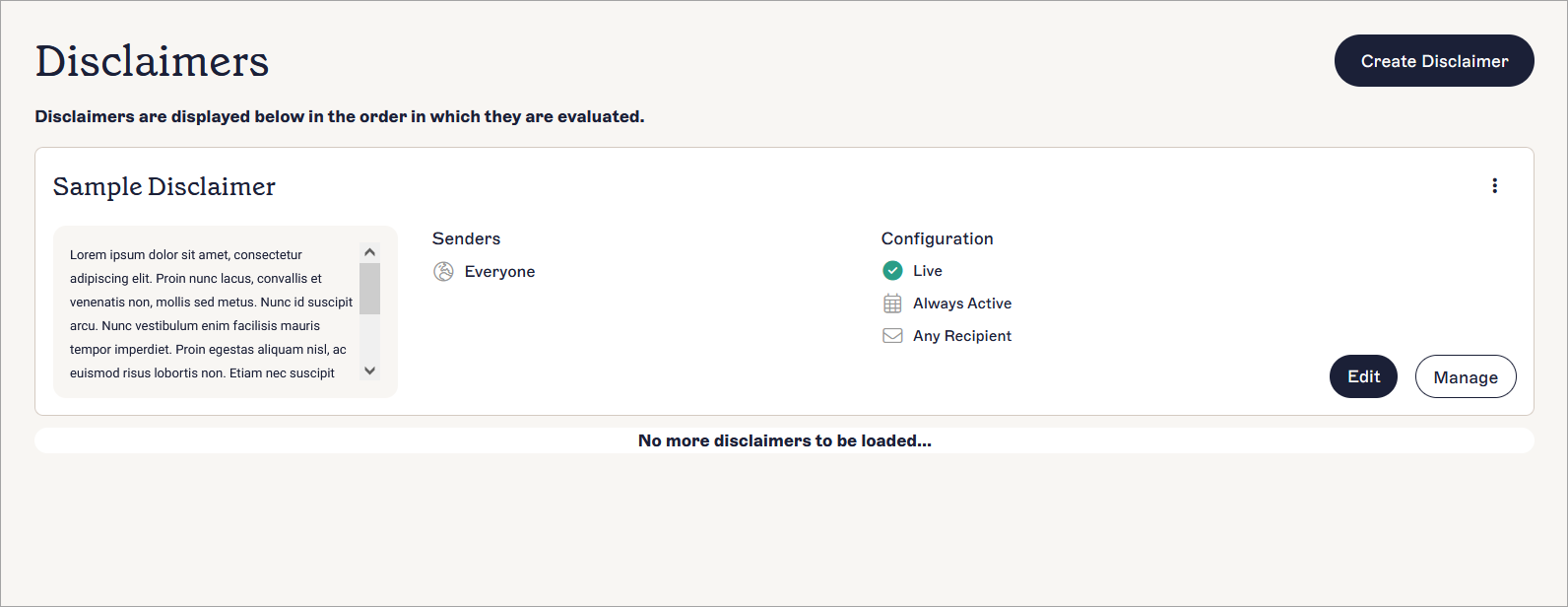
1. Create and manage disclaimers from a central dashboard
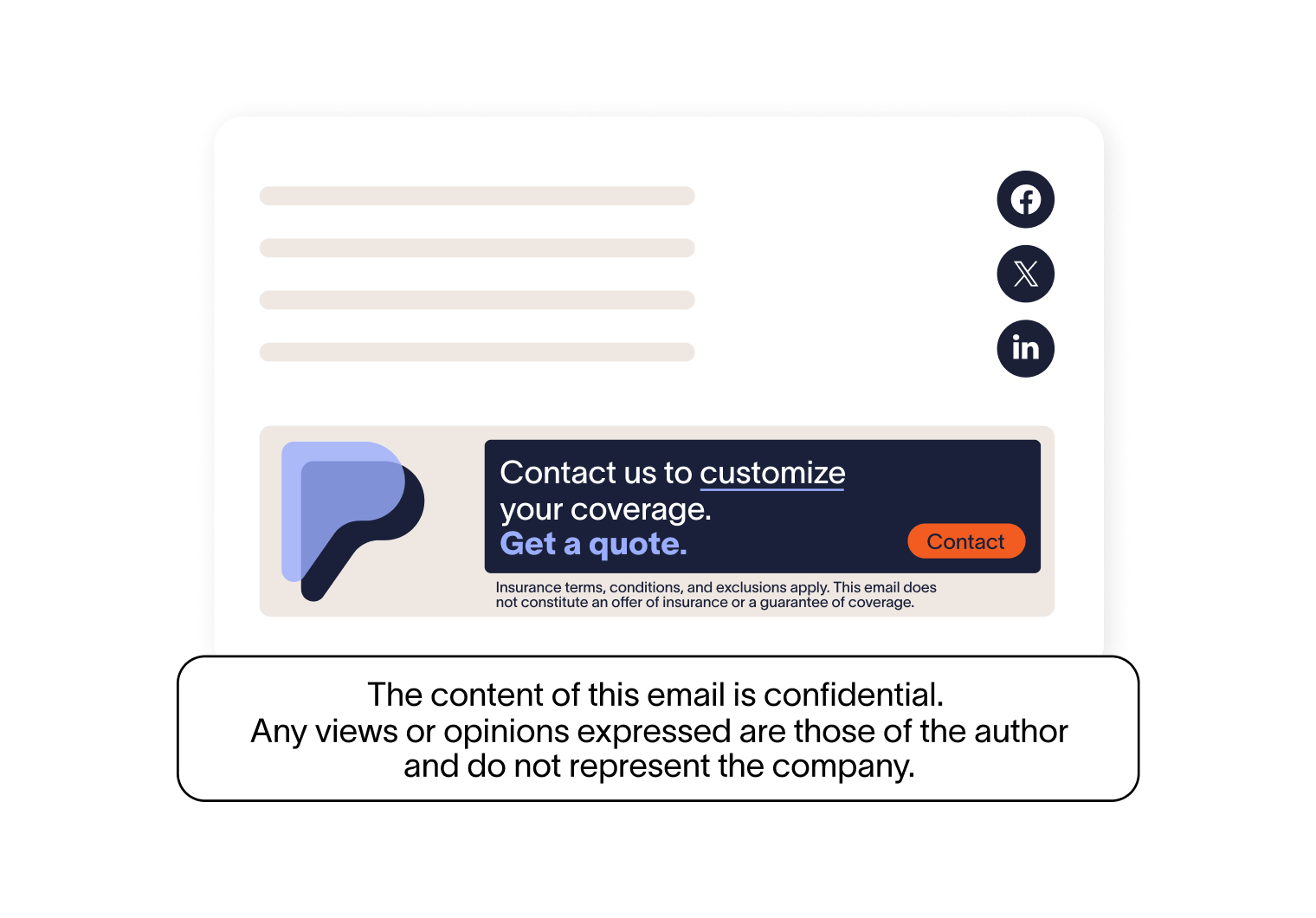
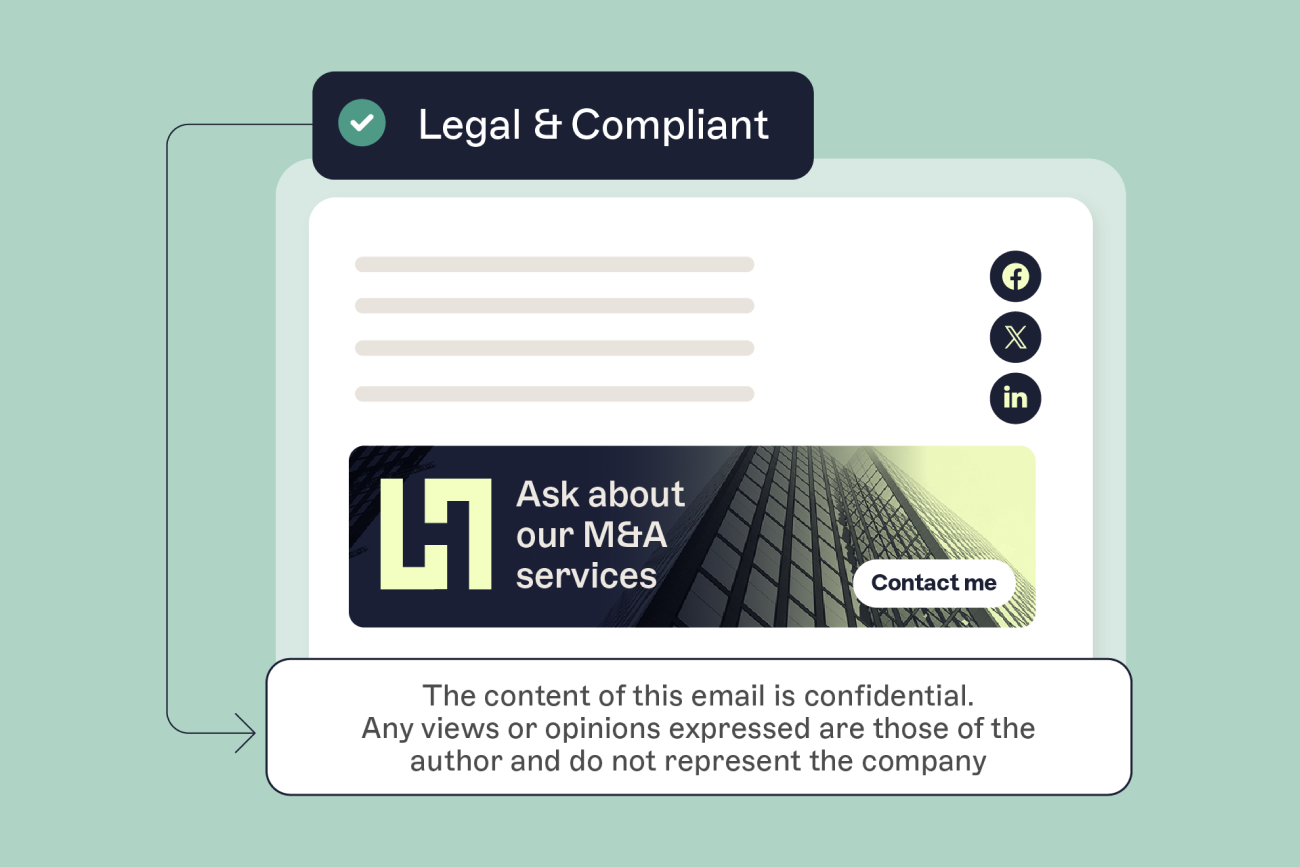
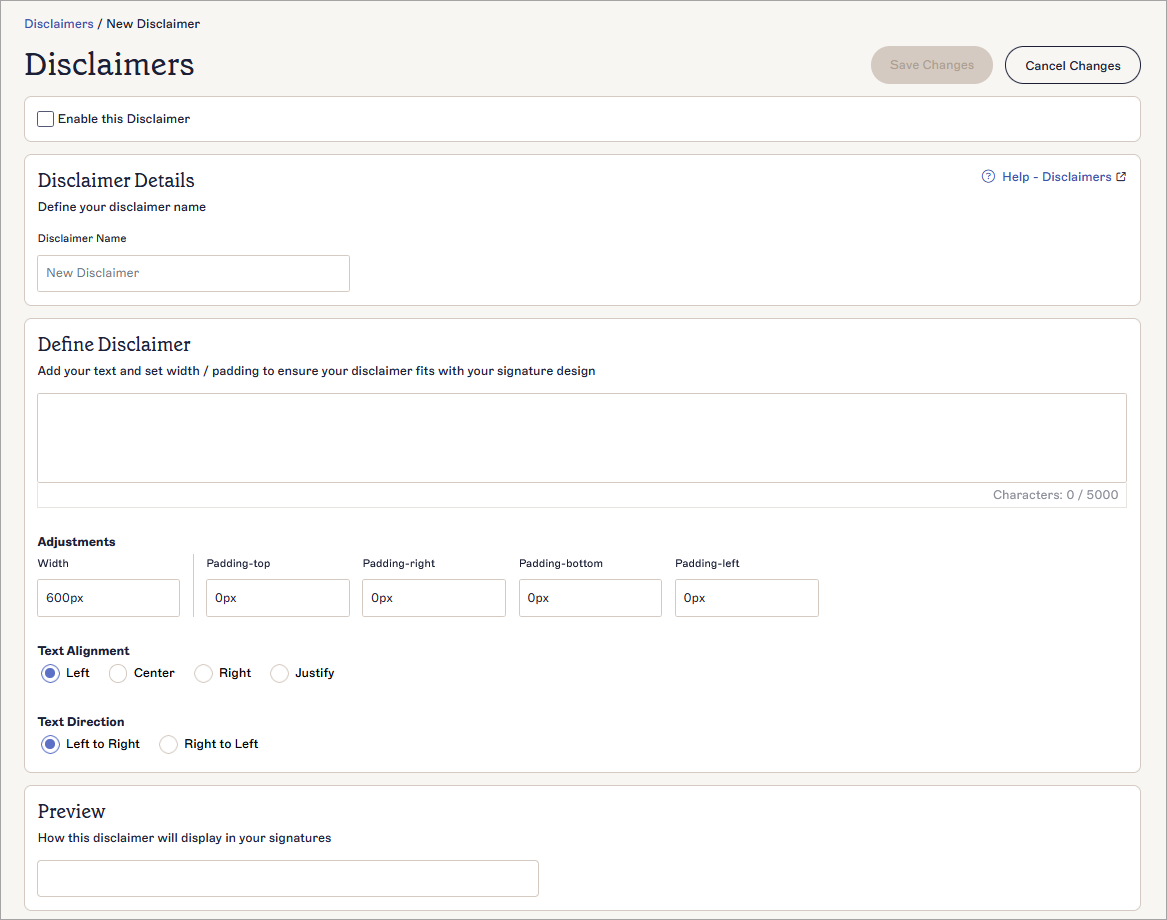
Exclaimer includes a dedicated Disclaimers feature that lets you create and manage legal text separately from individual templates. You can define disclaimer content, control formatting such as alignment and spacing, and preview how it will appear before applying it.
Disclaimers are then applied automatically alongside email signatures, so they don’t rely on users adding or updating them manually.
2. Design disclaimer layouts with the drag-and-drop editor
Exclaimer’s drag-and-drop designer lets you build and update email signatures and disclaimers without coding. You can add elements like legal text, logos, and dynamic fields, then adjust layout visually.
This means:
IT can control structure and formatting
Non-technical teams can update content safely
Disclaimers stay consistent across all emails
3. Sync user data automatically with directory synchronization
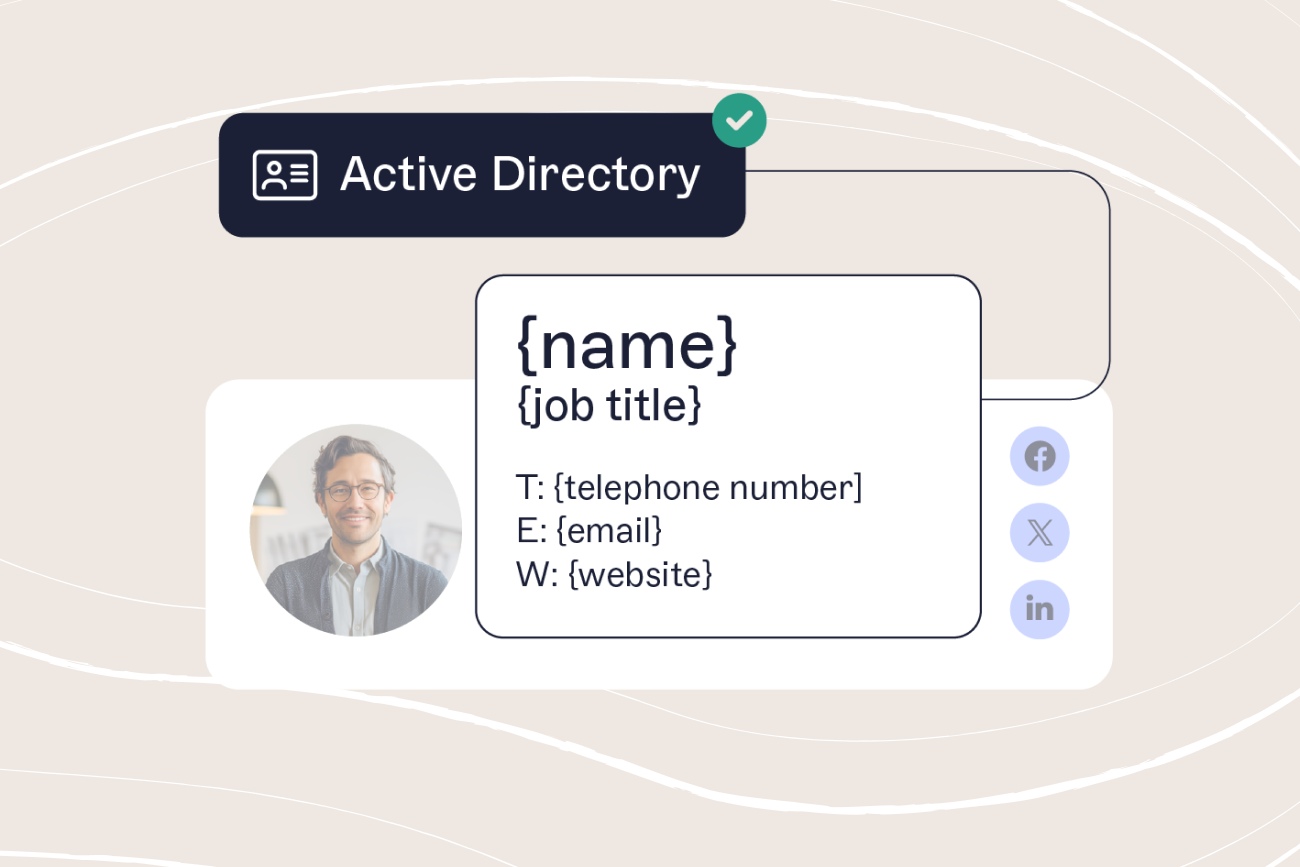
Exclaimer’s directory synchronization connects directly to Microsoft Entra ID or Google Workspace. It pulls user data such as job titles, phone numbers, and locations into email signatures automatically.
That allows you to:
Keep disclaimer context accurate across users
Avoid manual updates or CSV imports
Control which fields users can edit and which remain locked
4. Apply disclaimers automatically using signature rules
Exclaimer’s signature rules control when and where disclaimers appear. You can target disclaimers based on sender, recipient, group, or message conditions.
For example:
Apply different disclaimers by country or legal entity
Show specific disclaimers for external emails only
Combine multiple elements, such as signatures and disclaimers, in one email
Rules are processed automatically, so the correct disclaimer is applied every time without user input.
5. Apply disclaimers consistently across all devices
Exclaimer applies signatures and disclaimers automatically as emails are sent, so coverage doesn't depend on the device or email client.
That means:
Disclaimers appear on desktop, web, and mobile
Users cannot remove or overwrite them
Formatting stays consistent across environments
6. Update once and roll out instantly
When legal wording changes, you update the disclaimer or template once in Exclaimer. The platform applies the update automatically across all users based on your rules.
There’s no need to:
Update individual mailboxes
Rely on users to make changes
Manage scripts or manual rollouts
Benefits of Exclaimer vs manual disclaimer management
Manual disclaimer management puts the burden on people and process. Exclaimer moves it into a system.
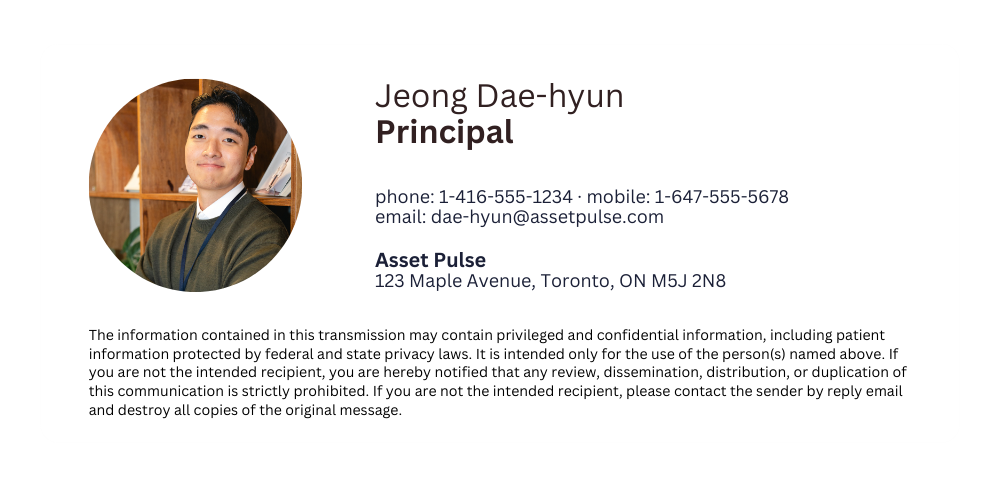 When disclaimers are handled manually, IT has to rely on scripts, local email signature settings, or users updating their own details. That slows down rollouts, creates inconsistencies, and makes it harder to prove the right wording was applied.
Exclaimer centralizes that work, so disclaimer updates are easier to control, easier to scale, and less dependent on individual users getting it right.
With manual management, teams often deal with:
Local edits that create inconsistent wording
Slower updates when legal text changes
Missing disclaimers on mobile or unsupported clients
No simple way to see what was changed or when
More support requests when formatting breaks
With Exclaimer, teams get:
Centralized updates
Update disclaimer text once from a single platform, without touching local installs or individual accounts.Rule-based assignment
Apply different legal text by department, location, or message type, so the right disclaimer appears where it should.Cross-device consistency
Apply disclaimers across desktop, web, and mobile, so coverage does not depend on where the email was sent from.Less manual work for IT
Roll out changes without scripting or asking employees to update anything themselves. Internal product messaging also positions this as a shift away from manual workstation updates and end-user intervention.Audit visibility
Track who made changes and when, which makes internal reviews and compliance checks easier to support.
That is the practical difference. Manual management can work in small bursts, but it's hard to maintain as a repeatable process. Exclaimer gives IT a cleaner way to manage legal disclaimer changes at scale, especially when updates need to happen quickly or vary across the organization.
Choosing the right solution: How Exclaimer stacks up
Below is a comparison of Exclaimer with other common email signature management platforms.
| Feature | Exclaimer | CodeTwo | Symprex | Letsignit |
|---|---|---|---|---|
| Centralized legal disclaimer control | ✅ | ✅ | ⚠️ Manual setup | ⚠️ Manual setup |
| Server-side email processing | ✅ | ✅ | ❌ | ❌ |
| Client-side preview support | ✅ | ✅ | ❌ | ✅ |
| Dynamic disclaimer targeting (e.g., by user, group, location) | ✅ | ✅ | ⚠️ Limited | ⚠️ Limited |
| Cross-platform compatibility (desktop, mobile, webmail) | ✅ | ⚠️ Outlook-focused | ⚠️ Desktop only | ⚠️ Gmail + Outlook |
| Role-based access control (RBAC) | ✅ | ⚠️ Basic | ❌ | ⚠️ Basic |
| Audit logging and template version history | ✅ | ⚠️ Basic | ❌ | ❌ |
| Azure AD and Google Workspace integration | ✅ | ✅ | ⚠️ Manual sync | ✅ |
| Dedicated compliance templates and TTL policy expiry | ✅ | ❌ | ❌ | ❌ |
| Signature application for encrypted or hybrid email | ✅ | ⚠️ Partial | ❌ | ❌ |
| Disclaimer preview in Sent Items | ✅ | ✅ | ❌ | ⚠️ Gmail only |
| Support for granular policy conditions (region, device, department) | ✅ | ⚠️ Partial | ⚠️ Limited | ⚠️ Limited |
| Directory sync with change tracking | ✅ | ⚠️ One-way sync | ❌ | ⚠️ Basic |
| Enterprise-ready SLAs and support | ✅ | ✅ | ⚠️ Limited | ⚠️ Limited |
A better way to manage legal disclaimers at scale
Legal disclaimer updates should not require manual coordination across the business. A centralized approach gives IT a clear way to control how disclaimers are applied, keep wording consistent, and roll out changes quickly when needed.
Exclaimer makes that possible by managing disclaimer content, rules, and user data in one place.
Start your free trial and take full control of legal disclaimers across your organization.