Naimh is a seasoned marketer of 12 years, including in SaaS and tech. She’s an expert at simplifying complex technology concepts, bridging the gap between IT and marketing. Naimh specializes in turning tech speak into actionable insights, helping marketers get the most out of their tools and technology.
How to track clicks from your email signature with UTM codes

TL;DR
- Email signatures are a scalable channel for personalized, trackable marketing.
- UTM codes reveal how signature links drive clicks, conversions, and ROI.
- Use UTM parameters consistently for clean, accurate campaign data.
- Integrate UTM-tagged links into banners, CTAs, and social icons.
- Exclaimer's built-in analytics simplify tracking without needing external UTMs.
Email signature marketing offers a great opportunity for tracking and increasing engagement. But to be effective, you need to track the results. This is where UTM tracking codes come into play.
By using UTM codes within email signatures, businesses can gain valuable insights into clicks and conversions, helping them track campaign performance and refine their strategies.
This guide explores what UTMs are and showcases some key use cases for marketers. We’ll also show you how to implement UTMs within email signatures and cover some best practices to help you get the most out of your marketing efforts.
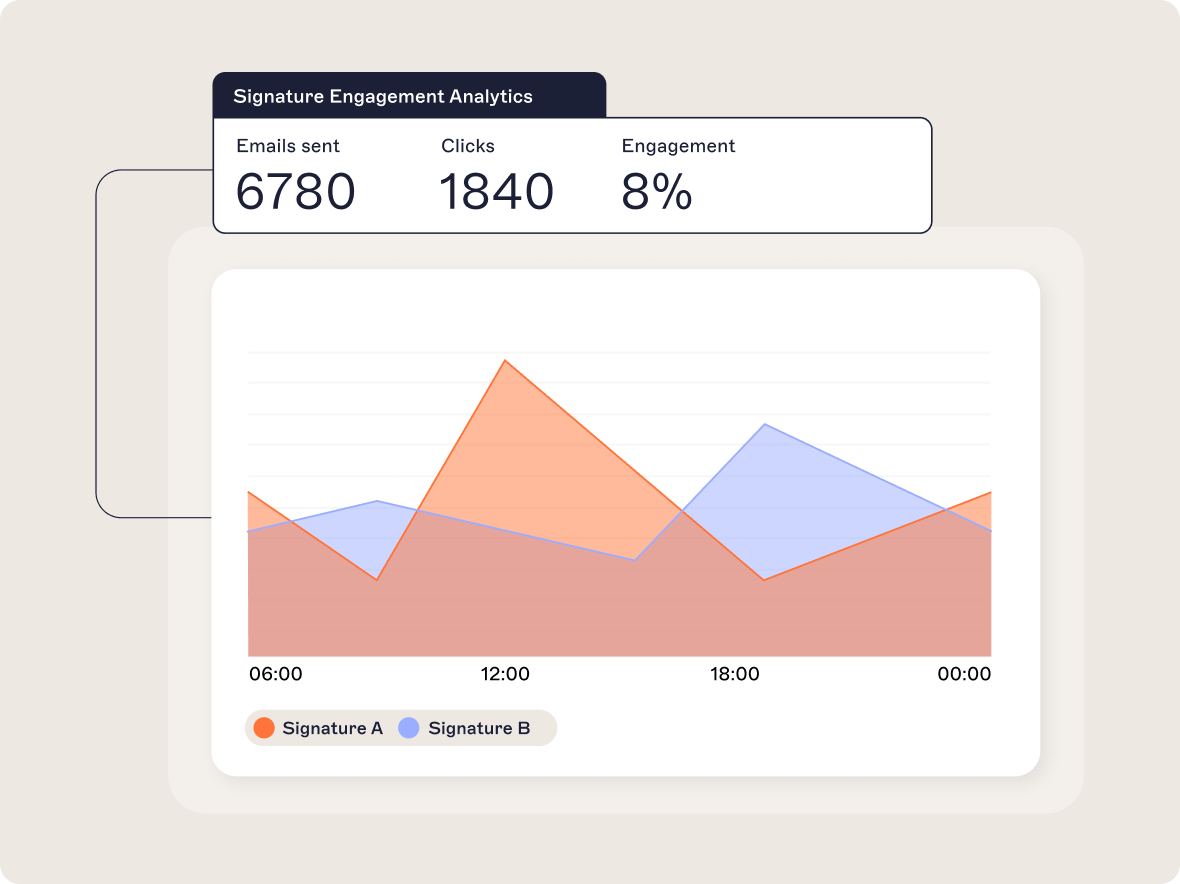
Did you know? With our Pro tier, you get built-in email signature analytics to track performance, see account-level click attribution, and receive tailored improvement recommendations. Try it now to unlock powerful insights and optimize every email you send.
The rise of email signature marketing as a performance channel
Email signature marketing is gaining traction as a performance channel because it uses an often-overlooked touchpoint in business communication: the email footer.
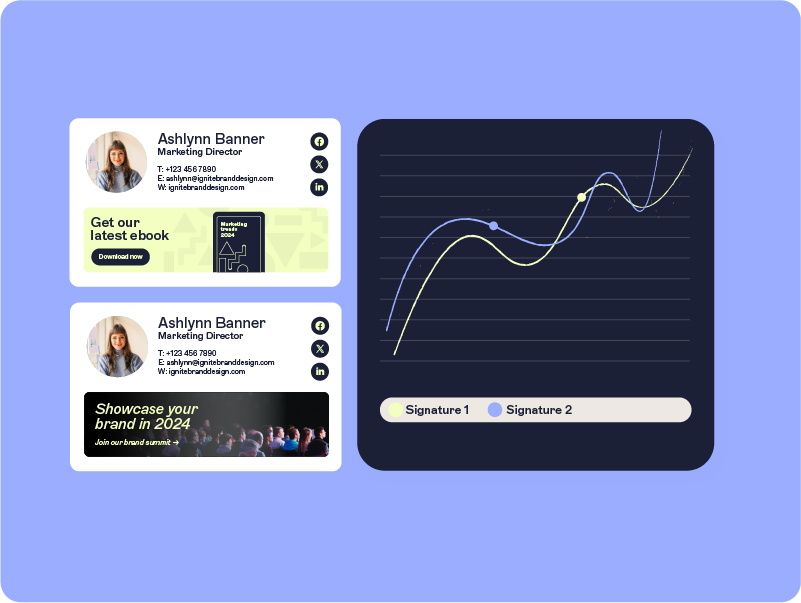 Here’s a breakdown of why it’s becoming essential for modern marketing strategies:
1. Everyday communication as a marketing asset
Employees send thousands of emails daily. Each one provides an opportunity to reinforce branding or promote campaigns without being intrusive. Email signature marketing turns routine interactions into scalable touchpoints for engagement.
2. Personalized, contextual messaging
Email signatures allow for dynamic, targeted content. Marketers can tailor banners or CTAs based on the recipient’s profile, making the communication more relevant. For instance, an email to a prospect could include a webinar invite, while one to a customer might promote a new feature or renewal offer.
3. Performance-driven design
Advanced email signature management platforms like Exclaimer, offer analytics to track the performance of campaigns embedded in email signatures. This allows marketers to measure clicks, conversions, and engagement directly tied to email traffic.
4. Integrated with ABM and demand gen
Email signature marketing complements account-based marketing (ABM) by delivering hyper-targeted messages to specific accounts. It also enhances demand generation efforts by amplifying content and campaigns directly in the recipient's inbox.
5. Cost-efficient and scalable
As email signatures use existing email traffic, they don’t come with additional ad spend or budgetary strain. They’re a cost-effective way to maximize ROI from an already active channel.

If you want to turn every email into a high-converting marketing touchpoint, download our Email Signatures for Dummies guide for strategic direction.
Get your copyWhat are UTM codes and why use them?
UTM (Urchin Tracking Module) codes are snippets of text added to the end of a URL to track campaign performance across different marketing channels. They allow you to see where traffic is coming from and how users are interacting with your content.
A typical UTM code might look like this:https://www.example.com/?utm_source=email&utm_medium=signature&utm_campaign=q1-promoThis URL contains three of the five standard UTM parameters:
- utm_source – The traffic source (e.g., email, Google, LinkedIn)
- utm_medium – The channel (e.g., banner, signature, CPC)
- utm_campaign – The specific campaign name or identifier (q1-promo)
- utm_term (optional) – Keywords for paid search
- utm_content (optional) – Used to differentiate similar ads or links (banner A vs. banner B)
For marketers, UTM tracking codes have a number of important uses:
Track campaign performance: UTMs allow you to identify exactly where your traffic is coming from, and which campaigns are driving it. For example, you can measure how many people clicked on an email signature banner versus a social media ad.
Attribute conversions to channels: With UTMs, you can follow the user journey from the first click to conversion. This lets you know which marketing efforts lead to specific outcomes, like purchases or sign-ups.
Understand audience behavior: You can analyze the performance of different audience segments by tagging campaigns such as targeting industries, regions, or customer personas.
Optimize marketing spend: UTMs show which campaigns or channels deliver the best ROI. This helps you prioritize the ones that work and reduce spending on underperforming areas.
Simplify reporting: UTM data integrates with platforms like Google Analytics, giving you clear, actionable insights in one place. This keeps reporting efficient and data-driven.
Run A/B tests: By tagging links with unique UTM parameters, you can test variables like CTA copy, banners, or subject lines to determine what resonates most with your audience.
Pro tip: Most analytics platforms treat uppercase and lowercase values as separate. Stick to lowercase for utm_source, utm_medium, and other parameters to keep your data clean and consistent.
Benefits of UTM codes in email signature marketing
While Exclaimer’s analytics offers robust tracking for email signature campaigns without requiring UTM codes, there are still distinct benefits to using UTMs alongside your email signature marketing efforts.
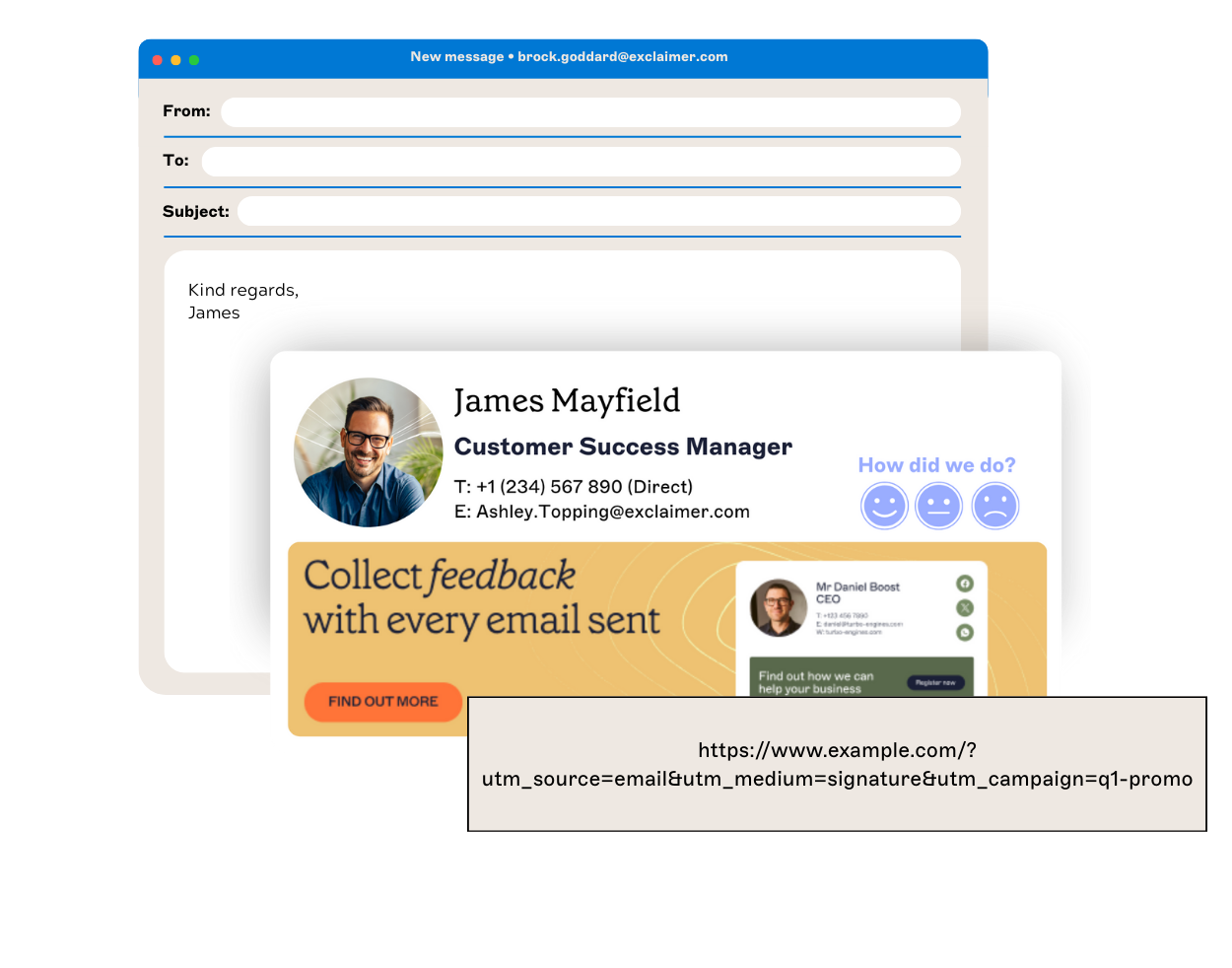 By exploring each UTM tracking code use case in marketing, businesses can uncover opportunities to optimize email signature campaigns and attribute performance effectively.
Here’s why they’re valuable:
1. Campaign-level insights
UTM codes let you dive deeper into how specific email signature campaigns contribute to broader marketing efforts. For example, you can track if a product launch banner in email signatures is driving traffic compared to other channels, such as social or paid ads.
2. Channel and source attribution
If your email signatures drive traffic to a central campaign landing page, UTM codes help differentiate visitors who came from email versus other sources. This provides accurate attribution when analyzing performance in Google Analytics.
3. Cross-platform data integration
UTM data integrates with data platforms like Google Analytics, HubSpot, or your CRM. This enables you to centralize data from email signature campaigns alongside other marketing efforts for a holistic view of performance.
4. Custom insights for A/B testing
UTM parameters let you test different banners or messaging in your email signatures. For example, comparing performance between “Product Demo” and “Free Trial” CTAs becomes easier with tagged links.
5. Support for long-term tracking
UTM codes persist in analytics tools even after the campaign ends. This makes it easier to analyze historical performance or build long-term comparisons across campaigns.
6. Detailed funnel analysis
By combining UTM codes with your existing analytics, you can track how users interact beyond the first click. For instance, you can identify whether visitors from a signature banner convert, engage with other pages, or drop off.
Pro tip: Before adding UTM-tagged links to your email signature, click each one and verify it's tracking correctly in your analytics tool. A broken or misattributed link can skew your performance data.
Setting up UTM codes for email signature campaigns
As a key UTM tracking code use case in marketing, integrating accurate parameters into email signatures is incredibly important. Setting up UTM codes for email signature campaigns is actually straightforward, meaning you can track and measure the performance of your campaigns effectively.
Here's a step-by-step guide:
Step 1: Set up the landing page
Decide where you want the email signature to link to. This could be a product page, webinar signup, content piece, or a campaign landing page.
Step 2: Choose your UTM parameters
Add UTM parameters to your URL to track traffic. Use the following standard UTM fields:
- utm_source – The traffic source (e.g., email)
Example:utm_source=email - utm_medium – The marketing channel (e.g., signature)
Example:utm_medium=signature - utm_campaign – The campaign identifier
Example:utm_campaign=q1-promo - utm_content (optional) – Differentiate links
Example:utm_content=cta-free-trial
Step 3: Use a UTM builder
Use a tool like Google’s Campaign URL Builder:
- Enter the base URL (e.g.,
https://www.example.com/landing-page) - Fill in the UTM parameters
- Generated URL:
https://www.example.com/landing-page?utm_source=email&utm_medium=signature&utm_campaign=q1-promo&utm_content=cta-free-trial
Step 4: Shorten the URL (optional)
Use a URL shortener like Bitly or Rebrandly if the UTM link is visible.
Example: https://bit.ly/q1-promo
Step 5: Add the UTM-tagged link to the email signature
- Banner CTA: Use the tagged link in a banner
- Text Link: Add to contact info (e.g., “Learn more”)
Step 6: Test the link
Click the link to confirm it works and appears in analytics tools.
Step 7: Track and analyze performance
- Source/medium: Filter for
email/signature - Campaign: Measure engagement and conversions
- Content: Compare performance of different CTAs
Best practices for UTM code naming
Using consistent and clear UTM code naming is critical for accurate tracking and analysis. Here’s how to ensure your UTM codes are organized and effective:
1. Be consistent across campaigns
Use standardized naming conventions to avoid confusion when analyzing results.
For example, always use email instead of Email or e-mail.
2. Keep it simple and descriptive
Use clear, concise names that describe the source, medium, or campaign.
Instead of: utm_campaign=campaign_for_the_first_quarter_of_2025
Use: utm_campaign=q1-2025
3. Use lowercase for all UTM codes
Most analytics tools treat Q1-Promo and q1-promo as different. Always use lowercase.
4. Avoid spaces and special characters
Use dashes (-) or underscores (_). Avoid spaces and special characters.
Good: utm_campaign=q1-promo
Bad: utm_campaign=Q1 Promo!!
5. Be specific with campaign names
Include details like campaign type, timeframe, or audience.
utm_campaign=summer-saleutm_campaign=webinar-feb-2025
6. Use utm_content for variations
Use utm_content to differentiate banners, CTAs, or audiences.
utm_content=cta-book-demoutm_content=cta-free-trial
7. Document naming conventions
Share a doc outlining UTM naming rules so your team stays consistent.
8. Test and validate your UTMs
Verify UTM-tagged links work in GA or your analytics tool before using them live.
9. Avoid overloading parameters
Only include relevant UTMs. Using too many parameters complicates tracking.
10. Use a UTM builder tool
Use tools like Google’s Campaign URL Builder or UTM.io to reduce errors and save time.
Integrating UTM codes into email signatures
Adding UTM-tagged links in strategic parts of your email signature helps you track and measure engagement. Here’s a breakdown of where to use them and how to apply them:
1. CTA banners
Why: CTA banners are often the most visible and engaging part of an email signature. They’re ideal for promoting campaigns like events, webinars, product launches, or special offers.
How: Use a UTM-tagged link for the banner's URL to track clicks specifically from this campaign.
Example UTM: https://www.example.com/q1-webinar?utm_source=email&utm_medium=signature&utm_campaign=q1-webinar&utm_content=cta-banner
Placement: Place the banner at the bottom of your email signature with clear, actionable text (e.g., “Sign Up for Our Webinar”).
Tip: Test banner variations by using utm_content to differentiate designs (e.g., utm_content=banner-v1 or utm_content=banner-v2).
How: Use a UTM-tagged link for the banner's URL to track clicks specifically from this campaign.
Example UTM: https://www.example.com/q1-webinar?utm_source=email&utm_medium=signature&utm_campaign=q1-webinar&utm_content=cta-banner
Placement: Place the banner at the bottom of your email signature with clear, actionable text (e.g., “Sign Up for Our Webinar”).
Tip: Test banner variations by using utm_content to differentiate designs (e.g., utm_content=banner-v1 or utm_content=banner-v2).
2. Social media icons
Why: Social icons in email signatures offer a subtle way to drive traffic to your social media pages and measure engagement.
How:Tag each social media icon with a unique UTM to identify which platform is driving clicks.
Example UTM for LinkedIn:
https://www.linkedin.com/company/example?utm_source=email&utm_medium=signature&utm_campaign=q1-social&utm_content=linkedin-icon
Tip: Use utm_content to distinguish between social platforms (e.g., utm_content=linkedin-icon, utm_content=instagram-icon).
How:Tag each social media icon with a unique UTM to identify which platform is driving clicks.
Example UTM for LinkedIn:
https://www.linkedin.com/company/example?utm_source=email&utm_medium=signature&utm_campaign=q1-social&utm_content=linkedin-icon
Tip: Use utm_content to distinguish between social platforms (e.g., utm_content=linkedin-icon, utm_content=instagram-icon).
3. Website links or promotions
Why: Linking to your homepage, specific product pages, or ongoing promotions means you capture traffic driven by everyday email interactions.
How: Tag these links with UTMs to measure how much traffic your website receives from email signatures.
Example UTM for product page:
https://www.example.com/product?utm_source=email&utm_medium=signature&utm_campaign=product-awareness
Example UTM for promotion:
https://www.example.com/sale?utm_source=email&utm_medium=signature&utm_campaign=winter-sale
Tip: Position the links near the top (e.g., under the name/title) or use a hyperlinked tagline (e.g., "Explore Our Latest Solutions").
How: Tag these links with UTMs to measure how much traffic your website receives from email signatures.
Example UTM for product page:
https://www.example.com/product?utm_source=email&utm_medium=signature&utm_campaign=product-awareness
Example UTM for promotion:
https://www.example.com/sale?utm_source=email&utm_medium=signature&utm_campaign=winter-sale
Tip: Position the links near the top (e.g., under the name/title) or use a hyperlinked tagline (e.g., "Explore Our Latest Solutions").
Additional tips for UTM integration in email signatures
Avoid overloading links: Prioritize key CTAs or links that align with your goals. Too many links may overwhelm recipients.
Shorten URLs for clarity: Use a URL shortener like Bitly if the UTM link appears in text.
Test responsiveness: Review if banners and links display well on mobile devices.
Use analytics: Regularly review your UTM data in tools like Google Analytics to assess signature performance and optimize placement.
Pro tip: Use tools like Bitly or Rebrandly to shorten lengthy UTM links — especially when adding them to visible elements like banners or CTA buttons in your signature.
Measuring and analyzing campaign effectiveness
To understand how your email signature marketing campaigns are performing, you need to set up proper analytics, focus on relevant metrics, and compare results against benchmarks or baselines.
Here's how:
Using analytics platforms to track performance
Analytics tools make it easy to monitor your UTM-tagged links and campaign success. Popular platforms include:
Google Analytics (GA)
- Track traffic from UTM-tagged links (source, medium, campaign, content).
- Monitor overall traffic patterns and conversions from your email signature campaigns.
- Access these reports:
- Acquisition > Source/Medium: Filter for email/signature.
- Campaigns > All Campaigns: Filter for specific UTM campaign names.
HubSpot (HS)
- Use HubSpot’s tracking tools to monitor interactions tied to your email signatures.
- See which contacts clicked, converted, or re-engaged.
- Analyze individual link performance using the Tracking URL Builder in HubSpot.
Exclaimer Analytics
- Track email signature engagement directly within your Exclaimer dashboard (no need for UTMs).
- Identify the most clicked banners, links, or social media icons across teams.
Key metrics to monitor
When analyzing campaign effectiveness, focus on these metrics to determine performance:
Click-Through Rate (CTR)
CTR refers to the percentage of email recipients who clicked a given link in the signature. A high CTR indicates the campaign is generating interest and engagement.
Formula: (Number of Clicks ÷ Number of Emails Sent) × 100
Formula: (Number of Clicks ÷ Number of Emails Sent) × 100
Conversions
Conversions are actions taken after a link is clicked, such as signing up, purchasing, or filling out a form. Tracking them with UTM parameters helps determine whether your email signatures are effective in driving business outcomes.
Traffic sources
Measure how much traffic is coming from email signatures by filtering UTM sources as "email" and the medium as "signature."
Bounce rate
Bounce rate measures the percentage of visitors who leave without interacting further. A low bounce rate signals relevance between the signature link and its destination. High bounce rates may suggest the link wasn’t relevant to the user, or that there’s a usability problem with the destination page.
Engagement per signature
Identify which team members or departments generate the most clicks and engagement. This is especially useful for company-wide campaigns.
Campaign ROI
Calculate the return on investment for your campaigns by comparing the cost (if applicable) to the revenue generated through conversions.
How to identify high-performing campaigns
To pinpoint successful campaigns, analyze your metrics with these steps:
Set baseline metrics
- Use historical data to set benchmarks.
- Example: Average CTR: 3–5%, Conversion Rate: 1–2%.
- If no data exists, rely on industry benchmarks.
Compare campaigns side-by-side
- Identify CTR, conversion, and traffic trends across campaigns.
- Spot high-performing elements (e.g. free trial banners).
Drill into UTM performance
- Filter reports by UTM tags like campaign name or content type.
- Reveal which links drive the most clicks and conversions.
Identify outliers
- Look for unusually high or low performance.
- Analyze anomalies (e.g., strong CTAs or poor relevance).
Engagement by audience segment
- Use analytics to track clicks by industry, title, or persona.
- Identify segments that engage most with your campaigns.
Optimizing email signature campaigns
A data-driven approach can help you get the most from your signature-based marketing. Here’s how that typically works:
Set measurable goals
Define what “success” means for your campaign. Is it newsletter sign-ups? Asset downloads? Event registration? A clear goal lets you measure progress instead of guessing.Use consistent UTM tagging
Always apply the same tagging scheme (lowercase, no spaces, standardized naming) across campaigns. Consistency prevents fragmented data and ensures your reporting stays clean.A/B test design and messaging
Try small changes—CTA wording, banner color, layout, or offer—and compare performance. Use UTM parameters to track which variations drive more engagement.Refresh creative regularly
A static banner loses impact over time. Rotate visuals or CTAs every few weeks to avoid “signature fatigue.” Seasonality, product launches, or new promos are good triggers for updates.Segment your audience
Use different signature banners for different groups (e.g. prospects vs. existing customers). Tailoring content by role, industry, or funnel stage increases relevance and click rates.Track performance beyond clicks
Clicks are only part of the puzzle. You’ll also want to understand how visitors behave once on your site, and whether they complete your desired actions. Use analytics or Exclaimer’s built-in tools to connect clicks to outcomes.Exclaimer’s analytics dashboard gives insights into signature performance scoring and offers tailored recommendations for improvement. Use these to spot underperforming signatures and prioritize changes where impact will be greatest.
Document and share learnings
Maintain a campaign log with tests, results, and lessons learned. Share it across marketing, sales, and product teams so everyone benefits from what works.
Pro tip: Different banner designs or CTA messages can have vastly different performance. Use the utm_content parameter to track and compare variations so you can double down on what works.
Conclusion
Each UTM tracking code use case in marketing, from measuring performance to attributing conversions, provides a clearer picture of campaign effectiveness. This helps marketers drive meaningful results for their email signature marketing.
By adding UTM parameters to your email signature marketing links, you’ll gain valuable insights into where your traffic comes from, how users interact with your content, and which campaigns drive results.
When used effectively, UTM links in email signatures empower you to make data-driven decisions, optimize your marketing strategies, and maximize ROI. Whether you’re tracking clicks on a banner, social media icons, or website links, this level of visibility means no opportunity gets missed.
As with any strategy, success lies in consistent execution. Follow best practices for naming UTM codes, integrate them into your email signatures, and regularly analyze campaign performance to identify areas for improvement. Over time, this approach will help you refine your efforts, drive better outcomes, and fully unlock the potential of email signature marketing.
🚀
Ready to maximize the impact of your email signatures?
Start exploring email signature marketing today and see the difference for yourself.