How to make a professional email footer: Best practices & examples
27 June 2025
0 min read
Introduction
The email footer is a vital component of any professional email. As the last thing your recipient sees, it plays a key role in encouraging action and leaving a lasting impression.
By optimizing your professional email footer with relevant details, you enhance readability and ensure your message resonates with your audience. Remember, a strong email footer can boost your communication effectiveness and support your branding efforts.
In this guide, we'll discuss some best practices for creating effective and impactful email footers.
What is an email footer?
An email footer, often referred to as an email signature or email sign-off, is a crucial element that appears at the bottom of your emails. This section typically features the sender's contact information, including their name, job title, company name, phone number, and website.
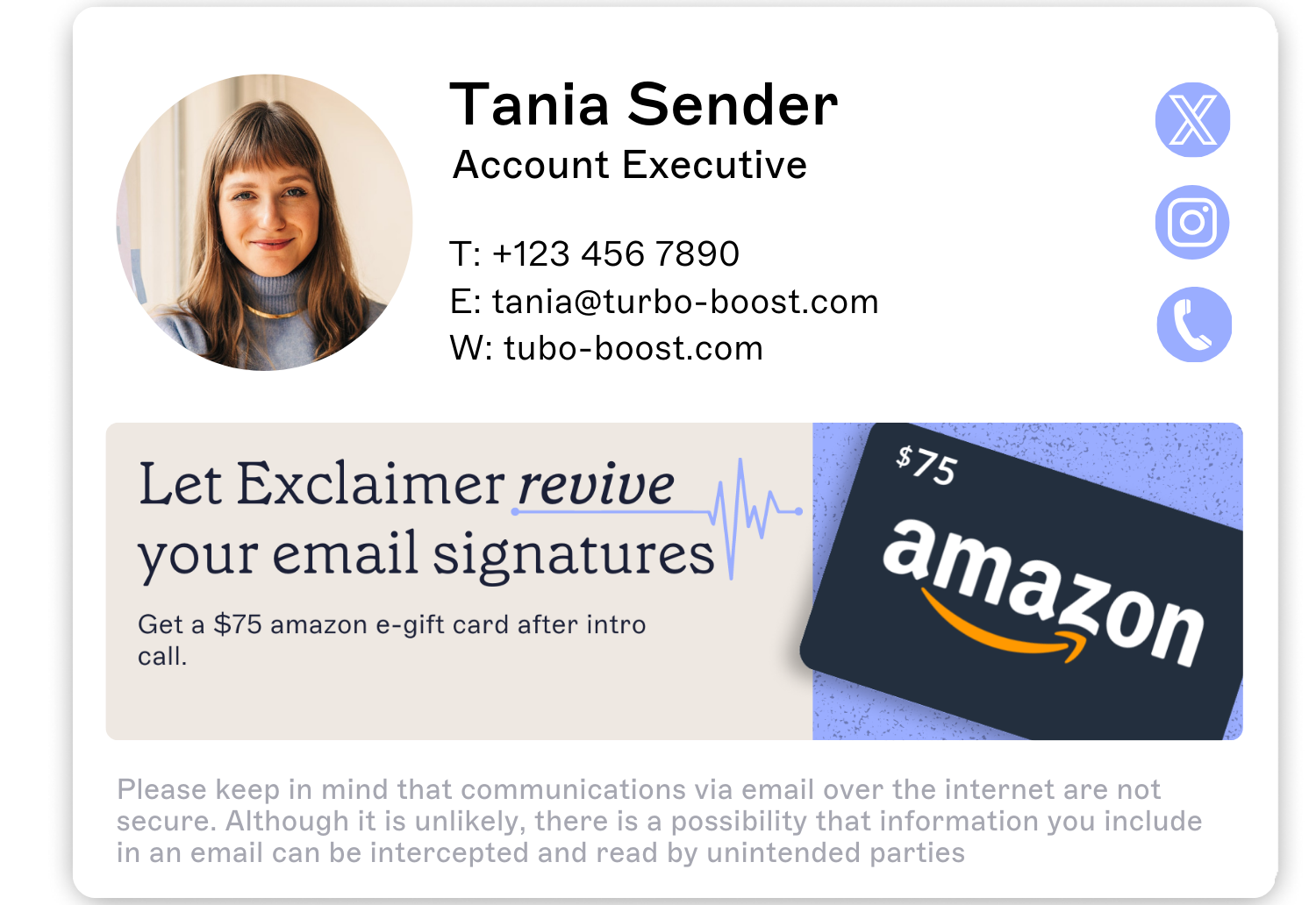 Many individuals enhance their professional email footers by adding extra elements such as social media links, company logos, promotional banners, and legal disclaimers. These additional components can help engage recipients and provide more information, making email footers an important tool for branding and communication.
Tailoring your email signature to suit the purpose of your email and your personal preferences can significantly improve your professional image and increase engagement.
Sample email footer template
Here's a simple but functional email footer template you can customize as per your needs:
This template keeps it professional while providing all the necessary information in an organized manner.
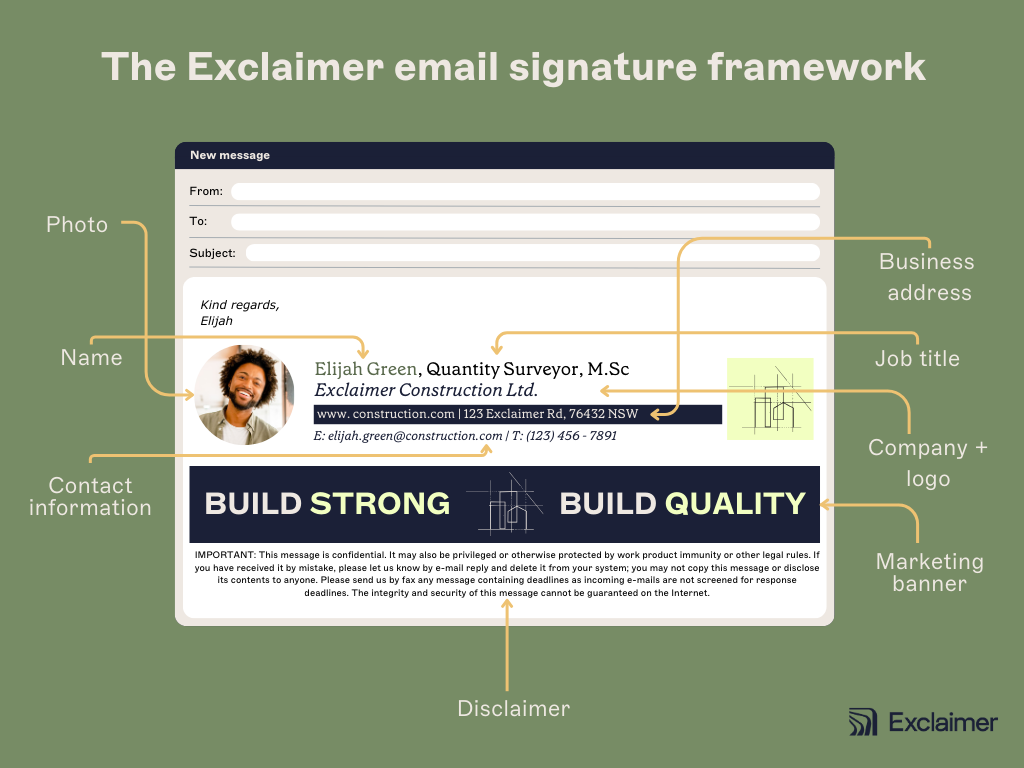
The main components of a business email footer
To create a professional email footer, there are several key components you should consider including:
1. Contact information
One of the primary purposes of an email footer is to provide quick access to your contact information. This includes your company name, physical address, phone number, and email address. You may also want to a link to your website's contact page.
2. Links to social media profiles
Including links to your social media profiles in the email footer allows recipients to easily connect with you across various platforms.
This ensures that they stay up-to-date with your latest news and promotions, enhancing their overall engagement.
3. Legal disclaimers
Including legal disclaimers in a professional email footer is highly recommended. This can include your company's privacy policy, terms and conditions, and any relevant disclaimers to protect your business.
4. Promotional content
An email footer should also include promotional content, encouraging recipients to take a direct action. This could be inviting them to sign up for your newsletter, participate in exclusive sales promotions, or explore your website.
What are the benefits to using a corporate email footer?
Having a well-designed email footer can provide many benefits, including:
1. Creating a professional image
A professional email footer adds to your professionalism and credibility as a sender. It also reflects positively on your company or brand.
2. Reinforcing your brand
Your email footer is an extension of your brand and can help promote brand awareness and recognition.
By using consistent branding elements such as logos, colors, and fonts in your email footer, you reinforce your brand image with every email sent.
3. Providing important information
Along with your contact details, you can include additional information in your professional email footer that may be relevant to the recipient. This could be links to social media platforms or a current marketing campaign.
4. Saving time
A well-designed email footer eliminates the need for manually typing out your contact information each time you send an email.
This saves time and ensures consistency in all communication.
5. Increased engagement
Adding relevant links to your social media profiles, website, or landing page within the professioal email footer can encourage recipients to connect with you on different platforms and further engage with your brand.
What makes a professional email footer design?
Designing the perfect email footer isn't just about listing out information; it's about creating something that aligns with your brand while ensuring readability and usefulness.
 Here are some tips to consider when crafting your professional email footer design:
Consistency: Your footer should match your overall branding in terms of colors and fonts. This helps to maintain a cohesive and professional appearance.
Simplicity: Keep your design simple and clutter-free. Too many elements can be overwhelming and may distract from important information.
Hierarchy: Arrange the key components of your email footer in order of importance, with contact information at the top followed by other elements.
Responsive design: With the majority of emails now opened on mobile devices, ensure your professional email footer is responsive and can be easily viewed on different screen sizes.
Navigation: Include links to help readers find essential information quickly. This could include links to your website's FAQ page, customer support, or blog.
In addition to these basic principles of email footer design, always remember that less is often more when it comes down to it. A clean and uncluttered design can make a big impact.
10 professional email footer examples for inspiration
Here are ten examples of the best professional email footers, each serving a unique purpose:
1. The classic email footer
 This email footer keeps things simple, with minimal design and only includes the sender's name, job title, and contact information.
This is a great option for individuals who want to maintain a professional image without adding any extra elements.
2. The branding email footer
 In this example, the sender has included their company logo and added consistent branding elements such as color and font to reinforce brand identity.
This is a great option for businesses looking to promote their brand and increase recognition.
3. The promotional email footer
 This professional email footer includes a marketing banner with a referral promotion.
This adds visual interest and provides a clear incentive to readers. It's an effective way to engage with your audience and drive conversions.
4. The personalized email footer
 This email footer features a headshot photo of the sender along with their contact information. Including a personal touch can help build a connection with the recipient and make the email feel more personal.
5. The footer with legal disclaimer
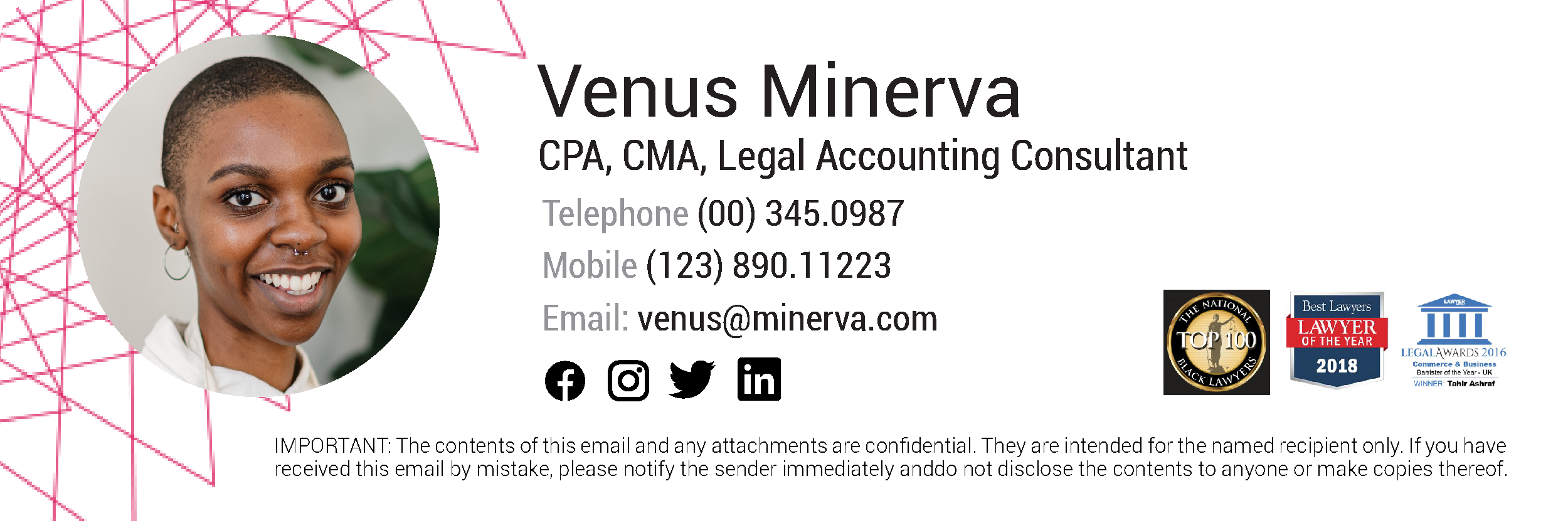 In this case, the sender added a legal disclaimer to the email footer to comply with regulations and protect sensitive information.
6. The social footer
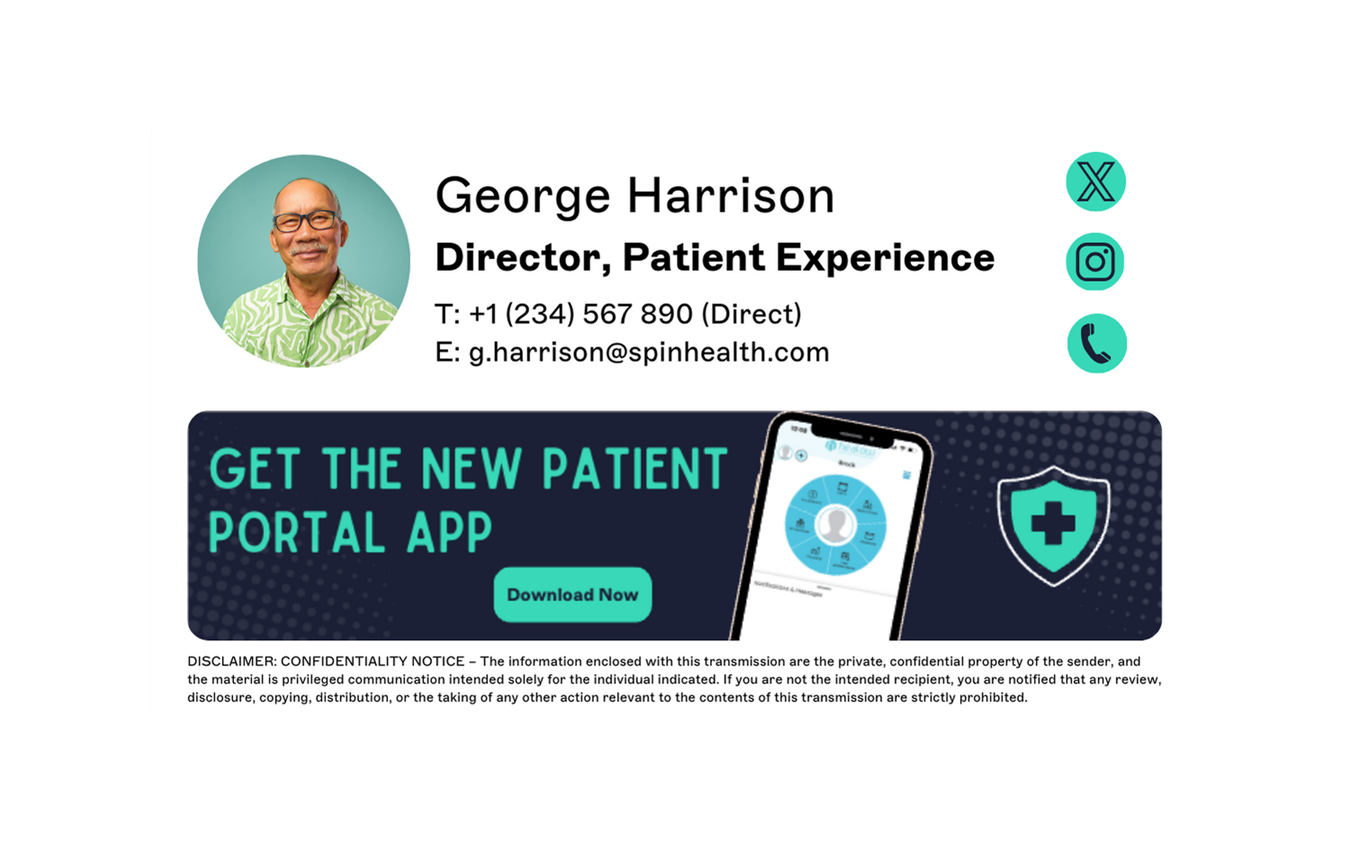 This example includes links to the sender's social media profiles, making it easy for recipients to connect with them on different platforms.
This is an excellent way to expand your online presence and increase engagement with your brand.
7. The customer feedback email footer
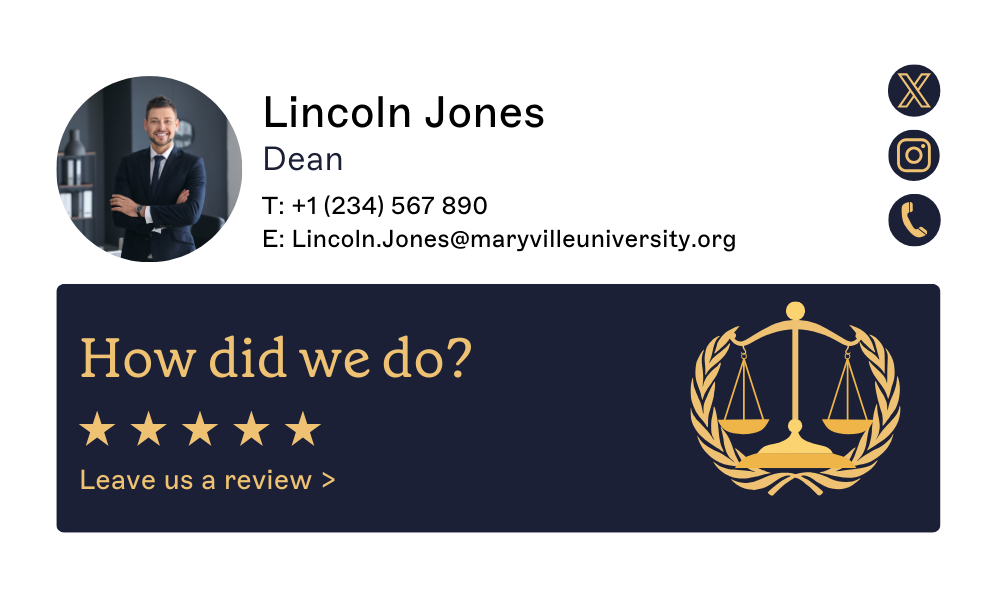
 This professional email footer features a call to action for recipients to rate their experience with the company.
By providing easy access to a survey, the company can gather valuable feedback and improve their customer service. You can also make this even easier by including one-click feedback surveys.
8. The green email footer
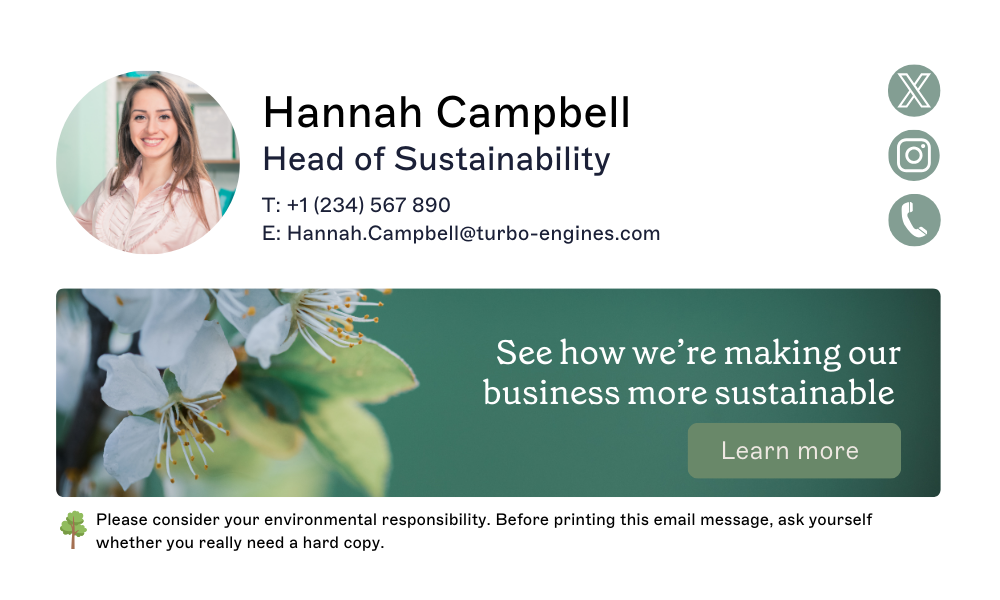 This green email signature footer incorporates the company's environmental values by using a green color scheme and including their sustainability initiatives.
This not only reinforces their brand identity but also showcases their commitment to being environmentally friendly.
9. The recruitment email footer
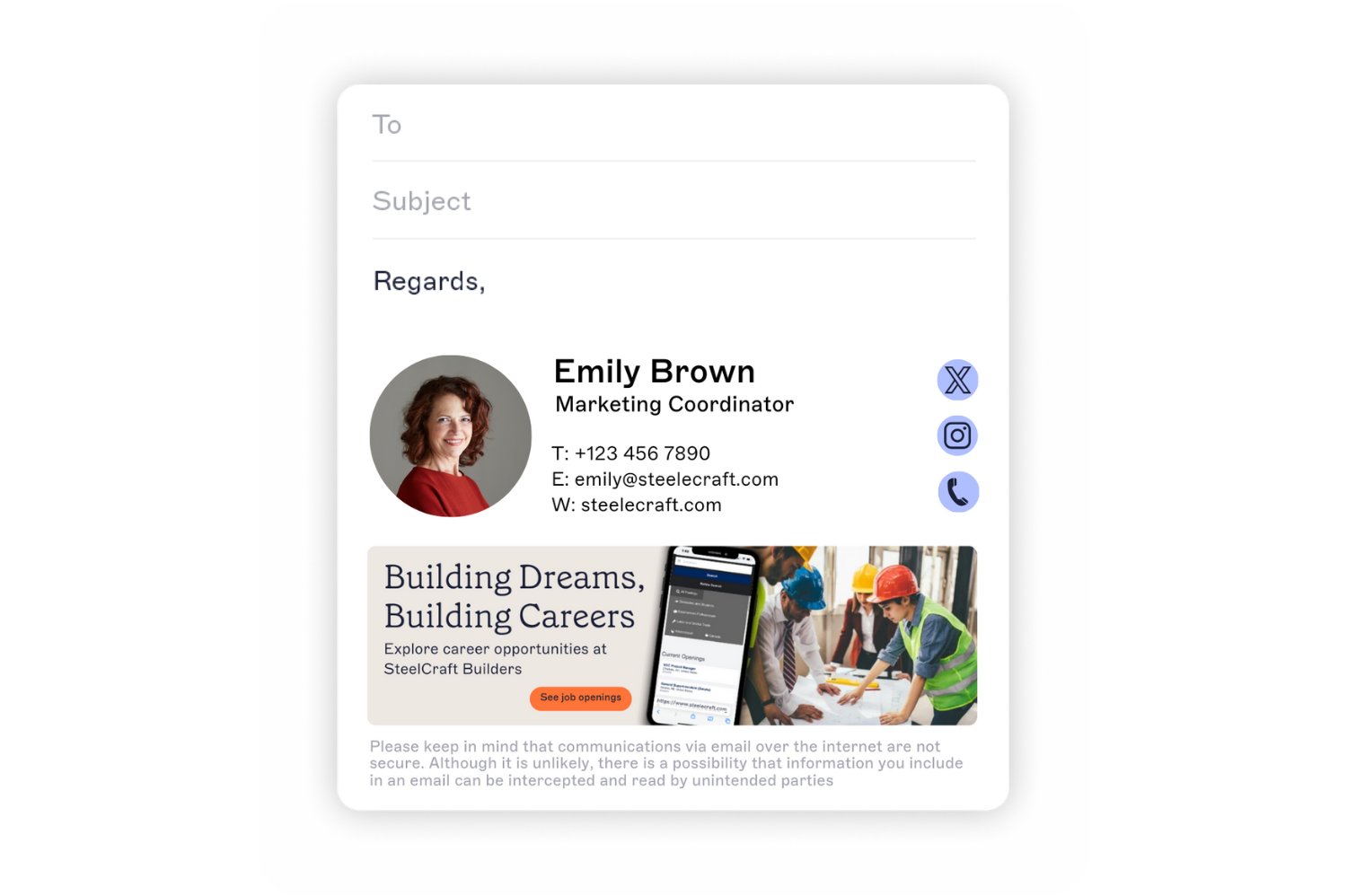 This professional email footer has a marketing banner displaying new job openings, inviting recipients to apply for roles and explore the company culture.
10. The holiday email footer
 This holiday email footer features festive colors and a holiday greeting.
Adding a seasonal theme to your email footer can really help strengthen relationships with clients or colleagues.
How to create a professional email footer for your business
1. Define the purpose
Take a moment to think about the purpose of your email footer and what you want to achieve. Is it simply to provide contact details, or are you aiming to use it for marketing?
Knowing your goals will help you choose the right elements and create a design that connects with your audience.
2. Decide on what contact details are necessary
Consider your audience's needs and include only essential contact information in your professional email footer to avoid clutter.
For example, if you're an e-commerce business, providing a link to your website will be more relevant than a physical address.
3. Design your email footer template
Select a layout that aligns with your brand and email's purpose. You can choose a simple, text-based design or add visual elements such as images and logos for a more eye-catching footer.
4. Select fonts and colors
Choose fonts and colors that are consistent with your brand to reinforce brand identity. Make sure the font is legible and easy to read.
5. Add images or graphics
Images such as your company logo can make your professional email footer more visually appealing.
However, be mindful of the size and placement of images, as they can affect loading times and overall design.
6. Include CTAs
Consider incorporating a call-to-action in your email footer to encourage recipients to take action. This could be to visit your website, follow you on social media, or subscribe to your newsletter.
7. Stay compliant
If your business requires legal disclaimers, include them in your email footer.
For example, if you're sending marketing emails, adding an unsubscribe link is necessary for GDPR compliance.
8. Test and finalize
Before using your email footer, test it across different devices and email clients to ensure compatibility and design consistency.
Once finalized, make sure to update it regularly with any changes in contact information or branding elements.
9. Implement in your email client
Once you've finalized your professional email footer, implement it in your email client. Some email clients even allow you to save multiple footers and use them for different purposes.
This feature can come in handy when sending out emails for various reasons.

Email footer best practices
Make it visually appealing: Incorporate visuals such as icons or separators to break up text and draw attention to key areas of your professional email footer. A balanced layout can enhance readability and engagement.
Keep it simple: Avoid clutter and limit the number of elements in your email footer. Including too much information can make it overwhelming and decrease its effectiveness.
Ensure legibility: Use a font that is easy to read, even when viewed on smaller devices. Stick to basic fonts such as Arial, Helvetica, or Verdana to ensure compatibility across different email clients.
Make it mobile-friendly: It's essential to ensure your professional email footer is optimized for mobile devices. Keep the design clean and avoid using large images that could affect loading times.
Personalize when possible: If your email platform allows, consider adding personalized elements such as the recipient's name or tailored messages. This can create a more engaging experience and foster a stronger connection.
Consider legal requirements: Make sure your email footer complies with legal regulations, such as including an email disclaimer or privacy policy link, to ensure transparency and trust.
Stay concise: While it’s important to include valuable information, aim to keep your footer concise. A cluttered footer can detract from the main message of your email, so prioritize clarity and brevity. Your professional email footer should not exceed more than 5-6 lines.
Update regularly: Make sure to update your email footer periodically, especially if there are any changes in contact information or legal disclaimers.
Test it out: Before finalizing your email footer, send test emails to various devices and email providers to ensure it appears correctly for all recipients.

The challenges of managing email footers centrally
Maintaining a professional email footer across a company’s communications is essential for brand consistency, but managing this process can be challenging.
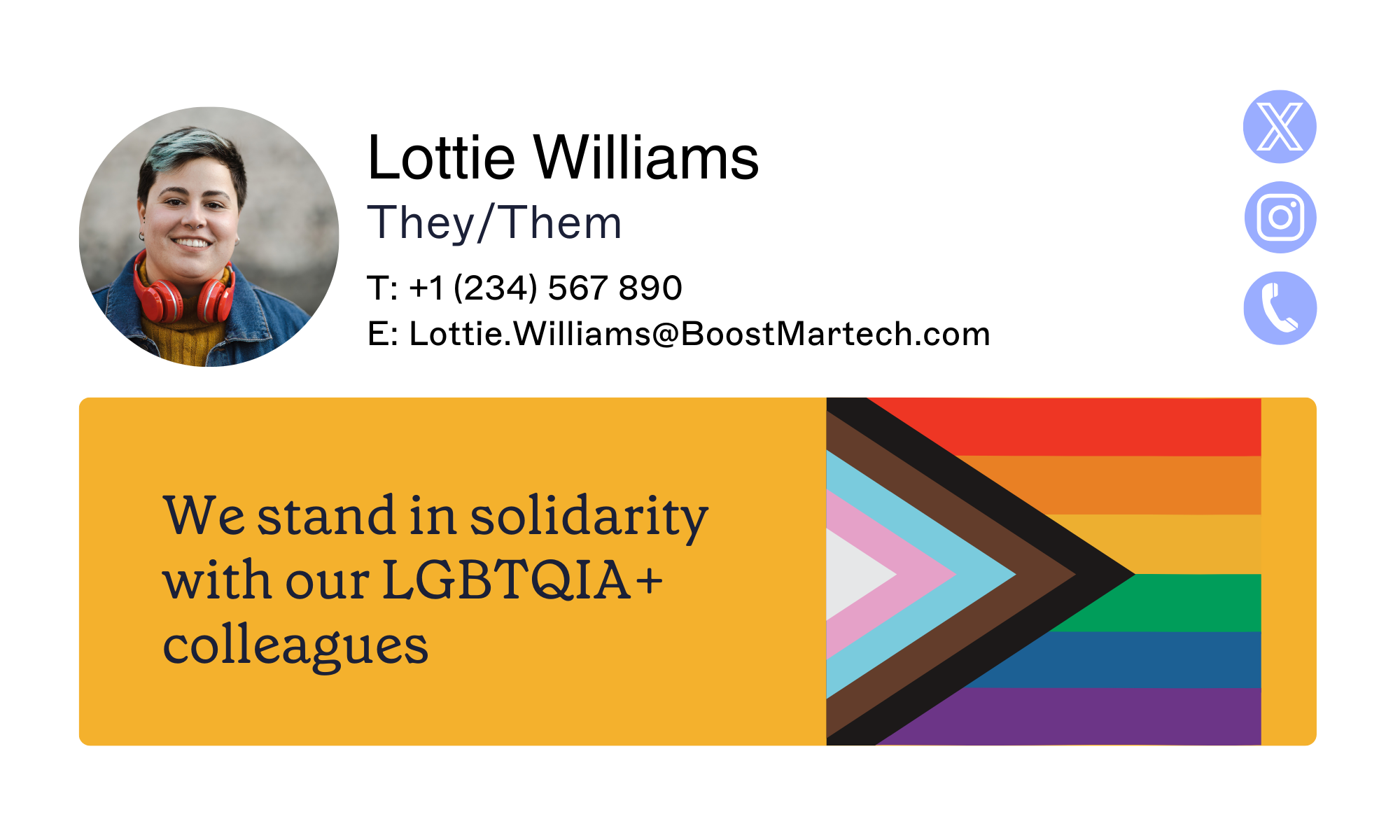 Without a centralized email signature solution, employees may create their own signatures, leading to a mix of designs, inconsistent information, and incompatible branding elements. This lack of uniformity can negatively impact your brand identity.
Updating email footers in a large organization can also be a logistical headache. Changes must be communicated clearly and executed by multiple employees, which often results in outdated or incorrect information being sent out.
To streamline this process and ensure a consistent brand image, you need to implement a centralized email signature management solution.
Use Exclaimer to take control of your professional email footers
Exclaimer's email signature software simplifies email footer management with a centralized platform for creating, updating, and enforcing designs throughout your organization.
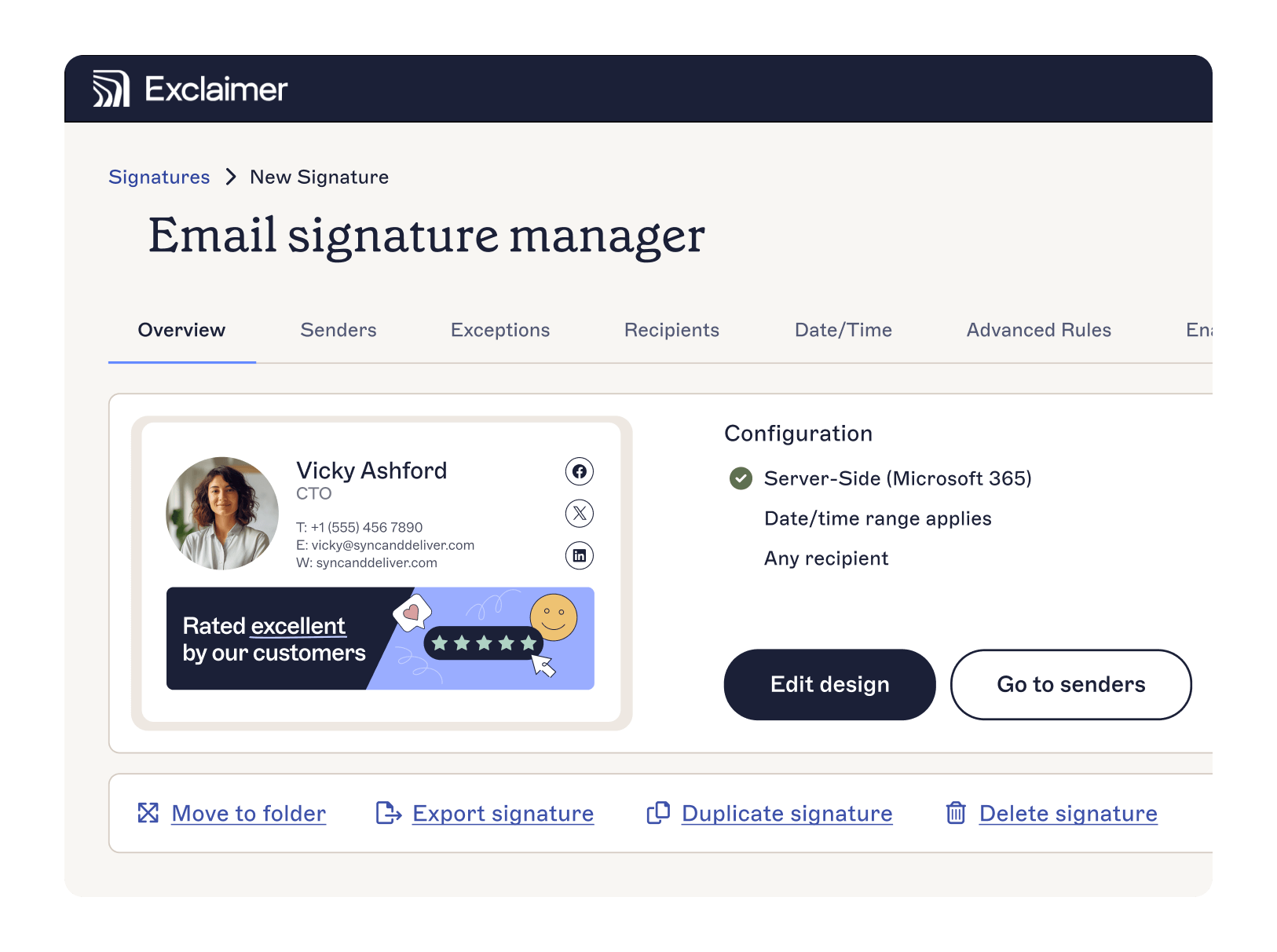 By using Exclaimer, businesses can ensure that every employee aligns with the latest branding, incorporates essential legal disclaimers, and presents a consistent appearance that boosts professional communication.
This solution not only saves valuable time but also enhances your brand image, making Exclaimer an essential tool for companies seeking cohesive and effective communication.
Optimize your professional email footers today with Exclaimer to elevate your branding and ensure compliance across your organization.
Start with a free trial or get an online demonstration to experience the ease and efficiency of managing your company email footers.