Dave is a marketing expert with 15 years experience in the tech and SaaS world. He specializes in educating IT and channel audiences, with a focus on security, privacy, compliance, and marketing technology. With a talent for storytelling and a deep understanding of the industry, Dave transforms complex IT topics into clear, engaging, and impactful narratives.
Migrating from CodeTwo to Exclaimer: A step-by-step guide

TL;DR
Why migrate from CodeTwo to Exclaimer? If your organization needs advanced governance tools like audit logs, centralized brand and asset management, or tools beyond basic email signature management, Exclaimer is built for you.
What changes when you switch? You retain the same consistency across email signatures that you rely on, while gaining additional benefits ranging from additional marketing and branding controls to localized customer support tailored to your region, and even access to our template design team who can professionally rebuild your signature templates for you.
What should you prepare before migrating? Review your current rules and dependencies, clean directory data, and define how signatures should work across teams.
How does migration work? Set up Exclaimer, rebuild templates, test with a pilot group, then roll out in phases, typically completed within 2-4 weeks.
What's the result? Consistent branding across email and beyond, with governance, brand control, and HRIS directory integrations built in.
If you’re using CodeTwo, you are already enjoying the benefits that come from having a centralized way to manage and deploy signatures across your organization – but the benefits don’t need to stop there. Exclaimer offers additional functionality and integrations that your whole organization will benefit from, while also offering the necessary tools to make email signatures a compliant and governed channel.
While Exclaimer and CodeTwo are both reliable tools for deploying consistent email signatures at scale, migrating to Exclaimer gives IT teams additional governance, security, and cross-platform capabilities:
Audit Logs provide peace of mind that all changes to signatures are tracked and auditable – making any security audit quick and easy.
Exclaimer holds independent SOC 2 Type II accreditation alongside ISO 27018/27001. CodeTwo holds ISO 27018/27001 but does not hold an independent SOC 2 Type II certificate.
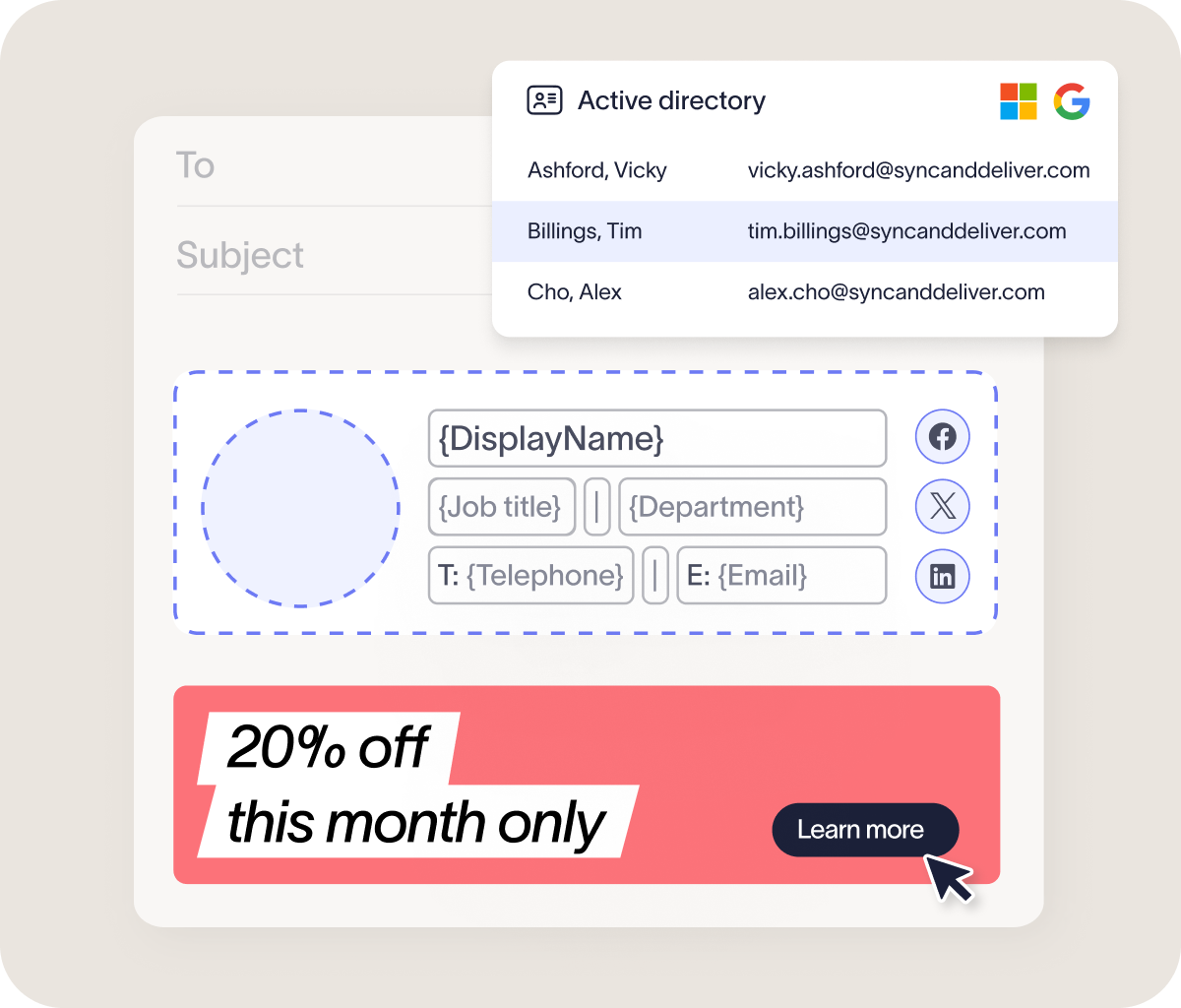
In addition to Entra ID, Exclaimer integrates with Okta and leading HRIS tools, ensuring people data stays accurate and up to date regardless of your directory source of truth.
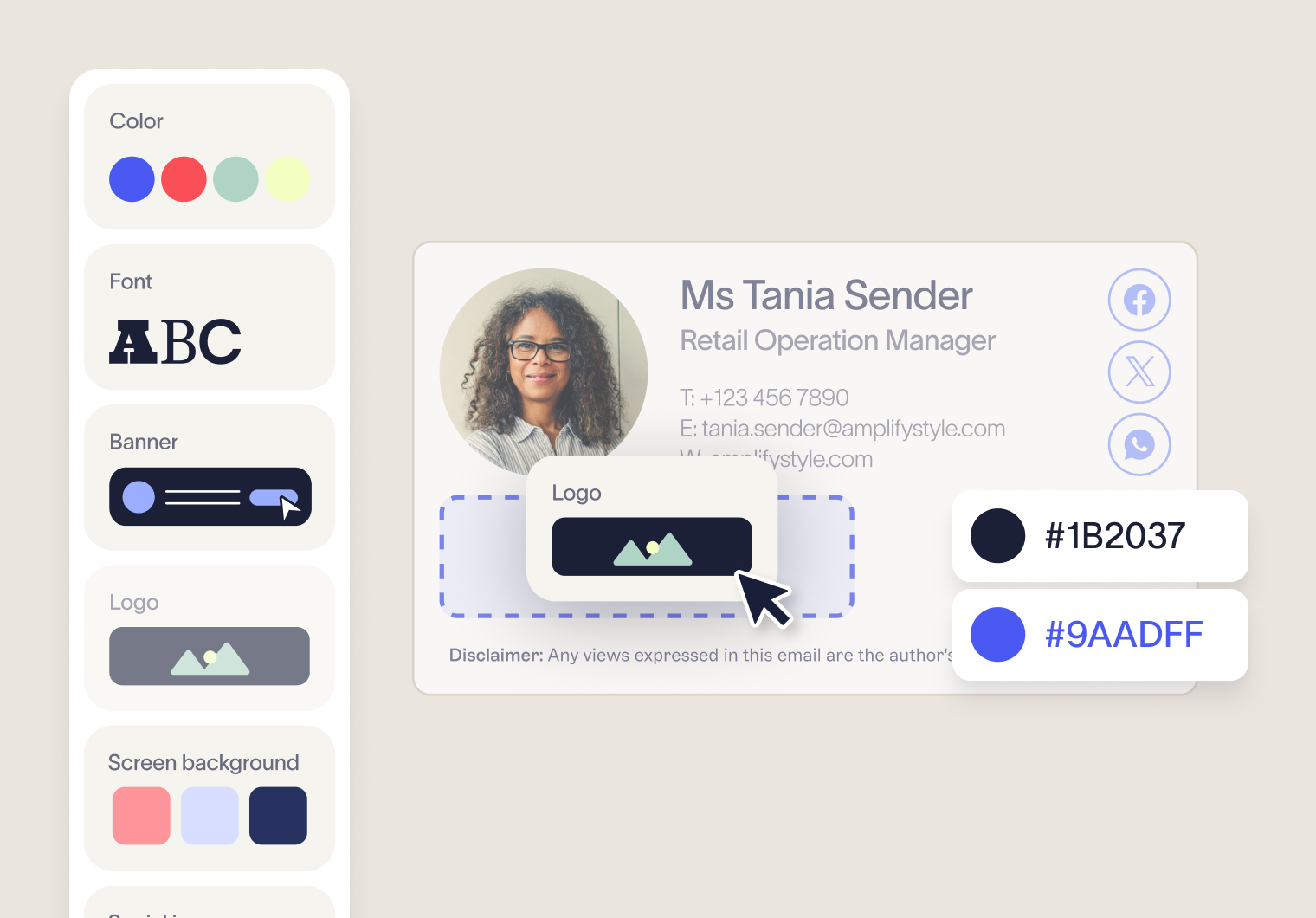
Brand Kits enable teams to define, update and govern brand assets in one place. Define logos, icons, fonts, colors, and more for each brand, subsidiary for region, and then apply to your signature templates. When a change is made to a Brand Kit, updates cascade across all linked templates automatically. CodeTwo has no equivalent centralized brand asset function, meaning branding changes require each template to be updated separately.
Native analytics functionality enables teams to quickly assess campaigns, and measure signature adoption within one interface. Exclaimer also offers GA4 integration for organizations currently utilizing a third-party analytics solution.
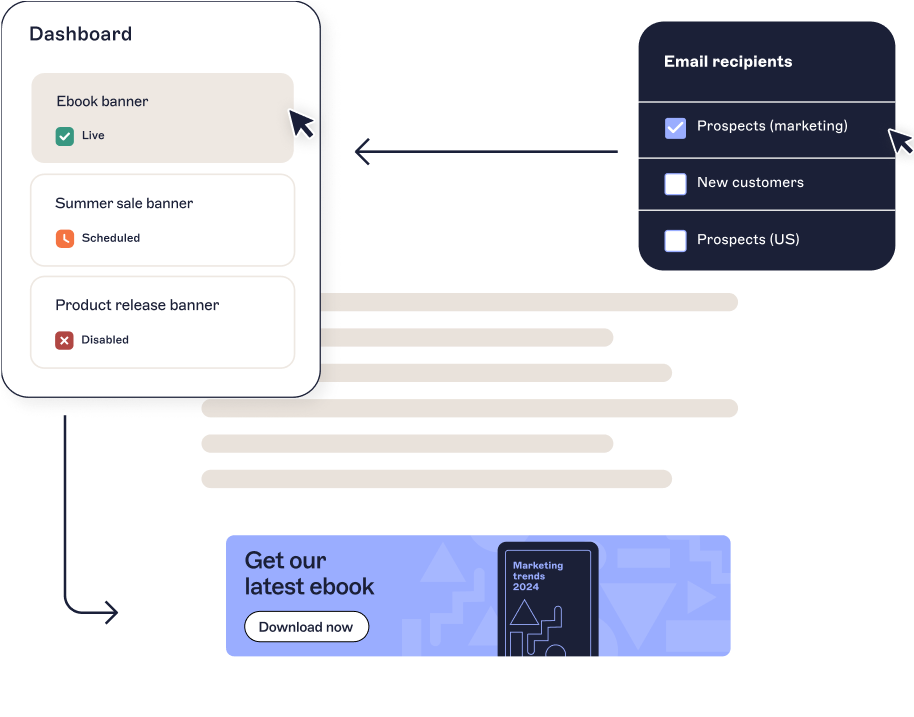
Exclaimer's integrations with Salesforce and HubSpot enable teams to segment and target lists built in your CRM, applying the right signature automatically based on recipient or campaign context — as well as imprinting signatures on emails sent directly from the platforms. CodeTwo's CRM integration is limited to signature application on emails sent from the platforms, without list-based targeting or segmentation.
Exclaimer goes beyond email. Meeting Branding by Exclaimer is built upon the same directory data you rely on for signatures, and enables teams to create and deploy consistent, on-brand, and compliant video meeting themes across Zoom, Teams, Google Meet and more.
This guide shows you how to move from CodeTwo to Exclaimer without disrupting email flow. You'll see what to prepare, how to migrate step by step, and how to confirm everything is working as expected.
Key Takeaway: Migrating to Exclaimer means keeping what works about CodeTwo while unlocking the governance tools, directory integrations, and cross-platform capabilities your whole organization has been missing.
Should you switch from CodeTwo to Exclaimer?
CodeTwo is a capable solution for Microsoft-focused environments where IT needs tight control over how signatures are applied.
For teams that need more than consistent signatures — governance, brand control, and cross-platform coverage — Exclaimer picks up where basic signature management leaves off.
No native audit logs to track who made changes or support compliance reviews.
Limited directory sync capabilities — no native integration with Google Workspace, Okta, or HRIS platforms — can require manual data management or additional configuration.
Template updates managed without central branding tools, requiring changes to be made individually across templates.
Exclaimer goes further. Alongside reliable signature deployment, you get audit logs, HRIS directory integrations, Brand Kits, CRM targeting, native analytics, and video meeting branding — all within a single, centrally governed platform.
If you want signatures that work harder for the whole organization, it's worth making the move.
CodeTwo vs Exclaimer: Comparing key features and integrations
Looking at both platforms side by side helps clarify where each one fits. Here’s how CodeTwo and Exclaimer compare across the areas that matter most.
Feature | Exclaimer | CodeTwo |
Control | Discrete workspaces for signatures, campaigns, and disclaimers allow IT to grant scoped access to marketing and legal teams independently — without those teams accessing the broader signature administration environment. | Rule-based access rights control who manages which signatures and rules. |
Platform coverage | Supports Microsoft 365, Exchange, and Google Workspace environments. | Supports Microsoft environments only. |
Directory support | Supports directory sync with Entra ID, Google Workspace, Okta, and HRIS solutions. | Supports directory sync with Entra ID. Does not natively support Google Workspace, Okta, or HRIS platforms. |
Security | Independent SOC 2 Type II certification, ISO 27001/27018, and “A” SecurityScorecard rating. | ISO 27001/27018 and “A” SecurityScorecard rating. Does not hold an Independent SOC 2 Type II certificate. |
Compliance | Built-in audit logs for internal reviews and regulatory needs. | No native audit logs for signature management activity. |
Simplicity | Drag-and-drop signature designer and template library. Professional template design services are also available. | Drag-and-drop signature designer and template library. No template design services offered. |
Brand management | Brand Kits enable centralized management, deployment, and editing of approved brand assets for one, or multiple brands. | No centralized branding presets or asset management. |
CRM integrations | Native integrations with Salesforce and HubSpot enable teams to target and segment lists created in your CRM, as well as to apply signatures to emails sent from the platforms. | Salesforce and HubSpot integration applies signatures to emails sent from the platforms. CRM-based list targeting and segmentation not available. |
Beyond email | Meeting Branding applies consistent, directory-based visuals to Zoom, Teams, and Google Meet calls. | Does not offer any video meeting functionality. |
Where the difference shows at scale
See the difference in how Exclaimer and CodeTwo handle control, governance, and scalability.

What to prepare before migrating from CodeTwo to Exclaimer
A smooth migration starts with a clear picture of how your current setup works.
1. Audit your current signature setup
Start by reviewing how CodeTwo is configured today.
Document existing signature templates, rules, and user assignments
Identify where signatures vary by department, region, or group
Note any transport rules, Microsoft 365 connectors, server dependencies, or hybrid setup requirements tied to CodeTwo
This gives you a baseline for what needs to be recreated, what can be simplified, and what no longer needs to carry over.
2. Define how signatures should work going forward
Don’t treat the migration as a straight copy-and-paste exercise. It’s a chance to simplify how signatures are managed and structured with features like Brand Kits.
Decide how signatures should vary by team, region, brand, or role
Confirm which elements must stay fixed, such as disclaimers or legal wording
Explore additional signature tools like Social Feeds or true rotating banners to see where signatures could be enhanced
3. Confirm your directory source
Signature accuracy depends on the quality of the data feeding it.
Confirm which directory source is your organizations source of truth.
This step is especially important if you're moving from a Microsoft-only setup and want to take advantage of Exclaimer's broader directory support. Is it still Entra ID, or would it make more sense to utilize your HRIS with Exclaimer?
4. Map your environment and integrations
Take stock of the systems connected to your current signature setup and the ones you want to support going forward.
Identify which tools you’re currently utilizing with CodeTwo.
Evaluate Exclaimer’s suite of integrations to see if there are any tools that you can now integrate with.
This gives you a cleaner path into Exclaimer's broader platform support and helps you take full advantage of the integrations available.
5. Document existing signatures
While it is always worth exploring a refresh of your signatures, sometimes you may just want signatures to appear the same as your existing template.
Screenshot or save your existing CodeTwo signatures.
Identify the key aspects you want to retain when you transfer over.
Exclaimer’s drag-and-drop template designer makes it easy to replicate and customize templates. However, if you want to automate your switch even more, Exclaimer offers template design services. This in-house team will work with you to replicate existing signatures or build a refreshed look.
How to migrate from CodeTwo to Exclaimer, step by step
To migrate from CodeTwo to Exclaimer, connect Exclaimer to your email environment, rebuild your templates, configure rules, test with a pilot group, deploy in phases, then decommission CodeTwo, typically completed within 2-4 weeks.
A structured approach keeps the migration predictable and gives you a natural opportunity to clean-up your signature setup before you migrate across.
Quick start migration checklist
- Connect Exclaimer to your Microsoft 365, Exchange, or hybrid environment
- Enable directory sync with Entra ID, Google Workspace, Okta, or Workday
- Rebuild templates using the drag-and-drop editor or built-in templates
- Configure signature rules by group, department, role, or location
- Test across devices including desktop, mobile, and web clients
- Deploy to pilot group and gather feedback before full rollout
- Decommission CodeTwo after confirming all signatures apply correctly
1. Set up Exclaimer
Start by connecting Exclaimer to your email environment and establishing a clean foundation for signature management.
Connect to Microsoft 365, Exchange, or your hybrid setup
Enable directory sync to pull in user data automatically
Confirm permissions and initial configuration
This step establishes Exclaimer as the centralized platform for email signature management across your environment.
2. Rebuild and improve your templates
Rebuild your existing CodeTwo signatures in Exclaimer and treat it as an opportunity to remove templates that are no longer needed and simplify configurations that have built up over time.
Get started quickly with built-in templates, or recreate your previous setup using the editor (Exclaimer can help with this)
Apply consistent branding, formatting, and layouts
Add or standardize legal disclaimers across templates
Many teams use this step to reduce the number of templates and remove variations that have built up over time.
3. Configure rules and permissions
Define how signatures should be applied across your organization.
Assign signatures by group, department, role, or location
Set up role-based access so teams can manage content safely
Lock down key elements such as disclaimers or branding
The aim is to keep control centralized while reducing the need for IT to manage every change.
4. Test before rollout
Before deploying widely, validate that everything works across your environment.
Send test emails across desktop, mobile, and web clients
Check formatting, links, and signature placement
Test different user scenarios and rule conditions
This helps catch any issues early, especially when signatures vary across teams, regions, or deployment types.
5. Deploy in phases
Roll out Exclaimer gradually to minimize disruption and give yourself room to adjust.
Start with a pilot group that reflects different teams or regions
Gather feedback and make refinements
Expand rollout in stages across the organization
A phased rollout is especially useful for larger organizations or those with multiple signature configurations.
6. Decommission CodeTwo
Once Exclaimer is fully in place, remove your previous configuration to avoid overlap and confusion.
Disable CodeTwo rules, templates, and policies
Remove Microsoft 365 connectors and retire any related infrastructure or server dependencies tied to CodeTwo
Confirm all users are receiving signatures through Exclaimer
At this point, email signature management is fully centralized within Exclaimer.
Post-migration checklist: How to verify your Exclaimer rollout
After rollout, confirm everything is working as expected across your environment:
- Signatures apply consistently across all devices
- User data syncs correctly
- Branding is consistent across all templates
- Rules behave as expected
- Role-based access is set correctly for delegation
- Activity logging is in place where needed for compliance or internal review
You should also see the benefits of Exclaimer's centralized management and governance tools reflected in your day-to-day workflow.
Start your migration to Exclaimer today
Making the move to Exclaimer means keeping what works while unlocking access to governance tools, directory integrations, and cross-platform capabilities built for your whole organization.
Exclaimer offers:
Consistent signatures across email, and beyond — including Zoom, Teams, and Google Meet
Dedicated campaigns and disclaimers areas enable clear ownership between IT and other teams
Brand Kits enable the centralized management of brand assets for all of your brands, subsidiaries, or regions, all in a single interface
If you're ready to go further than reliable signature deployment, start your migration to Exclaimer today.