Discover Brand Kits: Exclaimer's new method for governing your brand across the digital communications that matter most.Find out more
Product
Product overview
Features
Integrations
Security
Product tour
Cloud deployment
Device deployment
Directory sync
Campaigns
Video backgrounds
View all
Compatible platforms
Microsoft 365
Google Workspace
Microsoft Exchange
See it in action
Get a personalized demo to see how Exclaimer works.
Teams
IT
Marketing
HR
Sales
Customer success
Executives
Industries
Construction
Financial services
Healthcare
Legal
Manufacturing
Use cases
Manage email signatures
Guarantee email compliance
Brand consistency
Marketing campaigns
Internal comms
Company type
Small
Enterprise
Tour the product
See for yourself why top company’s choose Exclaimer.
Learn
Email best practices
eBooks
Industry insights
Videos
Knowledge base
What’s new
Customer stories
Blog
Events
Newsletter
Generate
Email signatures
Zoom backgrounds
Email disclaimers
Out of office messages
Learn how Exclaimer has helped 75,000+ customers.
Why partner
Program overview
Partner stories
Partner types
Distributors
Microsoft partners
MSPs & Resellers
Resources
Partner portal login
Partner playbook
Become a partner
Grow your business as an Exclaimer partner
Contact us
Contact Support
Contact Sales
Support
Need help?
Get tutorials, new user guides, videos, and more.
Try Exclaimer
Curious about Exclaimer? Try it free for 14 days.
guides
Discover the differences between Outlook and Microsoft 365 email signature management. Learn why native tools fall short and how Exclaimer gives IT full control.
Read more
What are the best types of fonts to use in email signatures? Find out which are the most commonly used email signature fonts and how best to use them.
Build and manage an Exchange email signature easily with this useful how-to guide. Find out how to add a signature in Exchange easily.
Learn how to automate email signature updates across Microsoft 365 and Google Workspace. Save IT time, stay compliant, and keep your brand consistent.
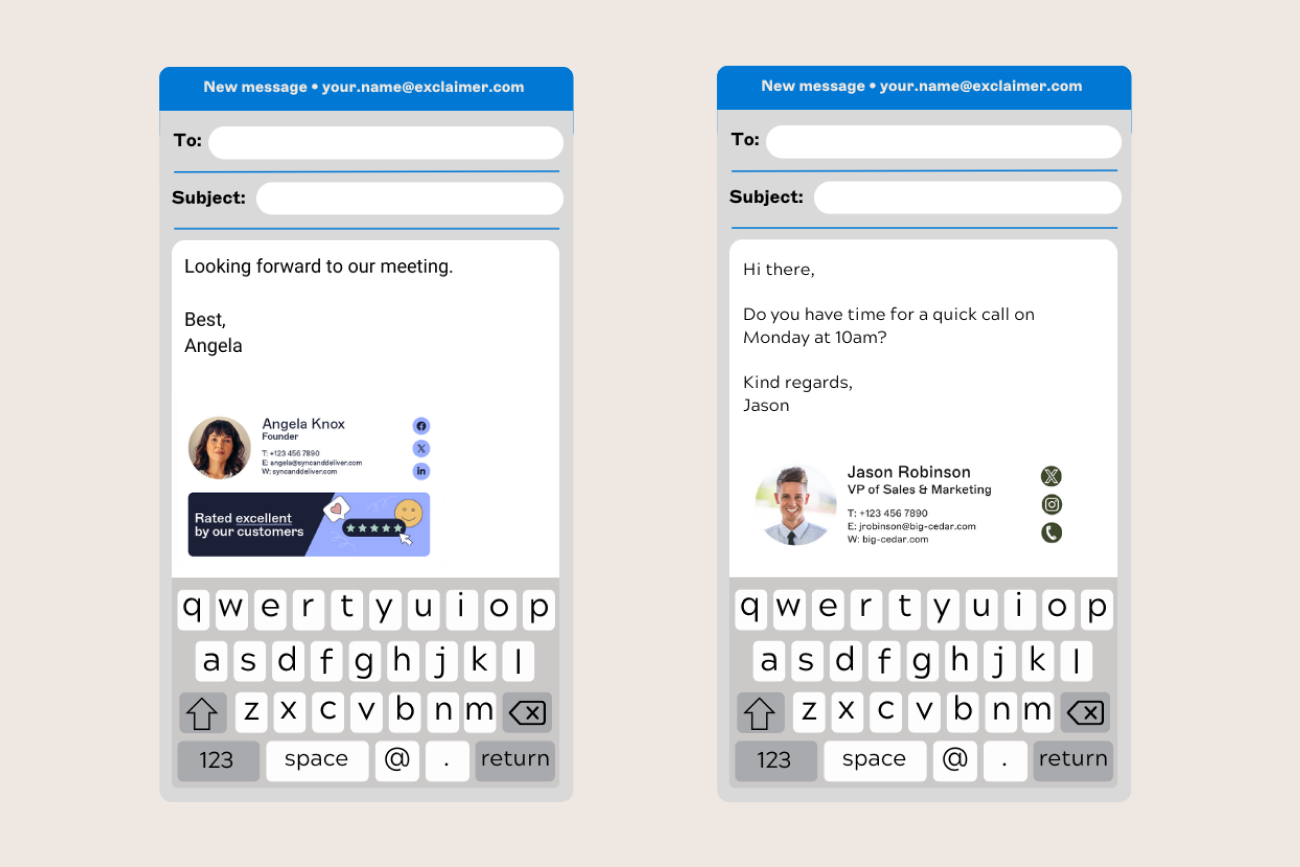
More people read emails on mobile devices than ever before. Find out how to create a mobile email signature with this guide.
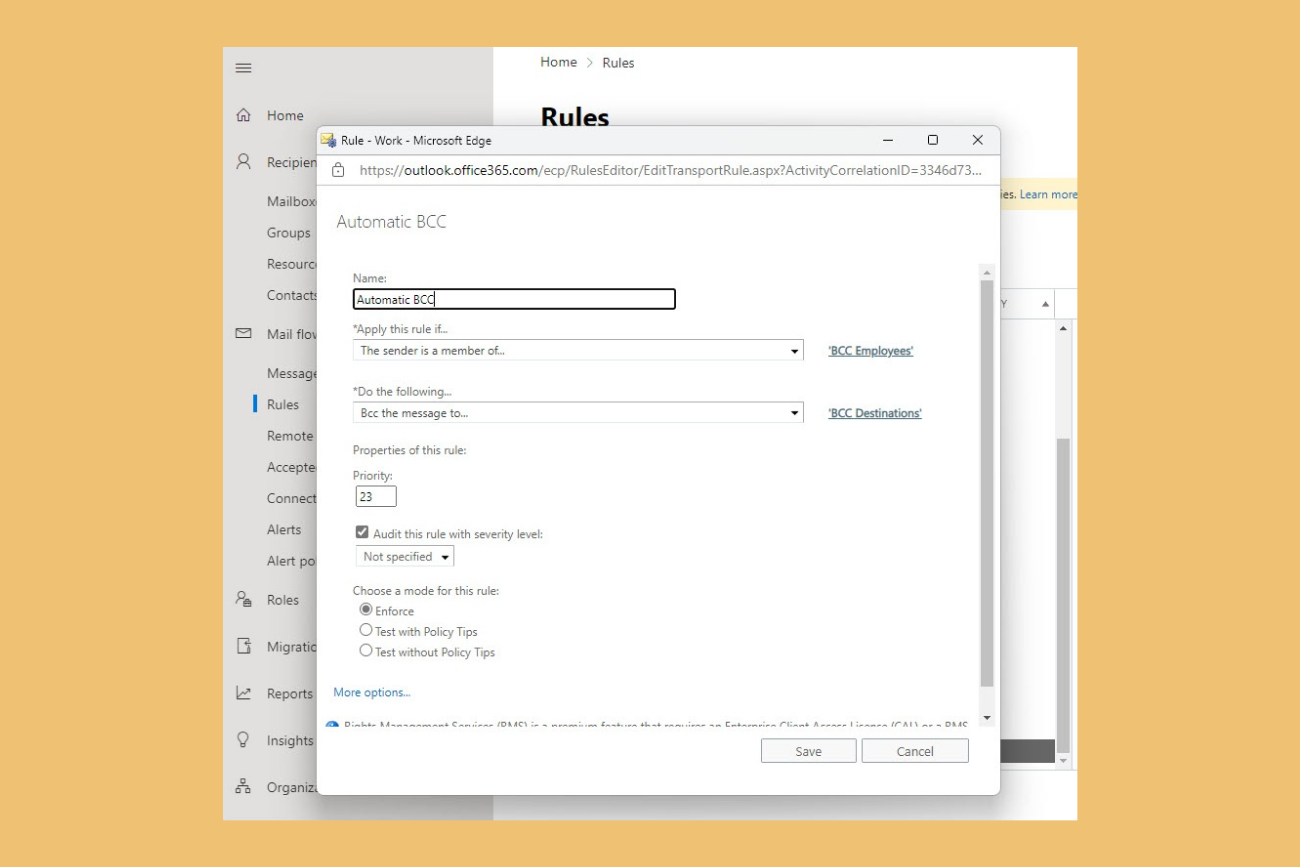
Learn how Office 365 Transport Rules (Exchange mail flow rules) work, their common limitations for email signatures, and why IT teams use Exclaimer.
Learn why professional meeting backgrounds matter, how to design them for maximum impact, and how Exclaimer can deploy them across all video calls at scale.
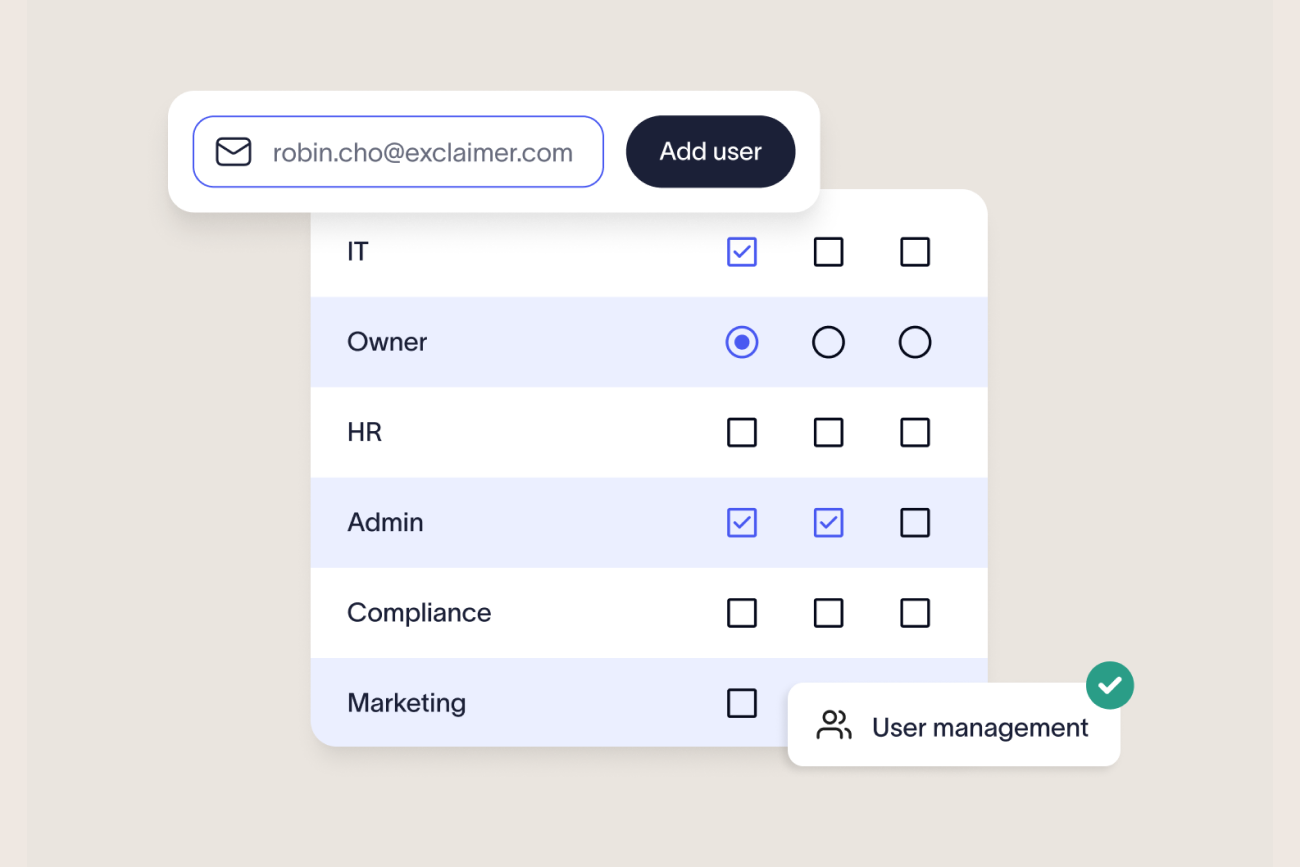
Learn how role-based access control (RBAC) helps IT teams manage email signatures securely and at scale.
Learn how to create, format, and manage email signatures in Mac Mail. Step-by-step guide with HTML tips, troubleshooting, and centralized management options for teams.