The 17 DOs and DON’Ts of email signatures
3 June 2025
0 min read
TL;DR
- Poorly designed email signatures hurt your brand, create inconsistency, and generate support tickets.
- Centralized design and simple HTML tables keep signatures clean, consistent, and compatible across email clients.
- Mobile responsiveness, proper image handling, and legal disclaimers are essential for modern email signature best practices.
- Use Exclaimer to automatically apply compliant, on-brand email signatures across every device and user.
Get the basics of email signature design right
A well-designed email signature does its job quietly. It keeps contact details accurate, reinforces brand consistency, and doesn’t give your IT team another ticket to deal with.
 But it’s easy to get wrong. Too much information, poor formatting, or mismatched styles across teams can cause more harm than good.
As an email signature management provider, we know a thing or two about email signature design. We know what many companies get right and what they get wrong.
This list covers 17 dos and don’ts that make a difference in email signature design, whether you’re managing a few dozen users or thousands. These are the basics that help keep your signatures clean, consistent, and under control.
Need the basics first? This beginner’s guide explains core concepts before you apply the rules. A smart way to avoid these common pitfalls is to build a draft in an email signature design tool first.
1. Do connect email signature design to social media
Social media is part of your digital brand, so it should feature in your email signature. Add a LinkedIn Follow icon or link to current content—like a new blog or customer story.
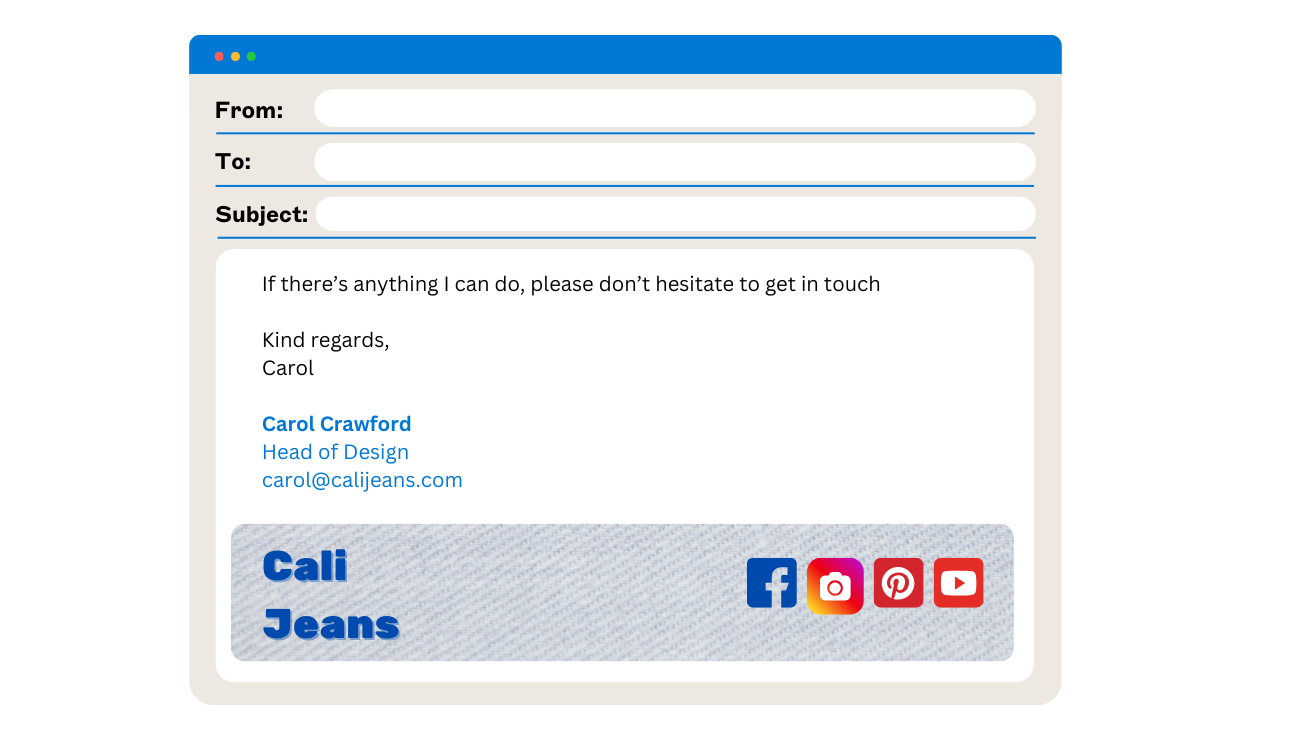 Email signature design tools let you do this consistently, at scale. Unilever, for instance, added a LinkedIn “Follow” button to its corporate signature and grew its follower count from 40,000 to 235,000 in 10 months—without a paid campaign.
Don’t cram in every platform
Your signature template will look cluttered if you add an icon for every social media channel your company uses.
We recommend using a maximum of four social media icons in your email signature. Also, only choose the channels that are most regularly updated.
2. Don’t leave it to individuals
When every employee builds their own email signature, inconsistencies are guaranteed. You’ll see outdated logos, typos, mismatched formatting, and broken links across the board.
Centralize the design. Use a consistent, approved email signature template that reflects your brand and works across devices.
Do use one version for everyone
Whether you're a team of 20 or 2,000, consistent formatting signals professionalism and prevents support issues.
3. Do use purpose-built tools
Email signatures aren’t documents or webpages. If you try to build them in Word, Outlook, or a CMS, you’ll run into rendering issues.
If you know HTML, code your signature to match email standards. If you don’t, use an email signature management solution that does the heavy lifting for you.
Don’t assume Word is ‘good enough’
What looks fine in your email editor can fall apart in Gmail, Apple Mail, or mobile devices.
4. Do use a sensible email signature size
Whether in Gmail, Outlook, or Apple Mail, very wide email signatures will not render well for a recipient. The industry standard for email signature size is about 650 pixels. We’d even say a signature design should be a little thinner at 600px. This ensures nothing gets lopped off the edge of a message.
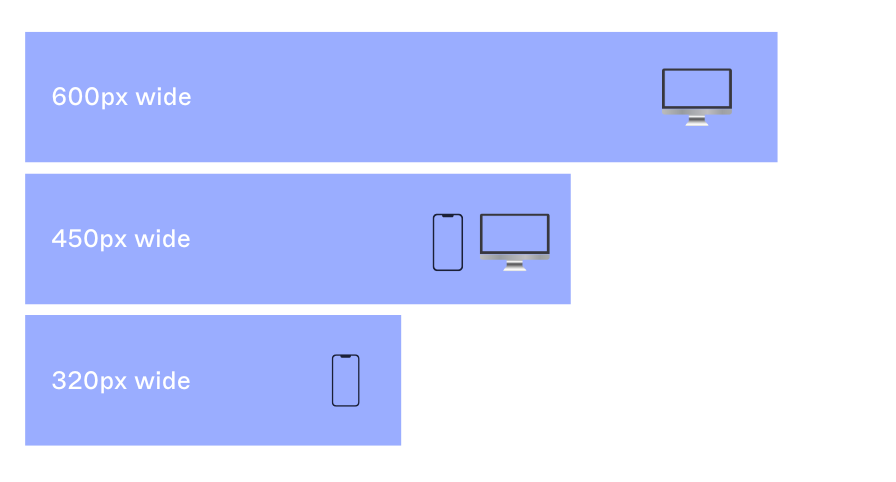 Need extra certainty? A slimmer layout—around 450px—reduces the risk of rendering issues across devices.
Don’t use large image sizes
If you use a logo or a photo of yourself in your email signature, make sure you resize the image to be the size you want it to appear.
If you have a 2000x1500px image file linked in the HTML, but it’s coded to display at 500x375px, this may be ignored by email clients and appear as the original file size.
5. Do structure your layout with tables
Tables are the most reliable way to align elements in your email signature. They keep spacing consistent and prevent your logo or contact details from jumping out of place.
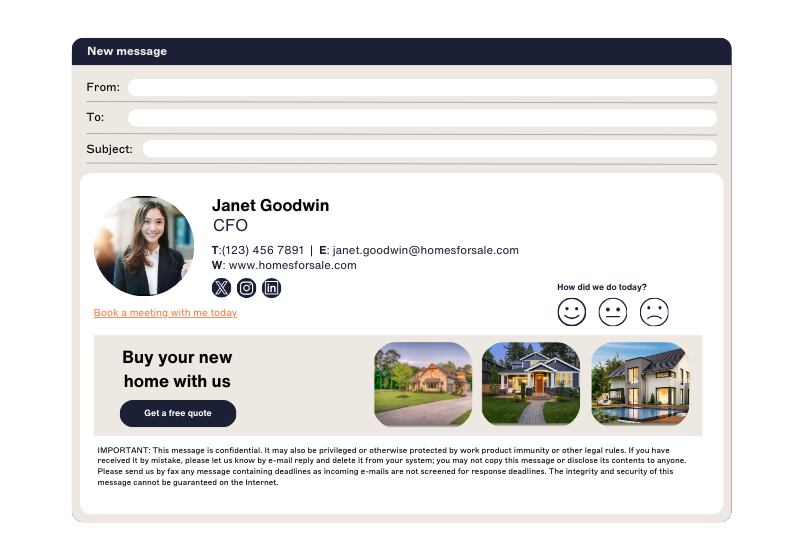 Make borders transparent so they don’t show. Tables aren’t stylish, but they work.
Don’t rely on divs or images to handle layout
Email clients don’t behave like browsers. Stick to what’s proven to render consistently.
6. Do make an email signature design simple
Your email signature should be clean and functional. Let the content do the work. Over-designed layouts often break across email clients.
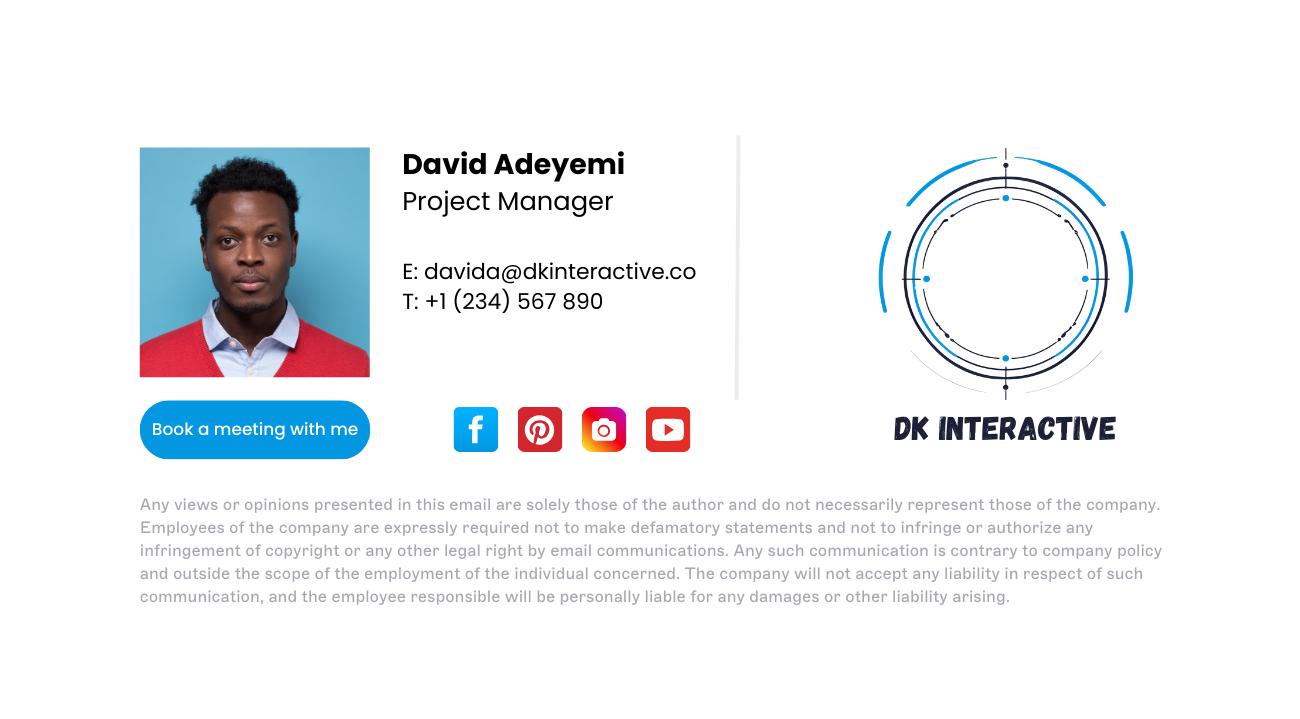 If you want to try something ambitious, test it thoroughly across Outlook, Gmail, and Apple Mail.
Don’t skip the basics
Don’t overload your signature template with every possible way to contact you. Keep to the basics:
Full name
Job title
Phone number
Website URL
Email address
Keep these details shorter for internal emails and replies.
7. Don’t use bullet points
Bullet points are something you shouldn’t include in email signatures. In fact, good email signatures don’t use bullet points in any way.
This is because they render strangely in different email clients and can ruin the format of your signature. A bullet point in Outlook will look completely different from one in Gmail.
Do keep the format predictable
Stick with table-based spacing and line breaks. You’ll save yourself email signature formatting headaches later.
8. Don’t animate it unless you’ve tested it
Animated GIFs or embedded videos often break in Outlook and other clients. If they don’t render, recipients may just see a broken link or blank space.
 If you’re using animation, test it thoroughly and prepare a fallback. Otherwise, keep it static.
The same is also true of video. Unfortunately, embedding videos directly into your email signature is impossible as most email clients don’t support this. This is because videos are seen to be a security issue, so the content won’t play. Native video files should essentially never be used in email signatures.
Do use static banners or icons when in doubt
Static designs display reliably, load faster, and work in every inbox.
You can use a link with alternate text or a promotional banner if you’d like to share a video in your email signature.
9. Do make email signatures mobile-friendly
Many emails are opened on mobile devices. Your email signature design needs to be responsive.
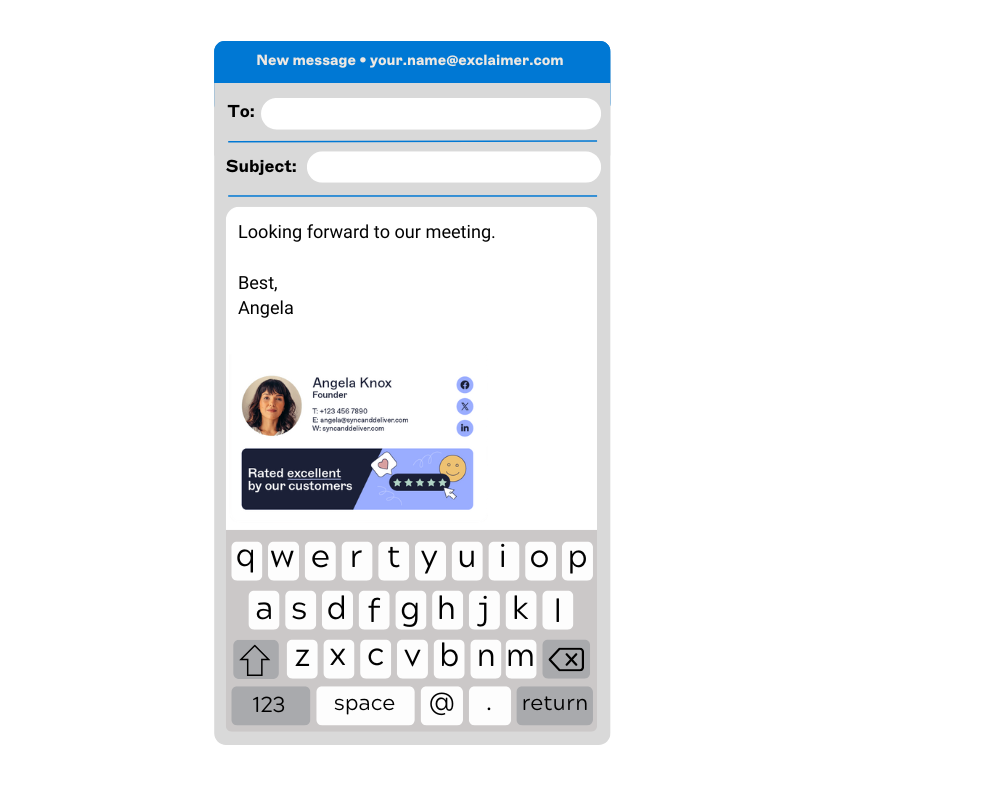 Break up contact details across multiple lines so they don’t wrap awkwardly. Test the mobile email signature on different screen sizes to confirm it fits without scrolling.
Don’t assume desktop-first will scale
What looks good on your monitor might break on a phone. Design for small screens from the start.
10. Do write full-length HTML
Shortcuts, like WYSIWYG editors or pasted Word formatting, often fail in email environments. They rely on code that email clients may not understand.
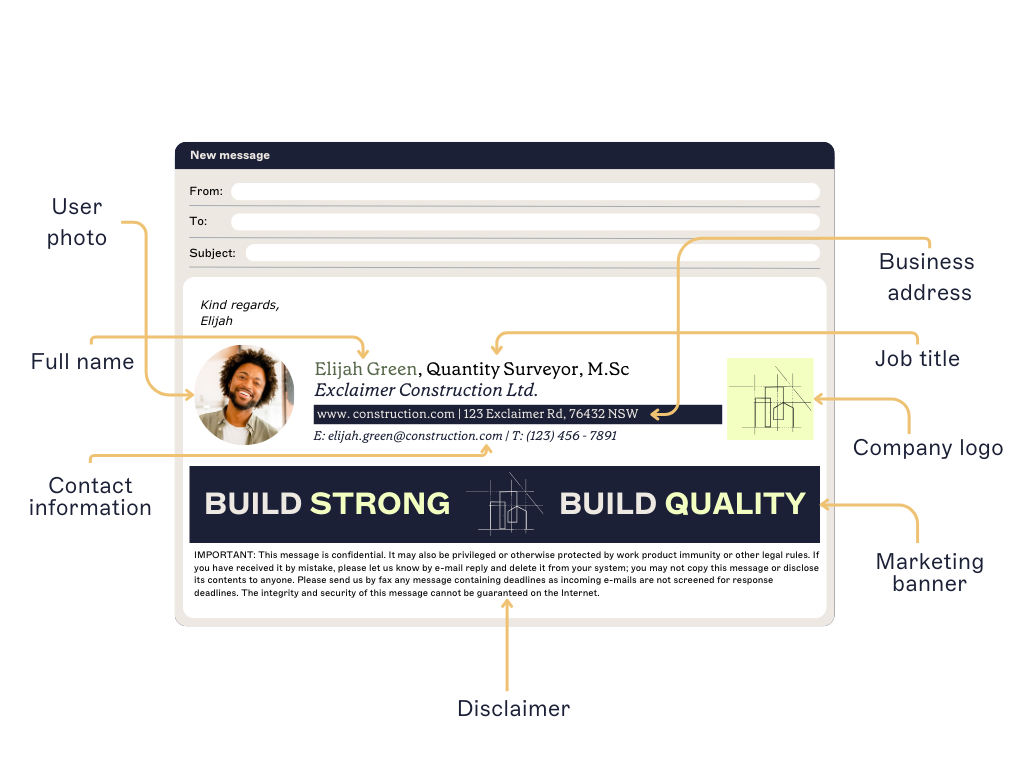 If you’re coding your signature, write the email signature HTML by hand. If you’re not, use an email signature generator.
Don’t treat email like a web browser
Web rules don’t apply here. Build your email signature the way email clients expect.
11. Do use images in email signatures
Visual elements like logos and banners can reinforce your brand if they’re used correctly.
 Host the image on a reliable server and reference it via URL, or embed it if your email platform supports it.
Don’t make your email signature "an image"
You should never use an image as your email signature for multiple reasons:
Most email clients don't automatically download and display images.
The recipient can’t copy your contact details.
You won’t be able to include multiple hyperlinks in the image.
It won’t be easy to update regularly.
If you use an image for your signature, your email is more likely to end up in the recipient’s junk folder, or spam filters may block it.
12. Do hardcode image dimensions
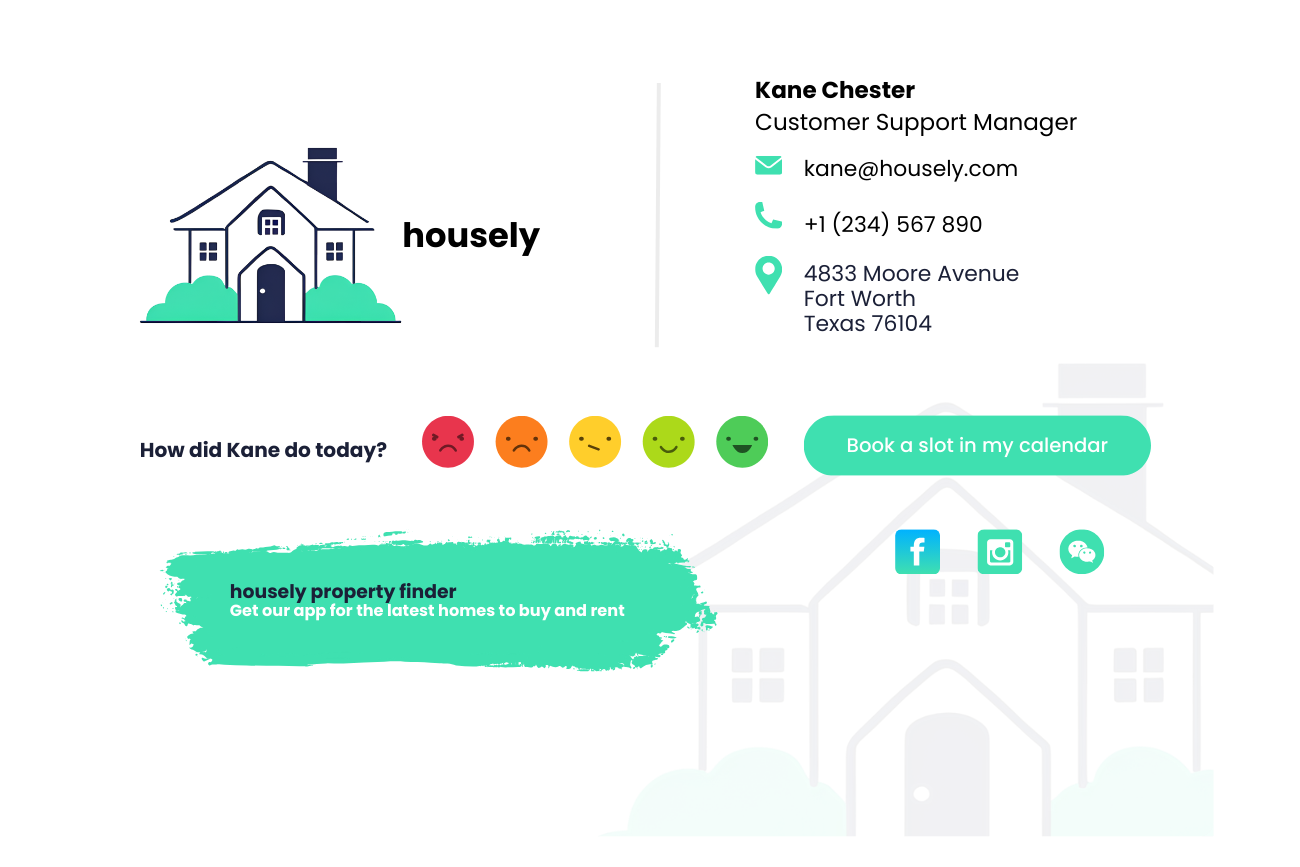
Set the exact width and height of every image in your email signature. Without defined dimensions, email clients like Outlook may display the image incorrectly or distort its aspect ratio.
Don’t leave it up to chance
Unspecified image sizes can break layouts, cause alignment issues, or lead to blurry rendering. Use tools that allow you to control dimensions precisely.
13. Do balance images with text
An email signature should support the message, not overpower it. If you're sending a one-line email, a massive graphical signature will feel out of place.
 Use a larger version for new conversations and a simplified version for replies or forwards.
Don’t use custom fonts
Using custom fonts in your email signature template is possible, but it’s not advisable. This is because most of your recipient’s devices won’t have your custom font installed, so it’ll automatically change to a default font such as Times New Roman or Arial.
If you have to use a custom font, make sure to use a web safe fallback font. You can find a list of web safe fonts here.
14. Don’t skip alt text
Alt text helps your content stay readable, even when images don’t load. It also improves accessibility and clarifies the function of each element.
Add short, clear descriptions that match the purpose of the image (e.g., “Follow us on LinkedIn” or “Register for our event”).
Do treat images as functional content
Alt text should explain what the user can do—not just what they’re looking at.
15. Do use email signatures for marketing purposes
Every email you send is an opportunity to promote something relevant—whether it’s a product update, upcoming event, or a new piece of content.
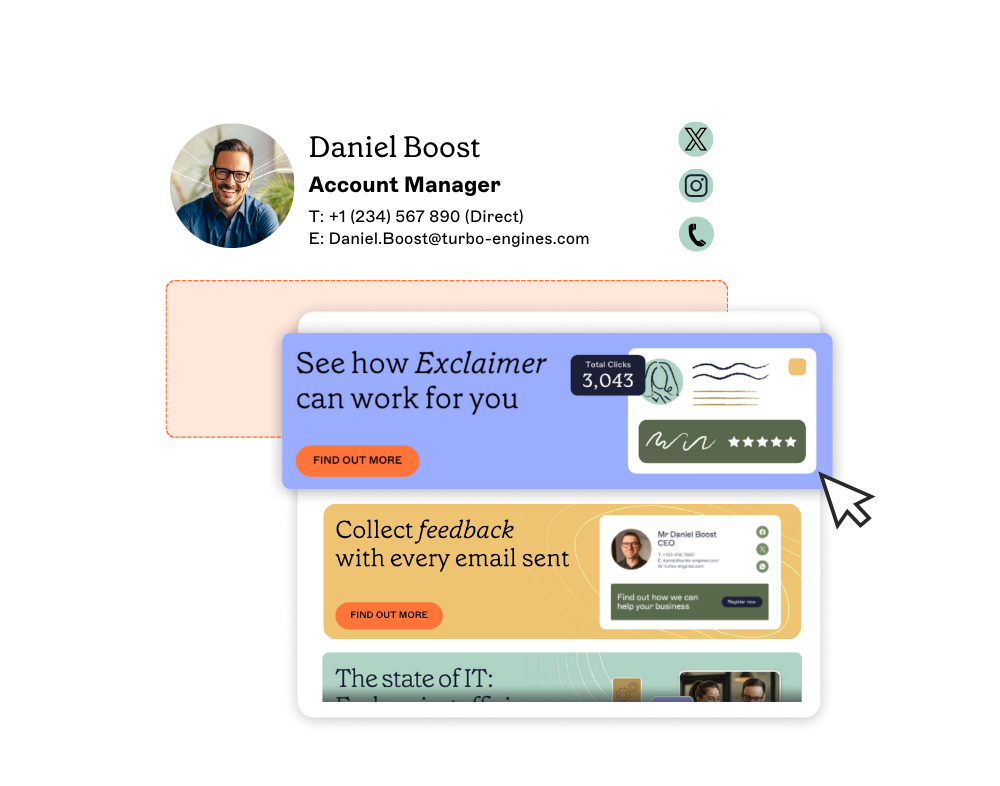 Including email banners, CTAs, or campaign links in your signature keeps messaging consistent and visible without needing to send another email.
Don’t add too much content or use outdated materials
Do you still have a Christmas promotional banner in your email signature in May? Time to remove it!
Out-of-date banners are one of the main things you shouldn’t include in email signatures. After all, promotional banners should be current and regularly updated.
At the same time, too much content can ruin the formatting and is a standard email signature mistake. If you have more than 72 characters on one line of your signature, it’ll likely be wrapped onto the following line, especially on mobile devices.
16. Don’t ignore legal requirements
It’s not exciting, but email disclaimers are required in many parts of the world.
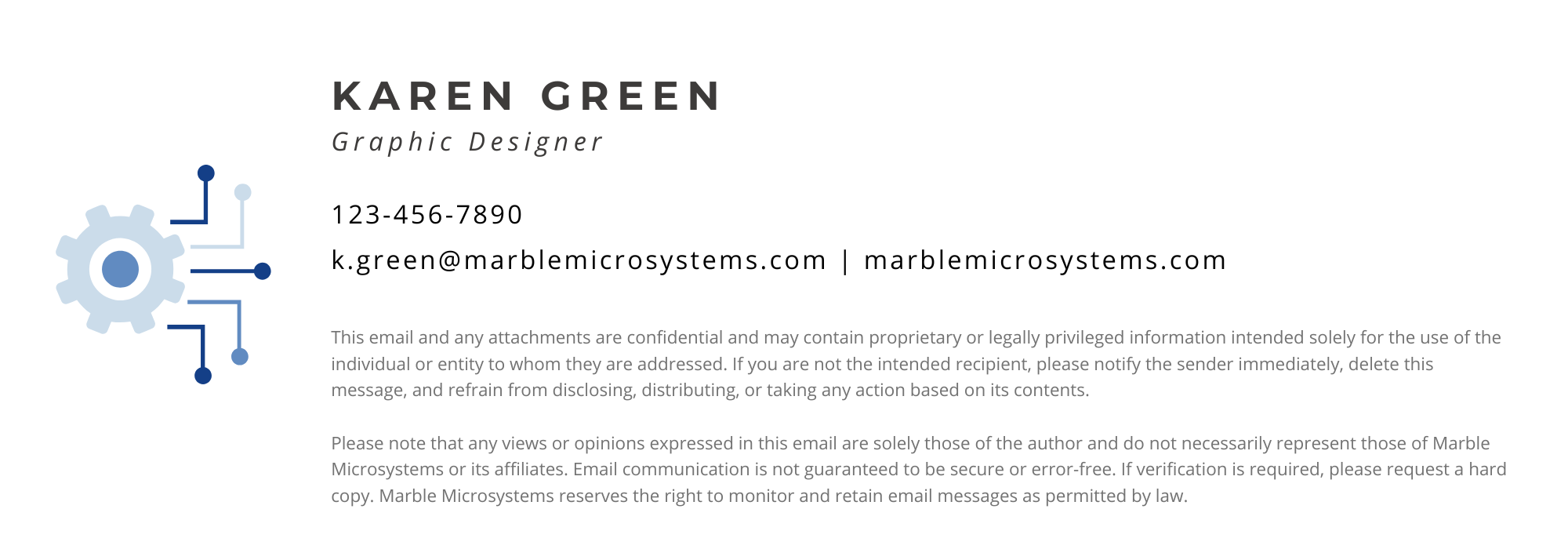 From the Health Insurance Portability & Accountability Act (HIPAA) for U.S. healthcare organizations to the UK Companies Act stating all business emails must include certain business information, look into what laws apply to you and what’s needed to comply with them.
Do keep legal copy small and separate
Disclaimers belong in the signature, not in the spotlight.
17. Don’t overcomplicate email signature design
Email signatures may be a massive asset, but they don’t need to be an enormous effort. There are many intelligent ways to add a personalized email signature design to all emails without bothering your IT department or colleagues.
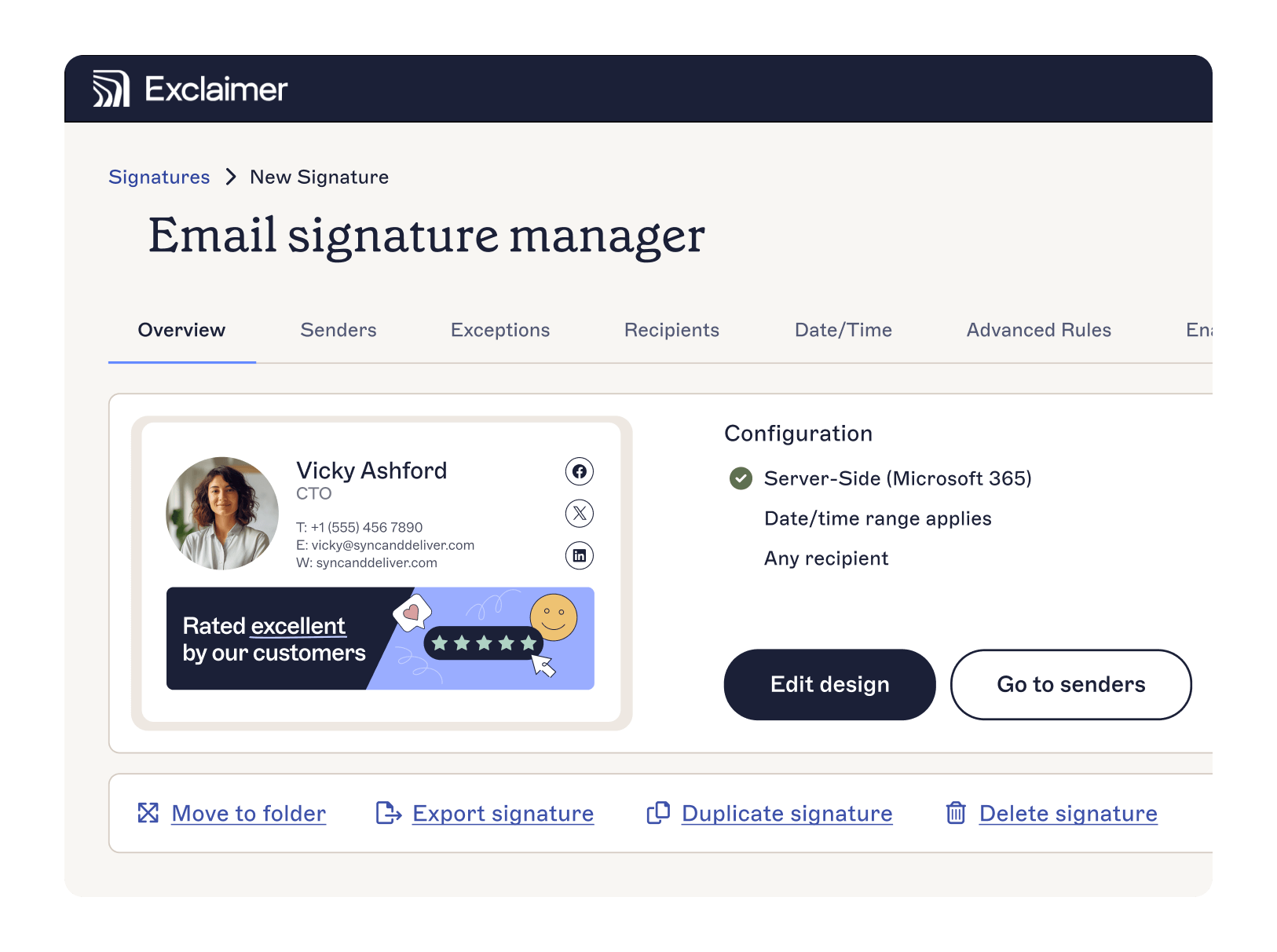 Using Exclaimer saves countless hours and guarantees that every user gets a consistent email signature when sending from any web-enabled device.
Do make it easier on your team
Exclaimer handles the setup, management, and updates, so your IT team can focus on more strategic work.
Learn more about Exclaimer or get yourself a free trial to see the power of email signature software for yourself.