James is an experienced product specialist with a strong background in the IT and SaaS industry. As Senior Product Marketing Manager at Exclaimer, he plays a key role in showcasing the value of centralized email signature solutions and transforming them into a powerful communication tool for organizations.
New BambooHR integration for Exclaimer
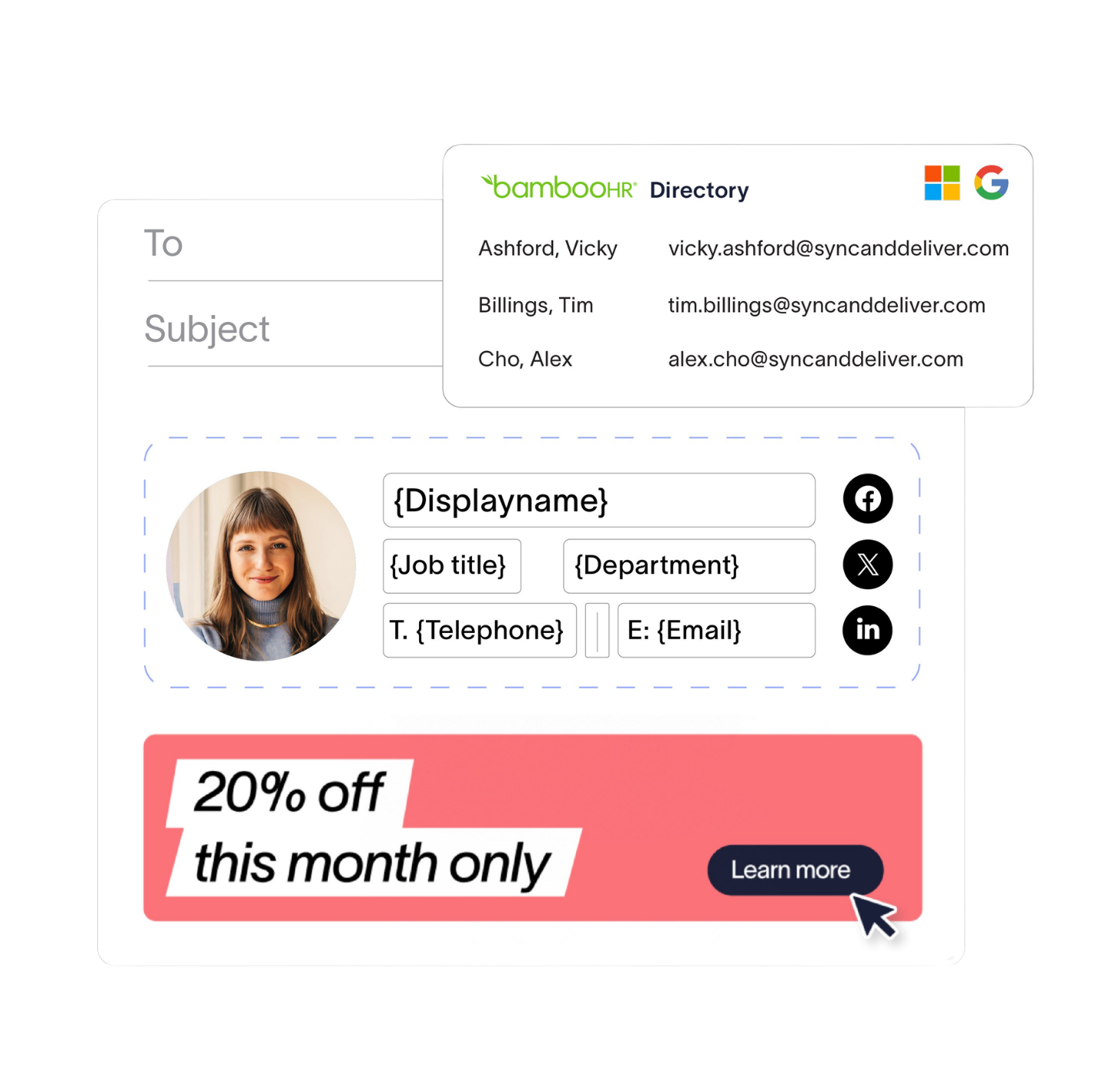
The Exclaimer BambooHR integration syncs employee data from BambooHR, keeping email signatures and meeting themes current as people join, leave, or change roles. Name, job title, department, and contact details update automatically. Built for IT and HR teams at organizations running BambooHR alongside Microsoft 365 or Google Workspace.
Most tools that manage signatures plug into directories like Entra ID or Google Directory, leaving teams that rely on an HRIS like BambooHR to bridge that gap with manual updates, CSV uploads, or tedious workarounds that fall apart at the next reorg.
That creates extra work for whoever owns Exclaimer internally, whether that’s IT, marketing, or operations. It adds risk. And in a growing business, it doesn’t scale.
That’s why we’re launching BambooHR integration for Exclaimer.
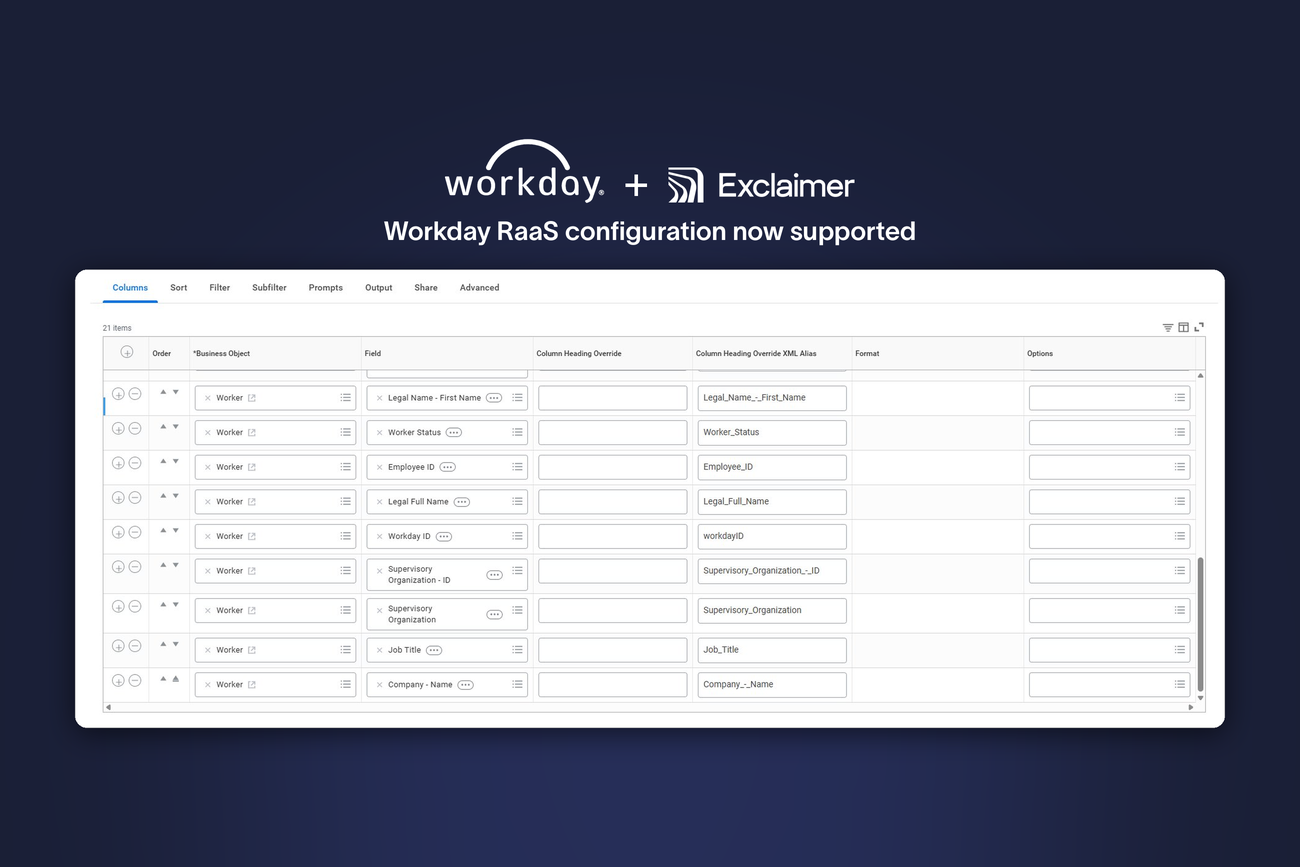
BambooHR joins Workday and UKG Ready in our growing HRIS suite, giving more organizations a way to keep employee details accurate using the system they already trust to manage their people data.
What does the Exclaimer BambooHR integration do?
Syncs employee data automatically from BambooHR to Exclaimer on a daily schedule
Updates signatures when employees change roles, departments, or contact information
Eliminates manual data entry for IT teams through direct HRIS connection
Provisions new hires instantly with complete signatures the moment they're added to BambooHR
Supports key employee fields including name, job title, department, phone number, and work email
Why sync BambooHR employee data with email signatures?
When sender details change, communications start to slip. Outdated job titles show up on client emails, missing phone numbers in outreach emails, and even incorrect department names on internal comms. In a growing business, those small mistakes add up fast, reducing credibility and showing up in front of important audiences.
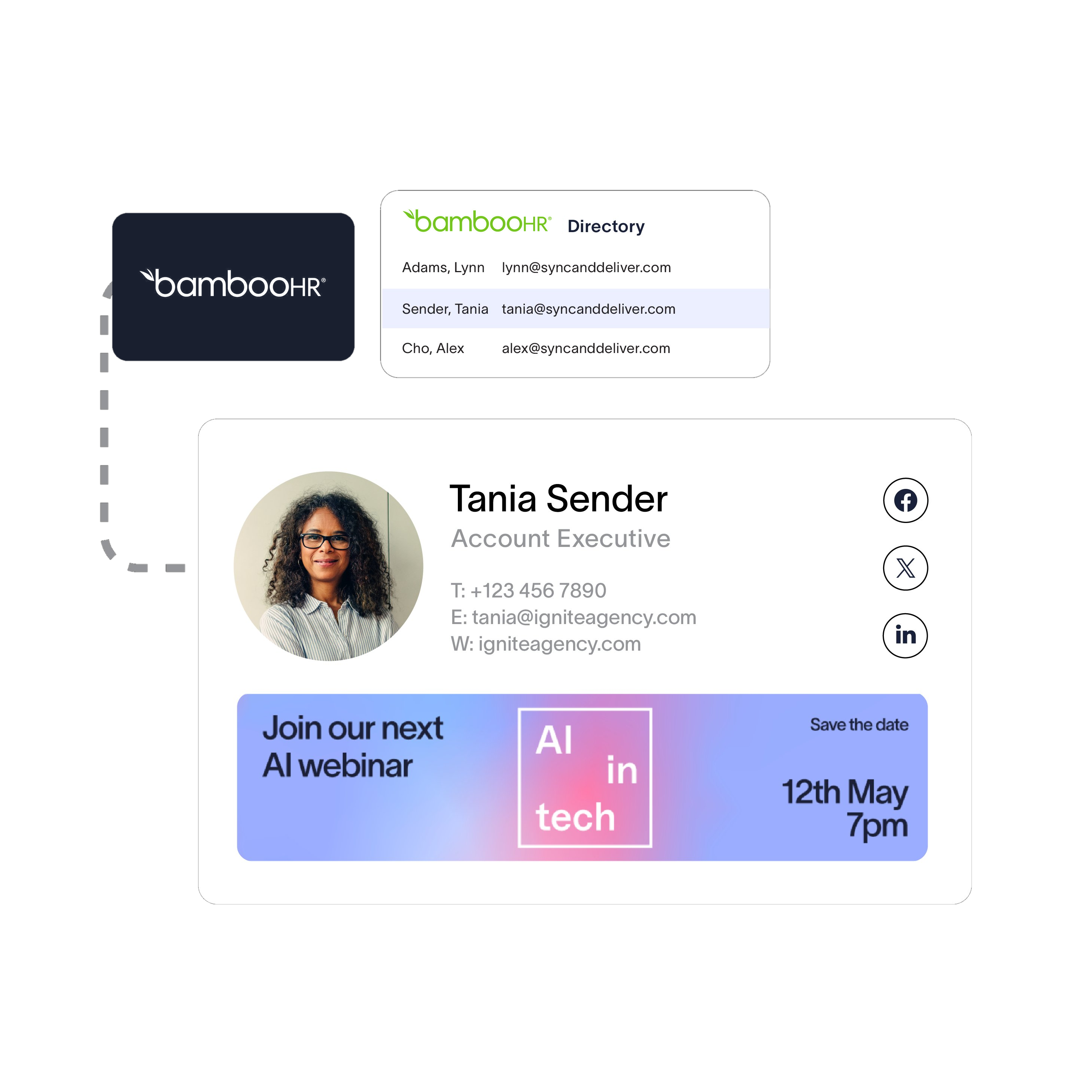 Connecting your BambooHR directory to Exclaimer ensures email signatures and meeting themes match your source of truth when it comes to people data.
Pull names, job titles, departments, and contact details from BambooHR automatically
Reduce manual updates, CSV uploads, and one-off fixes
Give new hires a complete signature the moment they’re added to your organization in BambooHR
Keep signatures in sync as your team grows, reorganizes, and adapts
Exclaimer keeps signatures and meeting themes aligned with your trusted directory, so HR can own the data and IT can set the guardrails, while the rest of your team enjoys professional communications by default.
How does the Exclaimer BambooHR integration work?
Setup requires four steps: connect your BambooHR account, authenticate via OAuth, map employee attributes, and enable automatic sync.
Requirements
Before setup, ensure you have:
BambooHR admin access with API permissions
Exclaimer Pro subscription
Microsoft 365 or Google Workspace environment
1. Connect BambooHR in Exclaimer
In Sender Management, enable HRIS access and select BambooHR as your employee data source. You’ll need your BambooHR Domain Name.
2. Authenticate and grant access
Complete the recommended OAuth authentication flow and grant Exclaimer read-only access to your BambooHR data. BindBee, our data aggregation partner, handles the secure connection.
3. Map attributes and build templates
Build email signature and meeting theme templates using the attributes mapped from BambooHR.
4. Keep data in sync
Employee changes in BambooHR sync into Exclaimer on a predefined schedule. Trigger a manual sync when needed.
Employee data syncs automatically on a daily schedule. You can also trigger a manual sync at any time.
Support and setup assistance
For a full step-by-step walkthrough, visit our Knowledge Base.
Need help with setup? Book a call with an Exclaimer solutions engineer, and we’ll run through the configuration with your BambooHR admin.
Who should use Exclaimer's BambooHR integration?
HR teams: Let HR own and maintain employee records in BambooHR while signatures reflect approved data automatically.
IT teams: Reduce manual provisioning work and avoid brittle CSV workflows; set sending rules and template guardrails in Exclaimer.
Marketing and Communications: Ensure brand-consistent signatures and meeting themes across the organization without manual updates.
Growing businesses: Scale communications across reorganizations, promotions, and rapid hiring without extra admin.
Part of something bigger
BambooHR is the third integration in Exclaimer’s growing HRIS integration suite, joining Workday and UKG Ready. We’ve built dedicated integrations with each because no two organizations manage employee data the same way.
We’re always exploring which integrations to add to our growing portfolio, so if there’s a system you rely on that we don’t yet support, we’d love to hear from you.
How do I set up BambooHR integration in Exclaimer?
Already an Exclaimer customer? You can start using BambooHR as an employee data source in your Pro subscription today and bring up-to-date employee details into every signature and meeting theme.
New to Exclaimer? Start your free trial and see how BambooHR integration helps growing organizations keep employee details accurate, reduce manual admin, and stay professional at every touchpoint.
Connect the system your team relies on, and keep every message accurate, consistent, and on brand as your organization scales.