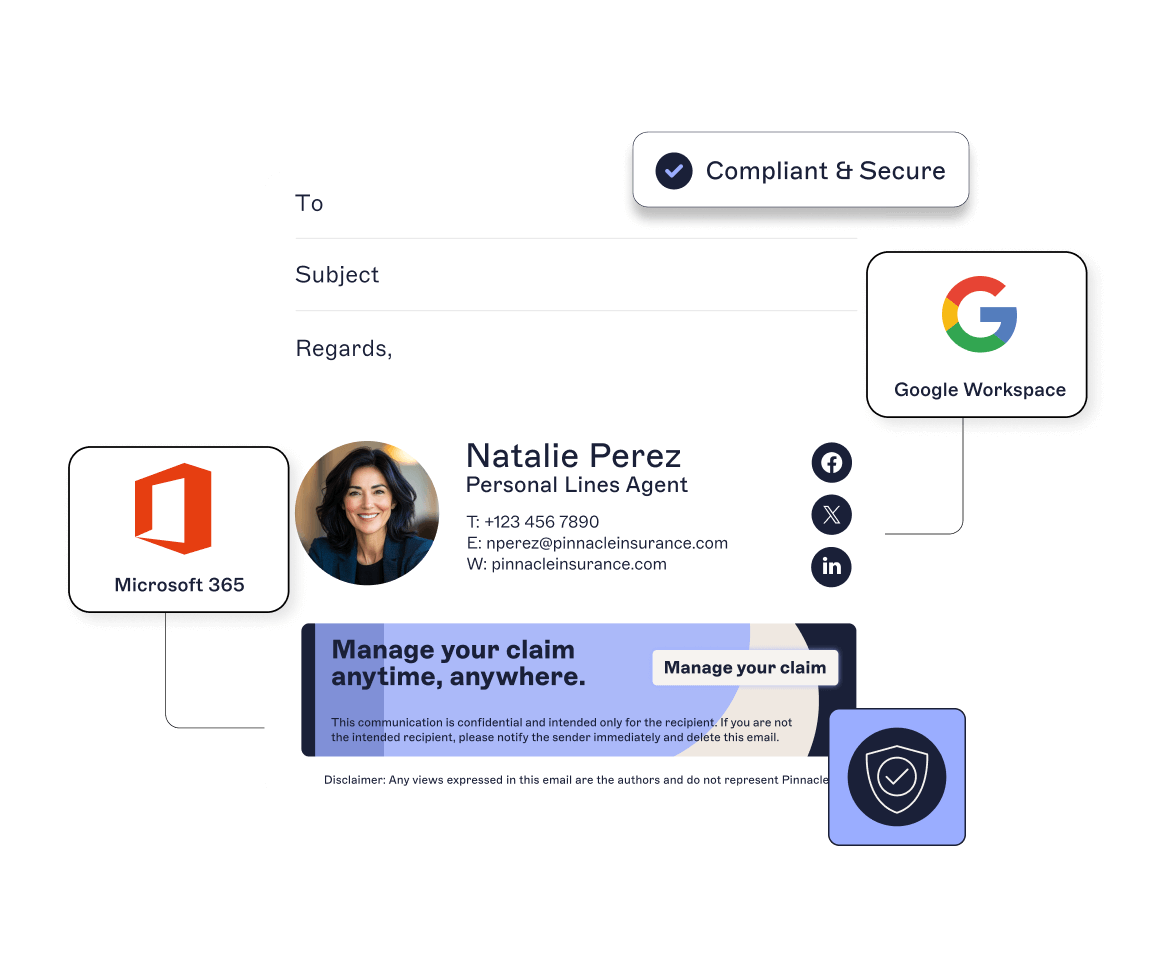
Naimh is a seasoned marketer of 12 years, including in SaaS and tech. She’s an expert at simplifying complex technology concepts, bridging the gap between IT and marketing. Naimh specializes in turning tech speak into actionable insights, helping marketers get the most out of their tools and technology.
Email signature onboarding: Get it right from day one

Key takeaway
Email signature onboarding ensures new employees represent your brand professionally from their very first email.
Centralized email signature management eliminates inconsistencies, reduces IT workload, and enforces compliance automatically.
Automating signature deployment removes manual setup tasks and prevents common errors like missing disclaimers or outdated contact details.
A professional email signature from day one reinforces a new hire's sense of belonging and improves the overall onboarding experience.
Organizations that centralize email signature management can push updates instantly across all devices and locations without disrupting users.
When a new hire starts, they immediately become a brand representative. Every message they send impacts how your business is perceived. And it all begins with their email signature.
It’s a detail that’s easy to overlook during onboarding. But skipping it means more than inconsistent formatting. It creates gaps in compliance, damages brand credibility, and adds unnecessary work for IT.
In a world where email is still the dominant communications channel, the smallest detail can have an outsized impact. The moment a new employee sends their first email without a professional, compliant signature, it affects the recipient’s perception and puts your brand at risk.
Here's why email signature onboarding should be automated and centralized from day one.
Quick answer
Email signature management is the centralized control and deployment of standardized email signatures across an organization. It ensures every employee's outgoing emails include consistent branding, accurate contact information, and required legal disclaimers. And all without manual setup or individual customization.
Why should email signatures be part of employee onboarding?
Every email a new hire sends makes an impression. The signature at the bottom reflects your company’s standards beyond just decoration.
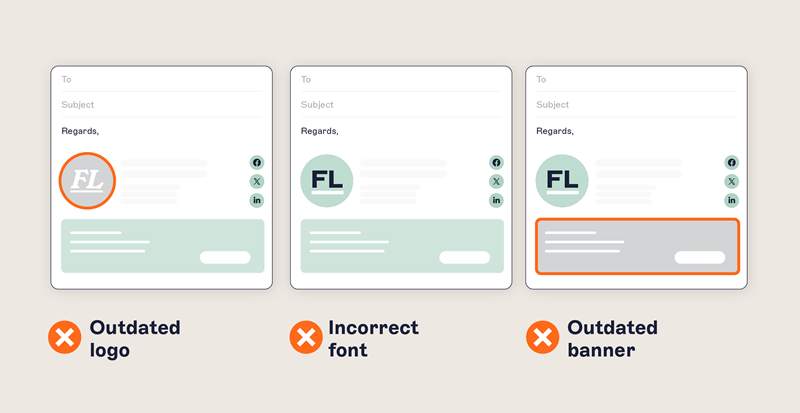
A consistently branded signature builds trust. It shows your business is organized and your company knows what it’s doing. Without it, even the most capable new hire can look unprofessional.
When new employees are asked to create their own email signatures or follow a template manually, the results are predictable: inconsistencies, omissions, and confusion. Some won’t set up a signature at all. Others will copy and paste outdated content from a colleague. Over time, the gaps multiply.
Manual vs. centralized email signature management
Manual management | Centralized management |
|---|---|
Employees create signatures individually | Signatures assigned automatically from templates |
Inconsistent fonts, colors, and logos | Uniform branding across all employees |
Prone to missing or outdated information | Real-time sync with directory data |
No visibility into compliance | Built-in audit trails and enforcement |
Time-consuming IT support requests | Zero-touch deployment for IT |
Difficult to update at scale | Instant global updates |
Common issues with manual email signature management include:
Inconsistent fonts, colors, and logo usage
Incorrect/missing job titles or contact details
Missing legal disclaimers (essential for some industries and geographies)
Formatting differences when viewed on desktop vs. mobile clients
Lack of alignment with corporate messaging or campaign priorities
These problems don't fix themselves. They create unnecessary work for IT, introduce risk for compliance and legal teams, and dilute the professional image that HR and marketing work hard to maintain.
That’s why email signatures should be part of your standard employee onboarding process rather than a post-hire fix.
Tip
How long does email signature onboarding take? With centralized email signature management, new hire signatures are deployed automatically and instantly. This typically happens within minutes of the employee being added to your directory.
What centralized email signature onboarding looks like
Email remains the most visible, widely used communication channel for modern businesses. And employee onboarding is your chance to get it right from the start.
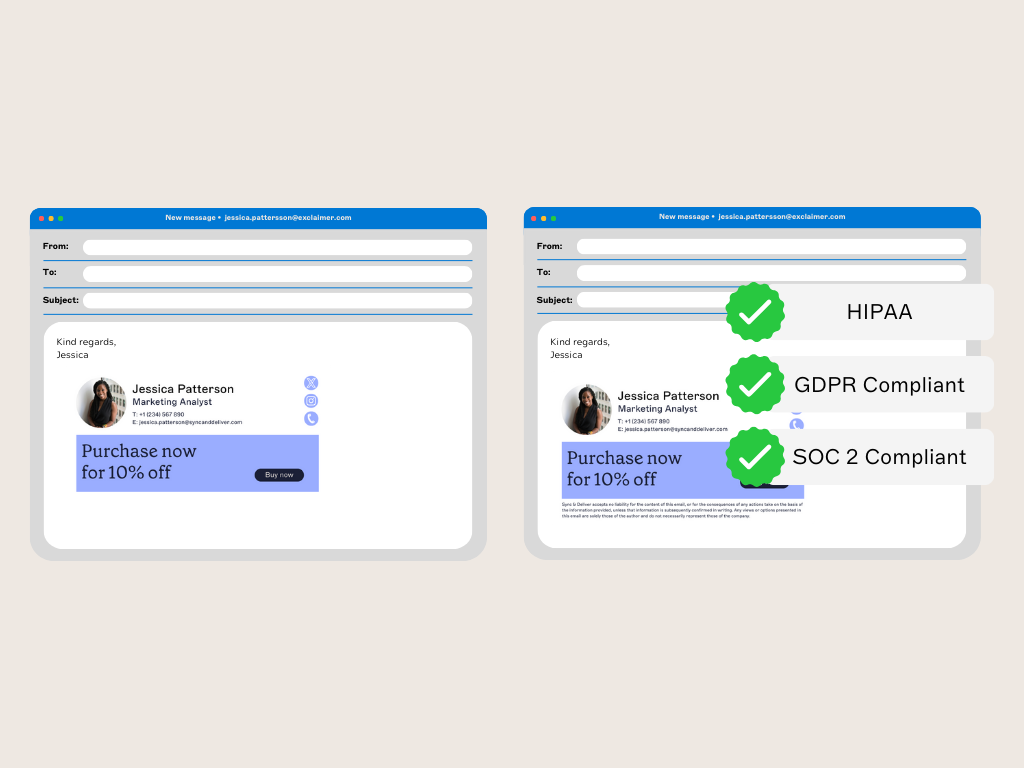
The ideal setup is automatic, accurate, and invisible to the end user. With centralized email signature management, every new hire gets a professional email signature without having to do a thing.
A robust email signature management system should include:
Directory sync automatically pulls employee names, job titles, and contact information from Microsoft Entra ID or Google Directory.
Template support enables you to design email signatures that reflect your brand, including logos, colors, fonts, and layout.
Rules-based logic tailors signatures by department, location, or job function—what's relevant to sales reps might differ from what the marketing or legal departments need.
Audit trails track who made changes, when they were made, and what was changed, supporting compliance, quality control, and accountability.
Real-time deployment pushes updates instantly across every device and platform, no matter where your users are.
Tip
A professional email signature should include the employee's full name, job title, company name, contact information, company logo, and any required legal disclaimers.
What are the benefits for IT?
Email signature management is one of those tasks that no one wants to do, but everyone relies on.
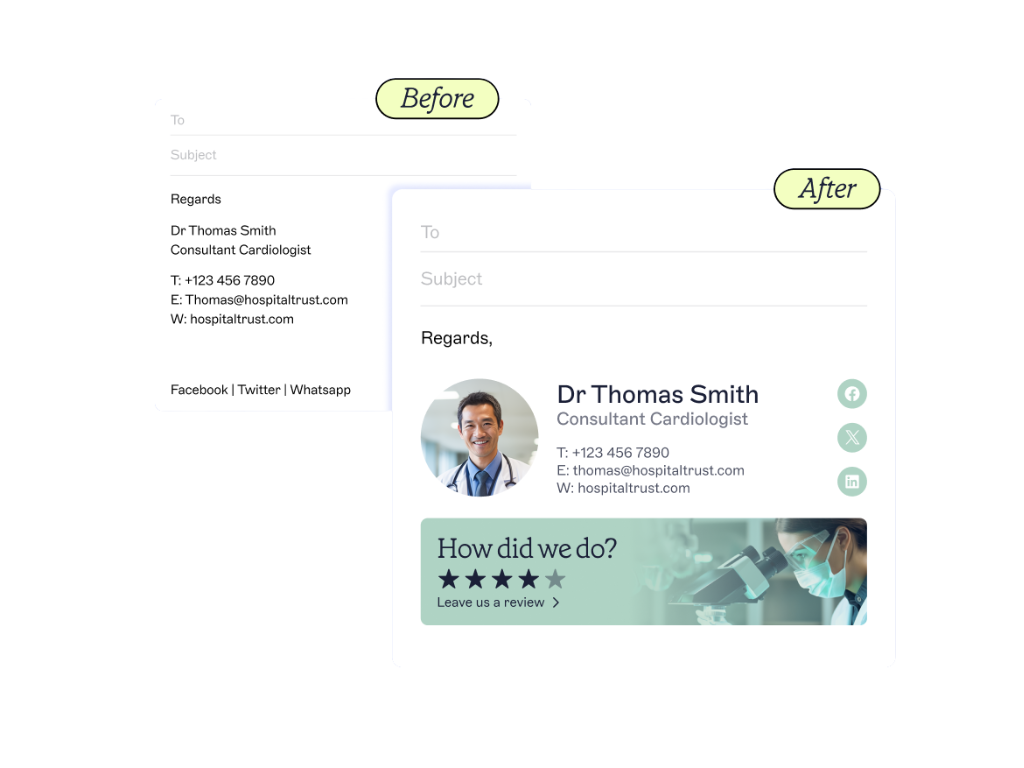 IT ends up fielding support requests from across the business, often for minor edits or formatting fixes. This is time-consuming and detracts from more critical tasks, taking IT away from strategic work. In fact, 55% of IT leaders say their department manages email signatures, but it’s a responsibility that often slows down employee onboarding.
Some IT teams use custom scripts to reduce email signature management admin, but these don’t always support multiple email clients across multiple devices. They’re also prone to break with every software update or change in your environment.
With centralized control for email signature management, IT teams can:
Eliminate manual setup for each new employee
Automatically adjust signatures based on dynamic attributes, like location or department
Support hybrid and remote work, with signatures applied server-side across all devices
Push out updates instantly to all users
Prevent users from modifying or removing required content
Enforce brand and compliance standards globally
Centralized email signature management cuts down repetitive requests, reduces manual work, and keeps email communications consistent.
Quick answer
Can email signatures be customized by department or location? Yes, rules-based logic allows organizations to tailor signatures based on department, region, job function, or other dynamic attributes from your directory.
What are the benefits for HR?
HR teams are responsible for shaping the employee experience. That includes how new starters present themselves to customers, vendors, and partners.
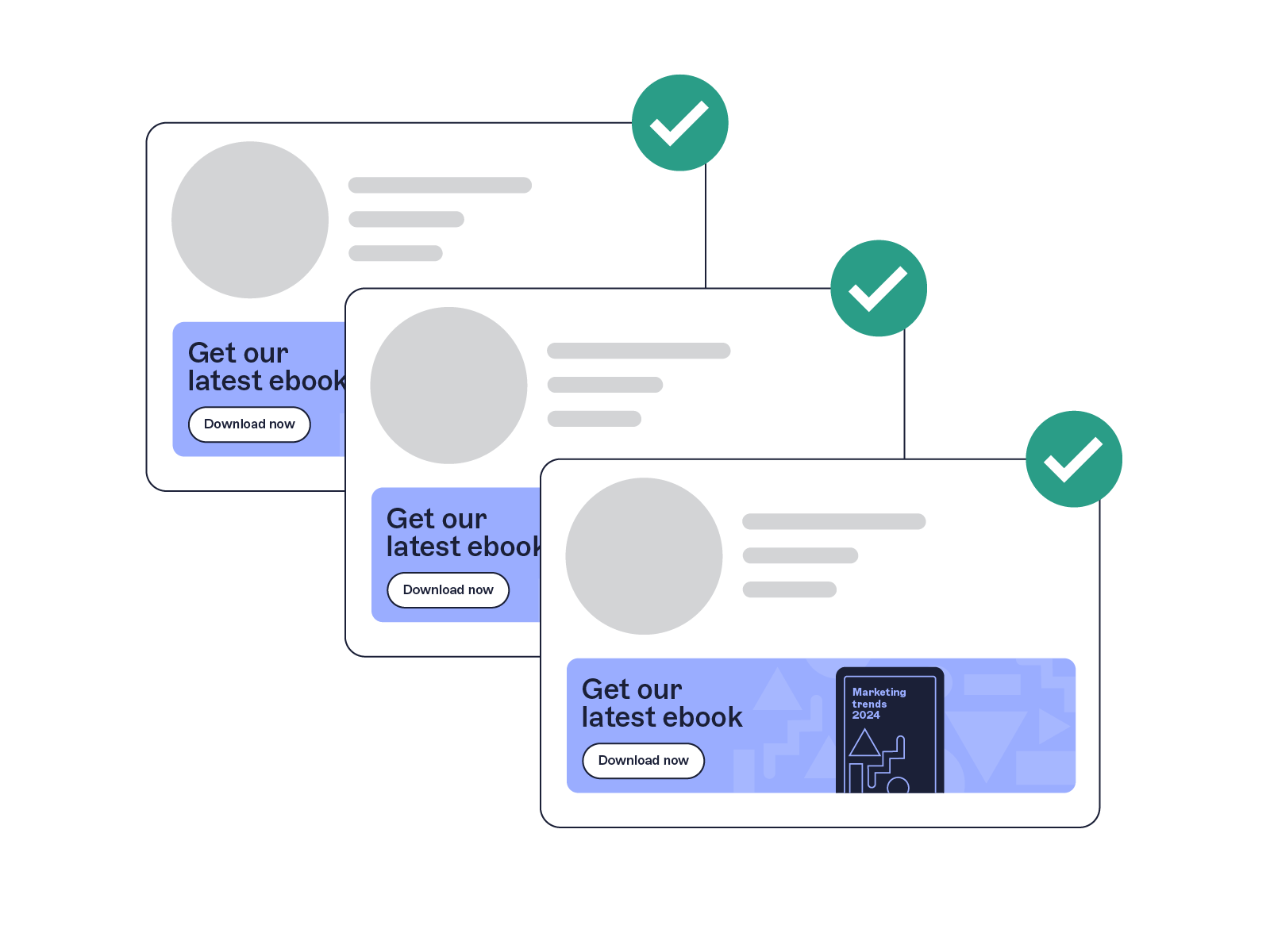 First impressions matter, not just for new employees, but for everyone they email. If that first contact includes an outdated job title, a missing disclaimer, or an off-brand signature, it reflects poorly on the business. In some cases, it creates legal and reputational risk.
By integrating email signatures into the broader employee onboarding process, HR can:
Ensure new hires look professional from day one
Align all outbound emails with the company’s tone and brand
Remove guesswork from the email signature setup process
Easily keep contact details updated during role changes, relocations, or organizational restructuring
And because updates happen automatically, it’s a future-proofed solution as well.
How does email signature onboarding improve the new hire experience?
New starters already have a lot to learn. Giving them a consistent, pre-set email signature shows that they’re part of something professional. That sense of belonging is reinforced every time they send an email.
It also removes a common pain point. They don’t need to request IT help, guess what to include, or worry about whether their email looks legitimate.
When email signatures are already in place, new hires can focus on learning their new role, connecting with colleagues, and adding value—not troubleshooting formatting or second-guessing what to include in their emails.
Email is an essential part of the employee experience. Getting the email signature right is a small step that makes everything else run smoother.
Streamline employee onboarding with email signature management from Exclaimer
Email signature onboarding is a low-effort, high-impact way to improve the new hire experience. It supports brand consistency, ensures compliance, and removes manual tasks from IT and HR workflows.
With Exclaimer, you can:
Assign signatures automatically based on role, department, or region
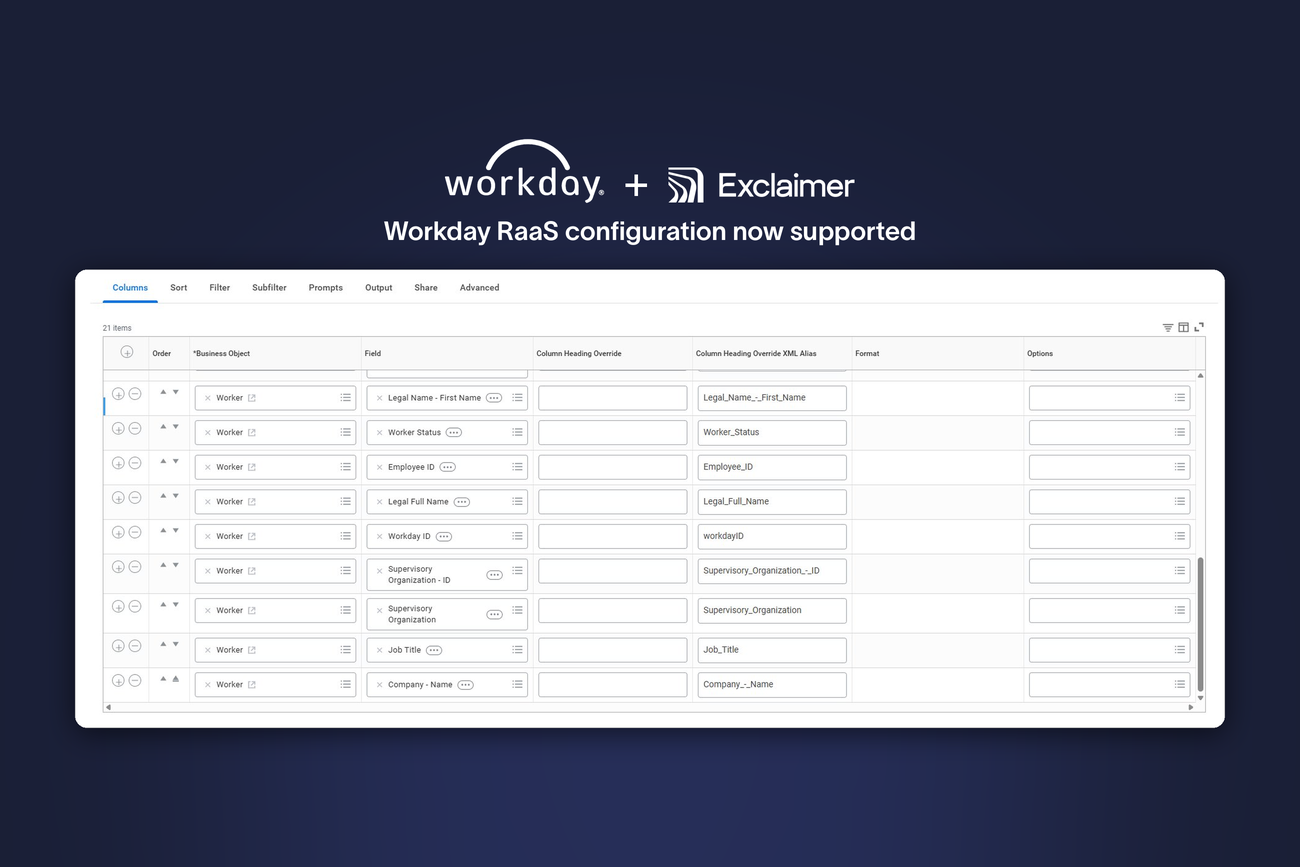
Sync user details from Microsoft Entra ID or Google Directory
Apply branding elements consistently across all devices
Include legal disclaimers tailored to the sender or recipient’s region
Lock down layouts while allowing editable fields where needed
Track all changes with built-in audit trails
Push updates in real time without disrupting users
Whether you’re onboarding five new employees or five hundred, Exclaimer brings order, professionalism, and compliance to email signature onboarding. No manual setup. No missed details. Just consistent, compliant email signatures that scale with your business.