James is an experienced product specialist with a strong background in the IT and SaaS industry. As Senior Product Marketing Manager at Exclaimer, he plays a key role in showcasing the value of centralized email signature solutions and transforming them into a powerful communication tool for organizations.
How to extend the employee experience with email signatures
TL;DR
Centralize email signature templates so employees don't maintain their own.
Pull identity fields from an authoritative directory (Microsoft Entra ID or Google Workspace Directory), not manual entry.
Target banners and links by department, role, or region rather than showing everyone the same thing.
Don't rebuild an ownership model from scratch — Exclaimer's own IT/HR governance model already covers who controls which field.
Measure signature compliance, update speed, and campaign clicks, not just whether signatures "look right."
Email signatures extend the employee experience by giving every employee a consistent digital identity and turning routine email into a managed channel for company resources, recognition, and internal campaigns.
Doing this well means keeping signature data accurate against your HR or directory system, centralizing template control instead of leaving it to individual employees, and letting employees manage the parts of their own signature that are genuinely personal, like pronouns, without a ticket to IT.
What is employee experience, and where do email signatures fit?
Employee experience, or EX, is the sum of an employee's interactions with an organization: onboarding, career development, day-to-day tools, and communication with colleagues. Email signatures sit inside a narrow but frequent slice of that experience. Employees send an average of 40 emails a day on Exclaimer's platform data, which makes a signature one of the few EX touchpoints people see dozens of times daily. There's no adoption effort involved. It's already there.
Platforms like Microsoft Viva approach EX at the level of engagement data and internal comms hubs. Signatures work at a smaller scale: they keep an employee's identity accurate, cut the manual work of maintaining branded communications, and give departments a consistent channel to surface relevant, role- or department-specific resources.
Why this matters beyond IT and HR
A good employee experience is linked to greater productivity and engagement in the workplace, which is part of why EX has become a boardroom topic rather than an HR-only one. That said, an email signature program on its own shouldn't claim credit for company-wide productivity or engagement gains unless there's real evidence behind it.
What it can reasonably claim: less time spent on manual email signature updates, more accurate employee information across every email, and a channel for distributing internal resources through messages that get opened, on average, 90% of the time.
The strongest evidence that this connects to real EX, not just IT convenience, comes from inside Exclaimer's own practice rather than a marketing claim. Sharon Handy, Exclaimer's Director of People Experience, has pointed out that a pronoun or name change is one of the easiest details to get wrong when it's handled manually, and one of the most personally significant to get right for the employee affected. That's a genuinely EX-specific reason to automate signature data, not just an efficiency one.
How does email fit into the employee experience?
Email is one of the most consistent parts of the employee experience. On Exclaimer's 2025 State of Business Email research, 48% of organizations use email for more than half of all internal and external communications, and 36% specifically for internal collaboration.
 Whether your organization runs Microsoft 365 or Google Workspace, every message leaving the building is a small, repeated opportunity to reflect how the organization presents itself, both internally and to the outside world.
How do you build an email signature program for EX?
Treat email signatures as a managed system, not something each employee edits individually.
1. Pull signature data from one place
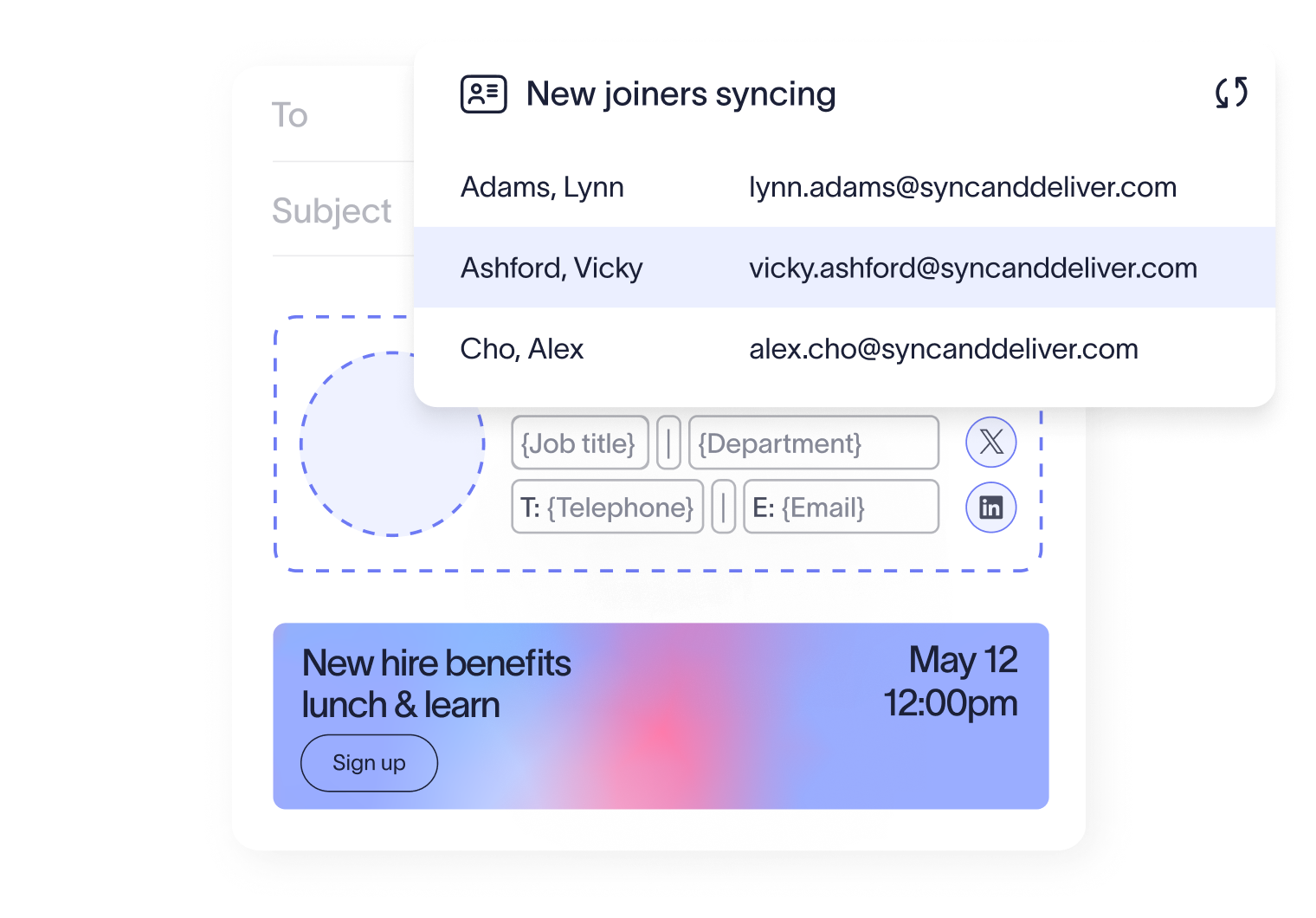
Connect templates to your organization's directory (Microsoft Entra ID or Google Workspace Directory) so fields like name, title, department, and office populate automatically. Exclaimer's Directory Sync handles this connection, so a role change or promotion in the directory updates the signature without anyone editing it by hand.
2. Decide who sees what
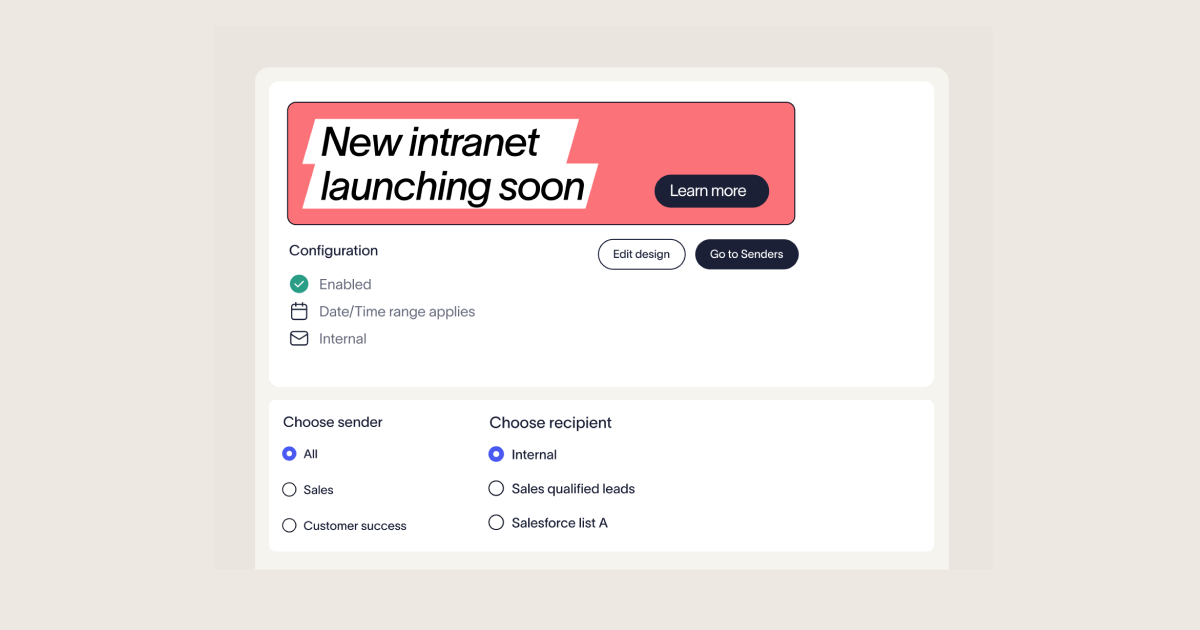
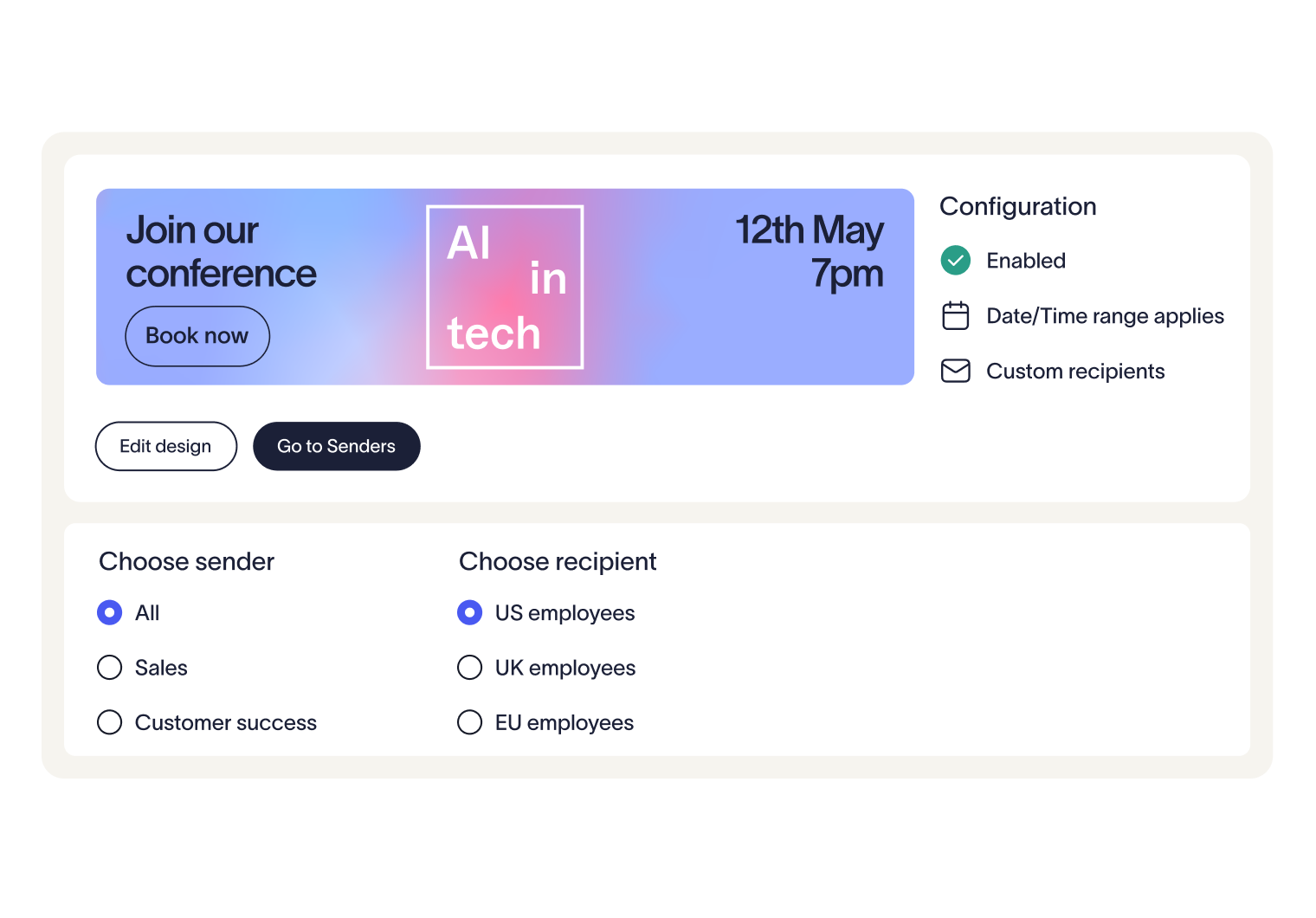
Not every employee needs the same signature. Exclaimer's Signature Rules let you assign templates and banners by department, region, or whether the recipient is internal or external.
Campaigns adds time-boxed banners for things like an open enrollment period or an internal event, without touching the base template.
One Exclaimer customer, a logistics and parcel-delivery operator with 50,000+ employees, runs a fresh internal and external banner every fortnight using this approach. Marketing controls the campaign calendar; IT keeps oversight of brand governance.
3. Don't rebuild the ownership model — it already exists
Which team owns which field (HR data, IT deployment, marketing design, legal disclaimers) is a solved problem on this site already, argued in more depth than this piece needs, with real named input from Exclaimer's own Director of IT and Information Security and Director of People Experience: IT owns the pipes. HR decides what flows through them. Exclaimer's Role-Based Access Control (RBAC) and Folder Security are what make that delegation technically real rather than just a policy on paper — each team edits only what it owns, without sharing one admin login.
4. Measure what's happening, not just what looks right
Exclaimer's Analytics show which campaign banners get clicked and by whom, so a signature program can be judged on actual engagement rather than on whether the design looks polished.
On Exclaimer's own platform data, signature content converts at an average 4% click-through rate and costs roughly $0.14 per click, about four times more cost-effective than email marketing's average $0.57 CPC. Automating updates also saves an estimated two hours and $60 per employee each year compared with manual editing.
What should an employee's signature actually include?
Field | Notes |
|---|---|
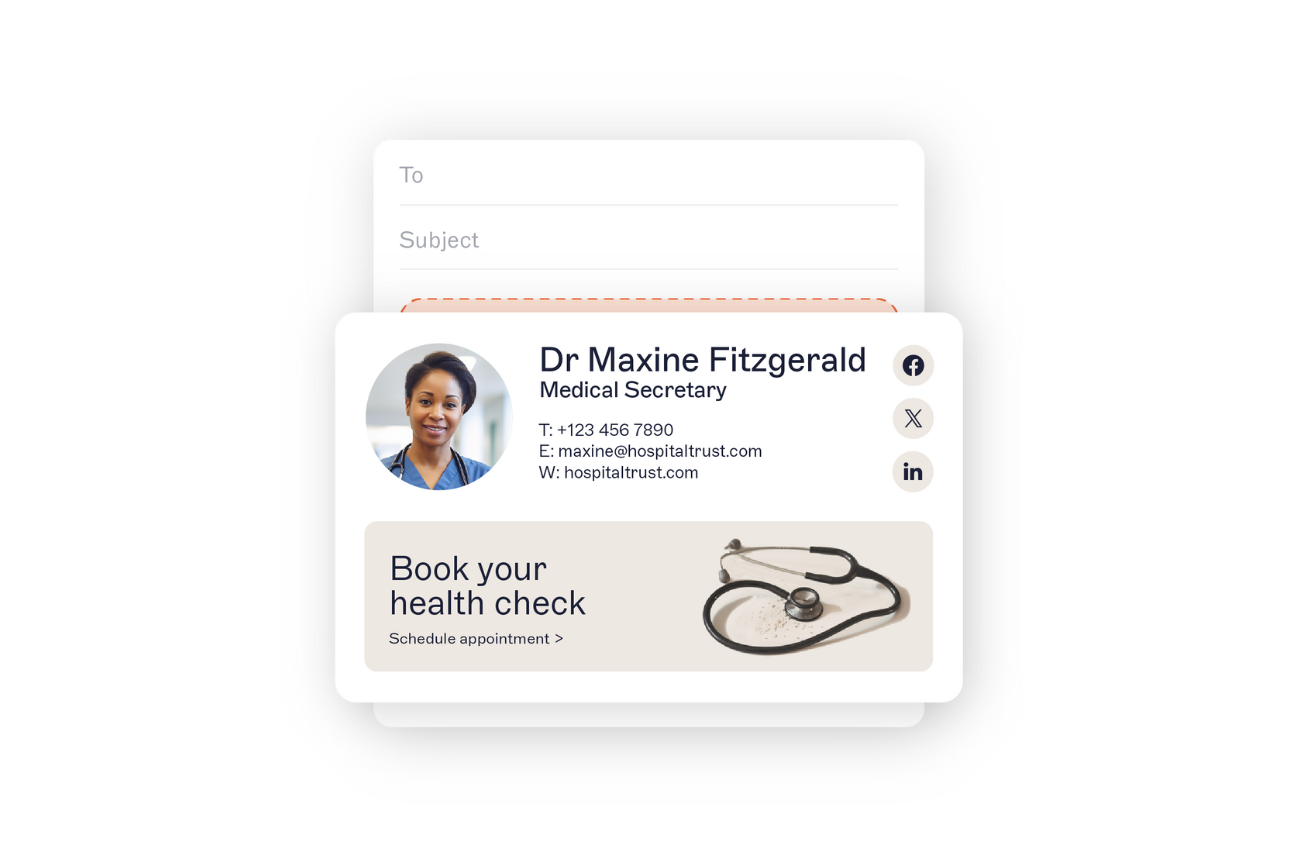
Full name and job title | Core identity, always live text, never only in an image |
Department or business unit | Helps recipients understand who they're dealing with |
One primary contact method | Phone or a single relevant link, not a wall of numbers |
Company website | One link, not several competing CTAs |
Optional social links | Only where relevant to the role |
Optional campaign banner | One banner, one call to action, time-boxed |
Pronouns | Optional, employee-supplied, never mandatory. Exclaimer's User Data Editor lets employees set fields like pronouns, working hours, and phone number themselves, without a ticket to IT |
Legal disclaimer text | Set by legal, not by the employee |
Keep contact details as live HTML text, not embedded in an image, so they're accessible and still readable if images are blocked. Exclaimer's Drag & Drop Designer builds this without anyone hand-coding HTML, and templates should be tested on desktop, mobile, and with images blocked before rollout.
Who owns email signature accuracy?
Accuracy works best as a standing process, not a one-off cleanup. A reasonable target: signatures reflect an approved directory change within two business days, checked monthly. The underlying sync itself is much faster than that; the lag is almost always in approvals, not technology.
Recognition and awards belong in the email signature too, when they're current and specific: name the award, the year, and link to the original announcement rather than using an unsupported label like "award-winning."
A general approach, and how Exclaimer approaches it
Centralized email signature management, as a category, applies templates and rules so employees don't maintain signatures by hand. Most platforms in the category offer some combination of directory-based fields, audience-specific templates, campaign banners, disclaimer rules, and reporting, though exact capabilities vary by vendor and are worth checking against current documentation rather than assumed.
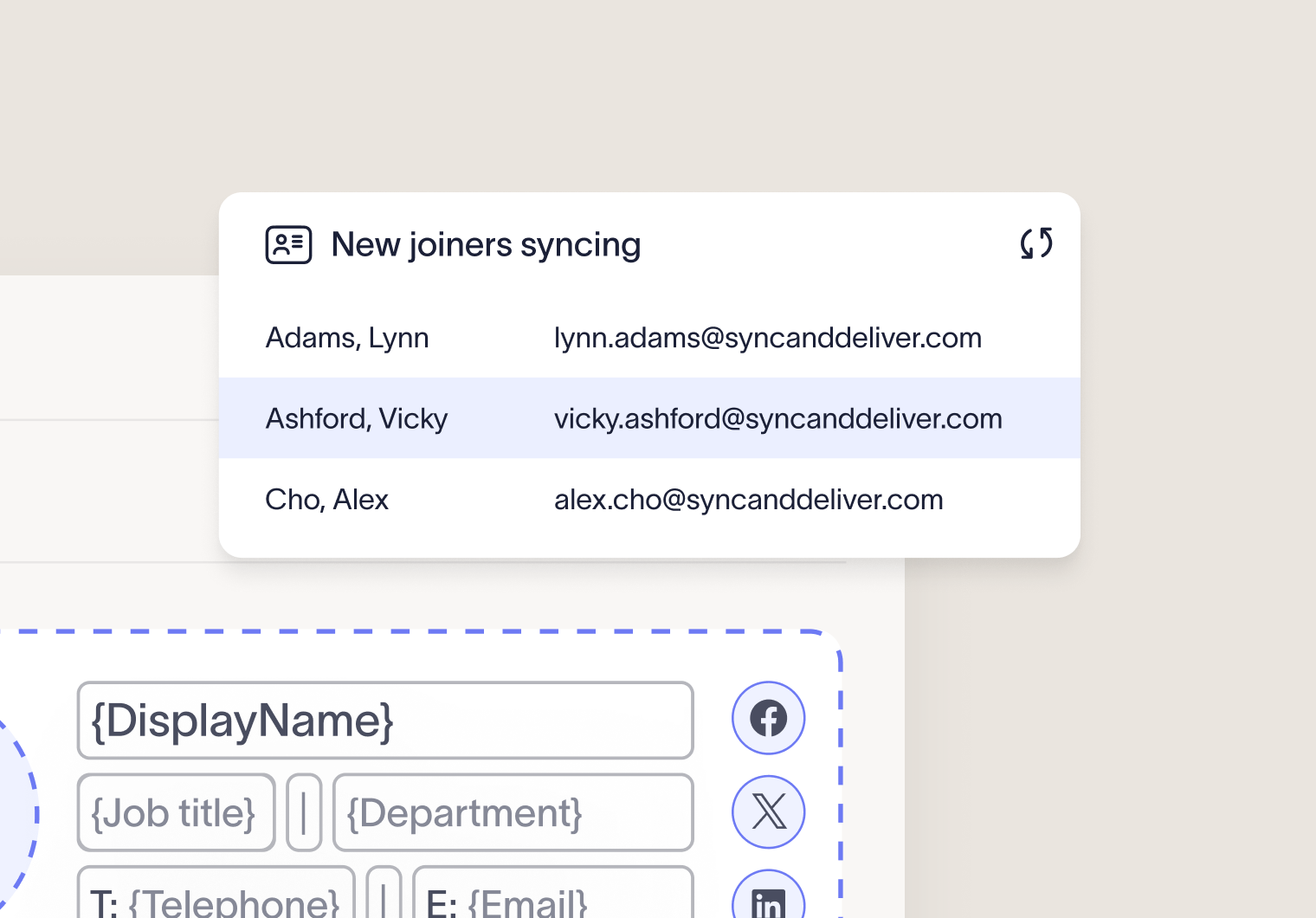
Exclaimer's version of this includes Directory Sync for identity data, Signature Rules and Campaigns for targeting and time-boxed banners, Role-Based Access Control and Folder Security for team-level ownership, and Analytics for measurement.
See the full feature set for the complete picture.
Is your email signature program ready to launch?
Employee fields pull from your directory, not manual entry.
Ownership is delegated through RBAC, not shared admin access.
Templates are assigned by department, region, or audience, not one-size-fits-all.
Campaign banners have an owner, a start date, and an end date.
Signatures have been checked on desktop, mobile, and with images blocked.
You can report on signature compliance and campaign clicks, not just "it looks fine."
Learn more about how Exclaimer can improve your employee experience and sign up for a free trial of their award-winning email signature software today.