Naimh is a seasoned marketer of 12 years, including in SaaS and tech. She’s an expert at simplifying complex technology concepts, bridging the gap between IT and marketing. Naimh specializes in turning tech speak into actionable insights, helping marketers get the most out of their tools and technology.
Email signature banner CTR: Benchmarks and how to improve yours
TL;DR
A promotional email signature banner CTR in the low single digits is normal; 4% or higher is strong, though what counts as good shifts with your industry and audience.
Because email can't track impressions the way a web page tracks views, your CTR is only as trustworthy as the number of people who reliably saw the banner.
Clear creative does the heavy lifting: one call to action per banner, strong contrast, and a message aimed at a specific audience rather than everyone.
Rotating banners and A/B testing variants lift click rates over time, while a stale or overloaded banner drags them down.
Set your benchmark from your own past performance and aim to beat last quarter, not a generic industry figure.
You've added a banner to your company's email signatures, tagged the links, and the clicks are coming in. But a click count on its own doesn't tell you much. What you really want to know is whether it's any good, and whether you can trust it.
Both are harder than they look. Email signature banner click-through rate (CTR) has no settled industry benchmark the way email marketing campaigns do, because far fewer teams measure it and they measure it in different ways. There's a measurement problem underneath it, too: your CTR is only as reliable as the number you divide by. If you can't be sure how many people saw the banner, a rising click rate might mean your campaign is working, or just that you sent more email.
This guide gives you a realistic picture of what email signature banner CTR looks like, how it shifts by industry, and the levers that lift it, including design, targeting, testing, and rotation. By the end, you'll have a benchmark worth aiming for and a way to tell genuine improvement from noise.
What counts as a click in email signature banner tracking
Before you can benchmark a click rate, you have to agree on what a click is. The definition shifts your numbers more than you'd think.
Unique vs. total clicks
Total clicks count every click on your banner. Unique clicks count every person who clicked, however many times they did it. One recipient who clicks five times counts as five total clicks but one unique click.
For measuring engagement, unique clicks are usually the fairer number: they tell you how many people your banner actually moved to act. Total clicks help gauge raw traffic to a landing page, but a few repeat clickers can make a banner look stronger than it is. When you calculate CTR, use unique clicks rather than total clicks, so one enthusiastic recipient doesn't skew the rate.
Impressions, open rates, and the denominator problem
Impressions are the harder part. On a web page, an impression is a pageview. Email has no clean equivalent, because you can't reliably know when a banner was rendered on screen.
Most tracking falls back on open rate as a proxy. Send 1,000 emails, see 250 opens, and you treat that as 250 impressions. But open tracking has become unreliable. Apple Mail Privacy Protection loads tracking pixels automatically, whether or not anyone reads the email, and analytics firm Litmus put Apple Mail's share of tracked email opens at nearly 65% as of May 2026, up from roughly half just a few years earlier. That figure moves month to month as Litmus refreshes it, but the direction doesn't: more of what gets counted as an "open" is a privacy feature loading a pixel, not a person reading. Build a CTR on inflated opens and the denominator is wrong before you start.
Rendering adds another wrinkle. Email signature banners are HTML, and clients handle them differently. Images can be blocked, resized, or stripped, and a banner that never loads can't be clicked. It only counts as seen if it rendered and you can trust the data telling you it did.
This is where email signature deployment matters. When banners are applied centrally and server-side, every outgoing email carries the right banner to every intended recipient, rather than depending on whether each employee installed the correct signature. That gives you a complete, steady base of sends. Exclaimer's cloud deployment applies banners this way, which makes the impression count solid enough to benchmark against. Manually managed or standalone signatures can't guarantee that consistency, and an unreliable denominator is exactly where CTR benchmarking breaks down.
Key takeaway
If you can't trust the impression count, you can't trust the click rate built on top of it. A rising number might mean your campaign is working, or just that you sent more email.
Email signature banner CTR benchmarks: What's typical, good, and strong
There's no official benchmark for email signature banner CTR, so start with what the reliable data does show. The useful answer is a range tied to your industry, not a single figure.
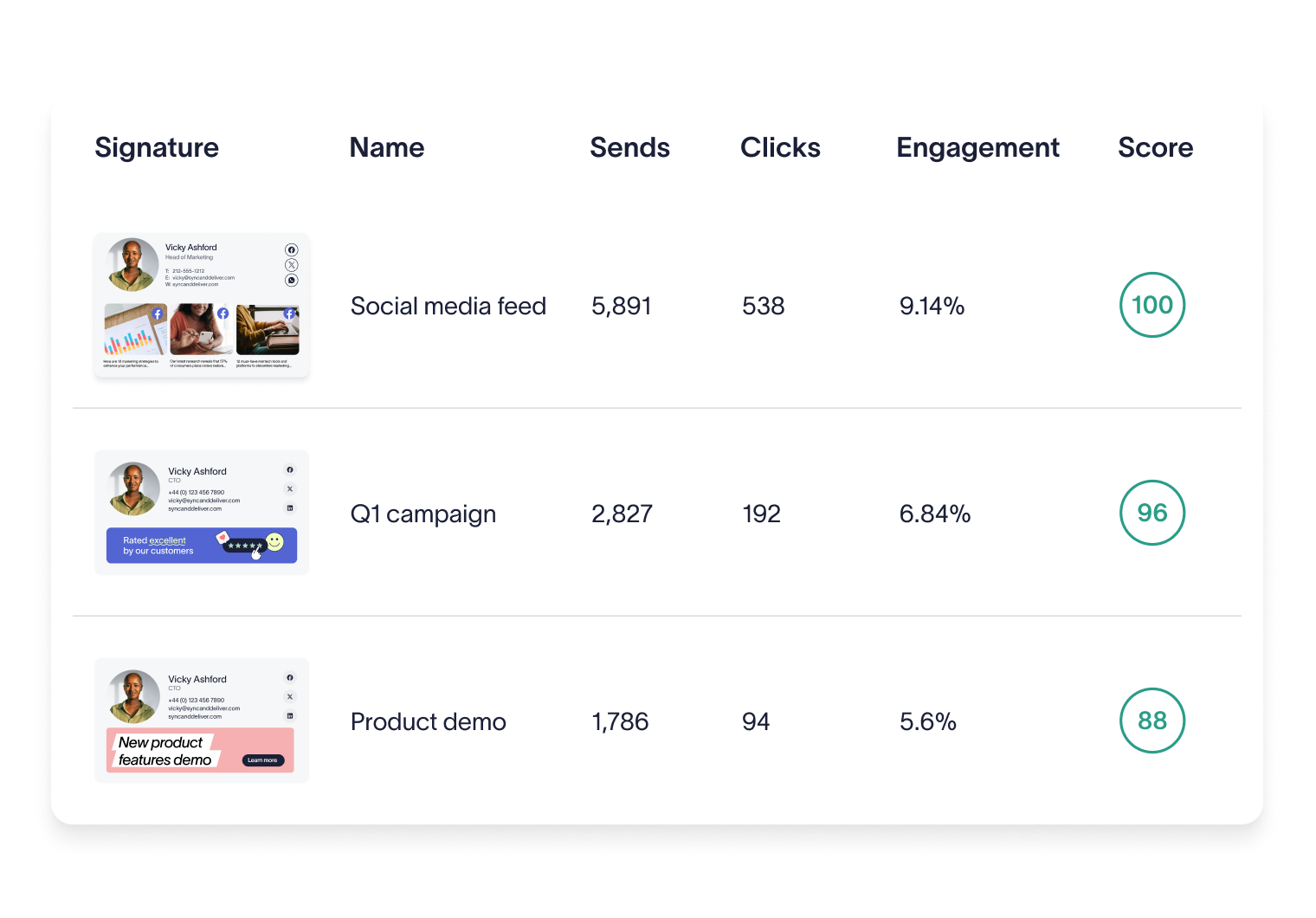
As a working rule, a promotional email signature banner tends to land in the low single digits. Exclaimer's own platform data puts the average click-through rate on signature content at around 4%. For comparison, MailerLite's 2026 study of 3.6 million campaigns from 181,000 accounts put the all-industry average email click rate at 2.09%.
Email signature banners tend to beat mass-marketing rates because they sit inside one-to-one business emails that recipients already open and trust. A rough way to read your own number: below about 2% leaves clear room to improve, 2 to 4% is a solid working range, and 4% or higher is strong.
No like-for-like dataset exists for signature banner CTR by sector, so the closest reliable reference is general email marketing CTR by industry. The table below uses MailerLite's data as a single consistent source. Read it as directional context for email campaigns, not as a signature banner benchmark.
Industry (email marketing campaigns) | Median click rate |
Legal | 4.90% |
Business and finance | 2.37% |
Medical, dental, and healthcare | 2.25% |
Software and web apps | 1.15% |
All industries (average) | 2.09% |
Even within these four sectors, legal sits at the top at 4.90%, more than four times the 1.15% seen for software and web apps. That spread is the real point: “good” depends on your sector, your audience, and what you're asking people to do. A law firm and a software company running the same banner will see different numbers, and both can be performing well for their context. Take the industry figure closest to yours as a rough reference, then build your real benchmark from your own data.Any of those ranges is only as good as the impression count behind it: a borrowed benchmark tells you what another company was willing to publish, not whether they counted opens, sends, or something else entirely as the denominator.
Key takeaway
A borrowed benchmark tells you what another company was willing to publish. It doesn't tell you whether they counted opens, sends, or something else entirely as the denominator.
What lifts email signature banner CTR, and what drags it down
Most banner performance comes down to a handful of design and targeting choices.

What drives CTR up
One message, one call to action. The strongest banners ask for a single thing. A banner offering a demo, a webinar, and a case study splits attention three ways and tends to lose all three. Pick the one action that matters most for this audience right now.
Clear, specific CTA text. “Read the 2026 benchmark report” works better than “Learn more” because it tells the reader exactly what happens next. Specific verbs with a concrete noun beat vague invitations.
High contrast and clean design. The banner has to stand out from the signature and the email body without looking like a flashing ad. Strong contrast on the CTA, generous spacing, and a single focal image do more than clever visuals.
Smart link placement. Make the whole banner clickable, not just a small button, so a tap anywhere lands in the right place. On mobile, a larger tap target directly lifts clicks.
Timing. Tie banners to moments when the audience is primed to act: an event in the weeks before it opens, a report at launch, a renewal notice as contracts come due. A banner that matches what's happening lands harder than an evergreen one.
What drags CTR down
Banner overload. Too many calls to action, or too many banners rotating with no focus, trains recipients to skip the whole area. Crowding is the fastest way to earn a scroll-past.
Generic messaging. “Check out our website” gives nobody a reason to click. If the banner could belong to any company, it performs like it belongs to none.
Poor mobile rendering. More than half of email is opened on phones, so a banner that overflows the screen, shrinks its text, or breaks its layout on mobile loses those clicks outright.
Slow-loading images. A heavy banner image that lags, or gets stripped by the client before it loads, can't be clicked. Keep file sizes small and check how the banner renders before it goes out.
How to improve your email signature banner CTR
Once you know your baseline, improving it is mostly a matter of testing, rotating, and targeting.

A/B test your banner variants
The most reliable way to improve a banner is to test two versions against each other. Split your recipients into two comparable groups, run a different banner for each over a fixed window, and compare the click rates. Change one variable at a time, whether the headline, the call to action, or the image, so a difference in results points to a specific cause. One caveat: signature sends are usually lower-volume than a marketing campaign, so let the test run long enough that a small gap between banners reflects a real difference and not noise.
Rotate your banners to stay fresh
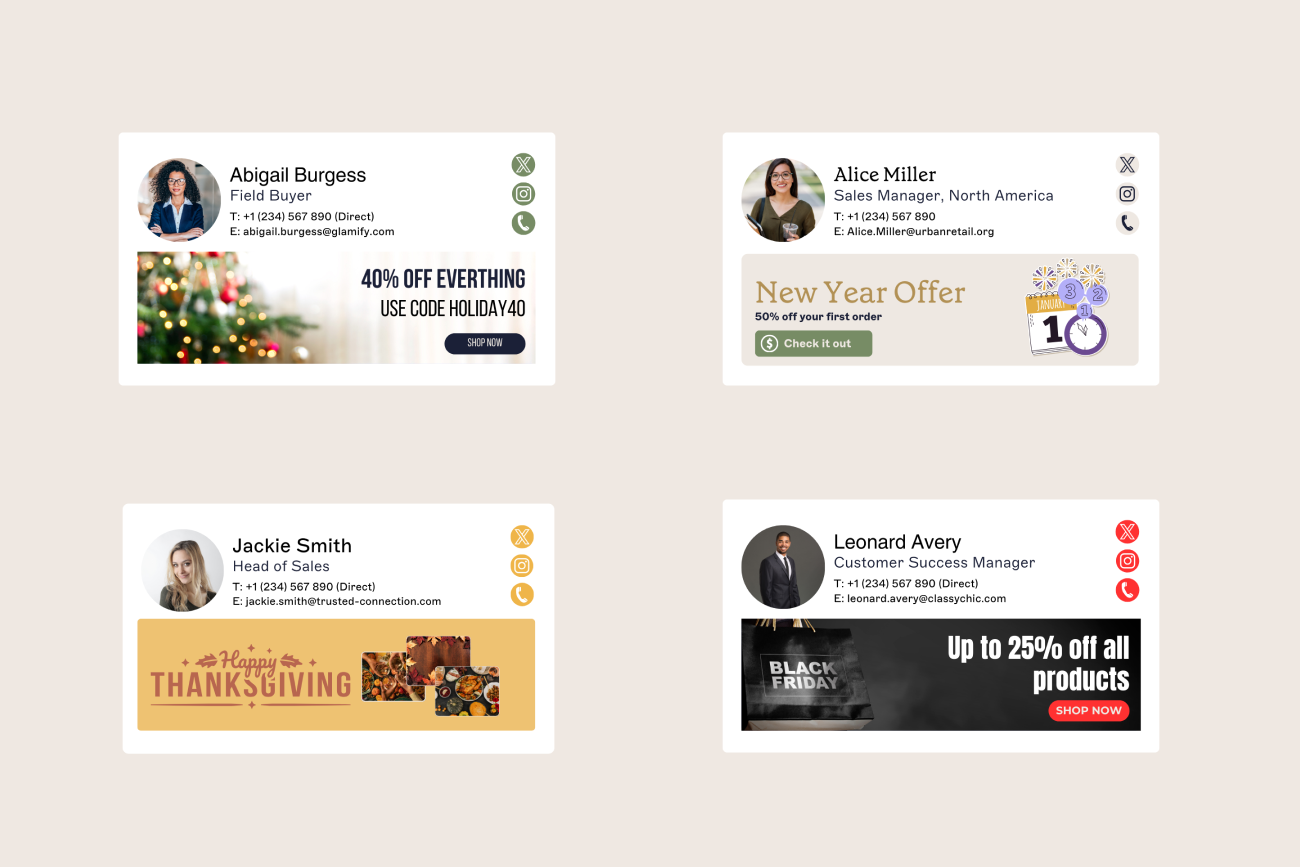
Recipients tune out a banner they've seen too many times. Nielsen Norman Group's eye-tracking research documented banner blindness, the tendency to ignore design elements that look like ads, on web pages, and the same instinct applies to a static banner that never changes in a familiar email signature. Rotating a set of banners keeps the content current and puts more than one message in circulation. A practical cadence is to refresh the creative every few weeks, and sooner once a banner's click rate starts to slide.
Tip
Refresh your banner creative every few weeks by default, and sooner the moment a banner's click rate starts to slide.
Personalize by audience segment
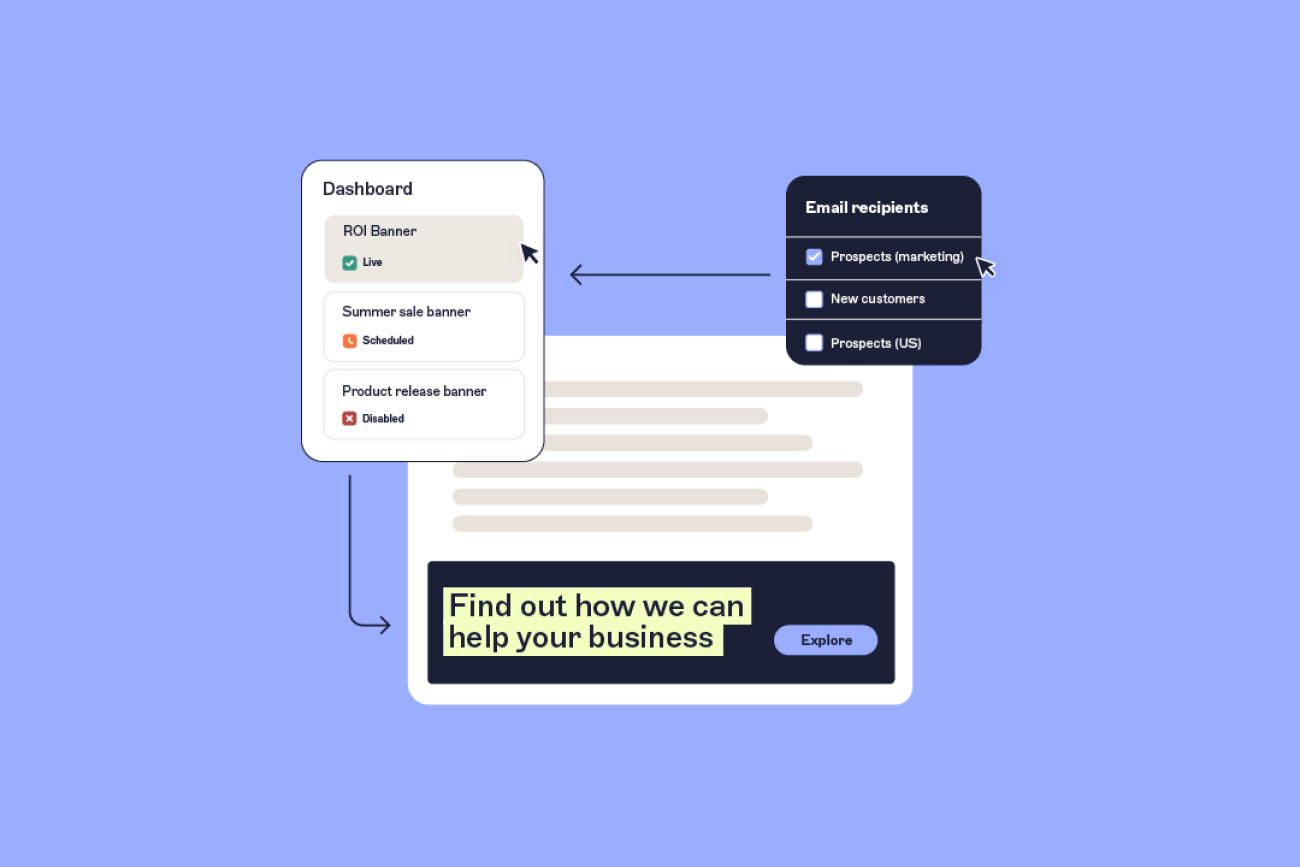
A banner aimed at the reader outperforms one built for everyone. Targeting rules match the message to the recipient, so the sales team's emails carry a different banner from support's, or a prospect in financial services sees a different offer from one in healthcare. Relevance is a reliable lever: the closer the banner fits the audience, the higher the click rate tends to run.
Set a baseline and track improvement over a quarter
Benchmarks from other companies only take you so far. Your real target is your own starting point. Measure your current click rate, set a realistic goal a little above it, and review progress across a full quarter, since week-to-week variation tends to drown out the signal. This only holds if the underlying numbers are stable, which comes back to deployment. When every intended recipient reliably carries the banner, a shift in your click rate reflects the banner itself rather than who happened to receive it.
Connect banner clicks to conversions with UTM tracking
A high click rate shows a banner earned attention, but attention isn't the same as a result. Clicks only prove their worth once you can follow them past the inbox.
CTR is a leading indicator: it tells you the message and creative are landing. What it can't tell you is whether the person who clicked became a lead, booked a demo, or bought anything. Connecting banner clicks to those outcomes means tagging the links.
That's what UTM parameters do. They're the small tags added to a banner's destination URL so analytics tools can see where a click came from, and tagging every banner link with a consistent UTM structure is what lets a signature click surface in Google Analytics or your CRM next to the campaign, source, and content that produced it. From there you can trace it forward to conversions and pipeline.
The two metrics answer different questions. Your click rate tells you whether a banner is engaging; UTM-based attribution tells you whether that engagement turns into business.
What good looks like, and how to get there
A benchmark borrowed from another company is a starting reference. Your real target is to beat your own last quarter, with clearer creative, sharper targeting, and steady testing. Tag the links as you go, so those clicks can be traced through to pipeline, not just counted.
None of that means much without a reliable number underneath it. Because Exclaimer's cloud solution applies every banner server-side to every intended recipient, your click rate rests on a complete, consistent base of sends. It's the same server-side control that keeps every email signature on-brand and compliant. Get the denominator right, and the benchmarks and tests you build on top of it hold up.