Karl heads up Information Security at Exclaimer, where he’s focused on keeping data secure and ensuring compliance with standards like ISO 27001 and SOC2. With years of hands-on experience, Karl is dedicated to simplifying security processes and staying ahead of potential threats. He’s passionate about using automation and smart practices to strengthen security without adding unnecessary complexity.
How to secure your organization's email signatures: 7 governance steps
TL;DR
Unsecured email signatures expose employees to phishing, impersonation, and data leakage risks
Centralizing management helps IT teams close off common signature-based attack vectors and maintain compliance
Follow seven practical steps—from access controls to phishing awareness—to reduce your organization's exposure
Choose a centralized platform with encryption, RBAC, audit logs, and MFA — and third-party certifications (SOC 2 Type II, ISO/IEC 27001, ISO/IEC 27018) you can verify, not just claims
Exclaimer gives organizations the governance controls and audit trail to standardize email signatures across every device and employee, backed by one platform
Picture this. It’s Friday afternoon and your IT help desk pings again with another “my email signature looks wrong” ticket.
You fix it, push an update, and think the job's done. Then Marketing changes a campaign banner, Legal updates the disclaimer, and someone in Sales decides their contact details look better in Comic Sans.
Multiply that across hundreds of users. Each email becomes a slightly different version of your brand—and a potential security risk you didn't plan for.
Beyond branding and contact details, email signatures that aren't uniform or securely managed make it easier for attackers to exploit brand credibility. According to Verizon's 2024 Data Breach Investigations Report, 68% of breaches involved a non-malicious human element, including phishing and social engineering. Consistent, secure email signatures play a quiet but important role in protecting employee interactions.
This article explains five ways unsecured signatures put employees at risk and how IT teams can secure email signatures across the organization.
5 ways that unsecured email signatures put employees at risk
Unsecured business email signatures can expose employees to several risks. From phishing to data exposure, weak or unmanaged email signatures create vulnerabilities that are easy to overlook and hard to contain. Exclaimer's State of Business Email Report 2025 found that 44% of organizations cite phishing, spoofing, and spam as their top email security threat — and 83% have experienced an email-related security incident at some point.
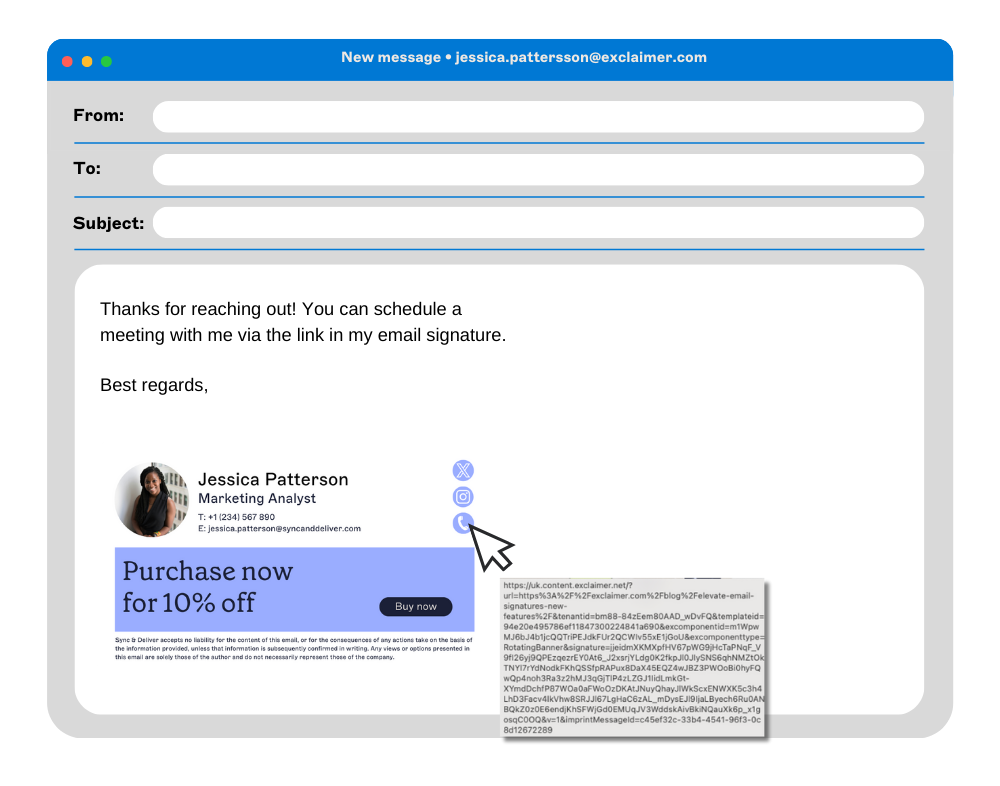
1. Phishing and impersonation
When email signatures aren't protected, it's easy for attackers to copy your company's logo, colors, and employee details. They can use these to make phishing emails look authentic and trick recipients into sharing passwords, payment details, or confidential data.
2. Data leakage
Email signatures often include contact details, job titles, and sometimes even direct phone numbers or internal information. Without security controls, these small data points can help attackers identify high-value targets or launch social engineering campaigns.
3. Inconsistent security protocols
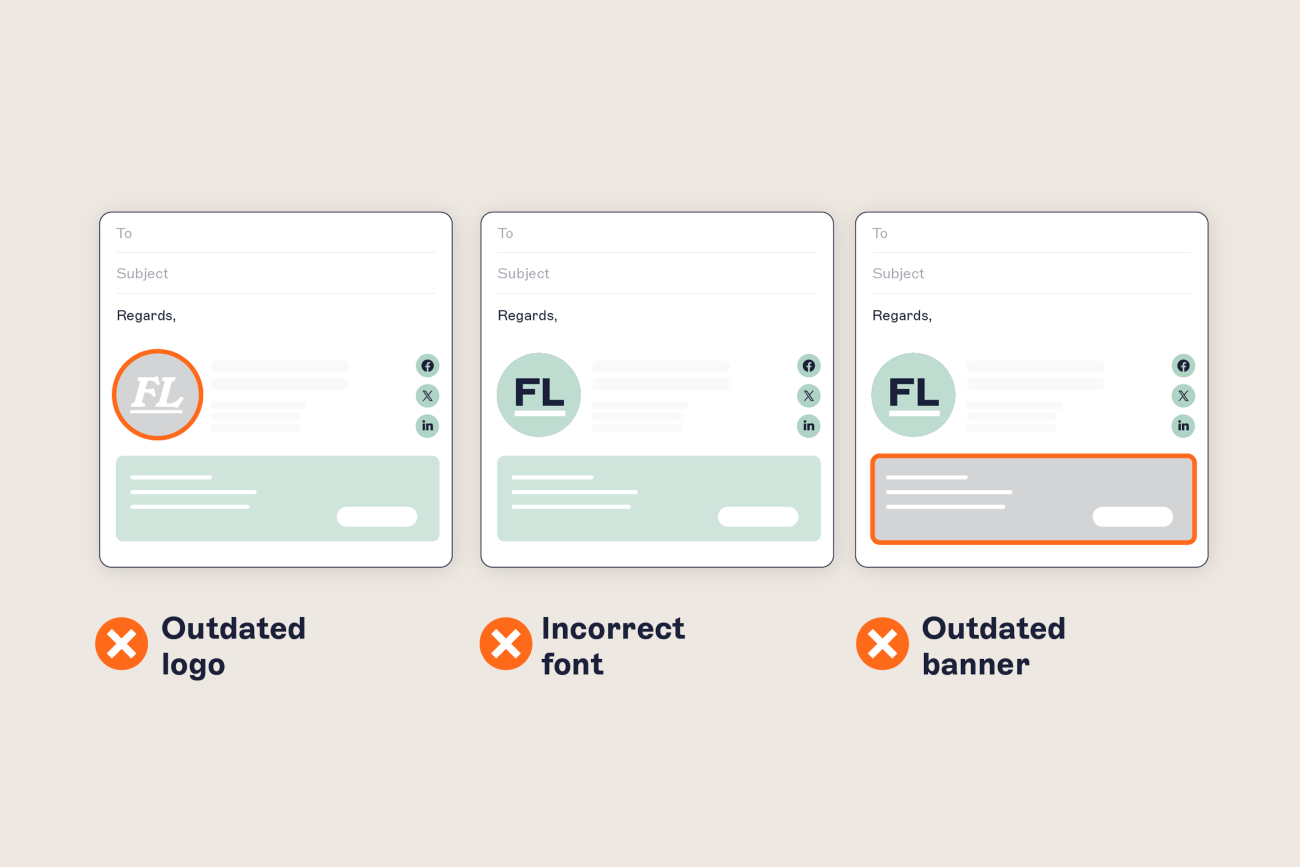
Without a centralized, secured email signature management platform, employees can use outdated or incorrect versions of signature templates.
These will miss key security elements like email disclaimers or legal notices. This inconsistency can make some messages appear less credible and might expose sensitive information.
4. Malware delivery
A compromised or unsecured email signature system can be used to distribute malicious content. Attackers can insert harmful links or attachments directly into employee signatures, turning routine emails into delivery tools for malware or ransomware.
5. Reputational risk
If email signatures are compromised or used fraudulently, the company's brand reputation can suffer. Clients or contacts who receive suspicious emails question your employees, creating trust issues that damage business relationships.
By securing email signatures through a managed platform, companies can maintain consistency, prevent unauthorized access, and add protective measures to keep employees and company data safer.
7 steps for securing your company’s email signatures
Secure email signatures are a key part of any company's cybersecurity plan. They protect employees from phishing, maintain compliance, and strengthen brand credibility. To reduce risks from unsecured email signatures, follow these seven practical steps.
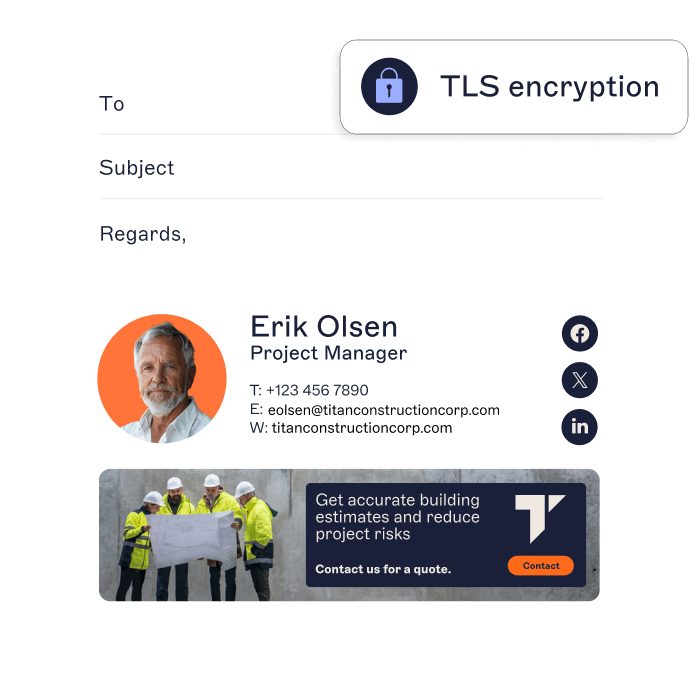
1. Use a centralized email signature management solution
Start by managing all signatures from one platform. A centralized email signature management solution lets IT teams control design, content, and deployment across every device and user. Exclaimer, for example, deploys across Microsoft 365, Google Workspace, and Microsoft Exchange in roughly an hour per platform, with no GPO, PowerShell, or registry edits required.
This prevents unauthorized edits, applies consistent branding, and keeps every signature compliant with security policies.
2. Establish brand and security standards for signatures
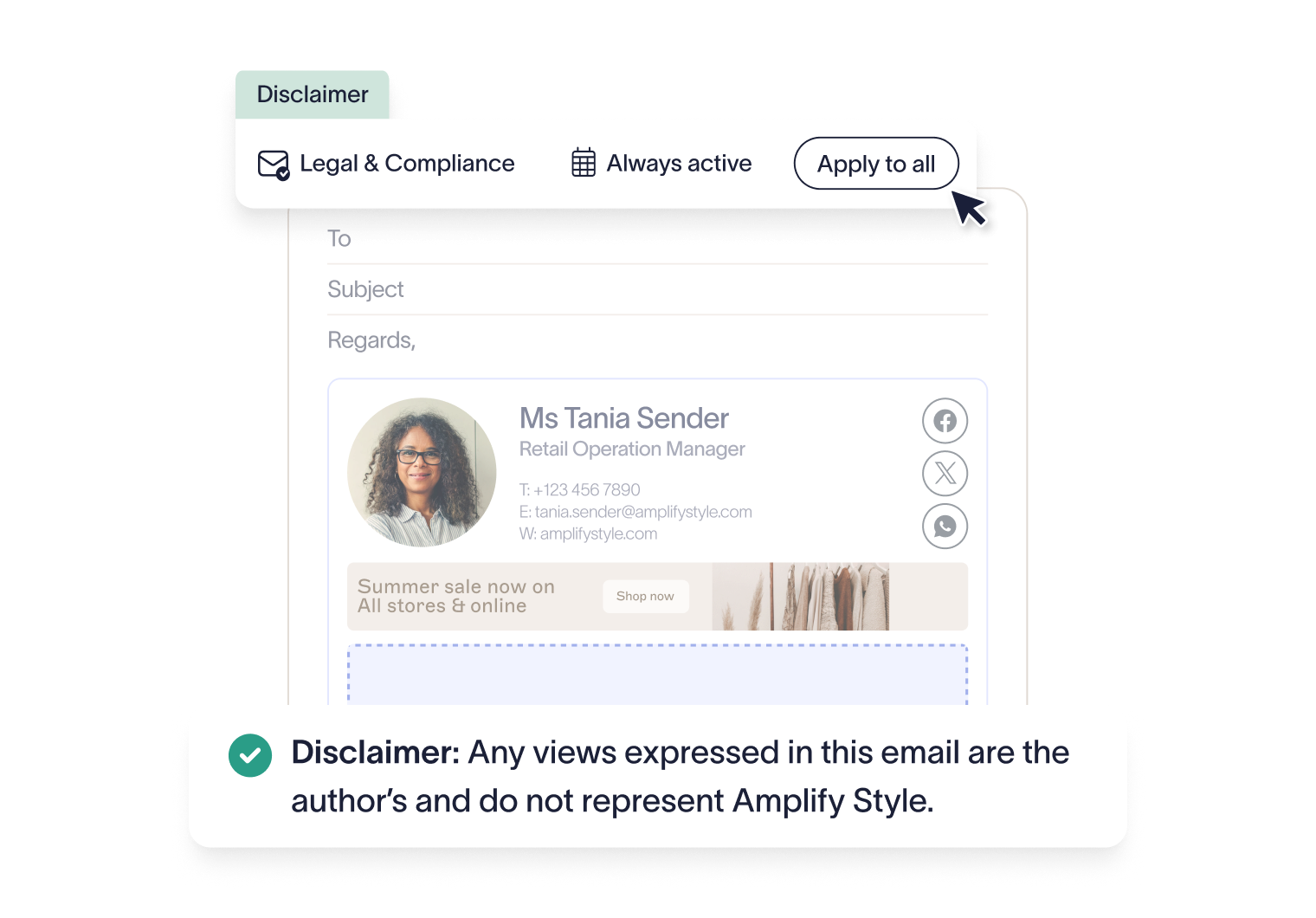
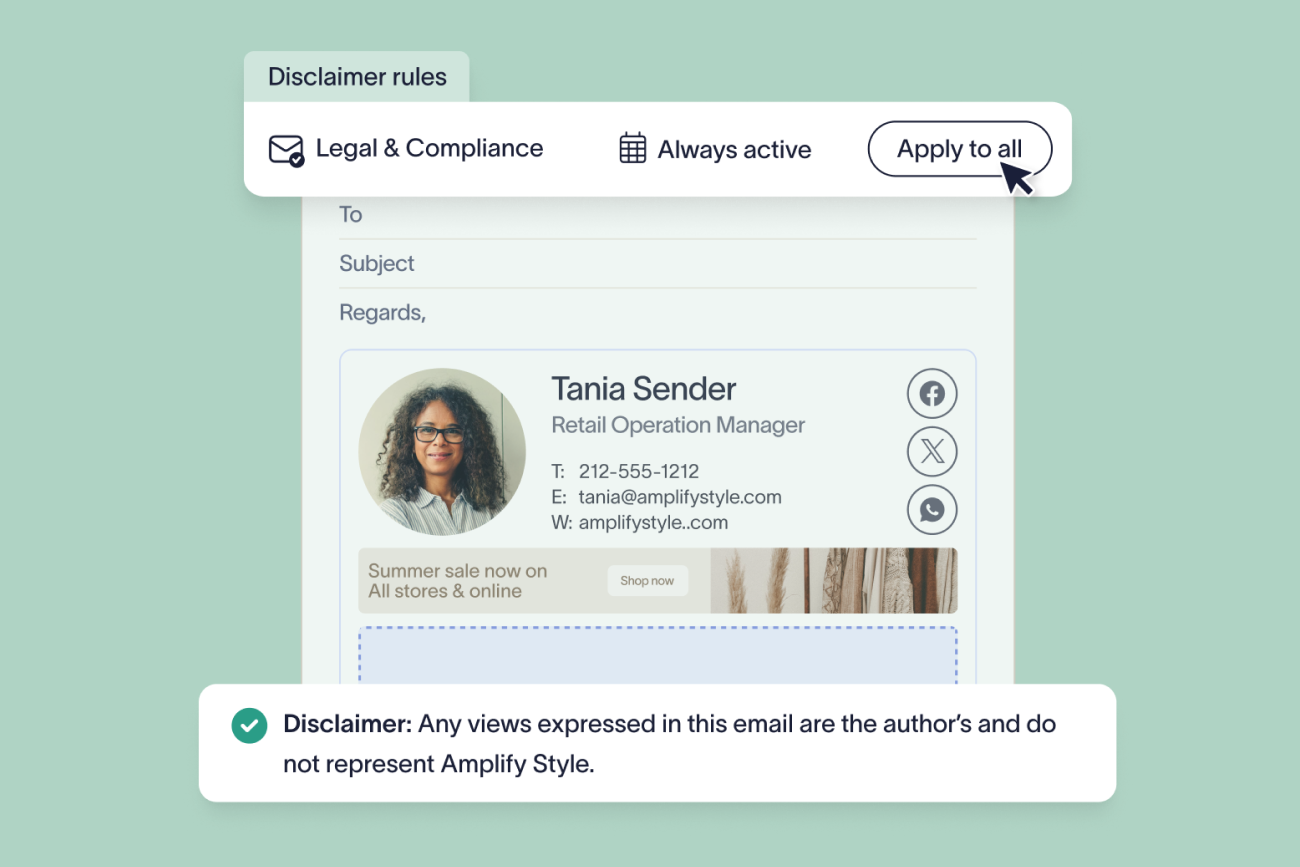
Create a standardized email signature template that includes approved branding, correct contact details, and legal disclaimers.
This minimizes inconsistent formatting and unauthorized modifications while maintaining alignment with internal brand and security guidelines.
3. Use secure, verified links
Only include links to verified company domains or official social media pages. Avoid shortened or redirected URLs that obscure the destination and can be exploited in phishing attacks. Use HTTPS links whenever possible to add another layer of trust.
4. Apply access controls for signature editing
Limit signature editing to approved administrators using Role-Based Access Control (RBAC). Restricting access reduces the risk of unauthorized changes, maintains version control, and helps IT teams identify any unusual modifications quickly.
5. Monitor email signature usage and update regularly
Keep track of how signatures are being used. Regularly review templates for expired content, broken links, or suspicious updates. Exclaimer's audit logs, retained for 12 months and exportable to CSV or via API, record platform login and access activity, so reviewing who had edit rights doesn't rely on memory or manual spot-checks.
Updates should reflect current branding, contact information, and compliance requirements. Monitoring also helps identify early signs of potential misuse.
6. Train employees on email signature security
Educate employees about the importance of email signature security. Training should cover phishing awareness, the risks of editing signatures manually, and the importance of verified communication formats. Awareness builds consistency and accountability.
7. Integrate email signature management with your security stack
Connect your email signature management platform to your broader security ecosystem. That includes email filtering, encryption, and anti-phishing tools. Integration improves visibility and helps detect signature-related vulnerabilities before they escalate.
By taking these steps, IT teams can secure email signatures across the business, protect employees from impersonation attacks, and maintain a consistent, compliant brand presence in every email.
What are the security implications of AD-integrated email signatures?
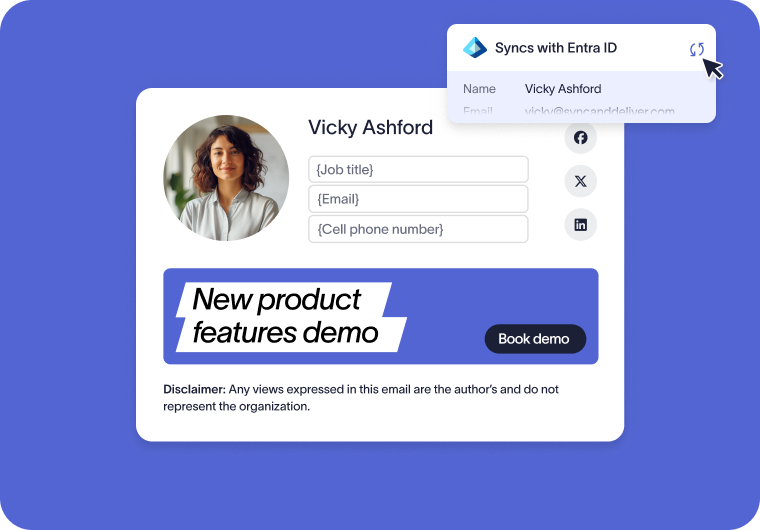
Connecting an email signature platform to Active Directory or Microsoft Entra ID gives it programmatic access to employee directory attributes — a normal, supported integration pattern used across most centralized signature deployments. But it introduces four security considerations that a security or compliance reviewer should explicitly check before sign-off.
Least-privilege service account scope
Risk: An email signature platform configured with Global Reader or Application Admin access has far more directory access than signature deployment actually requires.
Control: Scope the Entra ID app registration to the minimum Graph permission needed to read the specific directory attributes used in signatures, following Microsoft's least-privilege integration checklist, rather than a broad administrative role.
Attribute exposure
Risk: The signature platform reads attributes such as displayName, jobTitle, telephoneNumber, mobilePhone, officeLocation, department, and, optionally, manager — each of which becomes visible in outbound mail.
Control: Keep a documented allow-list of which Microsoft Graph user attributes feed which signature template fields, and audit that list periodically as templates change.
Audit trail of sync events
Risk: Without a clear audit trail, a reviewer can't confirm which user attributes changed and which signature templates were re-applied as a result.
Control: Reference Microsoft Entra ID's own audit logs for directory-side changes, and confirm with your Exclaimer admin console which platform-level access log is available on your plan. Treat per-email signature-application visibility as a question to confirm with Exclaimer directly, not an assumed capability. Include a log review in the quarterly access review — Exclaimer's certifications and audit posture are documented on its Reliability & Security article.
Account disablement and signature suppression
Risk: If signature application doesn't stop promptly when an account is disabled, a leaver's signature can keep appearing on outbound mail after they've left.
Control: Confirm signature application stops within one sync cycle of disablement — Exclaimer's directory sync runs every 30–60 minutes and is configurable — add "no signatures sent after disablement" to the leaver checklist, and document the SLA.
Why use centralized email signature management?
Centralized email signature management provides IT with a single platform to control how every employee’s signature looks and functions. It helps enforce brand standards (logos, fonts, colors, etc.) across all outgoing messages.
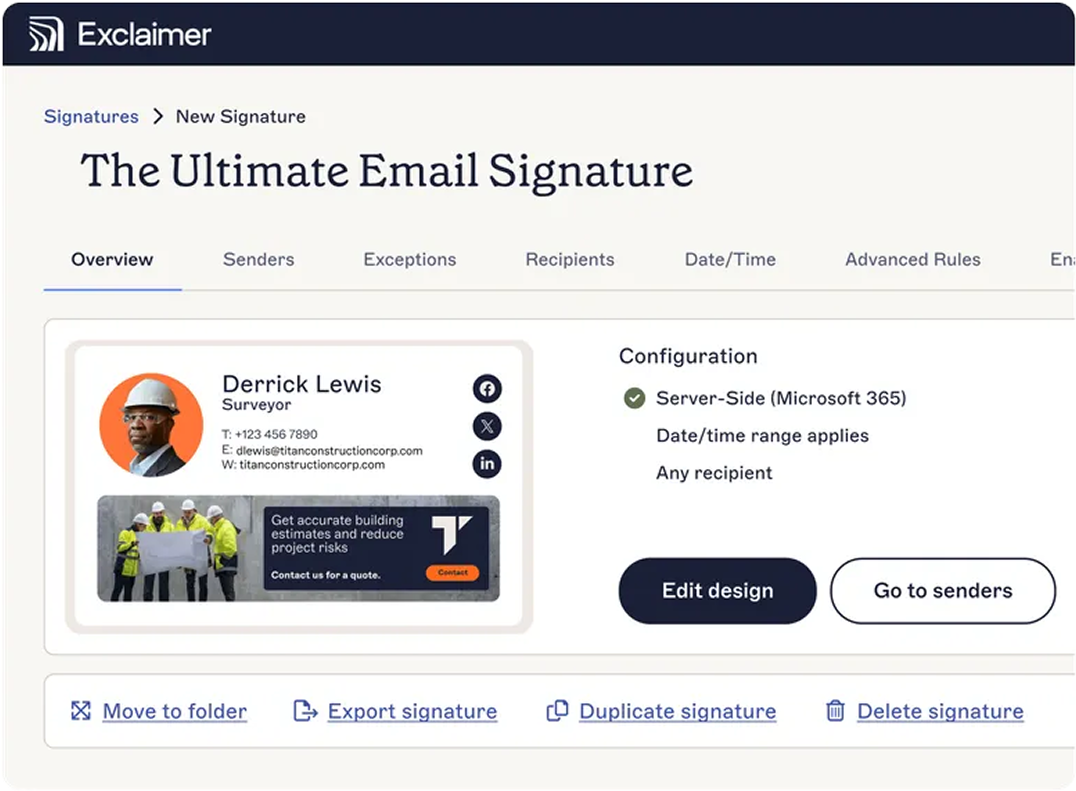
From a security standpoint, centralization adds measurable protection. Administrators can prevent unauthorized edits, limit links to verified domains, and deploy urgent updates to all users at once. This closes off a common signature-tampering vector and gives IT and Compliance an auditable record of who had platform access and when, which is the evidence a security or compliance review actually asks for.
Integration with existing security protocols also allows IT to monitor and audit usage, track anomalies, and confirm that every template meets organizational security requirements. Exclaimer, for instance, doesn't store email content at all — signatures are applied in transit for injection only, and the platform is itself SOC 2 Type II, ISO/IEC 27001:2022, and ISO/IEC 27018:2019 certified, with annual third-party penetration testing.
What features should a secure, centralized email signature manager have?
When choosing a centralized email signature management platform, there are several key security-focused features to prioritize to keep your organization's emails safe and secure:
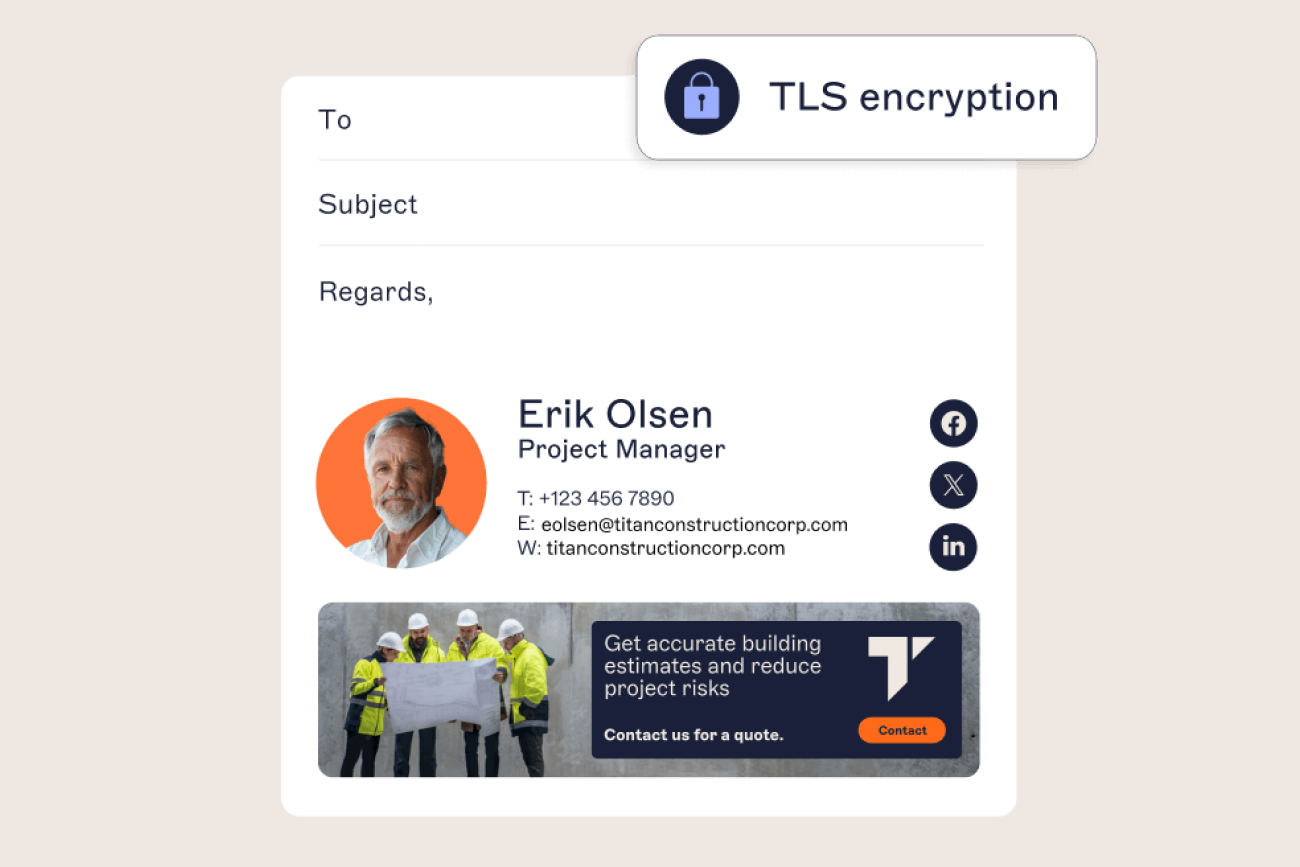
Data encryption: should encrypt data in transit and at rest. Exclaimer, for example, uses TLS in transit and AES 256-bit encryption at rest.
Secure API integrations: Look for compatibility with secure APIs for Microsoft 365 and Google Workspace, using native OAuth rather than custom middleware or client-side agents, to enable seamless, protected deployment.
Role-Based Access Control (RBAC): Assign specific permissions based on user roles so that only authorized personnel can edit or approve signatures.
Audit logs and monitoring: Choose a solution that logs administrative access (who logged in and when) so a review doesn't rely on memory to reconstruct who had edit rights during a given period.
Compliance management: Support for standards such as GDPR, CCPA, and HIPAA is vital for industries that handle sensitive data.
Phishing protection: Some platforms automatically flag or block suspicious links and attachments within signatures.
IP whitelisting and Multi-Factor Authentication (MFA): Restrict platform access to trusted networks and verified users.
Automatic updates and patching: Regular security updates reduce exposure to emerging threats.
Anti-tampering controls: Prevent end users from altering signatures locally, protecting brand integrity and security settings.
Independent certification: Look for a vendor that carries current third-party certifications — SOC 2 Type II, ISO/IEC 27001, ISO/IEC 27018 — rather than self-reported security claims. Ask to see the audit report, not just the badge.
A well-equipped email signature management platform gives IT teams full visibility and control. It strengthens brand consistency, safeguards sensitive data, and supports regulatory compliance across every corporate email.
How Exclaimer supports email signature governance
Every email your employees send represents your brand, and every signature attached, can either reinforce trust or open the door to risk. Unsecured email signatures make organizations more vulnerable to phishing, impersonation, and data leakage. Cybercriminals know that inconsistent or unmanaged signatures are easy to exploit.
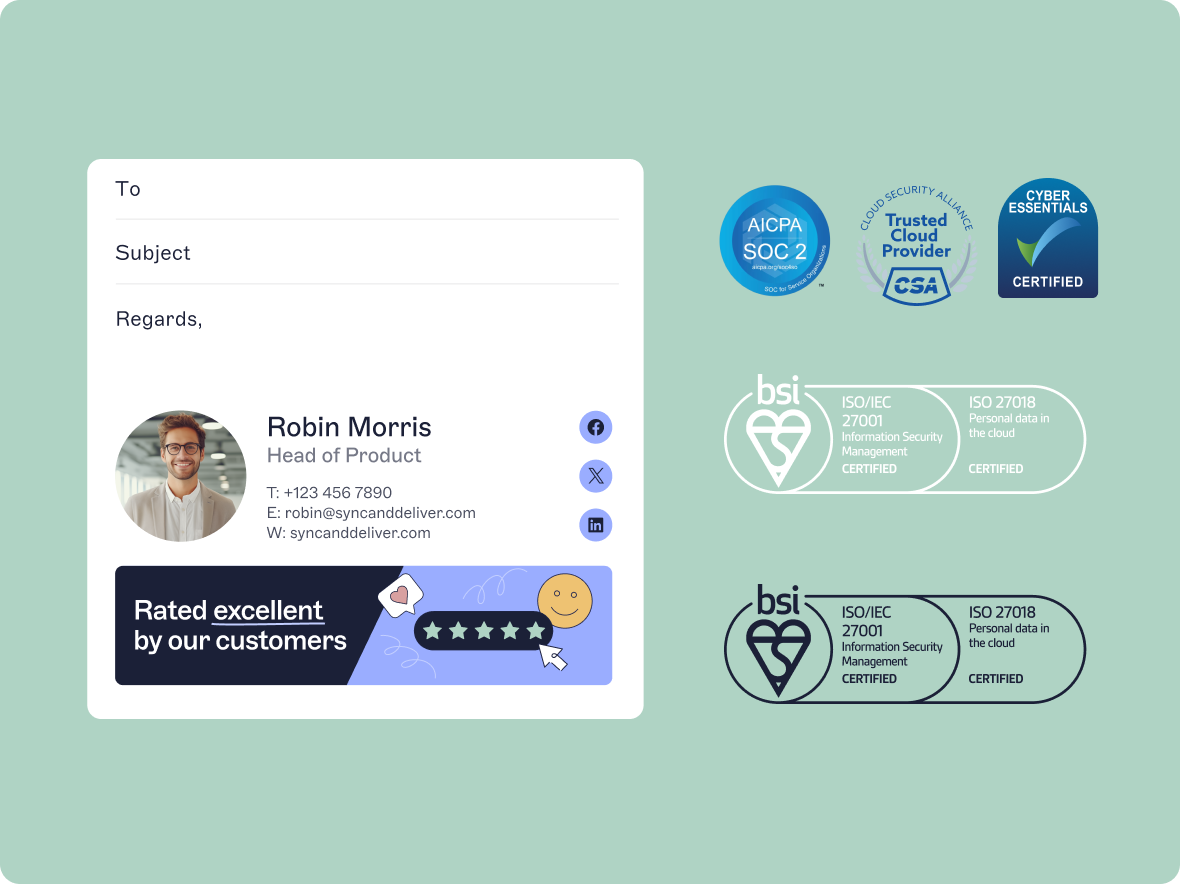
Exclaimer gives IT teams centralized control to govern email signatures across the organization. From one platform, administrators can manage layouts, apply legal disclaimers, and enforce consistent branding. Access controls, encryption, and logged platform access mean signature changes go through approved administrators, not ad hoc edits — the governance foundation that a security or compliance review is actually looking for.
By managing email signatures through Exclaimer, companies strengthen brand and compliance governance and protect employees, customers, and partners from inconsistent, unmanaged communications, while maintaining a professional, trusted brand presence.
Read more here about Exclaimer's certifications and security practices, and sign up for a free trial of Exclaimer today.