Compare features
Every tool here creates Microsoft 365 email signatures from central templates, using employee details from your directory. The table compares where they differ such as with platform support, security certifications, integrations, design control, and campaigns.
| Feature | Exclaimer | CodeTwo | WiseStamp | Letsignit |
|---|---|---|---|---|
Email signature management Creates and applies email signatures for everyone in your organization from central templates. | Included | Included | Included | Included |
Directory-driven signature data Fills each email signature with employee details, such as name and job title, from your directory. | Included | Included | Included | Included |
Advertised uptime SLA How much of the time the vendor commits that the service will be available, as set out in its service level agreement. | Included 99.9% (99.99% average availability) | Included 99.9% | Included 99.9% | Not included Not published (SLA on request) |
Multi-platform support The email platforms the tool works with, such as Microsoft 365, Google Workspace, and Microsoft Exchange. | Included M365, Google Workspace & Hybrid Exchange | Included M365 & On-Prem Exchange; no Gmail | Included M365, Google Workspace & Exchange | Included M365, Google Workspace & Exchange |
Okta directory sync Whether employee details can come directly from Okta, rather than through another directory such as Entra ID. | Included Native Universal Directory | Included Indirect (via Entra ID) | Included SSO & SCIM only | Included SCIM 2.0 provisioning |
HRIS sync (Workday, BambooHR, and more) Whether employee details can come straight from an HR system, such as Workday or BambooHR, so job changes reach email signatures. | Included | Not included | Included HiBob Only | Not included |
ISO/IEC 27001 and ISO/IEC 27018 International standards for managing information security (27001) and protecting personal data in the cloud (27018). | Included | Included | Included | Included |
SOC 2 Type II An independent audit, based on AICPA criteria, that tests a vendor's security controls over a period of time. | Included | Not included | Included | Not included |
UK Cyber Essentials A UK government-backed certification covering basic protections against common cyberattacks. | Included | Included | Not included | Not included |
CSA STAR Rated The Cloud Security Alliance's program for assessing a cloud provider's security, from a published self-assessment (Level 1) up to third-party audits. | Included Level 1 | Not included | Not included | Not included |
SecurityScorecard rating An independent A-to-F rating of a company's security, based on signals that can be seen from outside the company. | Included A | Included A | Included A | Not included Not public |
Other key compliance Data protection laws and industry standards the vendor says it supports, such as GDPR, HIPAA, and CCPA. | Included HIPAA, GDPR, CCPA, PCI DSS | Included HIPAA, GDPR, CCPA, PCI DSS | Included GDPR HIPAA-ready, UK GDPR, CCPA | Included GDPR (EU hosting) |
Audit log (login activity) A record of who signed in to the email signature platform and when. | Included | Not included | Included Enterprise only | Included |
Centralized brand management How logos, fonts, and colors are stored and controlled so every email signature stays on brand. | Included Brand Kits | Included Managed per template | Included Website Brand Extractor | Included Template-level locking |
Native Accessibility controls and functionality (to support WCAG 2.1) Built-in settings, such as screen reader labels and alt text, that help email signatures meet WCAG 2.1, the web accessibility standard. | Included | Not included | Not included | Not included |
AI signature converter An AI-assisted tool that turns a screenshot of an existing email signature into an editable template. | Included U.S. only | Not included | Included | Not included |
Video branding for Zoom, Teams, and Google Meet Adds branded backgrounds and nametags to video calls, managed alongside email signatures. | Included | Not included | Not included | Not included |
Campaign management workspace A separate area for creating, scheduling, and targeting email signature banners without changing the base template. | Included | Not included | Included | Included |
Rotating (randomized) banners Shows a different banner across emails, so several campaigns can run at the same time. | Included Randomized and weightable | Not included Scheduled only | Included Randomized and unweightable | Included Random among equal-priority campaigns |
Native CRM integrations Connects to CRM systems to target email signature content by list or add email signatures to emails sent from the CRM. | Included Salesforce & HubSpot list sync + CRM email stamping | Included Relay only | Included Relay only | Included Sync & Relay |
Live social feeds Shows the company's latest LinkedIn or Facebook posts in each email signature. | Included | Not included | Not included | Not included |
Native engagement analytics Shows clicks on email signature links and banners inside the tool. "Third-party via UTM" means clicks are tracked in a separate analytics tool through tagged links. | Included Native and third-party UTM | Not included Third-party only, via UTM | Included Native and third-party UTM | Included Native and third-party UTM |
One platform for InfoSec, IT, HR, and Marketing
Exclaimer gives every team that touches email signatures what it needs, from one platform, across email and video meetings.
Every certification and assessment in the table
ISO/IEC 27001 and ISO/IEC 27018, SOC 2 Type II, Cyber Essentials, and CSA STAR, with an A rating (100/100) from SecurityScorecard. Customer data is processed in regional Azure datacenters and stays local, which supports GDPR, CCPA, HIPAA, and data residency requirements. Security teams can check the reports and 350+ answers in the public Trust Center.

Control without handing over admin rights
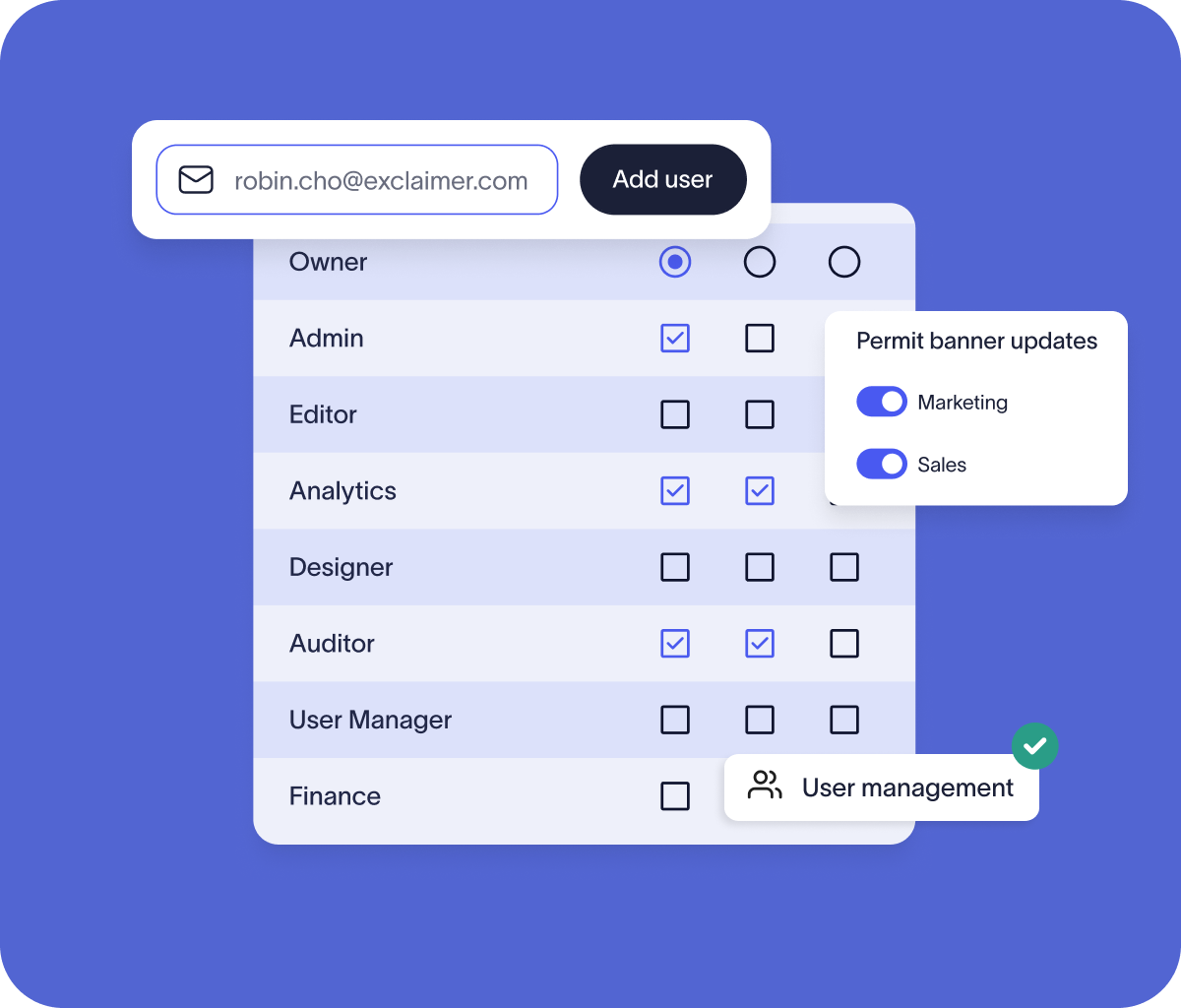
Email signatures are applied server-side and/or client-side based on the needs of the organization. Signature rules give each department, region, or audience its own email signature, and legal disclaimers are applied by rule so employees can't edit or remove them. Eight user roles, including a dedicated Auditor role, let IT delegate design and content without handing over admin rights, and Diagnostics Logs show why an email signature was or wasn't applied to each email.
Job changes flow into email signatures
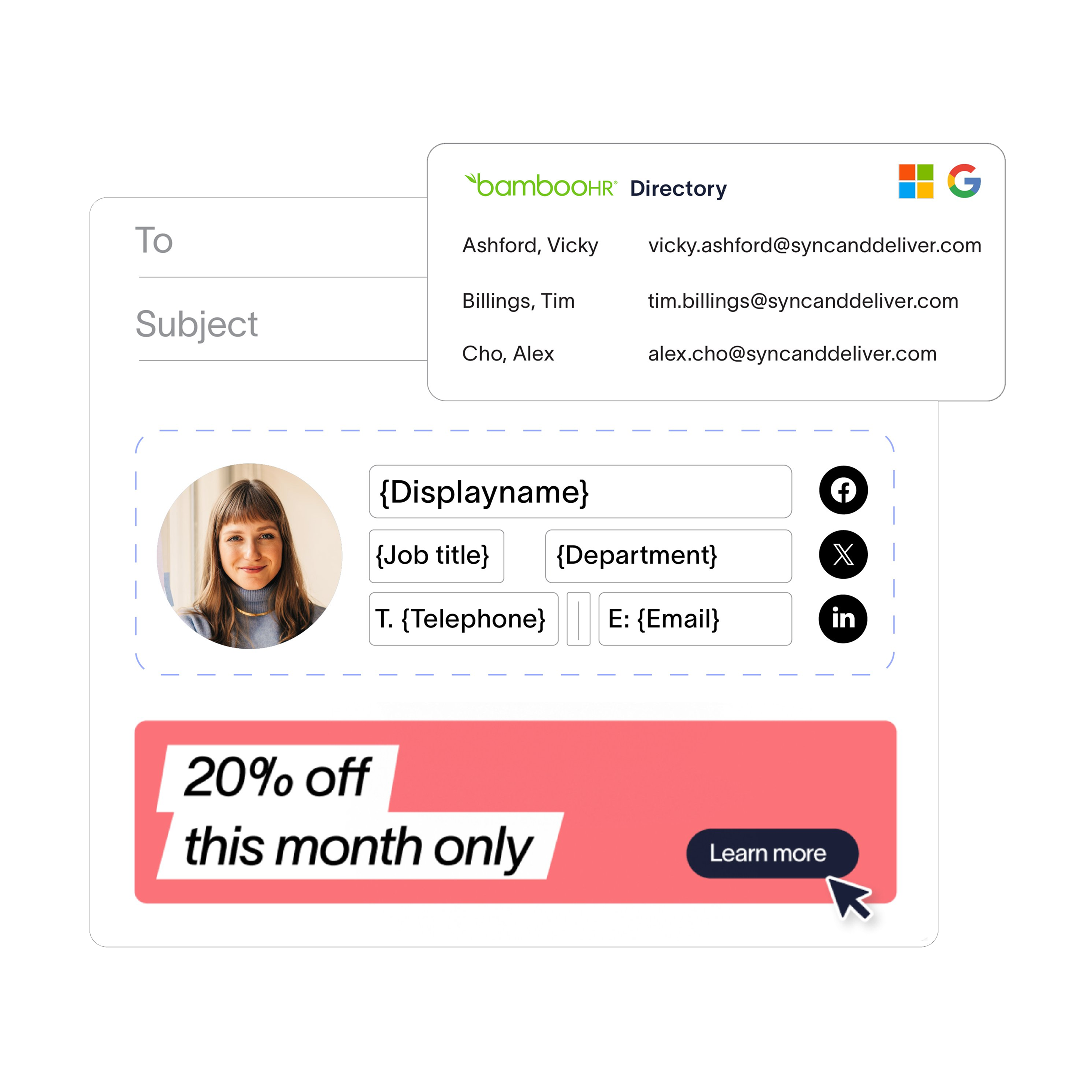
Exclaimer syncs directly with Workday, BambooHR, SAP SuccessFactors, UKG Ready, ADP Workforce Now, and Okta Universal Directory, so job titles and details come from the HR system instead of Entra ID or Google Workspace Directory. The same details keep Meeting Branding nametags accurate. Employees can update their own pronouns, working hours, and certifications from the Outlook add-in, while admin-managed fields stay locked.
Design email signatures and run campaigns
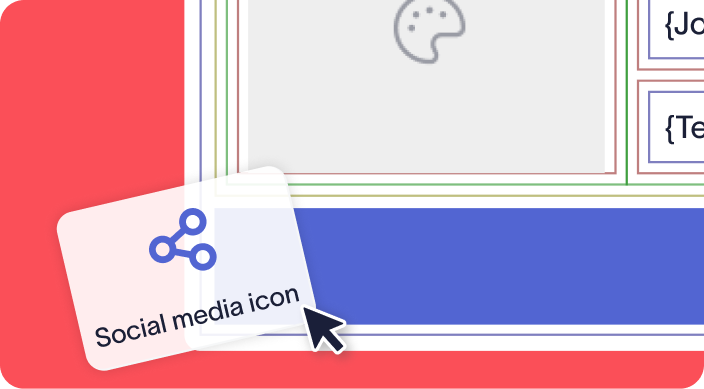
With the Designer role, Marketing builds email signature templates in the drag-and-drop editor, using the logos, fonts, and colors stored in Brand Kits, without needing admin rights. Campaigns rotate up to 15 banners and target them by department, region, or Salesforce and HubSpot lists. Email signatures can also carry live LinkedIn and Facebook feeds and booking links from Calendly, Microsoft Bookings, and Chili Piper, and an engagement dashboard shows what gets clicked.
Where Exclaimer goes further
Your brand in every meeting
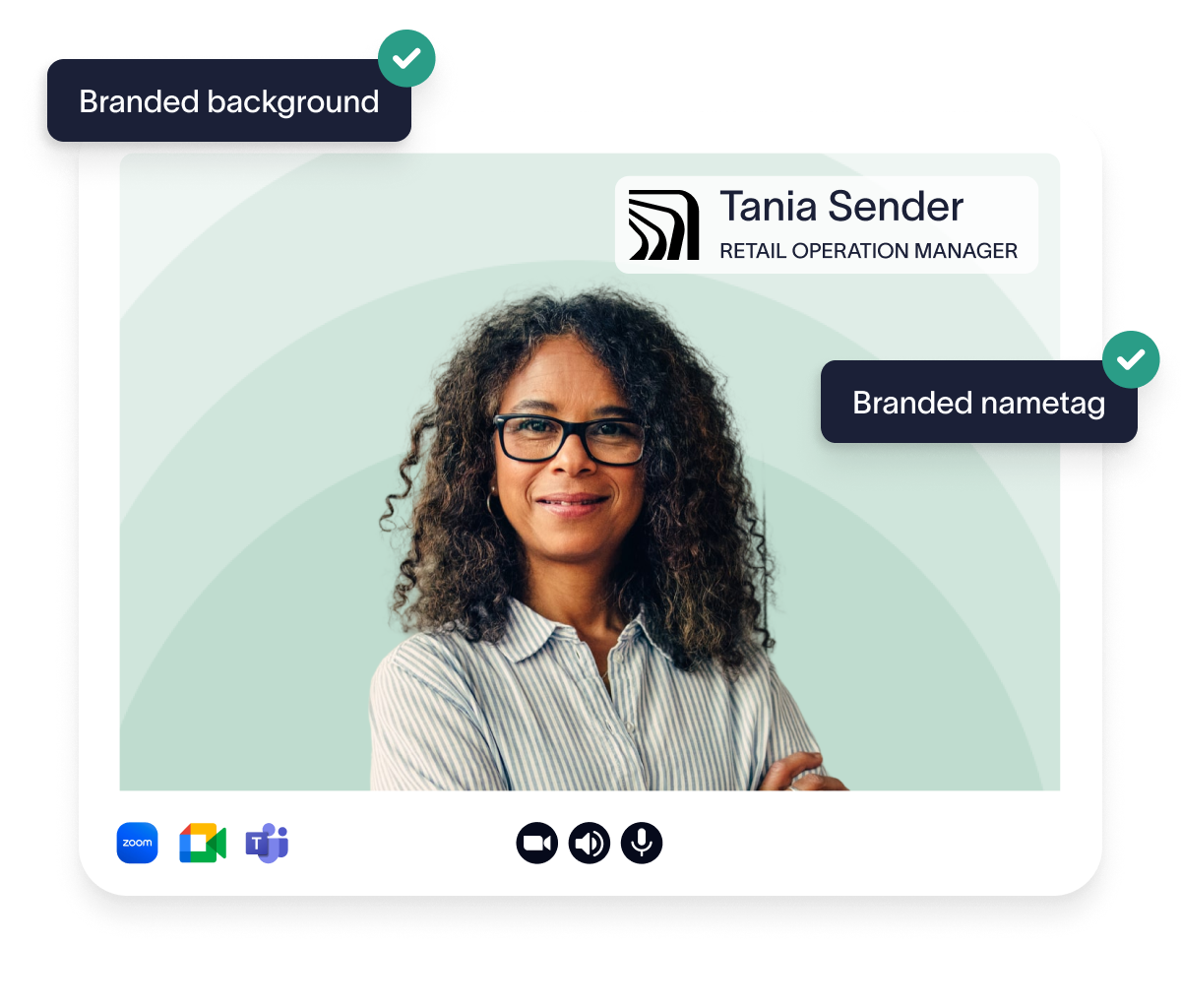
Meeting Branding puts branded backgrounds and personalized nametags into Zoom, Microsoft Teams, and Google Meet calls, managed from the same place as your email signatures. None of the other tools offer it.
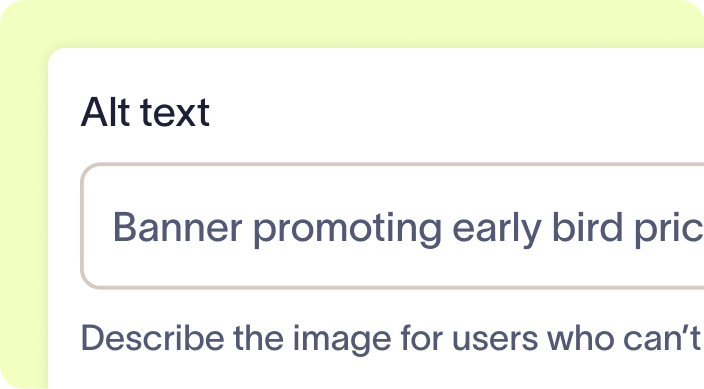
Email signatures everyone can read
Accessibility Controls help email signature content meet WCAG 2.1 AA, with screen reader labels on links, images, social icons, and banners.

Your latest posts in every email signature
LinkedIn and Facebook Social Feeds put your latest posts into every employee's email signature, with clicks tracked per post.
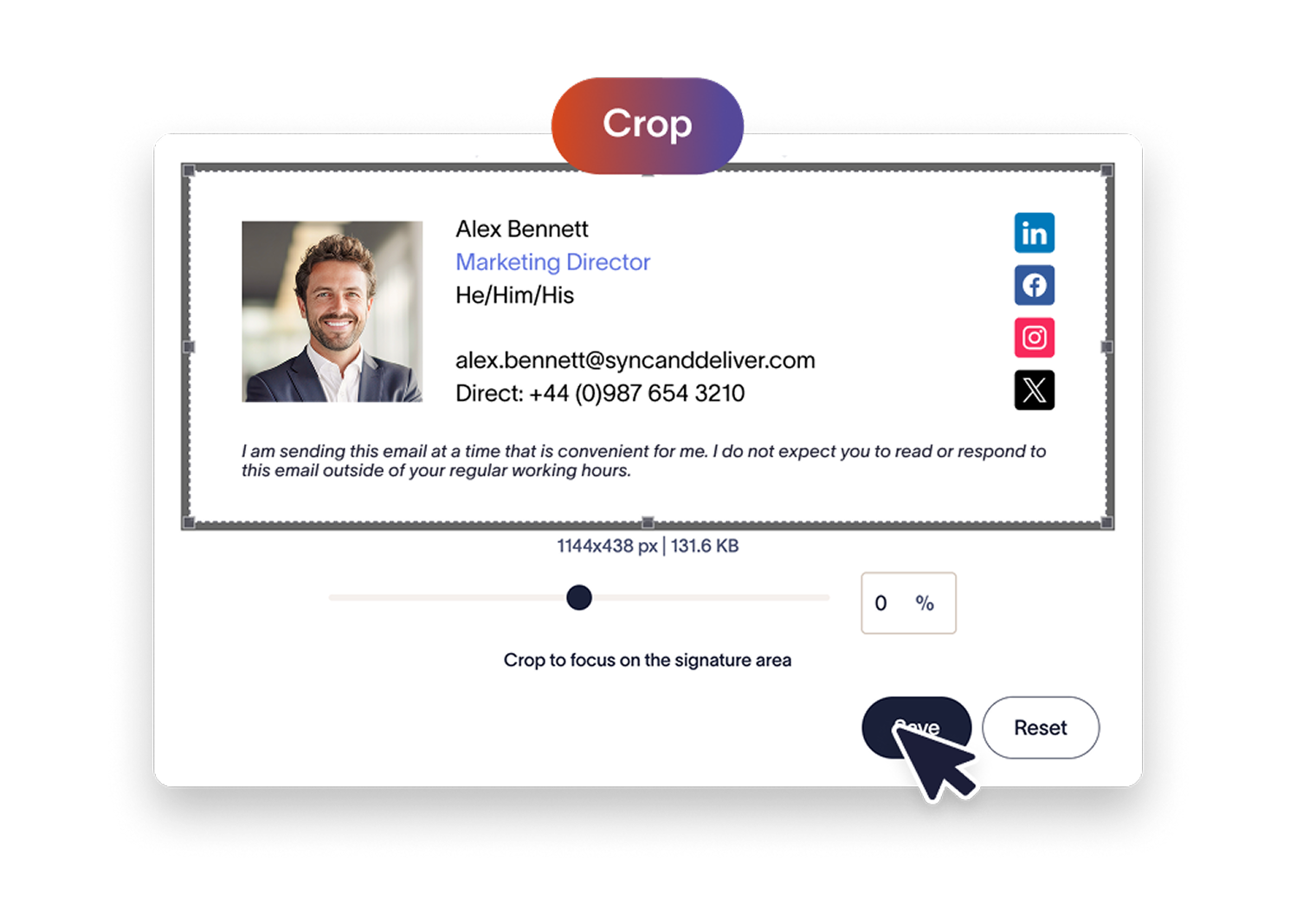
Rebuild an email signature from a screenshot
Signature Converter, Exclaimer's first AI-assisted feature, turns a screenshot of an existing email signature into an editable template. US customers only.
Frequently asked questions
Straight answers for teams comparing email signature tools.
Exclaimer's pricing page lists its email signature software at $0.90 per user per month on Starter, $1.45 on Standard, and $1.75 on Pro, in US dollars and billed annually, with a minimum of ten users and custom pricing for Enterprise. Higher plans add features such as campaign banners, engagement analytics, and HR system sync. Exclaimer's 14-day free trial needs no credit card.
A server-side email signature is added as email passes through the provider's service, so the email signature appears on every device and email client, including mobile. A client-side email signature is added in the email client, usually through an Outlook add-in, so the sender sees it while writing. Exclaimer's support documentation says Exclaimer offers both in one subscription, and in Outlook the server-side email signature fills in wherever a client-side one isn't applied, such as Outlook mobile without the add-in.
Six of the seven email signature tools compared on this page support both Microsoft 365 and Google Workspace: Exclaimer, WiseStamp, Letsignit, Opensense, Templafy, and Crossware. CodeTwo supports Microsoft 365 and on-premises Exchange only.
Exclaimer supports Microsoft 365, Google Workspace, and hybrid Exchange, which combines on-premises Exchange servers with Microsoft 365. Exclaimer syncs employee details from Microsoft Entra ID and Google Workspace Directory, and offers server-side and client-side email signatures in one subscription.
CodeTwo supports Microsoft 365 and on-premises Exchange.
WiseStamp supports Microsoft 365 and Google Workspace, with a Microsoft 365 integration page on its website and a listing on the Google Workspace Marketplace.
Letsignit is compatible with Microsoft 365 and Google Workspace with a native Gmail integration.
Opensense supports Microsoft 365 and Google Workspace, with a Google Workspace add-on for Gmail.
Templafy supports Microsoft 365 and Google Workspace, and its support site documents email signature setup in Gmail. Email signatures are one module in Templafy's wider document and template platform.
Crossware supports Microsoft 365 and Google Workspace, with a Google Workspace Marketplace listing and a separate installer for Microsoft Exchange.
Yes, if the email signature tool separates user roles. Exclaimer's support documentation says the Designer role can create and edit email signatures, campaigns, disclaimers, and branding, so Marketing can build templates in the drag-and-drop editor and schedule banners without the Owner or Admin role. IT keeps those admin roles, and admin-managed fields stay locked.
Ask for ISO/IEC 27001, the international standard for information security management; ISO/IEC 27018, the standard for protecting personal data in public clouds; and a SOC 2 Type II report, an AICPA audit that tests controls over a period of time. Cyber Essentials, a UK government-backed certification, and a CSA STAR assessment from the Cloud Security Alliance add further assurance. Also ask where customer data is processed and whether the vendor publishes its reports. Exclaimer holds all five and publishes reports and 350+ security answers in its Trust Center.
Match the email signature tool to how many templates, brands, and integrations you need. Exclaimer describes its Starter plan, from ten users, as covering central templates, employee details that update from the directory, and legal disclaimers on every email for one team. Exclaimer's Standard and Pro plans add separate templates for teams and regions, campaign banners, engagement data, and HR system sync, and Enterprise adds a dedicated Customer Success Manager and staged rollout planning.
Switching email signature tools mainly means rebuilding your email signature templates and rules in the new tool, while employee details come across when you connect the new tool to Microsoft Entra ID or Google Workspace Directory. Exclaimer's 14-day free trial includes a free 30-minute onboarding call, and US customers can use Signature Converter, Exclaimer's first AI-assisted feature, to rebuild an existing email signature from a screenshot. Exclaimer's Enterprise plan adds a dedicated Customer Success Manager and staged rollout planning.
The main difference is platform support: CodeTwo's website lists Microsoft 365 and on-premises Exchange, while Exclaimer supports Microsoft 365, Google Workspace, and hybrid Exchange. CodeTwo's compliance page lists ISO/IEC 27001, ISO/IEC 27018, and Cyber Essentials, and Exclaimer holds those plus SOC 2 Type II and CSA STAR. Exclaimer also adds Meeting Branding for Zoom, Teams, and Google Meet calls, and Accessibility Controls that help email signatures meet WCAG 2.1 AA, the web accessibility standard. See the full Exclaimer vs CodeTwo comparison.
What teams say after switching to Exclaimer
Clearer control, easier management, and faster rollout from teams that made the move.

"The solution integrates from a cloud interface so no software needs to be installed in our environments. All operations are performed from an intuitive interface and no maintenance is needed due to the software as a service model."

"Exclaimer is a simple solution to implement. With little knowledge of HTML, it is quickly possible to create a signature that can be a tool for information and marketing. A simple interface allows you to easily design your first signatures. The templates offered are also very practical to use as a starting point if inspiration is lacking."

"We needed unified signatures to simplify and codify the messaging going out from our employees. Exclaimer gives us that and the ability to adjust that messaging as needed on the fly for the entire organization."
Automate your email signature management with Exclaimer
Free for 14 days. No credit card needed.