Should you choose Exclaimer or Crossware?
For organizations on Microsoft 365, Microsoft Exchange, or Google Workspace, Exclaimer is the stronger choice, with deeper CRM and HRIS integrations, more straightforward brand management, and a broader set of security certifications than Crossware. Crossware fits IT teams that prefer to use C# for advanced email signature rule assignments, and those running legacy environments like HCL Domino.

Exclaimer vs. Crossware at a glance
 | Crossware | |
|---|---|---|
| Email platforms | Microsoft 365, Microsoft Exchange, and Google Workspace. | Microsoft 365, Microsoft Exchange, Google Workspace, and HCL Domino. |
| Deployment | Server-side, client-side through the Outlook Add-in or in Gmail, or both. | Server-side, client-side through the Dynamic Signatures Outlook add-in, or both. |
| Rule setup | Rules are defined with native controls; no coding is required. | Rule-based assignment and formula fields written in C#. |
| Security certifications | ISO 27001, ISO 27018, SOC 2 Type II, Cyber Essentials, and CSA STAR, documented at trust.exclaimer.com. | ISO 27001 and SOC 2 Type II, per its Trust Center. Does not possess ISO 27018. |
| Admin access | Role-Based Access Controls with dedicated workspaces and folders ensure non-IT teams manage only their portion, without full admin access. | ISO 27001 and SOC 2 Type II, per its Trust Center. Does not possess ISO 27018. |
| Directory sync | Microsoft Entra ID, Google Workspace Directory, Okta, and HRIS tools including Workday, BambooHR, SAP SuccessFactors, ADP Workforce Now, and UKG Ready. | Microsoft Entra ID and Google Directory. Does not offer directory sync via Okta or HRIS platforms. |
| CRM integrations | Native integrations with Salesforce and HubSpot enable teams to target and segment lists created in your CRM, as well as to apply signatures to emails sent from the platforms. | CRM-based list targeting and segmentation not available. |
| Other integrations | Extensive integration suite, including meeting booking links with Calendly and Microsoft bookings, as well as live social feed integration via LinkedIn and Facebook. | Integration suite is more limited, without the ability to include live social feeds within email signatures. |
| Banner campaigns and analytics | Schedule, segment and target banner campaigns in our dedicated campaigns workspace; rotating banner functionality enables easy A/B testing. | Scheduled, segmented banners; rotation requires custom C# rules. |
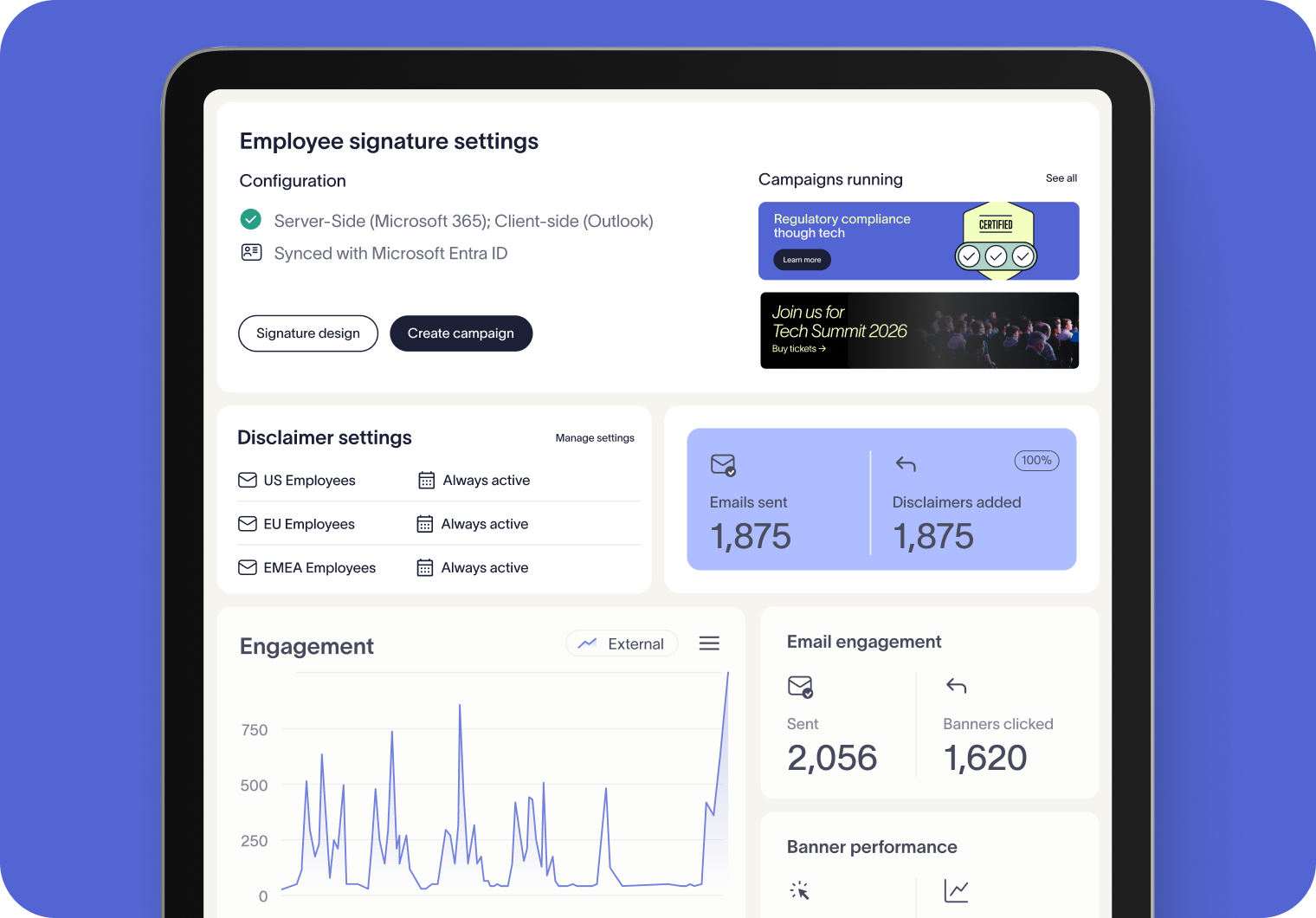
| Analytics | Native engagement dashboards with click-through tracking and banner performance; third party analytics available via UTM links. | No native analytics functionality; performance and click tracking relies on UTM links and third-party tools. |
| Meeting branding | Directory-based name tags and meeting themes, applied automatically in Zoom and uploaded by users in Microsoft Teams and Google Meet. | No video meeting branding support. |
| Accessibility | Native accessibility functionality that supports WCAG requirements. | Native accessibility functionality that supports WCAG requirements. |
| Support | 24/5 global support and template design services. Enterprise organizations receive a dedicated customer success representative. | 24-hour email support, with paid services for design changes and migrations. |
| Pricing | Published per-user plans, with Enterprise quoted. | Quote on request |
Security and compliance
Both vendors hold ISO 27001 and SOC 2 Type II and publish a Trust Center. Exclaimer's record covers more standards.
Certified to ISO 27018, which covers protecting personal data in public cloud services, and holds Cyber Essentials and CSA STAR.
Rated A by SecurityScorecard.
Customer data kept in-region and processed across 14 Azure datacenters, with active-active regional pairs.
Deployment and platform support
Both solutions support Microsoft 365, Microsoft Exchange, and Google Workspace with server-side email signatures on every device, and Crossware also covers HCL Domino. Exclaimer adds:
Client-side email signatures in Gmail as well as Outlook, so Google Workspace users see theirs while composing.
Employee details synced from HR systems such as Workday and BambooHR (Pro), so email signatures follow your HR records.
Signature Rules built without custom code, where Crossware uses C# for rule-based assignment and formula fields.
Email signature management and marketing
Both Crossware and Exclaimer cover the day-to-day work: a drag-and-drop designer, sender and recipient rules, date-based scheduling, and a template library. Exclaimer goes further, especially on brand control.
A Brand Kit for each brand or visual identity ensures updates to one brand's logos, colors, and fonts leave the others untouched, while cascading updates across assigned templates make rollouts or rebrands at scale quick and easy.
Up to 15 rotating banners per email signature, set up without code (Standard and Pro).
Integration with Salesforce and HubSpot allow you to make the most of your existing lists, while ensuring the right message reaches the right audience on every send (Pro).
Native analytics and engagement dashboards (Pro).
Live LinkedIn and Facebook feeds in email signatures (Pro).
What customers are saying
"After evaluating different solutions to centrally manage email signatures, we chose Exclaimer for its simplicity and powerful capabilities. It has enabled us to ensure brand consistency and a uniform look across our global organization, while still giving our subsidiaries the flexibility to adapt specific elements to their local needs."
Frequently asked questions
Straight answers for teams comparing Exclaimer and Crossware.
Yes. Both apply email signatures server-side to mail sent from Gmail, so they appear whether people send from a browser or a phone. Exclaimer also offer a client-side deployment method for G-suite users that makes email signatures visible in Gmail while composing.
No. Exclaimer is a cloud service that processes data in-region, without storing email content. For teams that prefer to keep mail out of any third-party service, its client-side mode in Outlook adds email signatures as people compose, without routing email through Exclaimer at all.
Both vendors list ISO 27001, SOC 2 Type II, and HIPAA compliance in public Trust Centers. Exclaimer also holds ISO 27018, which covers the protection of personal data in public cloud services, along with Cyber Essentials and CSA STAR. It's compliant with GDPR and CCPA as well.
Exclaimer is a Crossware alternative for organizations on Microsoft 365, Microsoft Exchange, or Google Workspace that want a fully managed cloud service. Used by 80,000+ organizations, it holds ISO 27001, ISO 27018, and SOC 2 Type II certifications and integrates with Salesforce, HubSpot, Workday, and Okta.
Exclaimer publishes per-user pricing for its Starter, Standard, and Pro plans, so you can compare plans before talking to sales. Enterprise pricing is available on request, and a 14-day free trial is available for all tiers. Crossware’s pricing is not publicly shared on their website.
Start a free Exclaimer trial and connect your directory, then rebuild your email signature templates in the drag-and-drop designer. Recreate your Crossware rules as Signature Rules and test them with a pilot group. At cutover, remove Crossware's mail routing, which in Microsoft 365 means its connectors and mail flow rule, so only one service adds email signatures.
See how Exclaimer fits your environment
Start a free 14-day trial and see why 80,000+ other organizations trust Exclaimer. If you’d rather see it first, book a demo with our team.