Naimh is a seasoned marketer of 12 years, including in SaaS and tech. She’s an expert at simplifying complex technology concepts, bridging the gap between IT and marketing. Naimh specializes in turning tech speak into actionable insights, helping marketers get the most out of their tools and technology.
Inconsistent email signatures are hurting your brand. Here’s why.
TL;DR
Signature drift is more visible than most leaders realize. Mismatched logos, varied layouts, stale titles, and missing disclaimers show up in nearly every audit.
It's a structural problem, not a discipline problem. Inconsistency comes from how signatures are created and applied, not from employees ignoring the rules.
The damage compounds across four areas: brand perception, recipient trust, legal compliance, and marketing ROI.
Customer-facing teams pay the highest cost. Fragmented sign-offs and mismatched details erode credibility on every interaction.
Tighter policy won't fix it. Templates, reminders, and homegrown scripts all depend on humans behaving consistently, the variable causing the problem.
Centralized signature management is the fix. Sync from Microsoft Entra ID, Google Directory, or an HRIS system. Apply email signatures automatically across Microsoft 365 and Google Workspace. Use signature rules to target the right template to the right context. Track success by auditing the percentage of outbound emails that match the approved template.
If you’ve ever opened an internal email thread and counted four different versions of the same company logo, three job-title formats, and at least one employee whose signature is just their name in Comic Sans, your organization has a signature consistency problem. And it’s costing you more than you might think.
Email signature inconsistency occurs when employees across an organization use different logos, layouts, contact formats, or disclaimers in their email signatures. Email is still the highest-volume channel most companies own. Every message your employees send is a branded touchpoint, whether you've planned for it or not. And when those touchpoints don't look, sound, or read the same way across teams, your brand starts to fray.
This guide unpacks why inconsistency happens, what it actually costs you, and how to fix it at scale without turning your IT team into full-time signature designers.
What is email signature drift? |
Email signature drift is the gradual divergence of email signatures across an organization, where employees end up using different logos, layouts, fonts, contact formats, and disclaimers. The main causes are manual employee edits, different HTML rendering across Outlook, Gmail, and mobile clients, and signature fields that aren't synced to a source-of-truth directory such as Microsoft Entra ID, Google Directory, Active Directory, or an HRIS system like Okta. Drift typically accelerates after rebrands or organizational changes, and is most severe when signature creation is left to individual employees rather than managed centrally. |
What causes email signature inconsistency across an organization?
Most leaders assume their signatures look more consistent than they actually do. Run an audit across two or three departments and the same handful of issues surface every time:
Mismatched logos: Legacy logos lingering after a rebrand, low-resolution versions stretched on mobile, or no logo at all.
Wildly different layouts: Bullet points vs. pipes vs. line breaks; left-aligned vs. centered; image-heavy vs. text-only.
Inconsistent contact details: Some employees include mobile numbers while others don’t; titles are abbreviated differently; pronouns appear sporadically.
Out-of-date job titles after promotions, transfers, or department moves.
Personal flourishes: Motivational quotes, color experiments, font substitutions, ad hoc disclaimers.
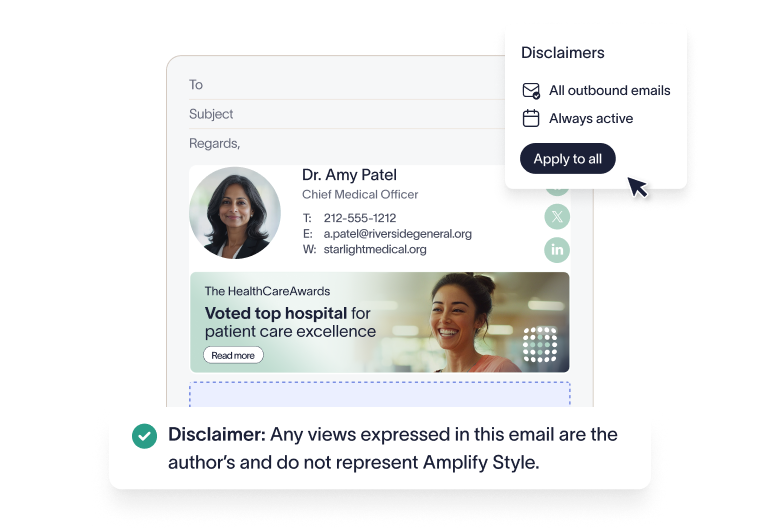
Disclaimers that vary in wording, length, or coverage—or that disappear entirely on reply chains.
Marketing banners that promote an event from three quarters ago.
Different signatures across desktop, mobile, and web clients: Often from the same employee.
That last one is worth pausing on. A single employee can send three differently formatted signatures in a single day depending on whether they’re using Outlook, Gmail, or their phone.
For a wider catalog of the formatting issues that fuel this kind of drift, our breakdown of 10 common email signature mistakes is a useful companion read.
Why do email signatures become inconsistent across your organization?
It's easy to read signature drift as a discipline problem: employees not following the brand guidelines. But it's almost always a structural one. The drift shows up wherever your setup leaves room for individual decisions, rather than standardizing and automating.
"Email signature drift isn't an employee compliance failure. It's what happens when the process that creates signatures leaves room for individual decisions. Most organizations only find out how bad the problem is when a client points it out, by which point there are usually hundreds of variations in circulation." James Wayne, Senior Product Marketing Manager
Common reasons for email signature drift include:
Employees own their signatures. When signature creation lives in each user's mail client, every employee builds, copies, or guesses at, their own. Hire 200 people, and you could end up with 200 signature variations.
No centralized template or templates that drift. A PDF template buried in a brand-guidelines folder is not a template anyone actually uses. Even when teams start consistently, signatures drift over time as people copy and paste from old emails or replace fields manually.
Mail clients render signatures differently. Outlook processes HTML using a Word-based rendering engine; Gmail and Apple Mail use their own implementations. A signature designed in Outlook may render with broken spacing in Gmail, lose images on mobile, or strip HTML formatting in reply chains.
Rebrands and reorgs. New logo, new tagline, new legal entity, new naming convention: every change triggers a fresh wave of inconsistency as some employees update and others don't.
Directory data is stale. If signature fields aren't synced to a source of truth such as Microsoft Entra ID, Google Directory, Active Directory, or Okta, contact information drifts the moment someone changes role, team, or office.
IT becomes the bottleneck. When updates depend on scripts, group policies, or one-off support tickets, signature management quietly becomes a constant drain on IT resources.
Standards documents help, but they don’t enforce themselves. For the rules that should sit underneath any signature program, our 17 signature dos and don’ts is a good place to start.
The hidden brand damage caused by inconsistent signatures
It’s tempting to dismiss signature variation as a cosmetic problem. It isn’t. Every email is a brand impression, and the damage stacks up across four areas.
How do inconsistent email signatures affect brand perception?
Buyers, partners, and candidates judge professionalism from small signals. When two people from the same company introduce themselves with different logos, fonts, and color palettes, a prospect who receives emails from three colleagues, each with a different logo treatment, font, or color palette, has no visual confirmation they're all from the same organization. Visual inconsistency erodes the perception your brand work is trying to build, and it does it without the recipient saying a word.
How do inconsistent signatures damage recipient trust?
A signature is a verification cue. Recipients use it to confirm who they're talking to and whether the message is legitimate. A mismatched or incomplete signature from someone they haven't dealt with before creates friction at exactly the moment you want confidence: in a new client introduction, a vendor negotiation, or a compliance inquiry.
What are the compliance risks of inconsistent email signatures?
In regulated industries, missing or inconsistent disclaimers carry real financial and legal risk. UK-registered companies must include their company registration number and registered office address in all business emails under the Companies Act 2006. Financial services firms regulated by the FCA or SEC face additional disclosure requirements on external communications. Healthcare organizations may need confidentiality notices related to protected health information under HIPAA. Organizations processing personal data in the EU or UK have corresponding obligations under GDPR. Required notices that appear on some emails but not others, or that vary in wording across departments, leave material gaps in legal coverage.
How do inconsistent signatures reduce email marketing ROI?
If you're running banner campaigns through email signatures, inconsistent adoption cuts your reach before a click is ever measured. Employees who haven't updated their template are still sending the previous campaign, or no campaign at all. Expired banners add another problem: current emails become ads for events that ended months ago. To make campaign performance measurable, track three things: the percentage of employees using the current banner, total sends from that group, and UTM-tagged clicks to the campaign destination.
Is it unprofessional to have different email signatures across your team?
Professional email etiquette is built on small signals: a clean closing, a consistent sign-off, an accurate title, a reliable way to verify who you’re dealing with. Inconsistent signatures undermine every one of them.
When sign-offs vary by employee, some warm, some cold, some absent, your brand voice fragments across the inboxes that matter most. A recipient who receives "Best, J." from one contact and a four-line marketing banner from another is being asked to reconcile two different versions of your company.
The cost compounds in customer-facing teams. Sales, support, and account management lean on email as the primary trust-building channel. A consistent signature reinforces credibility on every interaction, while a hand-rolled one chips away at it.
There’s also a real operational cost to leaving signatures unmanaged. The hours IT spends on signature scripts, ticket triage, and one-by-one updates add up quickly. Our breakdown of the hidden IT costs of manual signature management shows how this drains time and resources.
How do you manage email signatures for all employees automatically?
The fix for inconsistent signatures isn’t tighter policy documents or more onboarding reminders. It’s moving signature management out of individual mail clients and into a centralized system that applies signatures automatically.
Quick-reference: 5 steps to fix inconsistent email signatures |
|
A scalable program in detail
Centralize template creation. Design one set of approved signature templates that reflect your brand standards: logo, layout, contact fields, and legal disclaimers. Build them once, store them in one place, and stop relying on individual employees to recreate them.
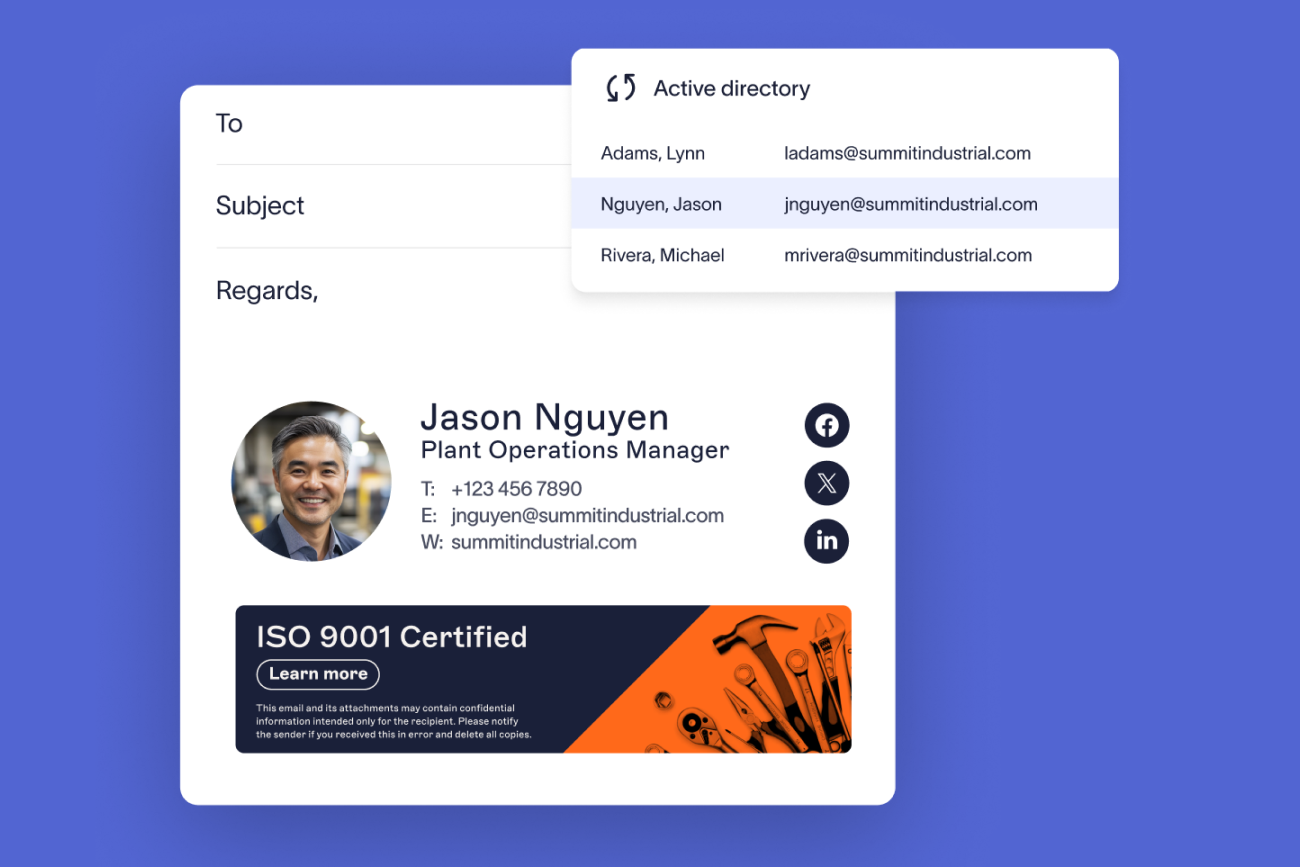
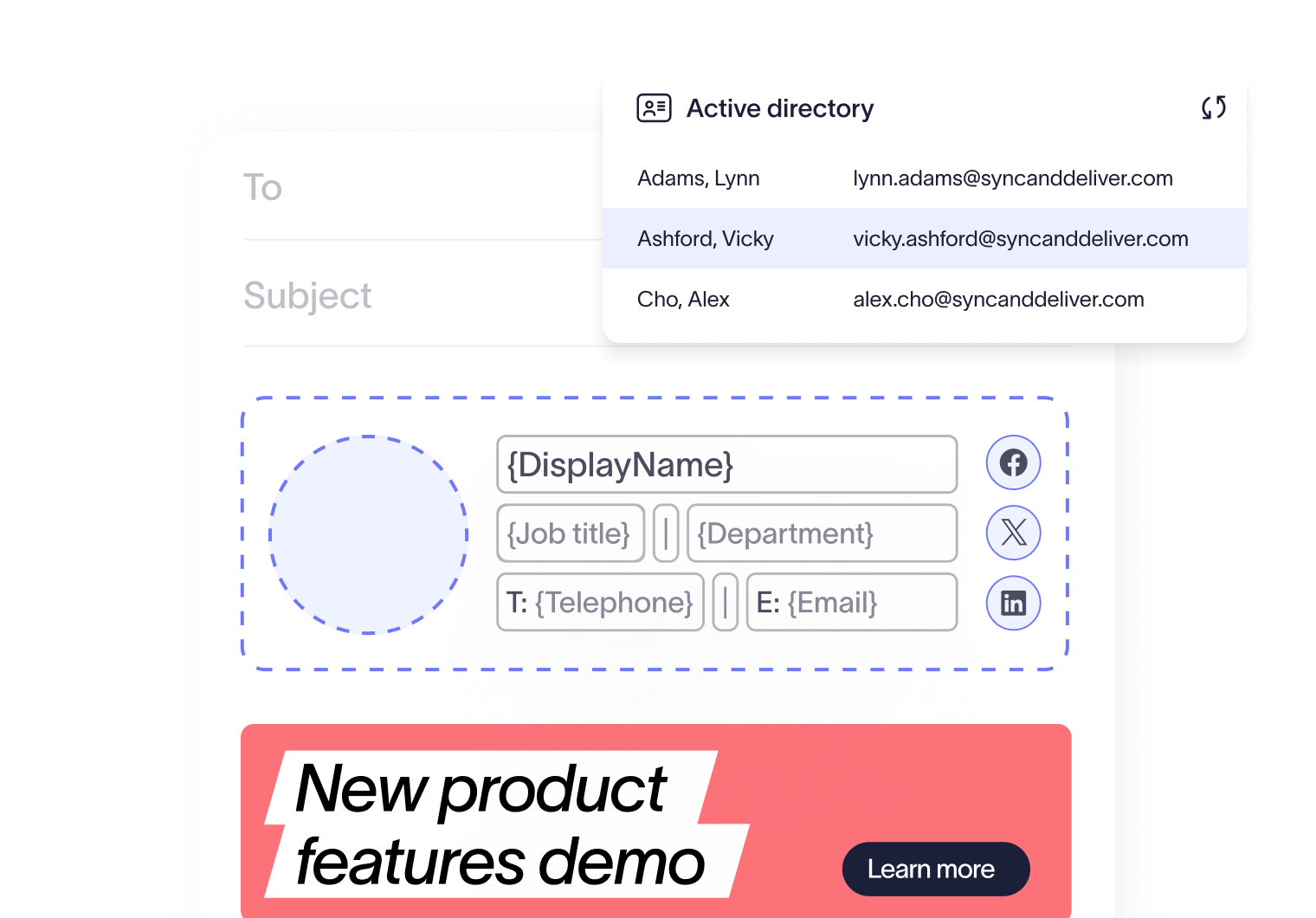
Connect templates to source-of-truth data. Pull user details, name, title, department, contact information, directly from your preferred directory (like Entra ID, Google Directory, or Okta), so signatures stay accurate automatically as people change roles or teams.
Apply signatures automatically. Centralized, automated signature management ensures the correct signature is added to every email, across every device and client. No more relying on employees to get it right, and no more wasting IT's time on manual fixes..
Use signature rules to handle relevance. Different teams, regions, and contexts may need different email signatures. Exclaimer's Signature Rules let you assign the right template based on criteria such as department, location, internal vs. external recipient, or campaign window, without creating sprawl.
Give marketing controlled access. Brand teams shouldn't have to file an IT ticket to swap a banner. Role-based access lets marketing manage templates and campaigns within boundaries IT defines, so updates can happen quickly without losing oversight.
Plan for rebrands and multi-brand reality. Many organizations operate more than one brand or acquire new ones. A central platform makes rebrands a same-day update rather than a six-month migration. For more on how that works, see our guides on keeping signatures consistent after a rebrand and managing multi-brand signatures.
Manual vs. centralized signature management
Aspect | Manual management | Centralized management | Metric to track |
|---|---|---|---|
Consistency | Varies by employee; prone to drift | Uniform across all employees and devices | % outbound emails matching approved template |
Compliance | Gaps in disclaimer coverage | Consistent legal notices on every email | Missing or incorrect disclaimers in monthly audit |
IT burden | Ongoing scripts, tickets, and troubleshooting | Set once, updates apply automatically | Signature-related support tickets per month |
Update speed | Days to weeks for full rollout | Instant, organization-wide changes | Time from change approval to full company rollout |
Brand control | Limited enforcement | Complete template governance | Active template variants in circulation |
How does Exclaimer standardize email signatures across a company?
Exclaimer is the centralized email signature management platform trusted by 80,000+ organizations worldwide. It turns every email your organization sends into a consistent, on-brand, compliant touchpoint.
From a single dashboard, you can design professional email signatures without code, sync user details directly from your directory via Microsoft Entra ID or Google Directory, apply email signatures automatically across Microsoft 365 and Google Workspace, and target the right email signature to the right context using signature rules.
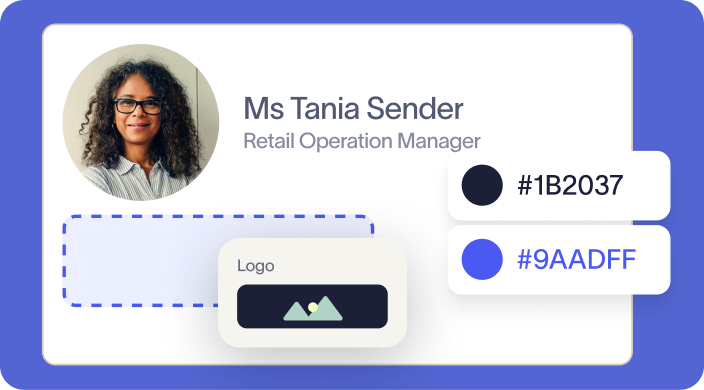
Brand Kits keep approved logos, colors, fonts, and disclaimers in one place, so brand updates roll out across every employee email at once: no scripts, no support tickets, no chasing. Marketing gets the controlled access it needs to run Campaigns. IT keeps oversight and stops being the bottleneck.
If brand consistency is the outcome you're being measured on, see how Exclaimer's brand consistency solution helps you guarantee it across every email your organization sends. Get an online demo today.