Dave is a marketing expert with 15 years experience in the tech and SaaS world. He specializes in educating IT and channel audiences, with a focus on security, privacy, compliance, and marketing technology. With a talent for storytelling and a deep understanding of the industry, Dave transforms complex IT topics into clear, engaging, and impactful narratives.
How to keep email signatures consistent after a rebrand
TL;DR
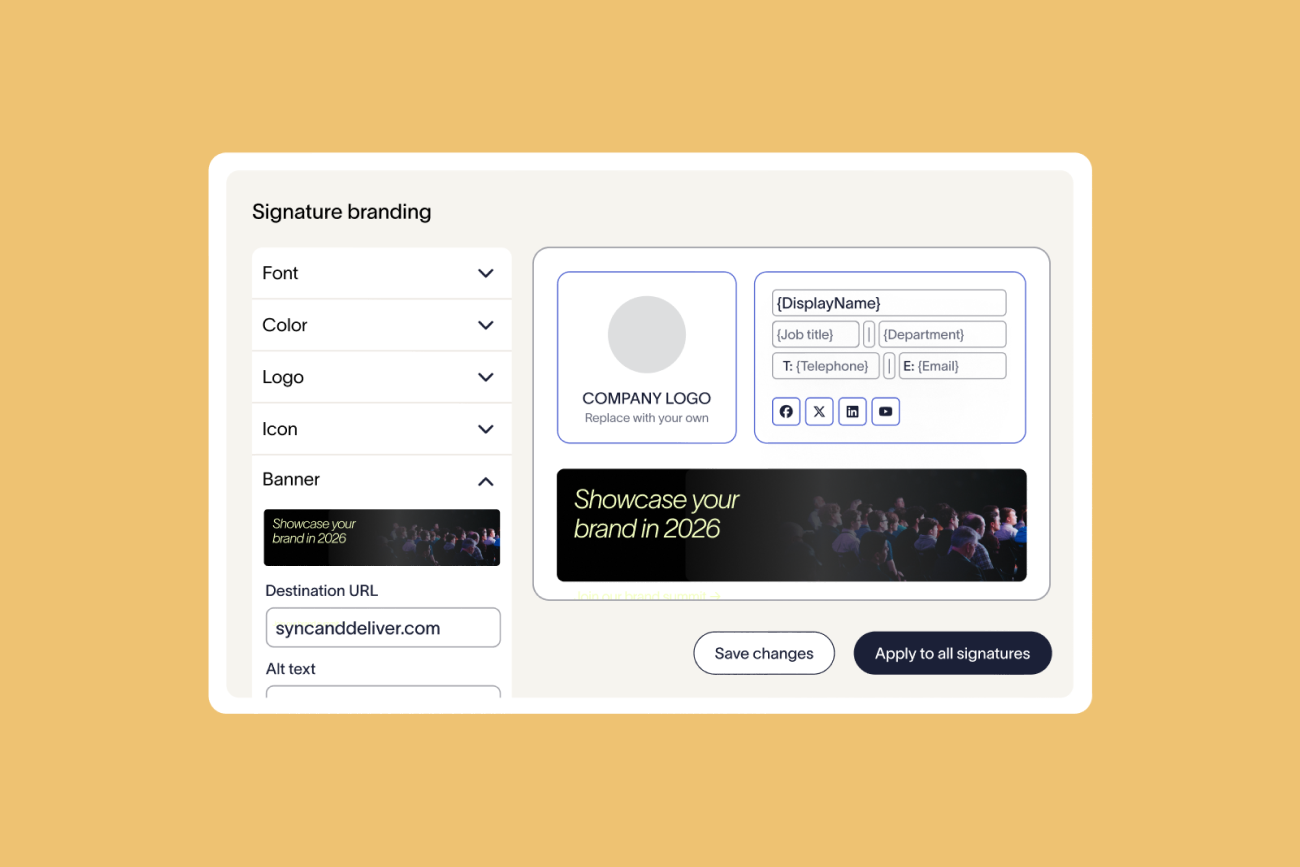
Old branding survives in email signatures unless you update every one at once, from one place, on the day the new brand goes live.
Use server-side deployment, which adds the email signature to messages as they leave the organization, so no employee's device is involved.
Pilot with one department first, then switch everyone over on a set date and delete the old template.
Check hosted images and legal disclaimers, because neither updates when employees update their email signature.
The new logo is live on the website and the social profiles. Then a customer forwards you an email from your own team, and the old wordmark is in the email signature. You can't easily tell how many more are out there.
Why do email signatures lag behind a rebrand?
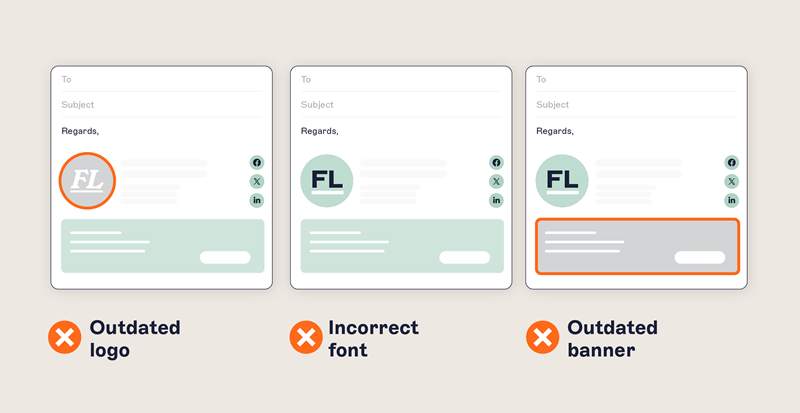
Email signatures lag behind a rebrand when companies leave the update to employees and split ownership across teams.
Exclaimer's State of Business Email 2025 report surveyed 4,009 IT professionals in the UK, US, Germany, and Australia (Censuswide, April 4 to 16, 2025). It found 80% of organizations still rely on manual methods or user self-service for email signatures. Only 55% say IT owns email signature management. The rest split that job across HR, marketing, and individual employees.
"Email signatures are a classic example. They're often left until late in the process, and they affect every single outbound communication the business sends."
Source: Exclaimer's October 15, 2026 webinar on rebranding and mergers and acquisitions

What goes wrong with email signatures after a rebrand?
Seven failures keep old branding in circulation after a rebrand. Server-side deployment applies the email signature as messages leave the organization.
Failure | Why it happens | What closes it |
Employees never update | 33% of IT professionals in Exclaimer's State of Business Email 2025 report said employees ignore email signature guidelines. | Apply the email signature at the server so employees have nothing to update. |
Employees break the design | At Ahtna, employees copied email signatures from colleagues, which caused formatting problems and broken HTML across email clients. | Let employees edit only their own details, like a phone number, and delegate the design to marketing within the permissions IT sets. |
Mobile email signatures stay old | Mail apps on phones, including iOS Mail and Outlook mobile, keep their own email signature setting. iOS Mail adds "Sent from my iPhone" by default until the employee changes it. | Server-side deployment covers mobile clients too, so the app setting on the phone no longer matters. |
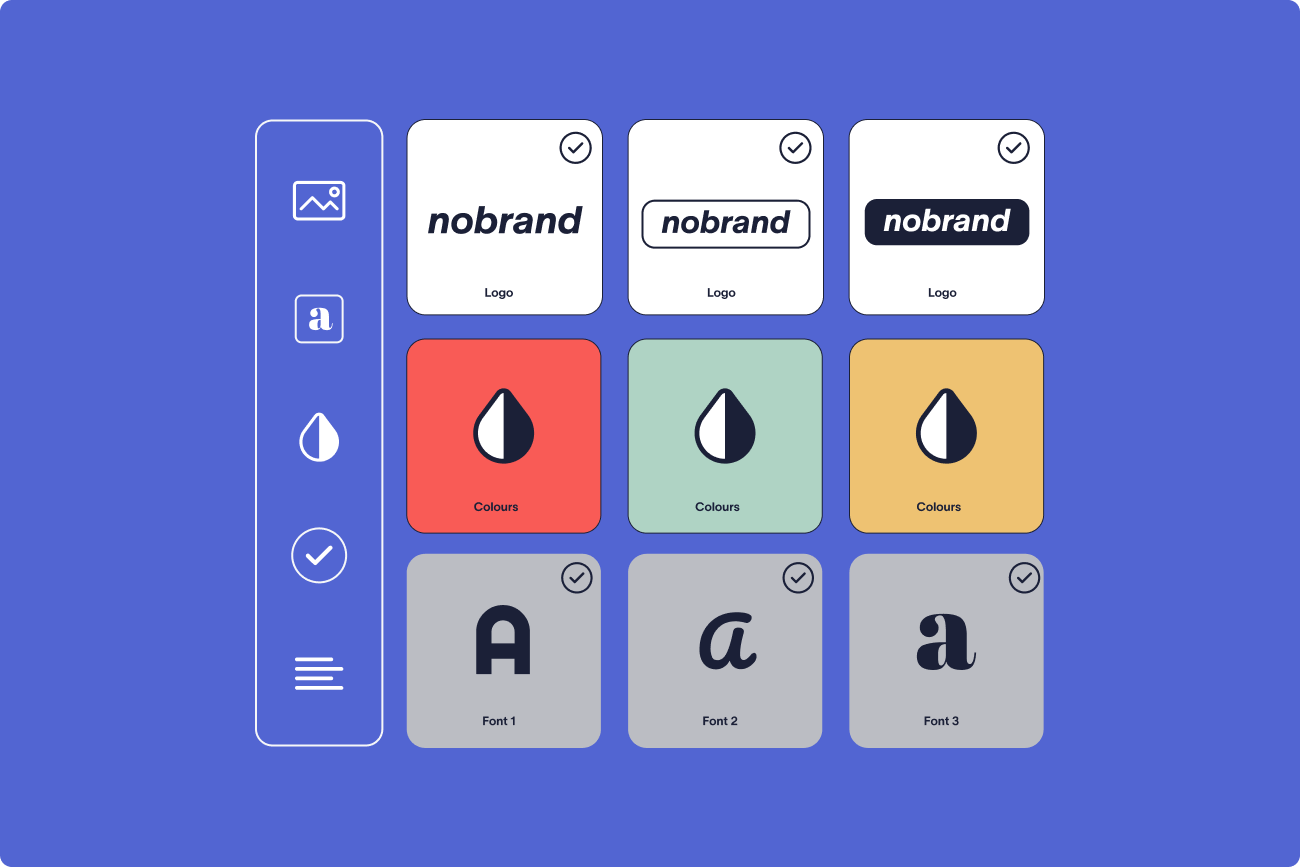
Old logos survive in images | Hosted images are linked from a web address, so the old image keeps loading until someone replaces the file. | Replace the file at that address, or keep images in a central store like Exclaimer Brand Kits. |
Disclaimers keep the old entity name | A Microsoft Exchange rule adds the disclaimer at the server, separately from the email signature employees create in Outlook. | Check every disclaimer against the new legal entity name before launch. |
Automatic replies keep old branding | Exclaimer can't add an email signature to automatic replies in Microsoft 365 or the Gmail Out of Office format. | Review automatic reply text during the pilot and ask employees to update it. |
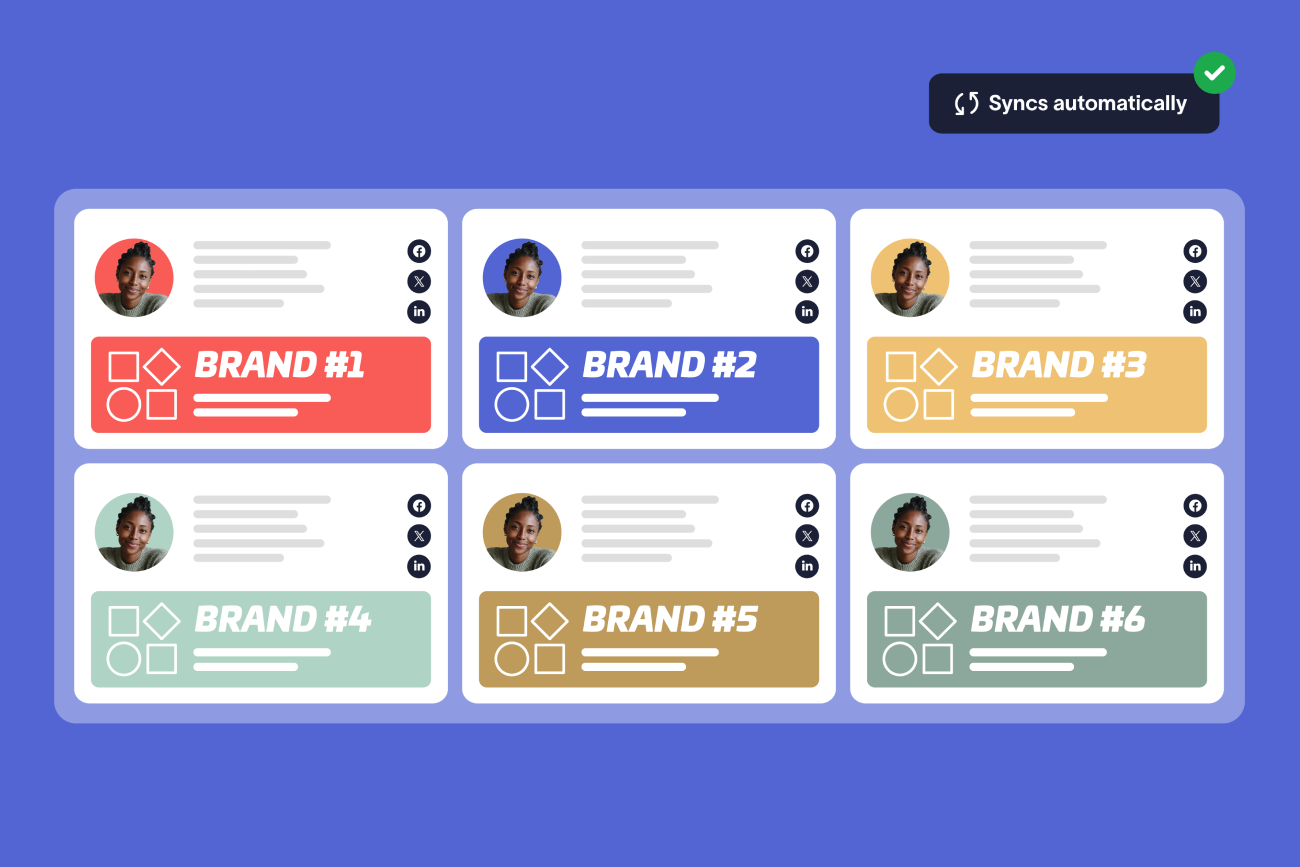
Subsidiaries and regions diverge | At Kersia International, employees across different countries and entities each managed their own email signature, which produced dozens of variations. | Run the rollout from one place with a rule for each variant. |
How long does old branding stay in circulation after a rebrand?
James Wayne, Exclaimer's Senior Product Marketing Manager, spoke at Exclaimer's webinar on rebranding and mergers and acquisitions. He said Exclaimer has seen "people using outdated branding years after these types of events occur" in its own customer base.
Exclaimer's State of Business Email 2025 report says email signature updates usually come after something breaks. Rebrands came last of the six triggers it lists, at 27%.
How do you roll out a rebranded email signature?
Pilot with one department, then switch everyone over on a set date.
Pull sample email signatures by department and region to see what employees send today.
Design the new template against the rebrand guidelines, fixing the logo placement, brand colors, typography, and spacing, and marking which fields are mandatory.
Write down each variant, such as a sales calendar link or a legal disclaimer, next to the rule that triggers it. In Exclaimer, Signature Rules assign each variant by department, region, or recipient.
Choose server-side deployment, which adds the new template to outgoing email on desktop, web, and mobile clients. Exclaimer's cloud solution can't add an email signature to:
Automatic replies in Microsoft 365 or the Gmail Out of Office format
Encrypted or digitally signed messages, and messages protected by Information Rights Management
Email a customer relationship management (CRM) system like Salesforce sends directly instead of through your mail servers
Messages over the Exclaimer plan's size limit
Push the template to one department as a pilot. Then send test emails inside and outside the company from every client its employees use. On Microsoft 365 that means Outlook, Outlook on the web, and Outlook mobile. On Google Workspace it means Gmail.
Schedule the switch for a set date and time, and remove the old template so nobody can paste it back.
Tip
Exclaimer's Diagnostics Logs show, for each send, why an email signature was or wasn't applied. Diagnostics Logs keep seven days of data, so review the pilot inside that window.
How have other organizations rolled out a rebranded email signature?
Vancity, a credit union in Vancouver with 2,600 email users, implemented Exclaimer in July 2025 and began with a pilot by a cross-functional team. The pilot expanded to brand champions, and Vancity completed its rebrand rollout across the organization in early 2026.
Shearwater Geoservices, a marine geoscience company with 1,200 employees, implemented Exclaimer across the organization in two weeks during a company-wide rebrand.
The Rugby Football League had been through a company-wide rebrand. Updating the email signatures of more than 200 staff by hand would often take up to four working days, according to its Exclaimer customer story.
What can Microsoft 365, Google Workspace, and Exchange do natively?
Microsoft 365, Google Workspace, and Exchange can add text to outgoing messages by rule. Microsoft's Exchange Server documentation points to third-party email signature software for anything more.
Capability | Microsoft 365 and Exchange mail flow rules | Google Workspace Append footer |
What it does | Adds a disclaimer, email signature, or other text to the top or bottom of messages | Adds footer text to outgoing messages |
Targeting | Conditions and exceptions, like sender group or recipient location | Organizational unit |
Images | Linked from a web address | Can't use images stored in Google Drive |
Microsoft 365
Microsoft 365 uses Exchange Online mail flow rules, which an Exchange admin creates in the Exchange admin center under Mail flow, then Rules. The text can use values from the sender, like title and department. Employees still create their own email signatures in Outlook. Our guide to native Microsoft 365 email signature tools covers where they fall short.
Google Workspace
In Google Workspace, admins use the Append footer setting in the Admin console, under Gmail compliance.
Microsoft Exchange
On-premises Exchange Server uses the same kind of mail flow rule. Microsoft's Exchange Server documentation says you need multiple rules to apply multiple disclaimers to one message. It also lists what these rules can't do. Examples include inserting the email signature directly under the latest reply or forward and showing it in Sent Items.
How do you govern email signatures after launch?
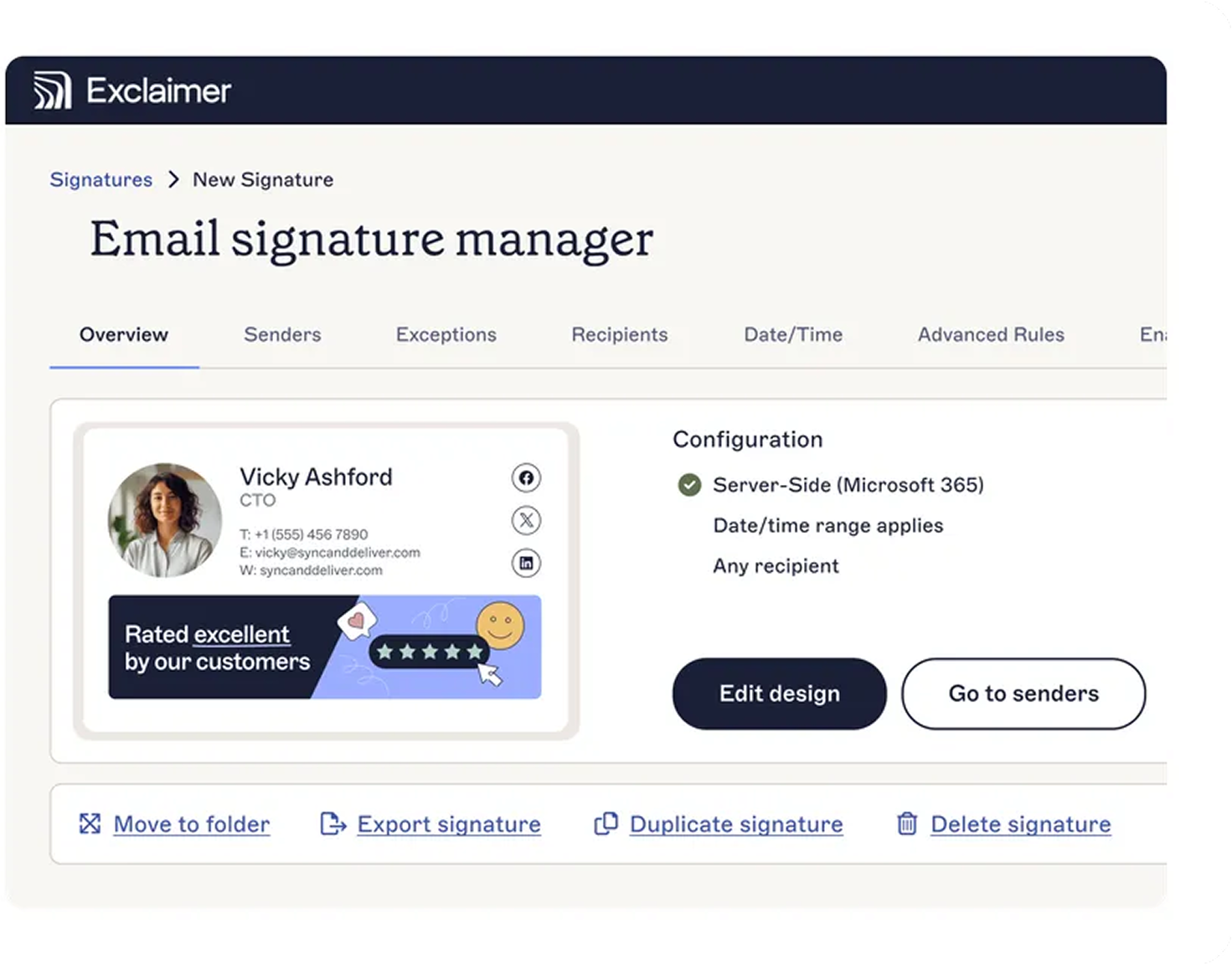
Keep a rebrand in place by giving someone ownership of the email signature process and setting up these controls:
One place where the approved email signature templates live.
Role-based permissions, so marketing can update banners and visual elements while legal owns the disclaimer text.
Directory sync from Microsoft Entra ID or Google Workspace Directory, so contact details update when people join, leave, or change roles.
A log of who signed in to the platform, and when.
In Exclaimer, employees can't edit or remove disclaimers a rule applies on the server.
How does Exclaimer apply a rebranded email signature?
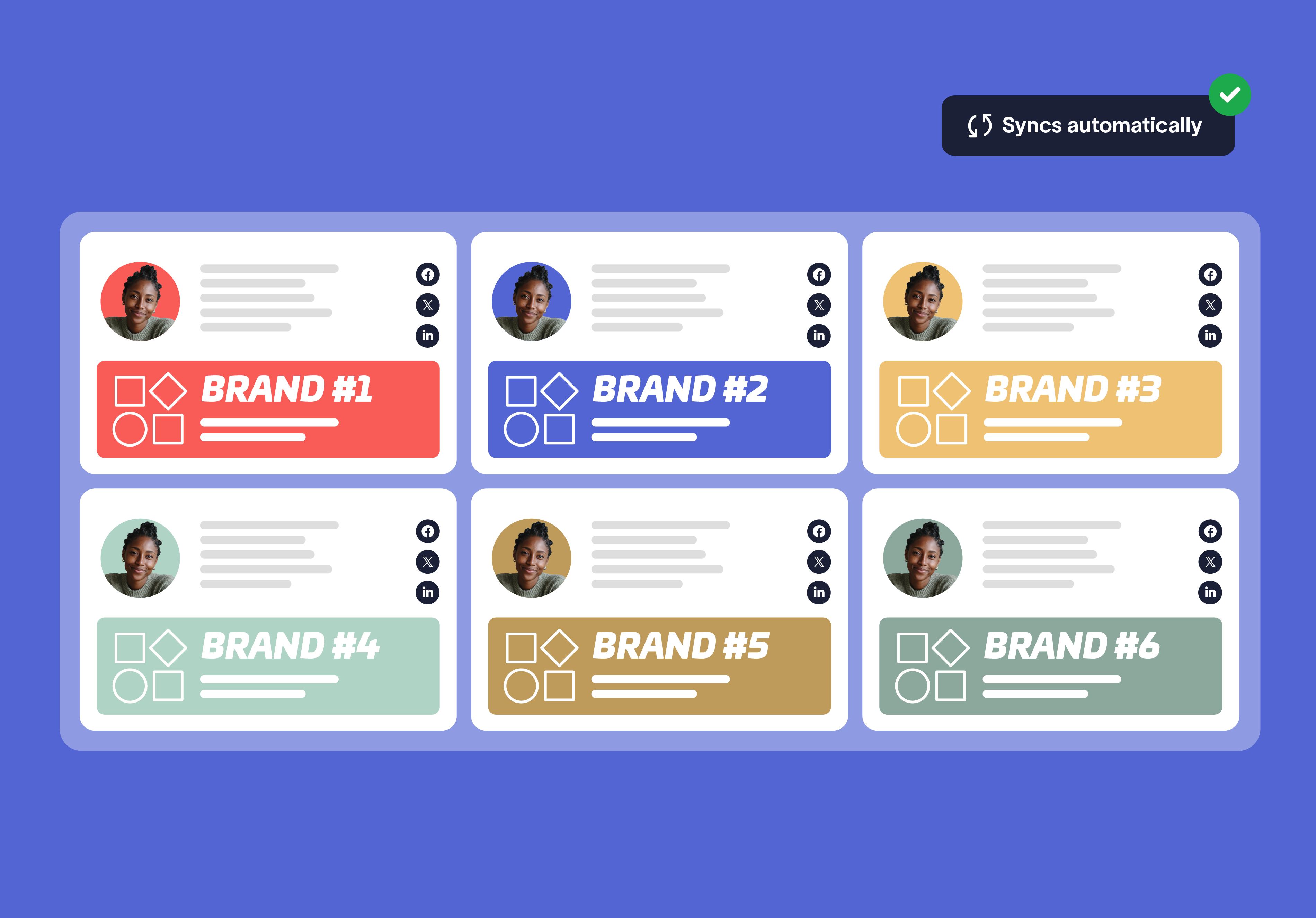
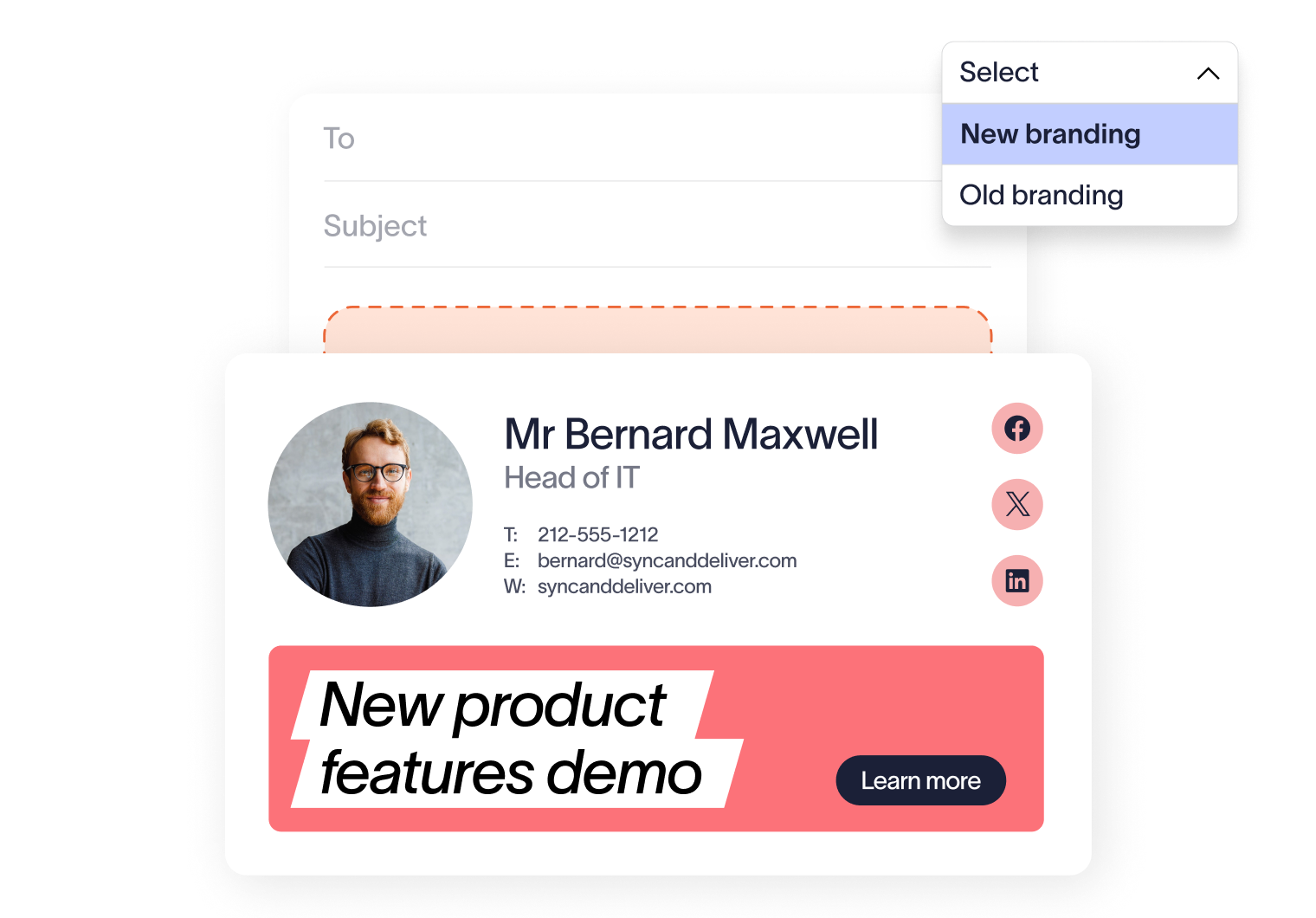
A Brand Kit holds the logo, and a logo updated in the Brand Kit changes everywhere the kit is linked. Server-side deployment adds the email signature to outgoing email on Microsoft 365 and Google Workspace, with four exceptions.
For the setup steps in Exclaimer, see how to manage email signatures after a rebrand with Exclaimer. If the rebrand follows a merger or acquisition, see how to manage email signatures after a merger with Exclaimer. IT teams building the business case can use our breakdown of email signature costs for IT teams to put numbers on the manual work.
Book a demo to see a rebranded email signature go live across your Microsoft 365 or Google Workspace environment.