How to manage email signatures for growing companies with Exclaimer
7 April 2026
0 min read
TL;DR
Apply and update email signatures for every user from one centralized platform
Use rules to assign the right email signature based on role, region, or scenario
Sync directory data to keep contact details accurate across all email signatures
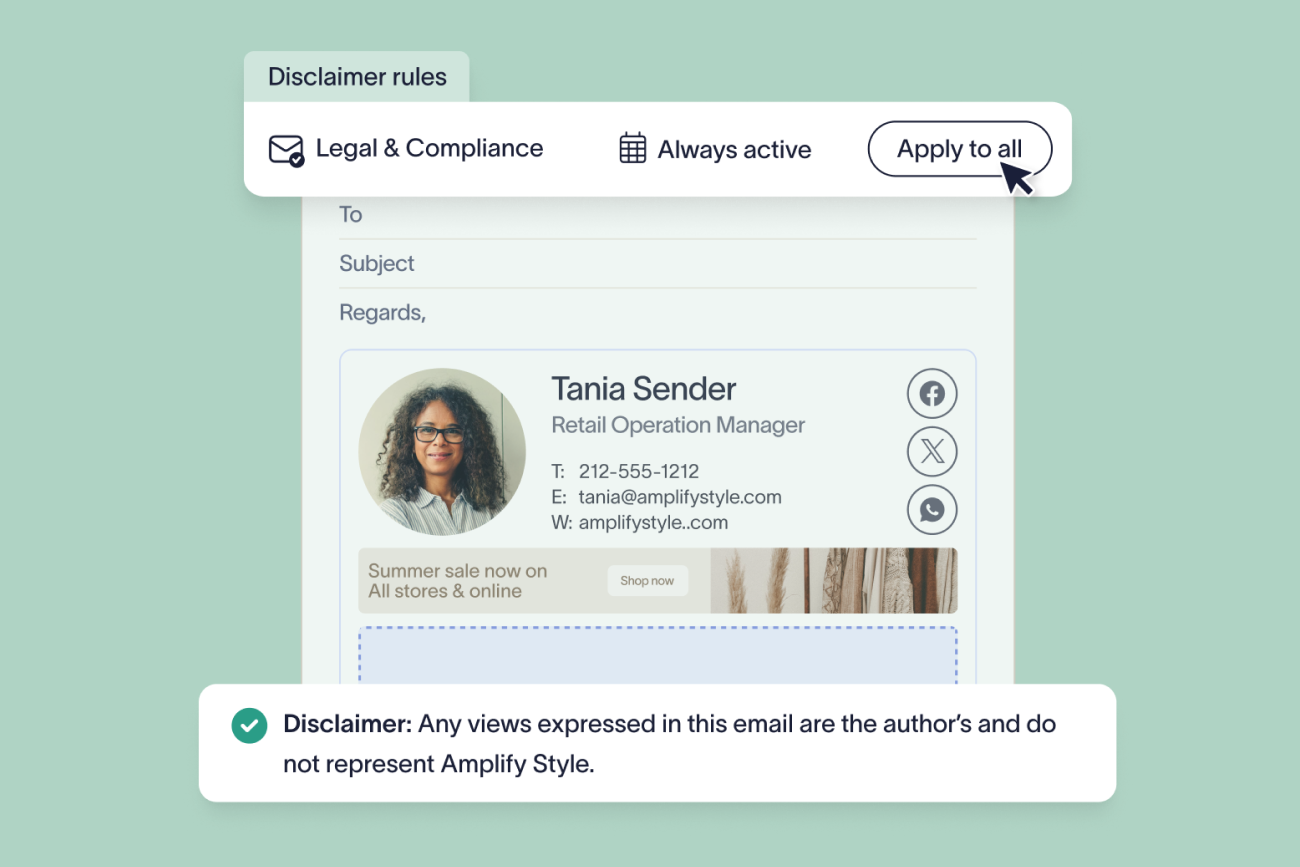
Automatically apply disclaimers to support compliance across every email
Ensure consistent email signatures across desktop, web, and mobile devices
Remove manual updates and user dependency to reduce IT workload
As companies grow, email becomes one of the most widely used and visible communication channels across the business. Thousands of emails are sent every day across teams, regions, and devices, making each one a direct reflection of your brand.
Most organizations invest in brand guidelines and campaigns to keep messaging consistent, but email signatures are often left unmanaged. They’re controlled by individual users, formatted differently across devices, and updated manually. That makes it difficult to maintain consistency, apply disclaimers correctly, or roll out changes across the entire organization.
As headcount and email volume increase, these issues become more visible. Outdated job titles stay in circulation, branding varies between teams, and signatures don’t display properly across mobile and desktop. There’s also no clear visibility into what signatures are being used or whether emails meet company standards.
Exclaimer’s solution gives you centralized control over email signatures, allowing you to apply standardized templates, automate updates, and manage branding and disclaimers across all users.
This guide explains how to manage email signatures at scale with Exclaimer as your company grows, so every email stays consistent, compliant, and aligned with your brand.
Scaling email signature management with your business
The value of centralized email signature management becomes clearer as businesses grow. While every organization benefits from consistent branding, compliance support, and simplified processes, the reasons for adopting a centralized system vary by size and complexity.
Small business
For small businesses, resources are limited and teams are lean. IT often handles everything from software setup to compliance, making time a critical factor.
Email signature issues may not be top of mind, but when left unmanaged, they damage the credibility of every external communication.
Common challenges:
Inconsistent formatting across employees.
Outdated contact information or branding.
Manual updates for every new hire or role change
Mid-sized business
As businesses grow beyond 100–1,000 users, different departments start to make their own requests. Marketing wants to run promotional banners, Legal needs to maintain email disclaimers, and HR wants updated titles across signatures.
Without a centralized system, these requests fall back on IT, causing delays.
Common challenges:
IT becomes the bottleneck for every small change.
Teams use outdated or mismatched branding.
Email signature campaigns lack visibility or performance tracking.
Enterprise organizations
Large enterprises often manage multiple email domains, brands, and regulatory environments. Email signature consistency is difficult to maintain when teams operate across time zones, departments, and platforms.
Custom scripting or native tools might have worked in the past, but at this scale, they break down.
Common challenges:
Multiple brands require separate designs and disclaimers.
Legal requirements differ by geography and need frequent updates.
Mobile devices and third-party platforms introduce formatting issues.
No clear insight into who is using which signature, or whether any are missing.
How to manage email signatures at scale with Exclaimer
Managing email signatures at scale with Exclaimer means creating templates once, syncing user data automatically, and applying signatures across every user, device, and region from a central platform.
 To do this effectively, you need control over design, user data, targeting, and rollout—areas that Exclaimer brings together in a single platform.
Step 1: Create and standardize signature templates
Use Exclaimer’s drag-and-drop editor to build templates that include your approved layout, branding, and structure.
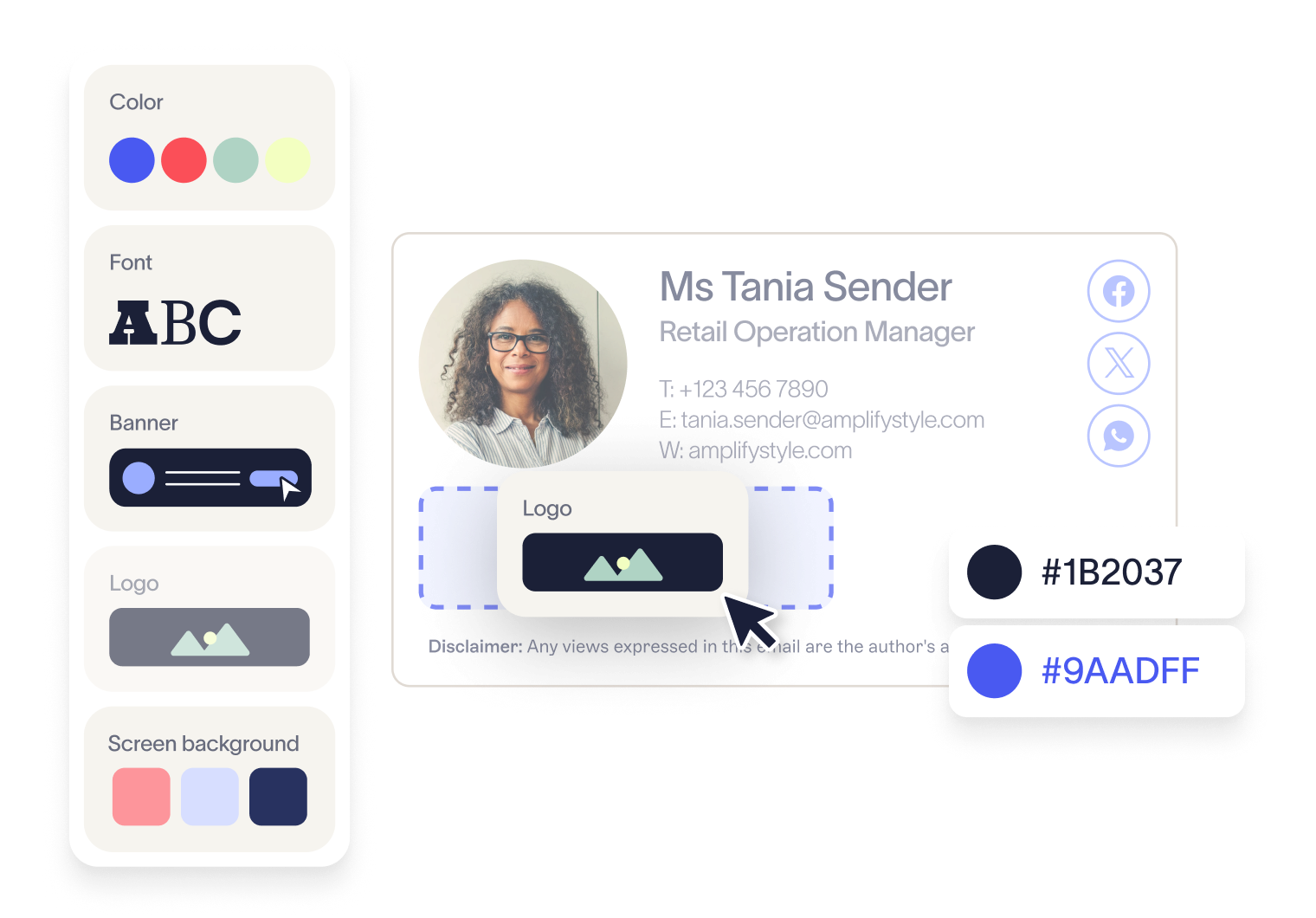
Brand Kits allow you to store logos, colors, fonts, and icons in one place. These assets can be applied across all templates, so updates don’t require editing each template individually.
For example, if your company updates its logo or brand colors, you can update them once in a Brand Kit and apply the change across all signature templates automatically.
Templates can be locked to prevent users from changing formatting, keeping every signature consistent regardless of who sends the email.
Step 2: Sync user data automatically
Email signatures depend on accurate employee information. As your company grows, keeping this updated manually becomes difficult.
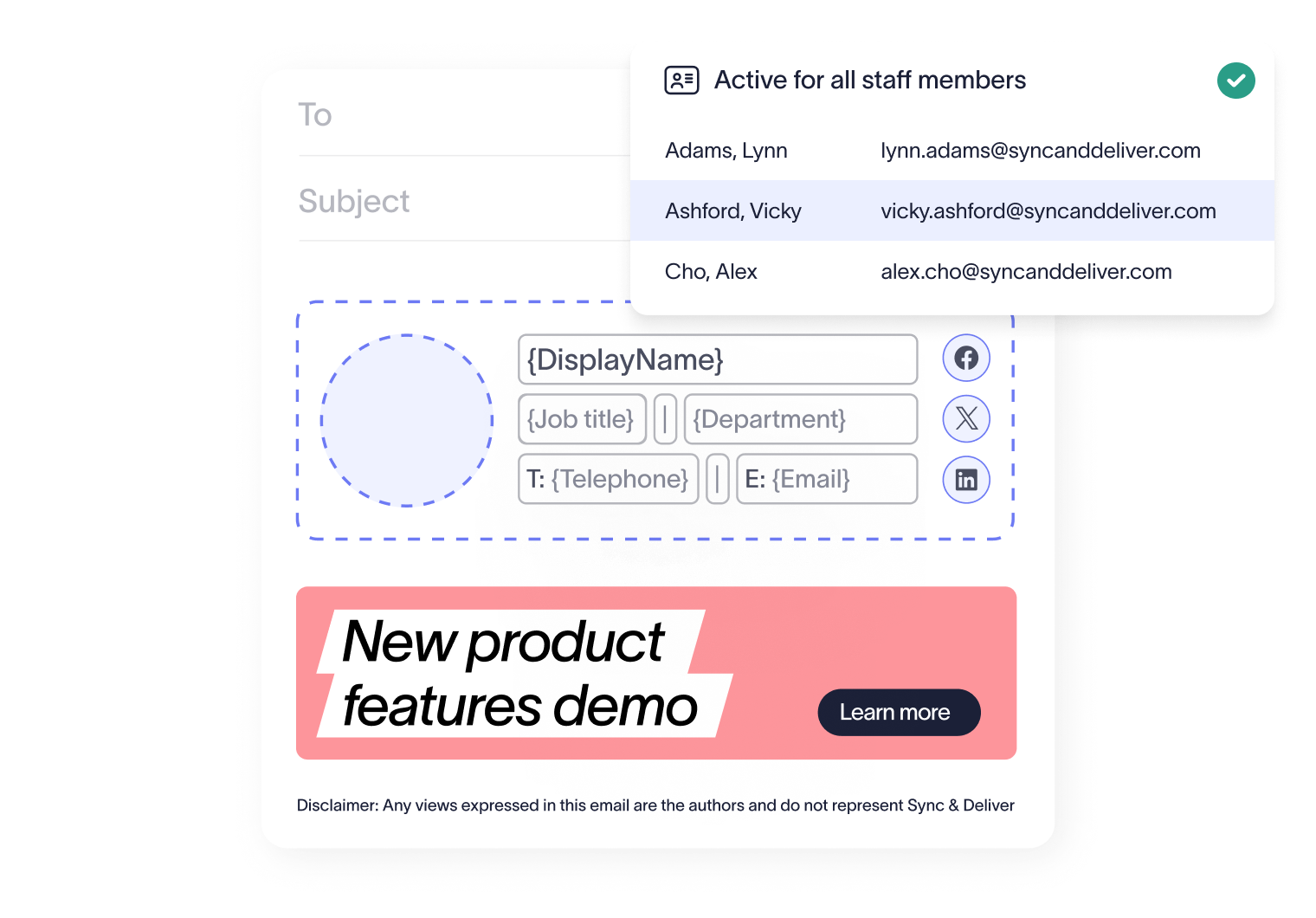
Exclaimer connects directly to Entra ID (Azure AD) and Google Directory to pull user data into signatures, including names, job titles, departments, and contact details.
When user data changes, signatures update automatically without requiring manual edits.
Step 3: Apply signatures using centralized rules
At scale, different users require different signatures. This includes variations by region, department, or brand.
Exclaimer uses signature rules to assign templates based on user attributes such as role, location, or domain.
For example, you can:
Apply region-specific disclaimers automatically
Assign different templates to business units or subsidiaries
Control internal and external email signatures separately
Rules run automatically, so each email includes the correct signature without relying on user setup.
Step 4: Deploy signatures across all users from one platform
Rolling out updates manually across users is time-consuming and difficult to manage.
With Exclaimer, signature updates are made once and applied across the entire organization from a central platform.
Changes roll out to all users at the same time, removing the need for individual updates or device-level configuration.
This allows IT to manage email signatures across hundreds or thousands of users without increasing operational effort.
Step 5: Apply signatures consistently across every device
Employees send emails from desktop, mobile, and web clients. Signatures need to display correctly in every case.
Exclaimer uses server-side deployment to apply signatures after an email is sent.
This ensures:
Every email includes the correct signature
Formatting stays consistent across all devices
Users can't override or remove signatures
Step 6: Maintain control with role-based access
Exclaimer uses role-based access controls (RBAC) to define who can edit different parts of a signature.
For example:
Marketing can update banners and campaign content
Legal can manage disclaimers
HR can maintain user fields
IT retains control over templates, rules, and structure, while other teams manage approved elements within defined limits. This removes IT as a bottleneck while maintaining governance across teams.
Step 7: Update messaging and campaigns without manual rollout
Email signatures can be used to deliver messaging across the entire organization.
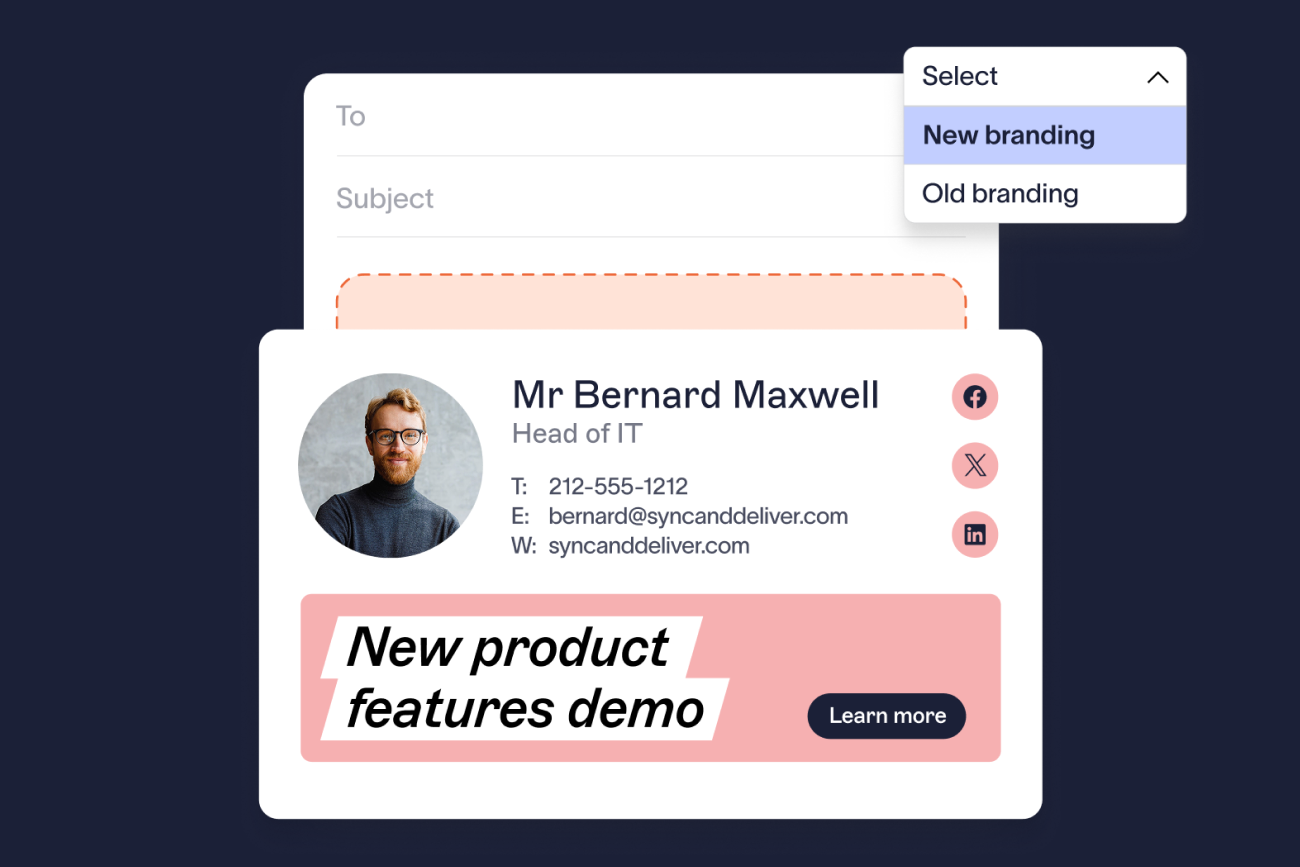
With Exclaimer, you can add campaign banners or content to templates and update them centrally without requiring user action.
For example, you can:
Promote events or campaigns across all employee emails
Update messaging for specific regions or teams
Replace or rotate banners without editing individual signatures
Updates are applied automatically across all users, ensuring consistent messaging without additional workload.
Benefits of Exclaimer vs manual email signature management
As your company grows, email signature management becomes harder to control. More users, more devices, and more requests introduce complexity that manual processes can’t keep up with.
 Exclaimer replaces that with a centralized system that scales with your business, keeping email signatures consistent, accurate, and controlled as headcount and communication volume increase.
Here’s how that difference shows up as your organization expands.
Centralized control as headcount increases
As more employees join, managing signatures individually leads to variation in formatting, branding, and structure. The larger the organization, the more visible these inconsistencies become.
With Exclaimer:
Manage email signatures from one platform as your user base grows
Apply standardized templates across teams, regions, and business units
Lock layouts, fonts, and logos using Brand Kits
Roll out updates across the entire organization at once
Manual management:
Each user manages their own signature
Inconsistencies increase as headcount grows
Updates rely on individual action
No scalable way to enforce standards
Automated updates that keep pace with change
Growth brings constant change—new hires, promotions, restructures, and team expansions. Manual updates quickly fall behind.
With Exclaimer:
Sync user data from Entra ID or Google Directory
Update job titles and contact details automatically as changes occur
Apply updates across all signatures without manual edits
Maintain accuracy as the organization changes
Manual management:
Requires updates for each individual user
Outdated information remains in use
IT workload increases with every change
Accuracy becomes harder to maintain over time
Consistent email signatures across more devices and locations
As companies scale, employees work across more devices, locations, and environments. This increases the risk of inconsistent signature formatting.
With Exclaimer:
Apply signatures consistently across desktop, mobile, and web
Maintain formatting regardless of how emails are sent
Prevent users from overriding templates
Deliver a consistent experience across global teams
Manual management:
Signatures vary by device and email client
Formatting issues increase with remote and mobile use
Users can override or remove signatures
IT spends more time resolving display issues
Managing multiple teams, regions, and brands
As organizations grow, they expand across regions, departments, and business units. Each may require different signatures, disclaimers, or messaging.
With Exclaimer:
Assign signatures based on department, role, or location
Apply region-specific disclaimers automatically
Support multiple brands or subsidiaries
Manage variation without adding manual work
Manual management:
Difficult to manage multiple templates at scale
Requires manual assignment and updates
Inconsistent application of disclaimers
Complexity increases with each new team or region
Scaling without creating IT bottlenecks
Growth increases the number of requests from Marketing, Legal, and HR. Without the right structure, IT becomes responsible for every update.
With Exclaimer:
Allow teams to manage their own content as the organization grows
Reduce dependency on IT for routine updates
Maintain control while enabling collaboration
Support faster rollout of campaigns and compliance updates
Manual management:
IT handles most updates
Requests increase as the company grows
Delays become more common
IT workload increases alongside the business
Rolling out updates across a larger organization
As the number of users increases, manual rollout becomes slower and harder to manage. Updates may be missed or applied inconsistently.
With Exclaimer:
Deploy updates across all users at once
Roll out new templates or changes without delay
Maintain consistency across large teams
Avoid gaps during rollout
Manual management:
Requires individual updates per user
Slows down as the organization grows
Higher risk of missed updates
Difficult to maintain consistency at scale
Reducing admin as complexity increases
Manual email signature management creates more work as your company grows. Each new user or update adds to the workload.
With Exclaimer:
Apply updates automatically across all users
Reduce support requests as scale increases
Remove repetitive manual tasks
Maintain control without increasing workload
Manual management:
Requires ongoing manual updates
Creates support overhead for IT
Increases risk of inconsistencies
Reduces time available for higher-priority work
Capability comparison
Exclaimer | Manual management | |
Scalability | Built to support growing organizations | Breaks down as headcount increases |
Deployment | Centralized and automatic | User-dependent |
User data updates | Directory sync (Entra ID / Google) | Manual updates |
Device consistency | Server-side application | Inconsistent |
Template control | Locked templates and Brand Kits | User-controlled |
Targeting | Rules by role, region, and team | Limited |
Compliance | Automated disclaimers | Inconsistent |
Admin effort | Stable as you scale | Increases with growth |
Turn email signatures into a controlled, scalable communication channel
Email signatures are already part of every interaction your business has. As your company grows, they become more visible. But without control, they remain inconsistent across users, devices, and regions.
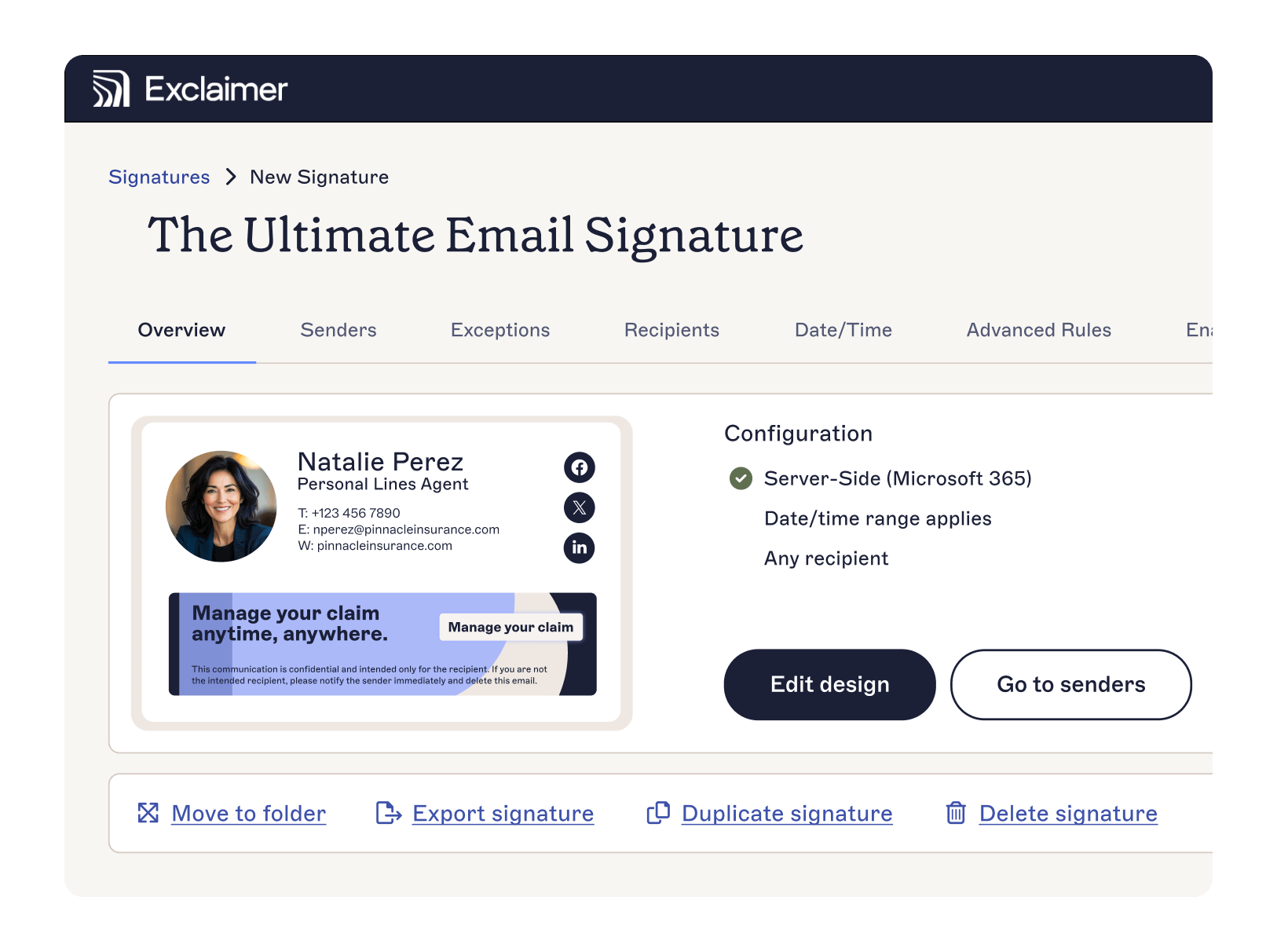
Exclaimer brings structure to that. Emaiol signatures are managed centrally, applied automatically, and kept aligned with your brand, user data, and compliance requirements across the entire organization.
IT doesn’t need to manage individual updates or fix formatting issues. Templates, rules, and directory sync handle how signatures are created and applied, so consistency is maintained as the business scales.
See how Exclaimer can support your organization as it grows and how quickly you can take control of email signatures across every user. Book a demo today.