James is an experienced product specialist with a strong background in the IT and SaaS industry. As Senior Product Marketing Manager at Exclaimer, he plays a key role in showcasing the value of centralized email signature solutions and transforming them into a powerful communication tool for organizations.
Branded video call backgrounds: Exclaimer Meeting Branding vs Zoom's built-in controls

Key takeaway
Zoom's native background controls cover one platform well: admins can approve images, lock the setting, and block personal uploads.
Native controls stop being enough once you run more than one meeting platform, need names and job titles to stay accurate on their own, or want a change to apply everywhere at once.
Exclaimer Meeting Branding manages Zoom, Microsoft Teams, and Google Meet from one template, personalized per employee straight from your existing directory data.
For existing Exclaimer email signature customers, Meeting Branding uses that same directory connection, so there's no extra setup.
Join a video call today and the backgrounds rarely match. One person shows up against a tidy bookshelf, another against a cluttered kitchen counter. A third has no name or title visible at all, against a background that has nothing to do with the company they work for. Nobody planned it that way. It's just what happens when video backgrounds are left to individual choice.
Video calls are now a core channel for client meetings, interviews, sales demos, and internal collaboration. In Exclaimer's State of Business Email research, 89% of IT professionals said video conferencing is important to their business.
For organizations that care about a consistent presence, two options come up most often: lock down Zoom's built-in virtual background settings, or use a dedicated tool like Exclaimer Meeting Branding. The right choice depends on how many platforms you run and how much personalization matters. This comparison lays out where each one holds up, and where it doesn't.
What Zoom’s built-in background controls actually do
Zoom includes virtual backgrounds out of the box, and admins get a reasonable amount of control from the web portal.
As an admin, you can:
Turn virtual backgrounds on at the account or group level, under In Meeting (Advanced) settings.
Upload a set of company-approved images and push them to the whole account or to specific groups, using Manage virtual backgrounds.
Block custom uploads, so users can only choose from your approved set.
Lock the setting at the account level, so groups can't change it.
Set a default background for a group of users.
All of this lives inside Zoom, managed from the web portal. For the exact click-by-click admin steps, see our guide to deploying branded backgrounds across Zoom and Teams.
What Exclaimer Meeting Branding does differently
Exclaimer Meeting Branding takes the centralized control IT already uses for email signatures and applies it to video calls. It was the first feature of its kind from an email signature management provider, and it's built around two ideas the native controls don't cover: personalization and cross-platform reach.
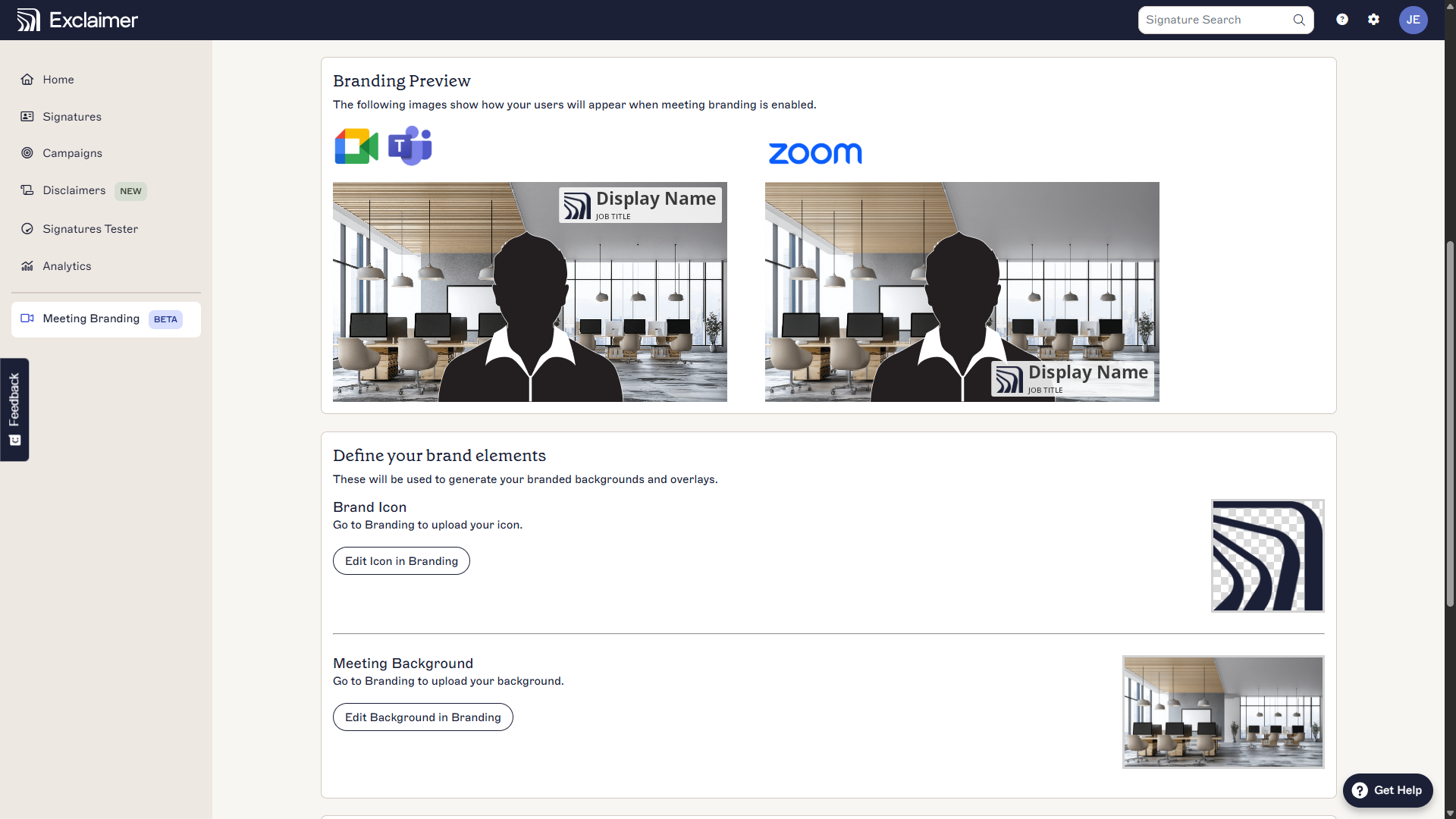
It's also become Exclaimer's fastest-adopted Pro-tier feature to date, launched a little over a year ago.
One design personalizes per employee automatically. Upload your logo, background image, fonts, and colors into a Brand Kit, and Exclaimer combines it with synced user data to generate a personalized theme for everyone.
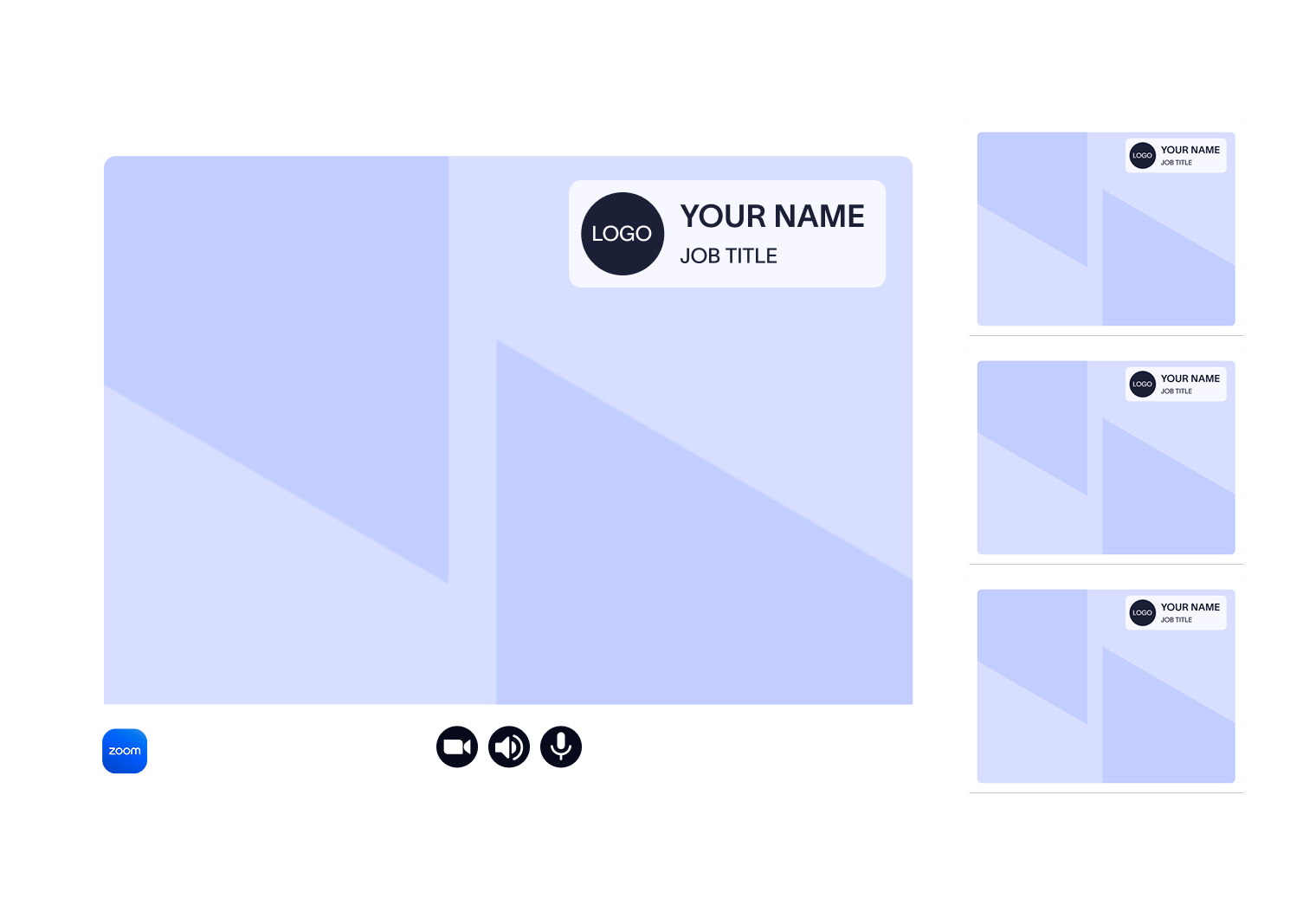
Name tags pull from your directory. Each background overlay shows the person's display name and job title, so participants know who they're talking to, even on larger or cross-functional calls.
It works across Zoom, Microsoft Teams, and Google Meet from one place. Zoom automates deployment through the Meeting Branding by Exclaimer app, so each user authorizes once. Teams and Google Meet need one manual step. Downloading the personalized theme from the User Details Editor and applying it through the platform's own background settings.
Updates roll out automatically. Change the template once and it deploys across the organization, including when someone's name or job title changes. Zoom updates on its own; other platforms just need a re-download.
Templates stay locked against unauthorized edits, while still updating automatically whenever user details change.
There's no separate setup if you're already an Exclaimer customer, because it uses the same directory connection as your email signatures.
The core differences, side by side
Capability | Zoom built-in controls | Exclaimer Meeting Branding |
Platforms covered | Zoom only | Zoom, Microsoft Teams, Google Meet |
Per-employee personalization | No, the same image is shared | Yes, each theme is generated from directory data |
Name and job title on screen | Standard name display only, not part of the background | Overlay shows display name and job title, plus your logo |
Updating backgrounds | Re-upload in the portal, users may need to reselect | Change the template once, it rolls out automatically |
Blocking off-brand visuals | Disable custom uploads and lock the setting | Template locking prevents unauthorized changes |
Directory sync | No | Yes, the same connection used for email signatures |
Setup | Built into Zoom, managed in the web portal | Connect your directory, add the Zoom app for automation |
When Zoom’s built-in controls are enough
Zoom's native settings do the job if your organization runs on Zoom alone, has a small team, and just wants a clean shared background with the option to block personal uploads. They're free and built in, with no extra app to deploy, so there's little reason to add a separate tool.
The native approach starts to strain when you add scale, multiple platforms, or the need for any per-person detail. A static image can't tell a client who's speaking, and it can't keep itself current when someone changes roles.
When Meeting Branding makes more sense
Exclaimer Meeting Branding fits organizations that want consistency to hold up across every call, not just the Zoom ones. That's the case if:
You run meetings on more than one platform. Teams, Zoom, and Google Meet stay aligned from a single template instead of three separate sets of settings.
You have frequent external calls. Sales, customer success, and recruitment teams making first impressions benefit from name tags and a recognizable brand on screen.
You're rebranding, running a campaign, or facing a compliance change. Update the design once and it rolls out everywhere, instead of re-uploading images platform by platform.
You want the details on screen tied to real people. Names and job titles stay accurate because they're synced from your directory, not typed into a static file.
You already use Exclaimer for email signatures. The directory connection is already there, so Meeting Branding adds video with no new setup.
Once consistency has to hold across platforms and stay current as people change roles, managing it by hand stops being realistic.
One standard across every channel
Most companies already hold email to a clear standard. Video calls are just as public and just as visible to clients, yet they rarely get the same level of attention.
 Managing video backgrounds the manual way doesn't scale, and platform-by-platform settings leave gaps. Bringing email and video under one platform gives IT teams a single place to set the standard and business teams a consistent, recognizable presence wherever they connect. With 25 years in email signature management and 80,000+ organizations worldwide using Exclaimer, that's the same control teams already trust, now applied to the camera.
Meeting Branding is included with your Exclaimer Pro plan and available during the 14-day free trial, so you can see how your team shows up before committing.