Unlock unmatched sales potential with Exclaimer's email signature solution
2 April 2026
0 min read
TL;DR
Apply targeted email signatures based on deal stage, audience, or campaign using centralized rules
Sync CRM data to personalize messaging across all sales emails automatically
Manage and update every sales signature from one platform without relying on reps
Run campaigns and promote content directly through email signatures
Remove manual updates while keeping branding, messaging, and disclaimers consistent
Use analytics, banner rotation, and A/B testing to improve engagement over time
Sales teams rely on email to move deals forward, but the way email signatures are managed often works against that. Most signatures are static, inconsistent, and controlled by individual users. That makes it difficult to keep messaging aligned, roll out updates quickly, or support campaigns across the entire team.
As email volume increases, these gaps become more visible. Outdated content stays in circulation, branding varies between reps, and there’s no clear way to control or measure what’s being sent.
Email signatures are one of the few channels present in every sales interaction, but they’re rarely managed or used strategically. Exclaimer provides centralized control over email signatures, allowing you to apply targeted messaging, automate updates, and align signatures with sales campaigns across all users.
This guide explains how to use Exclaimer to enable your sales team, so every email supports consistent outreach, campaign execution, and pipeline progression.
Aligning targeted email signatures with sales goals
Understanding sales targets and objectives is the first step toward aligning email signature messaging. Only then can you create targeted email signatures that align with your sales goals.

With Exclaimer, you can guarantee that content offers, promotions, and CTAs align with each funnel stage.
Top of funnel: Driving awareness and engagement
At the awareness stage, prospects are exploring and might not yet realize they have a problem. Therefore, they’re not likely to be in contact with your sales team. So, you need to create and serve interesting content for your Ideal Customer Profile (ICP) instead.
Design targeted email signatures that help create brand awareness, educate , and build trust by including:
Educational resources – Whitepapers, eBooks, or industry reports.
Blog articles – Insights on relevant pain points and solutions.
Event and webinar invitations – Opportunities to see thought leadership sessions, network, and take part in industry discussions.
Middle of funnel: Nurturing and building trust
Once prospects are evaluating options, they need proof that your solution is the right fit. Email signatures can support this by offering:
Case studies – Real-world examples of how similar businesses have benefited.
Customer testimonials – Social proof to build credibility and reduce hesitation.
Links to trials – Encouraging prospects to take the next step.
Support with ABM campaigns – Personalized content and CTAs for key accounts.
Bottom of funnel: Converting and closing deals
At the decision-making stage, the focus shifts to urgency and action. Email signatures can drive conversions with:
Limited-time offers – Discounts or incentives to encourage deals to close.
Pricing information – Quick access to key details that help finalize decisions.
Demo or meeting scheduling links – A frictionless way to book a call with sales reps.
This funnel-based approach helps sales teams match signature content to buying intent. Early-stage prospects can see educational content, mid-stage prospects can see proof points, and late-stage prospects can see meeting links or offers.
How to enable your sales team with Exclaimer
Enabling your sales team with Exclaimer means using email signatures as a controlled, targeted channel to support outreach, campaigns, and deal progression.
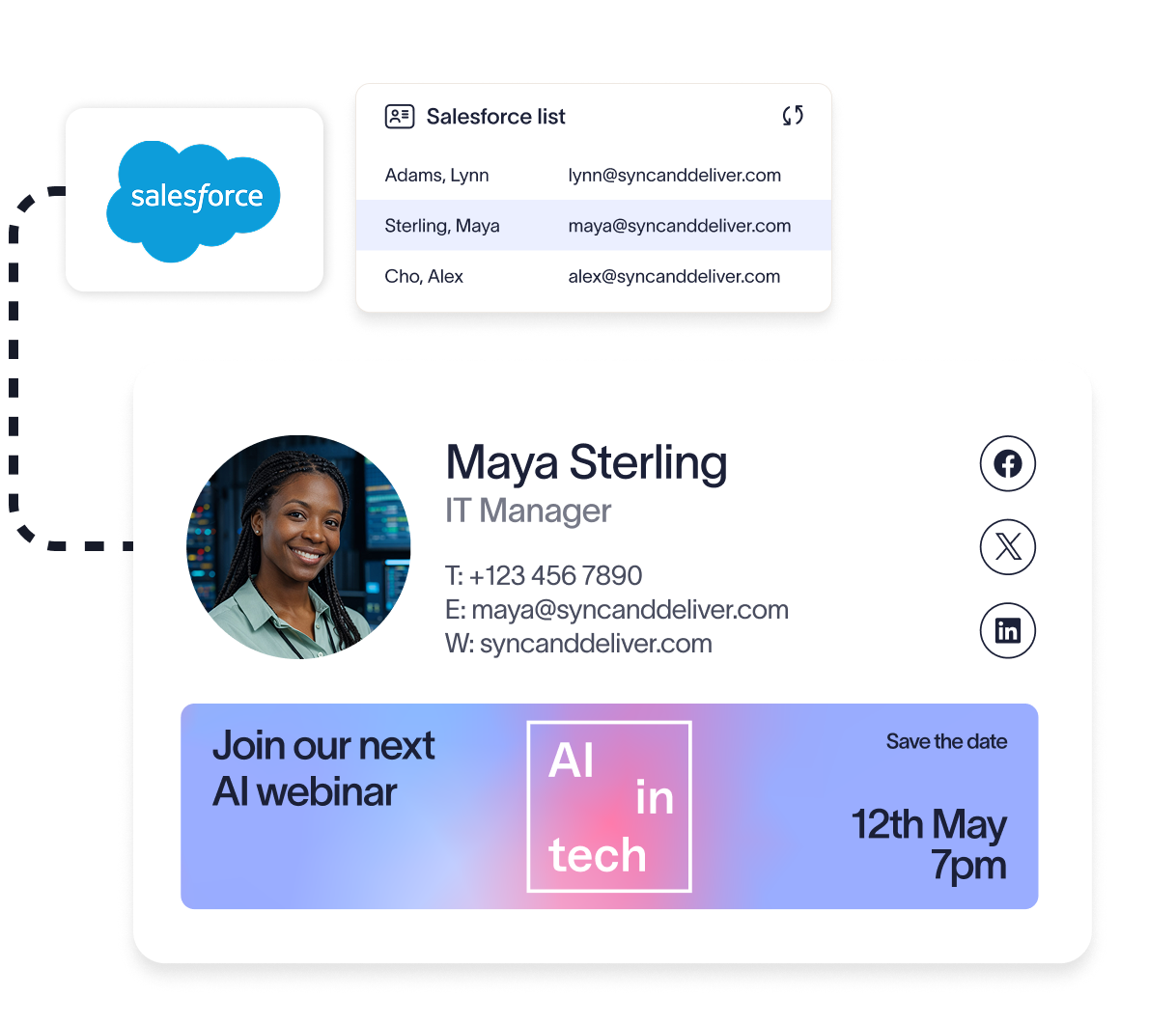
To do this effectively, you need control over targeting, messaging, and delivery—areas that Exclaimer brings together in a single platform.
Step 1: Generate more bookings with signature campaigns
Email signatures give sales teams a consistent way to promote next steps in every conversation.
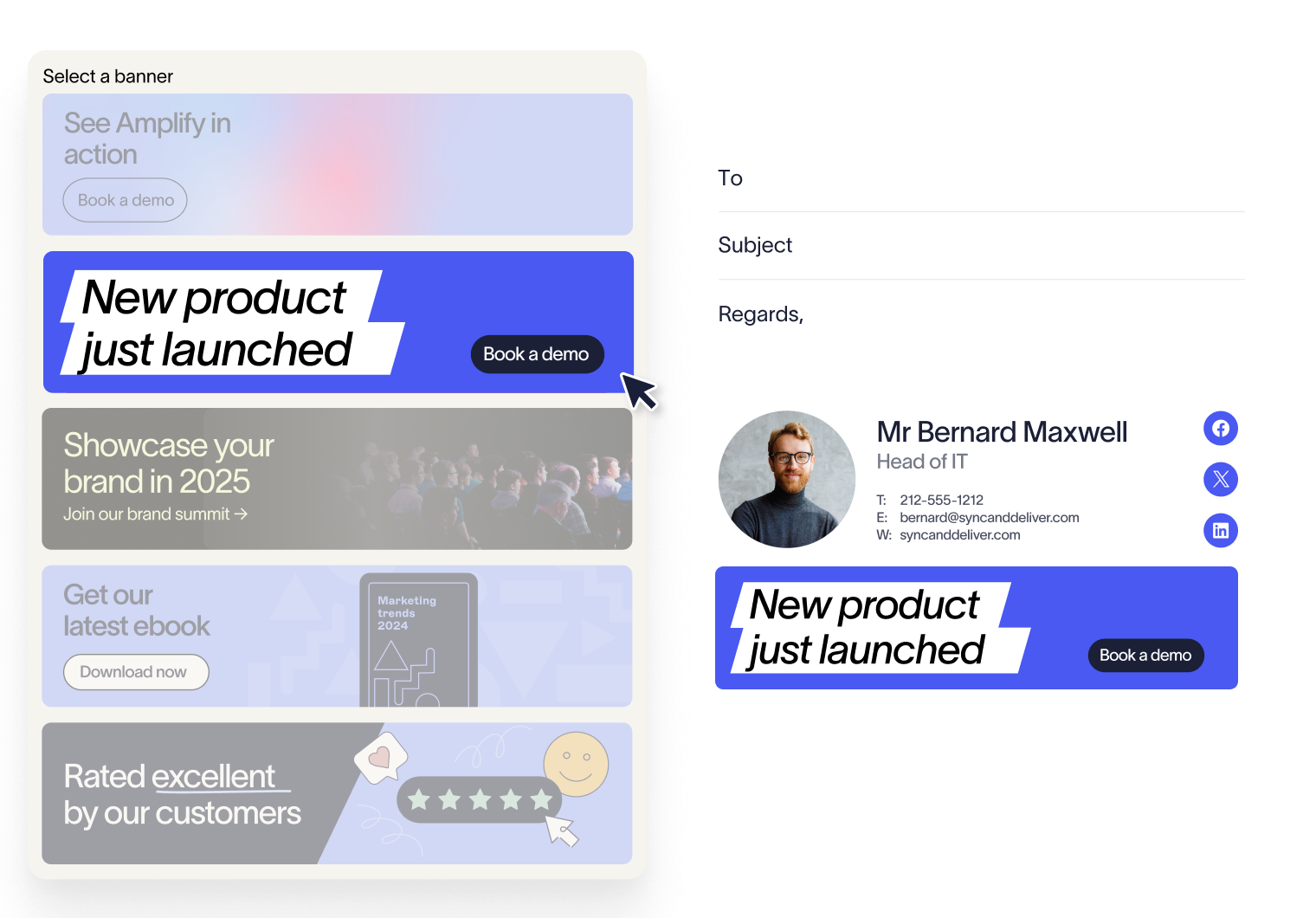
With Exclaimer, you can add banners that promote:
Demo bookings
Free trials
Content downloads
Event registrations
These are applied automatically to every email, so prospects always see a clear next step.
This gives sales teams a way to create qualified opportunities from emails they are already sending, without changing rep behavior or adding extra admin.
Step 2: Target campaigns using CRM data
Campaigns only work if they’re relevant to the recipient.
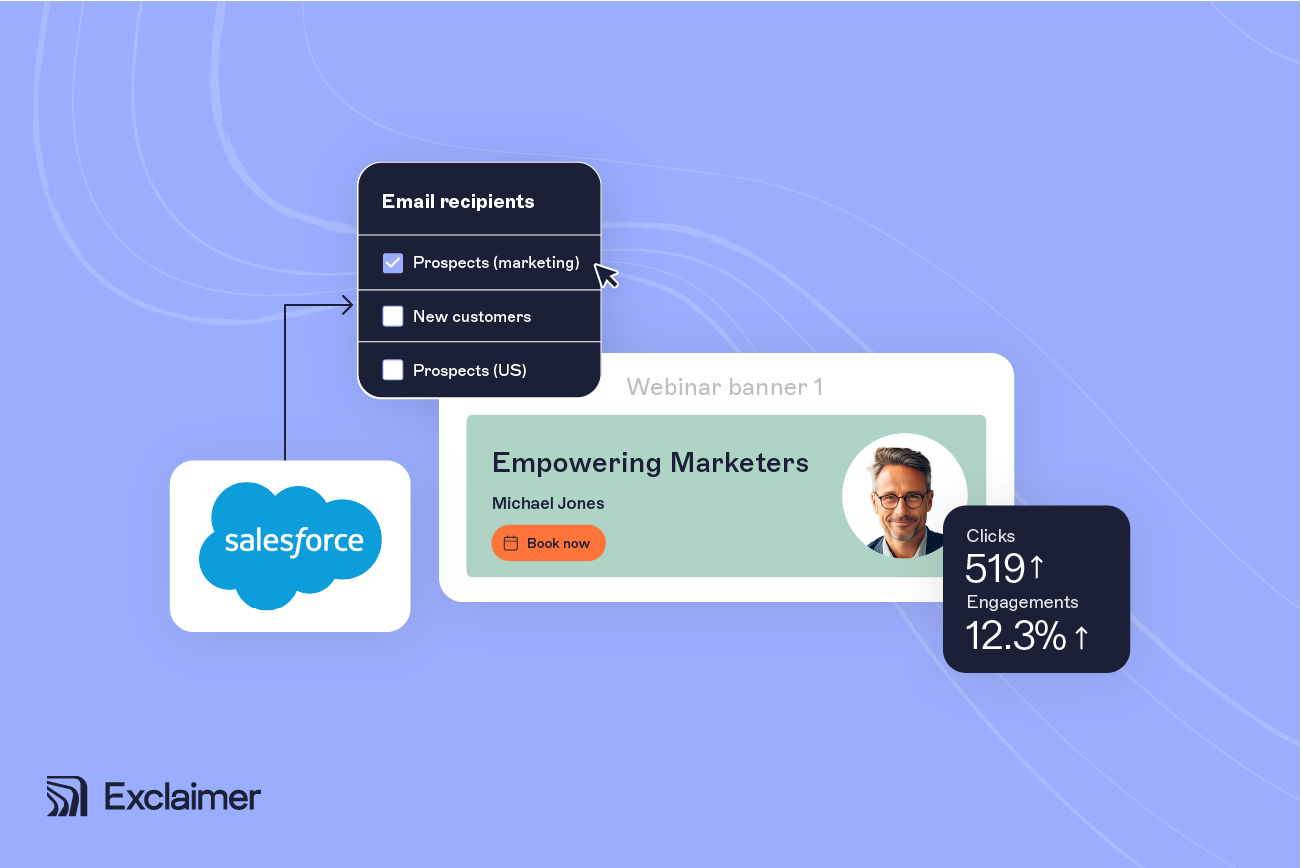
Exclaimer connects with Salesforce and HubSpot to adapt signatures based on:
Deal stage
Industry
Territory
Account status
This runs alongside existing outreach, sequences, and ABM campaigns, extending their reach without adding extra steps for sales teams.
Example: running an ABM campaign
A sales team targets accounts in the healthcare and construction industries using Salesforce.
Each segment is assigned a different email signature banner:
Healthcare prospects see a healthcare-specific case study
Construction prospects see an industry report
Every time a rep emails those accounts, the correct banner is applied automatically.
This keeps messaging aligned with broader ABM campaigns while increasing engagement from target accounts.
Step 3: Showcase proof points in every interaction
Prospects look for validation before moving forward. Exclaimer allows you to surface:
Case studies
Customer testimonials
Review platform links
These can be embedded directly into signatures, so proof is visible in every email instead of being shared selectively.
Step 4: Simplify meeting scheduling
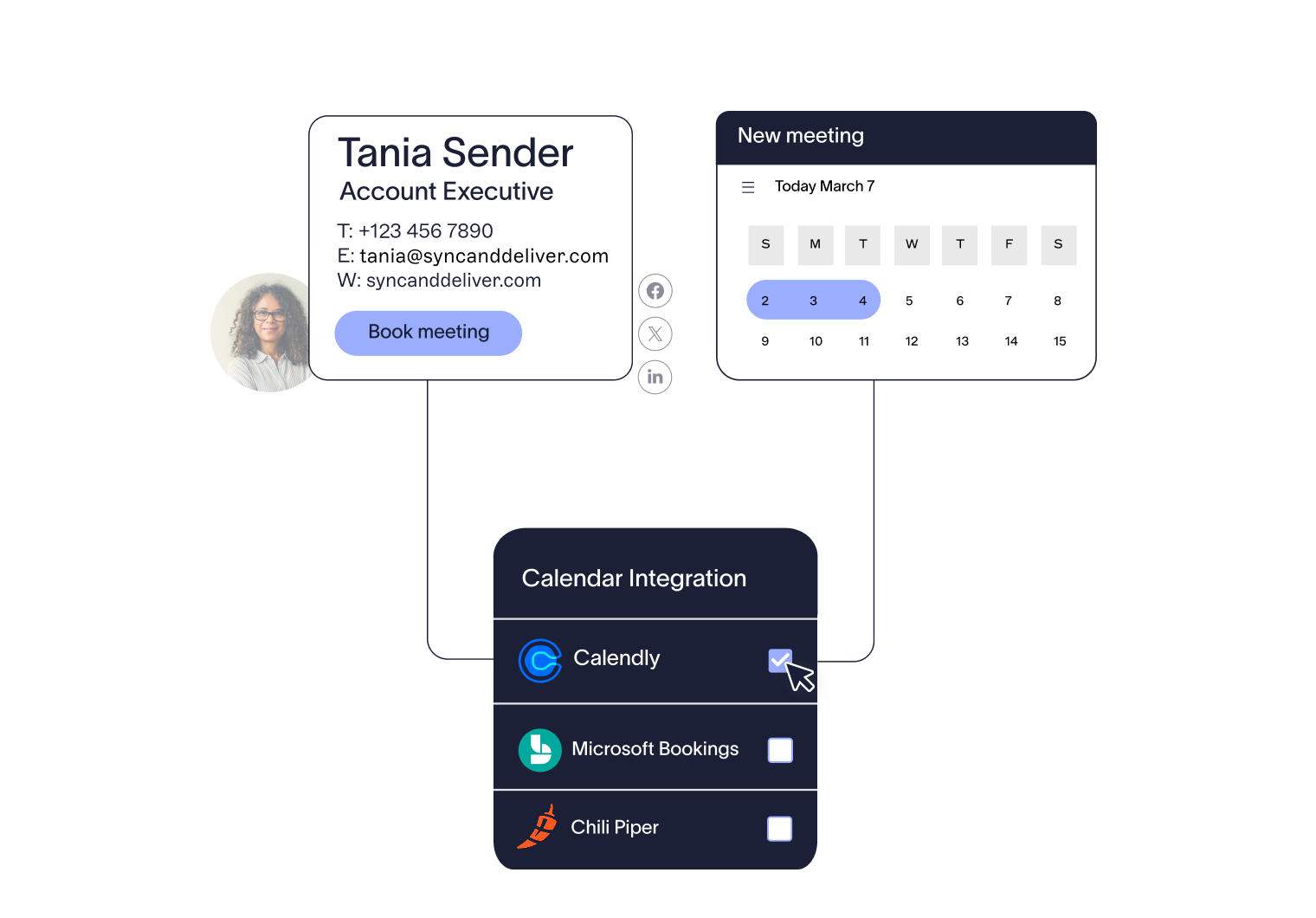
Reducing friction helps maintain deal momentum. Exclaimer supports integrations with:
Booking links can be embedded directly into signatures, allowing prospects to schedule meetings without follow-up. This shortens the path from conversation to action.
Step 5: Apply campaigns automatically across the sales team
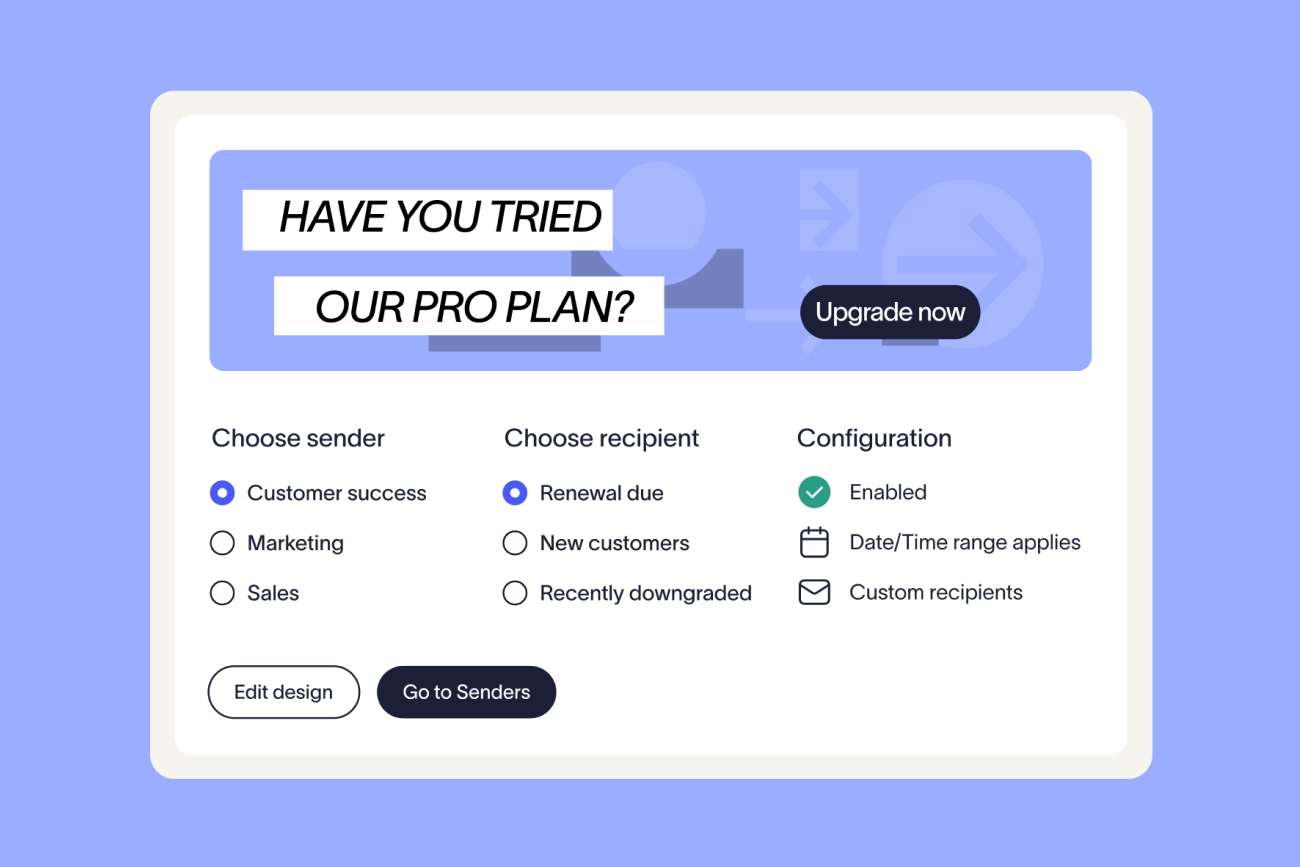
Exclaimer uses signature rules to assign campaigns based on:
Role
Region
Audience
Campaign criteria
Because targeted email signatures are applied automatically at scale, personalization becomes practical across large sales teams instead of something that depends on rep effort.
Step 6: Keep messaging consistent across every device
Sales teams send emails from multiple devices. Signatures need to remain consistent in each case.
Exclaimer uses server-side deployment to apply signatures after emails are sent.
This means that:
Every email includes the correct signature
Formatting stays consistent across devices
Users cannot override templates
Step 7: Track performance and optimize campaigns
To improve results, you need visibility into what’s working.
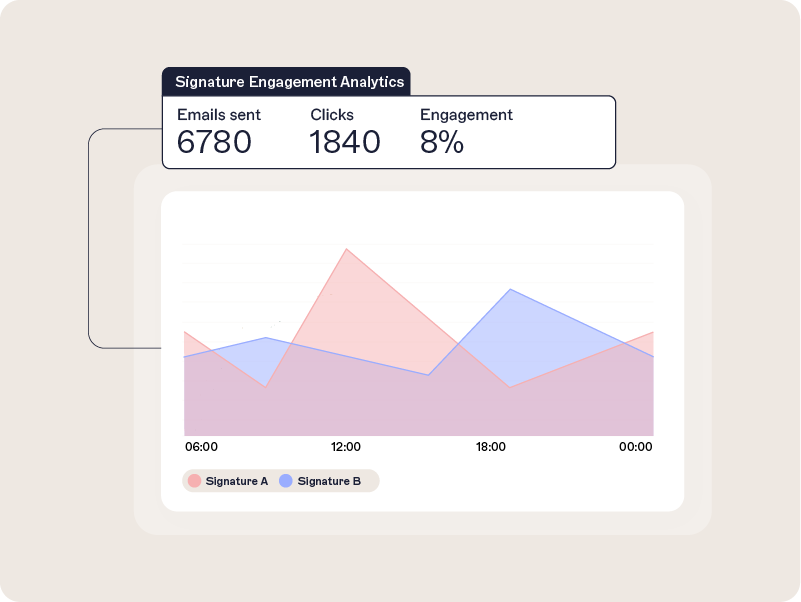
Exclaimer provides analytics that track:
Click-through rates
Engagement with banners and CTAs
Campaign performance by audience
You can also rotate banners, test different CTAs, and compare campaign variants by segment. That gives sales and marketing teams a practical way to improve performance based on real engagement data, rather than assumptions.
Benefits of Exclaimer vs manual email signature management
Exclaimer simplifies what manual email signature management makes difficult. For sales teams, that means consistent messaging, controlled campaigns, and targeted outreach applied across every email—without relying on reps to manage signatures themselves.
Campaign execution at scale
Manual email signatures don’t support consistent campaign delivery. Sales reps need to add links or banners themselves, which leads to missed opportunities and uneven execution. Exclaimer applies campaign messaging automatically across every email using centralized templates and rules.
With Exclaimer:
Run campaign banners across all sales emails
Promote demos, trials, and content without rep involvement
Keep messaging aligned across teams and regions
Update or replace campaigns instantly
Manual management:
Relies on reps to add or update content
Leads to inconsistent campaign visibility
Slows down rollout of new messaging
Results in missed engagement opportunities
Targeted messaging using CRM data
Manual signatures are static. Every prospect sees the same message, regardless of where they are in the sales cycle. Exclaimer connects with CRM platforms to apply targeted messaging automatically.
With Exclaimer:
Integrate with Salesforce and HubSpot
Adapt messaging based on deal stage, industry, or account
Align signatures with sales funnel stages
Support ABM campaigns with segmented content
Manual management:
No connection to CRM or deal data
Same message shown to all recipients
Requires reps to manually tailor outreach
Limits personalization at scale
Consistent messaging across the sales team
When signatures are managed individually, messaging quickly becomes inconsistent. Exclaimer centralizes control and applies signatures automatically across all users.
With Exclaimer:
Manage all sales signatures from one platform
Apply signature rules based on role, region, or team
Keep branding, messaging, and CTAs consistent
Deploy updates across all users at once
Manual management:
Each rep controls their own signature
Messaging varies across the team
Updates depend on individual action
No reliable way to enforce consistency
Faster deal progression through built-in actions
Manual signatures rarely include clear next steps, and when they do, they’re not applied consistently. Exclaimer embeds actions directly into every email.
With Exclaimer:
Add booking links from Microsoft Bookings, Calendly, or Chili Piper
Drive demo bookings and meeting scheduling
Reduce back-and-forth in sales conversations
Keep deal momentum moving
Manual management:
Requires reps to add links manually
Booking options are often missing or outdated
Slows down scheduling and follow-up
Creates friction in the sales process
Reduced admin and ongoing maintenance
Manual signature management creates ongoing work for IT and sales teams. Exclaimer automates deployment and removes the need for manual updates.
With Exclaimer:
Apply updates automatically across all users
Remove the need for individual changes
Reduce support requests related to signatures
Maintain accuracy without ongoing effort
Manual management:
Requires manual updates for each user
Creates ongoing admin and support overhead
Increases risk of outdated information
Slows down campaign and branding updates
Measurable performance and campaign insight
Manual signatures provide no visibility into performance. Exclaimer turns email signatures into a measurable channel.
With Exclaimer:
Track clicks on banners and CTAs
Measure engagement by campaign or segment
Identify which messaging drives action
Refine campaigns based on data
Manual management:
No tracking or analytics
No visibility into engagement
No way to measure impact on pipeline
No feedback loop for improvement
Capability comparison
Exclaimer | Manual management | |
Campaign delivery | Automated across all emails | Inconsistent and manual |
CRM targeting | Salesforce and HubSpot integration | Not supported |
Personalization | Dynamic, based on deal stage and audience | Static for all recipients |
Deployment | Centralized rules and server-side application | User-dependent |
Consistency | Standardized across all users and devices | Varies by rep |
Scheduling links | Integrated booking tools | Manual and inconsistent |
Analytics | Click and engagement tracking | Not available |
Admin effort | Minimal, automated | Time-consuming and ongoing |
Turn email signatures into a consistent sales channel
Email signatures are already part of every sales interaction. Without control, they remain static and inconsistent across the team.
Exclaimer turns them into a structured, targeted channel that supports your sales process. Campaigns are applied automatically, messaging aligns with the funnel, and every email includes a clear next step.
Sales teams don’t need to change how they work. Signatures are managed centrally and applied in the background, so outreach stays consistent without adding effort.
See how Exclaimer can be applied across your sales team and how quickly you can roll out targeted campaigns across every email. Get a demo today.