Naimh is a seasoned marketer of 12 years, including in SaaS and tech. She’s an expert at simplifying complex technology concepts, bridging the gap between IT and marketing. Naimh specializes in turning tech speak into actionable insights, helping marketers get the most out of their tools and technology.
How to add social media icons to your email signature (with free icons)
TL;DR
Use 3–5 social media icons in your email signature to keep it clean and focused
Prioritize relevant platforms like LinkedIn (B2B) and only link to active profiles
Keep icons consistent in size and place them below contact details
Social icons turn everyday emails into a low-effort channel for brand visibility and engagement
To manage icons across an entire organization without manual work, use a centralized signature tool like Exclaimer
According to Radicati Group research (2024), business users send and receive an average of 126 emails per day. At that volume, social icons in employee email signatures reach contacts at scale. If one employee sends 20 emails per workday, that generates around 440 monthly signature impressions. For a 100-person team, the combined total is roughly 44,000 monthly impressions across their networks, without any additional outreach.
For IT and marketing teams, that scale creates an ongoing responsibility: keeping icons current, profile links pointing to active accounts, and updates deployed across every employee.
Which social media icons should you include in your email signature?
The right set depends on your audience and what you actually publish. Most organizations need fewer icons than they think.
Audience or use case | Recommended icons | Use only when |
|---|---|---|
B2B sales, recruiting, professional services | Your company page or employee profile is current and actively maintained | |
B2B thought leadership | YouTube, X | You publish content at least monthly and the profile supports buyer education |
B2C retail, hospitality, lifestyle | Instagram, Facebook | Visual content, promotions, or community engagement influence buying decisions |
Younger consumer audiences | TikTok | The brand actively publishes short-form video content |
Regional or customer support | WhatsApp, WeChat, Facebook Messenger | Customers already use the channel for support or sales conversations |
For more great tips on how to use social media in email signatures, check out our official Email Signatures for Dummies guide.
When to leave a platform out
If you wouldn't be comfortable with a prospect clicking through to that profile right now, don't link to it. A practical threshold: remove any icon that links to an account with no posts in the last 3–6 months, broken links, outdated branding, or off-brand content. Audit your signature social links monthly or quarterly to catch drift before it becomes a credibility problem.

How to add social media icons to an email signature
Adding social media icons to an email signature is a straightforward process. The goal is to include clickable icons that link directly to your social profiles.
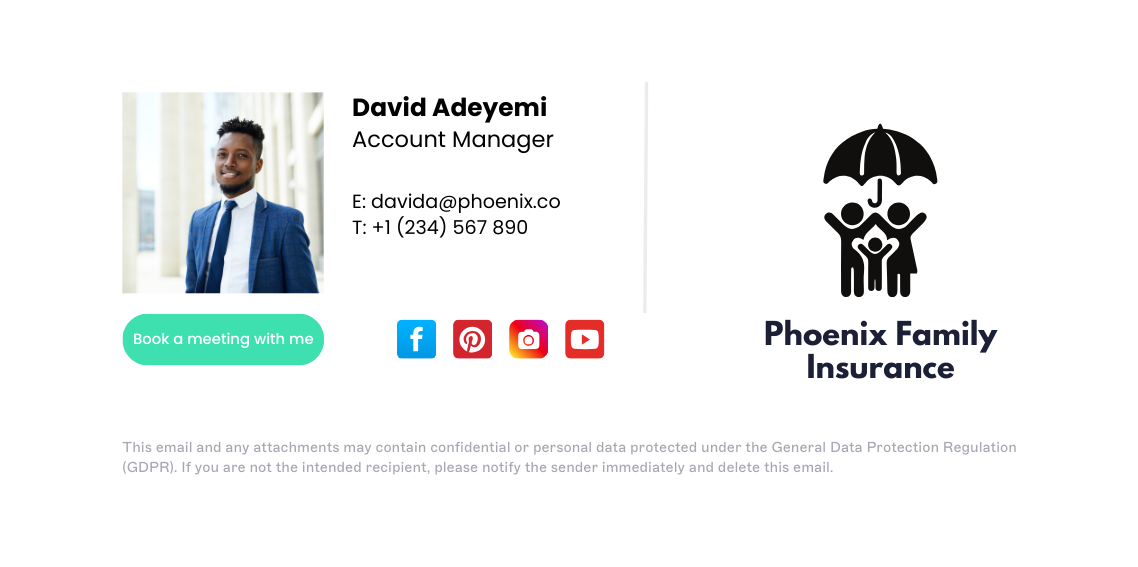 Quick steps to add social media icons:
Choose the social media platforms you want to include. Select the platforms that are relevant to your business or role.
Get the icon images. Use official icons or brand-aligned versions that match your signature design.
Add links to your social profiles. Each icon should link directly to the correct profile page.
Insert the icons into your email signature. Place the icons into your signature using your email client or signature editor.
Save and test your signature. Send test emails to check that the icons display correctly and links work across devices.
Adding icons in Outlook
In Outlook desktop for Windows, go to File > Options > Mail > Signatures.
Select or create a signature, click the image icon in the editor toolbar, and insert a 24–32px PNG icon from your computer.
Right-click the inserted image, choose Link or Hyperlink, and paste the full social profile URL including https://.
Repeat for each platform, click OK to save, and send a test email to verify the icons display and click correctly in both Outlook desktop and Outlook on the web.
For a full walkthrough, see our guide to managing email signatures in Outlook.
Adding icons in Gmail
In Gmail web, go to Settings > See all settings > General > Signature.
In the signature editor, click Insert image to upload a 24–32px PNG icon or paste an HTTPS image URL.
Once the icon appears, click it, select Insert link, and paste the full social profile URL.
Repeat for each platform, scroll to the bottom of the Settings page, and click Save changes.
Send a test email to confirm the icons are clickable and load correctly.
For a full walkthrough, see our guide to managing email signatures in Gmail.
Adding icons in Apple Mail
Apple Mail's default signature editor supports dragging in images, but clickable icons require an HTML signature.
Create an HTML file containing your icon images wrapped in anchor links (see the HTML template below).
Open it in a browser, select and copy the rendered output, then paste it into a new Apple Mail signature at Mail > Settings > Signatures.
Use HTTPS-hosted images and send test emails to Gmail, Outlook, and a mobile inbox to confirm the icons display and link correctly.
See our guide to HTML email signatures for full instructions.
HTML template for linked social media icons
For HTML-based signatures — including Apple Mail and any custom signature setup — use this structure for each icon. Replace the image URL, profile URL, and alt text for each platform.
<a href="https://www.linkedin.com/company/your-company" target="_blank" rel="noopener noreferrer"> <img src="[HOSTED IMAGE URL]" alt="Follow us on LinkedIn" width="32" height="32" style="border:0; vertical-align:middle; margin-right:4px;"> </a> <a href="https://www.instagram.com/yourhandle" target="_blank" rel="noopener noreferrer"> <img src="[HOSTED IMAGE URL]" alt="Follow us on Instagram" width="32" height="32" style="border:0; vertical-align:middle; margin-right:4px;"> </a> |
Apply the same pattern for each additional platform. Use 24px icons for compact layouts (width="24" height="24"). Keep all icons at the same dimensions and use HTTPS-hosted image URLs. Embedded base64 images increase email file size and may be blocked by some clients.
Icon size quick reference
Icon size | Best use case |
|---|---|
16px | Mobile signatures, compact layouts |
24px | Standard desktop signatures (recommended) |
32px | High-resolution displays, larger signature designs |
48px | High-resolution and retina displays |
Where should social media icons go in an email signature?
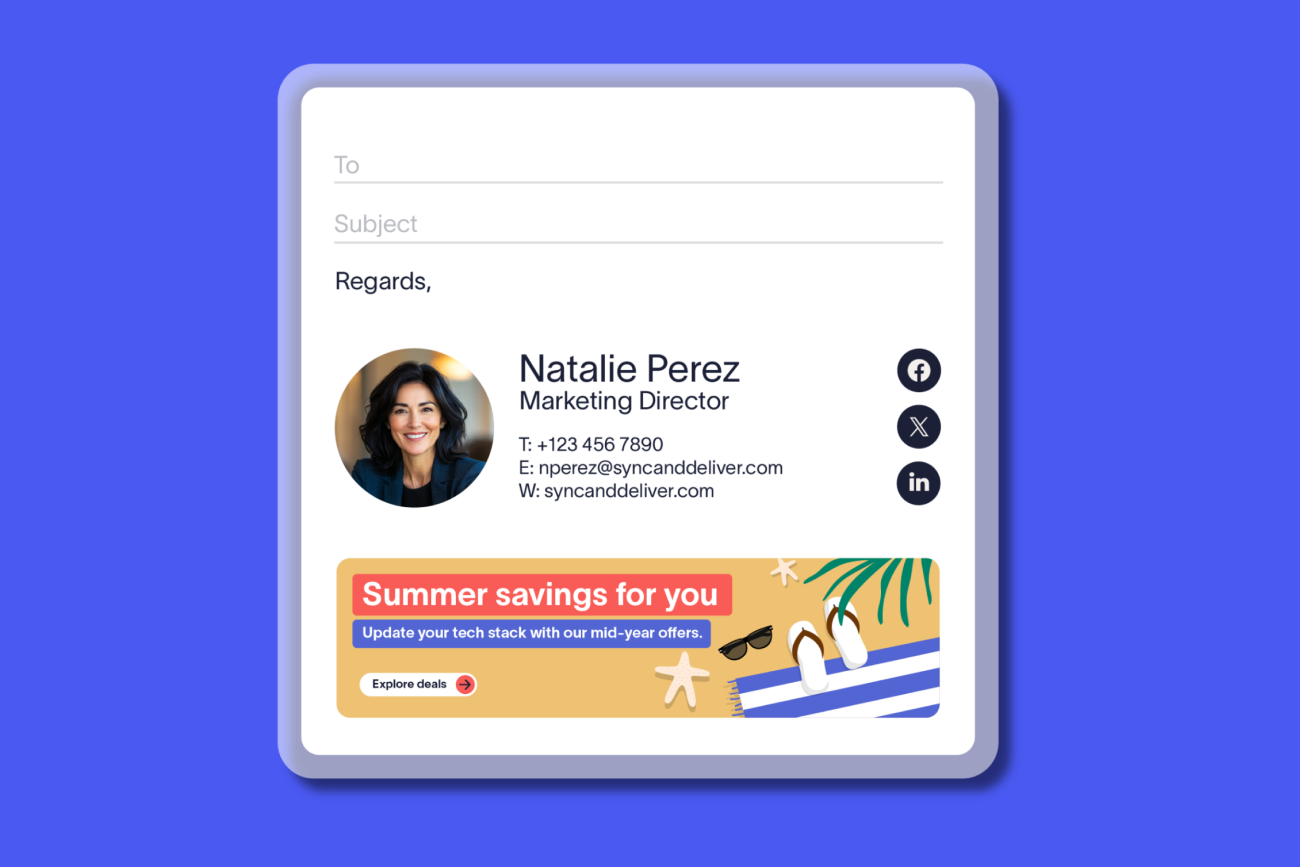
Place social media icons below your contact details, using 3–5 icons at 16–24px, in a consistent visual style.
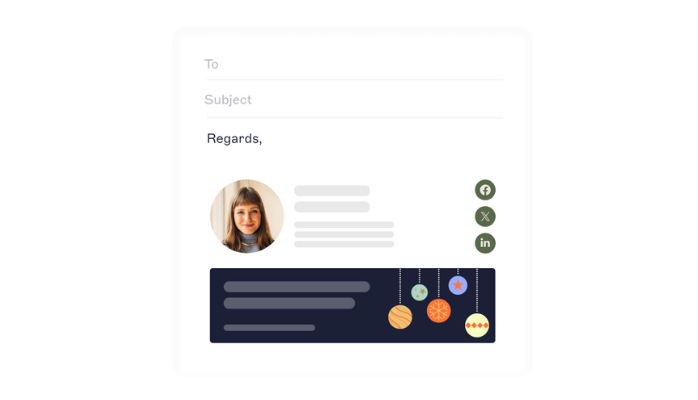
Best practices summary |
|
Detailed guidance
Limit the number of icons to three to five. A smaller set keeps the signature clean and helps focus attention on the most important platforms.
Prioritize platforms that match your audience. For B2B organizations, LinkedIn is the most valuable. Additional platforms should support a clear purpose, such as content distribution or brand awareness.
Keep icon size between 16px and 24px. This ensures icons are visible without overwhelming the rest of the signature.
Place icons below contact details. This keeps the signature structured and makes the icons easy to find without distracting from key information.
Use a consistent visual style. Align icon color, shape, and spacing with your brand. Consistency improves readability and reinforces credibility.
Only link to active, maintained profiles. Every click should lead to relevant, up-to-date content. Inactive profiles can weaken trust.
Keep the signature focused on communication. Social icons should support the message, not compete with it. Avoid overcrowding the signature with visual elements.
Standardize usage across the organization
Applying the same structure and rules to every employee signature helps maintain brand consistency at scale.Add descriptive alt text to every icon. Use text such as "Follow us on LinkedIn" or "Find us on Instagram" so icons are accessible to screen readers and display as a useful label when images are blocked. In HTML signatures, set
alt="Follow us on LinkedIn"inside eachimgtag.
Common mistakes to avoid
Linking to inactive or outdated profiles. Inactive profiles signal neglect. A practical rule: remove icons that link to accounts with no posts in the last 3–6 months, broken links, outdated branding, or off-brand content. Audit signature links monthly or quarterly.
Using inconsistent icon sizes. Mixing 16px and 32px icons creates a disjointed, unprofessional appearance.
Overcrowding the signature. Adding too many icons (6+) clutters the design and dilutes focus.
Failing to test across devices and email clients
Icons may display differently in Outlook, Gmail, and mobile apps.
Linking to personal profiles instead of company pages. Ensure icons point to official brand accounts unless individual profiles are intentional.
Forgetting to update links after rebranding.
Old URLs or defunct platforms damage credibility.
Missing alt text. Icons without alt text are invisible to screen readers and appear as blank boxes when images are blocked. Add
alt="Follow us on [platform]"to every icon image.
Social media icons for email signatures (free download)
Right-click any icon and save it as a PNG. Icons are available in five sizes: 16×16, 24×24, 32×32, 64×64, and 128×128 pixels.
To use an icon:
Right-click the icon and save it as a PNG
Upload it to your email signature editor
Link it to your social profile URL
Match sizing consistently across all icons in your email signature
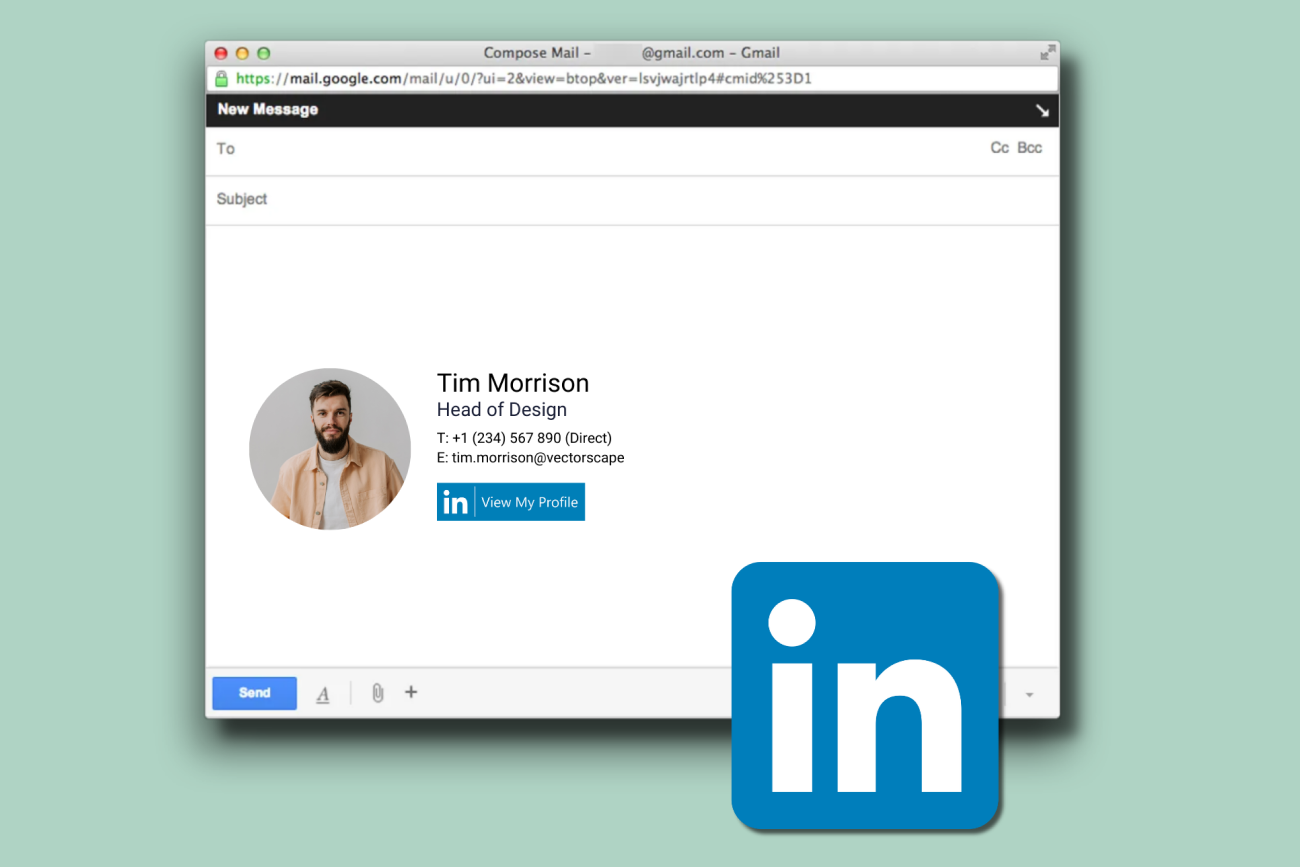
LinkedIn icon for email signature
 16×16 |  24×24 |  32×32 |  64×64 |  128×128 |
Instagram icon for email signature
 16×16 |  24×24 |  32×32 |  64×64 |  128×128 |
Facebook icon for email signature
 16×16 |  24×24 |  32×32 |  64×64 |  128×128 |
X (Twitter) icon for email signature
 16×16 |  24×24 |  32×32 |  64×64 |  128×128 |
YouTube icon for email signature
 16×16 |  24×24 |  32×32 |  64×64 |  128×128 |
WhatsApp icon for email signature
 16×16 |  24×24 |  32×32 |  64×64 |  128×128 |
TikTok icon for email signature
 16×16 |  24×24 |  32×32 |  64×64 |  128×128 |
Pinterest icon for email signature
 16×16 |  24×24 |  32×32 |  64×64 |  128×128 |
Reddit icon for email signature
 16×16 |  24×24 |  32×32 |  64×64 |  128×128 |
Vimeo icon for email signature
 16×16 |  24×24 |  32×32 |  64×64 |  128×128 |
WordPress icon for email signature
 16×16 |  24×24 |  32×32 |  64×64 |  128×128 |
Facebook Messenger icon for email signature
 16×16 |  24×24 |  32×32 |  64×64 |  128×128 |
Snapchat icon for email signature
 16×16 |  24×24 |  32×32 |  64×64 |  128×128 |
Medium icon for email signature
 16×16 |  24×24 |  32×32 |  64×64 |  128×128 |
WeChat icon for email signature
 16×16 |  24×24 |  32×32 |  64×64 |  128×128 |
Flickr icon for email signature
 16×16 |  24×24 |  32×32 |  64×64 |  128×128 |
Digg icon for email signature
 16×16 |  24×24 |  32×32 |  64×64 |  128×128 |
RSS icon for email signature
 16×16 |  24×24 |  32×32 |  64×64 |  128×128 |
Testing checklist before you deploy
All icon links direct to the correct social profile URLs
Links open in a new browser tab/window
Icons display correctly in Outlook (desktop and web)
Icons display correctly in Gmail
Icon sizes are consistent across all platforms
Images load properly (not blocked or showing as broken)
Alt text is added for accessibility
Verify icons link to company pages, not personal profiles
How to manage social media icons across your organization
When you have 500 employees, updating a social icon across every signature manually isn't viable. Changing the URL, replacing the image, and reminding every person to refresh their own signature means one department will be linking to a defunct account for months before anyone notices.

Exclaimer solves this centrally. From a single admin dashboard, you can:
Add and style social media icons using the drag-and-drop editor
Use signature rules to control which icons appear for each team, department, or region, with no changes needed to individual accounts
Apply consistent icons across Microsoft 365, Google Workspace, and mobile
Update icon links and designs centrally. Changes apply across the organization without user involvement.
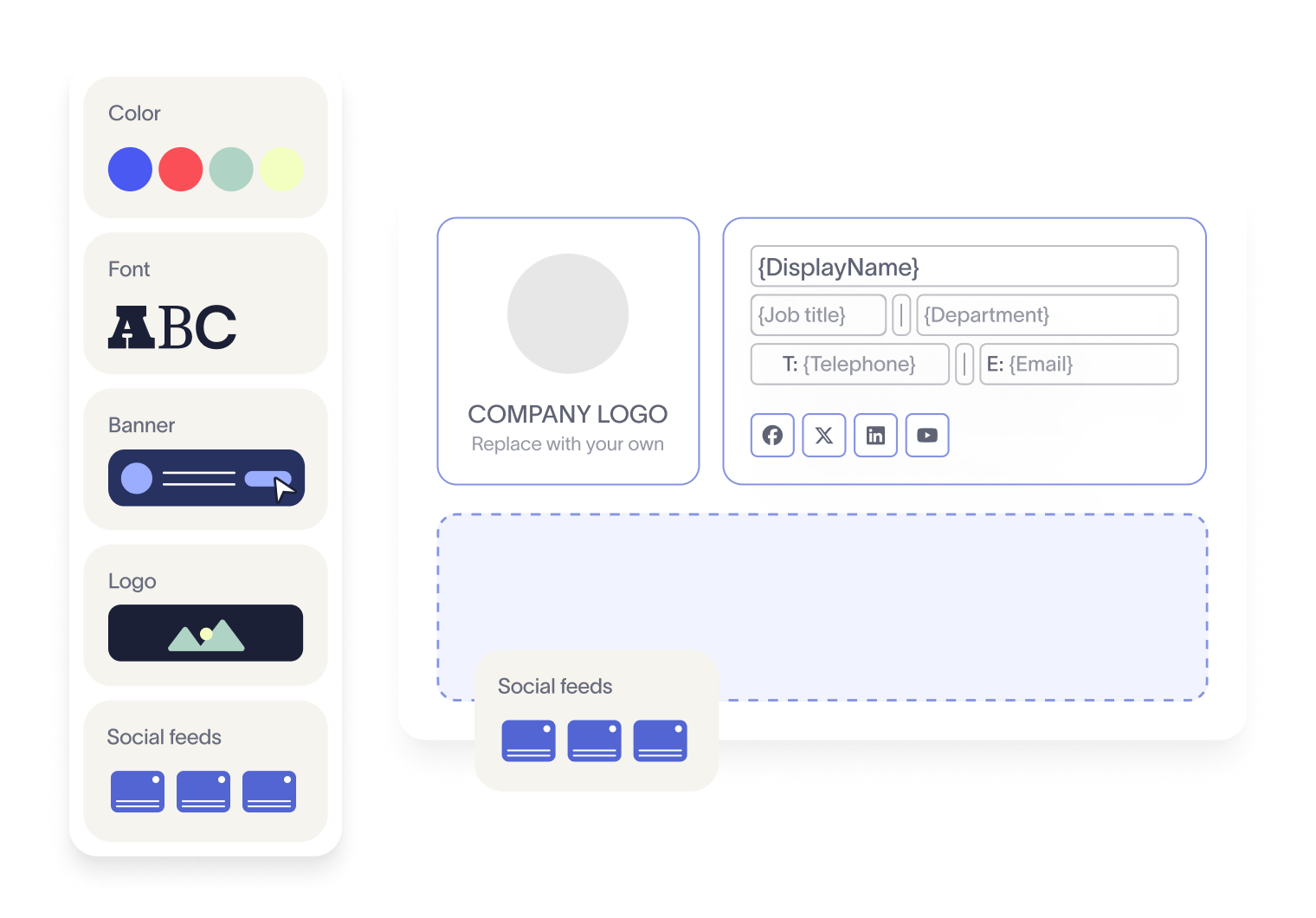
Go beyond static icons with Social Feeds: automatically display your latest LinkedIn or Facebook posts inside the email signature itself
Track engagement through click data and analytics
"When we looked at the data, signatures with live social feeds significantly outperformed those with static elements. 65% of all signature clicks were coming from the social feed alone. That tells us that live, dynamic content in an email signature drives far more engagement than a static icon ever could." Carly Papadopoulos, Senior Product Manager, Exclaimer
Over 80,000 organizations worldwide rely on Exclaimer to manage employee email signatures at scale.
See how Exclaimer helps you manage email signatures at scale and keep every message consistent. Get your free demo today.