





Inbox
Keep email signatures consistent across every email client and device.
Centralize and automate email signatures across Microsoft 365.

Centralize and automate email signatures across Google Workspace.

Manage email signatures across on-premises Exchange and hybrid environments from one place.

Microsoft Outlook
Preview and apply the right email signature across Outlook desktop, web, and mobile.

Gmail
Preview and apply the right email signature as you compose in Gmail.
Directory
Sync employee data from your directory to keep email signatures accurate and up to date.
Sync employee details from Entra ID and use single sign-on for secure access to Exclaimer.
Sync employee details from Google Directory and use Google single sign-on for secure access to Exclaimer.

Sync employee details from Workday to keep email signatures accurate and up to date automatically.

Okta Universal Directory
Sync employee details from Okta Universal Directory to keep email signatures accurate and up to date automatically.

Sync employee details from UKG Ready to keep email signatures accurate and up to date automatically.

Sync employee data from BambooHR to keep your Exclaimer email signatures accurate and up to date automatically.
CRM
Use CRM insights to make email communication more relevant for different audiences.

Use HubSpot lists to target email signatures and banners to the right audiences.

Use Salesforce data to target email signatures and banners for specific audiences.
Sales automation


Meeting booking
Make it easier for recipients to book time with your team directly from email.

Add Microsoft Bookings links to email signatures so recipients can schedule meetings easily.

Add Calendly links to email signatures so recipients can schedule meetings easily.

Add Chili Piper links to email signatures so prospects can book meetings quickly.
Feedback
Add one-click surveys to email signatures to capture feedback in real time.

Add one-click surveys to email signatures to capture feedback and measure customer sentiment.
Don’t see the integration you’re looking for?



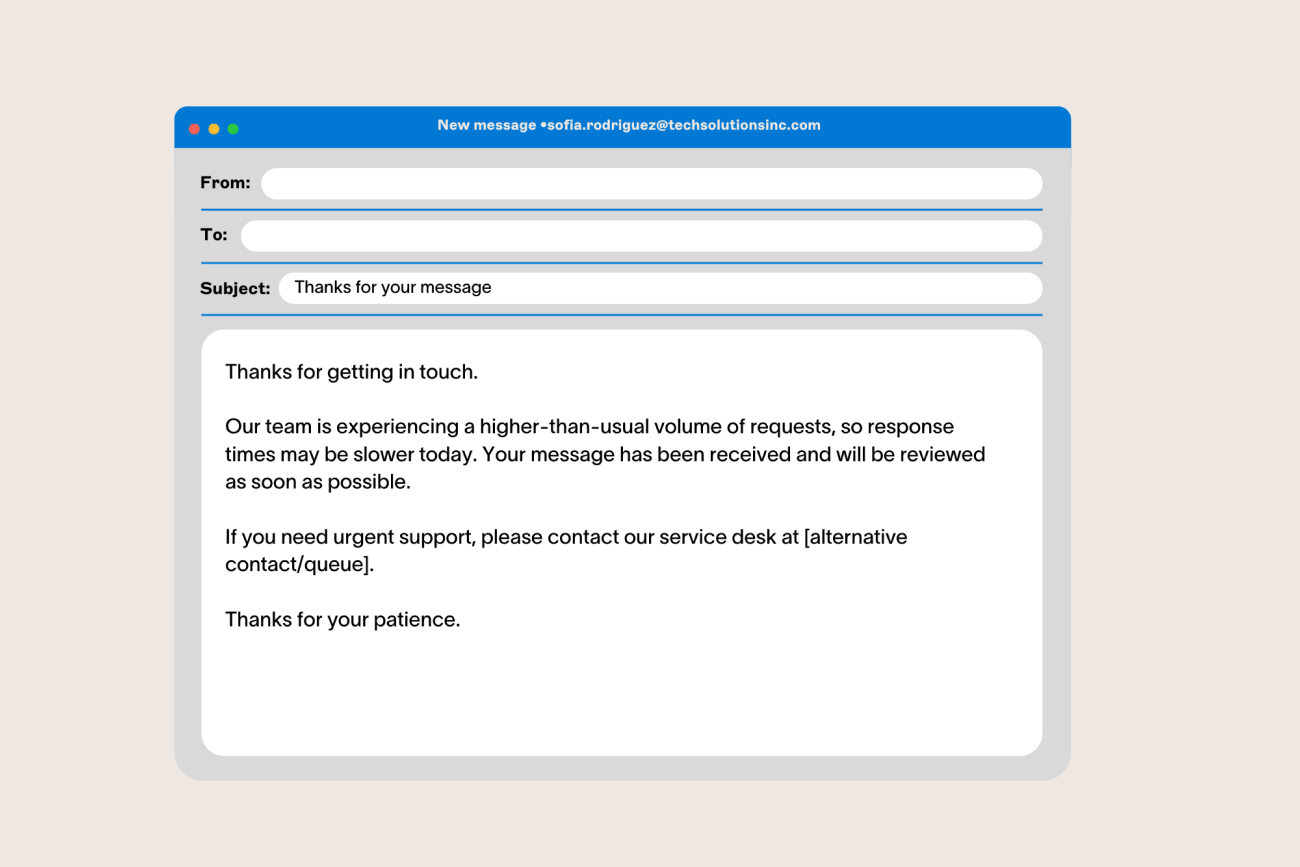


Company names and logos used on this page are trademarks of the relevant company. Exclaimer is not affiliated with, or endorsed by, the companies set out above. Our use here is simply to describe our integrations.
Get started for free
Try the most trusted email signature software on the market, with a 100/100 Security Scorecard rating.
Social media
Extend the reach of your social content through everyday email communication.
LinkedIn
Show your latest LinkedIn posts in email signatures to extend reach and drive engagement.
Facebook
Show your latest Facebook posts in email signatures to increase reach and engagement.