Naimh is a seasoned marketer of 12 years, including in SaaS and tech. She’s an expert at simplifying complex technology concepts, bridging the gap between IT and marketing. Naimh specializes in turning tech speak into actionable insights, helping marketers get the most out of their tools and technology.
How to run email signature campaigns for university open days and recruitment events
Key takeaway
Start an open day email signature campaign six weeks before the event. Spend two weeks building and testing the banner, then run it for four weeks and switch it off the night before.
Give each banner one RSVP call to action and a link tagged with UTM (Urchin Tracking Module) parameters.
Check the creative against Web Content Accessibility Guidelines (WCAG) 2.2 Level AA before it goes live.
Scope each banner to the team sending it, so every stage from prospective student to offer holder sees a message that fits.
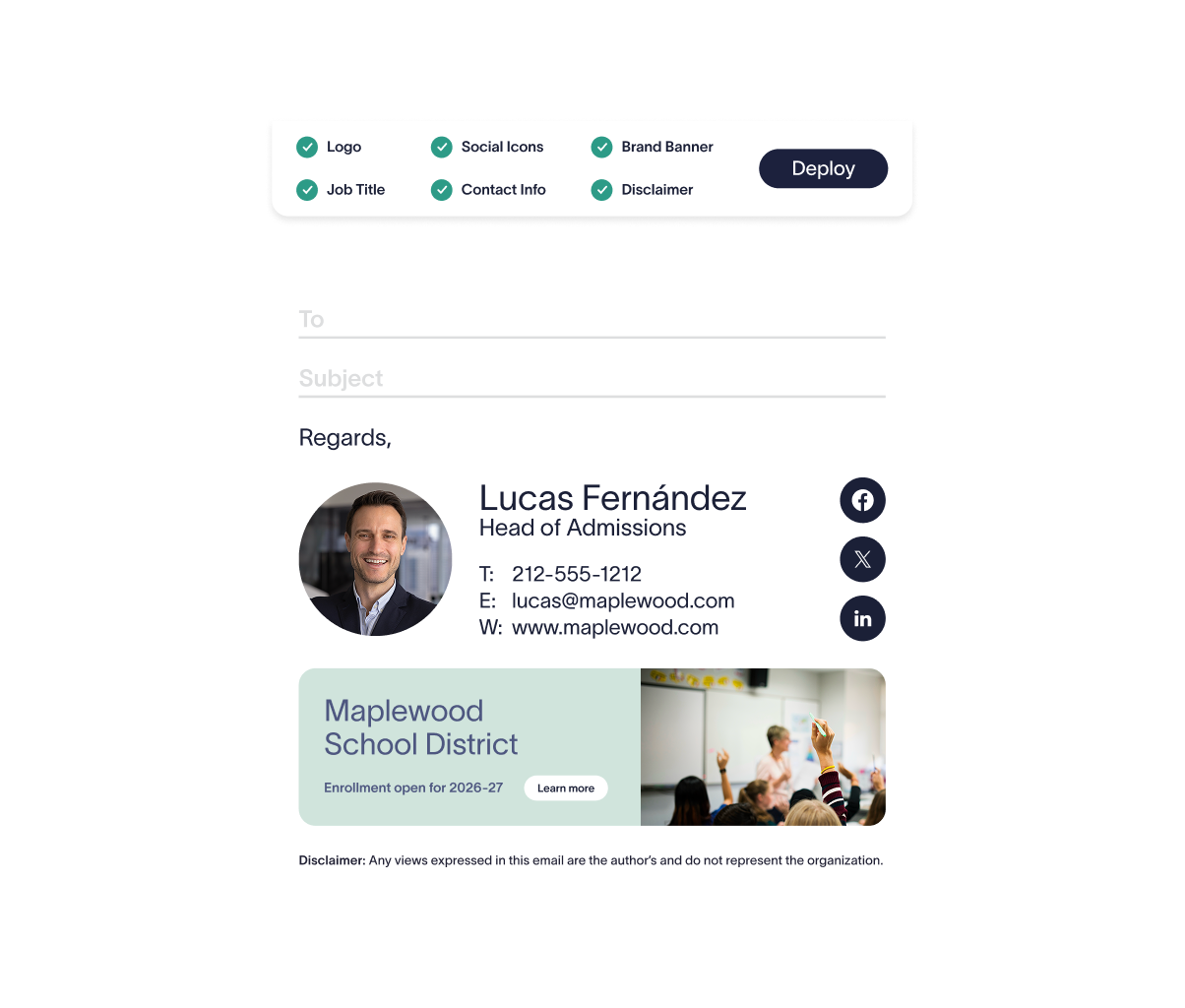
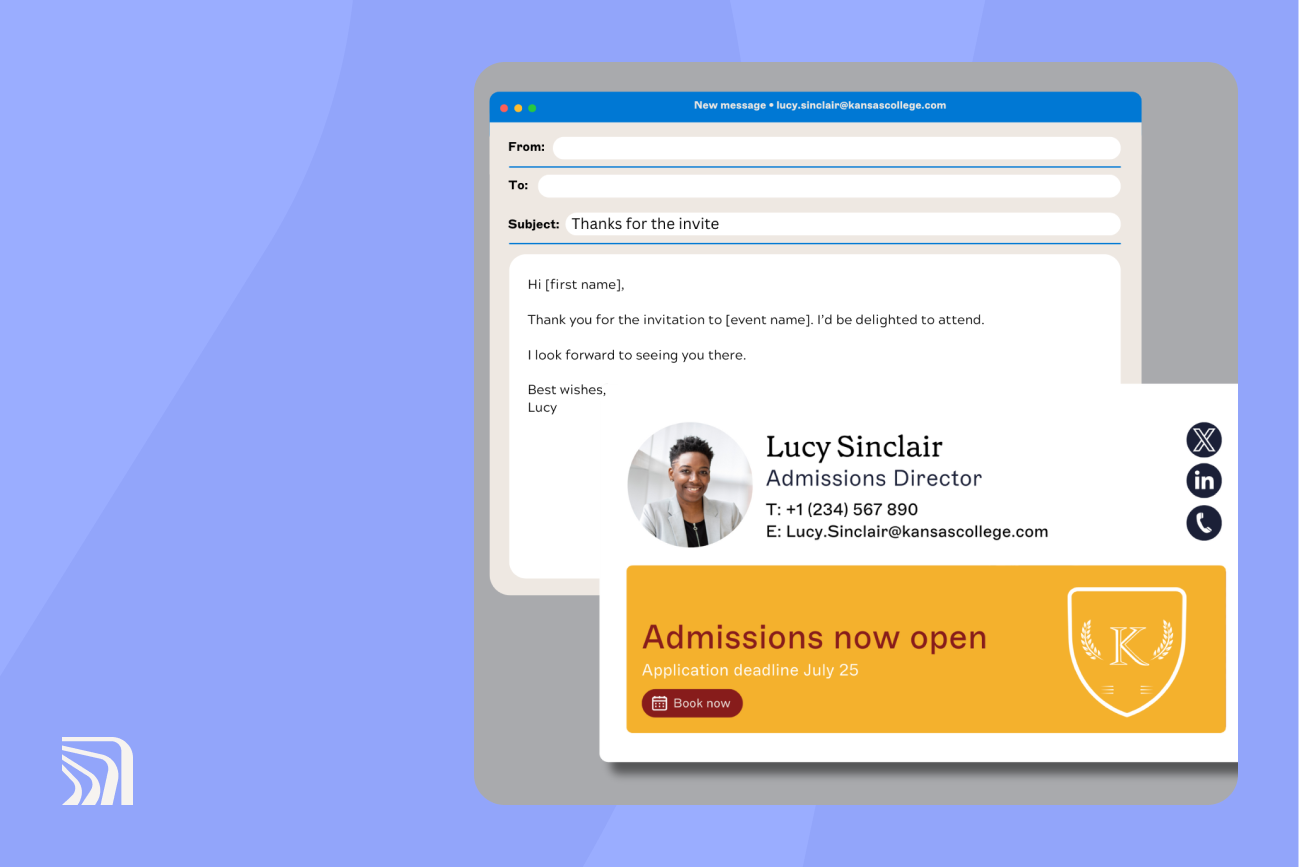
Every email your admissions and recruitment teams send to a prospective student can carry a link to book your next open day. On a six-week schedule, that link becomes a reminder campaign with banners set to start and stop by date. The same schedule works for recruitment fairs and school visits, using the event's sign-up page instead of the open day RSVP page.
Tip
The schedule assumes your platform is already set up. If it isn't, work through how to run email signature campaigns in Exclaimer (step-by-step) first.
When should you start an open day email signature campaign?
When | Step | Done when |
Six weeks out | Write the brief: event date, RSVP page, sending teams, and one call to action. Design the banner (600 x 200 px, under 100 kB) and its variants | The RSVP page is live and every variant is signed off |
Five weeks out | Run accessibility checks and build a UTM link for each variant. Schedule all of them now | Test emails render in Outlook and Gmail on desktop and mobile, and each link lands on the RSVP page |
Four to three weeks out | Launch the first banner, announcing the date and what's on | Clicks appear in Google Analytics 4 (GA4) by the end of week one |
Two weeks out to event week | Switch to countdown messaging, with a last-places banner in event week | The final banner ends at 11:59 p.m. the night before |
Week after | Swap to a thank-you banner that points to the next step, such as applying or accepting an offer | RSVPs and attendance are reported by team and faculty |
Tip
Build each message as its own campaign, and don't let one message's dates overlap the next for the same team. When dates overlap, Exclaimer applies only the first matching campaign, so some senders can end up stuck on last week's banner.
In the UK, most 2027-entry undergraduate applications need to reach the Universities and Colleges Admissions Service (UCAS) by 6 p.m. UK time on January 13, 2027 for equal consideration. Oxford, Cambridge, and most medicine, dentistry, and veterinary courses close earlier, on October 15, 2026.
In the US, application dates vary by college, so confirm them on each college's admissions page:
Early Decision and Early Action: most deadlines fall on November 1 or 15.
Regular Decision: January 1 or 15, 2027.
Admitted student days work back from the May 1, 2027 National Candidates Reply Date.
How to make an open day banner accessible
Accessibility rules cover the RSVP page your banner links to at most UK providers and US public institutions, even though neither country's rules name email signatures.
Check | Do | Don't | WCAG success criterion |
Alt text | Include the call to action and date: "Open day, Saturday, October 17: book your place" | Leave it blank or write "banner" | 1.1.1 Non-text Content (Level A) |
Text contrast | Use at least 4.5:1 for body-size text and 3:1 for large text | Lay white text over a busy campus photo | 1.4.3 Contrast (Minimum) (Level AA) |
Text in the image | Keep it to the headline and date, with the full message in alt text | Put the day's timetable inside the image | 1.4.5 Images of Text (Level AA) |
Link wording | Say where the click goes: "Book your open day place" | Use "Click here" or "Learn more" | 2.4.4 Link Purpose (In Context) (Level A) |
Tip
Build these checks into the banner template so each variant starts compliant, instead of relying on someone to remember the list every time.
Test the banner in dark mode before you schedule it. Jasmine Hotham-Tunnadine, Template Designer at Exclaimer, warns that dark mode "can mute colors, change their shade, and make images harder to see, especially darker ones." A white background behind the image is one fix she suggests.
Accessibility Controls build WCAG requirements into the email signature designer, and the banner checks above still apply.
Jisc says most UK higher and further education providers are in scope of the Public Sector Bodies Accessibility Regulations 2018 because they depend on government funding. The baseline standard is WCAG 2.2 Level AA.
In the US, the Department of Justice's rule under Title II of the Americans with Disabilities Act (ADA) sets WCAG 2.1 Level AA for public institutions. The compliance date for larger entities is now April 26, 2027, after an extension issued in April 2026. Private institutions fall under Title III, which the rule doesn't cover, and federal funding can bring separate requirements. Build the banner to WCAG 2.2 AA and it covers both standards.
How to target and A/B test by application stage
An email signature banner goes to whoever the sender is writing to, so target by the team sending it.
Signature Rules can assign each variant by department in Microsoft Entra ID for Microsoft 365 or in Google Workspace Directory through Directory Sync. On the Pro plan, campaigns can also target recipients on Salesforce lists.
Stage | Sending team to scope | Tone | Call to action | Test first |
Prospective students | Outreach and schools liaison | Welcoming; what happens on the day | Book your open day place | Campus photo against a student quote |
Teachers and careers advisers | Schools liaison | Practical; group bookings and travel | Bring a group to open day | Group booking link against individual booking link |
Applicants | Admissions | Specific to their course | Book your applicant day | Course-specific against general message |
Offer holders and admitted students | Admissions and faculty offer-holder teams | Confident; picturing themselves there | Confirm your place | Faculty banner against central banner |
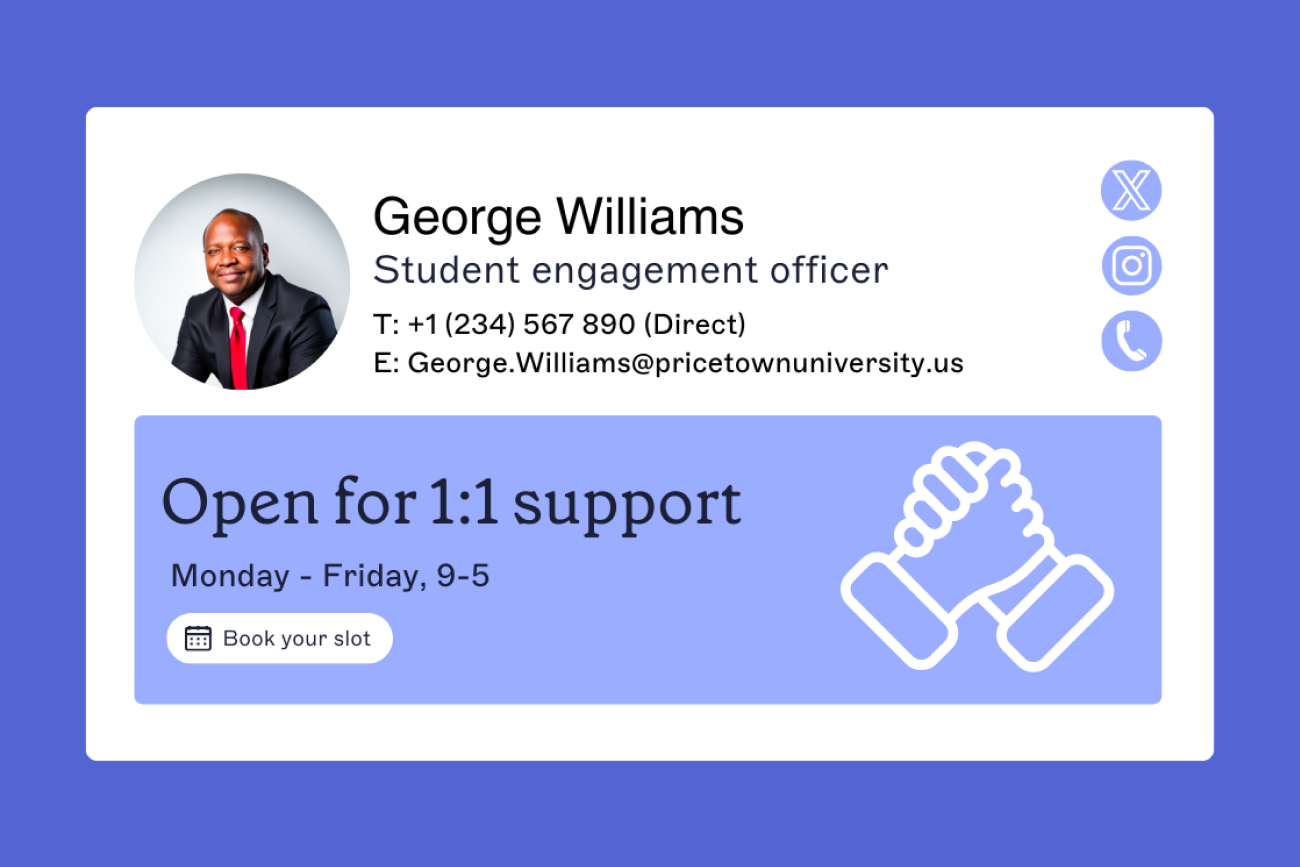
Student ambassadors who email prospective students from university accounts can carry a peer-voice banner through their own Signature Rules. Our guide to email signature management for universities and colleges covers where student accounts fit in a wider rollout.
Test one variable at a time for at least two full working weeks. A test that long fits once inside the four live weeks in steps 3 and 4.
Per Exclaimer platform data, email signature banners average around a 4% click-through rate. At that baseline, each variant needs about 10,000 sends to detect a 20% relative difference (4% against 4.8%). A 2% baseline needs closer to 21,000. Both figures assume a two-proportion test at 95% confidence and 80% power.
For test setup, see the A/B testing section of our campaigns guide.
How to track open day RSVPs back to email signatures
Give every variant its own UTM-tagged link so GA4 can split RSVPs by stage and faculty.
Keep source and medium fixed across all your email signature campaigns, and put the detail in utm_campaign and utm_content:
utm_source=email_signature
utm_medium=email
utm_campaign=open-day-2026-10
utm_content=offerholder-engineering-countdown
Mark your RSVP form submission as a key event in GA4. To see RSVPs per variant, build a free-form Exploration with Session campaign and Session manual ad content as dimensions and key events as the metric. Keep every value lowercase, because Google Analytics treats parameter values as case sensitive, so "Engineering" and "engineering" show up as separate rows.
Our guide to UTM tracking for email signature marketing covers naming conventions. On the Pro plan, Exclaimer's email signature analytics report clicks per banner.
How many RSVPs can an open day banner drive?
In this illustrative example, a banner scoped to 250 staff in the admissions and recruitment teams drives 720 RSVPs over the 20 working days in steps 3 and 4.
The calculation uses the defaults in Exclaimer's ROI model (40 emails per person per day, 40% of them external, 90% opened) and the 4% average click-through rate:
Step | Calculation | Result |
|---|---|---|
Emails sent | 250 staff x 40 emails x 20 days | 200,000 emails |
Sent outside the university | 40% external | 80,000 emails |
Banner impressions | 90% opened | 72,000 impressions |
Visits to the RSVP page | 4% click-through | 2,880 visits |
If one in four of those visitors books a place, that's 720 RSVPs, each traceable to an email signature in GA4. Split across four stage variants, every variant gets about 20,000 sends.
A two-week A/B test inside one stage splits that again, to about 5,000 sends per version. At a 4% baseline that only detects a lift of about 30% or more, so with a team this size, treat smaller gaps as noise.
Swap in your own sender count and RSVP conversion rate before planning against these figures.
How to schedule an open day campaign in Exclaimer
Exclaimer's Campaigns feature lets you build and schedule every variant in step 2, each with its own start and end time.
 Marketing can run the whole thing without raising an IT ticket.
"IT sets the plumbing: the platform, the rules, the governance, the framework. What goes into the [email] signature, the content, the data, the design, should sit with whoever owns those things naturally."

Tip
If your institution runs Google Workspace, campaign banners appear in Gmail only with server-side deployment.
Institutions including the University of Toronto, the University of New South Wales, San Diego State University, and the Curtis Institute of Music manage their email signatures with Exclaimer.
To see an open day banner scheduled and tracked in Exclaimer, book a demo.