Karl heads up Information Security at Exclaimer, where he’s focused on keeping data secure and ensuring compliance with standards like ISO 27001 and SOC2. With years of hands-on experience, Karl is dedicated to simplifying security processes and staying ahead of potential threats. He’s passionate about using automation and smart practices to strengthen security without adding unnecessary complexity.
Email signature management for universities and colleges: A complete guide
TL;DR
Email signature management at a university means setting one standard centrally and applying it from the directory, so every mailbox across every school carries the right name, title, department, and required notices without anyone editing anything by hand.
Marketing communications usually writes the standard and IT applies it, which makes delegated editing rights more important here than the template design itself.
FERPA imposes no email disclaimer requirement. No federal rule names email signatures directly, but WCAG 2.1 Level AA is the accessibility standard public institutions are now measured against for digital content, and applying it to email templates is the defensible position.
Academic churn is the operational argument, because adjunct terms, graduate instructional appointments, rotating chairs, and emeritus accounts all turn over on a calendar that repeats every semester.
Universities run email across schools, departments, research centers, and administrative offices that each operate with real independence. A written standard for staff email signatures usually exists somewhere. Applying it across every one of those mailboxes is the part nobody owns, so what appears at the bottom of a message tends to depend on who set it up and when.
Email signature management for education is the practice of holding that standard in one place and applying it automatically, so it doesn't depend on whether an individual found the brand page. Higher education adds its own complications:
Who owns the standard, IT or brand
Accessibility and institutional policy
Academic titles, rank, and credentials
The workload created by semester churn
This guide covers each of those, along with how IT deploys templates across Microsoft 365 and Google Workspace, and what changes in a K-12 district.
Quick answer
Email signature management for universities and colleges means controlling every staff email signature from one console instead of leaving it to individuals. Details come from Microsoft Entra ID or Google Workspace Directory, templates are assigned by school, department, or role, and the email signature is applied automatically to every message sent.
Why email signature management matters in higher education
When an admissions officer emails a prospective student, that's recruitment marketing. When a financial aid counselor emails a parent, they're having a regulated conversation about a family's money. A professor writing to a journal editor is speaking for the institution, to someone who will judge it partly on how the message looks. All three leave the same domain. Where each person builds their own email signature, all three can carry a different version of the logo, and nothing catches it.
Exclaimer's State of Business Email 2025, a Censuswide survey of 4,009 IT professionals across the US, UK, Germany, and Australia, found that 80% of organizations still rely on manual methods or user self-service to manage email signatures. Higher education has to make that manual method hold across schools that don't report to each other, which is where it stops working.
Accessibility obligations reach public institutions through ADA Title II and reach most private ones through Section 504 of the Rehabilitation Act. An email signature built as an image, with low-contrast text and no alt text, is unreadable to a screen reader on every message it rides out on.
Universities also rebrand, merge schools, and rename programs, and the email signature is the last place any of it lands, if it lands at all. A school somewhere is still running the retired wordmark, and nobody in central marketing knows, because nobody can see it.
Underneath sits the ticket queue: title changes, new phone numbers, departmental logo requests, email signatures broken by a mail migration. In Exclaimer's research, 35% of IT professionals named email signature management as one of their two most time-consuming tasks, and that was across all sectors rather than one with a churn cycle built into the calendar.
Who owns email signatures at a university, IT or brand?
Both, in different parts. Marketing communications sets the standard, and IT holds the only mechanism capable of applying it across every mailbox.
Exclaimer's State of Business Email 2025 survey found that only 55% of organizations give IT ownership of email signature management at all, falling to 47% in large enterprises. Universities are more federated than most corporate structures, so the number of people with a legitimate claim on the standard is higher again.
Look up almost any institution's email signature guidance and you'll find it on a brand or marketing communications subdomain, written as a page of instructions with a generator attached.
That team owns the wordmark, the palette, and the rules about how a school may represent itself alongside the institution, but nothing that makes the standard stick once a staff member closes the page. IT owns the mail platform and the directory behind it, so IT can technically apply something to every outgoing message without getting to decide what that something should look like.
Compliance then rests on whether an individual member of staff found the brand page and followed it accurately, and central IT gets blamed for inconsistency it has no authority to fix.
Jim Turner, Exclaimer's COO, describes a customer who needed three separate teams to roll out one email signature. "IT had to write the script, HR provided the content, and legal had to add the disclaimer, and it still rendered incorrectly on mobile."
Role-based access control resolves that without either team giving up what it needs.
"The way I think about it, IT sets the plumbing: the platform, the rules, the governance, the framework. What goes into the signature, the content, the data, the design, should sit with whoever owns those things naturally. HR owns employee data, so HR maintains job titles. Role-based access lets you delegate that without giving up governance."

Applied to a university, IT keeps the platform and the deployment rules, marketing communications gets direct editing rights over templates without raising a ticket, and the people who own the academic data maintain the academic fields.
Without that delegation, centralizing just relocates the bottleneck. Every departmental change becomes an IT ticket, and departments with a change to make and no way to make it will find their own route around the system.
Full guide: Role-based access control in email signature management
What should a university email signature include?
A university email signature needs the same core fields as any professional one, plus academic credentials, the school or college as well as the department, and contact routes that fit the role.
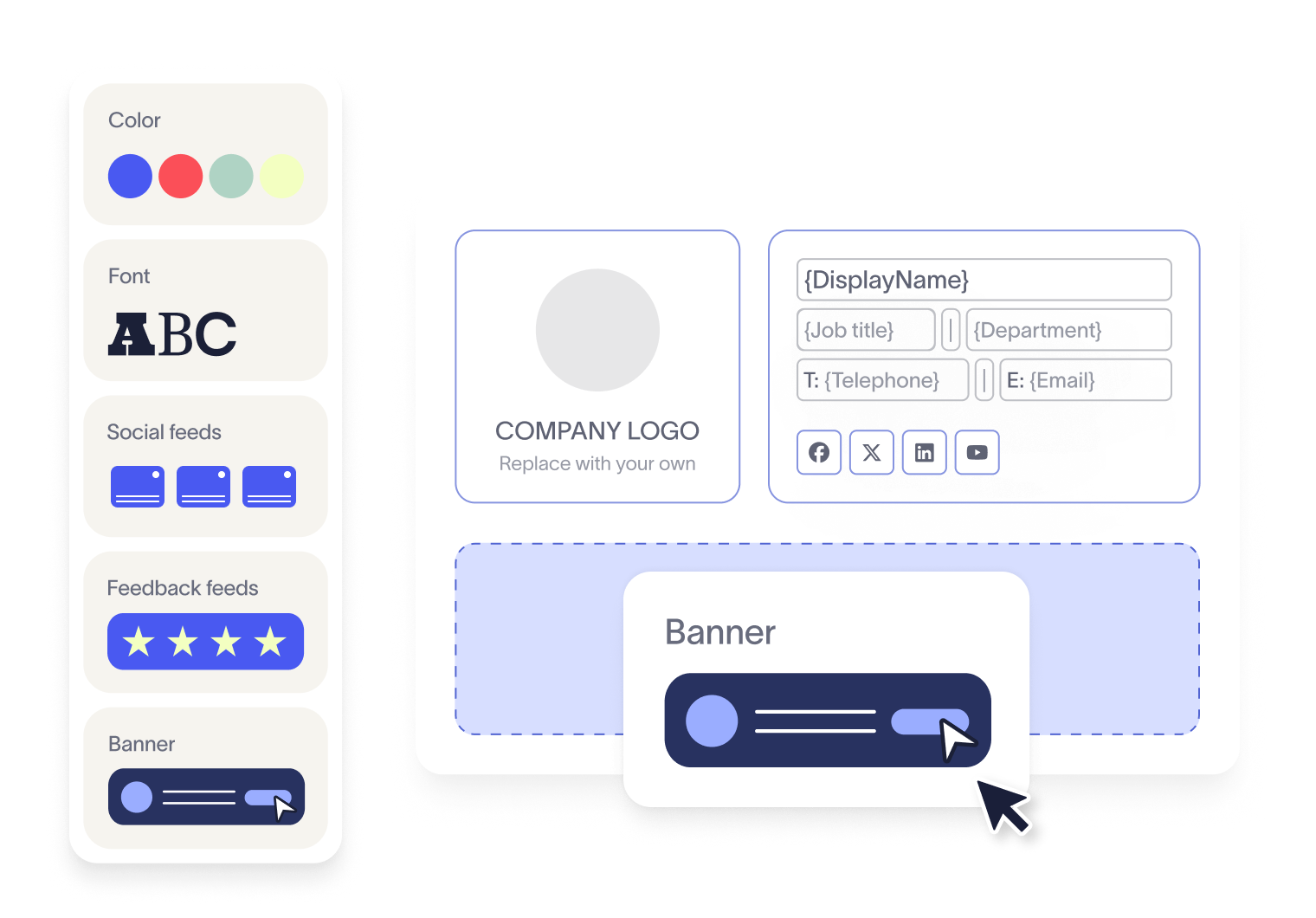
Standard elements and higher education additions
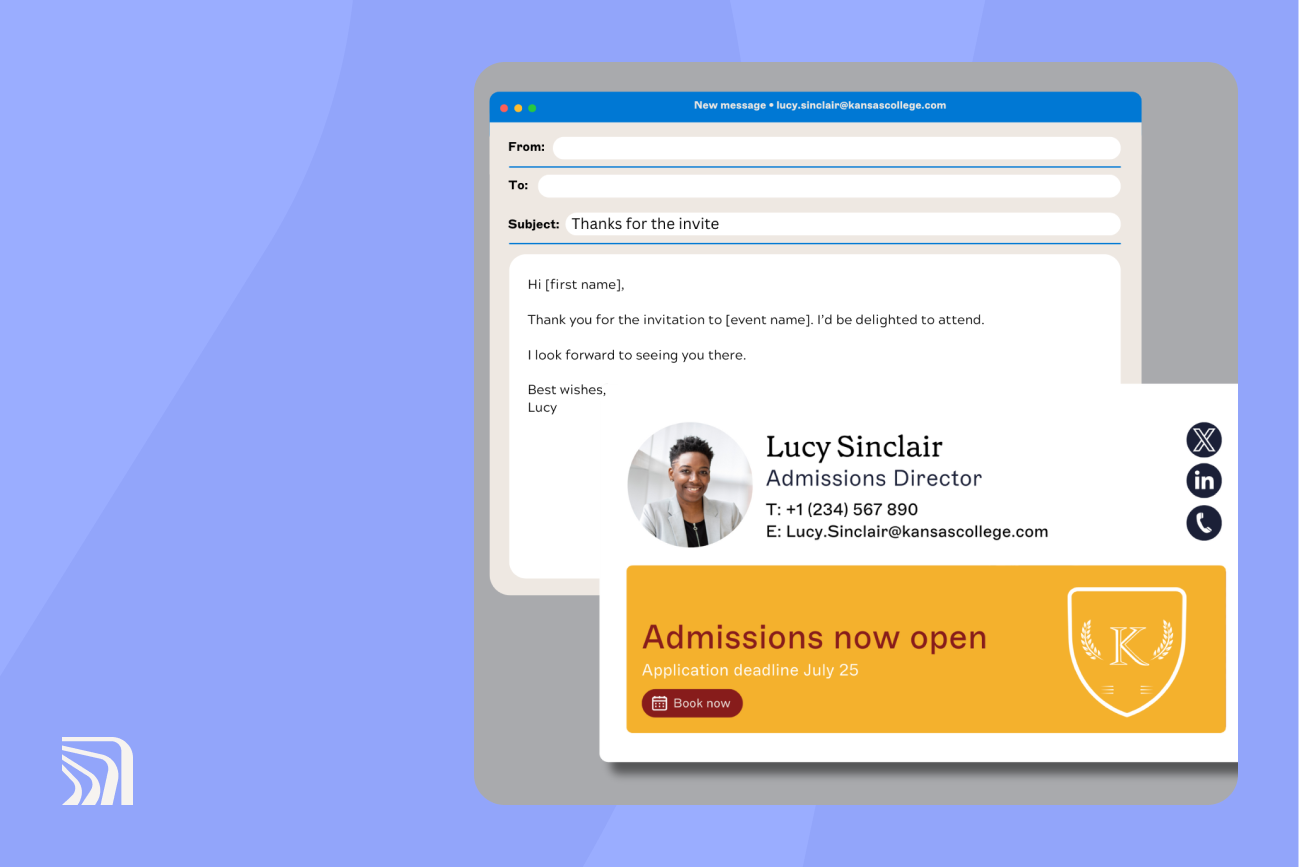
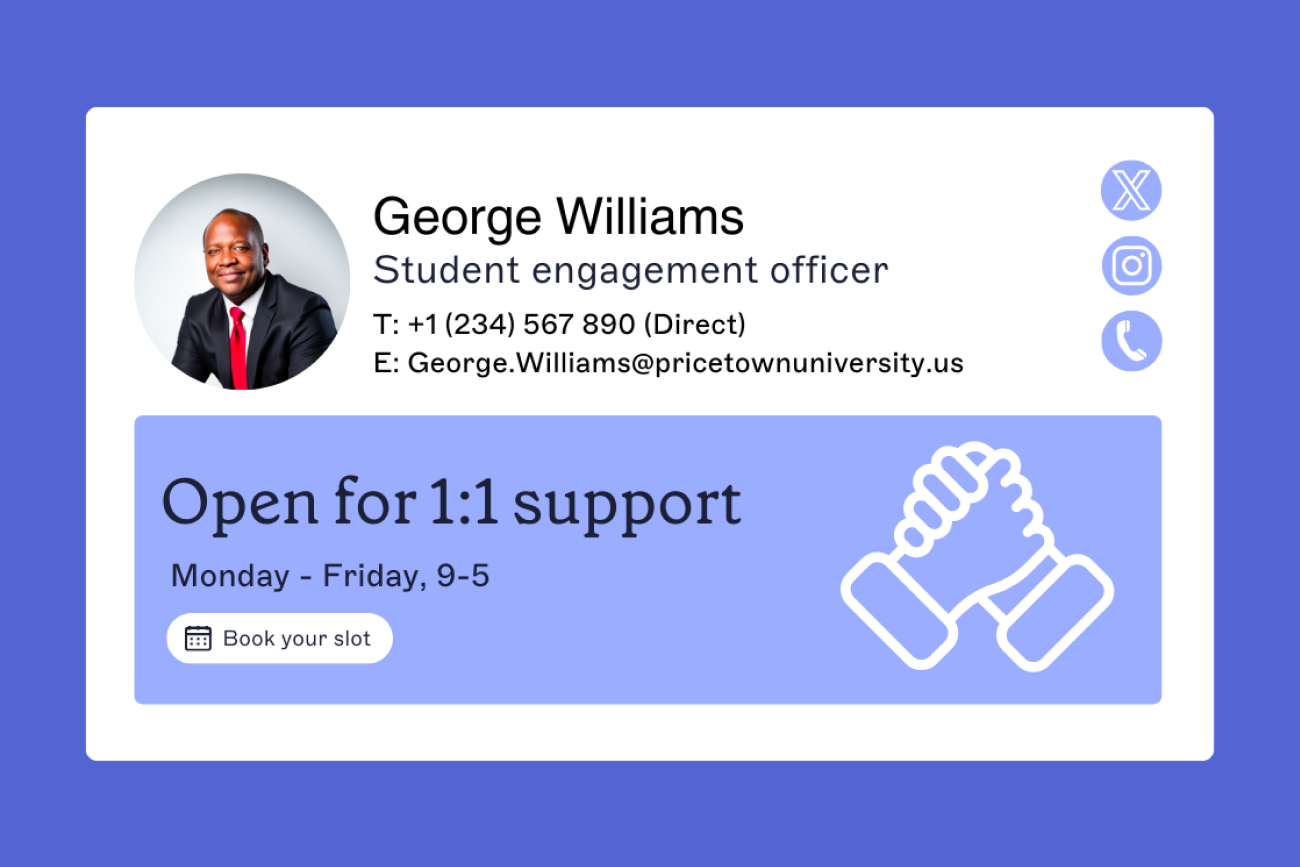
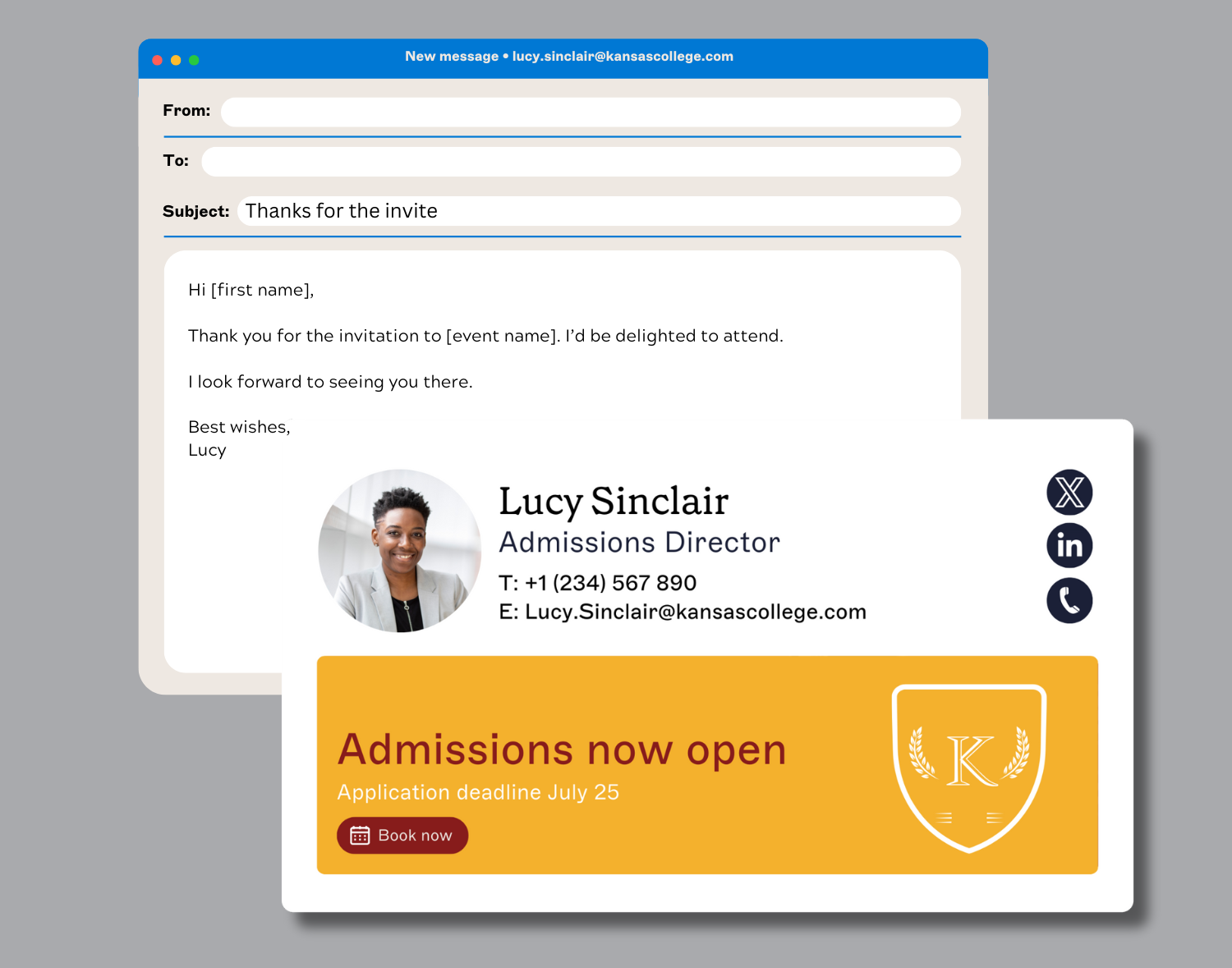
The base is full name, position title, department or school, institution name, direct contact details, the institutional logo, and the website. Higher education adds academic credentials and post-nominals, the school or college as distinct from the department, office location and hours for student-facing roles, pronouns where institutional policy encourages them, and a scheduling link for anyone who takes student appointments.
Keep any required notice as selectable text rather than baking it into an image, so a screen reader can read it and a recipient can copy it.
Academic titles and credentials, and why they break
Academic rank isn't a job title, and a template that treats the two as one field will be wrong for any faculty member whose rank and administrative role differ. "Associate Professor" and "Assistant Professor" are different ranks with different standing, and getting one wrong lands very differently from mistyping a job title in a commercial organization. Adjunct, visiting, clinical, research, and teaching-track appointments each carry their own conventions, and institutions differ on how they want them written.
Doctorates cause almost as much trouble. A PhD, an EdD, a JD, and an MD are all doctorates, and institutional style guides take different positions on whether to use "Dr." before the name, post-nominals after it, or both.
Administrative titles add a further layer, since a department chair holds a fixed-term appointment that often rotates, and an interim chair or acting dean holds it only temporarily.
None of that survives being left to individual typing across a few thousand staff. Pulling rank, title, and department from the directory of record and formatting them by rule applies the institution's convention once, in one place. For the fields that genuinely do change faster than a directory record, Exclaimer's User Details Editor lets employees update their own pronouns, working hours, and certifications inside the template IT controls.
What about student email signatures?
Students mostly need a different answer. Their mailboxes vastly outnumber staff ones, and few institutions want to mandate a template for them. Publishing guidance and a generator is the right call.
Graduate students holding instructional appointments are the exception. A teaching assistant emailing a class is functioning as staff, so treat those accounts as staff for email signature purposes.
Full guide: Email signatures for college students

What compliance rules apply to email signatures in US education?
No federal rule tells a US institution what to put in an email signature, the Family Educational Rights and Privacy Act (FERPA) included. Accessibility law carries the most practical weight here, because it sets a testable technical standard for digital content, and meeting that standard across thousands of mailboxes needs a central template.
FERPA, and what it does and does not require
FERPA doesn't require an email disclaimer, a confidentiality notice, or any specific email signature content. No provision of it, at 34 CFR Part 99, addresses email footers.
What FERPA does is regulate the disclosure of personally identifiable information from student education records, restricting who may see it and setting out the conditions for disclosure without consent. Those obligations attach to what a message contains and who receives it. Adding "This email may contain confidential student information" to every outgoing message creates no FERPA safeguard, and an institution that treats it as one has a gap it can't see.
Ed Bodey, Exclaimer's General Counsel, has written that this is one of the most common ways organizations get communication governance wrong: "Policies exist, but there is no mechanism to ensure they are applied in the same way across different teams, systems, or regions." A disclaimer pasted into a footer by whoever remembered is the policy half of that sentence with nothing behind it.
A centrally managed email signature still supports the surrounding program. It keeps sender identity consistent, so recipients can recognize a legitimate message from the institution, and it puts the right contact route in front of people, so a parent with a records question reaches the registrar rather than replying to a work-study student. Where an institution has decided as a matter of policy that certain teams should carry a notice, central management is also the only way to know it's actually there.
Which accessibility laws apply to a university
Section 504 of the Rehabilitation Act is the provision that reaches most institutions. It prohibits disability discrimination by recipients of federal financial assistance, which covers essentially any college or university taking federal student aid or research funding.
Section 508 gets cited here more often than it applies. It covers federal departments and agencies, not recipients of federal funds, so a state university receiving federal research grants falls under Section 504 instead.
Title II of the Americans with Disabilities Act covers public institutions directly. The Department of Justice's 2024 rule under Title II adopted the Web Content Accessibility Guidelines (WCAG) 2.1 Level AA as the technical standard for web content and mobile apps. An interim final rule published April 20, 2026 moved the compliance dates to April 26, 2027 for entities serving populations of 50,000 or more, and April 26, 2028 for smaller entities and special district governments.
Which deadline applies to an institution is less obvious than it looks. DOJ's guidance works the calculation through with a university as its example: a state university with 40,000 students that sits within a state of six million counts as six million, because enrollment doesn't determine the figure. Almost every public university therefore falls in the April 2027 group rather than 2028.
What WCAG 2.1 Level AA means for an email signature
An email signature is neither web content nor a mobile app, so no compliance deadline attaches to it. What the Title II rule does is fix WCAG 2.1 Level AA as the standard a public institution gets measured against for digital content, while the underlying duty runs continuously and doesn't wait for 2027. Holding email templates to that same standard is a best practice.
In practice, this comes down to five checks:
Text contrast against its background meets the WCAG minimum ratio.
Every image, including a logo or an accreditation badge, carries meaningful alt text.
No information is conveyed by color alone.
Nothing a recipient needs to read exists only inside an image, which rules out the image-based email signature blocks some departments favor.
Link text describes its destination instead of saying "click here."
What each rule actually asks of you
Institutions add requirements of their own on top, and some states add more, but the federal picture is the part most often got wrong:
Rule | Who it covers | Does it govern an email signature | Where an email signature still helps |
|---|---|---|---|
FERPA (34 CFR Part 99) | Institutions receiving US Department of Education funding | No. It governs disclosure of student education records, not message footers | Consistent sender identity, and correct contact routes for records questions |
Section 504 (Rehabilitation Act) | Recipients of federal financial assistance, which covers most colleges and universities | Not by name. It prohibits disability discrimination across programs and activities | Templates that meet a recognized accessibility standard instead of varying by author |
Section 508 (Rehabilitation Act) | Federal departments and agencies. Not recipients of federal funds | No, and it usually doesn't apply to the institution either | Nothing directly. Check whether your state has adopted equivalent requirements |
ADA Title II and the 2024 DOJ web rule | State and local government entities, including public universities and districts | The rule covers web content and mobile apps, so not directly. The underlying Title II duty is continuous | Applying WCAG 2.1 Level AA to templates, consistently with the rest of the institution's digital content |
WCAG 2.1 Level AA (W3C) | Not a law. The technical standard the rules above point to | It's the standard a template can be built and tested against | Contrast, alt text, and information not carried by color alone |
How do you design email signatures for faculty, staff, and administrative roles?
Four things stay identical in every template: the institutional logo, the approved color palette, the legal name, and any notice every message must carry. Everything else moves by role.
Role | Core fields | Often added | Watch out for |
|---|---|---|---|
Tenured and tenure-track faculty | Name, academic rank, department, school, institution, office phone | Research profile link, lab or center affiliation | Rank must be exact, since Associate and Assistant are not interchangeable |
Adjunct and visiting faculty | Name, appointment title, department, institution, email | Term dates for visiting appointments | The template has to expire cleanly when the fixed-term appointment does |
Department chairs and deans | Name, academic rank, administrative title, school, institution, office phone, assistant contact | Office hours, executive assistant line | Interim and acting need to be marked, and rotate on a known cycle |
Administrative and professional staff | Name, job title, department, institution, direct phone, office location | Team or unit line | Job title should come from the HR record |
Student-facing services | Name, job title, office name, institution, office phone, office hours, scheduling link | Walk-in hours, service portal link | Contact routes matter more than individual credentials |
Tip
Adjunct and visiting appointments need a lifecycle, not just a template. The account outlives the appointment, so decide at setup what happens to the email signature when the term ends, rather than discovering it the following semester.
How do IT teams deploy email signatures across a university?
Server-side, client-side, and hybrid
Server-side deployment applies the email signature after the message leaves the sender's device, at the mail transport layer. In Microsoft 365 that's comparable in principle to an Exchange Online mail flow rule, and in Google Workspace to an Admin content compliance rule. The sender can't remove or override it, and it applies whether the message came from Outlook desktop, Outlook on the web, Outlook mobile, or Gmail on a phone. One quirk to expect: what the sender sees in their own Sent Items can differ from what the recipient actually received, and that difference generates support tickets in the first week of any rollout.
Client-side deployment installs the email signature into the sending application, so the user sees it while composing. It buys a live preview at the cost of enforcement, since anything installed on a device can be edited there. Hybrid runs both, with the server still applying the approved version on the way out.
Native Microsoft 365 or Google Workspace | Centrally managed, server-side | |
|---|---|---|
Who applies the email signature | The user, on each device | The platform, after sending |
Can a user override it | Yes | No |
Consistent on mobile | Depends on platform support and user setup | Yes, applied after sending |
Updated when the directory changes | Manually | Automatically |
Different templates per school or department | Not centrally | Yes, by rule |
Consistency you can demonstrate | Varies person to person | One defined set of templates, applied by rule |
Full guide: How to create and set up Microsoft 365 email signatures
Full guide: How to create a Google Workspace email signature
Directory sync from Microsoft Entra ID and Google Workspace Directory
The directory is what makes any of this maintainable. Name, title, department, office, and phone come from Microsoft Entra ID or Google Workspace Directory and populate the template automatically, so a title change made once by HR reaches the email signature without a ticket.
Tip
Because templates pull straight from the directory, the email signature inherits whatever is in it. Two fields are particularly prone to drifting in higher education: department names, after a merger or a program rename, and academic rank, which often sits in a faculty information system rather than the directory. Check both before you map them.
Full guide: Active Directory and Microsoft Entra ID email signatures
Shared and departmental mailboxes
Universities run a lot of shared mailboxes: admissions@, registrar@, financialaid@, gradschool@, every department's general inbox. They carry some of the highest-volume external correspondence the institution sends, and they're the accounts most likely to have no email signature at all, because no individual owns them.
These accounts need their own templates, built around the office name, the service phone line, hours, and the right contact route. They also need deliberate handling under whatever licensing model applies.
What makes email signature management different in K-12 districts?
A district has the same many-sites-one-standard problem as a university, on different technology and with a simpler set of job titles.
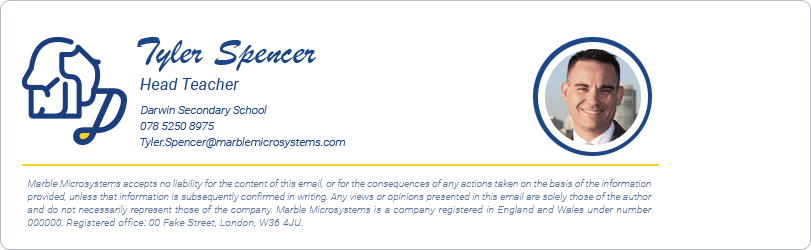
Districts run on both Microsoft 365 and Google Workspace for Education, so the deployment conversation starts in whichever admin console the district already uses. The grouping is usually per school either way: an organizational unit in Google Workspace, a group or directory attribute in Microsoft 365.
The Children's Online Privacy Protection Act (COPPA) comes up constantly in K-12 and is widely misread. It applies to operators of commercial online services, and the Federal Trade Commission's guidance is explicit that COPPA generally does not impose obligations directly on schools. It governs the vendors a district buys from, and it has nothing to say about email signatures.
What is the operational case for centralized email signature management in education?
On top of ordinary staff turnover, universities carry a second and larger pattern of change, one that repeats on the academic calendar and is entirely predictable:
Adjunct and visiting appointments are made for a semester or a year, then either renewed or not, in batches, at known dates.
Graduate instructional appointments rotate as students progress, often changing course assignment each term.
Department chairs serve fixed terms and rotate, along with associate deans and program directors.
Emeritus status changes a person's affiliation without ending it, and the email signature should change with it.
Reorganizations merge and rename schools, centers, and institutes more often than in most sectors.
Key takeaway
The failure mode is silent. Nobody reports that an adjunct who left in May still has an active email signature listing a course they no longer teach. It just sits there.
Drive the same events from the directory and they take care of themselves. A new adjunct is correctly identified from their first message, and an appointment that ends removes the template along with the account. Because semester boundaries are known months ahead, that workload is forecastable, which means it can be designed out.
Full guide: The true cost of manual email signature management
Making the standard stick
Size isn't really the question. Exclaimer licenses from ten mailboxes up, and directory sync, Signature Rules, and role-based access work the same at 40 staff as at 40,000.
What matters is how much changes. An institution where nothing moves between September and June can live with a documented template. One with fixed-term appointments and rotating chairs is already doing this by hand, just slowly.
Exclaimer closes that gap. Templates come from Microsoft Entra ID or Google Workspace Directory and are assigned by rule, so a school or a role gets the right one without anyone choosing it. Editing rights go to marketing communications or to an individual school, without handing over the institutional logo. It's certified to ISO 27001, ISO 27018, SOC 2 Type II, and Cyber Essentials, and is compliant with GDPR, CCPA, and HIPAA.
Exclaimer manages email signatures for 80,000+ organizations, including the University of Toronto, UNSW, San Diego State University, and the Curtis Institute of Music. See how it works for your institution at Exclaimer for education or start a free trial and apply your first template this week.