Karl heads up Information Security at Exclaimer, where he’s focused on keeping data secure and ensuring compliance with standards like ISO 27001 and SOC2. With years of hands-on experience, Karl is dedicated to simplifying security processes and staying ahead of potential threats. He’s passionate about using automation and smart practices to strengthen security without adding unnecessary complexity.
University email signature policy: A template and enforcement guide

TL;DR
A university email signature policy sets who it covers, takes contact details from the directory, bars local email signatures and personal additions, and gives student employees a separate standard.
Each clause holds only when a platform setting enforces it, such as directory sync for contact details or Signature Rules for scope.
Audit first. A test email from every academic unit and campus shows which logos and notices have drifted.
Staff and students on different platforms each need their own setup, built to the same template.
Many universities already publish email signature guidance for staff, often as a generator on the brand site. Turning that guidance into a policy means defining who it covers, then pairing each clause with something that enforces it.
In Exclaimer's State of Business Email 2025 research, a Censuswide survey of 4,009 IT professionals, 33% said employees ignore email signature guidelines. At a university, that can mean an applicant who emails two departments gets two different logos back.
Key takeaway
A university email signature policy is the written standard for what staff email signatures contain and who they apply to, enforced through centralized email signature management for universities.
How do you audit email signatures before writing a policy?
Send one test email from a mailbox in every academic unit and campus, then compare each against the brand guidelines.
In a 2024 EDUCAUSE Review study of 340 higher education institutions, 66.2% had highly centralized IT, meaning 75% or more. At R1 (very high research activity) universities, only 22.9% did. EDUCAUSE didn't study email signatures, but where IT is split, academic units may build templates of their own. A platform migration can undo even a working setup. When City of Bristol College moved from on-premises Exchange to Microsoft 365, the scripts that had applied its email signatures stopped working, and staff were left copying them between Outlook versions.
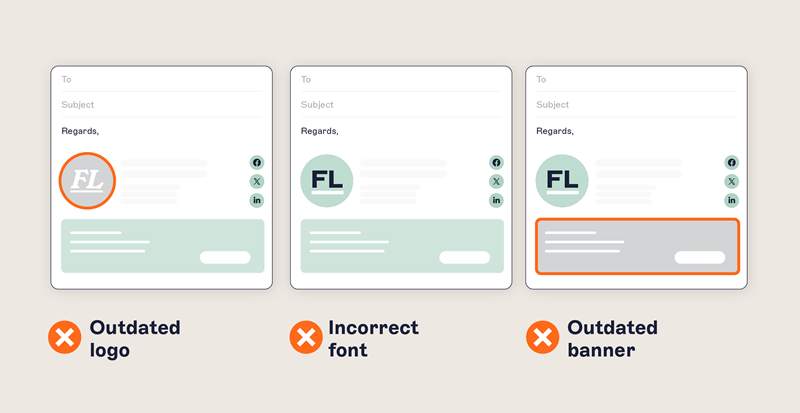
Check each result for email signature drift against the table below, because each gap points to a clause the policy needs.
Email signature audit checklist
Check | How to test it | Red flag | Policy clause it informs |
Logo and layout | Compare with the brand guidelines and approved template | A retired crest, a department-built template, or a personal quote | Standard |
Contact details | Match job titles against the directory | Titles that don't match the directory | Content |
Legal text | Check external email for required notices | Missing notices, or a pre-merger name | Legal text |
Banners and links | Click every banner and link | Last cycle's open day banner | Campaign banners |
Coverage | Send extra tests from a phone and a shared inbox such as admissions | Default or missing email signatures | Scope |
What should a university email signature policy template say?
A workable policy runs to ten short clauses, each one a rule a platform setting can enforce. Copy it into your staff handbook and replace the bracketed items.
[Institution name] email signature policy
Scope: All staff, including faculty and contractors, who send email from an [Institution name] account, plus shared and departmental mailboxes. Student accounts are excluded unless the student is employed by [Institution name] and emails in that role.
Standard: Email signatures are applied automatically from templates managed by [Marketing and Communications]. Don't add a separate email signature in any email client or mobile app.
Content: Name, job title, department, and contact details come from the staff directory. Correct them through [HR system or IT service desk].
Self-service fields: Pronouns and working hours can be added through the self-service editor.
Prohibited content: Don't add personal quotes or extra images to an email signature.
Legal text: Required notices are added automatically and must not be removed or edited.
Accessibility: Images carry alt text, and links have descriptive labels. Contact details appear as live text rather than inside an image.
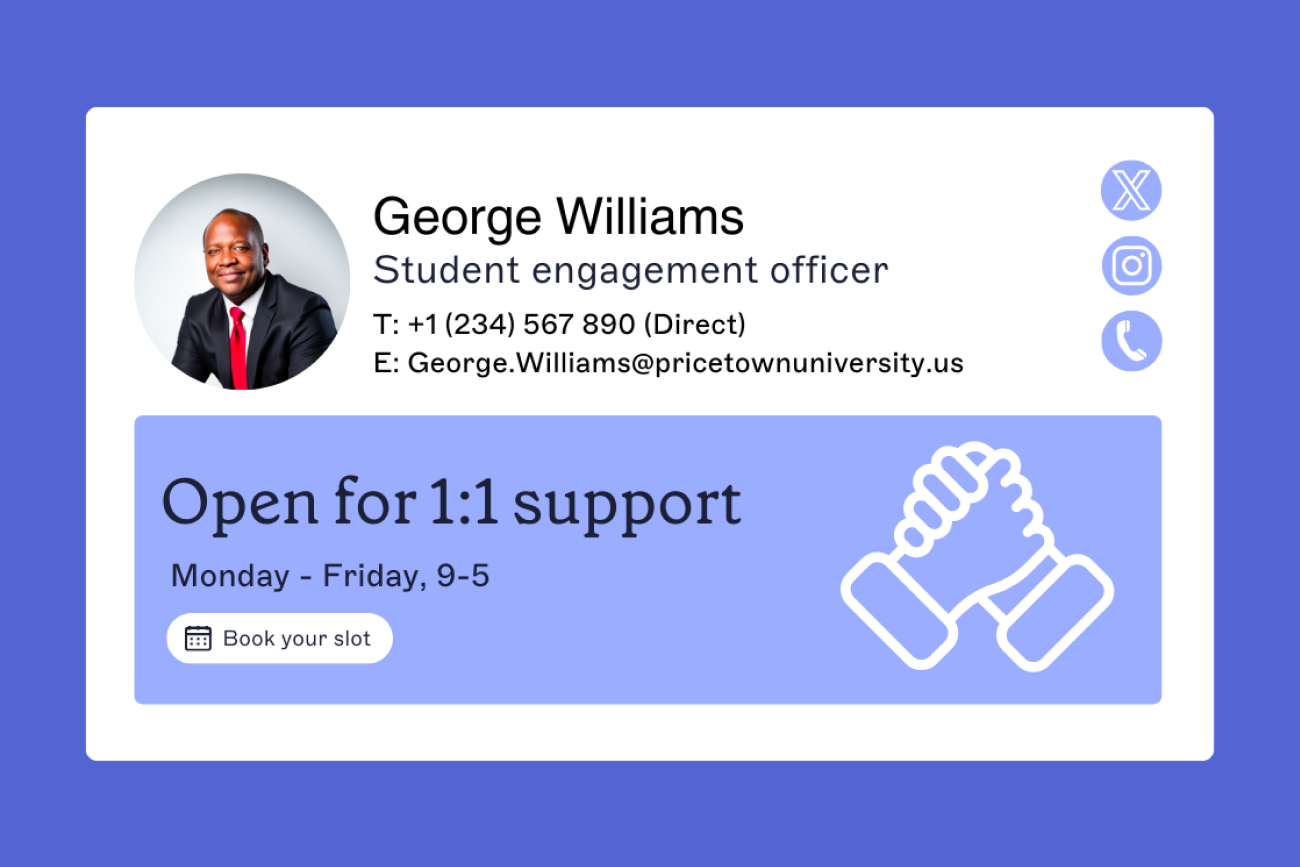
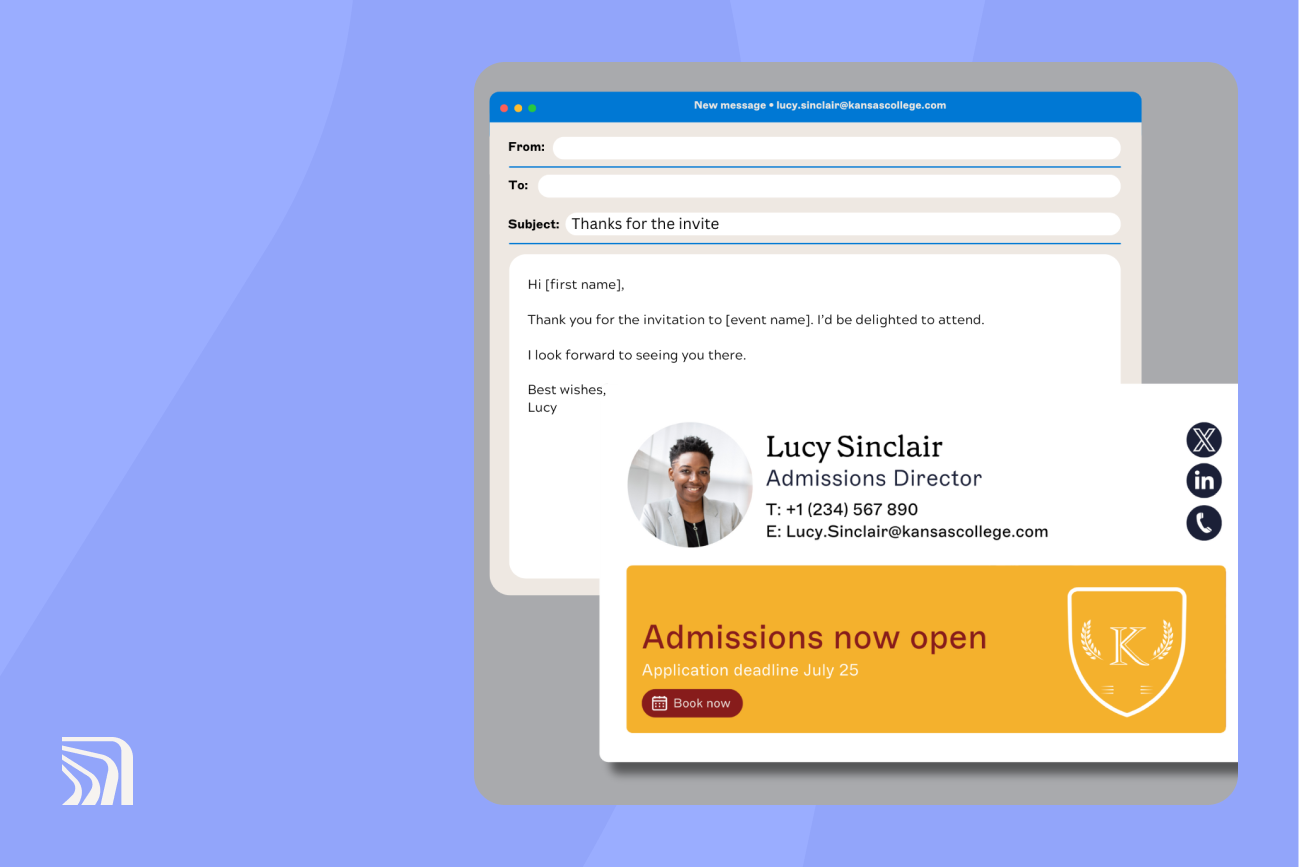
Campaign banners: [Marketing and Communications] approves and schedules all banners. Each banner needs a named campaign and fixed start and end dates.
Student employees: Email signatures show only the student's name and job role.
Review: This policy is reviewed at the start of each academic year. Send exception requests to [brand owner].
Legal text is an institutional choice for US schools, since the Family Educational Rights and Privacy Act (FERPA) doesn't require any email disclaimer. UK institutions should check the content and student employee clauses against the data minimization principle in the UK General Data Protection Regulation (UK GDPR).
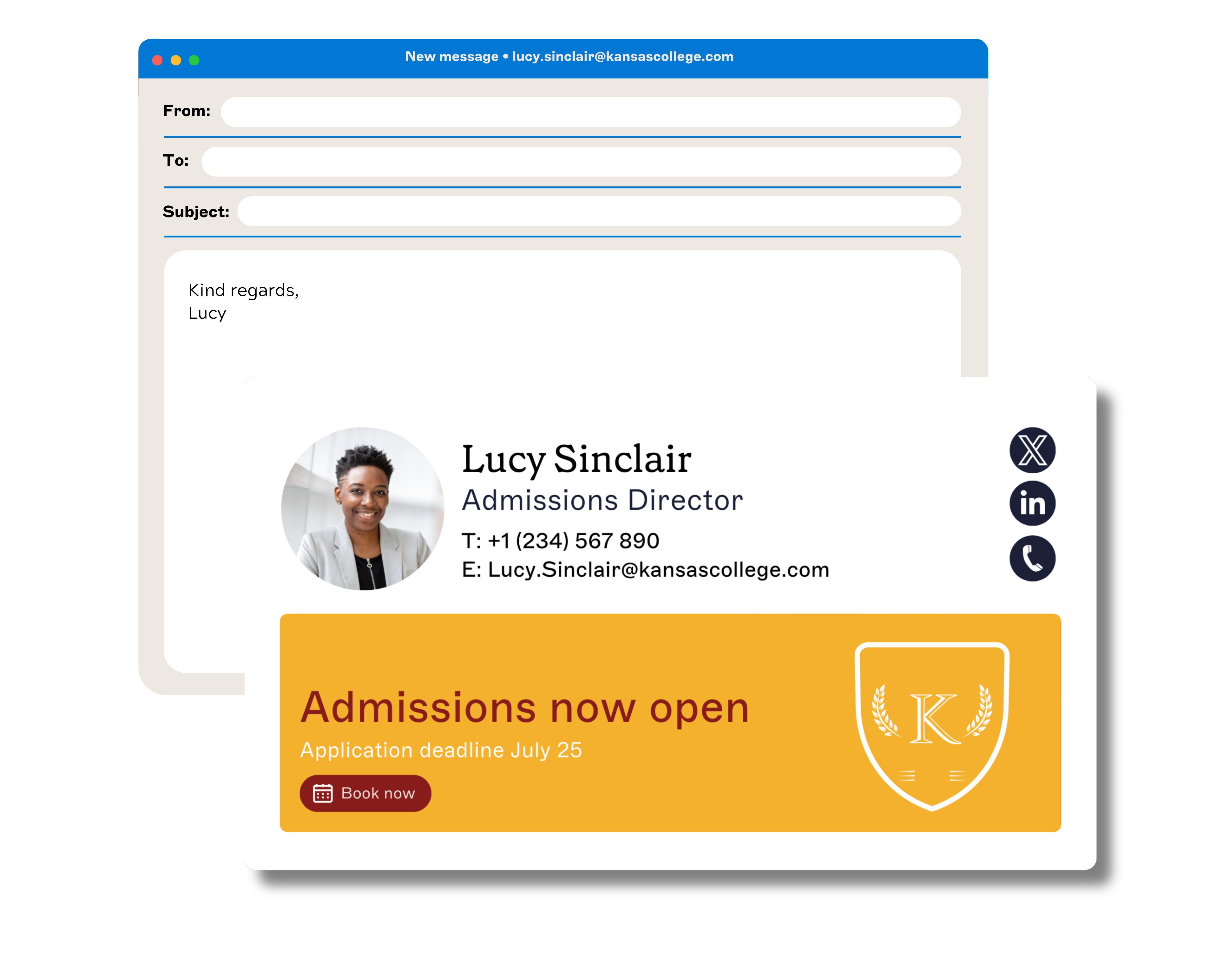
On prohibited content and campaign banners, the University of Wollongong's email signature procedure is a published model. It bars quotes and graphics, and it approves a promotional banner only when the banner has a fixed start and end date. The requesting area is then responsible for removing the banner afterward.
Jim Turner, Exclaimer's COO, has seen what happens without a clause like this. A few companies that recently approached Exclaimer, he says, are in a position where "each of their teams is creating their own email signatures and putting political statements in them, with no governance over it at all."
How to enforce each clause of the policy
Each clause in the template needs a platform setting behind it, so the policy holds without anyone checking individual mailboxes.
Policy clause | Enforced by | Setup note |
Scope | Signature Rules | Target mail-enabled security or distribution groups, excluding student mailboxes |
Standard | Server-side deployment | Applies the approved template as email routes through Exclaimer, whichever device or email client sends it |
Content | Directory sync | Map Microsoft Entra ID or Google Workspace Directory fields to the template |
Self-service fields | User Details Editor | Staff update pronouns and working hours inside the template IT controls |
Prohibited content | Directory sync and User Details Editor | The email signature is built from the template and directory fields, so staff have no field for quotes or extra images |
Legal text | Disclaimers | Assign by user, region, brand, or audience. Employees can't edit or remove them |
Accessibility | Accessibility Controls | Adds semantic structure and screen reader labels in the designer |
Campaign banners | Give marketing editing rights for campaigns without full admin access. Schedule each banner with an end date, and the email signature reverts on its own | |
Student employees | Signature Rules | Assign a separate template by group or directory attribute |
City of Bristol College, which manages email signatures for three organizations from one portal, uses mail-enabled security groups to keep thousands of student mailboxes out of scope. Its rollout took five days.
Tip
Microsoft Entra ID dynamic groups can't be targeted by Signature Rules directly, so assign email signatures by a directory attribute, such as department for the same self-updating behavior. That depends on the directory fields you map using consistent names.
Dark mode is a risk for contact details held in images. Jasmine Hotham-Tunnadine, Template Designer at Exclaimer, says it can "make images harder to see, especially darker ones."
If staff and students use different platforms
Some institutions run students and staff on different platforms, and mergers can leave two staff tenants behind. Each Exclaimer subscription is set up against one email service, and an organization with several user directories can add a subscription for each. A Microsoft 365 tenant and a Google Workspace environment therefore each get their own setup, built to the same template. Align department names and job titles across both directories before writing rules against them.
If students sit on a separate domain, an external-only banner or disclaimer may reach them, depending on how the rule defines external. Check how each rule treats student domains before launch.
When to review the policy
Review the policy at the start of each academic year, after new staff join and before the recruitment cycle begins.
Recruitment puts staff contact details in front of a lot of applicants. The Universities and Colleges Admissions Service (UCAS) reported in July 2026 that UK universities and colleges had made 2.07 million offers to applicants who applied by the January 2026 equal consideration date. In Exclaimer's When It Matters research, a 2026 OnePoll survey of 2,000 UK and US adults, full contact details were the most cited trust signal in an email, at 45%.
A merger or a brand refresh should trigger an extra review. With logos and fonts held in Brand Kits, one update changes every linked email signature, and the switch can be scheduled in advance of the rebrand. Campaign banners run on their own shorter cycle, with each open day email signature campaign planned on a six-week schedule.
How do you put the policy to work?
Apply the policy from the platform, because 80% of organizations in Exclaimer's State of Business Email 2025 research still manage email signatures with manual methods or user self-service.
A policy that relies on staff to apply it by hand sits in that group. Start with the audit, then see how Exclaimer enforces each clause for education.