Dave is a marketing expert with 15 years experience in the tech and SaaS world. He specializes in educating IT and channel audiences, with a focus on security, privacy, compliance, and marketing technology. With a talent for storytelling and a deep understanding of the industry, Dave transforms complex IT topics into clear, engaging, and impactful narratives.
How to tidy your organization’s Active Directory

Active Directory (AD, along with its cloud counterpart, Entra ID) is the source of truth for who works at your organization, what they do, and how they appear on every email they send. For teams who rely on it, AD underpins the systems that depends on user data: identity, mail flow, signature platforms, and more.
When it isn’t clean, the consequences show up in every outgoing email. Job titles are six months out of date. Phone numbers are formatted in three different ways. Departed employees still appear on the global address list. Together, these things erode brand consistency and create lots of fix-it tasks for IT.
If your directory is overdue for some attention, the fix runs in five steps: audit stale accounts, standardize attribute data, sort accounts by signature need, connect HR as the source of truth, and set a review cadence.
How do you audit Active Directory user accounts?
Start with the inventory. Pull every account and flag anything that hasn’t authenticated in 90 days.
Some will be service accounts you’ve intentionally left dormant. Document these. The rest deserve scrutiny:
Departing employees whose accounts were disabled but never deprovisioned
Contractors whose engagement ended without a proper offboarding pass
Test accounts created for a one-off project and forgotten
Inherited accounts from past mergers, acquisitions, or system migrations
Inactive accounts are a security liability, a licensing cost, and a potential source of confusion for other platforms pulling from your directory. Remove them or document why they stay.
How do you standardize Active Directory attribute data?
Most of AD’s value lives in its attributes: title, department, office location, phone number. These are the fields that populate signatures on every outgoing email.
Look for three common problems:
Missing values. Empty title or department fields are common, especially for hires onboarded during a busy quarter. They’re also the first thing a recipient notices in a signature.
Inconsistent formatting. Phone numbers entered as +44 20 1234 5678, (020) 1234 5678, and 02012345678 are technically the same number—but in customer communication, they look like they’re coming from three different organizations.
Stale values. Promotions, internal moves, and office relocations often populate the HR system without being reflected in AD, which means signatures continue to reflect old titles for weeks.
Pick a standard for each field, document it, and run a cleanup pass. While you’re at it, decide which fields are mandatory at account creation, so empty values can’t creep back in.
Which accounts need an email signature?
Not every account should carry the same signature, and some shouldn’t carry one at all.
Make the distinctions explicit in your directory:
Individual users: a standard branded signature with personal details.
Shared mailboxes: function-specific signatures (support@, sales@) that present the team rather than a person. Default sync settings skip shared mailboxes with sign-in blocked unless Synchronize Disabled Accounts is enabled, so verify they're visible to your signature platform before relying on rules to target them.
Mail-enabled groups: along with distribution lists, the building block for rules that assign signatures by department, location, or team. Security-only groups aren't selectable as signature rule targets, so anything you want to address as a group needs to be mail-enabled.
Service accounts: may not require signatures, since these handle transactional mail.
Each of these maps to a different decision in your signature rules. The cleaner the distinctions in your directory, the easier those rules are to configure.
How do you connect HR data to Active Directory?
The cleanest directories are fed by an HR system that owns employee data at the source.
Two approaches are worth considering, and they’re not mutually exclusive:
Approach | Best when |
|---|---|
HRIS into AD. Provisioning tools (Microsoft's built-in HR-driven provisioning, SCIM, or middleware) push HR data into AD or Entra ID automatically. | You want one long-term fix for attribute drift across every downstream system. |
HRIS direct to the tools that need it. Exclaimer, for example, can sync user data straight from Workday, BambooHR, or UKG Ready, alongside Active Directory / Entra ID, Google Workspace Directory, or Okta Universal Directory. | Some fields don't translate cleanly to AD, or your HRIS updates more often than your directory does. |
The right route depends on your data. If AD is well-fed and reliable, sync from there. If the fields you care about live in your HRIS and your tools support it, simply pull from the source.
How often should you audit Active Directory?
Tidying once is satisfying. Keeping things tidy is what matters.
Set a quarterly sweep for orphaned accounts, a monthly check on stale attributes, and a clear offboarding policy that closes the loop the same week someone leaves.
Assign ownership so the work doesn’t quietly fall off everyone’s plate. A directory nobody owns drifts back to its starting state within a quarter — usually before the next audit is even due.
Why does a clean directory matter for email signatures?
A clean directory pays you back across every system that depends on it, and email signatures are the most visible.
Exclaimer's State of Business Email 2025 research found that 80% of organizations still rely on manual methods or user self-service to keep signatures current — a gap that starts with exactly the kind of messy attribute data this guide fixes.
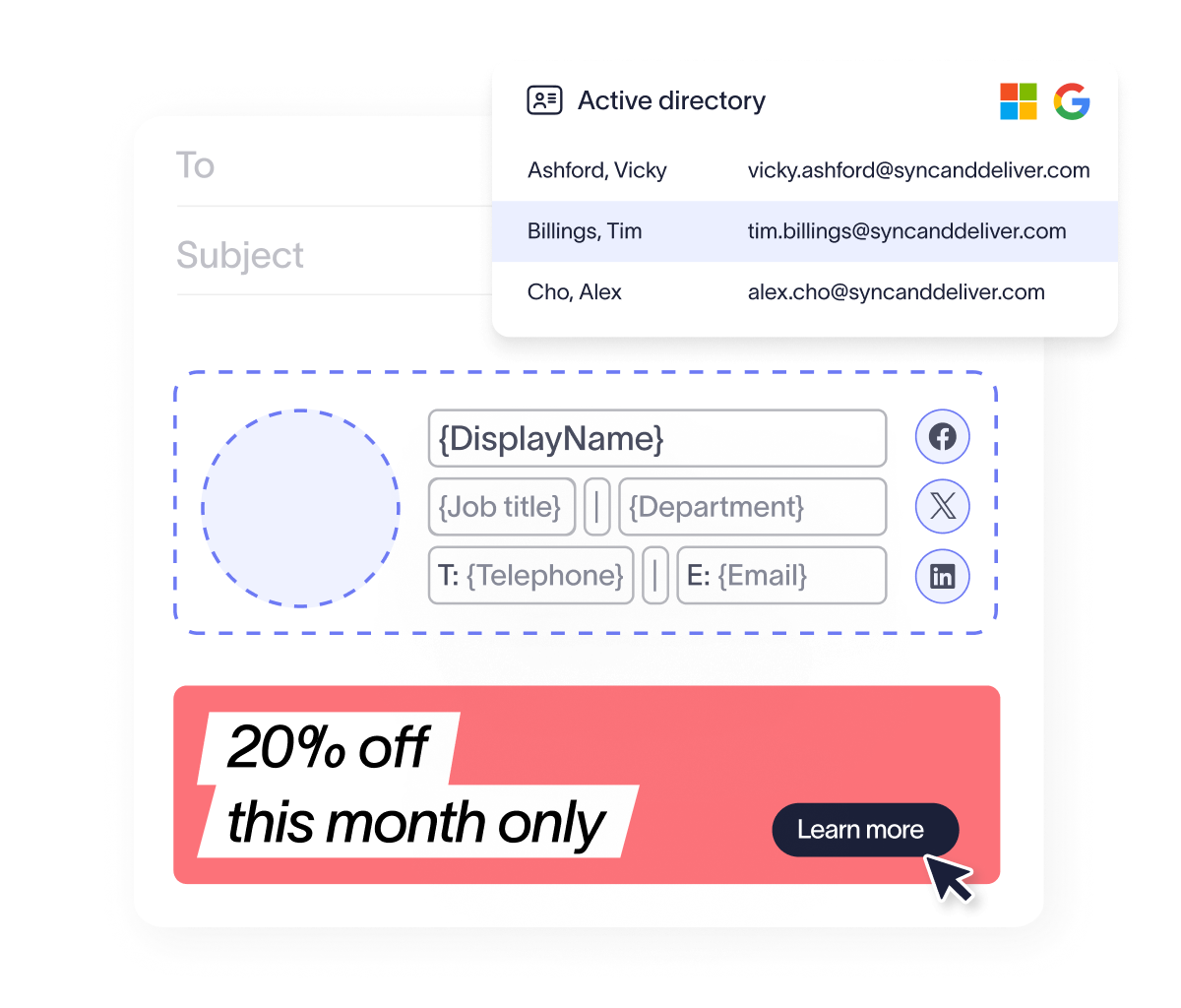
When Exclaimer;s Directory Sync pulls user details directly from Active Directory, every signature reflects the quality of your directory: accurate titles, current phone numbers, correct office addresses, applied automatically without scripts to maintain or signature update reminders to send.
Tidying AD isn’t glamorous work, but it pays off in every email your organization sends. Get a free trial of Exclaimer.