Dave is a marketing expert with 15 years experience in the tech and SaaS world. He specializes in educating IT and channel audiences, with a focus on security, privacy, compliance, and marketing technology. With a talent for storytelling and a deep understanding of the industry, Dave transforms complex IT topics into clear, engaging, and impactful narratives.
How to calculate email signature costs for IT teams
TL;DR
At 500 users and four email signature updates a year, manual management costs about $31,773 a year in IT time. At one update a year, manual management costs $7,943.
Exclaimer's cloud solution on the Starter plan costs $5,400 a year for the same 500 users at list price (Exclaimer pricing page, November 2026), about 17% of the manual cost and an ROI of about 488% at four updates a year.
The formula is users × updates a year × minutes per update ÷ 60 × hourly rate. The figures above assume 20 minutes per update and the US Bureau of Labor Statistics median wage of $47.66 an hour (May 2025).
How much does manual email signature management cost?
At 500 users, four updates a year, and 20 minutes per update, manual email signature management costs about $31,773 a year in IT time. The hourly rate is the US Bureau of Labor Statistics (BLS) median wage of $47.66 for network and computer systems administrators (May 2025).
Input | Value | Basis |
|---|---|---|
Users | 500 | Example size. Replace with your headcount |
Updates per year | 4 | Planning assumption. Replace with your own count |
Minutes per user per update | 20 | Planning assumption, not a measured figure. Time your own process |
Hourly rate | $47.66 | BLS median pay for network and computer systems administrators, May 2025 ($99,130 a year) |
IT hours a year | 666.67 | 500 × 4 × 20 ÷ 60 |
Annual manual cost | $31,773 | 666.67 hours × $47.66 |
The BLS figure is a median wage, so add your own benefits and overhead for a fuller hourly cost. The model counts IT time only, because Exclaimer has no sourced dollar figure for brand or legal costs.
How do you calculate manual email signature cost?
Annual manual cost = users × updates a year × minutes per update ÷ 60 × hourly rate
An update is any change that has to reach every affected user's email signature, such as a rebrand or a new job title format.
Updates a year is the count of those changes in your calendar and ticket history over 12 months. A request sent to one administrator by chat doesn't reach the ticket report, so a ticket count alone understates the hours.
Minutes per update is the time IT spends applying one update to one user's email signature, including checking the result.
How much does the update count change the cost?
Updates a year is the hardest input to pin down, because requests made by chat or in passing go unlogged. In the 500-user model, with 20 minutes per update and the BLS median wage of $47.66 an hour (May 2025), one update a year costs $7,943 and 12 cost $95,320.
Updates per year | IT hours | Annual manual cost | Starter cost (500 users) | Savings | ROI |
|---|---|---|---|---|---|
1 | 166.67 | $7,943 | $5,400 | $2,543 | 47% |
4 | 666.67 | $31,773 | $5,400 | $26,373 | 488% |
12 | 2,000 | $95,320 | $5,400 | $89,920 | 1,665% |
Quick answer
For a company with 500 employees, manually managing email signatures can cost over $28,000 annually and require 667 hours of IT effort.
How much does email signature management software cost?
Exclaimer's email signature management solution costs $0.90, $1.45, or $1.75 per user per month on the Starter, Standard, and Pro plans, billed annually, with a 10-user minimum. At 500 users, Starter costs $5,400 a year, about 17% of the $31,773 manual figure.
Plan | Price per user per month, billed annually | Annual cost at 500 users | ROI against manual cost |
|---|---|---|---|
Starter | $0.90 | $5,400 | 488% |
Standard | $1.45 | $8,700 | 265% |
Pro | $1.75 | $10,500 | 203% |
The ROI column uses the $31,773 manual cost from the 500-user model (four updates a year, 20 minutes per update, $47.66 an hour).
On the pricing page, Starter includes centrally managed email signatures, auto-updated employee details, legal disclaimers on every email, one template, and one Brand Kit. Disclaimer management, targeting rules, and user-editable fields start on Standard.
Why does manual email signature management take so much IT time?
Exclaimer reports that 35% of IT leaders call managing email signatures one of the two most time-consuming things they do.
Linn Foster, Director of Engineering Management at Exclaimer, describes how the work grows when a team builds its own email signature tool:
"You start with one policy for one region, then you're managing multiple departments, multiple templates, and people who need exemptions, so you're writing logic to handle exceptions instead of core work. Then the signatures won't render, or they stack at the bottom of a thread, or they don't show up right on mobile, and you're debugging HTML across email clients instead of doing engineering."

What does native Microsoft 365 tooling add to the work?
Native Microsoft 365 mail flow rules skip any line whose variable has no data. A phone number missing from the directory leaves a gap in the email signature.
Microsoft's Exchange Online guidance tells admins to add an exception that looks for unique text in the disclaimer "to avoid multiple disclaimers in an email conversation," and to test every mail flow rule before enforcing the rule.
Exclaimer's guide to Microsoft 365 email signature management says a banner request from marketing and a disclaimer change from legal "land on whoever holds the Exchange 'Mail flow' permissions."
For the cost of keeping scripts and mail flow rules running over time, see the hidden costs of building email signature solutions in-house.
Do server-side email signatures appear in Sent Items?
A server-side email signature added by a native Exchange mail flow rule doesn't appear in the sender's Sent Items folder (Microsoft Learn). The same page lists two more limits. The rule can't insert the email signature directly under the latest reply or forward, and the rule can't embed images.
Client-side | Server-side (native Exchange mail flow rule) | |
|---|---|---|
Where the email signature is added | In the mail client, such as Outlook, while the user writes | On the mail server, after the user sends |
Appears in Sent Items | Yes | No |
Exclaimer's pricing page says all plans "can be deployed server-side, client-side or both."
How do recipients react to a missing branded email signature?
In Exclaimer research conducted by Censuswide, 42% of 1,757 UK consumers surveyed in April 2023 said they feel negatively towards a business when they receive an email without a branded email signature.
Exclaimer published the research on 5 July 2023.
What legal risk do missing email signatures and disclaimers carry?
Ed Bodey, General Counsel at Exclaimer, says email signatures and disclaimers carry mandated information in a number of jurisdictions and industries.
Missing email signatures and disclaimers, or being unable to show you had them on particular communications, "can cause you an evidence problem."
How does centralized email signature management compare with manual?
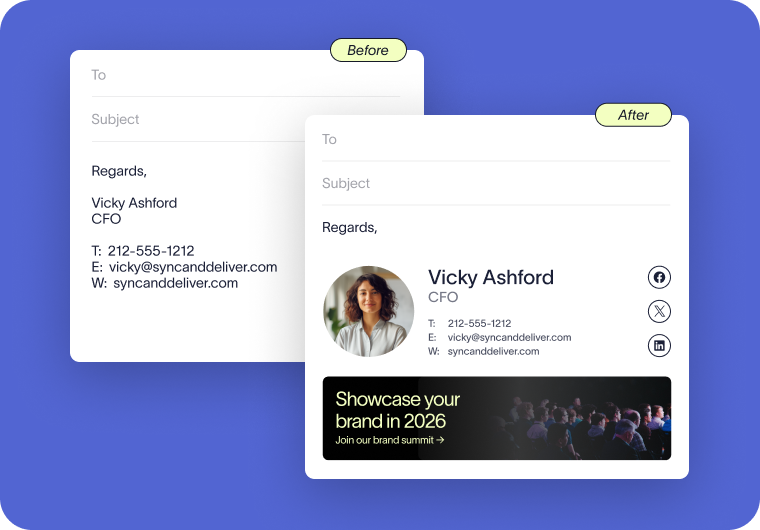
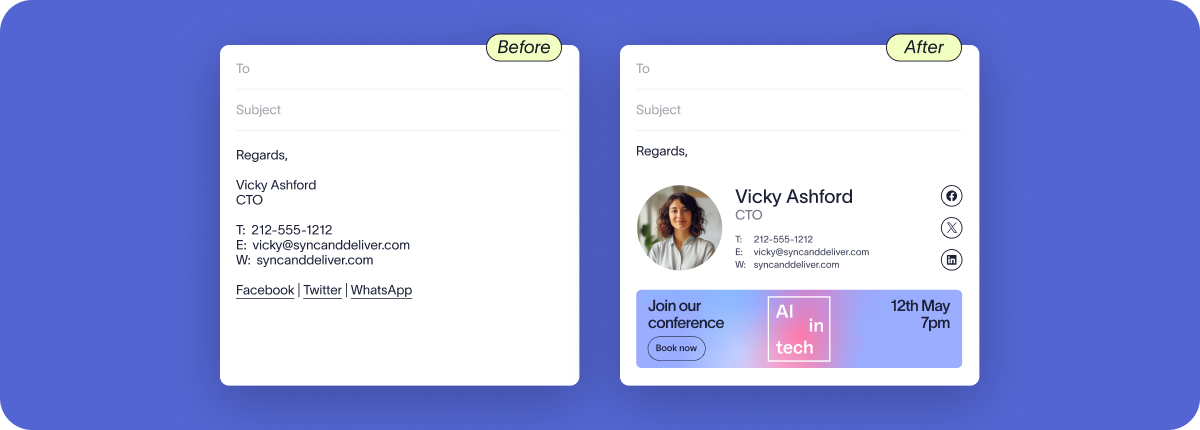
Centralized email signature management means one administrator controls the templates and rules, and software applies them to every user's outgoing email.
Manual | Centralized | |
|---|---|---|
Who makes a change | Each user, or IT user by user | One administrator, in Exclaimer's drag-and-drop designer |
Effort per update | Grows with the number of users | One central change applies organization-wide (Exclaimer pricing page) |
Consistency | Depends on each user | One template applies to every user |
Disclaimers | Rely on each user to add them | Applied automatically after the email is sent (Exclaimer disclaimers page) |
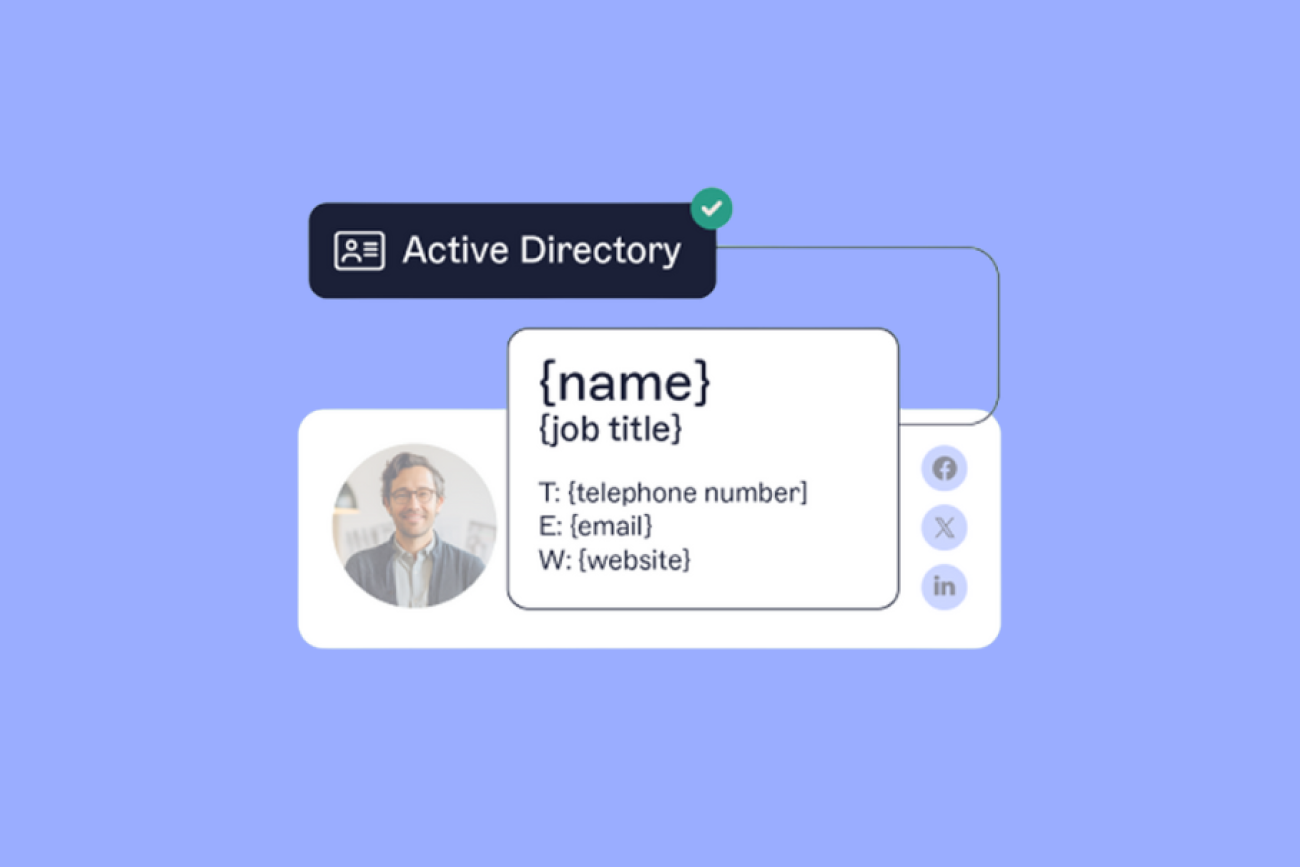
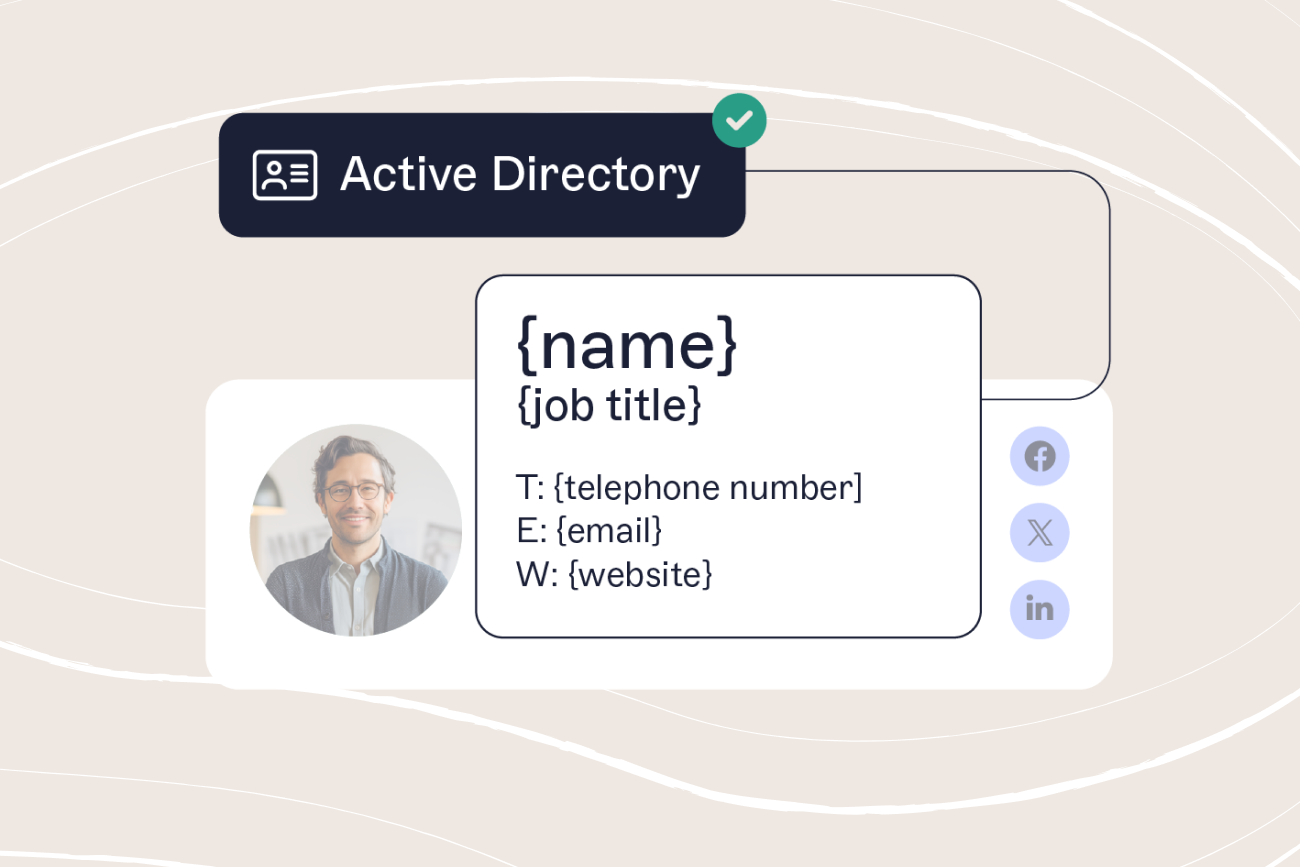
Contact details | Typed or pasted by hand | Synced from Microsoft Entra ID or Google Workspace Directory by directory sync |
Cost | IT hours | Per-user subscription, from $0.90 per user per month on Starter, billed annually (Exclaimer pricing page) |
Two guides go further: The step-by-step implementation guide for IT and a guide to automating email signature updates.
Start simplifying your email signature management
Exclaimer is the email signature management platform trusted by 80,000+ organizations worldwide, including Sony, Mattel, Bank of America, NBC, and the BBC.
Exclaimer's cloud solution applies consistent, on-brand email signatures across Microsoft 365 and Google Workspace, with central control over disclaimers, campaign banners, and reporting.
Book a demo to see how Exclaimer handles email signatures at scale.