Karl heads up Information Security at Exclaimer, where he’s focused on keeping data secure and ensuring compliance with standards like ISO 27001 and SOC2. With years of hands-on experience, Karl is dedicated to simplifying security processes and staying ahead of potential threats. He’s passionate about using automation and smart practices to strengthen security without adding unnecessary complexity.
Email signature management for law firms: Consistency and compliance at scale

TL;DR
Every email a law firm sends carries brand, client trust, and regulatory exposure, so an inconsistent or non-compliant email signature is a real risk, not a cosmetic one.
A compliant law firm email signature needs accurate sender and contact details, the firm's regulatory information where required, the right disclaimer for the jurisdiction, and consistent branding across every attorney.
Confidentiality disclaimers work as a signal rather than a reliable legal shield, so what matters is that the correct wording appears consistently on the emails that need it.
Requirements vary by jurisdiction: the Solicitors Regulation Authority (SRA) requires England and Wales firms to show their SRA number and authorization wording on their letterhead and in every email, while US attorney communications fall under state bar rules that differ from state to state.
Manual, per-user signature management drifts as a firm adds attorneys and offices, yet only 18% of organizations manage signatures centrally, despite the time manual handling costs.
Centralized, server-side management applies the correct signature and disclaimer to every email automatically, by office, jurisdiction, or client type, and keeps details accurate through directory sync.
For a law firm, every outbound email is both a professional impression and a legal record. It carries the firm's brand, a client relationship, and often a regulatory obligation.
When emails go out with inconsistent formatting or an outdated job title, the firm simply looks disorganized. When they go out missing regulatory information the firm is required to include, it can become a compliance issue rather than a cosmetic one.
Email signatures are easy to overlook. They're often left to individual attorneys, so no two look alike and no one can confirm that the correct legal wording sits on every message.
This guide covers what a compliant law firm email signature should include, the regulatory context behind legal disclaimers, why manual management stops working as a firm grows, and how centralized email signature management keeps every message consistent and compliant.
Why email signatures matter more for law firms
Most businesses want their emails to look professional. A law firm needs more than that: every message has to hold up to client and regulatory scrutiny.
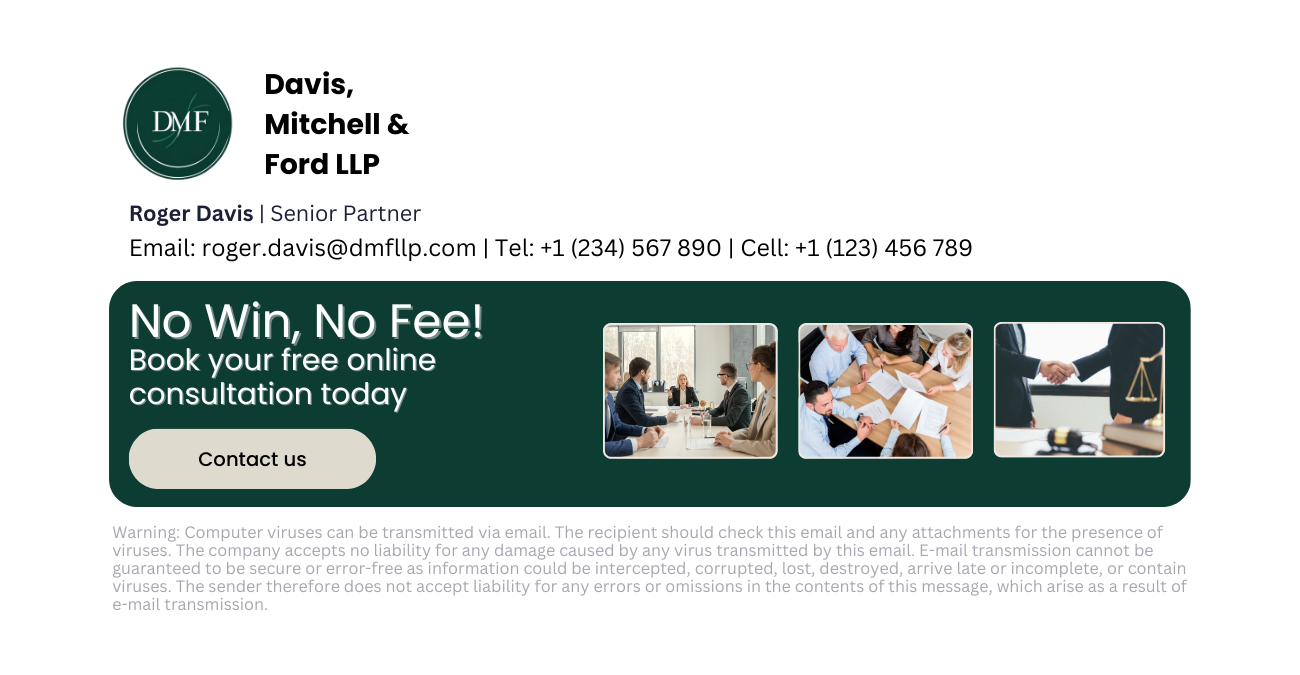 Clients read a lot into how a firm presents itself. A precise, consistent email signature, with the correct name, title, and contact details, signals a firm that handles detail carefully, which is what a legal client is paying for. One that renders differently from attorney to attorney, or loses the firm's branding on mobile, signals the reverse.
Legal correspondence also carries weight ordinary business email doesn't. It often contains privileged or confidential material, and the signature block is where firms often flag that status. When the wording is inconsistent or absent, the firm loses a simple, repeatable way to mark sensitive communications.
Regulation raises the bar further. Law firms work under professional conduct rules that most businesses never encounter, and some of those rules reach directly into email. A firm with offices in more than one jurisdiction has to reflect different requirements in each, turning one email signature into a set of jurisdiction-specific versions.
The common thread is consistency. A firm can define the perfect email signature, but it only counts if every attorney, in every office, on every device, actually sends it.
The email signature challenges facing law firms
Keeping email signatures consistent across a law firm is harder than it looks, and it gets harder as the firm grows. Most of the problems trace back to one thing: signatures managed by hand, one attorney at a time.
 That approach produces a familiar set of issues:
Inconsistent branding across practice groups and offices: When attorneys build their own email signatures, fonts, logos, and layouts drift apart. A firm with several practice groups or locations can end up with dozens of variations.
Missing or outdated regulatory information and disclaimers: The required wording varies by jurisdiction and practice area, and it changes over time. Left to individuals, some emails carry the wrong disclaimer and some carry none at all.
Details that go stale after lateral hires and promotions: Attorneys join, make partner, and change offices. Each move should update the signature, but manual processes rarely keep pace, so titles and contact details fall out of date.
Email signatures that break on mobile: Attorneys often send email from phones, where a signature built for desktop can lose its formatting, drop the logo, or arrive as plain text.
No record of who changed what: When signatures are edited locally, there's no audit trail. If a disclaimer is removed or altered, the firm has no straightforward way to know when, or by whom.
A growing IT ticket backlog: Every request, from a new hire's setup to a firm-wide disclaimer update, lands on IT, one ticket at a time.
Together, these mean a firm can't say with confidence that every email leaving the building is correct.
What to include in a law firm email signature
A law firm's email signature does two jobs: it identifies the sender clearly, and it carries the notices the firm's obligations call for. What counts as correct depends on the jurisdiction and the practice area.
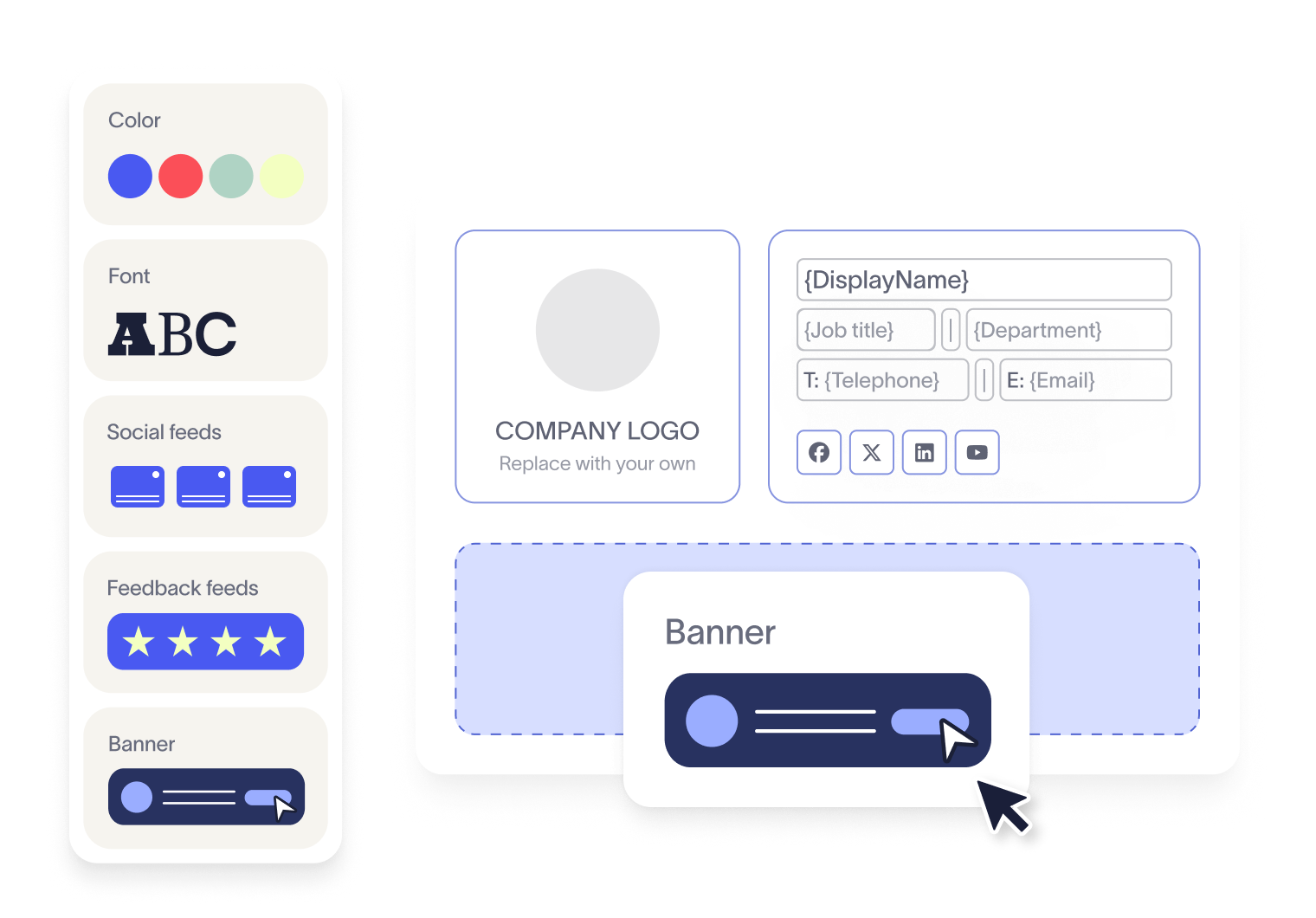
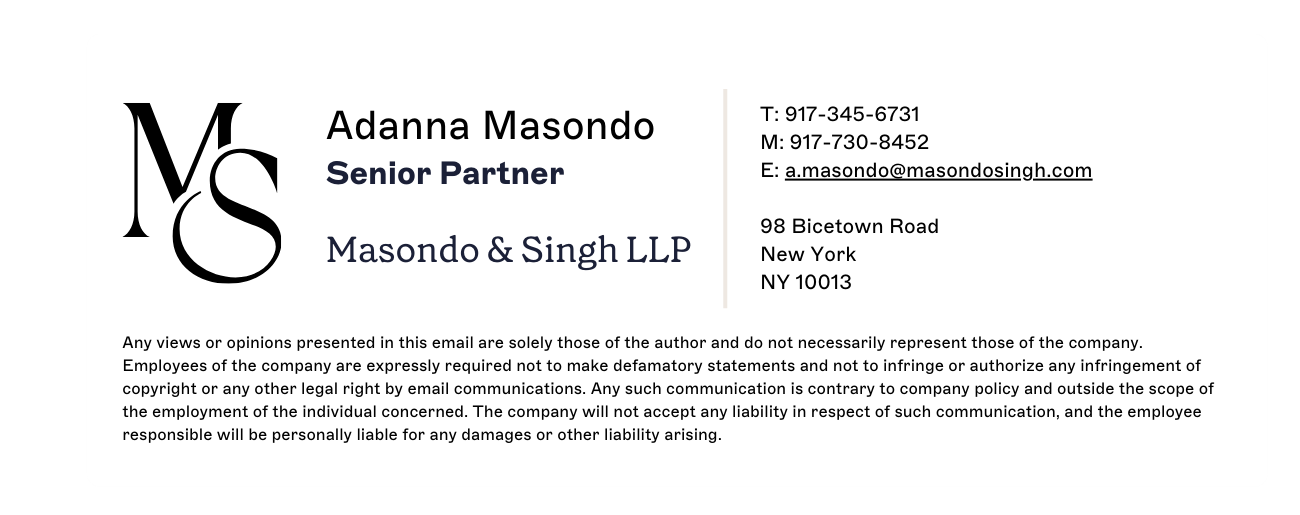
Most firms want every email signature to carry a consistent core:
Sender identity: full name, position, and the firm's name, plus practice group.
Contact and office details: direct line and office location.
Regulatory information: the firm's regulator and registration details, which some jurisdictions require.
The right disclaimer for the context: confidentiality, privilege, or advertising notices, depending on the message.
Consistent firm branding: logo, colors, and formatting that render the same way across devices.
Confidentiality and privilege notices
Confidentiality notices are the "this email may contain privileged and confidential information" wording at the foot of a message. They signal that a message carries sensitive legal content and shouldn't be read, used, or forwarded by anyone other than the intended recipient.
It's worth being clear about their weight. On their own, confidentiality disclaimers are not reliably binding on an unintended recipient, and their effect is debated and varies by jurisdiction. In one federal case, a court weighing a disqualification motion found that a confidentiality notice on an emailed case-file link should have prompted the receiving lawyer to check with opposing counsel before using the material — a separate question from whether privilege had already been waived by how the file was shared, which turned entirely on the sender's own precautions and had nothing to do with the notice.
An account of that case in the ABA's own Business Law Today lays out both sides of that distinction clearly. It's one case, not a settled rule courts apply uniformly, but it illustrates the general point: a notice shapes what the recipient should do next, not whether privilege survives. A blanket notice generally won't decide a privilege dispute, which turns on whether the communication is genuinely privileged in the first place. A disclaimer works as a signal, not a shield.
Still, that's a reason to get them right, not to drop them. A clear notice sets an expectation with recipients and reflects the firm's own duty to protect client information. What matters is that the correct wording appears consistently on the emails that need it.
Regulatory identifiers and advertising rules
In England and Wales, the SRA's Transparency Rules don't stop at the website. Rule 4.1 requires regulated firms to display their SRA number and digital badge prominently on their website, and Rule 4.2 goes further: a firm's letterhead and e-mails must themselves show the SRA authorisation number and the words "authorised and regulated by the Solicitors Regulation Authority." For a law firm, that makes the email signature the place this requirement is actually met, not just a courtesy copy of what's on the website.
Key takeaway
The SRA's Transparency Rules require the SRA number and authorisation wording on a firm's letterhead and in its e-mails, not only on its website. In practice, that means the wording belongs in the email signature, since that's the one place it reaches every message without someone retyping it each time.
In the US, attorney communications are governed by each state's bar under rules based on the American Bar Association (ABA) Model Rules of Professional Conduct. Model Rule 7.1 prohibits false or misleading communications about a lawyer's services — a broad standard, and one usually discussed in the context of advertising claims rather than signature details. Its text isn't limited to marketing copy, though, so an outdated title or an inaccurate practice-area claim plausibly falls under the same standard, which is reason enough to treat it as more than a typo. The specifics vary by jurisdiction, and some states require certain communications to be labeled as attorney advertising. A firm practicing across several states has to work to the strictest rules that apply to it.
The pattern is the same throughout. The right wording depends on who's sending, where they're based, and who they're emailing, which is hard to control when signatures are built by hand.
Why manual email signature management doesn't work for law firms
Managing email signatures by hand is still the default almost everywhere, and it's the root of nearly every problem in the last section. For a law firm, it doesn't hold up.
In Exclaimer's State of Business Email 2025 research, which surveyed 4,009 IT professionals, 80% said they still rely on manual methods or user self-service for email signatures, and only 18% manage signatures centrally. That's despite 35% naming signature management one of their two most time-consuming tasks.
For a law firm, manual management usually takes one of two forms, and both drift. Either each attorney sets up their own email signature, so no two match and the disclaimers depend on individual memory, or IT configures them one device at a time, which turns every new hire, promotion, or wording change into a fresh round of tickets. Neither gives the firm a single source of truth for what a correct signature looks like.
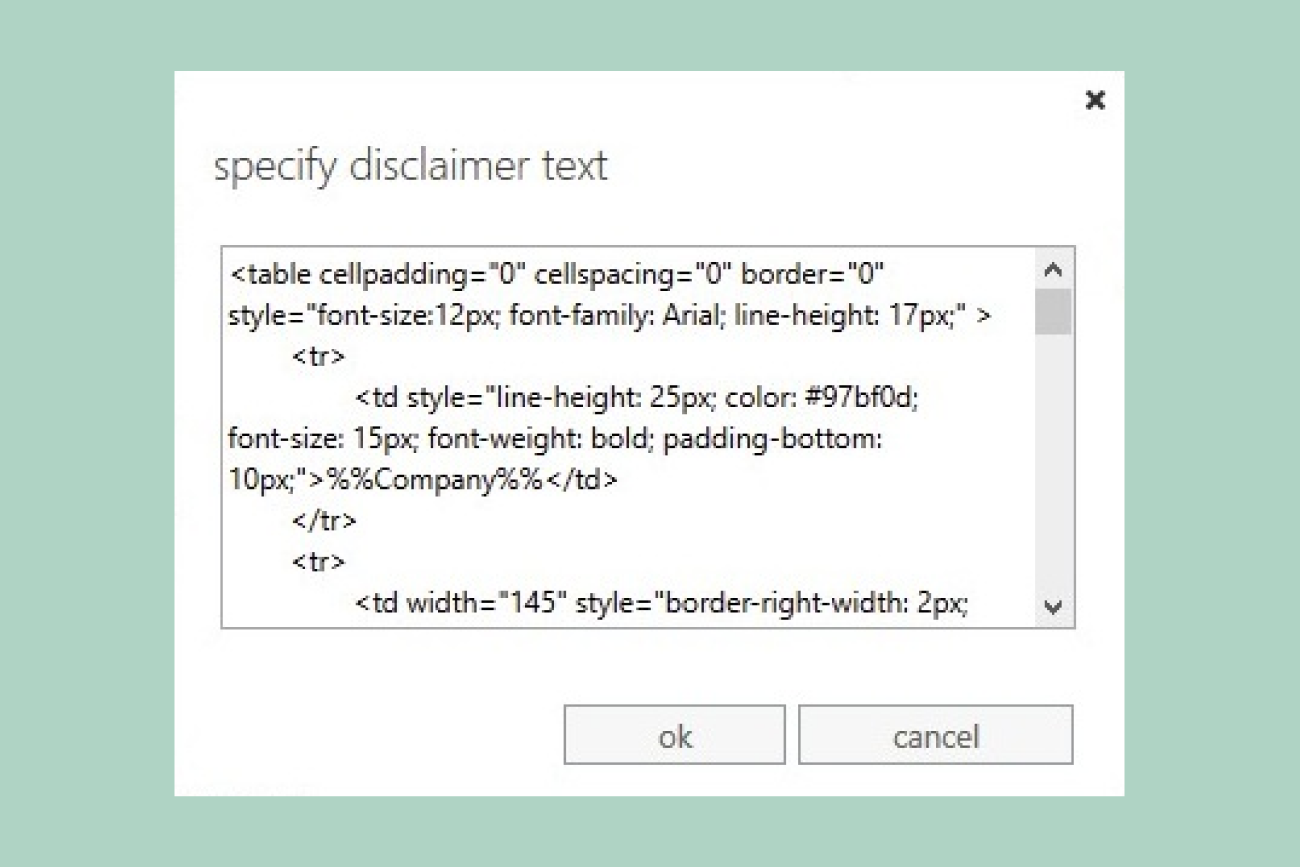
Built-in tools leave the same gap open. Signatures set in Outlook live on each user's device and can be edited or deleted at will, so IT can't rely on them staying put. Server-side mail rules can append a block of text to every message, but they weren't built for rich, per-user templates that change by office, jurisdiction, and client type, and they give no reliable way to preview what the recipient will see.
The result is a firm that can't say for certain what's on its outbound email. For a business whose reputation and compliance depend on getting the details right, that uncertainty is the real problem.
Here's how the two approaches compare directly:
Manual management | Centralized management | |
|---|---|---|
Consistency across attorneys and offices | Drifts as each attorney builds their own | Applied identically from one template |
Jurisdiction-specific disclaimers | Depends on individual memory | Applied automatically by rule |
Time to roll out a firm-wide change | One ticket, one signature, at a time | One change, applied everywhere at once |
Mobile rendering | Often breaks or drops formatting | Consistent via server-side deployment |
Audit trail | None — edits happen locally | Centrally visible, not scattered across individual devices |
How centralized management solves it for law firms
Centralized email signature management moves every signature into one controlled system, so the firm decides what goes out and the software applies it consistently.
 Instead of each attorney or device holding its own version, signatures are designed centrally and applied automatically, so the correct branding, contact details, and disclaimer land on every email.
For a law firm, a few capabilities matter most:
Centralized control across the firm: design and update every email signature from one place, and roll a change out to every attorney and office at once.
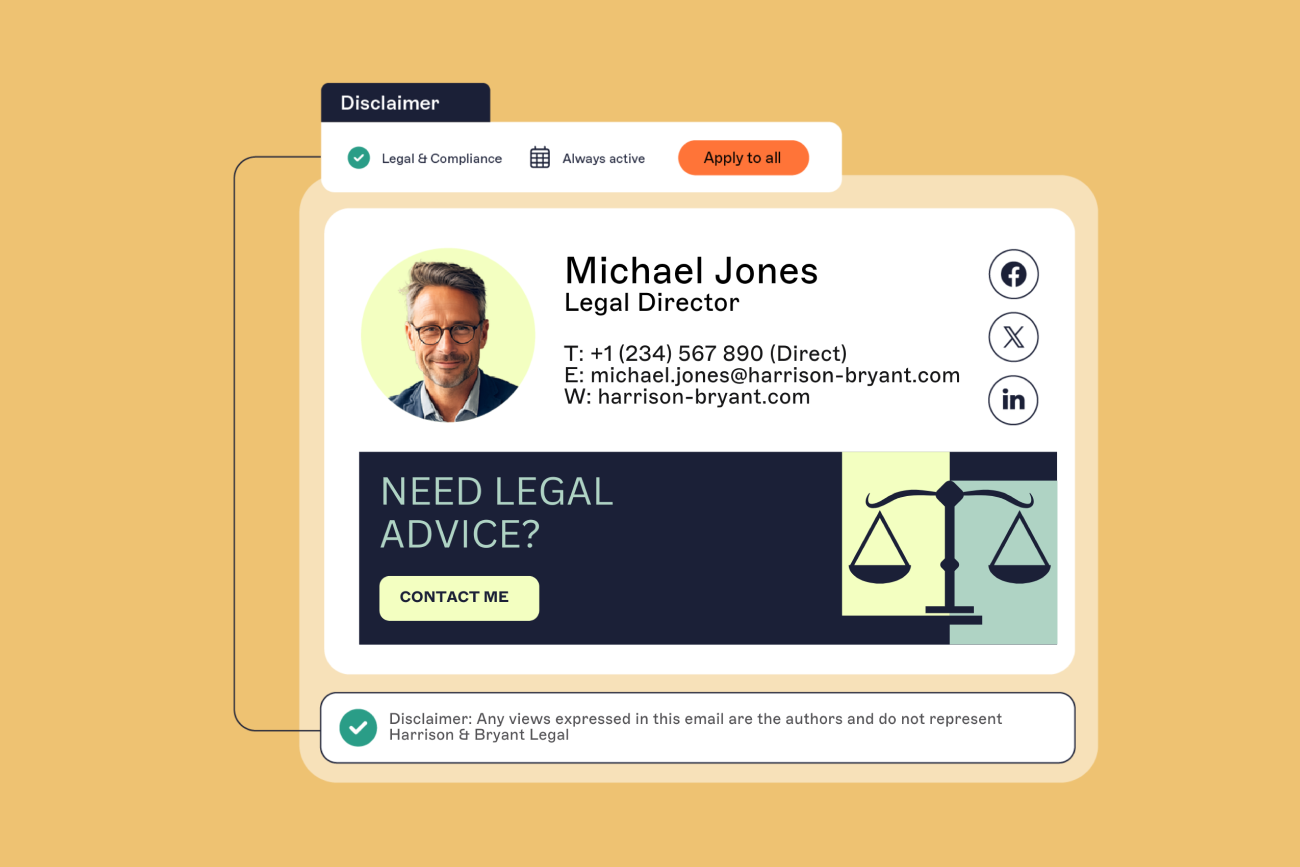
Automated disclaimers by context: Signature Rules apply the right disclaimer based on the sender's office, jurisdiction, or the client they're emailing, so the correct wording is added at send rather than left to memory. With server-side deployment, it stays consistent across every device, including mobile.
Directory sync for accurate details: pull names, titles, and contact information straight from Microsoft Entra ID (formerly Azure AD) or Google Workspace Directory, so a promotion or office move updates the signature automatically.
Controlled access with an audit trail: let compliance or marketing manage their part while IT keeps overall control, with a record of what changed.
This is where the compliance gap starts to close. In the same State of Business Email research, only 47% of IT leaders felt very confident in their compliance posture. Centralizing removes the main source of that doubt: applied automatically, the right wording no longer depends on individuals remembering it.
This is the model Exclaimer's cloud solution is built on. Hammerco Lawyers, a litigation firm with offices across British Columbia and Ontario, described exactly this in a G2 review: one back-end update reaching every attorney, instead of each person maintaining their own signature by hand.
The jurisdiction problem plays out at a larger scale too. A global law firm's firm-wide rollout centers on exactly this: a single, centrally managed disclaimer template that injects the correct jurisdiction-specific wording at the moment an email is sent, rather than depending on each office to apply its own version. That removes the manual edits and out-of-date clauses that creep in when a multi-office firm relies on attorneys to get the local wording right themselves.
What to look for in an email signature solution
A law firm can judge most email signature solutions on three questions: does it reach every user, can it apply the right disclaimers, and does it keep everyone's details accurate?
Centralized control that reaches everyone. A solution should apply signatures to every attorney and staff member, across desktop and mobile, with no way for individuals to opt out.
Disclaimer logic that matches how the firm works. One firm-wide disclaimer isn't enough for most legal practices. Look for rules granular enough to vary the wording by office, jurisdiction, practice group, or recipient, so each attorney sends the right notice automatically.
Directory integration with your identity platform. Signatures are only as accurate as the data behind them. A solution that syncs with Microsoft Entra ID, Google Workspace Directory, or Okta keeps names, titles, and contact details current as people are promoted or change offices, without anyone editing a template.
Beyond disclaimer logic and directory integration, confirm the solution also covers:
Email environment: That it works with Microsoft 365, Google Workspace, or Exchange, whichever the firm runs.
Server-side application: That compliance-critical disclaimers can be applied server-side, so they hold across devices.
Delegated access: Compliance or marketing can manage their part without full admin rights.
Track record at your scale: Exclaimer has specialized in email signature management for over 20 years and now serves more than 80,000 organizations, including law firms and professional services networks.
The bottom line for legal IT
Email signatures are a small detail that scales into a real governance problem. For a law firm, getting them right is less about design than about control.
Writing the perfect email signature and disclaimer is the easy part. The hard part is making sure the right version goes out consistently, from every attorney and every device, without depending on people to manage it themselves. When that slips, so does the firm's branding and part of its compliance posture.
Centralized management fixes the underlying problem rather than the symptoms. It takes the work off IT, gives compliance a reliable way to apply the correct wording, and keeps every message recognizably the firm's.
To see how this works for a legal practice specifically, Exclaimer's email signature management for law firms page is a useful next step.