Dave is a marketing expert with 15 years experience in the tech and SaaS world. He specializes in educating IT and channel audiences, with a focus on security, privacy, compliance, and marketing technology. With a talent for storytelling and a deep understanding of the industry, Dave transforms complex IT topics into clear, engaging, and impactful narratives.
Charity and non-profit email signatures: Choosing a way to keep staff and volunteers on one standard
TL;DR
Charity email signatures drift when staff and volunteers apply their own, so choose a method that applies one standard to both. Make-A-Wish UK’s case study describes personal email signatures and missing disclaimers.
Choose a method by how it reaches volunteers, licensing, directory data, who can edit, approval, banner end dates, disclaimers, and reporting.
What a charity email must carry depends on where the charity is registered. Section 39 of the Charities Act 2011 covers England and Wales, and the Office of the Scottish Charity Regulator (OSCR) covers Scotland. Ask your solicitor which rules reach your email signature.
Run the five-row audit (template match, current banner, expired banner, charity information, leavers’ details) on 10 emails to see how far yours have drifted. Exclaimer’s directory sync fills email signature fields from Microsoft Entra ID and Google Workspace Directory.
At Make-A-Wish UK, with 420+ volunteers alongside 70+ staff, marketing depended on IT to push out every template change, and key marketing messaging was frequently lost when volunteers used personal email signatures or didn't have the latest template.
If you look after IT at a charity with that split, this guide helps you choose a way to keep one email signature standard, and sets out what the sources say a charity email must carry.
Why do email signatures drift when updates are manual?
Make-A-Wish UK's case study gives this account of the setup before the change:
Email signature templates were updated and distributed by hand
Volunteers sent from personal or outdated email signatures
Marketing messaging drifted from brand standards between updates
Legal disclaimers were missing from some outbound emails
Marketing depended on IT to push out every template change
The case study also says every message needed the charity's current branding and a full legal disclaimer, whether it came from a staff member at the Reading hub or a volunteer sending from their own inbox. According to the same page, chasing email signature updates by hand ate into time a small charity team needed for wish-granting work.
The State of Business Email 2025 research surveyed 4,009 IT professionals in the UK, US, Germany, and Australia (Censuswide, April 2025). In the report, 80% of organizations rely on patchwork processes such as IT-built scripts, manual updates, and employee self-service, and 20% use a dedicated email signature management solution. The report also found that 33% say employees ignore email signature guidelines.
A five-row audit shows how far your charity's email signatures have drifted. Staff and volunteers can run it on their own email.
Check | How to run it | Pass if |
|---|---|---|
Template match | Ask five staff and five volunteers to send you a test email. Compare each email signature with the approved template. | Layout, logo, and wording match in all 10 |
Current appeal banner | Look for this month's appeal banner in the same 10 emails. | The banner appears in all 10 |
Expired banner still live | Look for banners from past appeals. | No past appeal banner appears |
Charity information present | Check each email for the information your charity has decided it must carry. The section on what the rules say about charity emails sets out what each source says. | The information appears in all 10 |
Leavers' details current | Compare each email signature with your current staff and volunteer list. | No one appears with a title, phone number, or role they no longer hold |
What do Microsoft 365 and Google Workspace offer for email signatures?
A person can apply their own email signature, or an admin can add text centrally.
Way | What it does |
|---|---|
Each person applies their own | Each person applies an email signature to their own outgoing messages. Microsoft says users can do this in Outlook or Outlook on the web. |
Native tools | An admin adds text to messages from the mail platform: a mail flow rule in Exchange Online or the Append footer setting in Google Workspace. |
Mail flow rule in Exchange Online | Append footer in Google Workspace | |
What it adds | An admin in a cloud-based organization can add information, such as a legal disclaimer or email signature, to the top or bottom of messages | Footer text on outgoing messages |
Who it applies to | Messages entering or leaving the organization | Everyone in an organizational unit |
HTML and images | The text can include HTML and images | The editor doesn't support HTML. An image has to be inserted by URL from a public web server, not from Google Drive |
Encrypted messages | If a rule can't modify a message, the admin has to choose a fallback of wrap, ignore, or reject | Not supported for messages encrypted with Google Workspace client-side encryption |
Exchange text can use tokens that take values from the sender, such as display name, title, and department. A rule can be given a date-time range when it is active, and Microsoft's own example adds an advertisement for one month at the beginning of all outgoing messages. A Google footer can run to 10,000 characters.
For a fuller comparison, see how Microsoft 365 native email signatures and Google Workspace native email signatures compare.
What should a charity ask before choosing an email signature method?
Use the same questions for every option, so you compare like with like. A good answer is specific and testable.
Area | Question to ask | A good answer |
|---|---|---|
Volunteers | How does it reach someone who has no mailbox in your tenant? | A method you can test with one volunteer's account |
Licensing | What does each volunteer or sender count as for licensing, and what is the non-profit price? | A written unit of count and a written price |
Directory data | Which directory fields does it read, and what happens to an email signature when someone leaves? | Named fields, and leavers' details that change without a manual step |
Who can edit | Who can change the template, and can marketing edit the design without access to the rest of the platform? | Design rights kept separate from platform settings |
Approval | Can a change be reviewed before it goes live? | A review step you can see in a demo |
Banner end dates | Can an appeal banner stop on a set date without anyone doing it by hand? | An end date set when the banner is added |
Disclaimers | Can it add a legal disclaimer, and which messages can it not apply to? Ask about automatic replies, mail sent from a CRM, encrypted or digitally signed messages, and very large messages. | A written list of the messages it can't cover |
Reporting | What does it report on banners, and on who changed what and when? | Reports you can open for banners and for changes by person and date |
At Make-A-Wish UK, marketing controls the messaging, and IT controls the platform. Decide who owns which part at your charity before you ask, because the answers to the editing and approval questions depend on it.
What do the rules say about charity emails?
This section covers England and Wales, Scotland, the U.S., federal Canada, Australia, and EU level. Charity Commission guidance for England and Wales points Northern Ireland and Scotland to their own publications. Northern Ireland isn't covered here, and nothing here is legal advice.
Tip
Whether a donation banner in an email signature counts as direct marketing, or as a document soliciting money under section 39 of the Charities Act 2011, is for your solicitor to say.
Where | Source | What it covers |
|---|---|---|
England and Wales | Charities Act 2011, s.39 | Registered charities with gross income over £10,000: documents soliciting money or other property, including bills and invoices |
UK companies | SI 2015/17, regs 24 to 29 | Company details on business letters, order forms, and websites, in electronic form too |
Scotland | OSCR | All external letters and emails, donation requests, promotional materials |
U.S. | Internal Revenue Service (IRS) | Written disclosure for quid pro quo contributions over $75 |
Canada, federal | Act on commercial electronic messages | Consent for commercial electronic messages, except those from a registered charity with fundraising as its primary purpose |
Australia | Spam Act 2003, s.17 | Commercial electronic messages with an Australian link must identify the sender |
EU | ePrivacy Directive, Art. 13 | Direct marketing by electronic mail needs prior consent (text to December 31, 2020) |
How does Exclaimer handle it?
How Make-A-Wish UK uses it
Make-A-Wish UK uses Exclaimer's cloud deployment, Brand Kits, Disclaimers, and Campaigns.
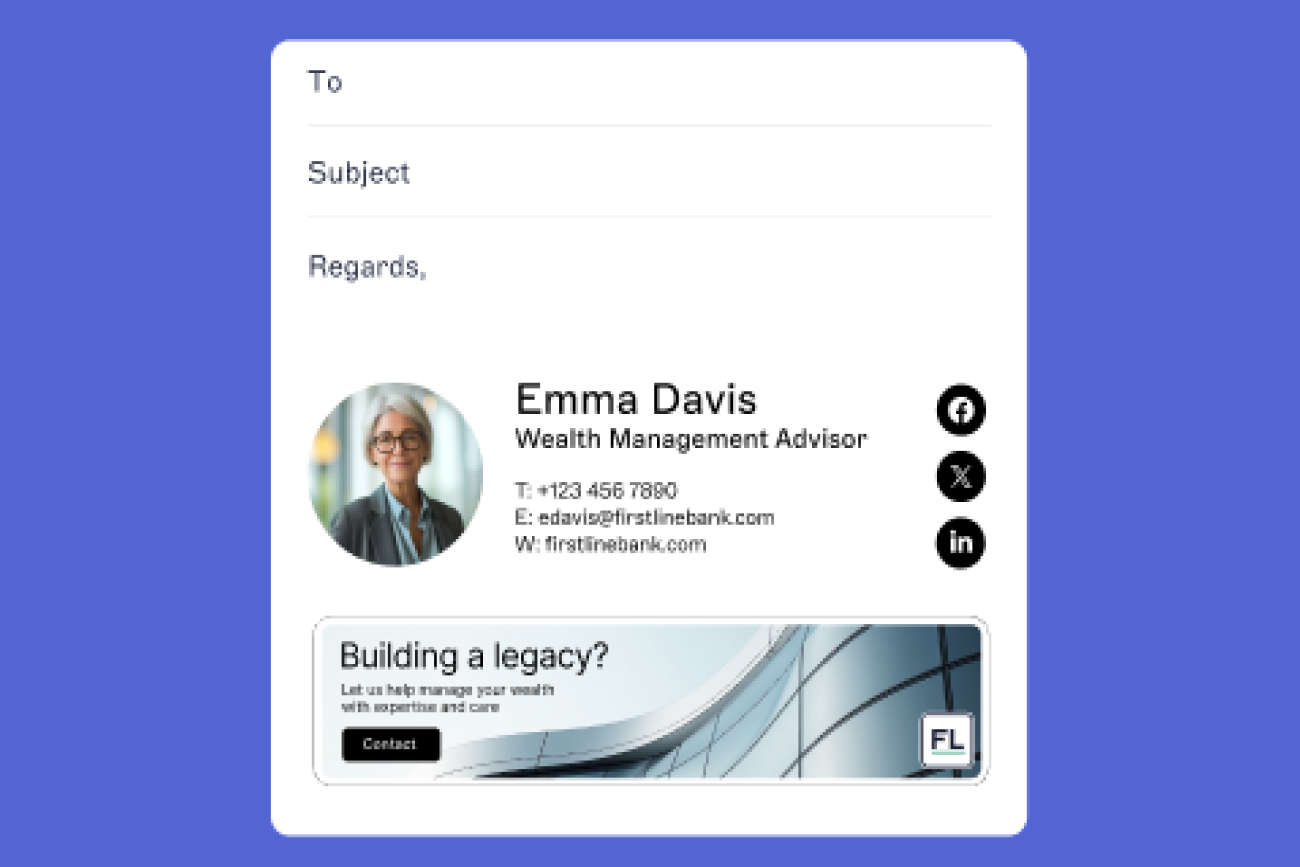
Under After, Exclaimer's case study lists one consistent email signature for staff and volunteers alike and says marketing controls the messaging while IT controls the platform. It also says marketing can roll out campaign messaging changes across the whole charity in seconds, with no IT ticket required.
Oli Wilson, Technology Manager at Make-A-Wish UK, says the marketing team can log in, make updates, and roll them out instantly for all internal and external email communications.
Core platform features
Brand Kits are a central store for approved logos, fonts, colors, banners, meeting backgrounds, and disclaimers, and updates apply automatically everywhere a kit is linked.
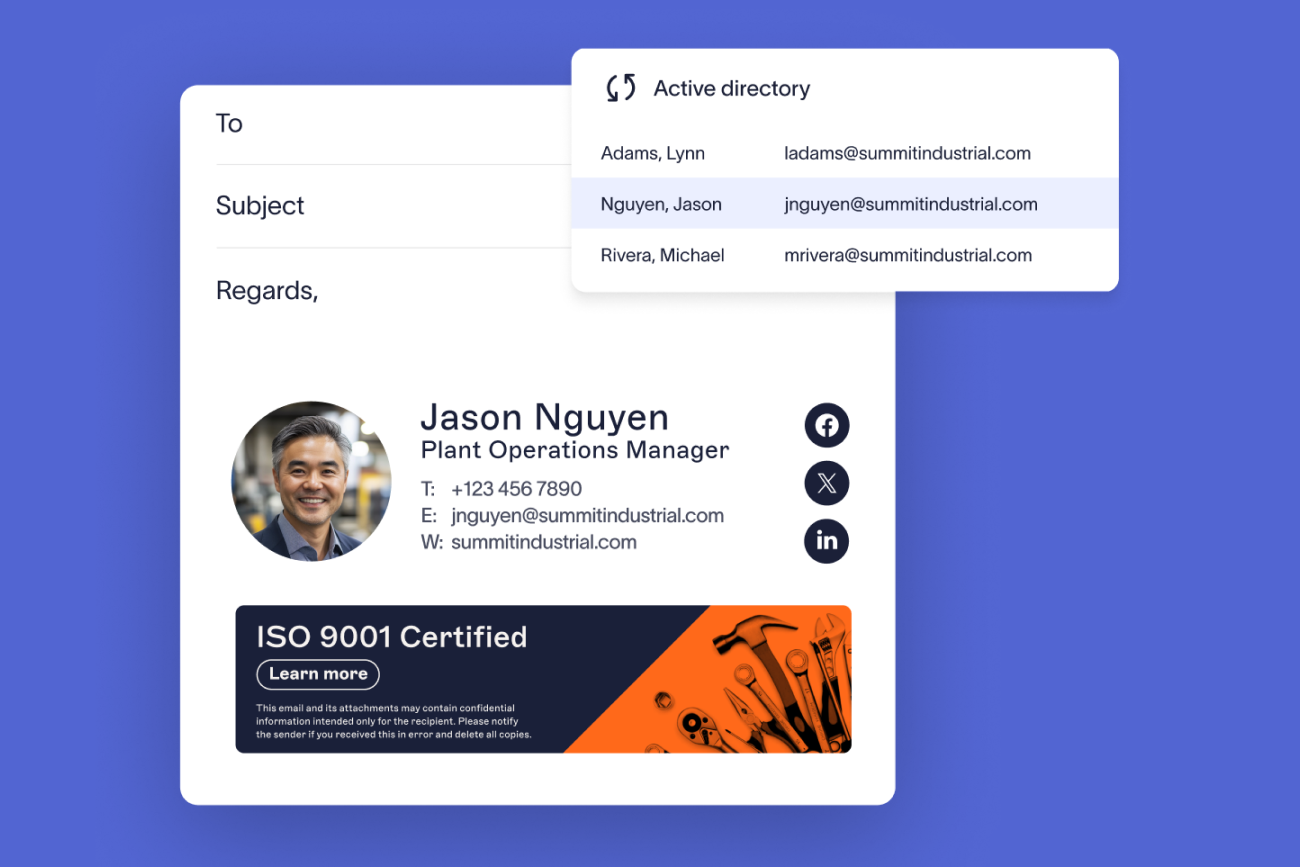
Directory sync fills email signature fields from Microsoft Entra ID and Google Workspace Directory, so contact details stay accurate without manual edits.
Role-based access control lets IT keep governance while delegating design and content rights to marketing, HR, legal, or compliance.
Campaigns schedule banner campaigns with targeting by recipient, sender, department, or region, and marketing can launch them without IT involvement.
Email signature scheduling applies different email signatures at different times, such as seasonal campaigns, with automatic reversion.
Campaign management and banner and campaign scheduling are on the Standard and Pro plans, not Starter.
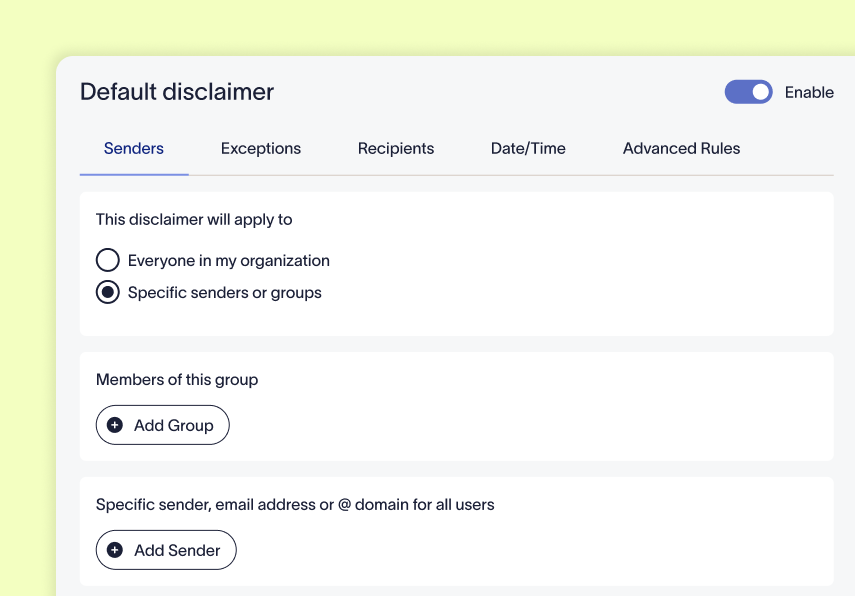
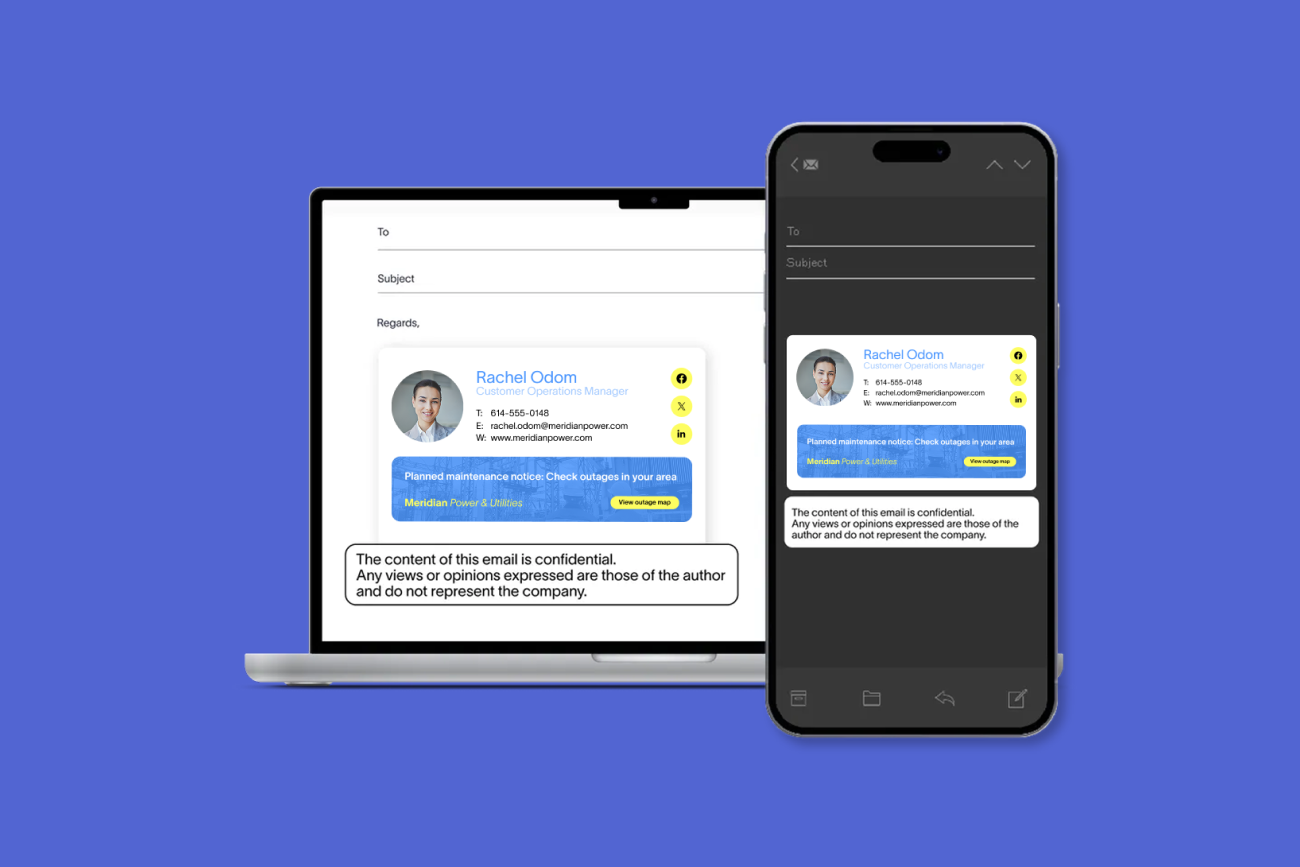
Disclaimers are applied server-side by rule, and employees can't edit or remove them. They support legally compliant emails without constituting legal advice or guaranteeing compliance.
Shared mailboxes
Exclaimer's support article on shared mailboxes says shared mailbox accounts are by default either disabled or have their logins deactivated, which prevents the Exclaimer service from aggregating them, so dynamic email signatures aren't applied to those mailboxes. It says that with the Synchronize Disabled Accounts feature enabled, all users with a primary SMTP address are synced even if they are disabled, and that with it disabled, disabled mailboxes aren't synchronized during Exclaimer's data sync.
A second article says that to use a personal email signature when sending from a shared mailbox, the sender's email address and the shared mailbox address must be in the same Microsoft 365 tenancy, and that the solution applies only to users with a Microsoft 365 subscription.
Scale, certifications and licensing
Exclaimer is trusted by 80,000+ organizations worldwide. It is certified to ISO/IEC 27001:2022 by the British Standards Institution, to ISO/IEC 27018:2019, to SOC 2 Type II by BARR Advisory, P.A., and to Cyber Essentials.
Exclaimer licenses are based on active mailboxes, where a mailbox is an individual email address that gets an email signature applied, with a minimum of 10 users.
How do you roll out one email signature standard?
Name one owner for the email signature standard, and one person in IT who looks after the platform.
Keep names, titles, and phone numbers in your directory, not in the template, and check that your chosen method reads from it.
Tell volunteers how your fundraising materials can be used. Charity Commission guidance for England and Wales tells charities to tell people such as volunteers, and external organizations they work with, how fundraising materials can be used and who they can be shared with.
Ask your solicitor which of the statements above reach your email signature, then put them in the template once. In England and Wales, section 39 covers the registered-charity statement. In Scotland, OSCR lists the charity details for external letters and emails. A company adds its registered name and, on business letters, order forms, and websites, its registered number and registered office address.
Give every appeal banner an end date when you add it. A Microsoft 365 mail flow rule can be given a date-time range when it is active.
Keep a dated copy of each email signature and banner when you change it. Charity Commission guidance tells charities to keep a record of their fundraising materials, including any changes they make. If your banners count as fundraising materials, this is that record.
Repeat the five-row audit every quarter with a fresh sample, and fix what fails.
Run the audit on Exclaimer. Start a free 14-day trial, no credit card required, and test it with one volunteer’s account before you decide.