Karl heads up Information Security at Exclaimer, where he’s focused on keeping data secure and ensuring compliance with standards like ISO 27001 and SOC2. With years of hands-on experience, Karl is dedicated to simplifying security processes and staying ahead of potential threats. He’s passionate about using automation and smart practices to strengthen security without adding unnecessary complexity.
Email signature management for utilities: A complete guide
TL;DR
Utility email signature management means controlling every employee's email signature from one console, so contact details, legal text, and branding stay correct across offices, depots, and field devices without manual updates.
No single regulation governs utility email disclaimers. Base obligations follow ownership: public records law for publicly owned utilities, commercial disclaimer practice for investor-owned ones. Any utility running unregulated affiliates has a state commission code of conduct layered on top of whichever base applies.
Server-side application adds the email signature after the message leaves the device, which is the only model that reliably covers a technician emailing from a phone in a van.
Campaigns and Signature Rules together let a communications team push a planned outage notice or a scam warning to staff in the affected region without raising an IT ticket, then take it down on schedule.
A mid-size utility runs email across corporate offices, a customer contact center, several depots, and a field workforce that reads mail on a phone between jobs. Unless something applies it centrally, each of those people sets their own email signature, or inherits one from whoever configured the mailbox. Some carry the right legal text, and others carry a logo from two rebrands ago, a depot number that was decommissioned last year, or a job title nobody has held since the last reorganization.
Email signature management for utilities touches four things at once:
What a records requester or regulator sees
How customers recognize a genuine message
How much manual work sits with IT,
Whether your communications team can reach people quickly during an event
Quick answer
Which disclaimer applies depends on ownership. Public records law for a publicly owned utility; commercial disclaimer practice for an investor-owned one, with a state commission code of conduct layered on top wherever unregulated affiliates are involved. Getting the right version onto every message means covering field crews, depot terminals, and contact center staff, not just the corporate office, which is why utilities typically need this applied server-side rather than left to whatever each person's device produces.
Why email signature management matters for utilities
How much legal weight an outbound utility email carries depends on ownership. A publicly owned power provider's message is potentially a public record. An investor-owned utility with unregulated affiliates is instead answering a different question: whether the separation between the regulated and unregulated sides actually holds up in customer-facing mail. Most businesses face neither problem, and both come down to one line most IT teams never look at until an audit or a public records request forces the question.
Records and disclosure: Whatever sits at the bottom of a public record becomes part of it. A department where half the mailboxes carry the current notice and half don't is a problem.
Entity clarity: Holding companies running a regulated utility alongside unregulated affiliates have state commission rules about keeping the two distinct in customer communications. The footer is where the sending entity is actually named, so it's where that distinction holds or slips.
Customer recognition: Customers are told to treat unexpected contact from their energy or water provider with suspicion, which is sensible advice that also makes your genuine mail harder to trust. In an Exclaimer survey of 2,000 UK and US adults, the trust markers people named most often were full contact details and a professional company email address. Both live in the email signature.
IT workload: Manual email signature management doesn't survive contact with constant crew changes, seasonal contractors, and consolidation.
Only 18% of US IT leaders manage email signatures with a centralized tool, according to Exclaimer's State of Business Email Report 2025. The rest split almost evenly between relying on employees and maintaining scripts in-house.
Why the gap between policy and practice is wider here
The gap between an email signature policy and what's actually on outbound mail is wider at a utility than at a typical corporate business, for structural reasons rather than carelessness. Utilities run several distinct working populations off one mail tenant: corporate staff who behave like any office, contact center agents sending high volumes of customer mail, field crews on mobile devices with intermittent signal, and depot administrators covering several sites at once.
Consolidation adds a second layer. A utility that has grown by acquisition can end up with several legal entities and several brands running through one tenant, occasionally more than one mail domain too, because the infrastructure consolidated faster than the branding did. People at the same site then send under two different company names, because that's how their mailboxes were provisioned.
Karl Bagci, Exclaimer's Director of IT and Information Security, has written about this same dynamic in the broader context of email signature and communications governance across cloud environments. As infrastructure consolidates onto platforms like Microsoft 365 or Google Workspace, the configuration governing how people actually communicate often doesn't consolidate at the same pace. "The result is a situation in which infrastructure is centralized, but configuration is not," he writes. "That gap is where inconsistency, risk, and operational friction begin to surface."
What are the compliance requirements for utility email signatures?
There's no single regulation telling a utility what to put in an email signature. What applies depends on your ownership model, your state, whether you have unregulated affiliates, and whose personal data you handle. The honest answer is usually a short list of obligations that a managed email signature supports rather than satisfies.
Once you've settled what your disclaimer should say, the remaining problem is getting it onto every message unchanged.
Ed Bodey, Exclaimer's General Counsel, has written about where that breaks down:
"Relying on individual behavior to enforce communication standards is one of the most common ways organizations get this wrong. Policies exist, but there is no mechanism to ensure they are applied in the same way across different teams, systems, or regions. Over time, that creates variation and when that variation is exposed during an audit or investigation, it becomes very hard to explain."

Publicly owned utilities and public records obligations
Municipal utilities, public power districts, and other publicly owned operators are generally subject to their state's public records law, which treats email created in the course of public business as a record. An email signature should identify the sender and the public body clearly, and a short notice that correspondence may be subject to disclosure is worth adding. That notice needs to be on every message rather than the ones people remember, and it needs to be text rather than an image so it survives export into a records response.
Seattle Public Utilities puts it plainly under Washington's Public Records Act: any writing it prepares, owns, uses, or retains is a public record, whatever its format. Check your own local statutes, because the exemptions differ.
Investor-owned and cooperative utilities and standard disclaimer practice
Investor-owned utilities and member-owned cooperatives aren't public bodies, so public records law doesn't reach their correspondence the same way. Ordinary commercial practice applies to both instead: a confidentiality notice, correct company registration details where the jurisdiction requires them, and a physical postal address on anything counting as commercial email under CAN-SPAM.
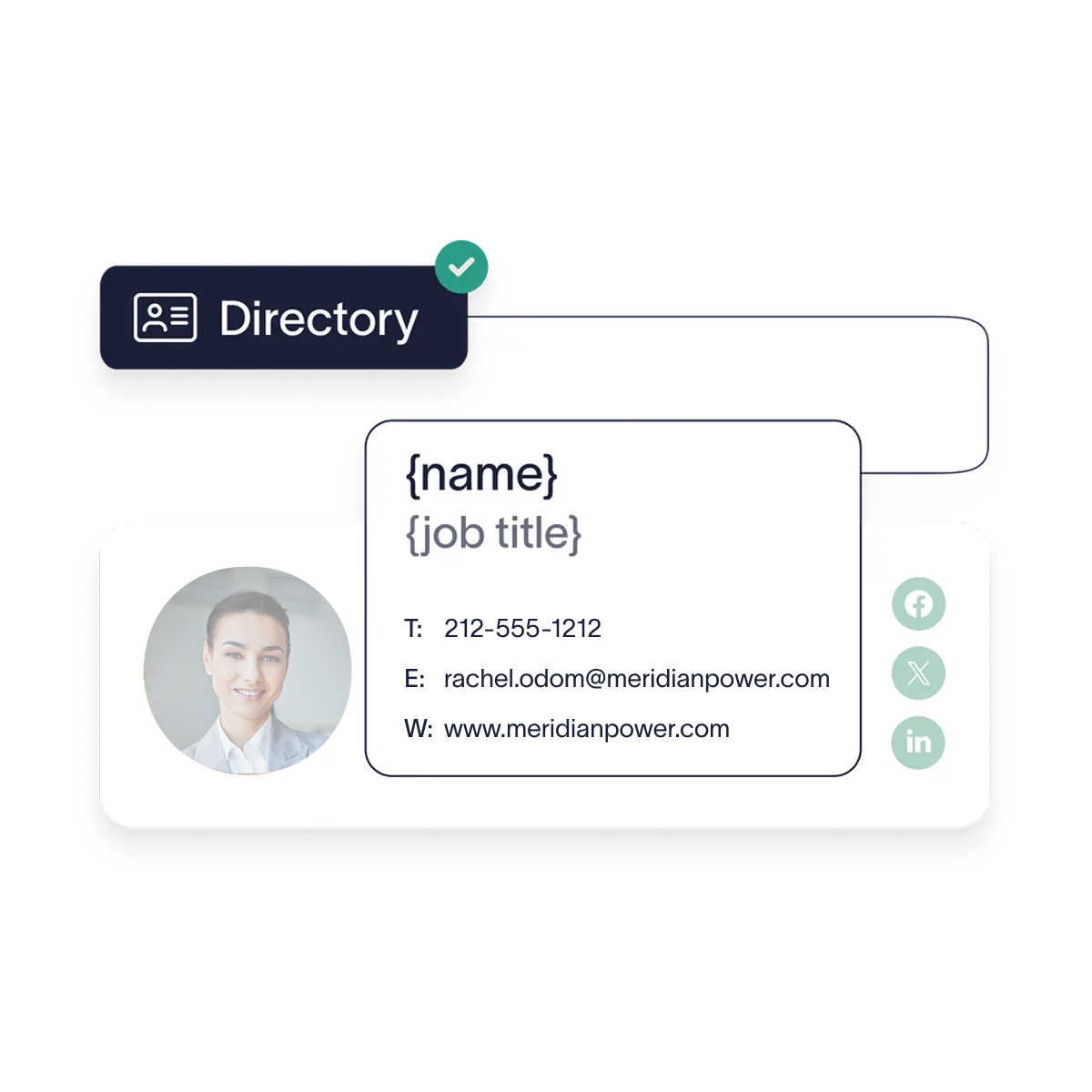
The sharper issue is affiliate separation. Where a regulated utility sits alongside a competitive retail or services affiliate, state commission codes of conduct typically require the two to be clearly distinguished in customer-facing communications. The email signature is one of the places that distinction is either made or quietly lost, because the sender's entity is right there in the footer. Directory attributes can drive it, so someone moving between affiliates gets the correct entity name, logo, and disclaimer without a ticket.
Tip
Meritus Gas Partners grew by acquiring regional distributors, and every acquisition arrived with its own email tenant and domain. It now runs 15 distinct email signature templates, one per operating company, across more than 20 Microsoft 365 tenants controlled from a single console, with a twice-daily Microsoft Entra ID sync keeping them current.
Texas offers a clear published example. Texas Utilities Code §39.157 requires a utility to be a separate, independent entity from its competitive affiliates, and bars it from communicating with customers about affiliate products in a way that favors the affiliate. The same section directs the commission to extend a code of conduct to electric cooperatives and municipally owned utilities too. Other states run their own versions, so check the code your commission actually applies.
The FTC's CAN-SPAM compliance guide is explicit that a commercial message must carry a valid physical postal address.
Publicly owned vs. investor-owned: The disclaimer difference at a glance
Dimension | Publicly owned utility | Investor-owned or cooperative utility |
|---|---|---|
Base disclaimer framework | State public records law | Ordinary commercial email practice |
Core disclaimer element | A notice that correspondence may be subject to public records disclosure | A confidentiality notice, plus company registration details where the jurisdiction requires them |
ADA Title II (accessibility) | Applies, as a state or local government entity | Does not apply directly (Title II covers public entities) |
CAN-SPAM's postal address requirement and affiliate-separation codes of conduct aren't in this table because they don't actually differ by ownership. Both apply the same way to a publicly owned utility and an investor-owned one wherever the underlying trigger exists (a commercial message, or an unregulated affiliate). They're shared obligations layered on top of whichever base framework applies above, not a point of contrast between the two columns.
Accessibility and data protection notices
Accessibility is a live obligation for publicly owned utilities, and the statute is ADA Title II rather than Section 508, which covers federal agencies. The Department of Justice's 2024 Title II rule adopts WCAG 2.1 Level AA for state and local government web content and mobile apps. Email isn't web content, so that rule doesn't reach an email signature directly, but Title II's broader duty to communicate effectively does. Building to the same standard is the sensible default: disclaimer text a screen reader can read rather than text baked into an image, and enough color contrast to survive on a phone.
A utility also holds a lot of personal data about people who can't easily take their business elsewhere. Under CCPA and the state laws that followed it, a link to the privacy policy and to a rights request page is worth standardizing in the email signature. Where GDPR reaches your operations, the same slot can carry the controller's identity and a data protection officer contact.
→ Full guide: What Is an Email Disclaimer
→ Full guide: 25+ Disclaimer Statement Examples & Templates
→ Full guide: U.S. Email Disclaimers: Laws, Examples & Best Practices
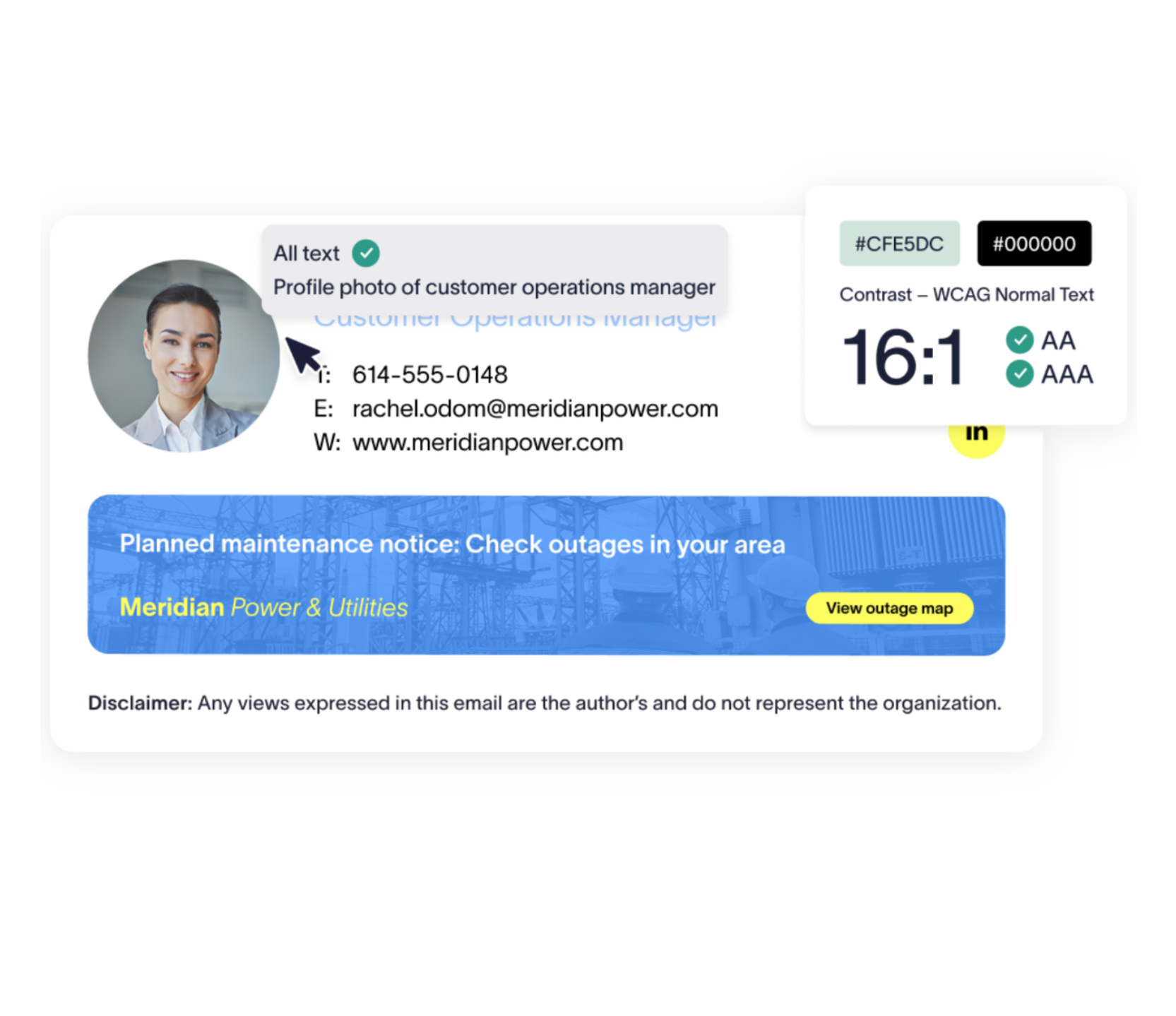
What an email signature can and can't support
Obligation | What it requires | What a managed email signature supports | What it can't replace |
|---|---|---|---|
State public records law (publicly owned utilities) | Records created in the course of public business are retained and disclosable | Consistent sender identity and a standard records notice on every outbound message | Retention schedules, archiving, a records request process, legal review of what's disclosable |
State commission codes of conduct (utilities with unregulated affiliates) | Regulated utility and competitive affiliates clearly distinguished to customers | Correct legal entity name, logo, and affiliate disclaimer, applied by directory attribute | Marketing and sales practice controls, cost allocation, separated customer data handling |
Data protection law (GDPR, CCPA, and state equivalents) | Transparency about who processes personal data and how | Privacy notice link, controller identity, DPO contact details where applicable | Full privacy notices, consent mechanisms, data subject rights processes |
ADA Title II (publicly owned utilities) | Effective communication with people with disabilities | Legal text and contact details as selectable text rather than an image | WCAG 2.1 AA conformance for web content and mobile apps, accessible billing documents, customer portals |
CAN-SPAM (commercial email) | A valid physical postal address and a working opt-out | The postal address block, applied consistently | Opt-out processing, list hygiene, suppression management |
What should a utility company's email signature include?
A utility email signature has to identify a person, an entity, and a verified way to make contact, without becoming the 15-line block nobody reads.
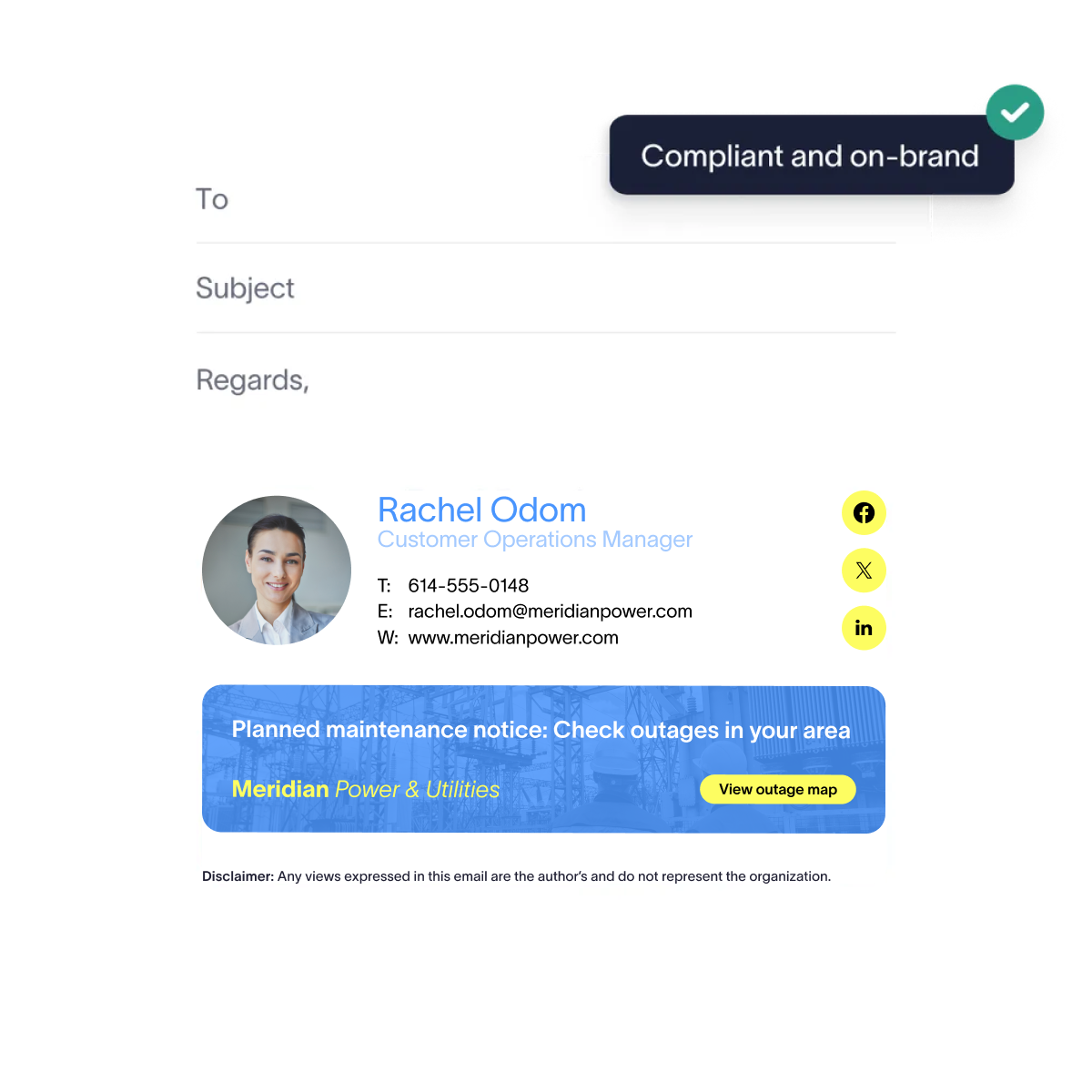
Core elements: Full name, job title, department or business unit, the legal entity name, direct phone, and the organization logo
Utility-specific additions: The site, depot, or region where that helps route a query, a license or registration number where a role holds one, and the emergency contact route for gas, electric, and water operators
Legal text: The confidentiality or records notice that applies to the sending entity, in selectable text
What changes by role: Contact center agents benefit from a verification line and a link to the account portal, field supervisors need a route that works away from a desk, and executives usually carry less rather than more
What never changes: The entity name, the approved logo and colors, and the legal text for that entity
Keep the emergency number distinct from the general contact number, and don't bury it. Whether it's a gas leak, a water main break, or a downed power line, it's the one line someone might need in a hurry, so it should be legible at a glance rather than folded into a block of contact details.
How do utilities use email signatures for service and outage communications?
Once every outbound email carries a controlled footer, that space becomes a communications channel the organization already owns. 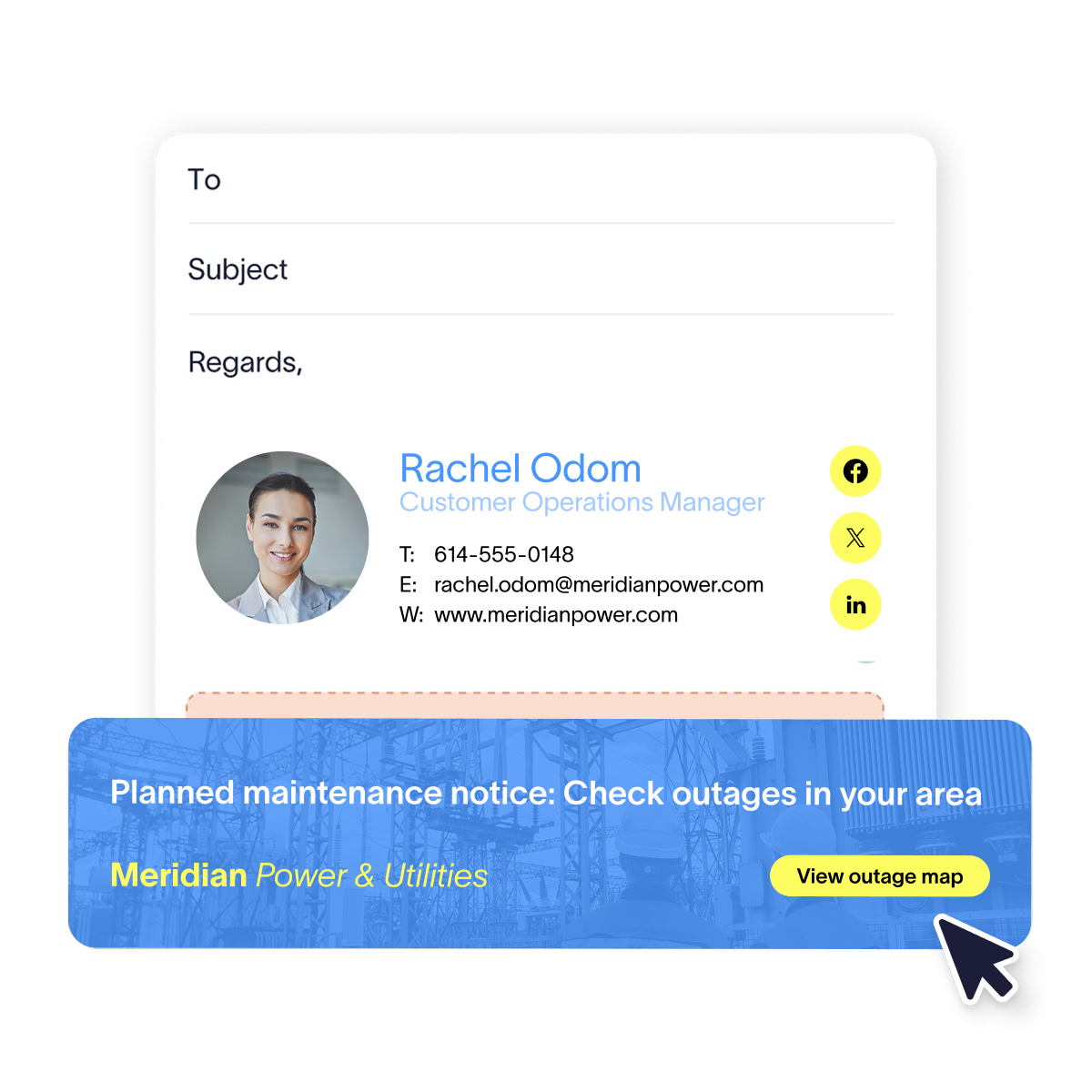
Planned works, outage, and safety notices
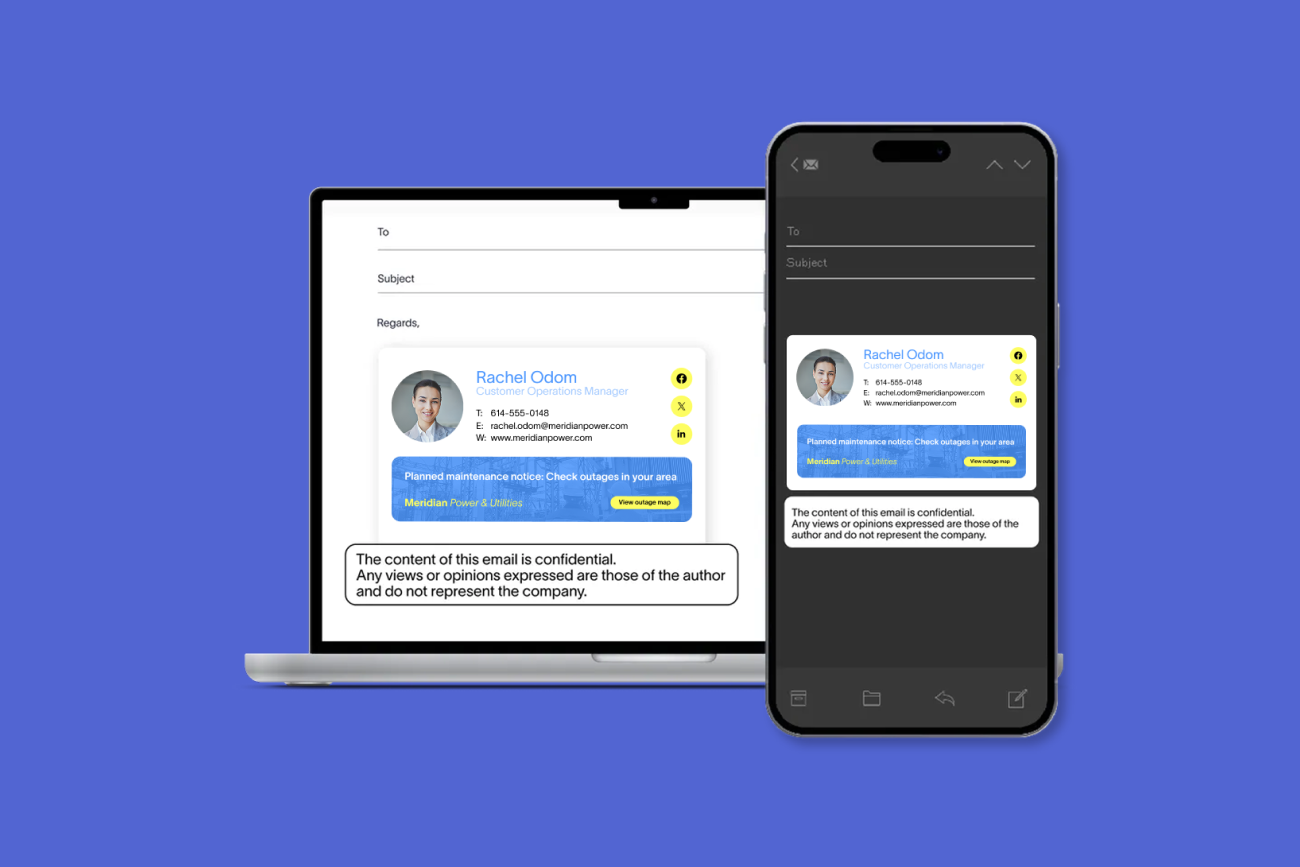
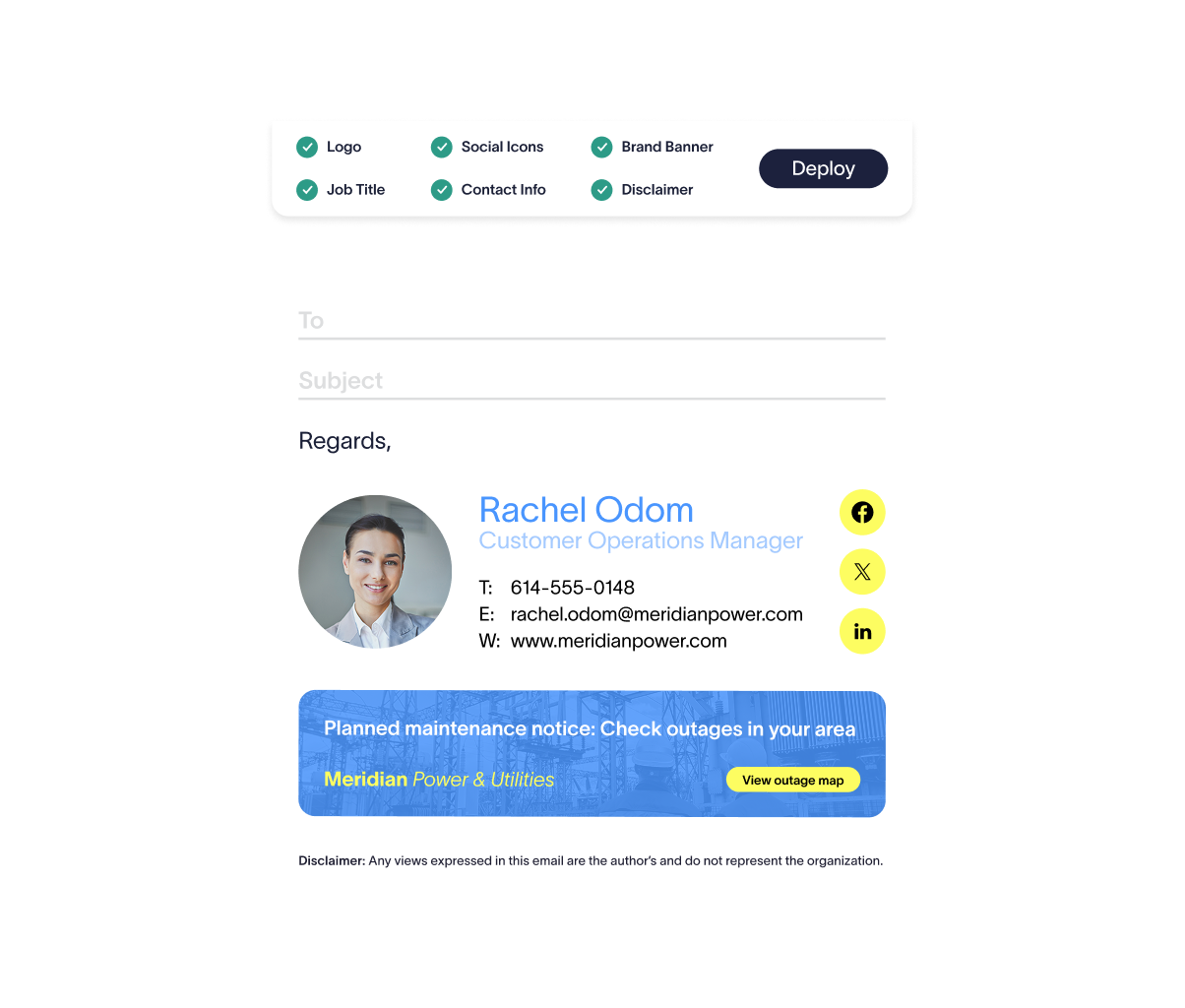
The banner suits messages that are time-bound and geographically specific: planned maintenance affecting a set of ZIP codes, a seasonal campaign about digging near buried services, or a warning about a scam currently targeting your customers, including the line about what your staff will never ask for.
Email is the wrong channel for emergency notification. Delivery timing can't be guaranteed, and nobody should rely on a footer to reach a customer during a live incident.
Targeting notices by site, region, or affected team
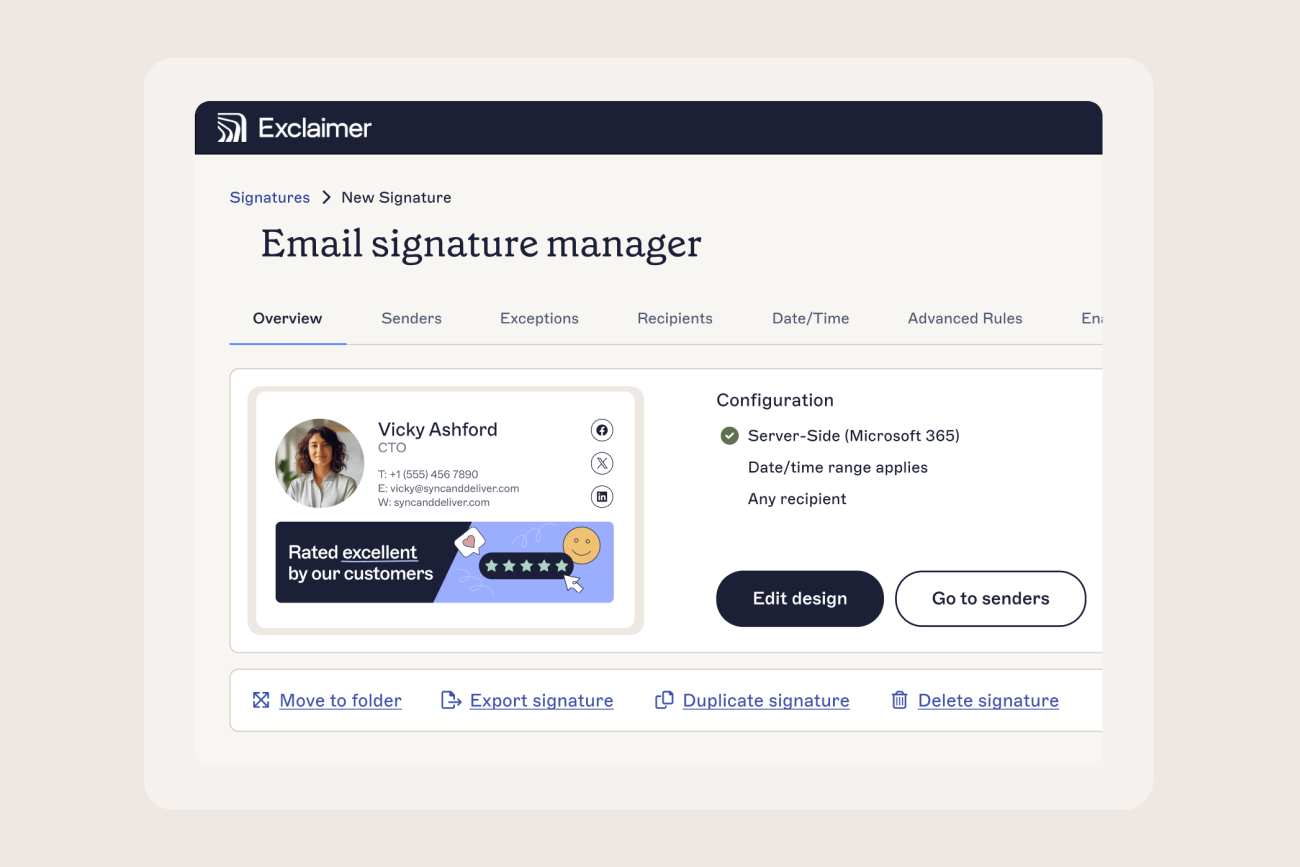
Campaigns in Exclaimer is where the banner is built and scheduled, with targeting by sender, recipient, department, or region, so a notice reaches staff attached to one operating region and nobody else. The Signature Rules in Exclaimer does the equivalent job for the email signature itself, deciding which template each person gets from their directory attributes. That's what keeps a regulated utility's mail and an affiliate's branding apart.
→ Full guide: Email Signature Banners: A Complete Guide
Delegating notices to the communications team
The blocker is organizational rather than technical. Communications can't edit the template, so every change becomes an IT ticket, and by the time it's actioned the works have finished. Role-based access control scopes what each team can touch, so communications can run a banner from the Campaigns workspace without going near the template or the legal text. Compliance can be given visibility without edit rights.
How do you manage email signatures for field engineers and contractors?
Native email signature settings in Microsoft 365 and Google Workspace assume a managed device and a user who configures it once. Line crews and meter technicians have neither, and whatever their phone produces is what goes out. 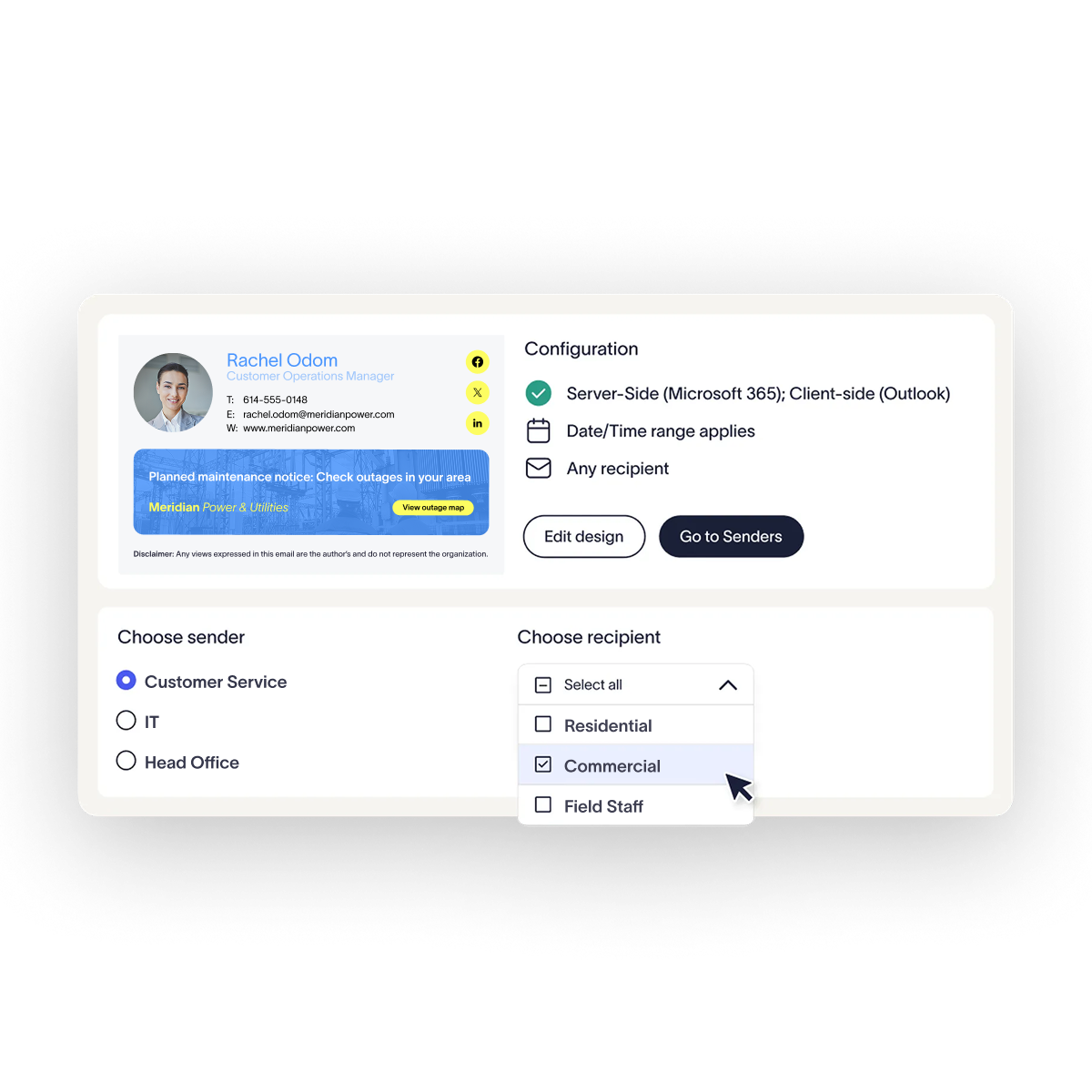
Device coverage across depots, vehicles, and shared workstations
Client-side email signatures depend on configuration reaching the device and staying there. That works for a corporate laptop under management. It works less well for a technician's phone, a shared depot terminal that gets reimaged, or a shared workstation at a service center used by several people across a shift.
Server-side application removes the dependency. The email signature is added at the mail transport layer, after the message leaves the sender's device, so the same output goes out whichever client produced it. In a Microsoft 365 environment that covers Outlook on the desktop, Outlook on the web, and Outlook mobile. In Google Workspace it covers Gmail on the web and on a phone. Nobody has to configure anything, and nobody can strip the legal text by rebuilding their email signature from scratch.
A hybrid setup pairs the two: the Outlook add-in gives desk staff a live preview as they compose, while the server still applies the approved version on the way out, so coverage holds for everyone who never sees a preview at all.
→ Full guide: Microsoft Entra ID / Active Directory Email Signatures
Contractors and subcontractors
The dividing line is the mailbox, not the employment contract. A contractor with a mailbox in your tenant is in your directory, so rules apply to them like anyone else. Give them a distinct template that identifies them accurately as working on behalf of the utility, driven by a directory attribute marking contractor status.
Where a contractor emails customers from their own employer's domain, no email signature tool of yours reaches them, and any vendor saying otherwise is wrong. That's a contract and brand guideline problem. What you control is the boundary, so anyone sending under your name is covered by your rules.
Tip
Shearwater Geoservices, which runs marine geoscience operations for energy companies across shore bases and vessels, reports 100% employee email brand consistency since moving to central management.
Why manual email signature management doesn't work at utility scale
Manual management fails the same way everywhere. Marketing produces a template, IT sends it out with copy-and-paste instructions, some people apply it, some don't get round to it, and nobody has a way to check. Across several thousand people at dozens of sites, that means you can't answer a basic question about your own outbound mail.
Manual or user-managed | Centrally managed | |
|---|---|---|
Consistency across sites and depots | Varies by who set up the mailbox and when | One template set, applied by directory attribute |
Site-specific and regulatory disclaimers | Depends on the user pasting in the right block | Applied automatically by entity, region, or department |
Rolling out an organization-wide change | Weeks, and only reaches the people who action it | One change to the rule, applied to everyone in scope |
Rendering on mobile and field devices | Varies by device, and invisible to IT | Consistent, because it's applied server-side |
Knowing what's actually applied | Nothing short of checking mailbox by mailbox | Rules show which template and disclaimer applies to which users |
Contractor coverage | Ad hoc, decided per person | Covered by rule wherever the mailbox is in your tenant |
Building it yourself is the other tempting option, usually as Exchange Online transport rules or a PowerShell script. Both work until they have to handle reply threading, mobile rendering, per-entity disclaimers, and someone who changed departments this morning. Exclaimer's Build vs Buy Report found that 13% of IT teams have built their own email signature management tool, and that 71% of in-house builds are eventually abandoned. It's a small project that quietly becomes a permanent one.
What to look for in email signature software for utilities
Evaluate against the parts of your environment that are hardest, not the parts that are easy. Any tool can produce a good-looking template for a corporate laptop.
Server-side application across Microsoft 365, Google Workspace, and hybrid Microsoft Exchange, so field and shared-device users are covered without configuration
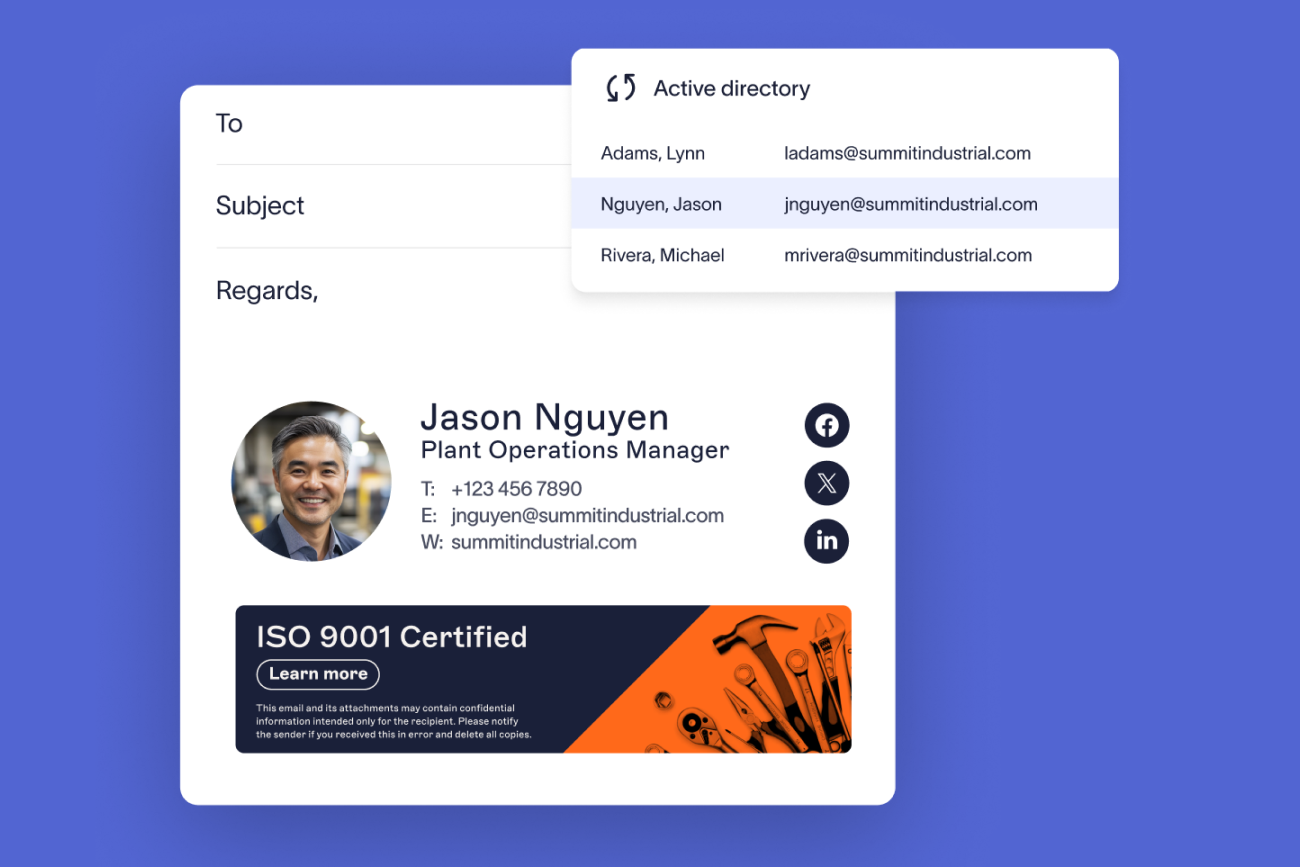
Directory sync from Microsoft Entra ID or Google Workspace Directory, with support for Okta or Workday where identity or HR data is the source of truth
Multi-entity support, so a regulated utility and its affiliates each get the right name, logo, and disclaimer from one console
Rules granular enough for your geography, meaning assignment by region, site, department, and role rather than one company-wide template
Delegated access, so communications can run banners without touching legal text or templates
Visibility of what's configured, meaning a clear view of which template and disclaimer applies to which users, plus login activity logging for the platform itself
Certifications in readable text: SOC 2 Type II, ISO 27001, ISO 27018, and Cyber Essentials, alongside GDPR, CCPA, and HIPAA compliance. Your vendor security review will ask, so they shouldn't be locked inside a logo image
Infrastructure you can point at in a review: hosting, data residency options, uptime history, and a status page
Ask directly about setup and ongoing administration. Get deployment scoped against your own environment rather than a generic tenant: how many legal entities are in scope, whether hybrid Exchange is still in the mix, and whether directory attributes are clean enough to drive rules on day one.
Once rules are configured, a routine change should take minutes, not days, and a new starter should be correctly branded on day one without requiring an IT ticket.
→ Full guide: Exclaimer for IT
The bottom line for utility IT
Start with the two things that are hardest to answer today: which entity each person is sending under, and what proportion of your field workforce is carrying the correct legal text right now. If answering either involves opening mailboxes to check, central management is the fix.
See how it works in a utility environment at Exclaimer for utilities.