Dave is a marketing expert with 15 years experience in the tech and SaaS world. He specializes in educating IT and channel audiences, with a focus on security, privacy, compliance, and marketing technology. With a talent for storytelling and a deep understanding of the industry, Dave transforms complex IT topics into clear, engaging, and impactful narratives.
How to create a company email signature policy that holds up to an audit

TL;DR
A company email signature policy sets the required fields, branding rules, and legal disclaimers every employee email must carry, plus who owns it and how it's enforced.
A written policy on its own isn't enough. Auditors and regulators increasingly want to see the policy applied the same way across every message.
The fastest way to close that gap is centralized, server-side email signature deployment, which removes the manual step where policies usually break down.
GDPR, HIPAA, and CASL aren't the whole list: accessibility standards like the UK Equality Act and the US ADA apply to email signatures too.
In Exclaimer's State of Business Email Report 2025, only 18% of US IT leaders manage email signatures with a centralized system. 41% leave it to employees to configure their own, and another 41% patch something together with IT scripts. Most policies never spell out how you'd actually know they're being followed, and that's usually where they fail in practice.
What is a company email signature policy?
A company email signature policy is the documented set of rules for what every employee's email signature must contain, how it must look, and how compliance with those rules gets checked.

It typically covers four things:
The information every email signature is required to include
The branding standards that keep email signatures on-brand
The legal disclaimers a business or industry requires
Who's responsible for making sure all of it actually happens.
That last part is where the current thinking on this topic tends to stop short, at defining the rules rather than at proving employees actually follow them, on any given day, across the platforms people actually send email from.
What every policy must require
Before writing the policy, get clear on why it exists and what it has to cover. A policy without a stated purpose is hard to get leadership to sign off on, and even harder to enforce later, because nobody agreed on what "compliant" means.
 A useful policy states:
Brand consistency: Standardized fonts, colors, logos, and layout across every outgoing email.
Compliance: Disclaimers that meet the privacy and data protection rules your business operates under.
Security posture: Approved links and HTML only, so email signatures don't become a vector for unauthorized changes or misleading content.
IT workload: A template and process that doesn't require IT to manually update hundreds or thousands of email signatures every time something changes.
Marketing use: Whether and how email signatures carry campaign banners or links, and who's allowed to change them.
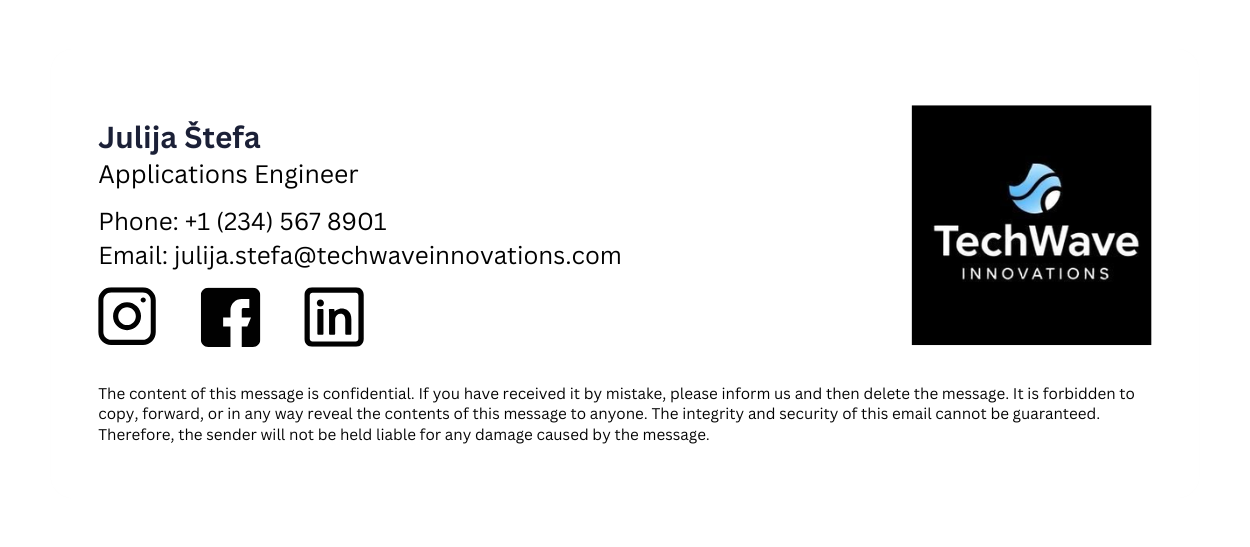
From there, list the mandatory fields every email signature needs. Most policies require:
Full name, formatted consistently (no nicknames, no inconsistent capitalization).
Job title, matching the employee's actual role and HR record, not an informal or outdated variant.
Company name and address, for legitimacy and, in some jurisdictions, because it's legally required on commercial email.
Professional email address, not a personal account.
Phone number, whether that's a direct line, department line, or switchboard.
Company website URL, as an optional but common addition.
Branding guidelines
Once the required fields are set, define how they're allowed to look. This is the section people default to spending the most time on, and it's genuinely important, but it's also the part with the least compliance risk attached to it.
 Cover:
Fonts: Widely supported options like Arial, Calibri, or Verdana, so email signatures render the same across Outlook and Gmail.
Font size and color: Typically 10 to 12pt, in the approved brand palette.
Logo: The current, correctly sized file, with a rule against stretching or using an outdated version.
Mobile rendering: Confirmation that the email signature scales properly on a phone screen as well as a desktop client.
Legal and compliance requirements
This is the section that most policies get wrong. The disclaimers are usually there. What's missing is any way to prove they're actually applied, consistently, on every message.
"Having a written policy isn't enough on its own, it's not a tick-box exercise. Auditors expect you to show how those policies actually live in your communications and are applied consistently across every channel."

Depending on the jurisdiction and industry, an email signature policy needs to account for:
Requirement | What it covers |
|---|---|
GDPR | Notifies recipients about data collection practices and supports data privacy compliance for EU-related communication |
HIPAA | Confidentiality notices that protect patient health information in US healthcare communication |
CASL | Consent and unsubscribe information for communication with Canadian recipients |
CCPA | Recipient rights under California's data access and opt-out rules |
Accessibility (UK Equality Act, US ADA) | Applies to business communications generally; per Exclaimer's General Counsel, this extends to email alongside other channels |
Industry-specific rules | Financial services and healthcare typically carry additional confidentiality and liability language; consult legal counsel for your sector |
The enforcement record is the reason that this matters now. US regulators have spent the past few years fining firms over how they preserve business communication on channels like text and WhatsApp, and the fines have landed on firms that already had a written policy in place. The SEC's own enforcement results put the tally at more than 100 firms and over $2 billion in penalties since December 2021, and its most recent action, against 12 firms in January 2025, added a further $63.1 million. In each case, the missing piece was proof the policy had actually been followed.
And the scope of what "communication governance" even means has widened:
"Risk used to sit primarily in email, but scope is much wider now, Slack, Teams, video meetings, channels where third parties can be invited in. Mandatory disclosures, DSAR searches and disclaimers still apply across all of them, and so do accessibility standards like the UK Equality Act and the US ADA."
Your email signature policy still only needs to cover email. But the discipline behind it, defining a standard, applying it consistently, and being able to show that you did, is the same discipline regulators now expect across every channel a business communicates through. Centralized email signature management addresses the email piece of that; the other channels are a separate governance conversation.
Optional and prohibited elements
Some organizations keep email signatures minimal. Others add extras that support marketing or personalization. Common optional elements include social media icons, campaign banners, gender pronouns, certifications, a professional headshot, and links to book a meeting or take a survey.
The prohibited list matters just as much, because it's the part that creates risk if left to individual judgment:
Personal slogans, quotes, or opinions, which dilute consistent branding.
Non-approved images or custom HTML, which increase the chance of rendering issues or security risk.
Unapproved links or call-to-action buttons.
Fonts or colors outside the brand palette.
Animated GIFs, which can slow load times and trigger spam filters.
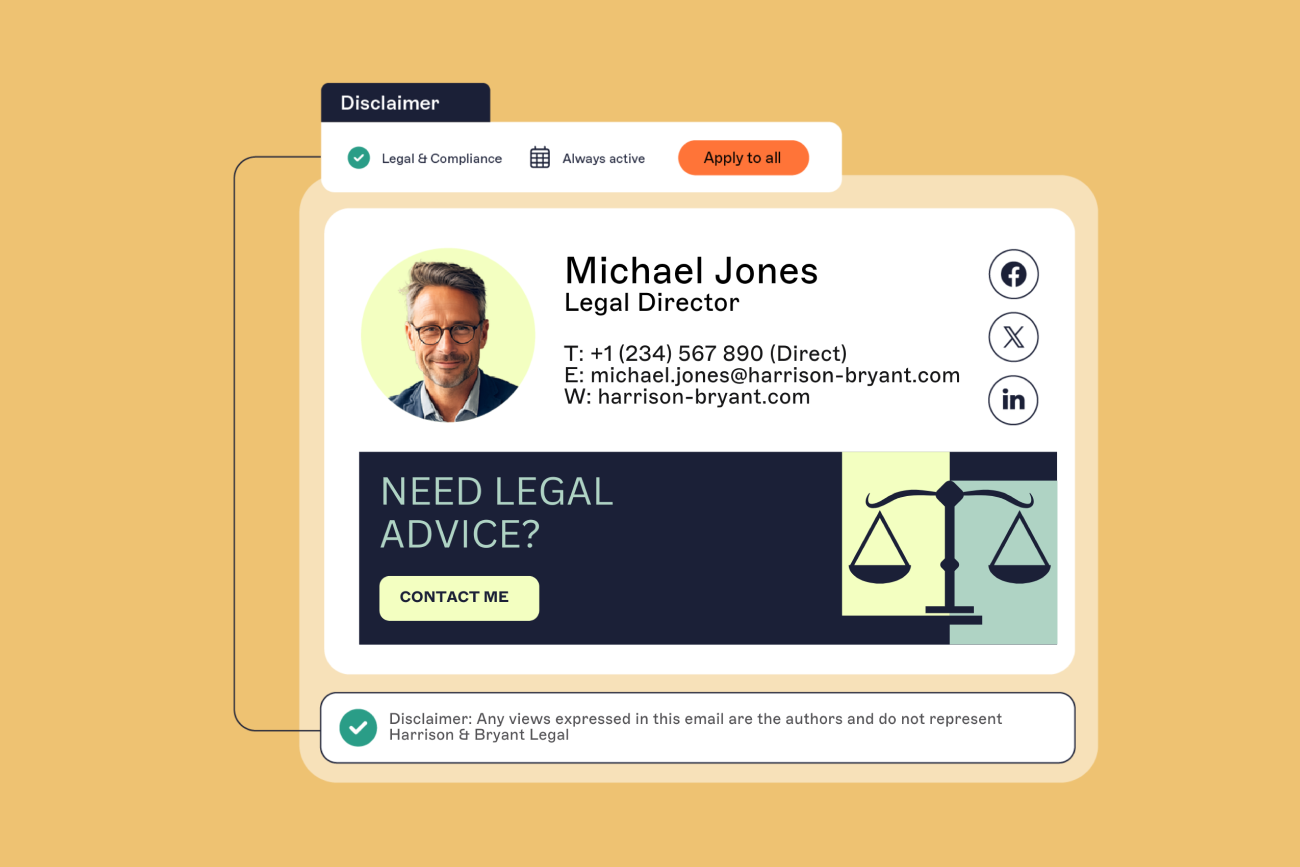
Imagine an employee using an outdated logo, a personal slogan, and a flashy font in their email signature. This can make external communications appear unprofessional and inconsistent.
 Now, compare this with a well-formatted, IT-approved email signature featuring the company’s official branding, compliance disclaimers, and direct contact details.

By standardizing email signatures across an organization, IT teams can reduce security risks, support brand identity, and ensure compliance with industry laws.
Enforcing the policy, and proving it
Sending an email with instructions and a template asks every employee to configure HTML correctly, remember to update it later, and never make a mistake. In practice, some will, some won't, and the ones who don't are usually the ones creating the compliance gap you wrote the policy to close.

Before rolling anything out, gather feedback from the teams who'll actually live with it. Surveys or short conversations with IT, marketing, and a sample of employees surface formatting or technical issues while they're still cheap to fix, and involving people early makes adoption easier later.
Once the policy is live, enforcement comes down to two habits:
Automate the update. A centralized system applies the current template to every account at once, instead of relying on each employee to make the change themselves.
Audit and correct centrally. Periodic checks confirm email signatures still match the policy rather than assuming they do because nobody's complained, and when a gap turns up, the fix happens at the template level, not employee by employee.
Most manual approaches fall apart at exactly this point. The same State of Business Email research puts centralized management at just 18% of US IT leaders and 19% in Australia, leaving most organizations relying on employee self-service or IT scripts, which is exactly the setup that makes "prove it was followed" hard to answer.
Centralized management is what makes the policy stick
A document can state the rules, but on its own it has no way to check whether they're being followed. Centralized, server-side email signature management closes that gap by making the policy and what's actually live the same thing, because there's only one place either can change.

Exclaimer has managed email signatures for 80,000+ organizations over 25 years, including businesses in the regulated industries this section covers. Centralized platforms typically offer:
Enforcement of your email signature policy without relying on individual employees to apply it correctly.
Automated updates across every device and platform, applied once and pushed everywhere.
Standardized disclaimers and legal notices applied the same way on every message, not copy-pasted by hand and left to drift.
Locked templates that prevent unauthorized changes, alongside a set of pre-approved options employees can choose from.
Role-based access control so marketing or brand teams can manage design without needing access to IT systems.
Don’t let inconsistent email signatures hurt your brand. See how Exclaimer streamlines email signature management to enforce a professional, standardized policy at scale.