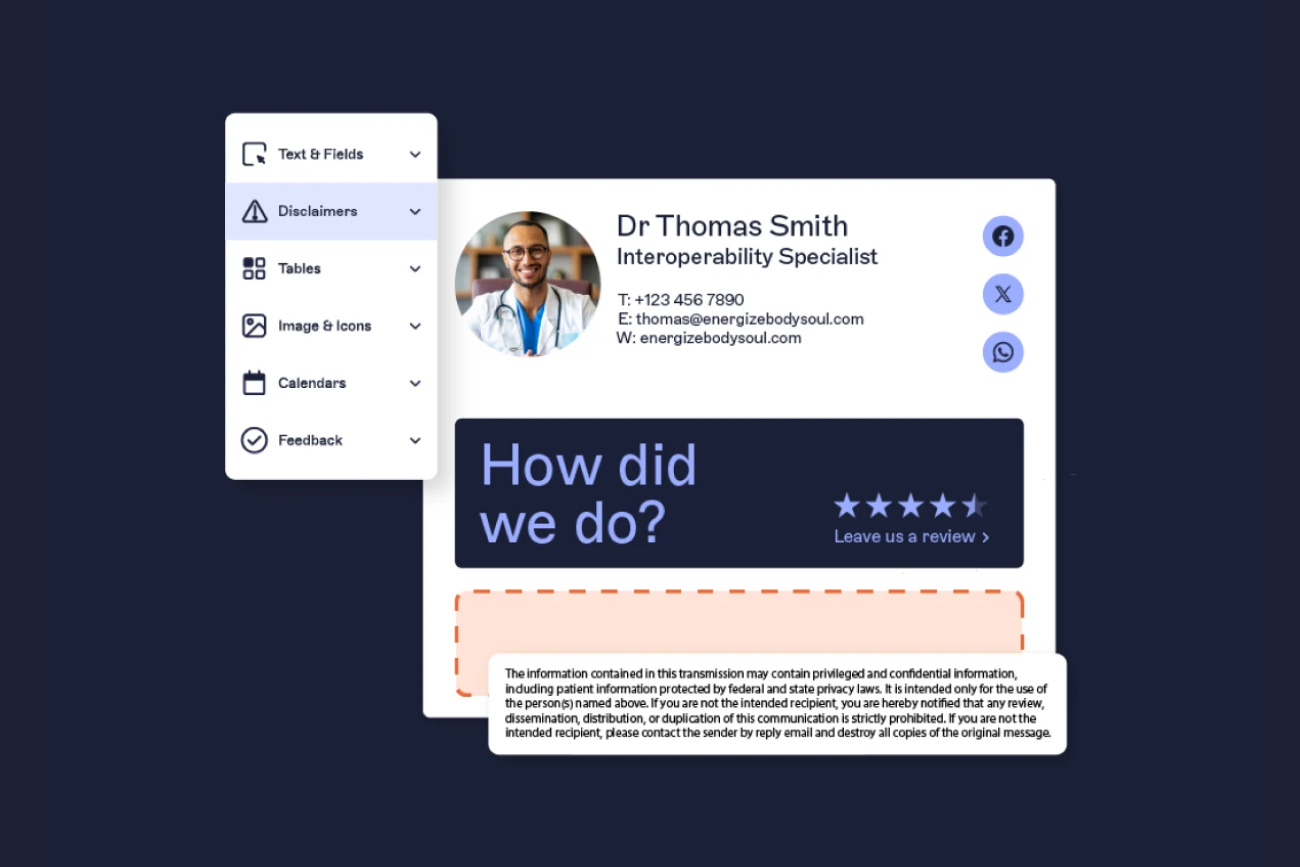
Karl heads up Information Security at Exclaimer, where he’s focused on keeping data secure and ensuring compliance with standards like ISO 27001 and SOC2. With years of hands-on experience, Karl is dedicated to simplifying security processes and staying ahead of potential threats. He’s passionate about using automation and smart practices to strengthen security without adding unnecessary complexity.
Email signature management for healthcare organizations: A complete guide

TL;DR
Healthcare email signature management is the centralized creation, deployment, and enforcement of standardized email signatures across every staff member, so each message carries accurate contact details, approved credentials, and appropriate confidentiality language, without relying on individuals to apply it correctly.
HIPAA doesn't explicitly require email signature disclaimers, but its Privacy and Security Rules require covered entities and business associates to safeguard protected health information (PHI) through administrative and technical controls.
A centralized confidentiality notice supports consistent privacy communication when combined with required HIPAA safeguards. HITECH raises HIPAA penalties for breaches. GDPR Articles 13 and 14 add notification obligations for organizations handling EU patient data.
Server-side deployment is the strongest enforcement model, as the signature is applied after the email leaves the device and cannot be overridden.
Directory sync with Microsoft Entra ID or Google Workspace Directory keeps signatures accurate as staff join, leave, or change roles.
Role-based rules assign the right template by department, role, or site from one console.
In a healthcare organization, email is one of the most frequently used communication channels, yet most have no consistent, enforced standard for what the email signature at the bottom of each message looks like or contains. A single hospital network can run thousands of mailboxes across clinical teams, administrative staff, and multiple sites, and each person is usually free to set up their own email signature, drop a required disclaimer, or keep an outdated logo in place.
Email signature management for healthcare is the practice of controlling that detail centrally, so every message leaves the organization looking professional, carrying the right compliance language, and showing accurate contact information. Done properly, it touches four things at once:
Regulatory compliance
Brand consistency
IT workload
Patient trust
This guide covers what a healthcare email signature should contain, how requirements like HIPAA and HITECH apply to it, how to design for different clinical and administrative roles, and how IT teams deploy and govern email signatures for healthcare organizations reliably across a large, distributed environment.
Quick answer
Email signature management for healthcare means centralizing control of every employee's email signature from a single console, so every message carries accurate contact details, the right compliance language, and a consistent brand. It covers four things: legal compliance text on every email, brand consistency across every site and role, IT efficiency through directory sync and automation, and patient trust through professional, accurate communications.
Why email signature management matters in healthcare
In a healthcare setting, the email signature is rarely anyone’s priority, yet it appears on every external and internal message the organization sends. That reach is exactly why it carries weight across compliance, brand, and IT.

Patient trust and clinical credibility: Every email to a patient, referrer, or partner is a touchpoint. A signature with the wrong credentials, a dead phone number, or a mismatched logo undermines confidence and creates ambiguity about who is communicating and in what capacity.
Regulatory compliance: HIPAA and related regulations expect appropriate notices and safeguards on communications that may contain protected health information. That obligation applies to every email actually sent, not just to the policy that says it should happen.
IT efficiency: Manual email signature management doesn't scale. In an organization with constant onboarding, frequent role changes, and the occasional rebrand, keeping signatures current by hand means hundreds or thousands of edits that pull IT away from higher-value work.
Get it right, and these pull together. One well-governed email signature does the work of all three at once, which is why email signatures for healthcare organizations are worth treating as managed infrastructure, standardized and owned like any other system IT runs.
“Healthcare operates in one of the most highly regulated environments in the world. Every interaction carries expectations around confidentiality, accuracy, and accountability. Policies are well defined, compliance frameworks are mature, and the consequences of getting things wrong are well understood.
Yet despite this, one of the most persistent compliance challenges in healthcare has little to do with complex systems or advanced technology. It sits in plain sight, embedded in the everyday digital communication that connects patients, providers, partners, and regulators.”
What every healthcare email signature should include
A healthcare email signature has to do more than a standard corporate one. It establishes clinical authority, carries compliance language, and has to stay accurate as people move between roles and sites.

Standard elements: Full name, professional title and credentials, department, organization name, direct contact details, the organization logo, and a confidentiality disclaimer.
Healthcare-specific additions: Clinical specialty, a relevant regulatory or license number where it applies, an appointment booking link for patient-facing staff, and accreditation badges where the organization uses them.
Role differentiation: A clinician, an executive, a practice administrator, and a patient-facing support agent don't need identical signatures. What stays constant is the organization's logo, branding, and compliance text. What varies is the credentials, specialty, and the contact and booking details that fit the role.
One practical detail: keep the confidentiality disclaimer as plain, selectable text rather than baking it into an image, so it renders reliably on every device and stays accessible to every recipient.
Those requirements are the foundation. The table below maps them by role.
Healthcare email signature elements by role
Role | Required fields | Optional fields | Compliance note |
Physician | Full name, credentials (e.g., MD, FACC), specialty, department, organization, direct phone | NPI number, secure booking link, clinic location | Credential format should follow institutional policy; avoid including PHI in free-text signature fields |
Nurse / clinical staff | Full name, credentials (e.g., RN, NP), department, organization, direct phone | Specialty, team line | Credentials should reflect current registration |
Administrative staff | Full name, job title, department, organization, direct phone, website | Office location | Standard confidentiality notice |
Executive | Full name, title, organization, direct phone | LinkedIn profile, headshot | Full confidentiality notice; may include board-level accreditation |
Billing / insurance | Full name, title, department, organization, direct phone | Fax number, billing portal link | Include privacy notice link given PHI handling context |
Patient support | Full name, title, organization, phone, appointment booking link | Secure portal link | HIPAA-aware confidentiality notice; booking link preferred over direct clinical contact details |
Sample healthcare email signature templates
Clinical example
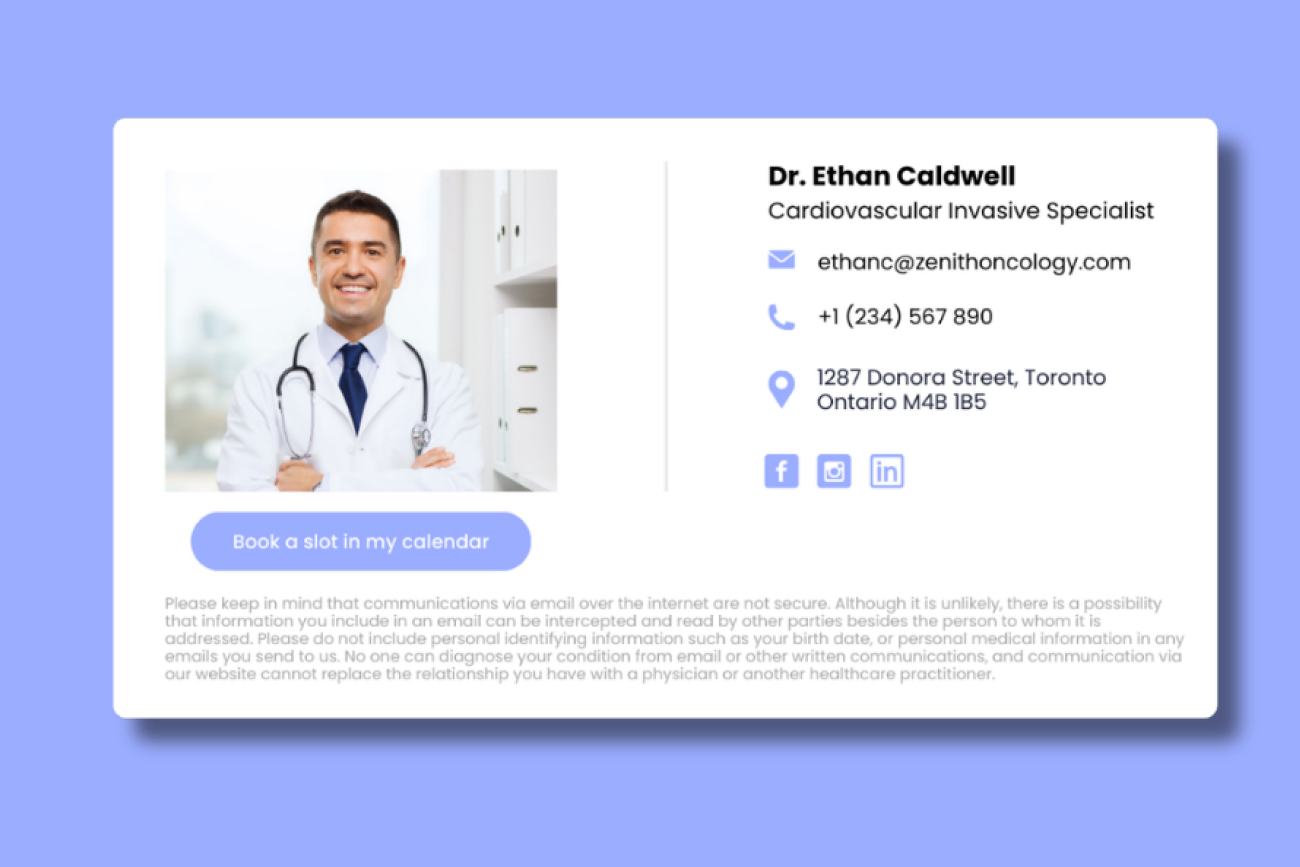
Dr. Jane Smith, MD, FACC |
Administrative example
Jordan Lee |
Those healthcare email signature requirements are the foundation. How you apply them across thousands of different people is the harder part.
What are the compliance requirements for healthcare email signatures?
Compliance is where email signature management earns its place on the IT and risk agenda. Email signature compliance in healthcare means centrally applying approved sender details, credentials, contact information, privacy links, and confidentiality notices, while pairing those email signatures with the safeguards that actually protect PHI. A signature disclaimer supports consistent privacy communication, but it does not replace required controls such as encryption, access controls, audit logging, identity management, or business associate agreements.
HIPAA
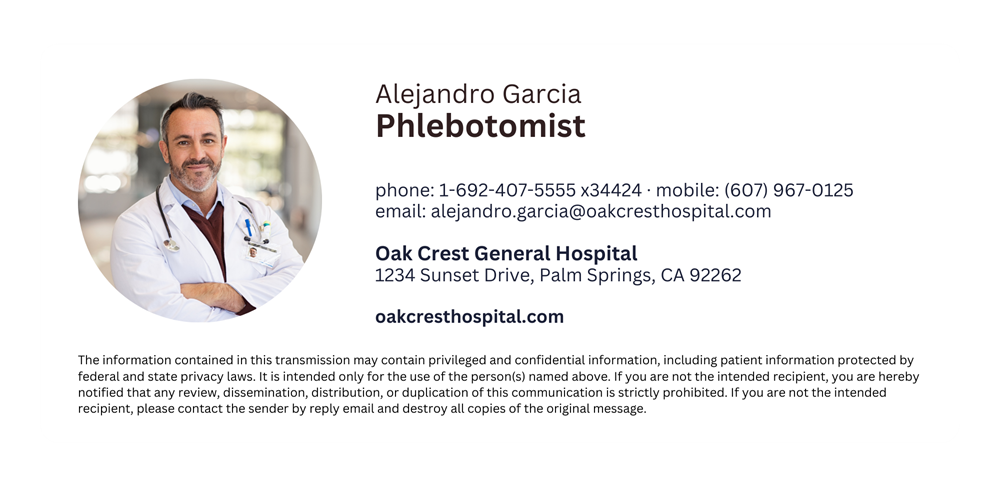
The Health Insurance Portability and Accountability Act (HIPAA) governs how protected health information (PHI) is handled in the United States, including safeguards that apply to email communications. HIPAA does not explicitly require email signature disclaimers. Its Privacy and Security Rules (45 C.F.R. Parts 160 and 164) require covered entities and business associates to protect PHI through administrative, physical, and technical controls. The minimum necessary standard at 45 C.F.R. §164.502(b) limits use and disclosure of PHI to what a task genuinely requires, which is a useful check on what a signature itself should carry.
A centralized confidentiality notice on every outbound email supports consistent privacy communication across the organization. To be part of a broader compliance program, it must be combined with required safeguards including transmission security, access controls, audit controls, workforce training, and documented policies.
HITECH
The Health Information Technology for Economic and Clinical Health (HITECH) Act strengthens HIPAA enforcement and raises penalties for breaches, including those resulting from insufficient safeguards. Consistent, centrally managed email signature disclaimers are one element of a broader HIPAA compliance program, supporting visible privacy communication across every outbound message.
GDPR
For healthcare organizations that process EU patient data, GDPR Articles 13 and 14 require clear privacy information to be provided to data subjects at the point of data collection and where data is obtained from other sources. A centrally managed email signature can include a short privacy notice, a link to the full privacy policy, the organization's name and contact details, the contact details for a data protection officer where applicable, and a statement of the lawful basis for processing where appropriate. Signature rules should vary notices by recipient type and region, so EU-facing messages carry GDPR-appropriate privacy text while other messages use a standard confidentiality notice.
Disclaimers can be targeted to internal or external recipients and set to run for a defined period, so the right notice reaches the right people without manual edits. This applies to both GDPR-specific notices and standard confidentiality language.
The cost of non-compliance
HIPAA enforcement data shows the financial risk of weak healthcare data controls. In 2018, Anthem Inc. agreed to a $16 million OCR settlement after a 2015 cyberattack exposed nearly 79 million records. In a separate case, Mount Sinai St. Luke's-Roosevelt agreed to a $387,200 settlement when a patient's HIV status was disclosed to an unauthorized party.
Standardized email signatures do not prevent breaches on their own. What they do is support a broader compliance program by keeping sender identity, approved contact channels, and confidentiality notices consistent across every message. Combined with the required HIPAA Security Rule controls — transmission security, access controls, audit logging, and workforce training — they contribute to the consistent communication practices the Office for Civil Rights (OCR) expects from covered entities.
A standard email signature format helps inside the organization, too. A consistent look, with a known internal IT contact, makes legitimate internal emails easier to recognize, so anything unusual is easier to question and supports the awareness training healthcare teams already run.
The most reliable way to keep every email's disclaimer present and correct is to apply it centrally, at the server level, where it's added after the email leaves the user's device.
→ Full guide: What Is an Email Disclaimer
→ Full guide: 25+ Disclaimer Statement Examples & Templates
→ Full guide: U.S. Email Disclaimers: Laws, Examples & Best Practices
→ Full guide: Top 5 HIPAA Email Disclaimer Examples
How do you design email signatures for different clinical and administrative roles?
Healthcare organizations contain a wider range of roles than most businesses, and a single signature rarely fits all of them. The work is in separating what should change by role from what has to stay the same.
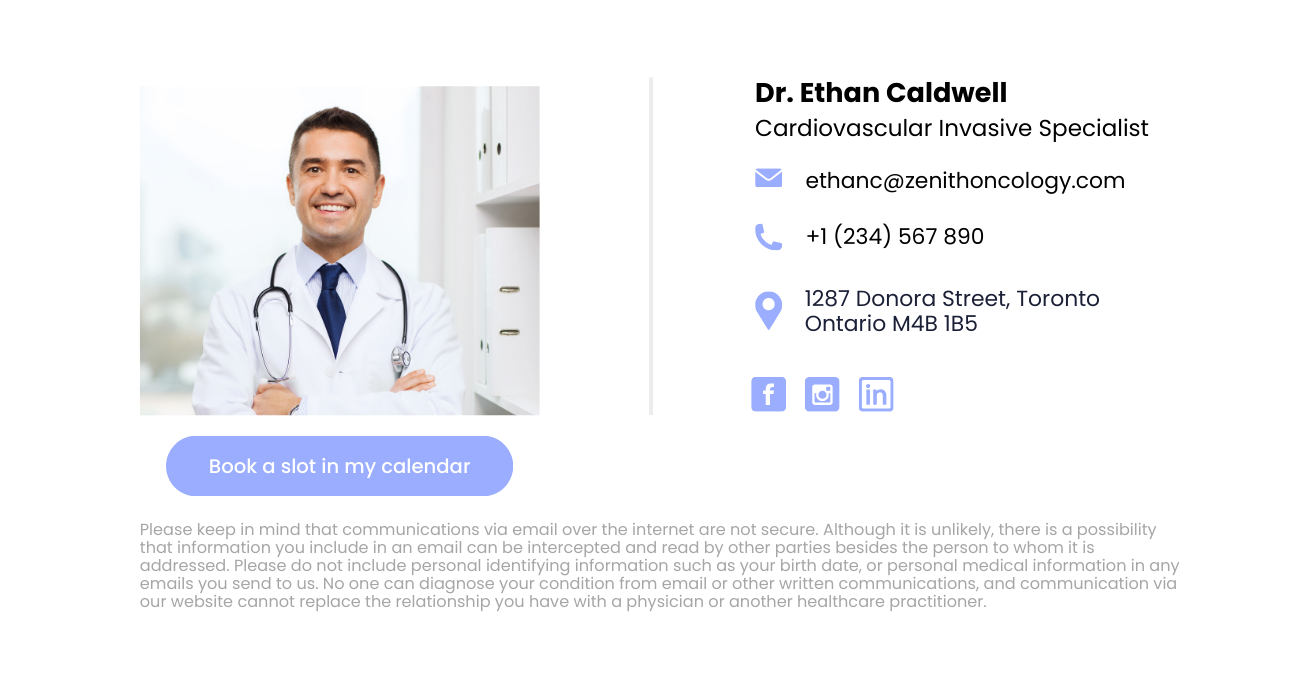
What changes by role: Credentials and how titles are formatted, clinical specialty, the disclaimer text where a role handles a particular type of information, booking links for patient-facing staff, and accreditation badges.
What stays consistent: The organization logo, the approved color palette, the organization name, and the compliance disclaimer that every email needs regardless of who sends it.
The IT angle: role-based signature rules let IT decide which template applies to which group of people. When someone’s role changes, the signature changes with it, with no manual editing.
Credential order and title formatting matter more for clinical roles than for most professions.
Regulation-to-signature mapping
This table shows what each regulation requires, what a centrally managed email signature can support, and what it cannot replace.
Regulation | What it requires | What an email signature can support | What an email signature can't replace |
HIPAA Privacy Rule (45 C.F.R. §164.502) | Minimum necessary use and disclosure of PHI | Consistent confidentiality notice on every email | Access controls, workforce training, documented policies |
HIPAA Security Rule (45 C.F.R. §164.312) | Technical safeguards for PHI, including transmission security | Consistent sender identity and approved contact channels | Encryption, audit controls, identity management |
HITECH Act | Strengthened breach notification and penalties | Consistent privacy communication as part of a compliance culture | Breach notification procedures, core security safeguards |
GDPR Articles 13 and 14 | Privacy information provided to data subjects | Privacy notice link, DPO contact details, lawful basis statement | Full privacy notices, consent mechanisms, data subject rights processes |
→ Full guide: Doctor Email Signature: Examples, Templates & Best Practices
How do IT teams deploy email signatures across a healthcare organization?
This is where email signature management is won or lost in healthcare. Large, distributed organizations cannot rely on individuals to apply the right signature, and the built-in tools were never designed for governance at this scale.
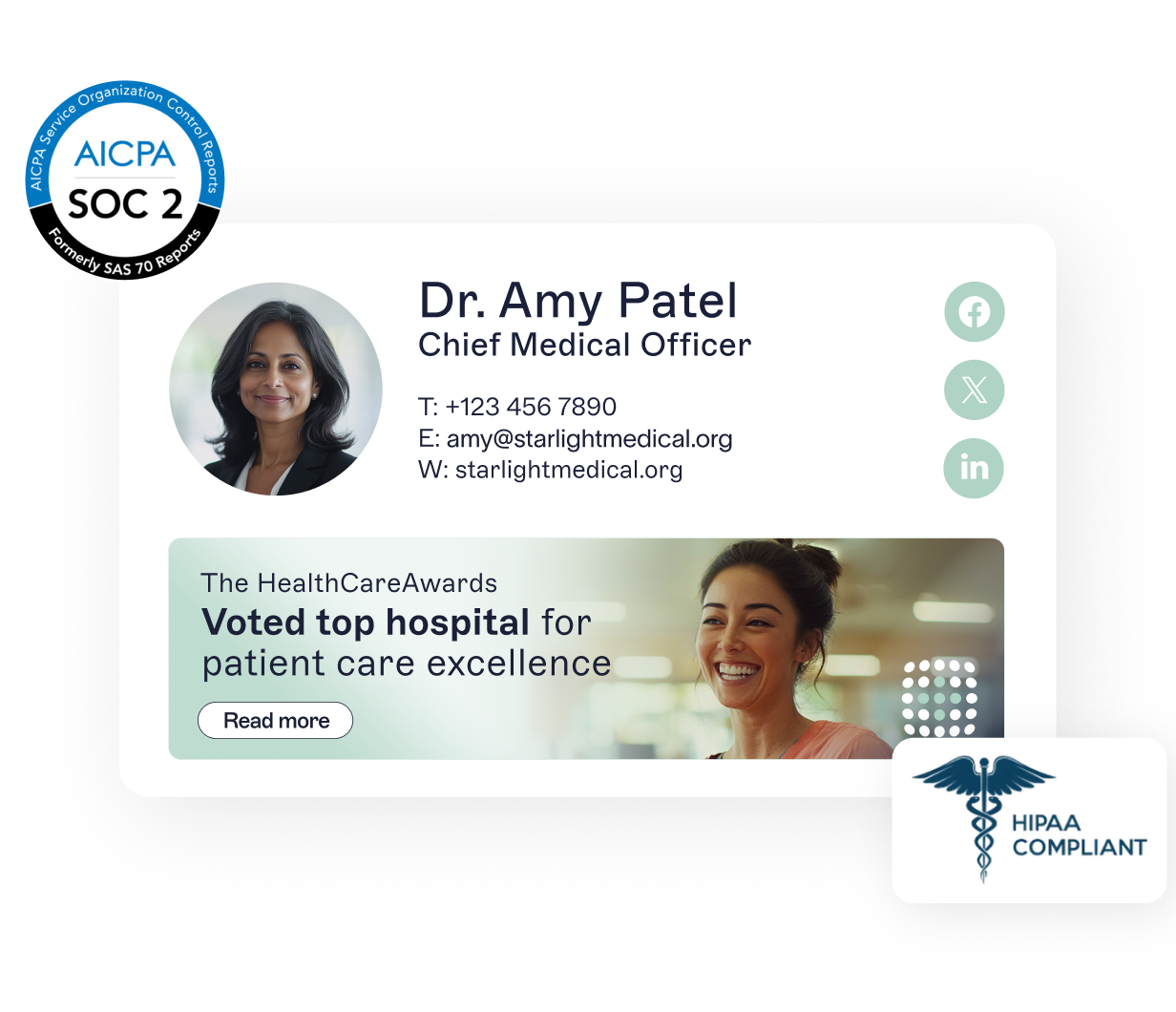
The scale problem: A hospital network can span multiple sites, thousands of staff, high clinical turnover, and constant role changes. Each of those changes is a signature that needs updating, and manual processes fall behind almost immediately.
Why built-in tools fall short: Microsoft 365 and Google Workspace let users set their own signatures. In a regulated environment, that means inconsistent formatting and missing disclaimers, the moment someone creates their own version or forgets to update it.
Microsoft 365 / Google Workspace (built-in) | Exclaimer (server-side) | |
Who applies the email signature | The user, on their device | Exclaimer, after the email is sent |
Can the user override it? | Yes | No |
Disclaimer applied on every email | Only if the user configures it correctly | Yes, automatically |
Directory sync | Manual updates required | Automatic from Microsoft Entra ID or Google Workspace Directory |
Multi-site template management | No central control | Yes, from one console via signature rules |
Consistent across desktop, mobile, and web | Often inconsistent | Yes, server-side enforcement is uniform |
Server-side deployment: With server-side management, the email signature is applied at the mail transport layer after the email leaves the user's device, reducing the risk that staff forgets, alters, or removes required template elements. In Microsoft environments, this is comparable to Exchange Online mail flow rules; in Google Workspace, to Admin content compliance rules. Purpose-built platforms like Exclaimer add directory-synced templates, role-based rules, device consistency, and centralized reporting in one place.
Directory sync: Connecting to Microsoft Entra ID or Google Workspace Directory means email signature details update automatically from the source of truth. When a nurse transfers between teams, a doctor joins a new practice, or an administrator changes a phone number, the signature follows, with no ticket required.
Signature rules: From one console, IT can assign different templates by department, seniority, role, or location, and test the logic with the built-in tester before it goes live.
Multi-site management: Email signatures for hospitals, clinics, and satellite offices can each be correct for their location while everything stays under central control.
Deployment can also match how teams work. A hybrid setup lets clinicians see their signature as they compose, while the server still applies the approved version on the way out, so coverage is guaranteed, and users keep their live preview.
Together, server-side enforcement, directory sync, and signature rules form the core of healthcare IT email management at scale, and that's exactly what a purpose-built platform like Exclaimer provides.
→ Full guide: How to Create and Set Up Microsoft 365 Email Signatures
→ Full guide: How to Create a Google Workspace Email Signature
→ Full guide: Microsoft Entra ID / Active Directory Email Signatures
See it in your own environment
Discover how Exclaimer can apply signatures across Microsoft 365, Google Workspace, and Microsoft Exchange at scale.
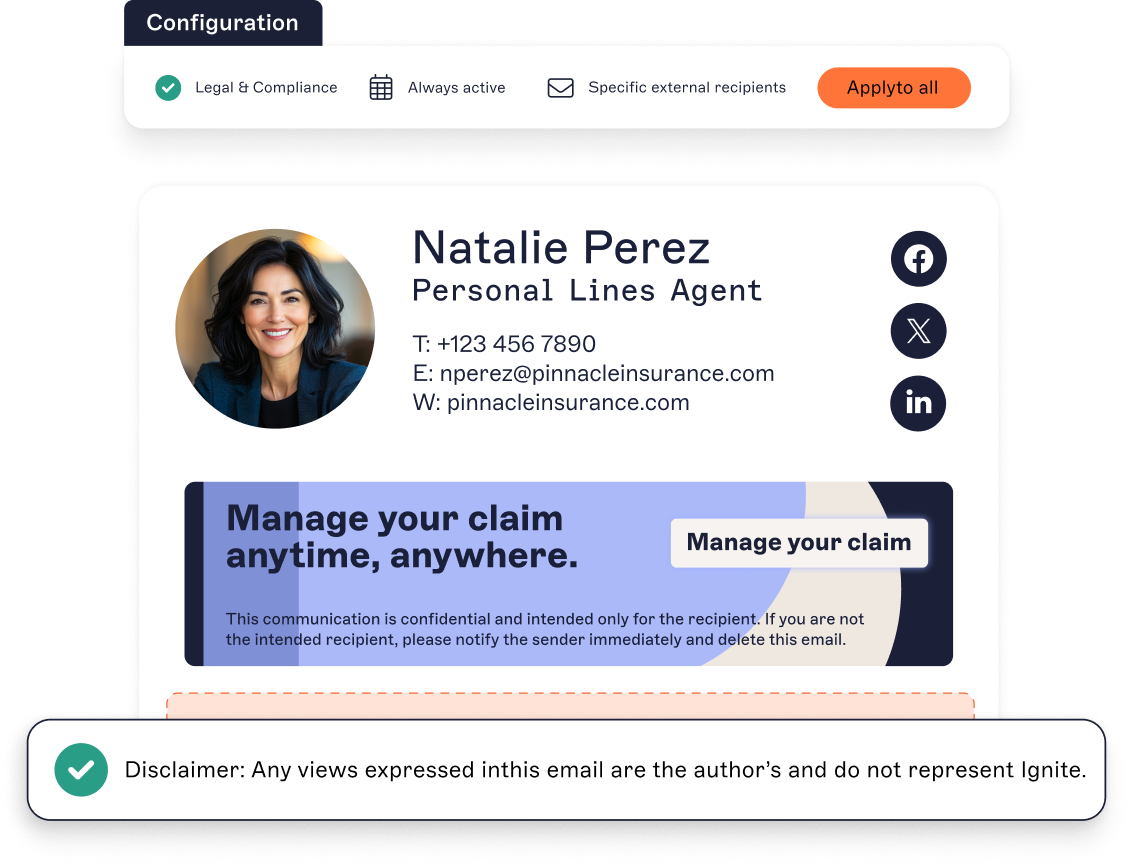
What's the operational case for centralized email signature management?
The payoff is operational as much as regulatory. Onboarding and offboarding stop generating signature tickets, because the directory drives the change. When someone leaves, removing them from the directory removes their signature too, so former staff don't linger on outgoing mail.
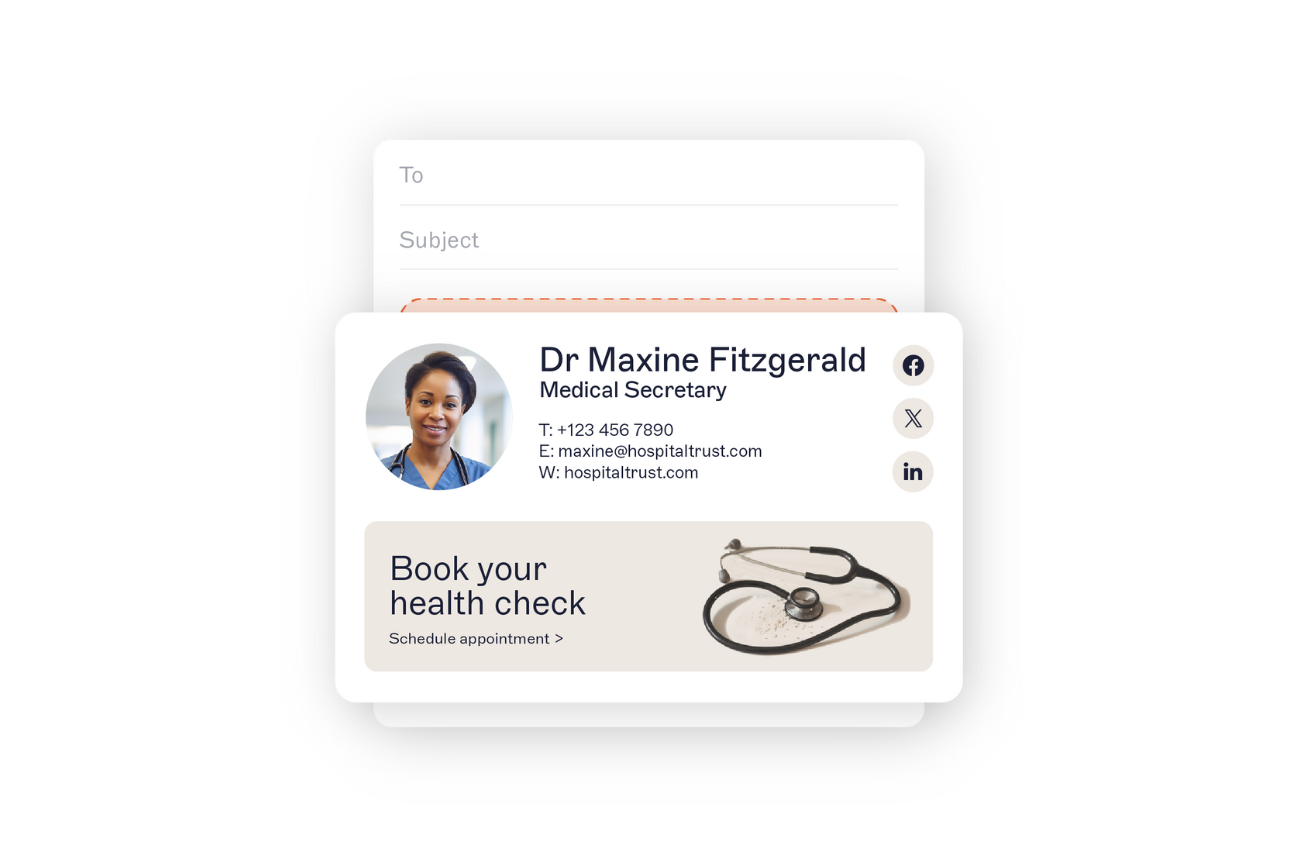
Role-based access lets IT delegate template or campaign updates to marketing or compliance colleagues without giving up overall control, so IT doesn't become the bottleneck for every change.
The effect compounds at healthcare scale. With constant rotations, temporary and contract staff, and people spread across hospitals, clinics, and satellite sites, the directory becomes the single source of truth, and every signature follows it. A new starter is correctly branded from day one, and someone who changes department doesn't carry the wrong title for weeks while a ticket sits in a queue.
How do you maintain brand consistency in healthcare email communications?
Consistency is a trust signal. When every email looks the same, recipients quickly learn to recognize a legitimate message from the organization.

The consistency problem is structural. Without central control, staff spread across multiple sites, and periodic rebrands mean someone is always still running the old logo or an out-of-date tagline.
The fix is central control of the brand assets themselves. When the approved logos, colors, and disclaimers live in one place that marketing owns and IT deploys, a single update reaches every email signature that uses them. An update to the master template reaches every email signature at once, rather than waiting on individuals to apply the change manually.
The same control keeps email signatures consistent across desktop, mobile, and web, where they most often drift apart. For patients and partners, that coordination signals one trustworthy organization behind every message, which is the broader reason email signature branding matters.
→ Full guide: Why Email Signature Branding Is Important
How can healthcare organizations use email signatures for patient communications and campaigns?
A managed email signature is also a communication channel. Once every email carries a controlled, consistent footer, the organization can use that space for timely, relevant messages.
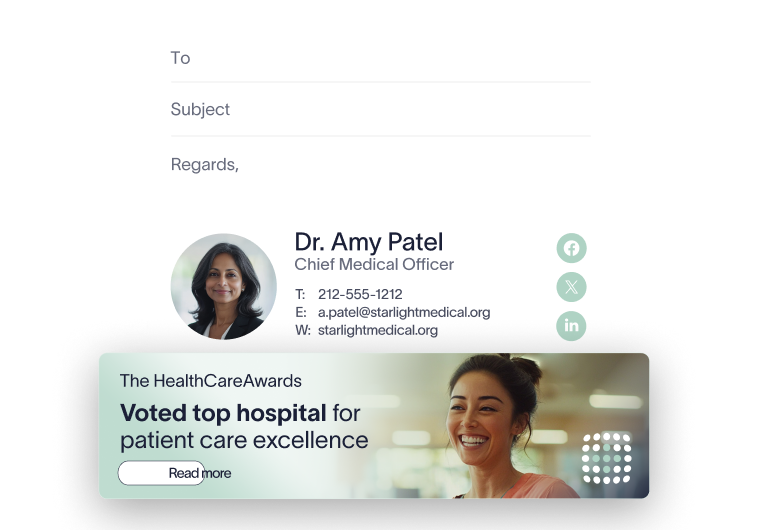
Patient-facing: Seasonal vaccination drives, appointment reminders, new service launches, and public health awareness campaigns can run as banners in the signatures of the relevant teams.
Internal: The same mechanism carries HR updates, policy changes, and employee well-being messages to staff.
Scheduling links: Appointment booking through tools like Calendly, Microsoft Bookings, or Chili Piper can sit in clinical and administrative signatures so patients and colleagues can book without back-and-forth.
Because the footer is centrally controlled, a campaign can go live across the right teams at once and come down just as cleanly when it ends. The same rules that place compliance text can target a banner, so a vaccination reminder reaches patient-facing teams while other teams see something else.
→ Full guide: Email Signature Marketing
→ Full guide: Email Signature Banners: A Complete Guide
What should IT look for in email signature software for healthcare?
When evaluating email signature software for a healthcare environment, IT teams need more than a design tool. The platform has to handle server-side enforcement, directory integration, role-based templates, and compliance language, reliably, across every device and platform the organization runs.
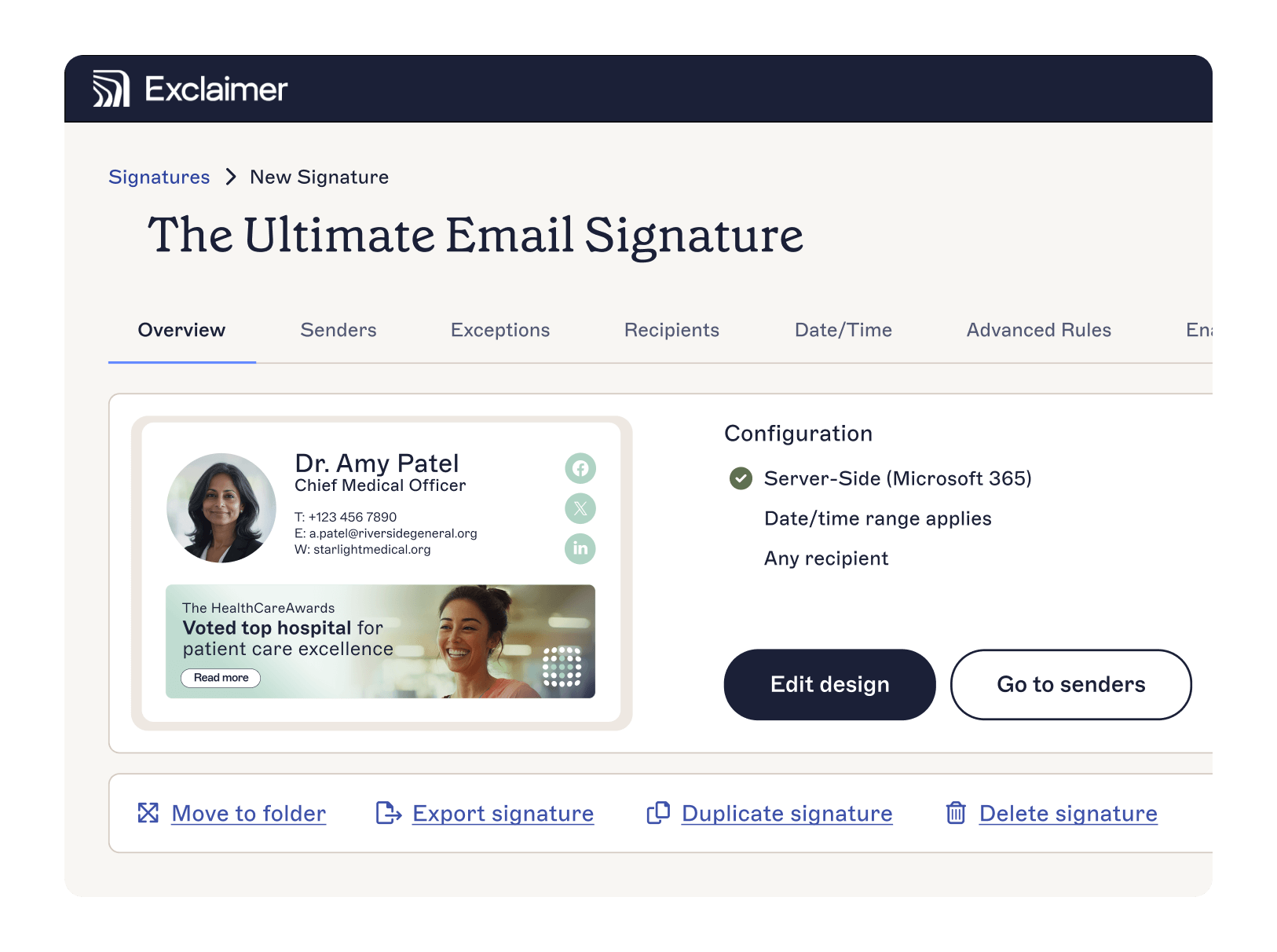
Deployment that fits the environment: Server-side, client-side, and hybrid deployment across Microsoft 365, Google Workspace, and Microsoft Exchange.
Directory sync: Automatic updates from Microsoft Entra ID and Google Workspace Directory whenever staff details change.
Signature rules: Role-based template assignment by department, seniority, location, and more, managed from one console.
Automated disclaimers: HIPAA, HITECH, and GDPR disclaimer text applied to every email, on every device, without user action.
Brand Kits: Central source for approved logos, colors, and disclaimers so brand assets stay consistent across every email signature.
Certifications and compliance: SOC 2 Type II, ISO 27001, ISO 27018, HIPAA, GDPR, CCPA, and Cyber Essentials.
Reliable infrastructure: hosted in Microsoft Azure datacenters, with 99.99% availability.
Trusted by 80,000+ organizations worldwide, Exclaimer gives healthcare IT and compliance teams one place to keep email signatures consistent, compliant, and current. It fits the realities of a regulated, distributed environment: multiple platforms, many sites, and staff who change roles constantly.
Exclaimer supports compliance processes by centralizing email signature management. HIPAA compliance requires the full set of administrative, physical, and technical safeguards under 45 C.F.R. Parts 160 and 164. Exclaimer is one part of that program, not a substitute for the others.
To see how it works for your organization, explore Exclaimer for healthcare.