Naimh is a seasoned marketer of 12 years, including in SaaS and tech. She’s an expert at simplifying complex technology concepts, bridging the gap between IT and marketing. Naimh specializes in turning tech speak into actionable insights, helping marketers get the most out of their tools and technology.
Email signature marketing: How to get started
TL;DR
Put one clickable banner in the email signatures your employees already send. Give it a start and end date, tag its link with UTM (Urchin Tracking Module) parameters, and count the clicks.
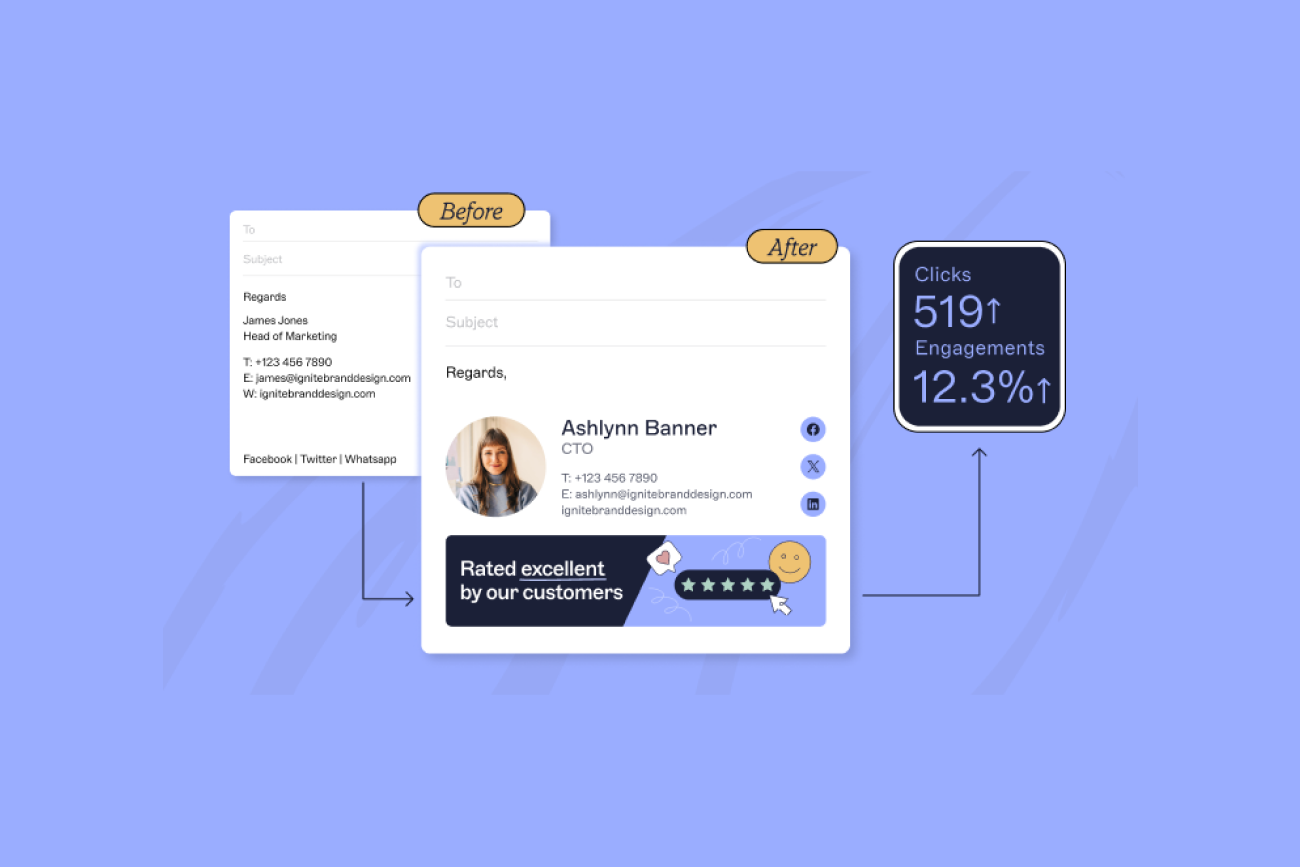
Exclaimer customers average a 4% click-through rate on email signature content (Exclaimer's marketing ROI blog post, updated September 25, 2026). In the same post's worked example, 100 employees sending 40 emails a day each produce about 14,700 banner clicks a year.
Let marketing own the banner and the dates, and let IT set the roles and the deployment method.
Apple's Mail Privacy Protection generates automatic opens (GetResponse, 2024), so track tagged clicks and conversions instead of opens.
What is email signature marketing?
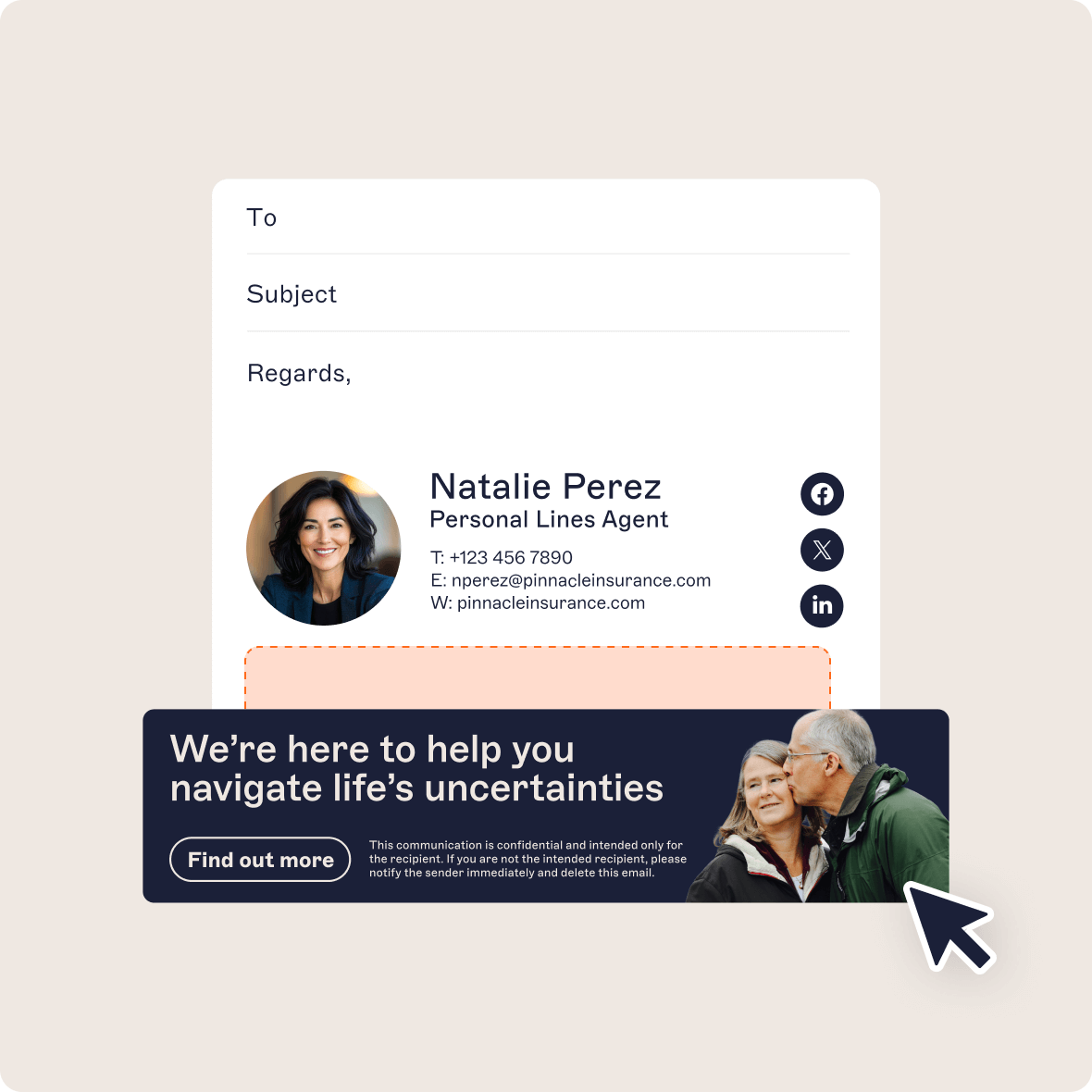
Email signature marketing means putting a clickable banner in the email signatures employees already send, so everyday one-to-one email promotes an event or an offer. A campaign is one banner with its link and its schedule, aimed at defined senders and recipients.
In Exclaimer's cloud solution, the Campaigns feature places the banner after the sender's email signature and uses no email signature slot. Doing the same by hand means asking every employee to paste the banner into their own email signature, then asking again at every update.
“Email signatures aren't just business cards for the digital age. They can be an independent and valuable communications channel.”
Source: Email Signatures for Dummies®
Which email signature campaigns work?
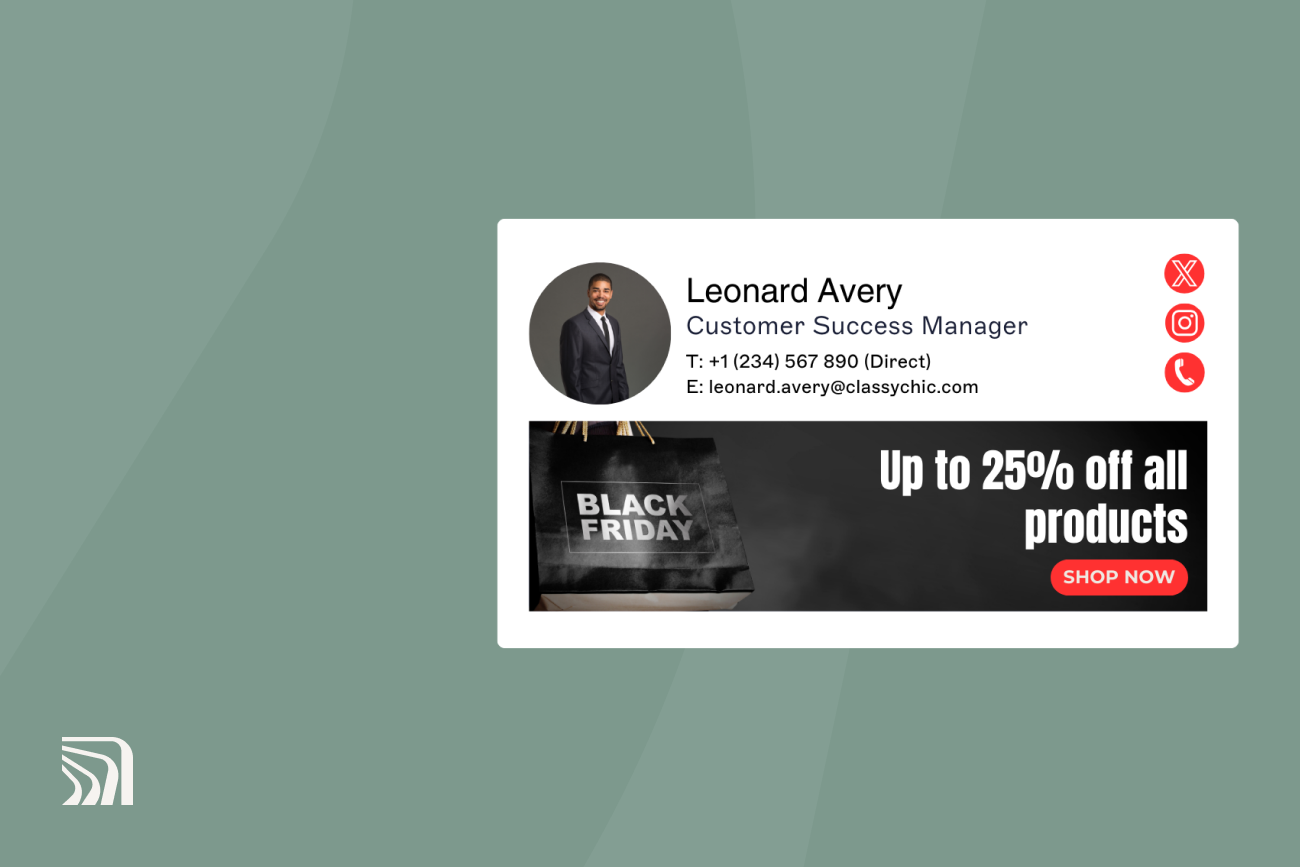
 Five campaign types fit the format: event registration, product launch, flash promotion, seasonal offer, and evergreen content.
Campaign type | Goal and what to count | Suggested run window |
|---|---|---|
Event or webinar registration | Registrations from the tagged link | Two to six weeks before the event, swapped 24 hours before it starts |
Product launch | Demo or trial requests, counted as form completions | Two to four weeks from launch day |
Flash promotion | Orders or sign-ups from the tagged link | 24 to 72 hours |
Seasonal offer | Orders from the tagged link | Two to four weeks |
Evergreen content | Downloads or demo page visits from the tagged link | Four to eight weeks, then change the creative |
Exclaimer's banner feature helped Bloomerang, a 540-person software company, sell out its first customer conference. Banner designs for each type are in Exclaimer's email signature banner examples.
“Continual display is a major feature... unlike the direct marketing email, where the contact sees the message only once.”
Source: Email Signatures for Dummies®
How do you run an email signature marketing campaign?
 A campaign needs one goal, one banner, one tagged link, a defined audience, and fixed dates.
Set one measurable goal, like 100 webinar registrations in 30 days.
Design one banner with one call to action and descriptive alt text.
Tag the destination URL with UTM parameters (see How to track email signature clicks with UTM parameters).
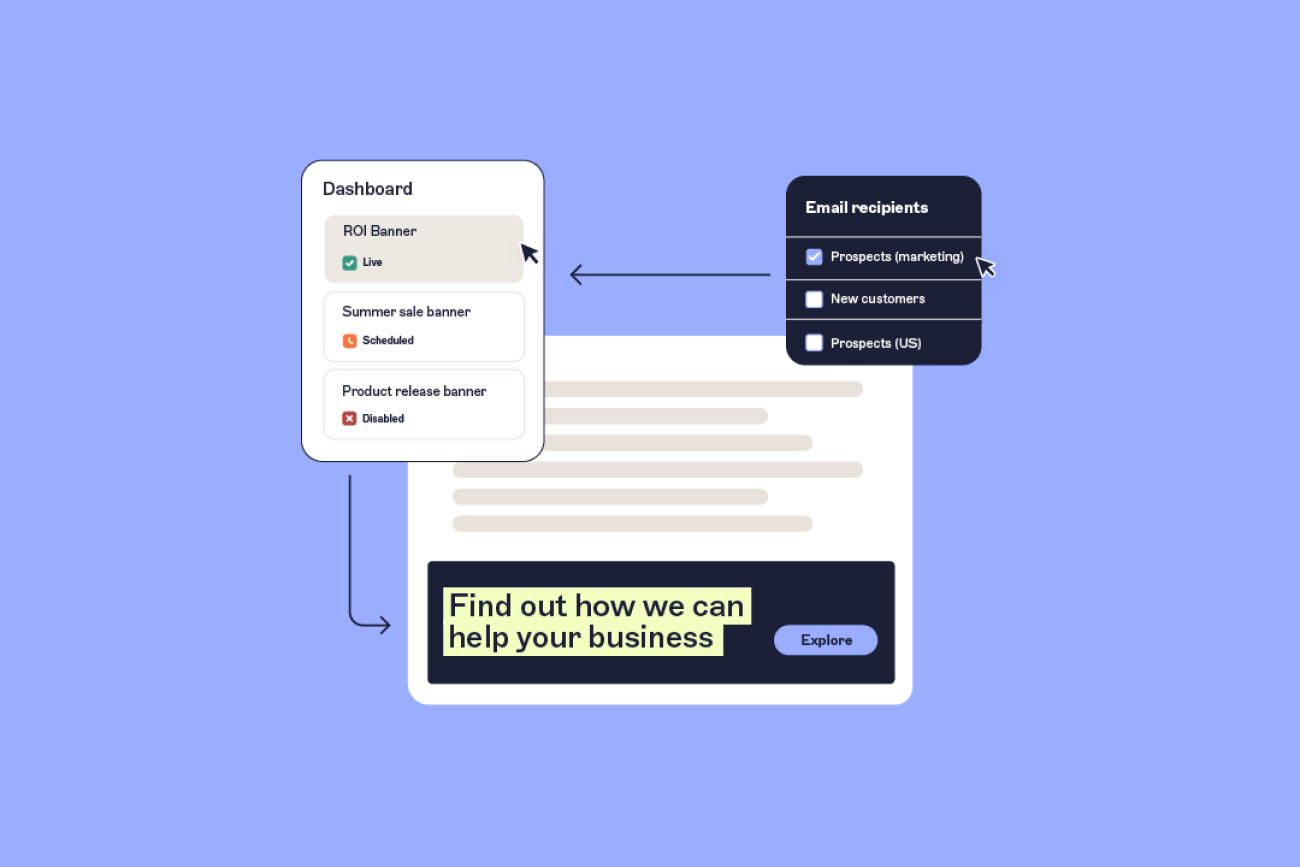
Choose which senders carry the banner and which recipients see it.
Set a start date and an end date, so the offer comes down when it's over.
Test before launch in Outlook desktop and Outlook on the web (Microsoft 365), Gmail on the web (Google Workspace), and a phone for both.
The screens, limits and rules for setting up a campaign in Exclaimer are in How to run marketing campaigns using email signatures in Exclaimer.
“One-to-one emails are a high-frequency channel you completely own, so the costs aren't as high as the paid channels everyone's fighting over. Each of those emails is otherwise a missed impression, a missed click, a missed chance to connect. That's what the signature space represents.”

How do you target email signature campaigns?
 Target a campaign by choosing which senders carry the banner and which recipients see it. In Exclaimer's own account-based marketing campaigns, targeted email signatures drew 15 times the click-through rate of a display ad campaign. Both used the same message and audience (Exclaimer platform data, internal campaign benchmark).
Sender attributes like department and locationcome from your directory, which is Microsoft Entra ID for Microsoft 365 or Google Workspace Directory for Google Workspace. Exclaimer's Directory Sync reads them from there. The Indianapolis Colts gave departments different banners. Ryan Fannin, the club's Director of Football Information Systems, said the team could "give our Mascot group their own unique campaign banner, while the Ticket Sales group can have another" (Indianapolis Colts customer story, published April 10, 2022).
For the Manage screen options, plan limits, and how overlapping campaigns resolve, see How to run marketing campaigns using email signatures in Exclaimer.
"Email signature campaigns sit inside emails recipients are already reading. The engagement rate advantage over broadcast email makes sense as the recipient is already in the conversation, not filtering an inbox."

How do you measure email signature marketing?

Put a UTM-tagged link on every banner, then divide clicks by emails sent. A UTM parameter is a tag added to a web address that tells Google Analytics 4 where a visit came from.
A tagged link looks like this: https://example.com/webinar?utm_source=email-signature&utm_medium=email&utm_campaign=webinar-q4-2026. Google Analytics Help says to always set utm_source, utm_medium, and utm_campaign. It treats values as case-sensitive, so utm_source=google and utm_source=Google report as separate sources. Use the same names in every campaign, or the reports won't line up.
Metric | What it tells you | Where it comes from |
|---|---|---|
Sends with the banner | Reach | Exclaimer Engagement Analytics |
Clicks | Interest | Engagement Analytics or Google Analytics 4 |
Click-through rate | Clicks divided by sends | Calculated from the two rows above |
Conversions | Registrations, orders, downloads | Google Analytics 4 or your CRM |
Exclaimer's Engagement Analytics reports sends, clicks, and a percentage that divides clicks by sends (Exclaimer Engagement Analytics knowledge base article, updated June 30, 2026). Only the Pro plan includes Engagement Analytics. It needs server-side configuration to work, and its knowledge base article lists no email opens.
Which email signature metrics overstate results?
Opens and clicks both overstate results when software generates them. Apple's Mail Privacy Protection creates automatic opens that distort open-rate data, according to GetResponse's 2024 benchmarks report. Opens aren't a safe base for a rate.
Security scanners, including Microsoft Safe Links and Proofpoint, can click every link in an email within seconds of delivery. That adds clicks no person made (Adobe Experience League Community, reply from an Adobe employee, July 24, 2026).
What return can you expect from email signature marketing?
 Following the method in Exclaimer's marketing ROI worked example (updated September 25, 2026), 100 employees sending 40 emails each per working day produce about 14,700 banner clicks and 345 landing page conversions a year. At 15 emails a day, the same company gets about 5,500 clicks and 129 conversions.
Input | Value | Source |
|---|---|---|
Employees | 100 | Example |
Emails per employee per day | 40 (high case), 15 (low case) | High: Exclaimer's worked example. Low: average among IT professionals in Exclaimer's State of Business Email 2025 research, a survey of 4,009 respondents conducted by Censuswide in April 2025 |
Working days per year | 255 | Exclaimer's worked example |
Share sent to external recipients | 40% | Exclaimer's worked example |
Open rate | 90% | Exclaimer's worked example, average open rate for one-to-one business email |
Click-through rate | 4% of opened emails | Exclaimer customer average, from Exclaimer's worked example |
Landing page conversion | 2.35% | Exclaimer's worked example |
Case | External emails per year | Opened | Clicks | Conversions |
|---|---|---|---|---|
High (40 emails a day) | 408,000 | 367,200 | 14,688 | 345 |
Low (15 emails a day) | 153,000 | 137,700 | 5,508 | 129 |
Apply your own close rate and deal value to turn conversions into revenue. Engagement Analytics divides clicks by emails sent, while Exclaimer's worked example applies its 4% to opened emails, so compare rates on the same basis.
How do customer results compare with the model?
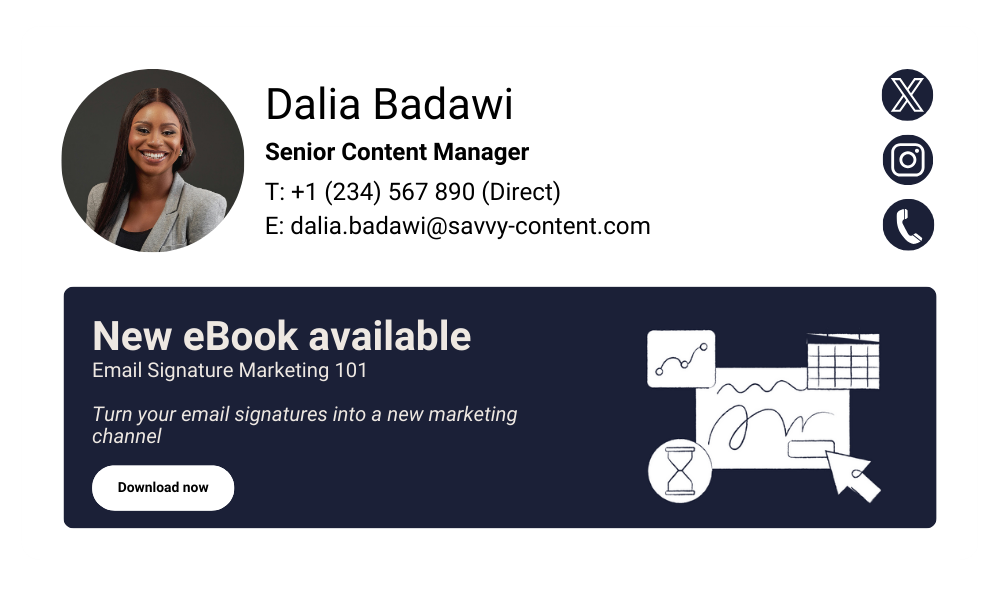 Published customer results land above the model's high case of 147 clicks per employee a year.
Komfort Partitioning, with 130 employees, reported 597,000 impressions and 24,000 clickthroughs in a year. CIS Security, with 2,900 employees, reported 13 million impressions and 530,000 clickthroughs in a year. Both are case studies Exclaimer chose to publish, so they're the favorable end of the range.
Source | Employees | Clicks a year | Clicks per employee |
|---|---|---|---|
Model, 40 emails a day | 100 | 14,688 | 147 |
Model, 15 emails a day | 100 | 5,508 | 55 |
Komfort Partitioning | 130 | 24,000 | 185 |
CIS Security | 2,900 | 530,000 | 183 |
The clicks-per-employee column is our division of the published figures.
Ready to put it into practice?
Download Email Signatures for Dummies® to master the essentials.
Who should control email signature marketing, marketing or IT?
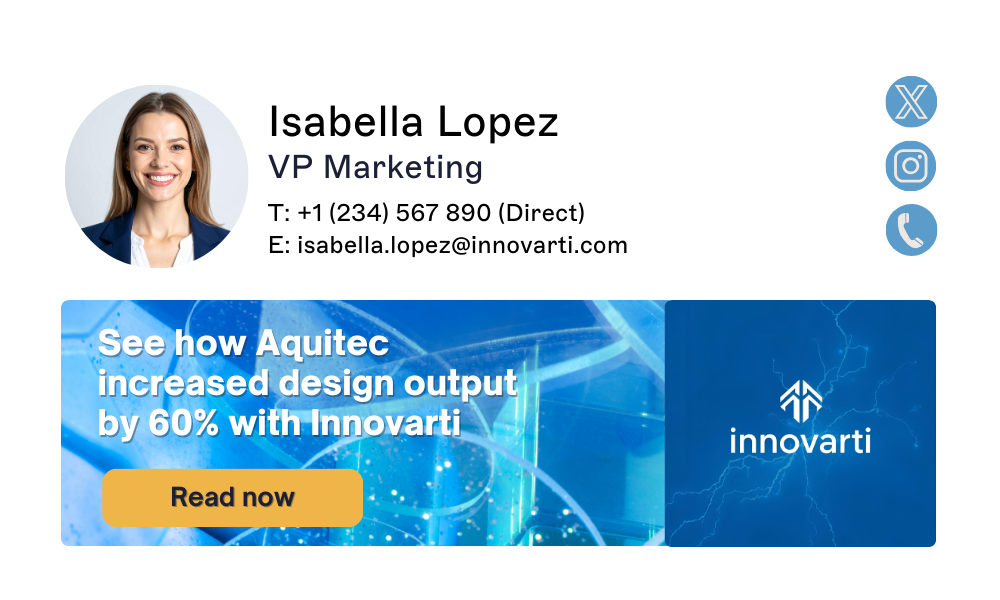 Marketing should own the campaign, and IT should own permissions and deployment. Exclaimer customers describe that split in practice.
Vancity's marketing team manages campaign banners and brand updates independently without IT involvement, while IT retains technical control. Gunnebo Entrance Control's marketing team manages campaign banners across every region without relying on IT.
Decision (suggested split) | Marketing | IT |
|---|---|---|
Banner creative, copy, destination link, and dates | Owns | Not involved |
Who can create and publish campaigns | Consulted | Sets roles and permissions |
Directory sync (Microsoft Entra ID or Google Workspace Directory) | Not involved | Owns |
Deployment method (server-side or client-side) | Not involved | Owns |
Karl Bagci, Director of IT and Information Security at Exclaimer, says customers now ask for an approval step:
"We want marketing to edit branding and update logos, but people now see that as a risk; a bad actor inside the organization could do something nefarious with it. So we're seeing the requirement that anyone in marketing can update the brand, but only the design or marketing director can approve it."

That puts the sign-off inside marketing. IT still sets who's allowed to publish.
Agree on the split before the first campaign goes live, including who approves a banner. Then a wrong landing page and a banner missing in Gmail each have a clear owner.
What should you look for in an email signature marketing tool?
 Look for scheduling, sender and recipient targeting, delegated permissions, click analytics, and server-side deployment. CRM lists and rotating banners are extras.
Capability | Why it matters | In Exclaimer's cloud solution |
|---|---|---|
Scheduled campaigns | Offers come down on their end date | Campaigns have a start and end date and time. Standard and Pro plans |
Sender and recipient targeting | Different teams carry different banners | Campaigns target by sender, recipient, or CRM list, and can assign a campaign to individual users or groups |
CRM list targeting | Banners match the account | Salesforce and HubSpot lists. Both need the Pro plan and a connected account |
Rotating banners | Several messages run over time | Up to 15 banner images per email signature (Rotating Banner article). Standard and Pro plans (random rotation article) |
Delegated permissions | Marketing launches without a ticket and IT keeps control | Role-based access controls. A Designer role can create and edit Campaigns (User Management article) |
Click analytics | Results can be reported | Engagement Analytics. Pro plan, server-side configuration required |
Server-side deployment | The banner applies to email sent from phones and webmail | Email signatures are applied as mail routes through Exclaimer (cloud deployment), whichever device or email client sends them (knowledge base article). Campaigns don't work with client-side deployment in Gmail |
Sources: Exclaimer's knowledge base articles on Campaigns (updated July 28, 2026) and Engagement Analytics (updated June 30, 2026), the Exclaimer Campaigns product page, the Salesforce integration page, and the HubSpot Lists article (the last three accessed October 19, 2026).
Run your first campaign
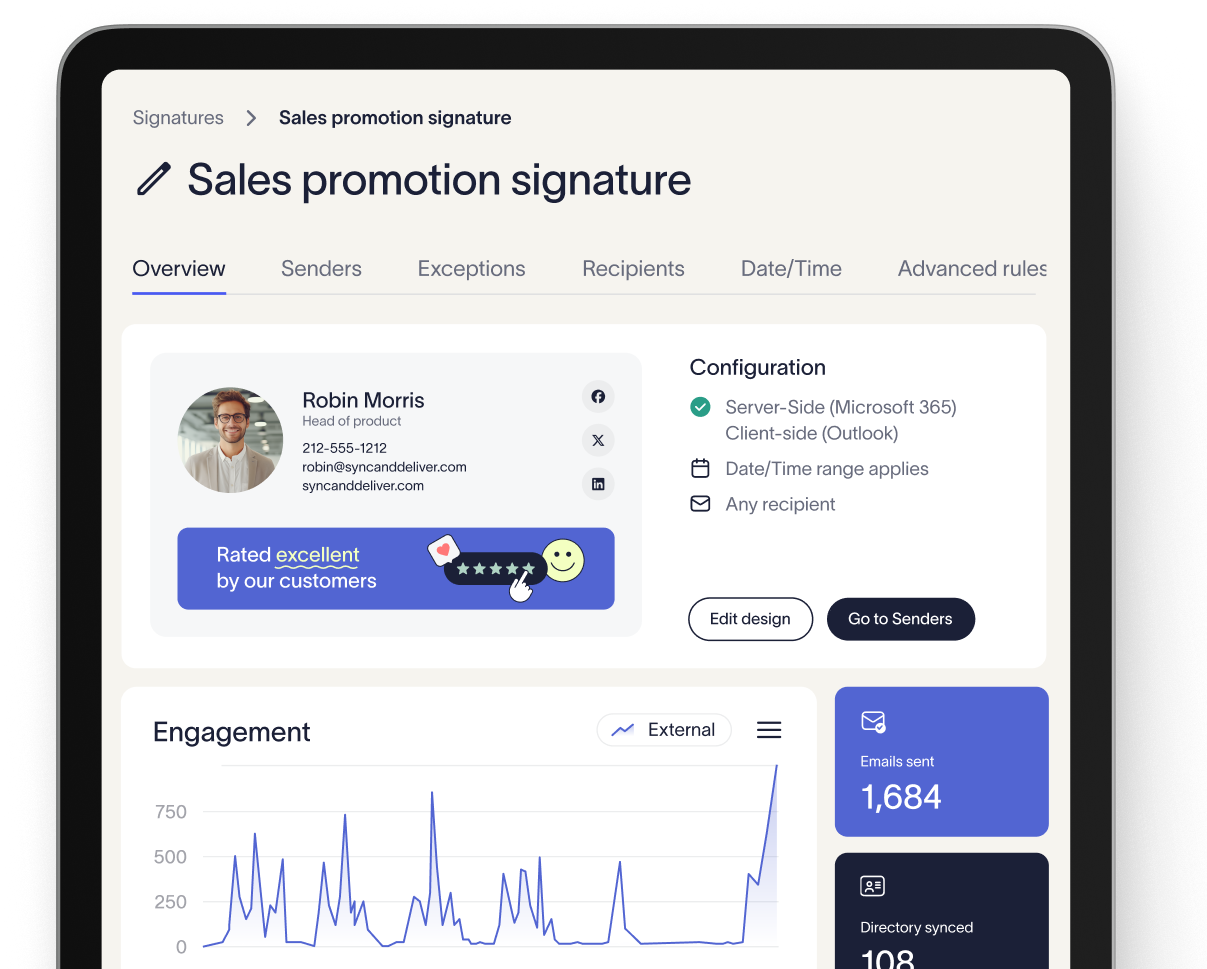
Pick one campaign type from the table and set its goal. Exclaimer's cloud solution lets Marketing publish it within the roles IT sets, so the first banner doesn't wait on a ticket.
Book a demo to see Campaigns, targeting, and Engagement Analytics running on your own directory.