Naimh is a seasoned marketer of 12 years, including in SaaS and tech. She’s an expert at simplifying complex technology concepts, bridging the gap between IT and marketing. Naimh specializes in turning tech speak into actionable insights, helping marketers get the most out of their tools and technology.
How to use email signature marketing: 7 dos and don'ts for a governed channel
TL;DR
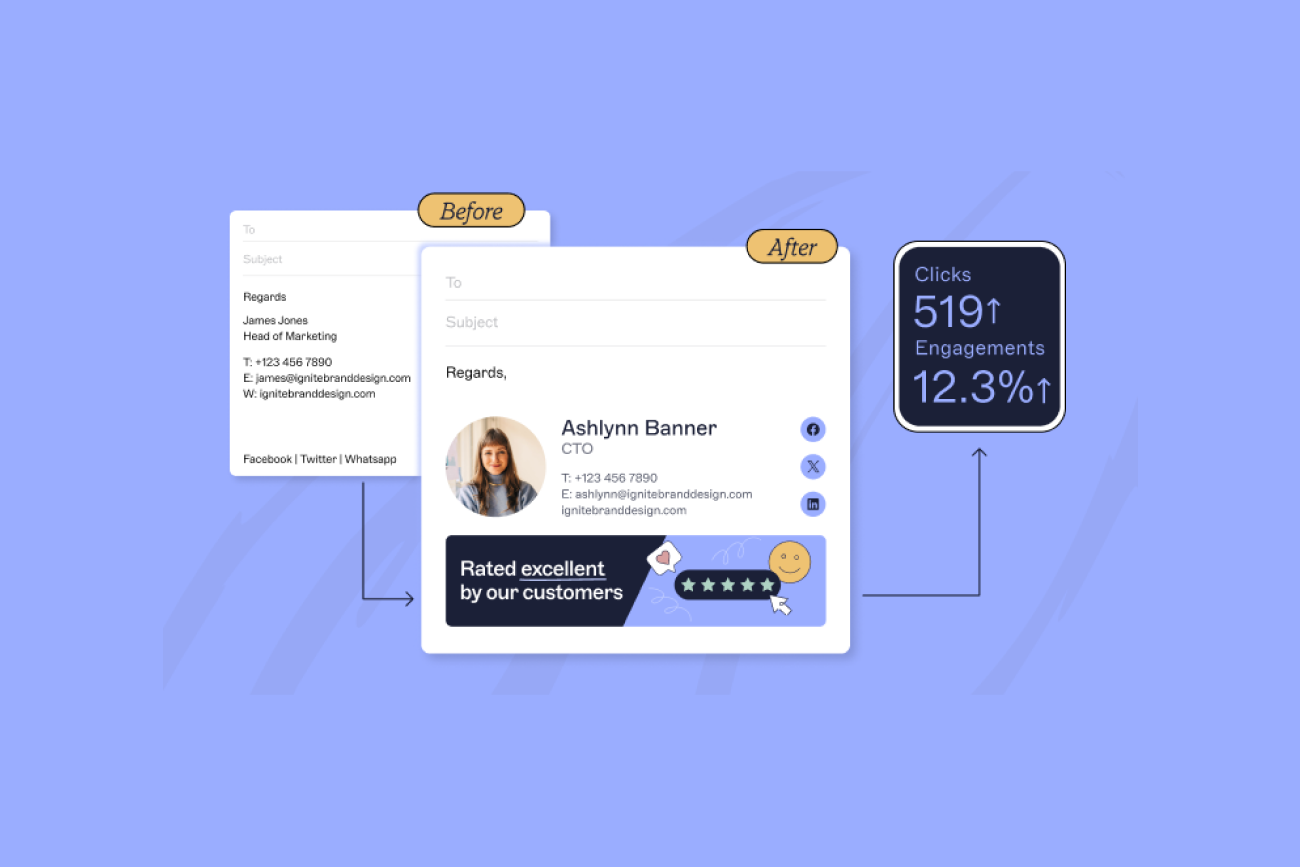
Email signature marketing works when banners go to the right audience, not the whole company by default.
Every campaign needs an owner, someone who can launch a banner, someone who signs off on it, and a plan for taking it down.
Add UTM parameters to banner links so the channel can prove its own return, and put banner audits on a schedule so nothing stale stays live.
Regulated industries can run this channel too. The same governance that already covers your disclaimers should cover your banners.
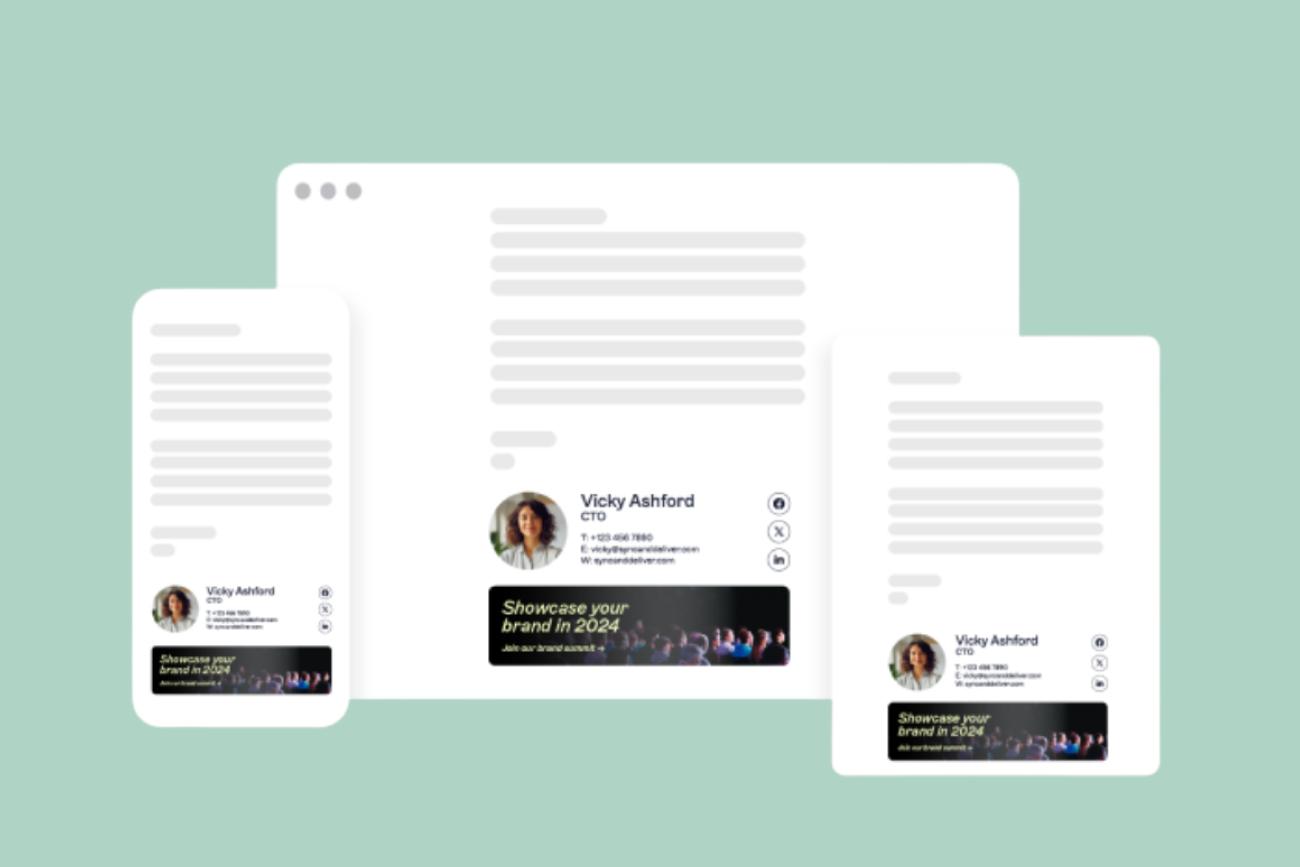
Email signature marketing is one of the simplest and most effective ways to turn everyday emails into a powerful brand and campaign channel. Every message your employees send is an opportunity to build trust, reinforce your brand, and drive engagement. Yet too often, email signatures are inconsistent, poorly designed, or even missing key information.
That’s where best practices make all the difference. By following a few proven dos and don’ts, you can transform email signature marketing from an afterthought into a reliable driver of professionalism, compliance, and marketing ROI.
In this guide, we’ll walk you through the top email signature marketing dos and don’ts to help your organization make the most of every email.
For more great tips on how to use email signature marketing in your company, check out our official Email Signatures for Dummies guide.
Do put email signature marketing under the same governance as everything else you send
Every email your employees send already carries your logo, your colors, and whatever banner sits beneath the email signature. That's the channel. IT usually owns and controls the email signature itself, but the banner attached underneath it often escapes that same oversight. A banner sits there with nobody remembering who approved it, still running months after the campaign that justified it ended.

Best practices:
Reserve space below contact details for a banner, and keep the layout consistent across the organization.
Decide who can create a campaign and who has to approve it before the first banner goes live, not after the second complaint.
Refresh the message on a set schedule rather than leaving it to whoever remembers.
Tip
Centralizing email signature and banner management gives marketing a way to launch and track campaigns without IT losing sight of what's going out under the company name.
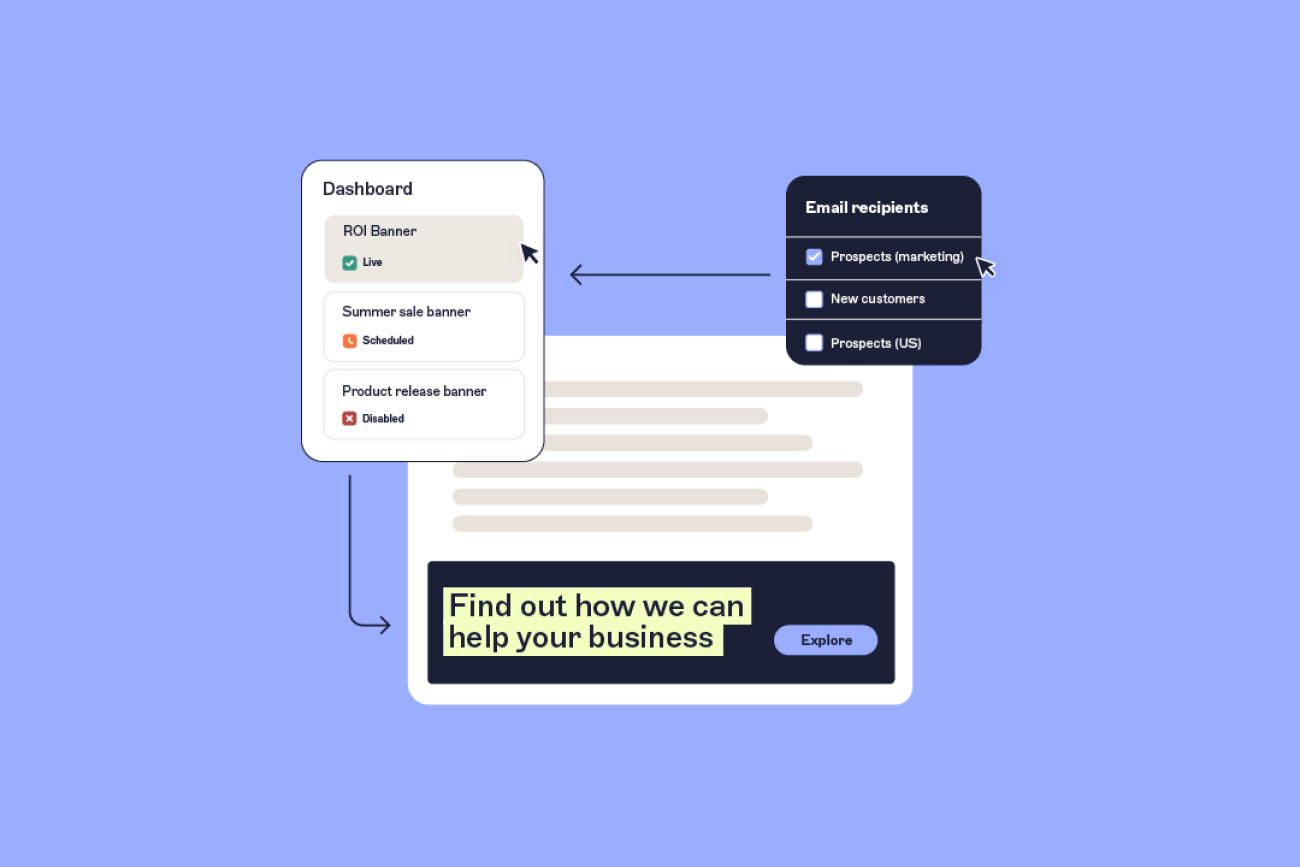
Do target the banner, not the whole company
A banner promoting a webinar for prospects doesn't belong in an email signature going to existing customers. A banner aimed at a specific industry doesn't need to reach the rest of the business. Sending every message to every recipient risks unsubscribes on the marketing side and reads as spam to anyone who wasn't the intended audience; it's usually what happens when nobody set up targeting in the first place.
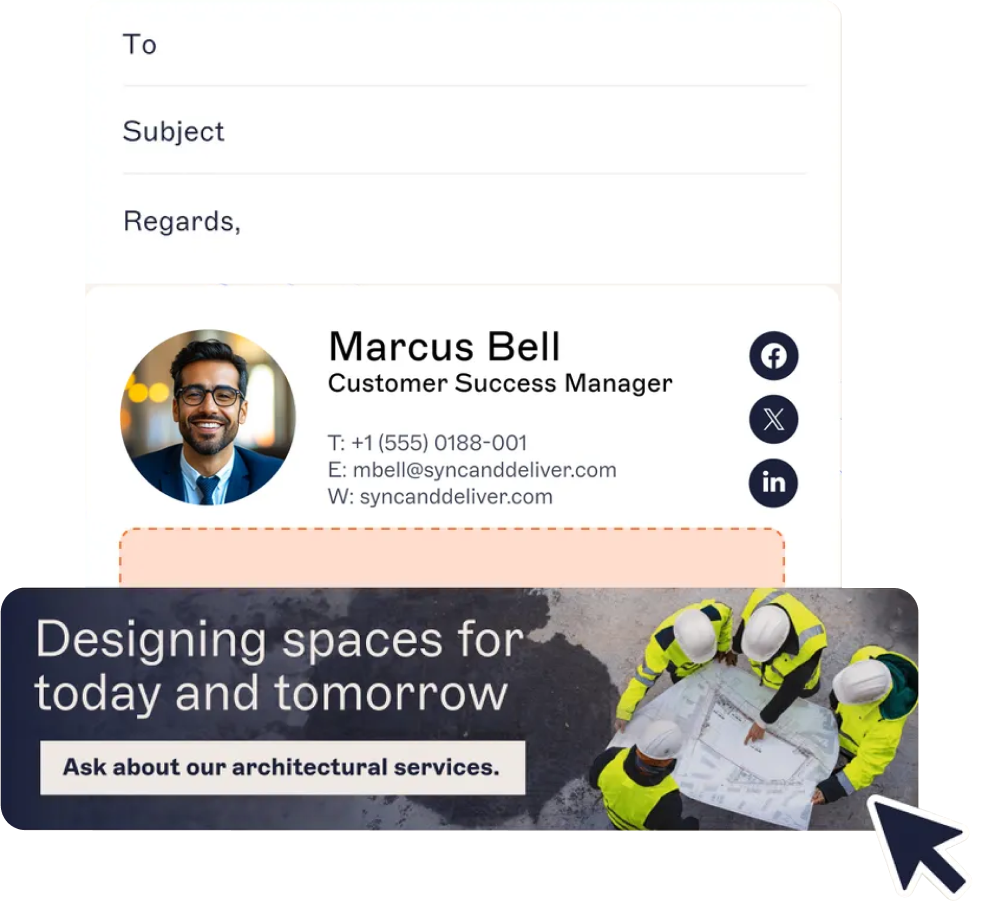
"You can target by specific senders or recipients, add exceptions, and use subject-line triggers so a banner applies automatically when someone types a keyword. And you can target Salesforce or HubSpot lists directly, so the right message reaches the audience already in your CRM."
That level of targeting means the same email signature program can run several campaigns side by side. That can be a renewal reminder to existing customers, a case study to prospects further down the funnel, or a regional offer to one office. The exceptions matter as much as the targeting rule itself. A banner that's right for most of sales might still need to skip the two accounts currently mid-negotiation.
Subject-line triggers work a step removed from the rest of this. They're a signature-rule setting rather than a Campaign Rule, so a banner rides along with whichever signature the trigger switches on. Type the right text into the subject line, and the right signature and banner combination goes out automatically, without anyone touching a setting.
For the exact setup steps, from creating a campaign to scheduling it live, see how to run email signature campaigns in Exclaimer. This guide focuses on targeting judgment calls rather than the click-by-click setup.
Best practices:
Segment by list, department, or region before segmenting by anything more creative.
Build the exception list at the same time as the targeting rule, not after the first complaint from an account you meant to skip.
If your CRM already has the list, target that list directly instead of rebuilding it in your email platform.
Tip
Maintain a campaign calendar that aligns email signature banners with product launches, events, or seasonal promotions, ensuring your messaging is always timely.
Don't run banner campaigns without a clear owner
Nobody being sure who's allowed to change a banner is a common failure in email signature marketing, and a more common one than bad design. By the time that becomes a problem, an off-brand or outdated campaign has already gone out to thousands of inboxes. Role-based access solves this without forcing every change through a ticket. Bloomerang, a nonprofit software company that grew through acquisition, is a published example of the split that tends to work: marketing updates banners and campaigns on its own, and IT stays involved for structural changes, like a new brand template or a shift in what data feeds the signature.
Exclaimer's role-based permissions make that split enforceable rather than just agreed on, scoping exactly which templates someone can edit and which audiences need sign-off before a campaign goes live.
Exclaimer's rollout playbook covers how that split gets set up in the first place, including Brand Kits and Signature Rules.
Best practices:
Give marketing direct access to launch and edit campaigns, scoped to what they're allowed to touch.
Keep IT's role visible, with audit access and final say over anything customer-facing at scale.
Write down who approves what before the first disagreement, not during it.
Tip
A/B test two different banner designs or CTAs to see which gets the higher click-through rate. Over time, this helps you refine your email signature marketing campaigns for maximum engagement.
Do track what your banners actually do
Without tracking, you're guessing about what a banner actually does. Add UTM parameters to every link so clicks and conversions show up in your analytics platform against the campaign that drove them. That covers clicks, but a click is only ever part of the picture: it tells you nothing about how many times the banner was actually seen before anyone acted on it.
Exclaimer's analytics dashboard tracks impressions alongside clicks, plus click data broken down by recipient domain, so you can tell whether a campaign is landing with existing customers as well as it's landing with prospects, not just whether someone happened to click.
Best practices:
Add UTM parameters to every banner link before it goes live, not after someone asks for the numbers.
Compare click-through rates across segments rather than looking at one aggregate figure.
Feed what you learn back into the next campaign instead of starting from scratch each time.
Tip
Align the message in your banner with the topic of the email itself. For example, if a sales rep is confirming a demo, include a banner promoting your product guide or ROI calculator. Relevance increases the likelihood of engagement.
Don't let outdated or off-brand banners stay live
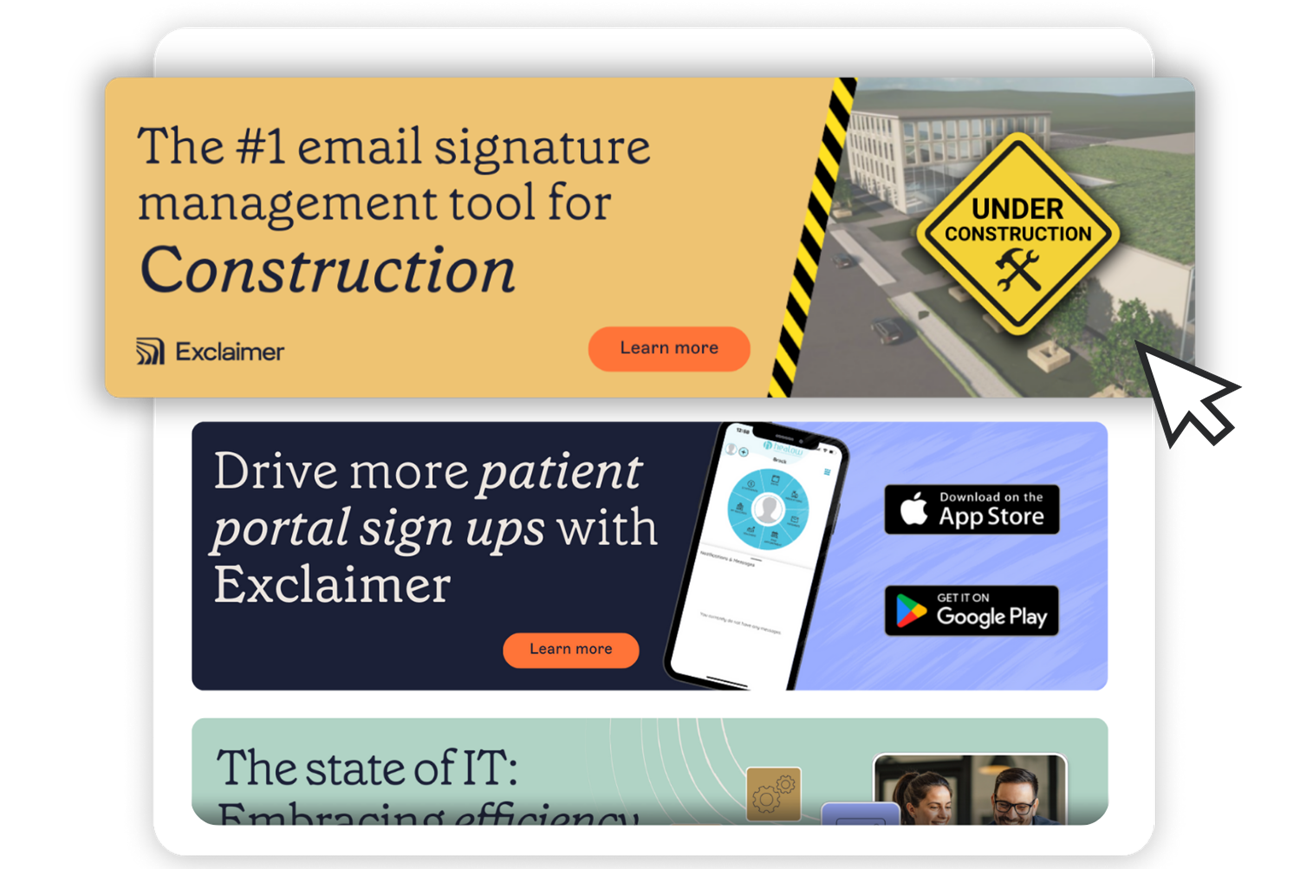
If your company maintains a regularly updated blog, your email signature is the perfect place to promote it. Every recipient who receives an email from your employees could also discover your latest insights, news, or thought leadership content. Brand kits help with this. They're a single, central bundle for logos, fonts, colors, and approved banner templates, so a rebrand or a color change gets applied once instead of chased across every live campaign individually.
Best practices:
Put banner reviews on a calendar. Monthly is a reasonable floor.
Retire a campaign the day it ends, not when someone notices it's stale.
Keep templates in one shared kit so brand updates apply everywhere at once.
Tip
Rotate your blog banners every few weeks to spotlight different articles or campaigns. This keeps your email signature marketing fresh and gives more of your content a chance to be seen.
Do apply the same discipline in regulated industries
Finance, healthcare, and legal organizations already run required disclaimers through some kind of governed process, because the alternative is a compliance gap with a real cost attached. Marketing banners in those same email signatures deserve the same discipline, not a separate, looser one bolted on beside it.
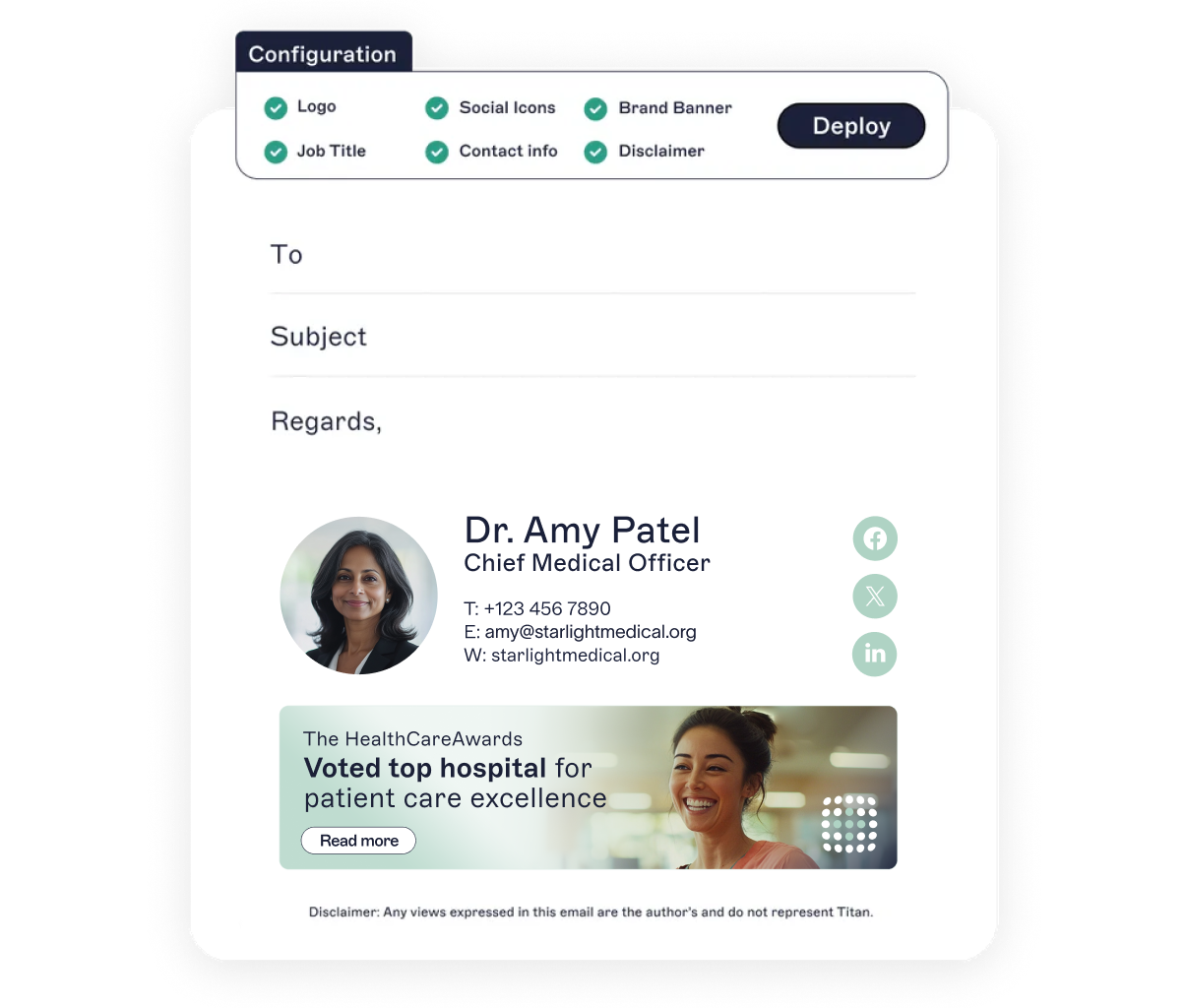 A banner doesn't need legal sign-off the way a disclaimer does, but the same questions still apply, starting with who can launch it and whether it's consistent across every department that sends regulated correspondence. Treating disclaimers and banners as two unrelated problems is how a compliant email goes out with a marketing message nobody reviewed sitting right underneath it.
Best practices:
Route banner approval through the same process as disclaimer approval, even if the bar for sign-off is lower.
Keep a record of what ran, when, and who approved it. If your industry gets audited, that record is the thing you'll be asked for.
Don't assume "it's just marketing" exempts a banner from the same review as everything else in the email signature.
Tip
Compare click-through rates across different audience segments (e.g., prospects vs. customers). This helps identify where your email signature marketing has the strongest impact.
Do let the channel carry more than promotions
Once targeting and ownership are sorted, the same infrastructure supports more than product offers. Sussex Cricket, a professional cricket club, uses one signature program to run fan-facing ticket promotions and banners for partners side by side, with its marketing team launching both directly and with no IT ticket in between.
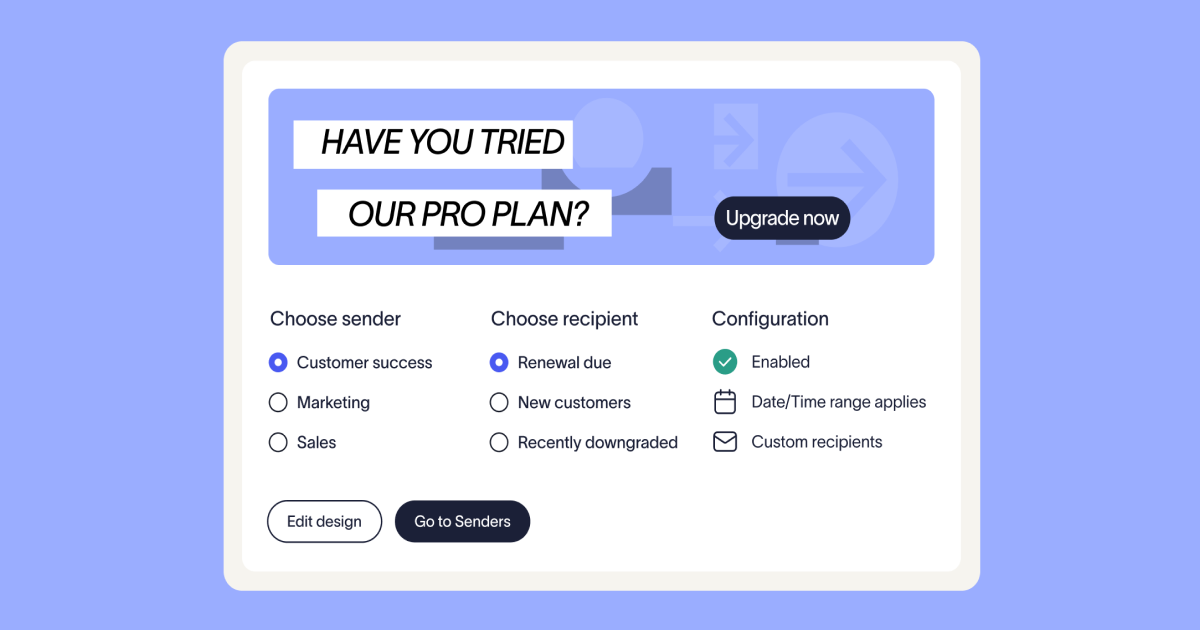
A rotating banner can point to a recent blog post, an event you're attending, or a piece of gated content worth putting in front of the right audience. Internal-only banners work the same way for policy reminders, open roles, or an engagement survey, and they reach every employee without another all-staff email nobody reads.
Best practices:
Rotate content banners on a schedule so the same link doesn't run for months past its relevance.
Keep internal banners visually distinct from external campaigns so employees don't mistake one for the other.
Use the internal channel to test messaging before it goes external, since the audience is smaller and the stakes are lower.
Where governance and marketing meet
Every section above has really been about who gets to touch this channel and whether anyone can tell it's working. Exclaimer's Campaigns feature is built to answer both at once, combining audience targeting and role-based launch permissions with the performance data to show whether any of it is paying off. It's the same model already running your disclaimers, extended to cover the banners sitting next to them.
 See how Campaigns works or book a demo to see targeting, permissions, and reporting set up for your organization specifically.